-
-
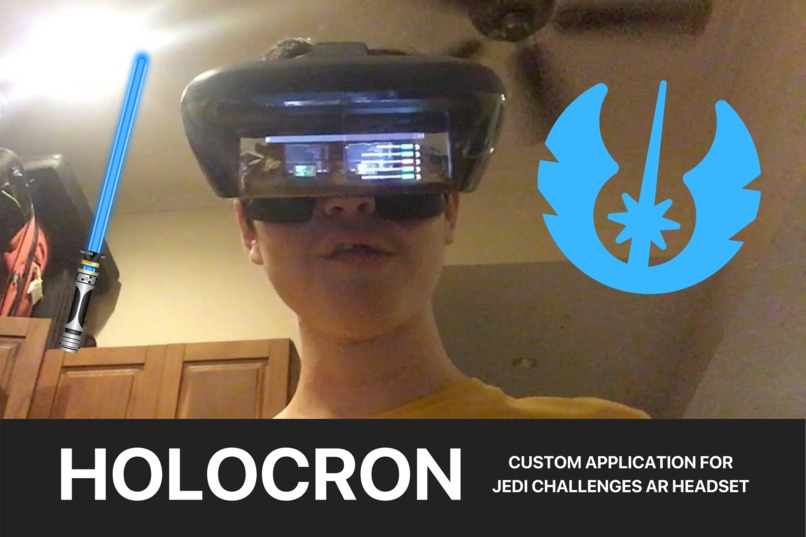
Thumbnail, I'm pictured with my headset on and in my left eye it is displaying my Vercel deployment status.
-
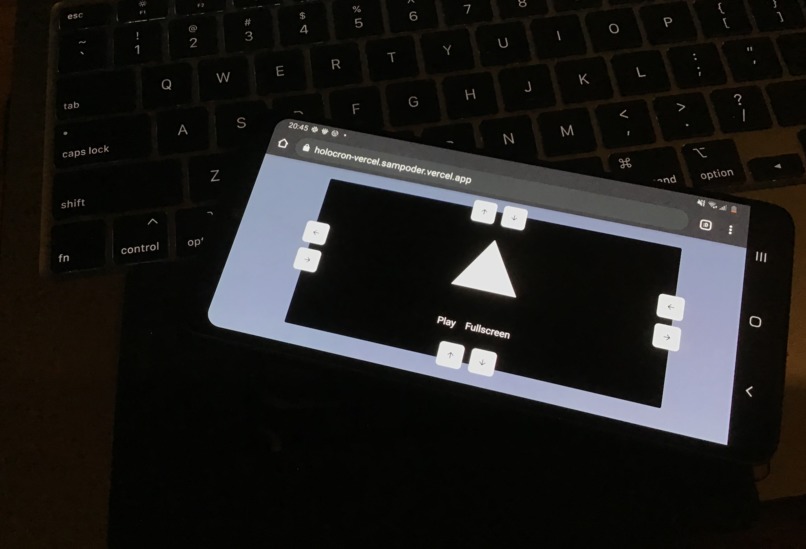
The Frame is easy to resize to fit in the phone holder.
-
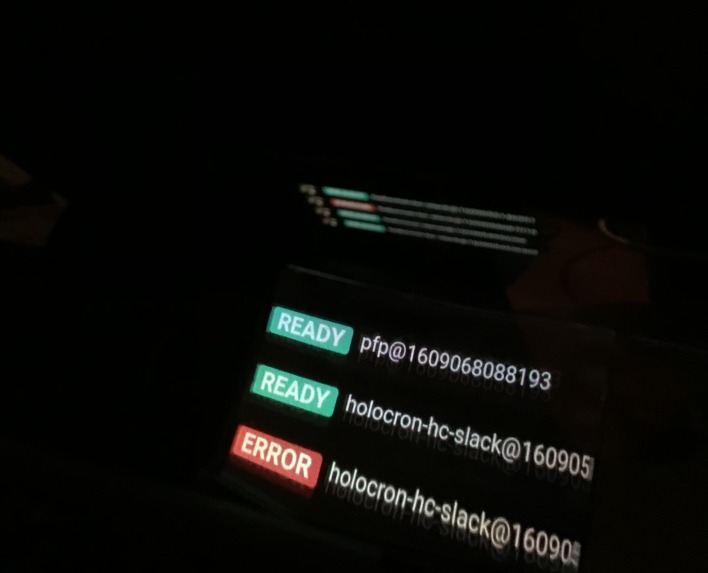
Looking inside the headset with the example application being displayed


Inspiration
This Christmas I received a Jedi Challenges AR Headset from Santa (thanks Santa!). But for me the default functionality just wasn't enough and I wanted a method of creating custom applications.
What it does
Holocron is a React component that enables developers to easily build experiences for the Jedi Challenges AR Headset that display nicely on the headset.
The headset is phone powered. It uses the phone's display and mirrors to put light into the headset. Therefore if you visit a website at full screen you will see it reflected at you. To look good, websites need to be modified to fit the specifications. This is when Holocron comes in.
The Holocron component handles the following:
- Allowing users to resize the display frame for their phone based on their phone's size
- Stores the user's config in local storage
- Displays your experience in four different modes:
lefteye,righteye,duoor both eyes andfullscreenfor general images. - Handles full screening the display for better compatibility with the program
It also takes in customisations from the developer such as custom title and buttons.
Here's the usage:
import Holocron from '@sampoder/holocron'

function Title(){
  return <h1 style={{ color: 'white' }}>The Hello World!</h1>
}

function LaunchButton(){
  return <button style={{ color: 'white' }}>Play</button>
}

function FullscreenButton(){
  return <button style={{ color: 'white' }}>Fullscreen</button>
}

function App() {
  return (
    <div className='App'>
      <Holocron
        title={<Title />}
        backgroundColor='#8492a6'
        launch={<LaunchButton />}
        mode="left"
        fullscreen={<FullscreenButton />}
      >
        <p style={{ color: 'white', paddingTop: '30px' }}>Hello World</p>
      </Holocron>
    </div>
  )
}

export default App
On top of the Holocron component I also built a demo app that displays the progress of my five most recent Vercel deployments and can be placed in the left eye. It refreshes every second and has nice animations.
How I built it
I made it as a React component. I started by building a general component and a basic React app around it. I then converted it to a React component which can be installed (which I found challenging). I used the useState hook to handle variables. Lastly, I used local storage to save the user's configuration.
To make my demo app I used Next.js, useSWR, React and a Node.js API deployed on Vercel Serverless. I used ThemeUI to make the UI.
Challenges I ran into
The main challenge for me was figuring out how to take my component and actually publish it as well as build it. It seemed to be working fine on its own, but everything broke when it was built. This led me to learn a lot about build tools for React as well as how npm works. I was stuck in my local library for hours figuring this all out.
Another challenge was that I actually hadn't used standard React very much and it took me some time to work out it's quirks. I also needed to work out how to use hooks which I'm not very familiar with.
Lastly, I found out that my left eye is more dominant then my right so I needed to work out other ways of testing the program with my family to ensure it all worked. This is all related to LIGHT!, a subject I'm still learning in science.
Accomplishments that I'm proud of
I'm proud of my problem solving I used to work around the challenges I faced (described above).
I'm proud of the speed at which I worked on this. I started a little late and had to work all weekend to catch up. I'm proud that I'll be shipping this tonight!
I'm also proud of my creativity, turning a Christmas present into a hack I can use in daily life.
What I learned
I learned about how React works, how React Hooks work, how NPM publishing works and how the package manager ecosystem works.
What's next for Holocron: Build Custom Apps for the Jedi Challenges Headset
I'd like to work on making more applications that use Holocron. Making Holocron a smaller package and making Holocron work better with a device.
I'd also be interested in applying what I've learned about headsets to make a lighter headset.
Built With
- nextjs
- react
- swr


Log in or sign up for Devpost to join the conversation.