-
-
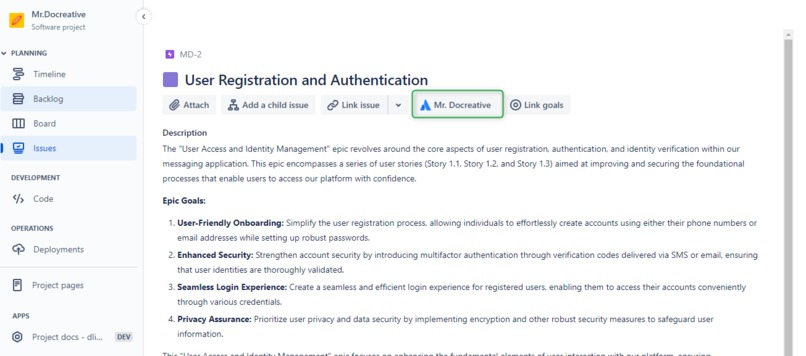
Mr. Docreative Button
-
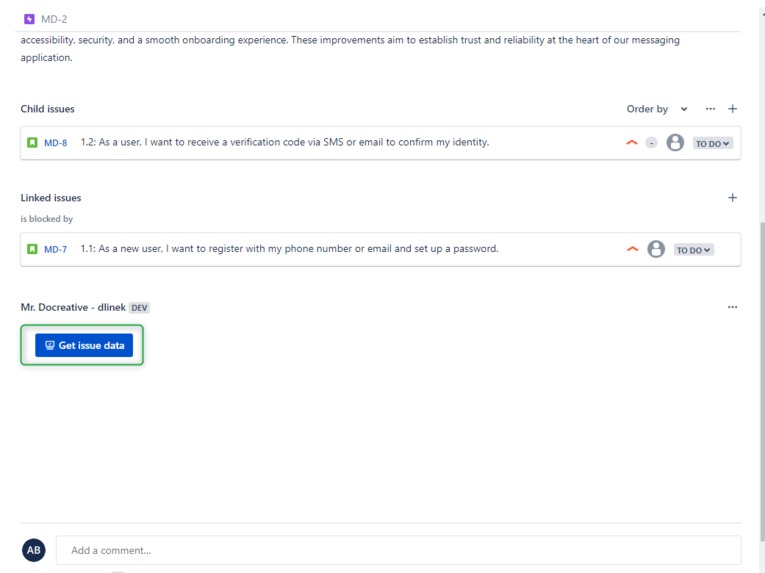
Get Issue Button - next step to generate documentation
-
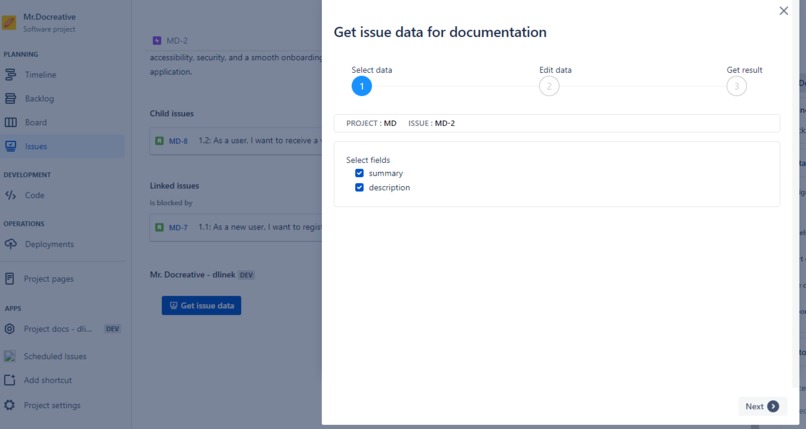
Mr. Docreative Wizard Step 1
-
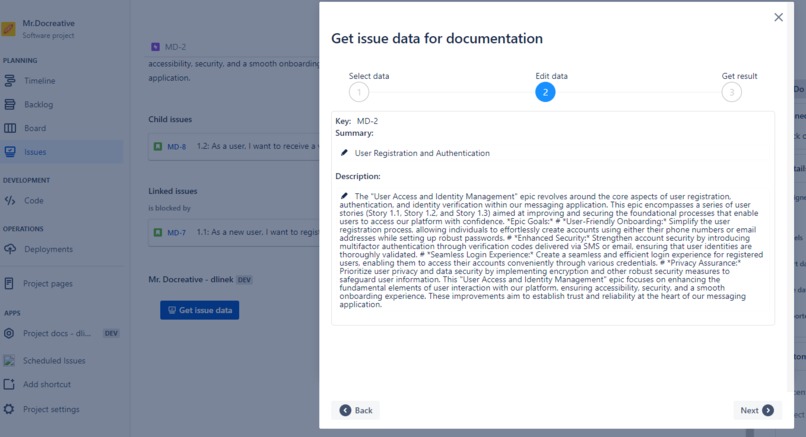
Mr. Docreative Wizard Step 2
-
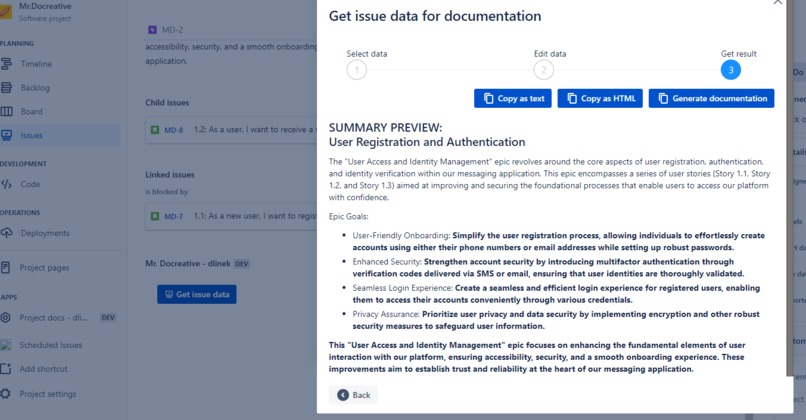
Mr. Docreative Wizard step 3
-
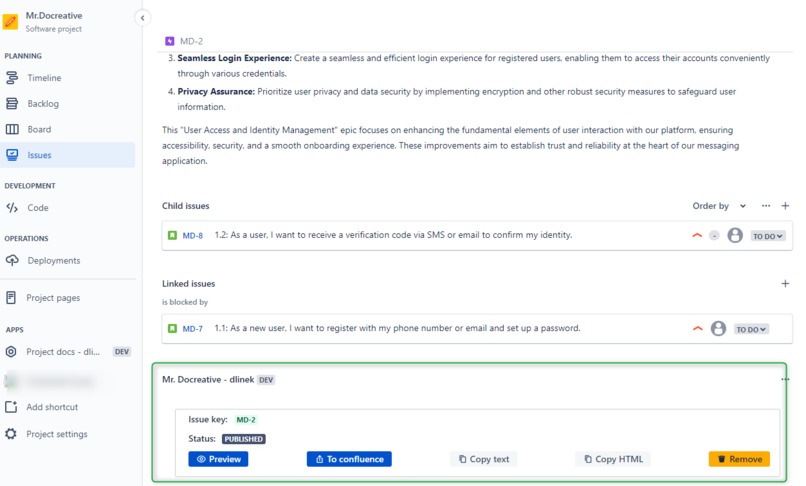
Mr. Docreative Panel
-
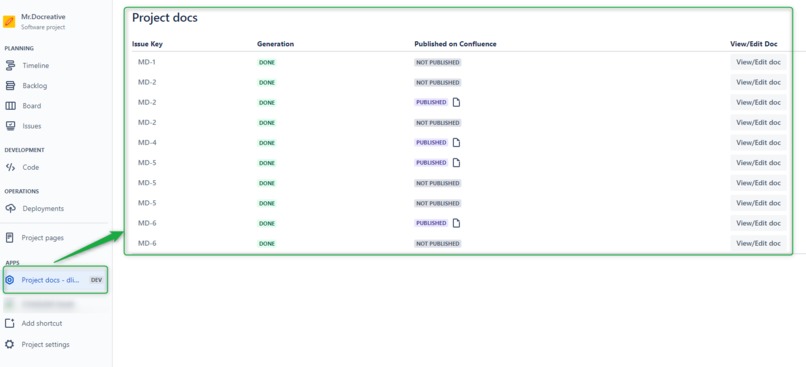
Mr. Docreative Project docs
-
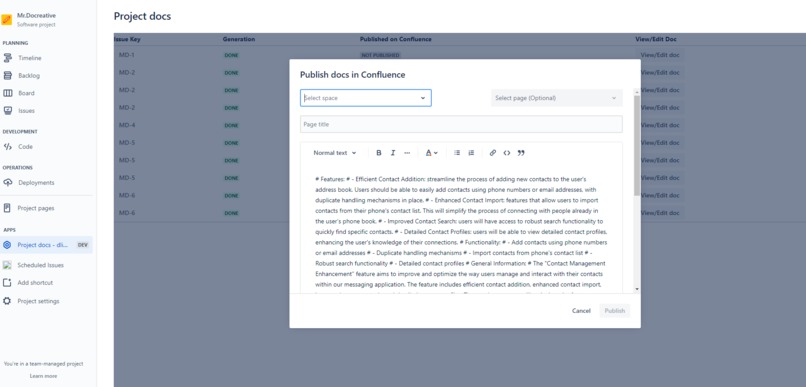
Mr. Docreative Publish
-
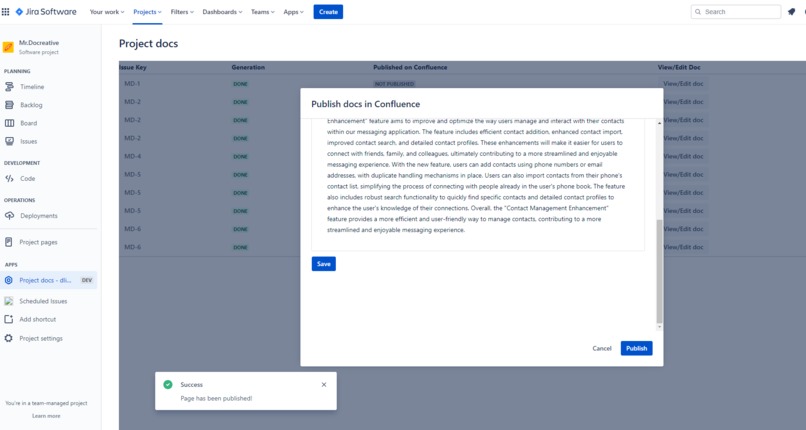
Mr. Docreative Publish Success
-
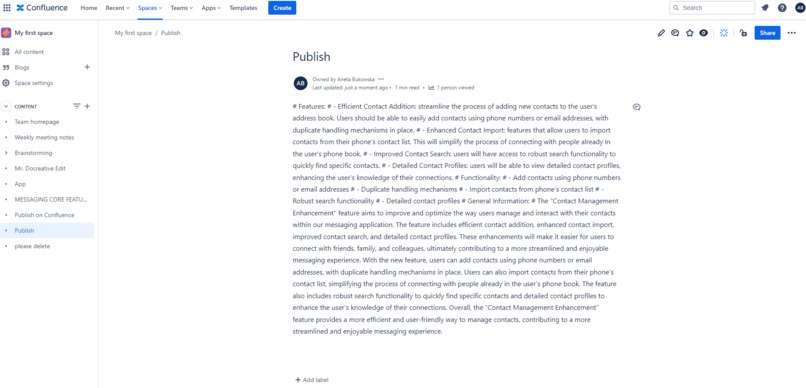
Mr. Docreative Documentation on Confluence Page


Inspiration
Creation and maintain of documentation is surely one of the most boring however also inevitable work in app development process. Well-organized projects have to be described just on project analysis/planning, so all really creative job has been done and already stored in Jira Issues. This means that documenting basically comes down to aggregating data from tasks and editing it in a user-friendly form. An incredibly boring job...
Who is Mr. Docreative
This is where Mr. Docreative app comes in handy. It will use it’s Artifictial Inteligence to do this tedious work for us. The app will analyse content of chosen issues and propose draft of documentation. Then the user will be able to redraft it and publish directly to Confluence.
How we built it
Our team embarked on an exciting journey to create an innovative application for the Jira platform. Leveraging the power of Forge, we developed an application that extracts insights from Jira tasks and uses artificial intelligence to generate user documentation. This project was our inaugural experience with the Forge development platform. We started by identifying the need for streamlined documentation creation within Jira, aiming to enhance the user experience for Jira Service users. We recognized that clear, concise documentation can significantly improve productivity and user satisfaction. With this vision in mind, we dove into the development process.
Challenges we ran into
While developing our app, we faced some challenges concerning usage of AI. The difficulty included time limit for response implemented by forge, which is 55 seconds, which in some cases weren't enough for the AI to produce the outcome. In order to get satisfactory results from AI, the key challenge was to establish the correct context, meaning instructing AI what to focus on, what we want to avoid, requiring corrections on subsequent responses.
What we learned
For all team members, this was the first opportunity to delve into Forge technology and test it in practice. However, it was a very interesting challenge, thanks to a wide set of well-thought-out tools we could quickly move on to the implementation of our ideas. Learning how to communicate with AI was also a valuable experience, teaching us how to formulate our expectations so that they are precise and correctly interpreted. We learned also much from forge side eg. forge custom UI, storage, and events API works.
What's next for Mr. Docreative
The next step for this app is a create more advanced editor and add all feature from confluence editor to the editor is our app to allow user to configure pages as they want before publishing to confluence.
Built With
- atlaskit
- azure
- confluence
- custom-ui
- forge
- jira
- openai
- react
- typescript


Log in or sign up for Devpost to join the conversation.