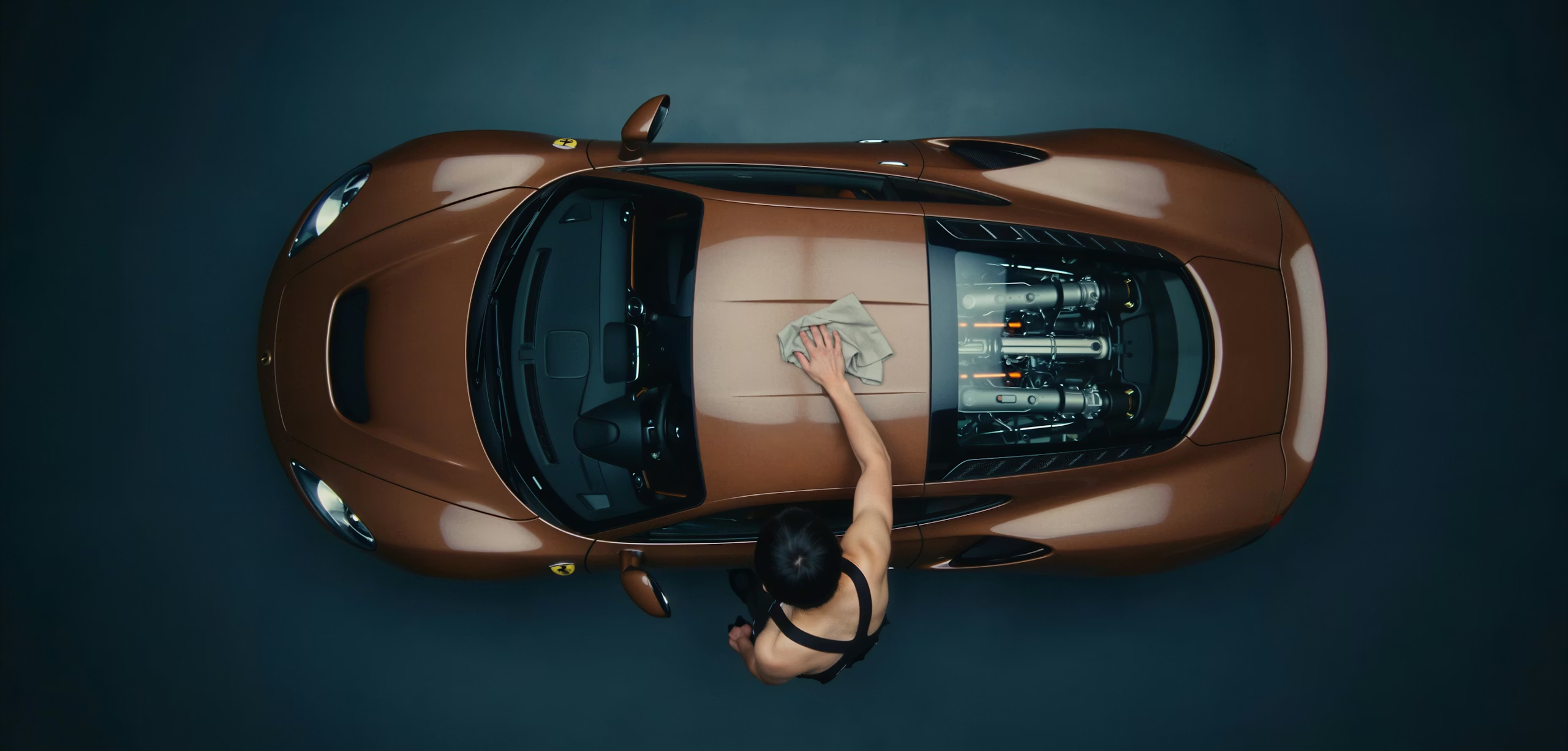

Build for upscaling AI images.
Pro Upscaler is the only upscaler designed specifically for Al-created images. No weird textures. No synthetic grain. Just clean, production-ready output up to 105MP (starting from images up to 20MB).

Clean results, every time.
Go beyond surface-level fixes, Pro Upscaler reconstructs fine details and natural structures, delivering images that are sharper than ever before. Mention Creative and Precise Mode.
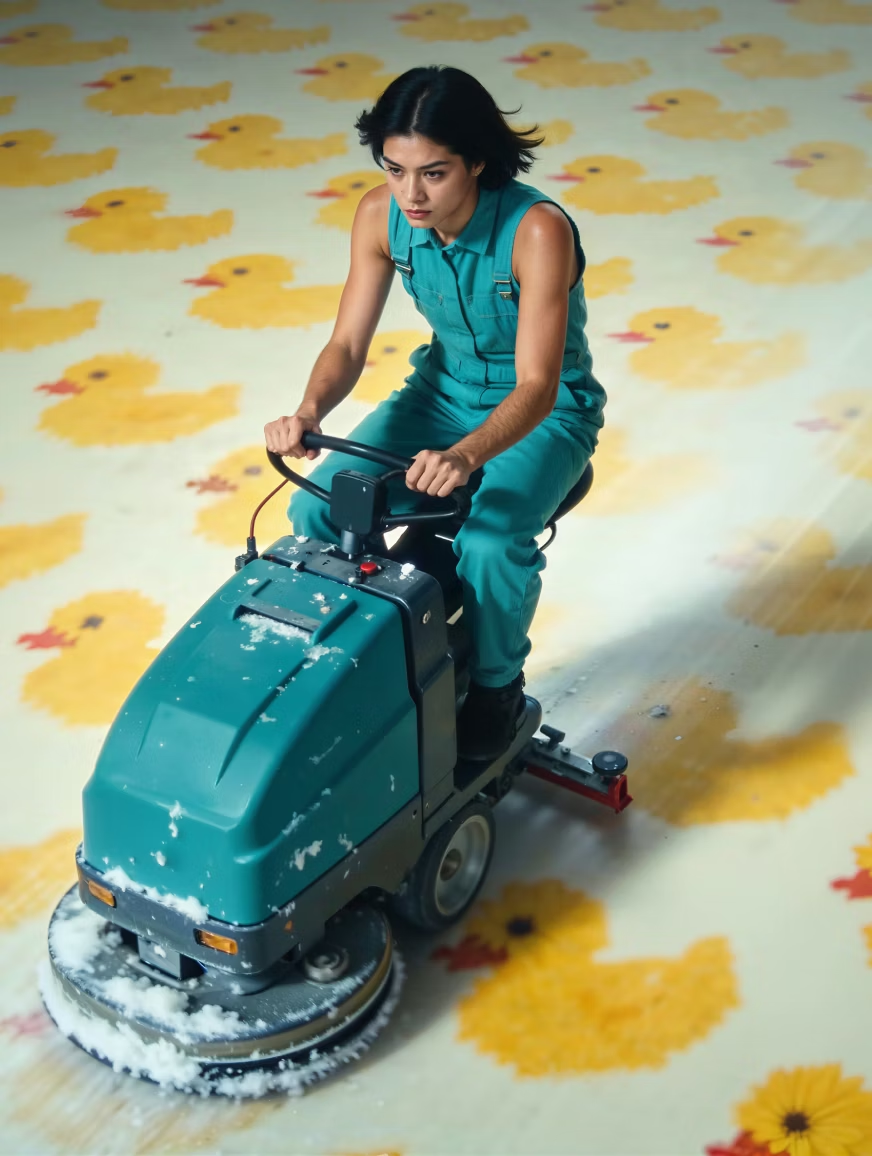
Stay in your flow.
Upscale and enhance directly in your workspace. No downloads, no uploads. No switching tools. Just crisp images.
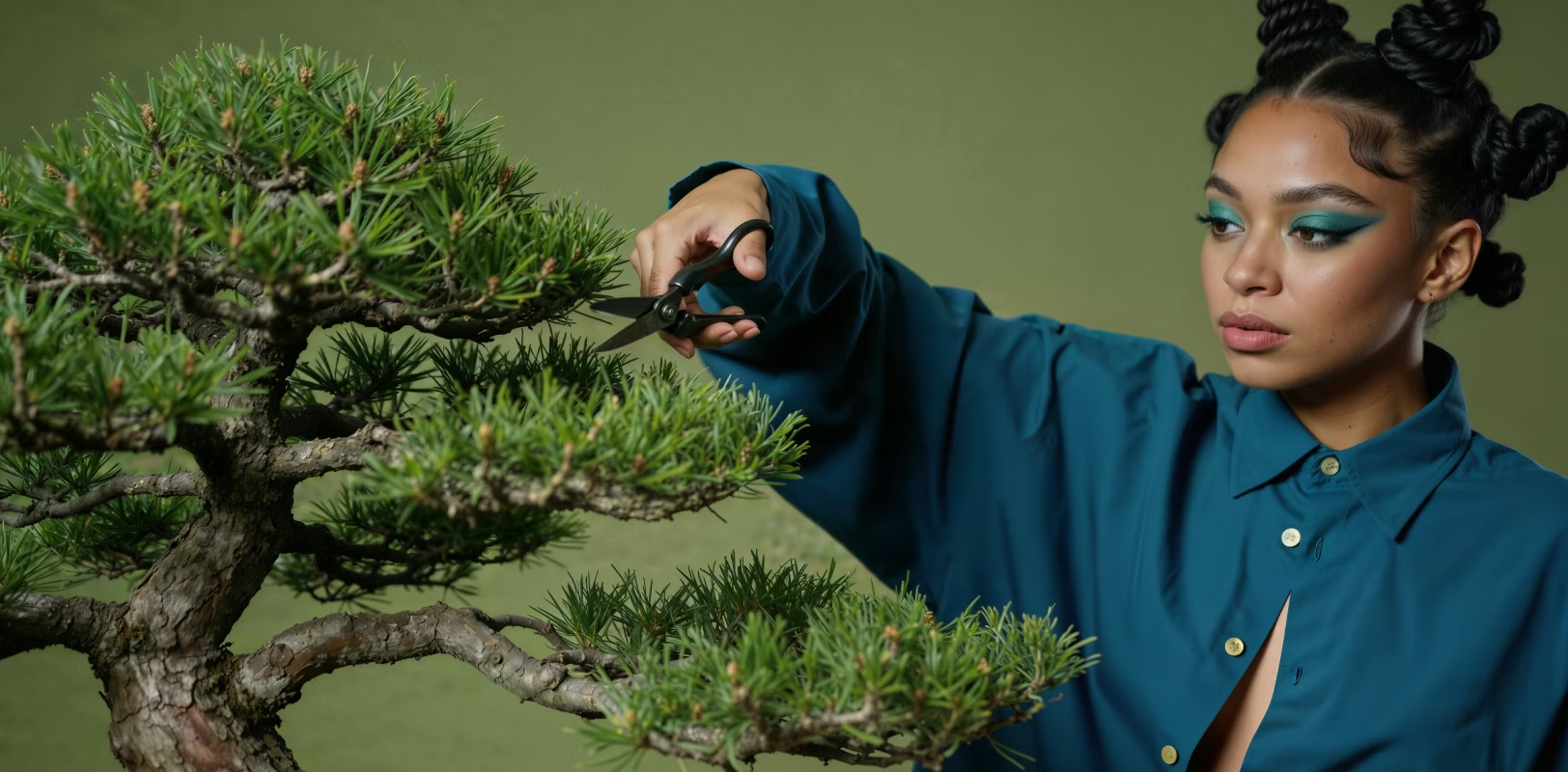
Precise Mode
Select Precise to retain strict fidelity to your original image. Activate the Fix AI Image Artifacts toggle to clean the AI noise that other upscalers miss.
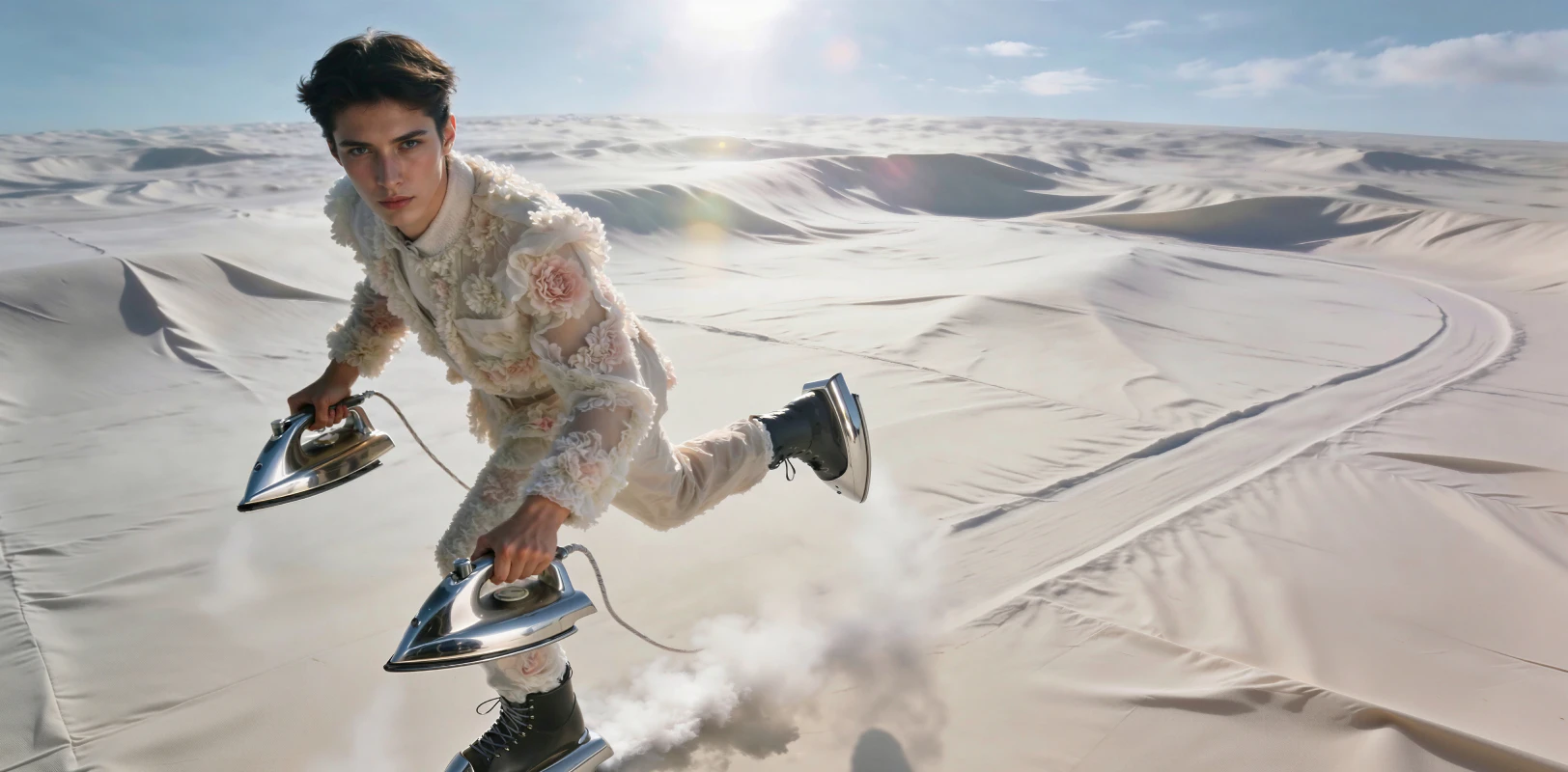
Creative Mode
Choose Creative to repair imperfections and reconstruct complex details. Set the creativity strength to subtle, balanced, or strong to achieve the result you need.
FAQS
What is image upscaling?
Image upscaling increases an image’s resolution while preserving clarity. An AI image upscaler uses machine learning to enhance detail rather than simply stretching pixels.
How does image upscaling work?
AI image upscaling analyzes patterns in the original image and intelligently reconstructs detail at higher resolutions, producing cleaner, more natural results than traditional resizing.
How can I upscale an image without losing quality?
To avoid quality loss, use an AI image upscaler designed to preserve texture, edges, and color. Leonardo enhances resolution while maintaining a natural, balanced look.
Can I upscale an image for free?
Yes. You can upscale images online for free with Leonardo.Ai, with paid plans unlocking higher resolution limits, faster processing, and AI image upscaler 4K outputs.
What image formats can I upscale with Leonardo.Ai?
Leonardo supports common formats like JPEG and PNG, allowing you to upload and upscale images online for web, social, or print use.
Learn more about Image Upscaling
Guides, tutorials, and resources to help you upscale images, enhance detail, and prepare visuals for web, print, and production use.
[View all resources] Link: https://leonardo.ai/news/