Instagram
  Instagram
AI Moderation | Shoppable For Product Tag
Instagram
AI Moderation | Shoppable For Product Tag
Create a Stunning Instagram Widget For Website
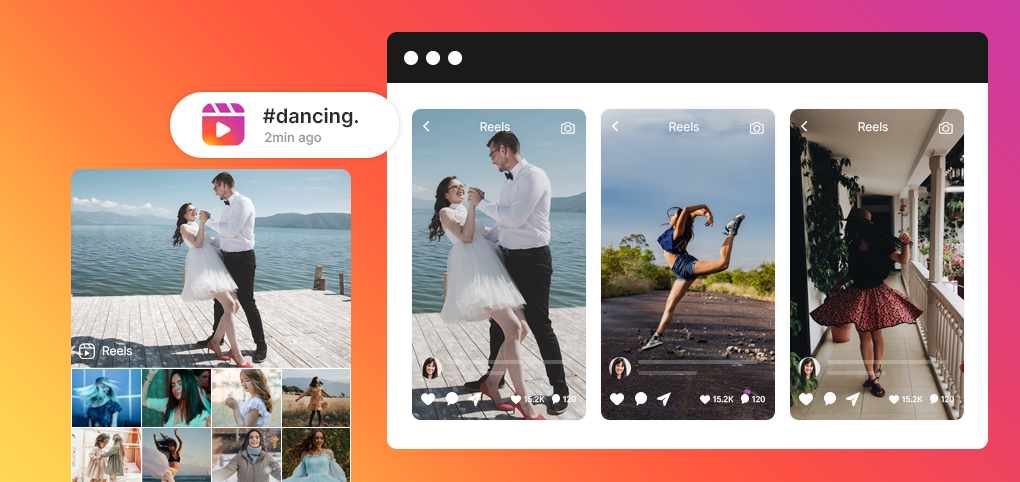
Embed a stunning Instagram widget on any website for free. Display live photos, videos, and reels on your website to make it look more attractive and to show real customer activity that helps visitors trust your brand more.
 By continuing you agree to Tagembed terms
Design Your Instagram Feed Widget For Your Brand
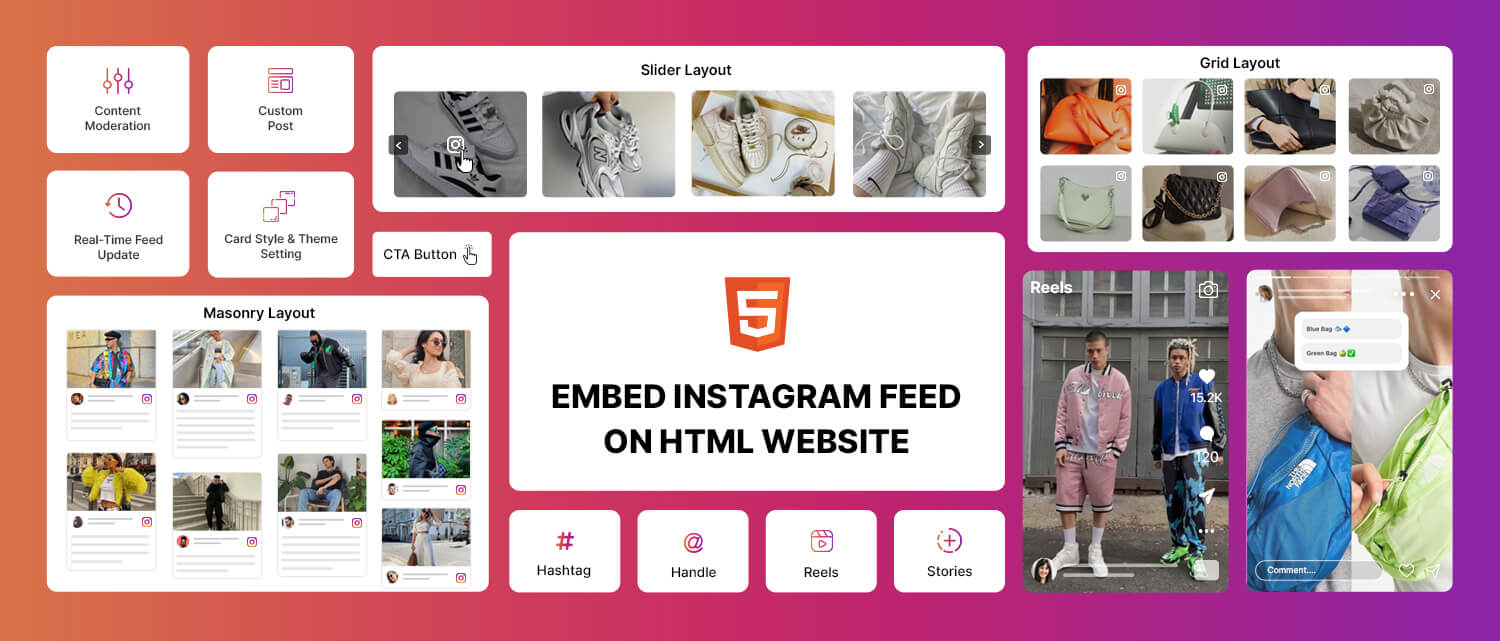
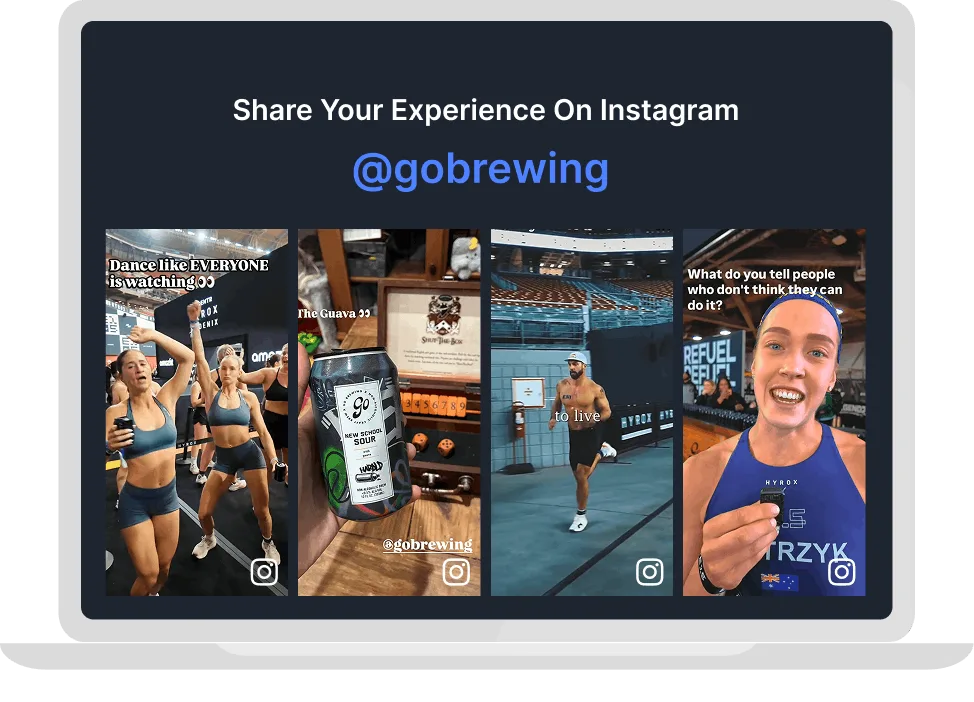
Pick an amazing layout that fits your brand - grid, slider, carousel, or masonry. Your Instagram posts will look like they were made for your website.
Why Embed Instagram Widget On Your Business Website?
Automatically display Instagram posts, video, reels on your website to enhance its visual appeal, increase credibility and strengthen brand connection.

Turn Casual Visitors into Confident Buyers
When visitors see real people using your product on Instagram, doubt disappears and buying becomes easy. Let user-generated content do the convincing for you.

Bridge The Gap Between Social Media and Website
Stop sending traffic to a platform you don’t own. Pull your Instagram content directly onto your website and keep your audience inside your brand ecosystem.

Create a Visually Engaging Experience
Every new Instagram post updates your feed widget automatically. Your website always feels alive, current, and worth coming back to without touching a single line of code.
Increase time on site
Conversion rate increase
AOV increase
Impact on site speed
Trusted by 3,00,000+ Businesses Worldwide
Now it’s your turn. Launch your Instagram Feed Widget for free today.
The Simple Steps To Add An Instagram Widget
A simple step-by-step process to collect, customize and display an Instagram feed widget on your website.
1. Collect
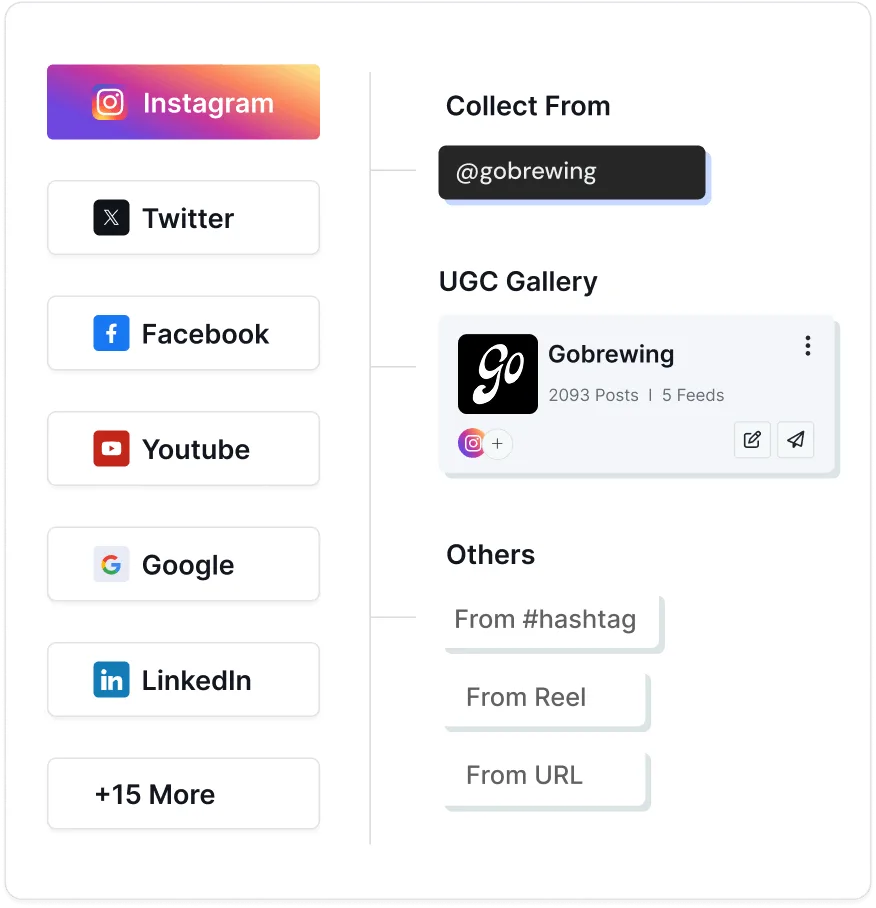
Go to dashboard. Select Instagram as your source, connect your profile, a branded hashtag, or a tagged feed.
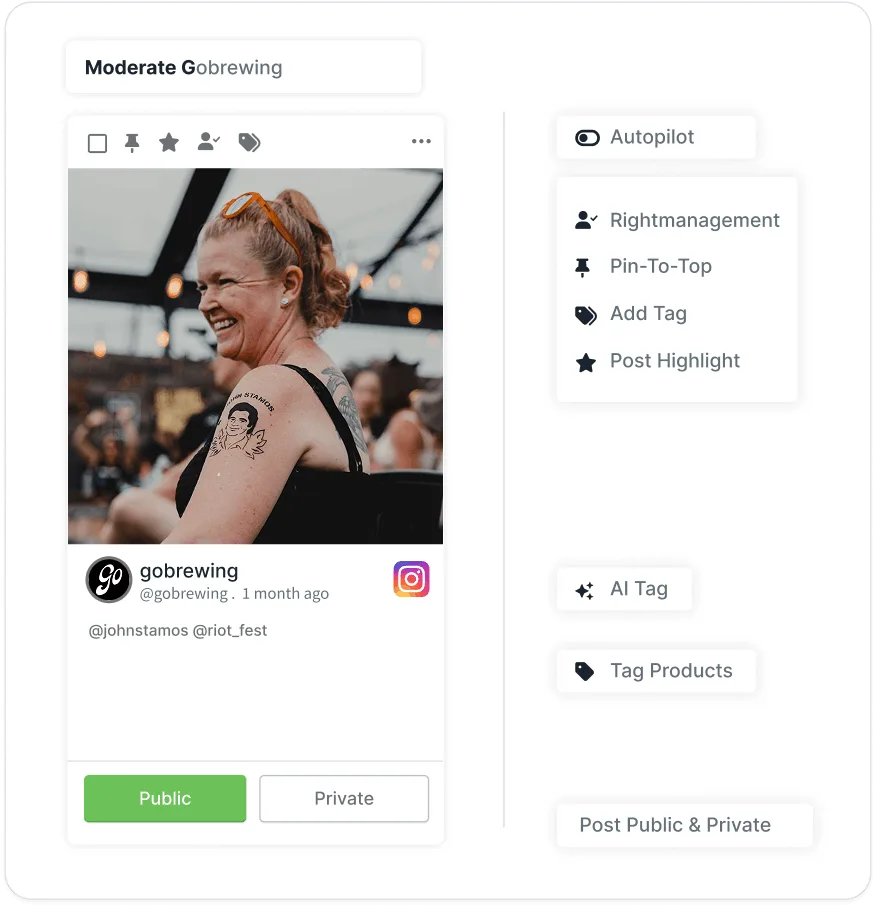
2. Moderate
Filter out off-brand posts, remove irrelevant content, and create an Instagram feed that represents your brand.
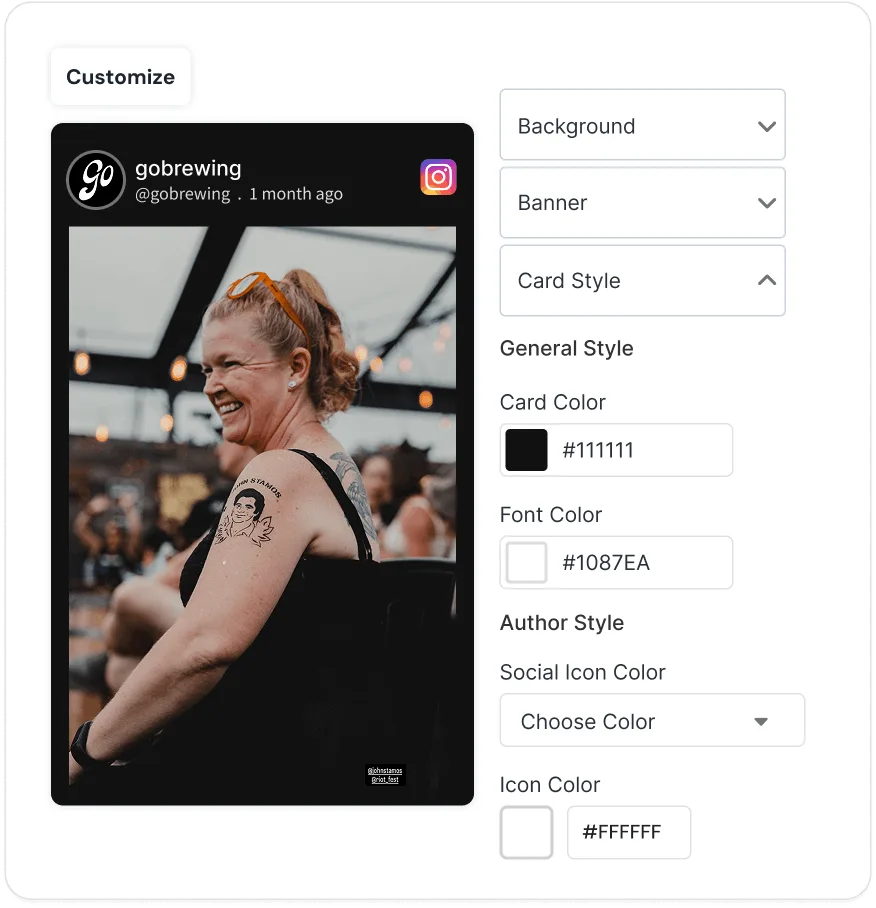
3. Customize
Customize layouts, themes, backgrounds, CTAs and more to match the feed with your website.
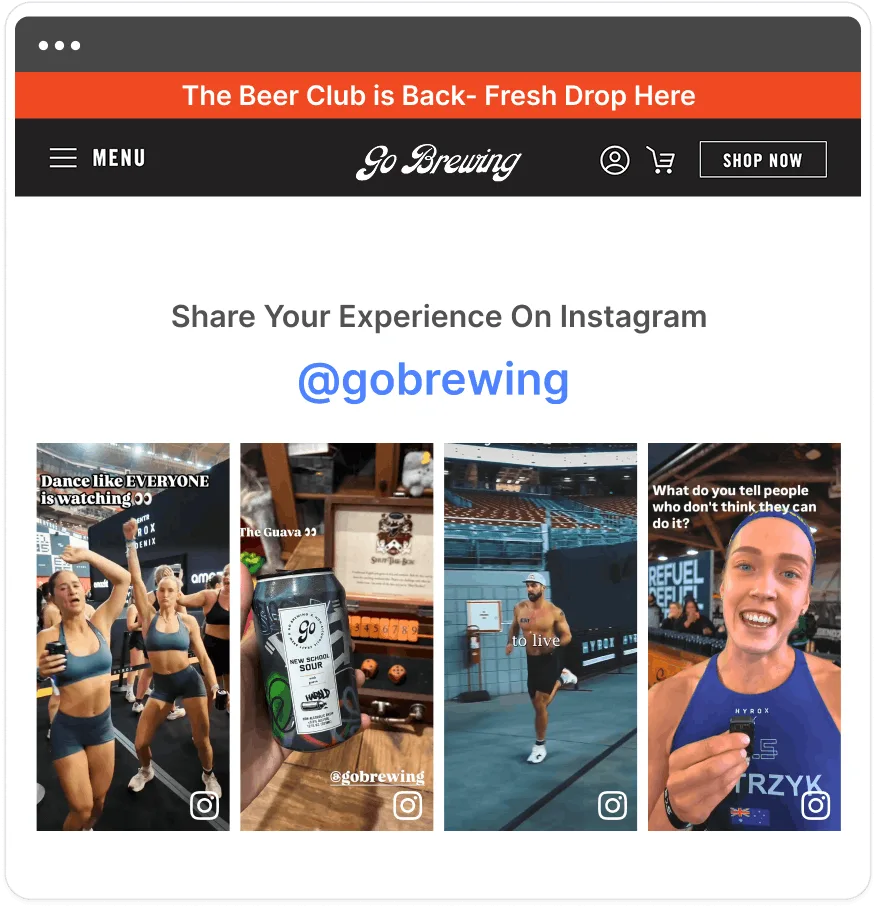
4. Publish
Generate the Instagram embed code and publish it to your website with ease.
Powerful Features, Built for Smarter Instagram Feed Widget
Learn about major features from Tagembed that make your Instagram feed widget more attractive and functional.
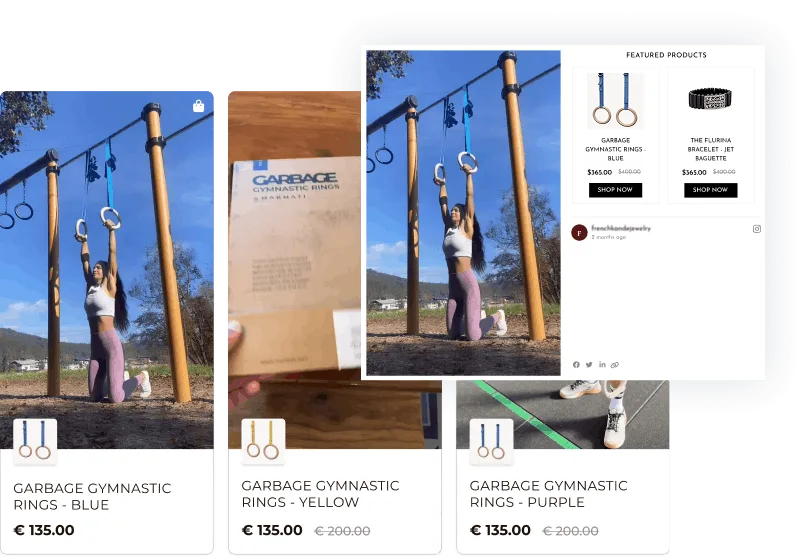
Shoppable Galleries
Turn your Instagram widget into a revenue channel. Tag products directly inside your posts so visitors can browse and buy without ever leaving your website. Showcase your latest collection, spotlight trending items, and run promotions right inside your feed, making shopping effortless for your audience.
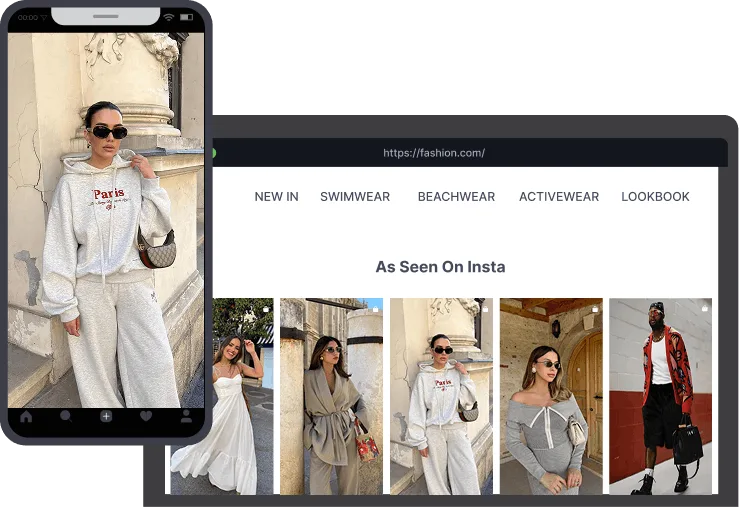
Responsive Widget
Your Instagram feed widget looks flawless on any device. The responsive widget automatically adjusts your content for desktops, tablets and mobile phones, giving visitors a seamless and engaging experience. No matter the screen size, your images maintain perfect alignment, clarity and layout, ensuring your feed always looks professional.
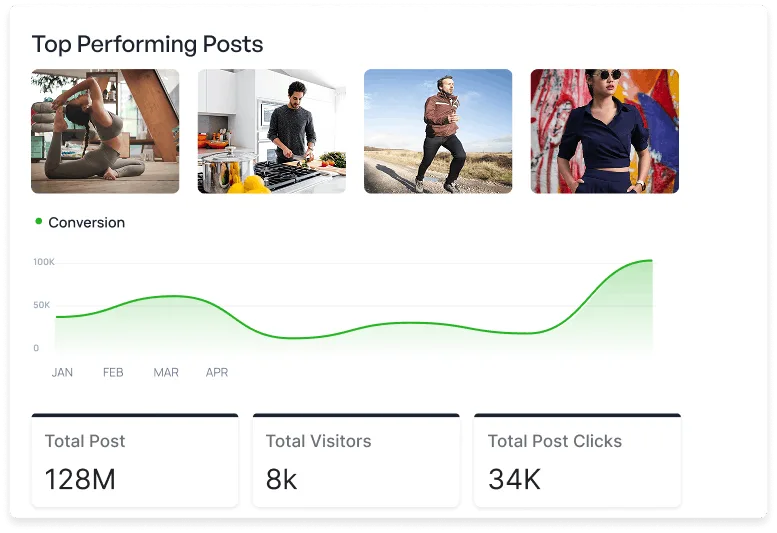
Social Media Analytics
Get detailed insights into the performance of your Instagram widget. Track CTR, conversions, engagement and performance of your shoppable gallery. Understand which posts resonate most with your audience, optimize your strategy and make data-driven decisions to boost your brand growth.
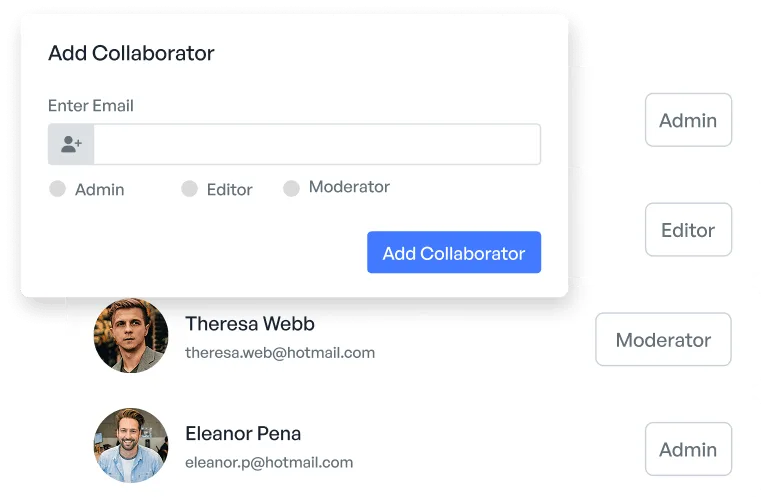
Collaborator
The collaborator feature lets you invite team members to work together on the same widget, effortlessly. It's a simple way to streamline teamwork and keep your feed organized. Share access and collaborate seamlessly without the back-and-forth of emails or separate tools.
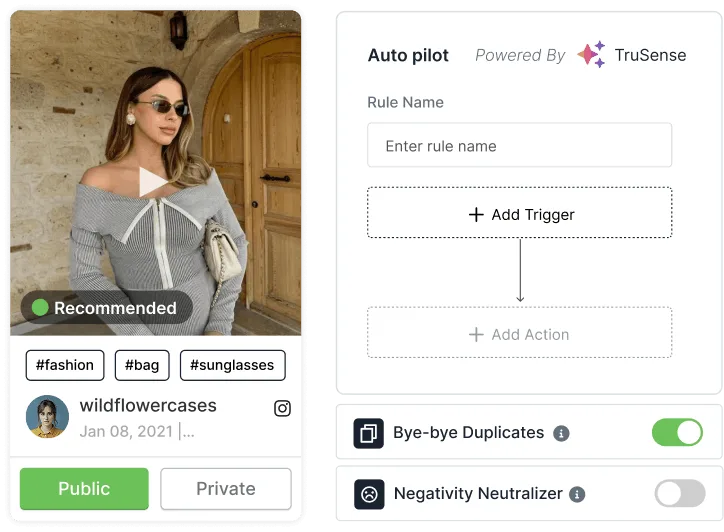
Advanced Content Moderation
Filter out off-brand posts manually or let the AI autopilot do it for you. Every post that appears on your site is one you'd be proud to show. Maintain a professional, curated feed that engages visitors and reflect your brand values.
See Instagram Feed Widget In Action
Showcase Instagram Posts, Videos, and Reels directly on your website for free.
Pick A Theme That Matches Perfectly With Your Website
Highlight your posts with our visually stunning Instagram widget themes that grab attention instantly.
Classic Card
Classic card theme presents your Instagram posts, reels and stories in a clean and elegant grid. It's responsive, stylish and perfect for businesses that want a professional feed.
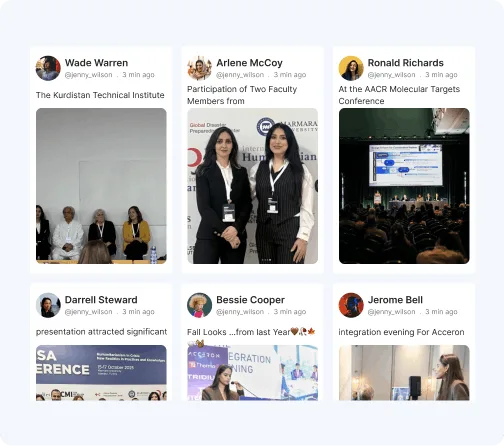
Modern Card
Modern card theme turns your Instagram posts, reels and stories into a sleek, eye-catching feed, perfect to display content elegantly without clutter.

Instagram Reels
The Reels theme gives your website a whole new vibe. Responsive and visually engaging, this theme highlights Reels, keeping your feed engaging and interactive.

Horizontal Columns
The Horizontal column theme is designed to showcase your feed in a multi-column horizontal layout, perfect to enhance your website aesthetics.

Social Card
This theme showcases your Instagram posts in a dynamic, card-style grid. ensuring a smooth and engaging experience for your visitors.

Gallery Slider
Gallery Slider Theme displays your Instagram posts in a smooth, horizontal slider. It adds movement to your feed and lets visitors explore more content without cluttering.

Why Tagembed Beats Every Other Instagram Widget?
Not all Instagram widgets are built equal. Here's what you get with Tagembed that you won't find anywhere else.
Other Platform
-
 Limited Customization options for social feeds.
-
Complex setup that may require high learning curve.
-
Static or delayed content updates.
-
Basic widget display options.
-
Limited AI integration.
-
Feeds may not adapt well to all screens.
 Limited Customization options for social feeds.


-
Flexible themes and layouts.
-
Easy user interface with no code setup.
-
Real time updates that keeps your feed fresh.
-
Modern widgets with powerful AI moderation.
-
Powerful AI analytics and integration.
-
Fully responsive widgets that look great on any device.
 Flexible themes and layouts.
Flexible Pricing Plans For Every Business
-
 Social Post Scheduling
-
Analytics & Reporting
-
24/7 Support

Free
Best For Small Sites, Testing.
$ 0 /mo
Try For Free-
1 Feed

-
500 Views/Month
-
Updates every 4 Days
-
Manual Moderation
-
500 Posts
-
Unlimited websites
-
Custom CSS
-
Video Walkthrough & Guide


Starter
Best For Small Businesses.
$ 19 /mo
Get Started-
2 Feeds
-
10K Views/Month
-
Updates every 2 Hours
-
Manual Moderation
-
5000 Posts
-
Unlimited websites
-
 Custom CSS
-
Email Support
Growth
Best For Growing Brands.
$ 29 /mo
Get Started-
4 Feeds
-
50K Views/Month
-
Updates every 30 Mins
-
Automatic Moderation
-
30,000 Posts
-
Unlimited websites
-
Custom CSS
-
Live Chat
Advance
Best For Enterprises and Agencies.
$ 79 /mo
Get Started-
10 Feeds
-
1M Views/Month
-
Updates every 15 Mins
-
AI Moderation
-
1,00,000 Posts
-
Unlimited websites
-
Custom CSS
-
Chat & Call
Why Customers Love Tagembed?
Empowered thousands of brands worldwide to collect and display content effortlessly.


These folks are the best!!!
I have been an avid user of this product for several years. Occasionally, I have needed to contact their support through their online chat, including over weekends. Initial responses are almost instantaneous, with each issue quickly resolved. Their team members are friendly, informative, and knowledgeable. Their collaboration with other team members is also streamlined, ensuring that more technical questions are quickly addressed. We use many applications for our business, and these folks are truly the best! Thank you, and please keep up the great work!
James Eglin
Co-Founder - VP of Sales and Marketing
Great support for product review
I'm testing out the service to see if its suitable for my requirements, the support ive received so far has been really helpful. Setting up feeds has been very easy and support is always quick to respond. I highly recommend so far.
Hayden Brown
Creative and UI Designer
Simple to use and highly effective!
It was simple to configure on my website and looks great on my website.
Ray Todd
CEO & Founder - Forever Beauty Hair & Nails
tagembed had fantastic quick support
Easy to use platform and it just works. Easily customizable for my Wordpress sites.
Lucas Hanyok
Front End Developer - Hanyok & Co.
Smooth to set up and friendly support!
The customer service is excellent and they solved my issue within 24 hours!
Judie Östling
Graphic Designer
Upgraded succesful
Its flexibility to find solutions. So it was great for them to do that.
Michael Kril-Mathres
Co-Founder - ITMO Ltd
Unique service and great support
Its flexibility to find solutions. So it was great for them to do that.
Leonardo Chan
Web Designer - designup.com.auFrequently Asked Questions
An Instagram feed widget is the tool that lets you display your Instagram content directly on your website for free.
Go to Tagembed account, create your Instagram feed, moderate and customize it, and lastly generate the embed code and paste it to your website.
Yes, Tagembed Instagram widget is free to use.
Go to Tagembed, choose Instagram as your source network, then select profile as your feed type and curate your feed. Once done, copy and paste the Instagram embed code to your website's backend.
Go to Tagembed, choose Instagram as your source network, then select 'hashtag' as your feed type and curate your feed. Once done, copy and paste the Instagram embed code to your website's backend.
Yes, Tagembed offers easy integration of Instagram feed widget with all popular CMS platforms such as Wix, Shopify, Weebly, WordPress, Squarespace, Element and more for maximum results.
With responsive design and flexible interface settings, Tagembed Instagram widget allow the following types of widget:
- Instagram Hashtag - Aggregate posts by any hashtag & display them.
- Instagram Profile - Aggregate & display content from your account.
- Instagram Mention - Collect & display feeds from the account where your brand is mentioned.
- Instagram Reels – Collect & display interactive Instagram Reels from your profile to your website.
- Instagram Stories – Display Instagram Stories from your profile to your website.
Works Seamlessly With Major CMS Platforms
Embed your Instagram widget effortlessly on any major CMS platform without any limitations.