
How to add free elementor blocks
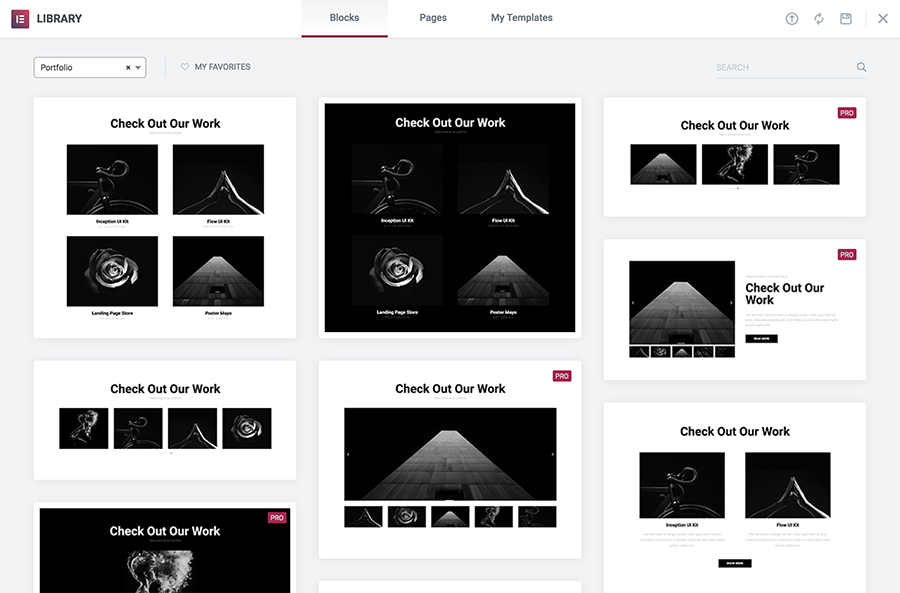
Elementor provides us some section blocks in free, using the website that can make a business website,
Like: 404, About, Archive, Call to action, Clients, Contact, Faq, Portfolio, Service, Subscribe etc.
To add Elementor block first create a page,
Step 1: Create a page

Step 2: Click Add Template Button

Step 3: How to import blocks

Step 4. Edit Block or section

Following the same steps, you can add free block or section.

