

CodaOne AI
CodaOne AI offers 101 free tools for writing, PDFs, images, and development, ensuring your data stays private and accessible without signup.
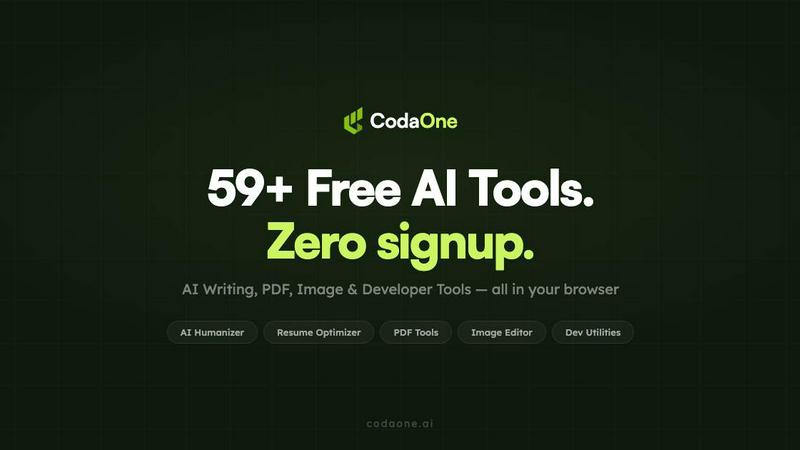
About CodaOne AI
CodaOne AI is a versatile online toolkit designed to simplify your writing, PDF, image, and developer tasks. With over 59 free tools, it caters to a diverse range of users, from students and bloggers to professionals and developers. The standout feature, the AI Humanizer, transforms AI-generated text into natural, human-like writing across nine different modes, ensuring your content resonates with your audience. Additionally, the AI Detector allows users to check for AI fingerprints in text, providing an invaluable resource for anyone concerned about originality. With tools for PDF manipulation and image editing that operate entirely in-browser, CodaOne prioritizes user privacy by ensuring that no data leaves your device. Available in multiple languages, CodaOne offers a generous free tier, making it accessible to anyone looking to enhance their productivity without the hassle of sign-ups or credit card requirements.
Features of CodaOne AI
AI Humanizer
The AI Humanizer is CodaOne's flagship tool, enabling users to convert AI-generated text into naturally flowing human language. With nine distinct writing modes, including Standard, Academic, and Blog, it allows customization based on your specific context. This feature preserves the original meaning of the text while significantly enhancing its readability and appeal.
AI Detector
The AI Detector is a powerful tool that helps you identify AI-generated content effortlessly. With no limits on usage and no signup required, it provides instant results, helping users maintain the integrity of their writing. This complementary tool to the Humanizer ensures that your text meets originality standards before publication.
PDF Tools
CodaOne offers a comprehensive suite of PDF tools that operate entirely within your browser. Users can merge, split, compress, and convert PDFs without any upload limits or watermarks, maintaining complete control over their files. This feature is designed for convenience and efficiency, making PDF management straightforward and accessible.
Developer Utilities
The Developer Utilities section includes vital tools tailored for programmers and technical users. It features utilities like JSON/CSV converters, JWT decoders, regex testers, and Base64 encoders, all designed to streamline development tasks. These tools run locally in your browser, ensuring privacy and ease of use.
Use Cases of CodaOne AI
Content Creation
Writers can leverage the AI Humanizer to craft engaging articles, blog posts, and essays. By transforming AI-generated drafts into polished content, it significantly enhances the writing process, allowing creators to focus on their ideas rather than on language nuances.
Academic Writing
Students and researchers can utilize the AI Detector to ensure their papers are free from AI detection, maintaining academic integrity. The Humanizer can also help in rewriting existing material to improve clarity and coherence, making it suitable for academic submissions.
PDF Management
Professionals dealing with document-heavy workloads can take advantage of CodaOne's PDF tools to streamline their operations. From merging multiple files into one to compressing large PDFs for easy sharing, these tools facilitate efficient document handling without the need for external software.
Developer Tasks
For developers, CodaOne's utilities provide essential tools for everyday programming needs. Whether decoding JWTs, testing regex patterns, or converting data formats, these functions enhance productivity and simplify complex tasks, all while ensuring data privacy.
Frequently Asked Questions
Is CodaOne AI free to use?
Yes, CodaOne AI offers a generous free tier, allowing users to access many features without any signup or credit card requirements. Users can enjoy three AI writing uses per day and unlimited access to PDF and image tools.
How does the AI Humanizer work?
The AI Humanizer transforms AI-generated text into human-like writing by adjusting the style and tone while preserving the original meaning. Users can select from nine different writing modes to ensure the output matches their specific needs.
What kind of documents can I manage with the PDF tools?
CodaOne's PDF tools allow users to merge, split, compress, convert, and protect PDF documents. All operations are performed locally in the browser, ensuring that your files remain secure and private.
Can I use CodaOne AI on mobile devices?
CodaOne AI is browser-based, meaning you can access its features from any device with internet connectivity, including mobile phones and tablets. This flexibility enables users to work on the go without compromising functionality.
Similar to CodaOne AI


RoomCreator
Transform any photo into stunning room designs instantly with RoomCreator, no skills needed for a perfect makeover.

CloudEASE Parking Management
CloudEASE makes parking management simple with automated payment, access, and real-time control.

VoIP Services for Businesses
Transform your business communications with scalable VoIP services that keep you connected and enhance collaboration from anywhere.

Startup Science
Startup Science is a simple, unified operating system that connects your entire startup ecosystem.

HappyHorse AI
HappyHorse AI transforms your ideas into cinematic videos for ads and social media with just a simple prompt, effortlessly and instantly.


FahrerApp
FahrerApp simplifies fleet management and driver operations with seamless tools for tracking, compliance, and revenue insights.
