
VisualCompany is a block theme built with the WordPress Site Editor.
What is a Block Theme?
A block theme is a WordPress theme with templates entirely composed of blocks. Therefore, in addition to the content of different post types (pages, posts, etc.), the block editor can also be used to edit all areas of the website: headers, footers, sidebars, etc.
Setting up the Homepage
Visit to your site URL, and click the “Edit site” link on the admin bar:
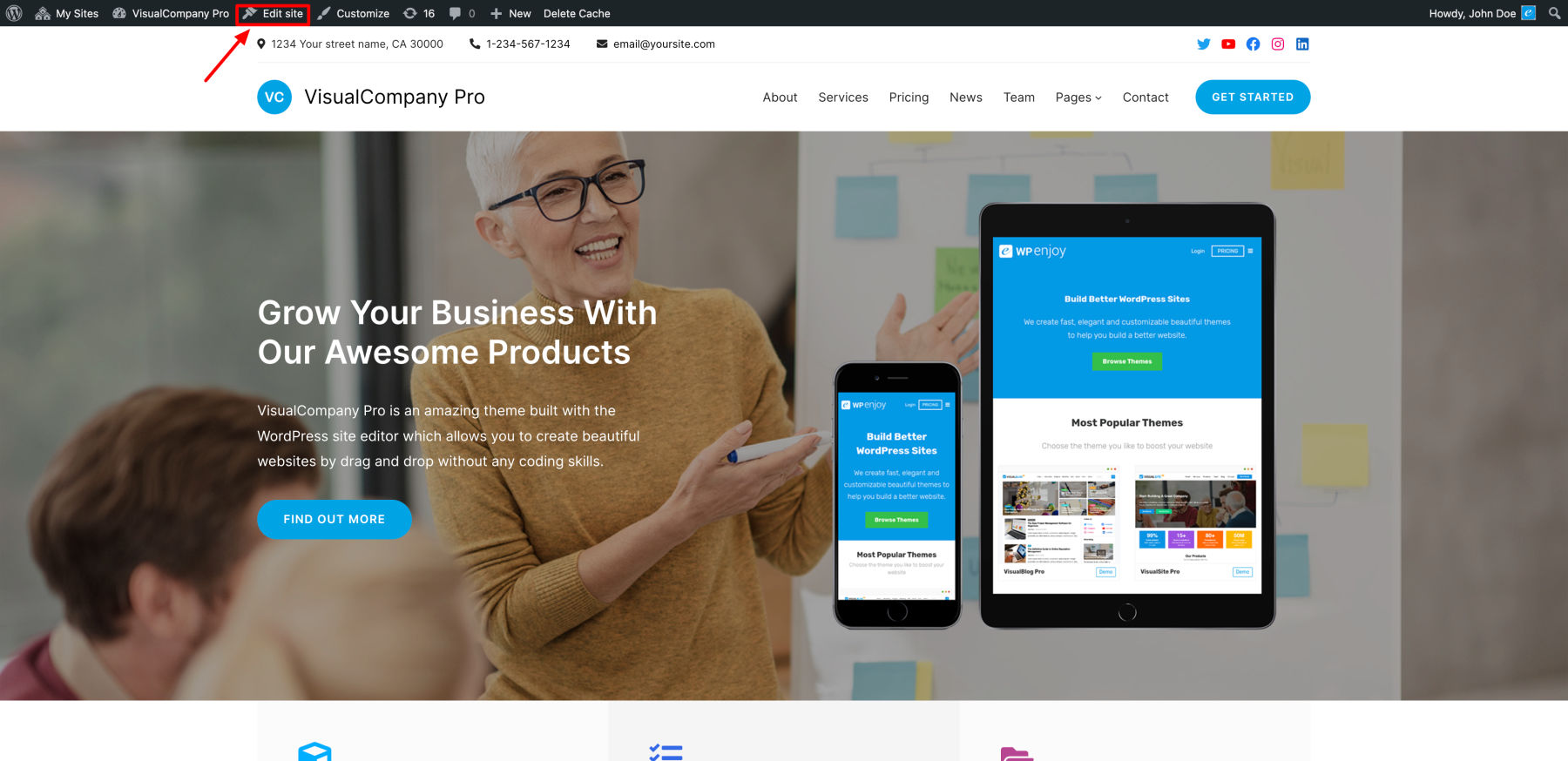
You’ll see the Site Editing screen, which is the WordPress site editor that allows you to easily customize the design and content of your site.

Just click on any section you want to edit and you’ll see a toolbar and setting options for that section/block that you can customize the way you want:
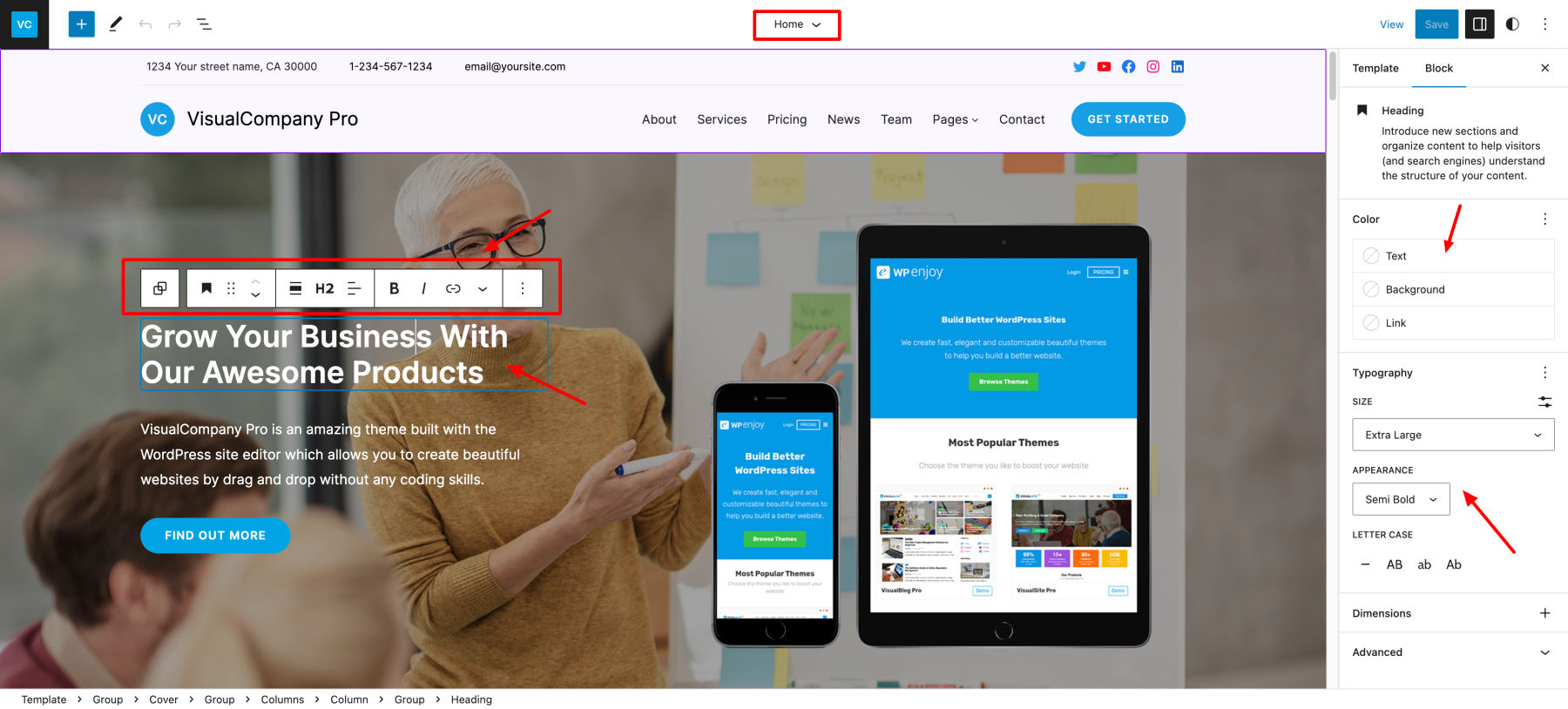
Click on this icon and open List View for better understanding of site/page structure:

You can also add block patterns (pre-built designs) for homepage and general pages:
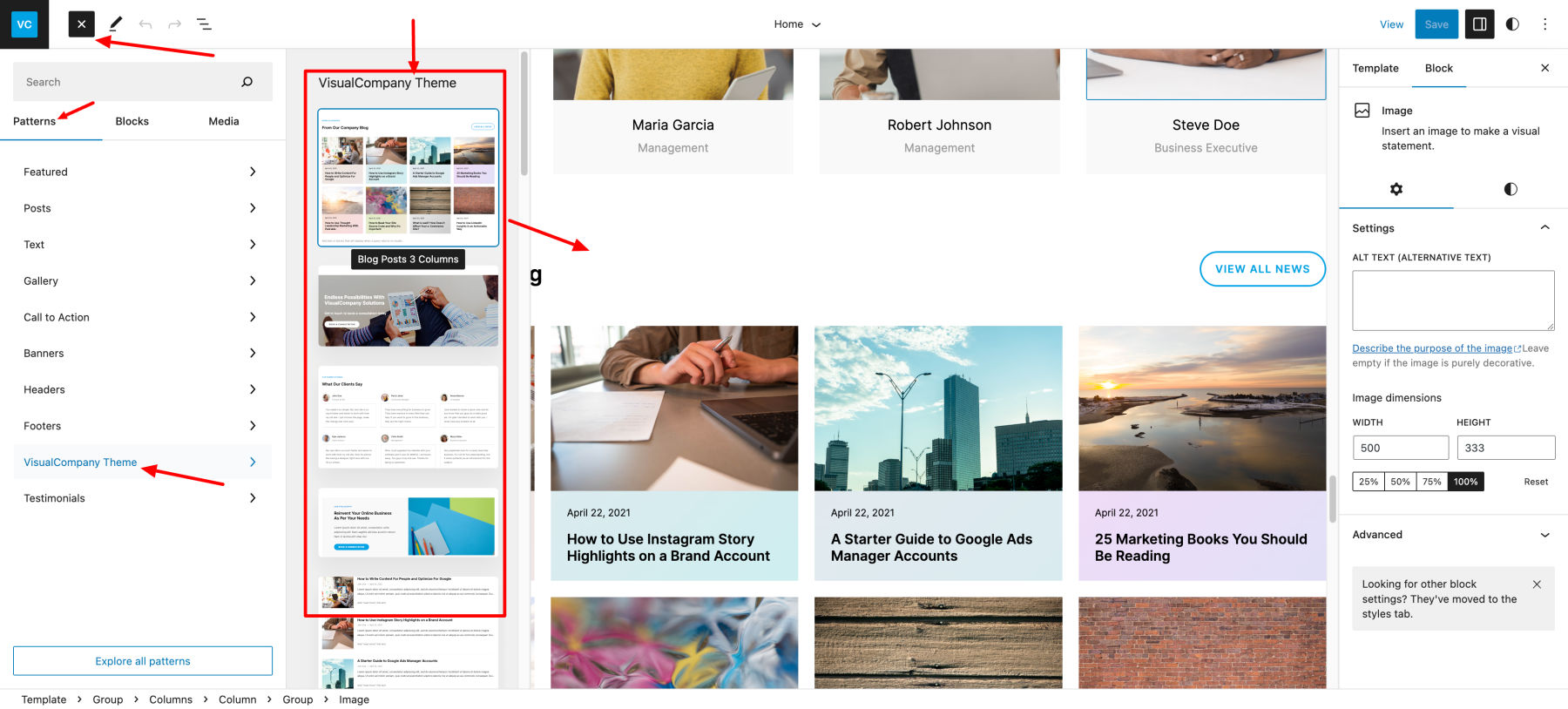
Create a Custom Page
Go to your WordPress Dashboard -> Pages:
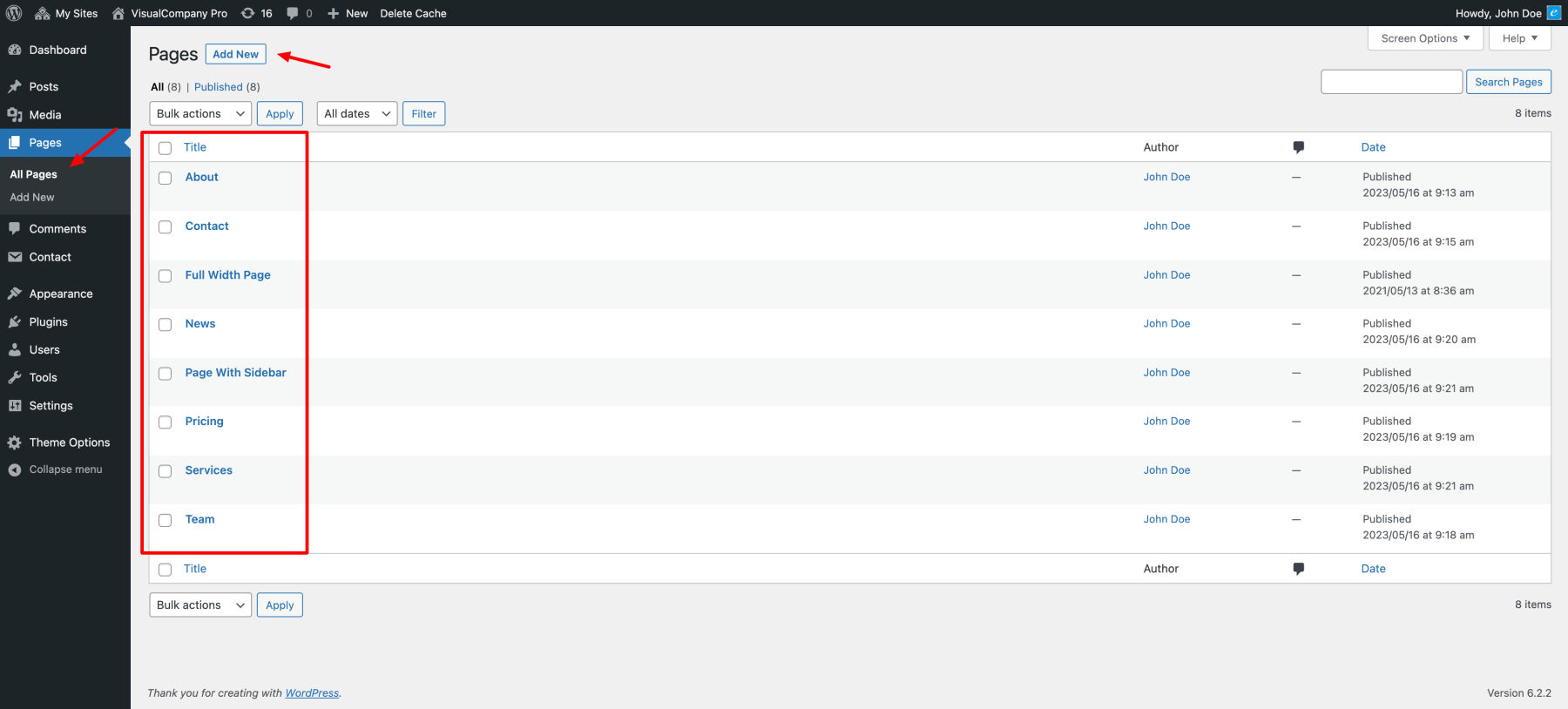
Add a new page, on the page settings, select Template: Page (No Title / Featured Image), then you can start adding our pre-built block patterns to your page.

Customize Pre-built Templates / Template Parts
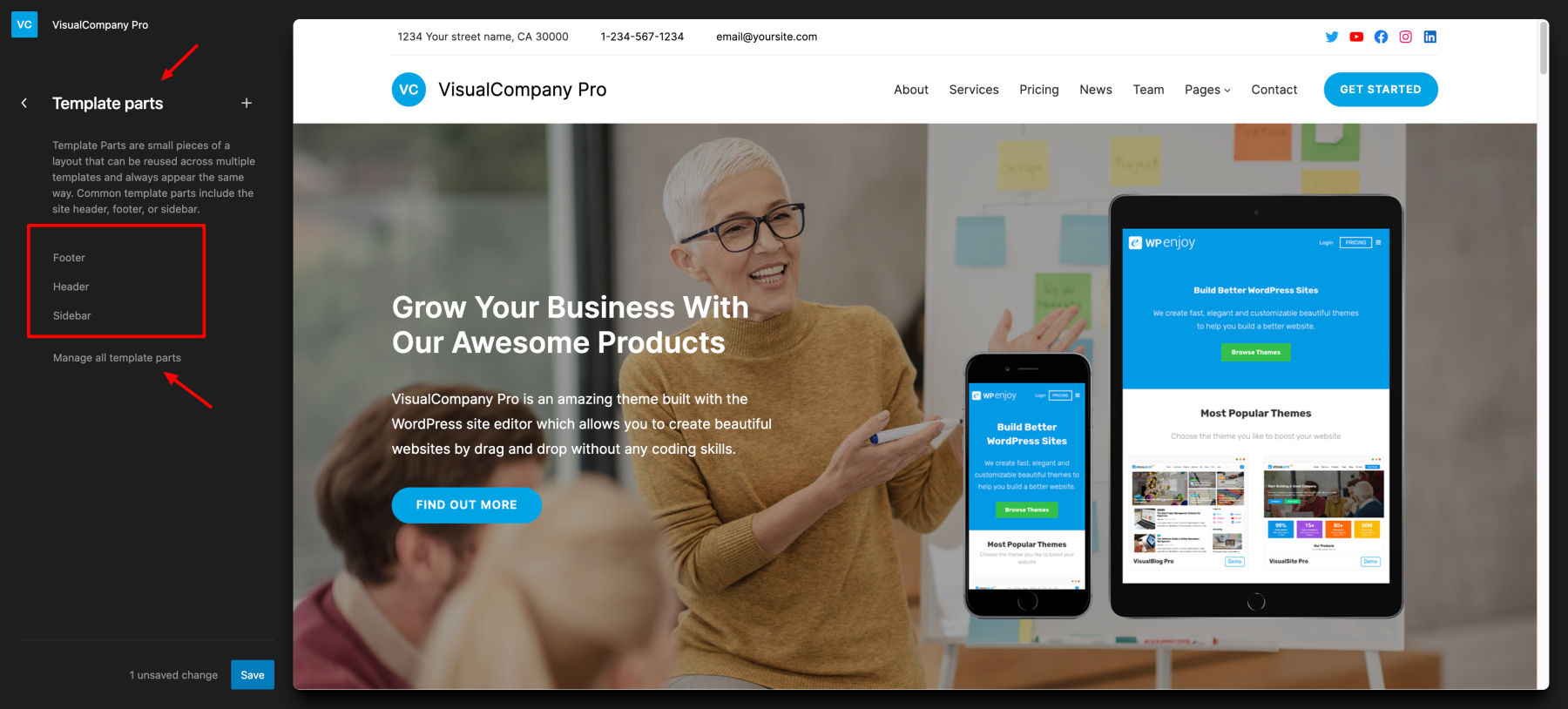
Go to WordPress Dashboard -> Appearance -> Editor, and you’ll see the menu links for Templates and Template Parts:

You will see a list of Templates and Template Parts, just click each item and customize the way you want.
All templates:
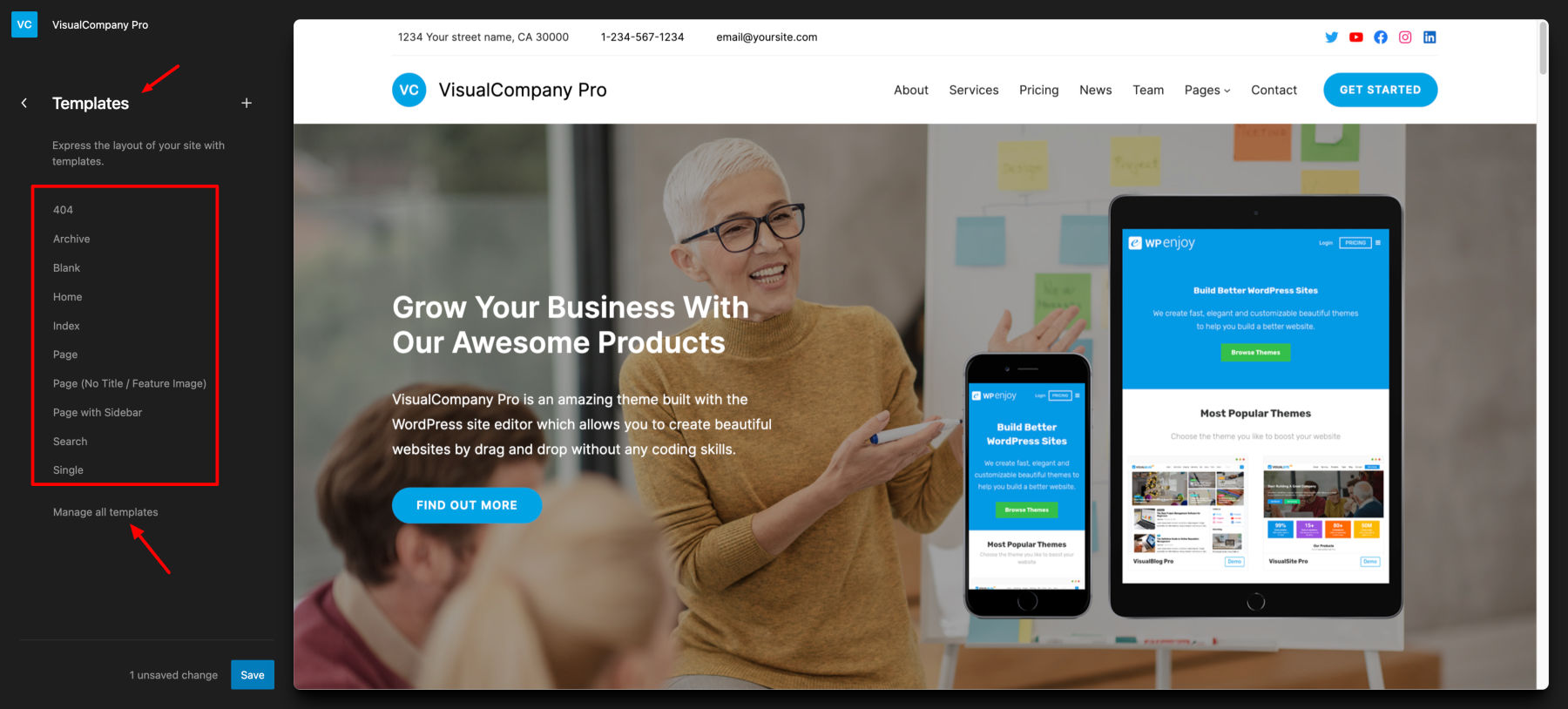
For example, you can customize the Archive template for the categories/tags page:

Click to browse all template parts:
For more information about the WordPress Site Editor, you can learn it here: