
Flask variable rules are used to define dynamic parts in a URL. These values are captured from the URL and passed to the view function, allowing routes to handle different inputs.
Rules for Variable Parts in Routes:
- A variable is defined using <variable_name> inside the route.
- The captured value is passed as a keyword argument to the function.
- You can specify a type using converters like <int:id>, <string:name>.
Dynamic URLs Variable
The following converters are available in Flask-Variable Rules:
- String: It accepts any text without a slash(the default).
- int: accepts only integers. ex =23
- float: like int but for floating point values ex. = 23.9
- path: like the default but also accepts slashes.
- any: matches one of the items provided.
- UUID: accepts UUID strings.
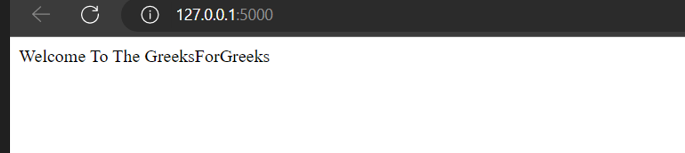
Example: In this code, a basic flask app is created in which return a simple welcome line.
from flask import Flask
app = Flask(__name__)

@app.route('/')
def msg():
    return "Welcome To The GreeksForGreeks"

app.run(debug=True)
Output: Run the app by executing this command in the terminal "python app.py".
String Variable
In this code, we will define a function that handles a dynamic string variable in the URL.
from flask import Flask
app = Flask(__name__)

@app.route('/')
def msg():
    return "Welcome"

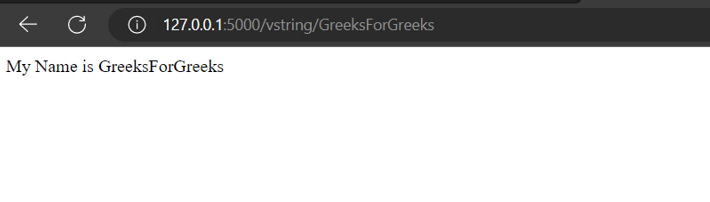
@app.route('/vstring/<name>')
def string(name):
    return "My Name is %s" % name

app.run(debug=True)
Output
Explanation:
- @app.route('/'): Defines the homepage route that returns a welcome message.
- @app.route('/vstring/<name>'): A dynamic route that takes a string parameter and displays it in a message.
- app.run(debug=True): Runs the Flask app with debugging enabled.
Integer Variable
This create a function that handles integers since Flask doesn't define it by default. Finally, we return the integer value and run the app. To access the integer page, we include the function name and an integer in the URL.
from flask import Flask
app = Flask(__name__)

@app.route('/')
def msg():
    return "Welcome"

@app.route('/vint/<int:age>')
def vint(age):
    return "I am %d years old " % age

app.run(debug=True)
Output
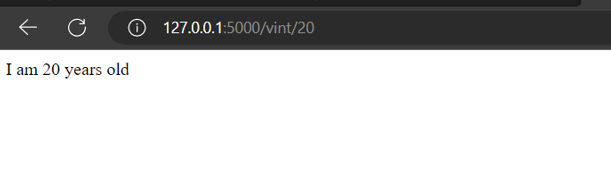
Explanation: vint() function handles URLs with an integer parameter (<int:age>). It ensures only integers are accepted and returns a formatted string with the provided age.
Float Variable
Here, we define a float function since Flask doesn’t define it by default. The function returns the float value and we run the app using Flask run. To access the float page, we include the function name and a floating-point number in the URL.
from flask import Flask
app = Flask(__name__)

@app.route('/')
def msg():
    return "Welcome"

@app.route('/vfloat/<float:balance>')
def vfloat(balance):
    return "My Account Balance %f" % balance

app.run(debug=True)
Output
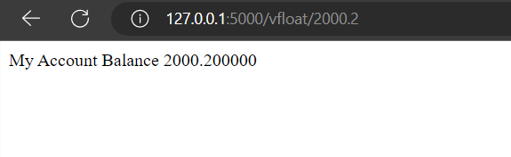
Explanation: vfloat function handles URLs with a float value (e.g., /vfloat/100.50). It returns a formatted message displaying the float value.
