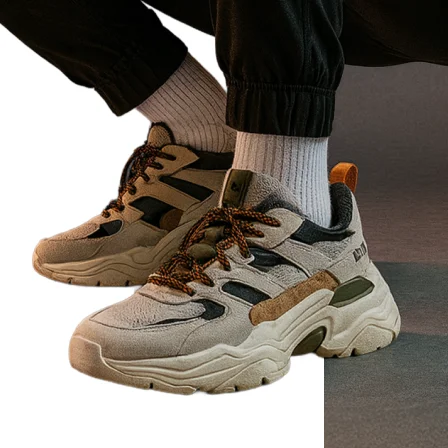
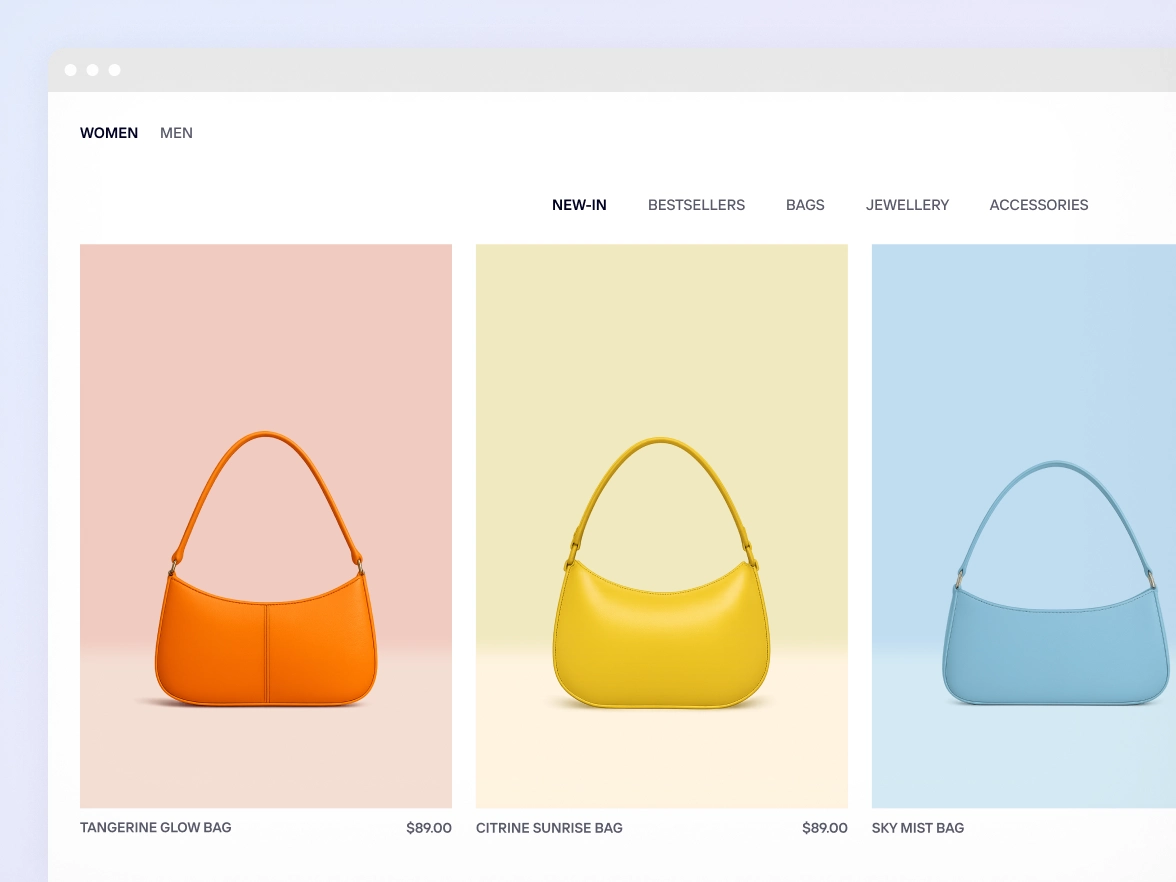
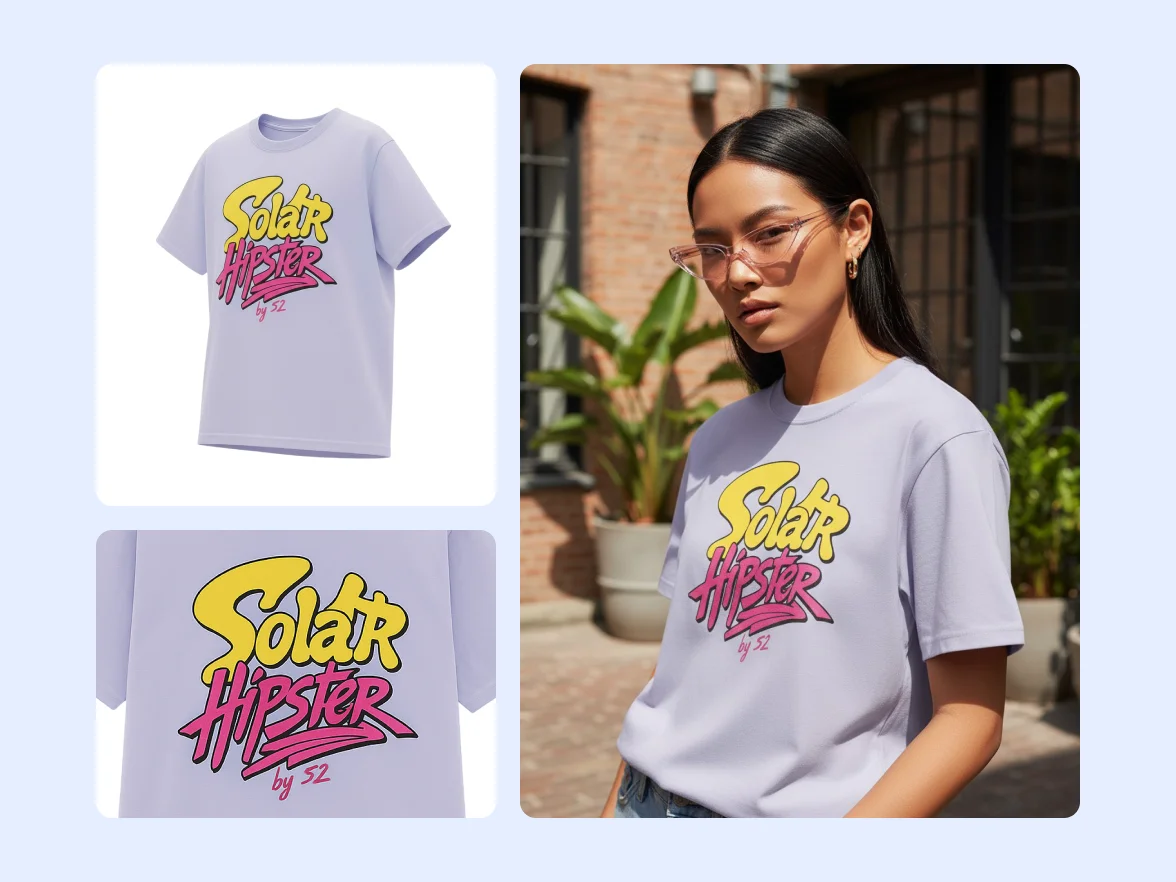
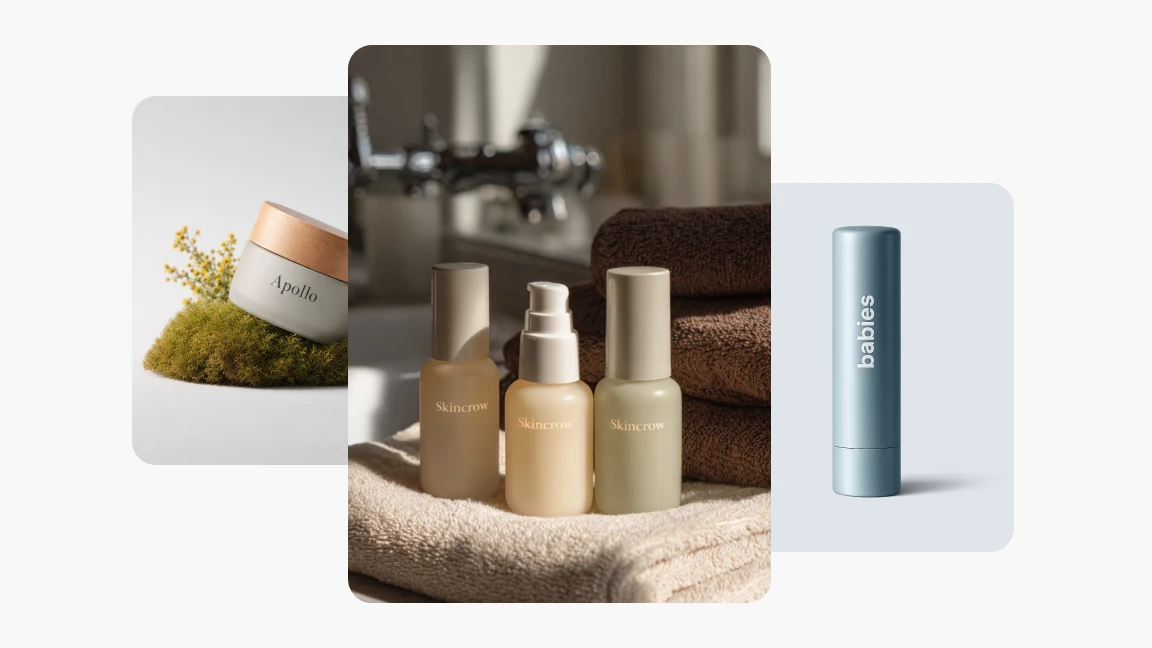
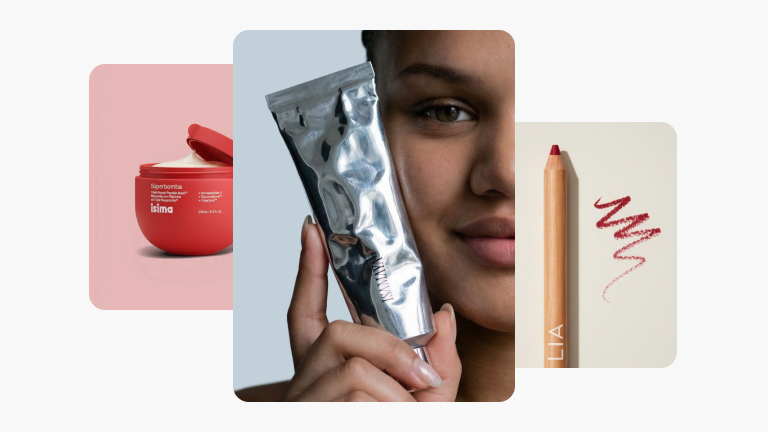
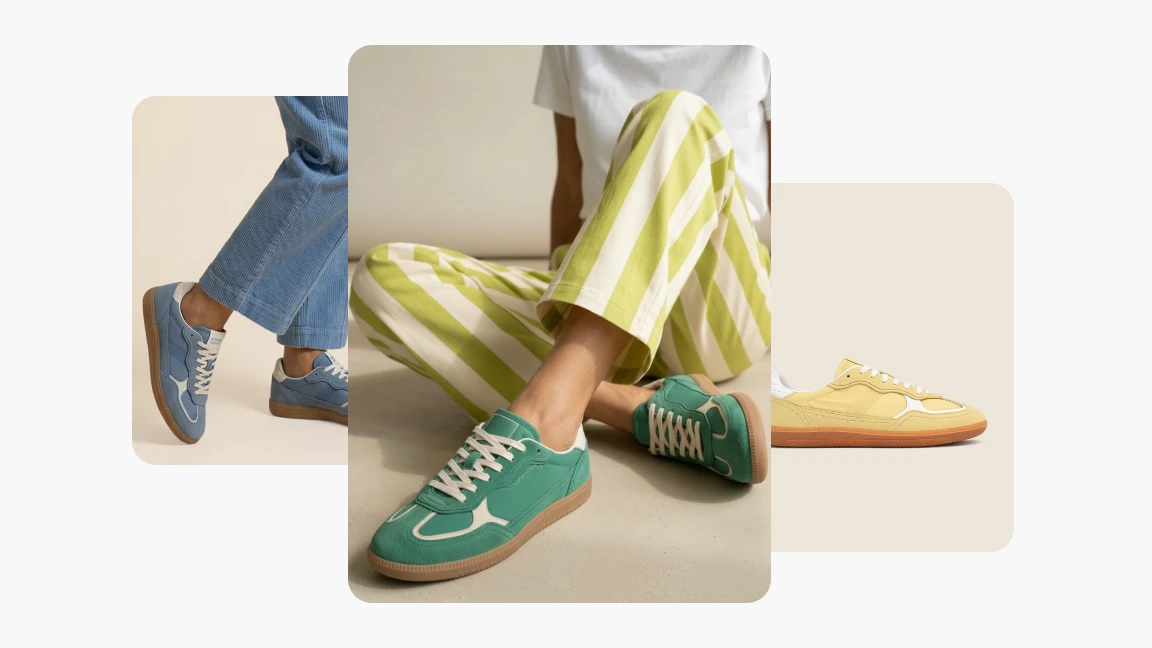
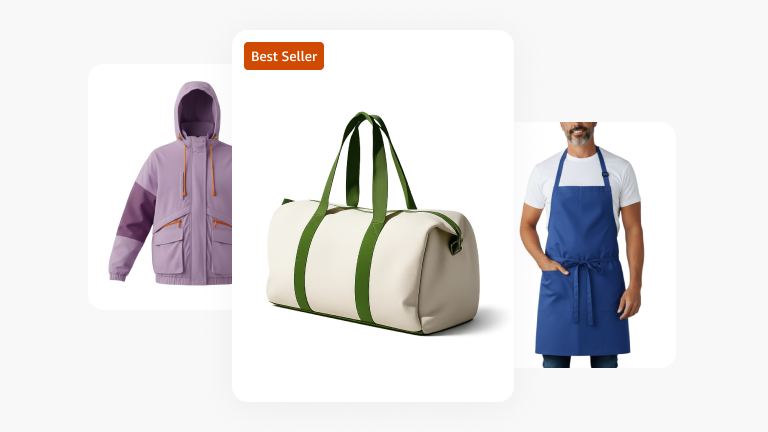
Automatically remove backgrounds from any product image with Photoroom’s AI background remover—no design skills or expensive tools required.
Or drop an image here
No image? Try one of these
Photoroom uses your camera and photos to provide its editing services. For more details on processing and your rights, check our Privacy Policy.
Editors' Choice
Editors' Choice
Editors' Choice
Editors' Choice
300+ million downloads
Professional product photography without the time or expense
Save time and money with AI background removal
Eliminate costly and time-consuming photo editing processes so you can focus resources on growing your business. Whether you’re an independent seller or a global brand, quickly remove backgrounds with AI for online store or marketplace-ready product photography that sells.
Launch products faster by scaling background removal
Manually erasing backgrounds from hundreds of product images slows launch timelines and strains your team. Speed up workflows and handle large volumes of photo edits in minutes, from any device. Prepare for new e‑commerce drops and update Amazon listings with Batch or our API to remove backgrounds across entire catalogs while maintaining consistent, high-quality visuals.
Increase conversions with clean, professional images
Losing customers due to low-quality or inconsistent product images? Improve your brand’s visual identity and increase click-through and conversion rates across all your sales channels with our AI background remover. Stand out, build customer trust, and boost sales with high-quality AI product photography.
Make every product photo look professional, everywhere
Whether you’re photographing furniture, clothing, or food products, managing visuals across multiple channels is challenging without the right tools. Create marketplace and e-commerce platform compliant backgrounds, maintain visual consistency, and automate workflows with our background remover. Then continue improving your catalog images with our full suite of AI product photography tools.
Edit and manage your brand’s visuals from any desktop or mobile device.
Photoroom is loved by companies of all sizes
See real stories from businesses like yours.
Customer story
Customer story
"Photoroom changed everything for us. It automated the background editing, making every photo consistent. This has considerably streamlined our process, giving us the freedom to innovate and improve the speed at which products are made available online."
“I’m really skeptical when it comes to AI photography and photo editing because I am a photographer, but Photoroom’s AI Backgrounds always looks great and realistic.”
What is the best background remover for product photos?
Photoroom is built specifically for e‑commerce and brand visuals. Our AI background remover instantly erases backgrounds, leaving a transparent backdrop that you can replace with a studio or lifestyle setting, if necessary.
How does an AI background remover work?
Upon uploading an image, Photoroom’s AI background remover detects and isolates the main subject of your image (a product, person, or object), separating it from the background before erasing it.
Can I remove the background from an image without losing quality?
With Photoroom, you can remove the background from any image while preserving every detail. Our AI background remover maintains image resolution, sharpness, and edge precision, so your product or subject remains crisp and natural.
Is there a free background remover that works on mobile and desktop?
Photoroom is available on mobile and desktop. You can get started for free to remove backgrounds, and when you're ready, upgrade to access more AI photo editing tools and high-resolution exports.
How can I automatically remove and replace a background with a new one?
Upload your photo to Photoroom, and our AI background remover automatically erases the background. Keep it transparent, or replace it with a professional studio setup, lifestyle scene, or custom backdrop with AI Backgrounds.
Sell faster with studio‑quality product visuals
Drive sales with professional visuals you can create in minutes, with brand consistency and control.