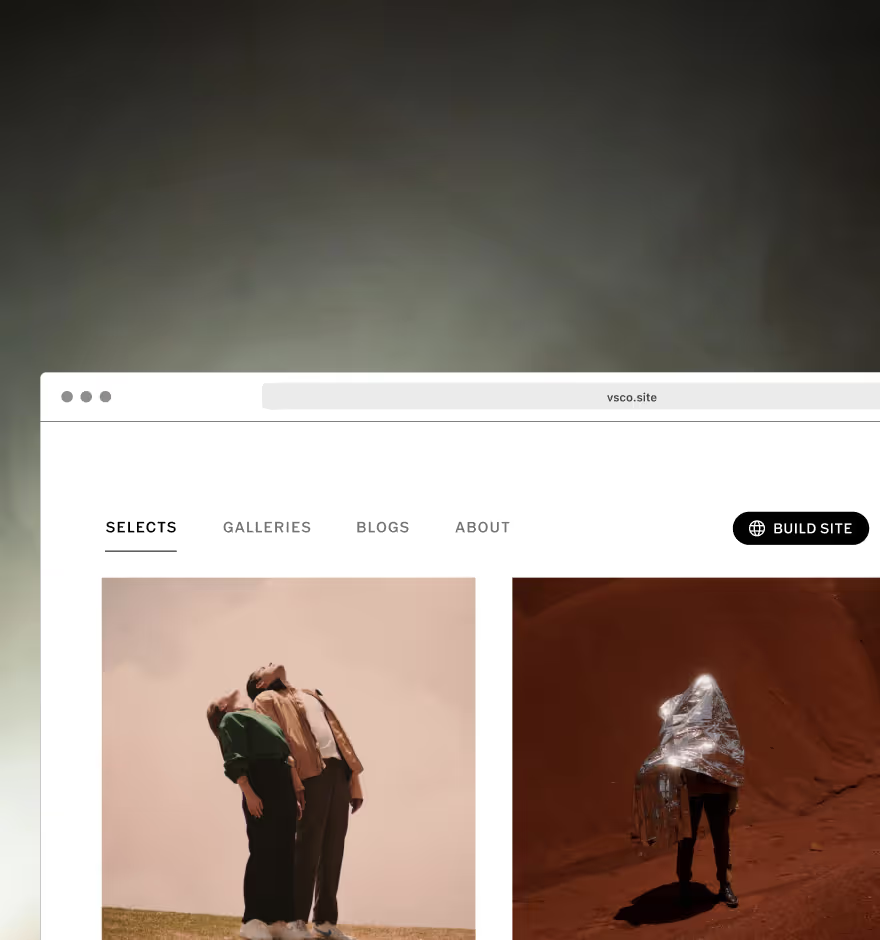
Blogs
Easily create a photography blog and craft stories that take others behind the lens.

With Blogs, photographers can publish beautiful stories with ease. Share your creative process and craft narratives that connect with your community.
VSCO is a community-driven platform that equips photographers to expand creatively and professionally. Join today to build authentic connections that foster professional growth and to edit photos and videos with our full suite of tools. Invest in your creativity with a VSCO Membership.
Publish your photography blog in minutes
With a simple design to help you get started, Blogs makes telling your story easy. Start your next blog post by adding text, uploading photos, and embedding videos. When you’re done, publish to your profile to showcase and share your work.
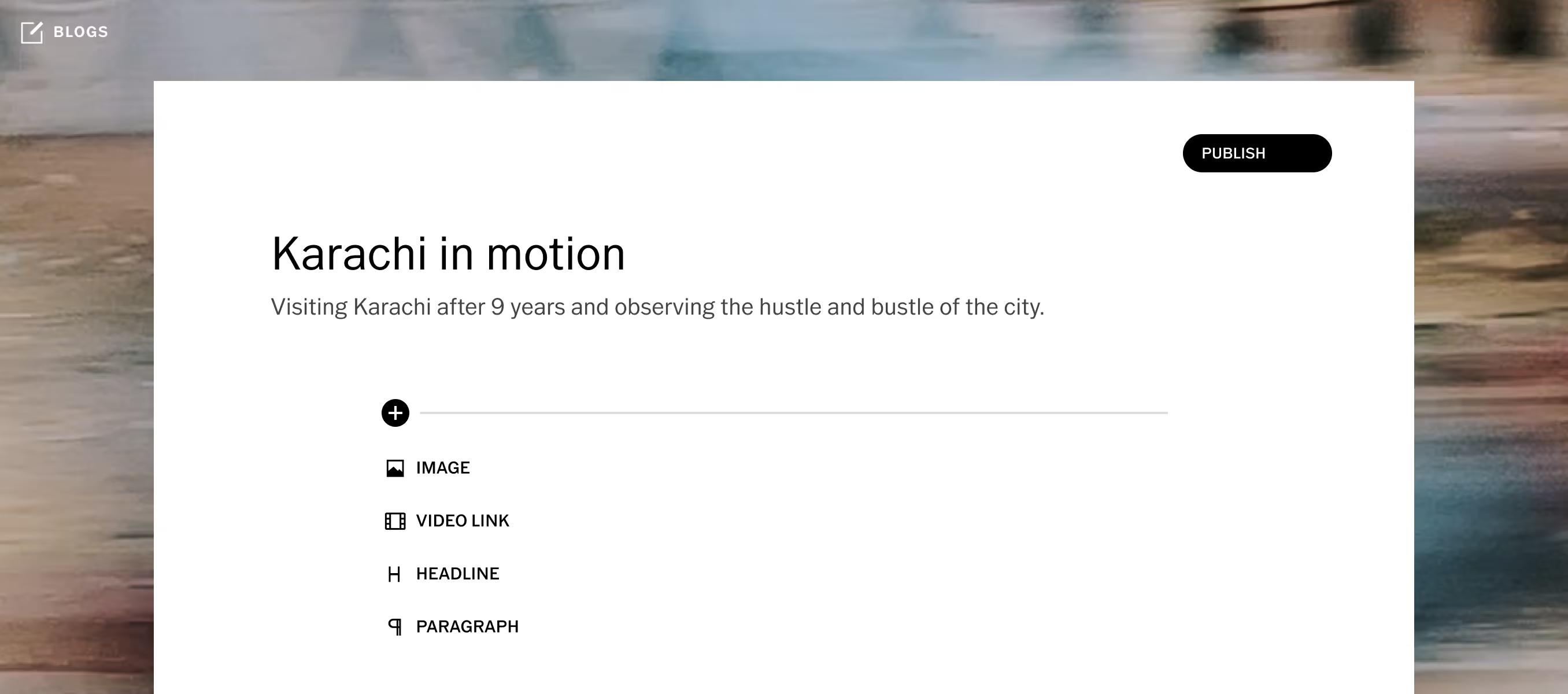
Share behind-the-scenes
Tell the untold stories. Use your photography blog to showcase your process, publish outtakes from a recent photoshoot, and share what happens behind the lens.
Show your creative process
Share your photography tools, tips, and techniques. Give a glimpse into your photo editing process and share a Recipe for other photographers to try.
Tell stories that connect
Stories are a part of our identities. Publish photo essays, collaborative projects, and narratives that express your creativity and connect with our community of photographers.
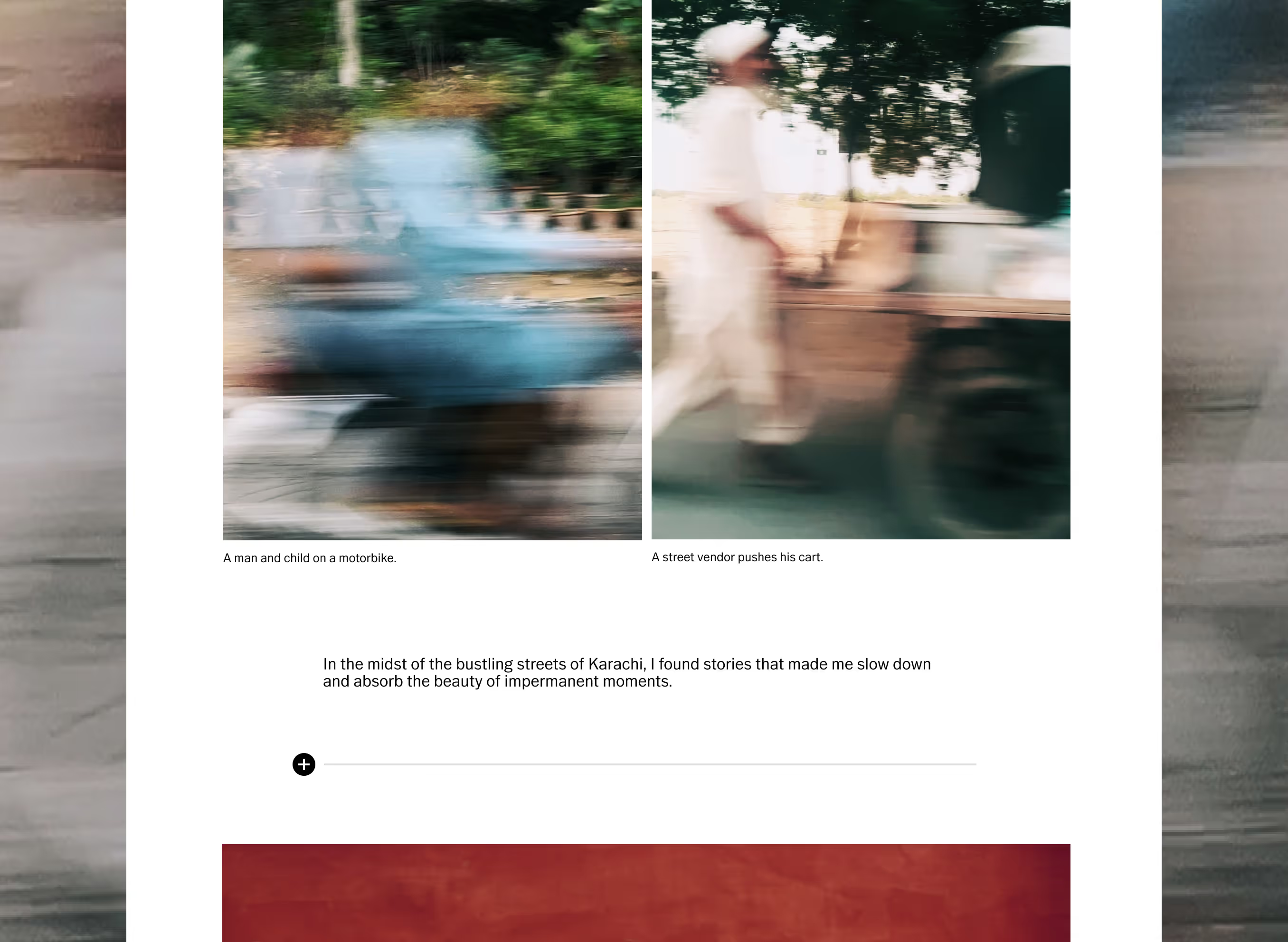

How to start your photography blog
Join Pro Membership to access Blogs. Begin photography blogging by signing into VSCO on desktop or mobile. On desktop, go to your profile and tap ‘Create’, then select ‘Blog.’ In the VSCO iOS App, simply tap the universal + icon. Start your blog post by adding a headline and uploading a cover image, and from there follow the prompts to add text, images, and videos. Save your work as a draft, or publish directly to profile when you’re ready to share.
Learn more about blogging on VSCO
Frequently asked questions
What is VSCO Blogs and how does it work?
VSCO Blogs is a storytelling feature that lets photographers publish visual essays, narratives, and process-driven posts by combining photos, videos, captions, and body text. They’re designed to showcase your photography and share your work with a broader audience.
How do I start my first VSCO photography blog post?
To start, log in to your VSCO Pro account, go to your profile on web or in the mobile app and select the + icon. Once in the blog editor you can add a compelling title and subheading, add photos from your Studio, embed videos, and write captions and narrative text to tell your story. Rearrange sections as needed and Publish when ready.
Can I embed videos or external media in a VSCO blog?
Yes. You can embed videos from platforms like YouTube or Vimeo directly into your blog post alongside photos, text, headlines, and links.
Are VSCO Blogs separate from my VSCO profile?
VSCO Blogs appear on your VSCO profile and act as a companion to your posts, Albums, Spaces, and Reposts. They help contextualize your work with stories, making your profile richer and more discoverable to both the community and search engines.
Can I show blogs on my VSCO Site?
Yes. You can sync blogs from your VSCO profile to your VSCO Site and choose which posts appear on your site, letting you highlight specific stories alongside your portfolio.
RELATED FEATURES
Explore more community features and advanced tools on VSCO—join photography groups, curate standout photo galleries, and publish your own portfolio website, all in one place.
VSCO SPACES
Create and join community groups based around shared interests, thoughtful photo sharing, and real community.
MEMBER PROFILE
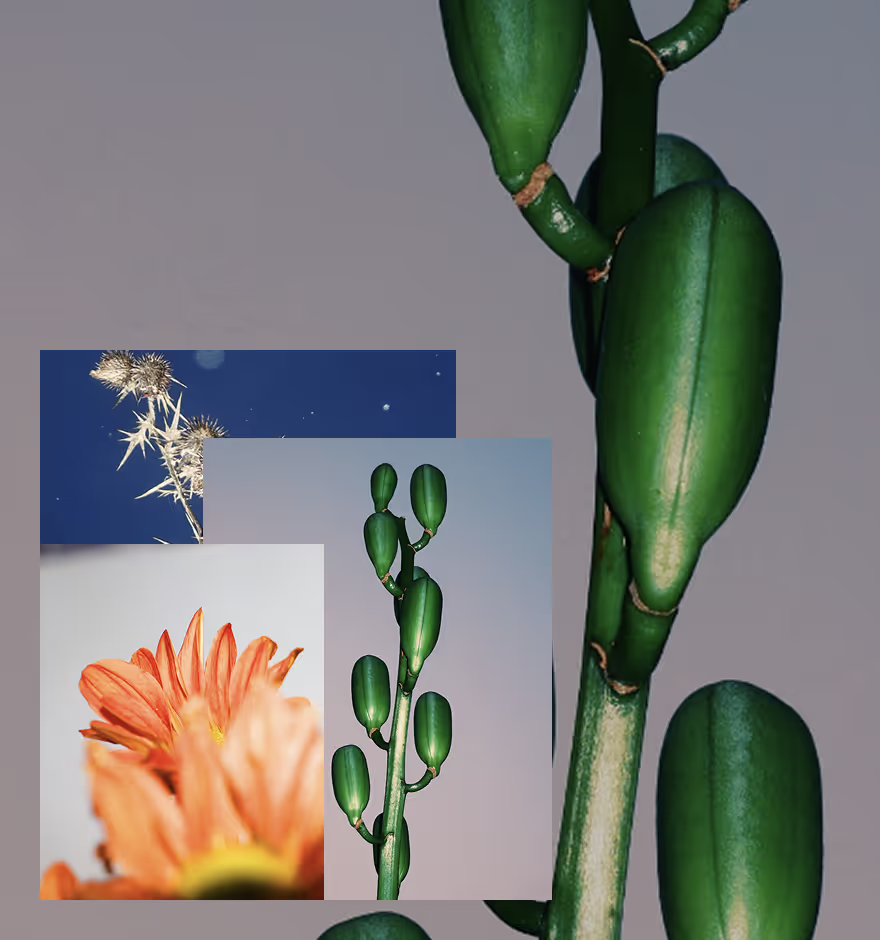
Make your VSCO Profile your creative home. Publish your work, collect inspiration, and extend your reach.

VSCO Sites
Build a photography website that syncs with your VSCO Profile. Your online portfolio never looked better.