VSCO Canvas
Ignite your creativity with VSCO Canvas, a mood board maker for photographers and visual creators. Collect, collaborate, and bring your inspiration to life faster than ever.

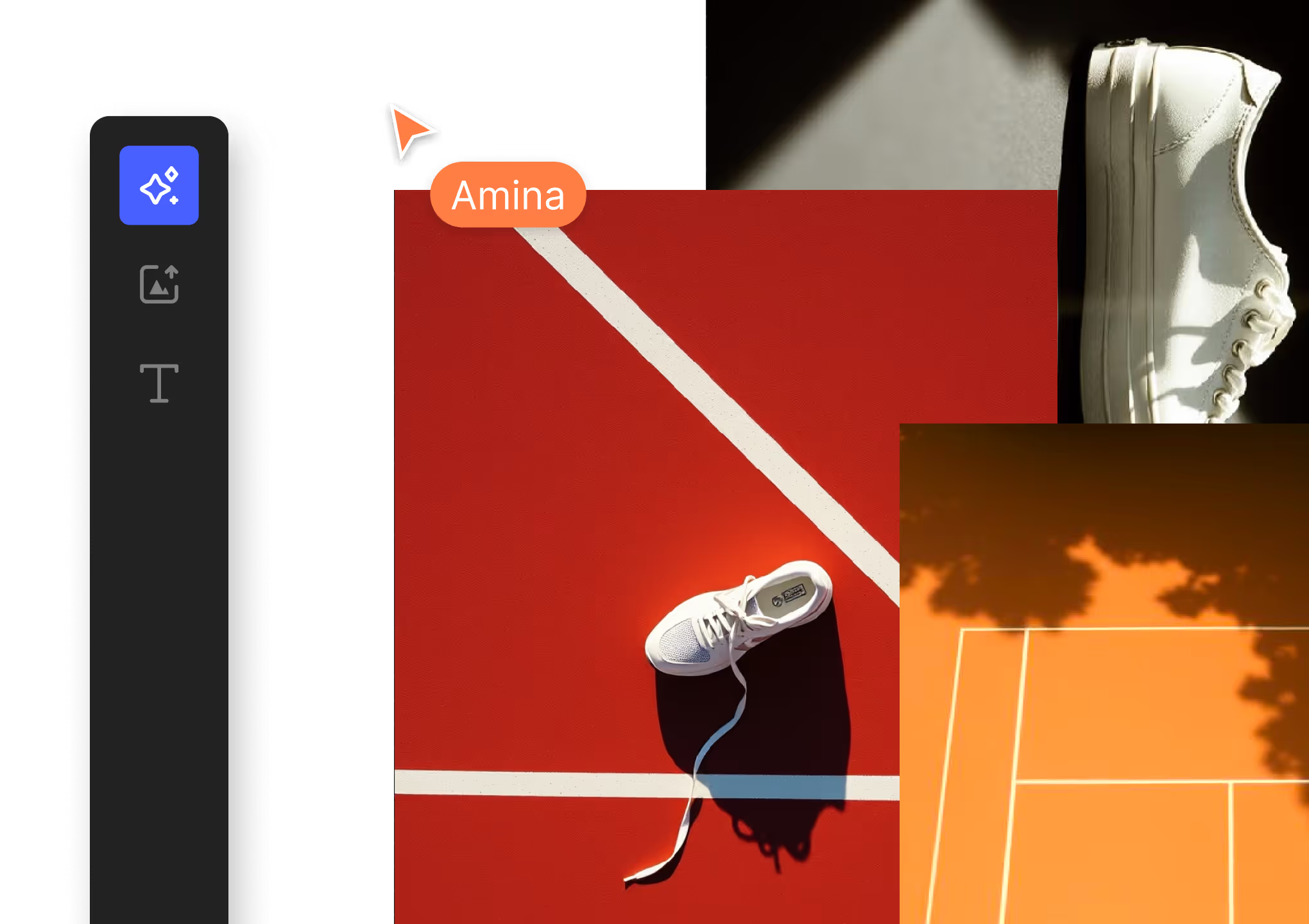
VSCO Canvas is a powerful desktop tool for mapping your creativity, wherever it takes you. Unite inspiration from anywhere by importing photos and use prompts to create images.
VSCO is a community-driven platform that equips photographers to expand creatively and professionally. Join today to build authentic connections that foster professional growth and to edit photos with our full suite of tools. Invest in your creativity with a VSCO Membership.

Human-Centered. AI-Assisted.
Inspiration for your next project can come from anywhere. Search millions of photos from the VSCO community, generate images with cutting-edge AI, and stay in sync and organized with collaborators. Keep your creativity moving with VSCO Canvas.
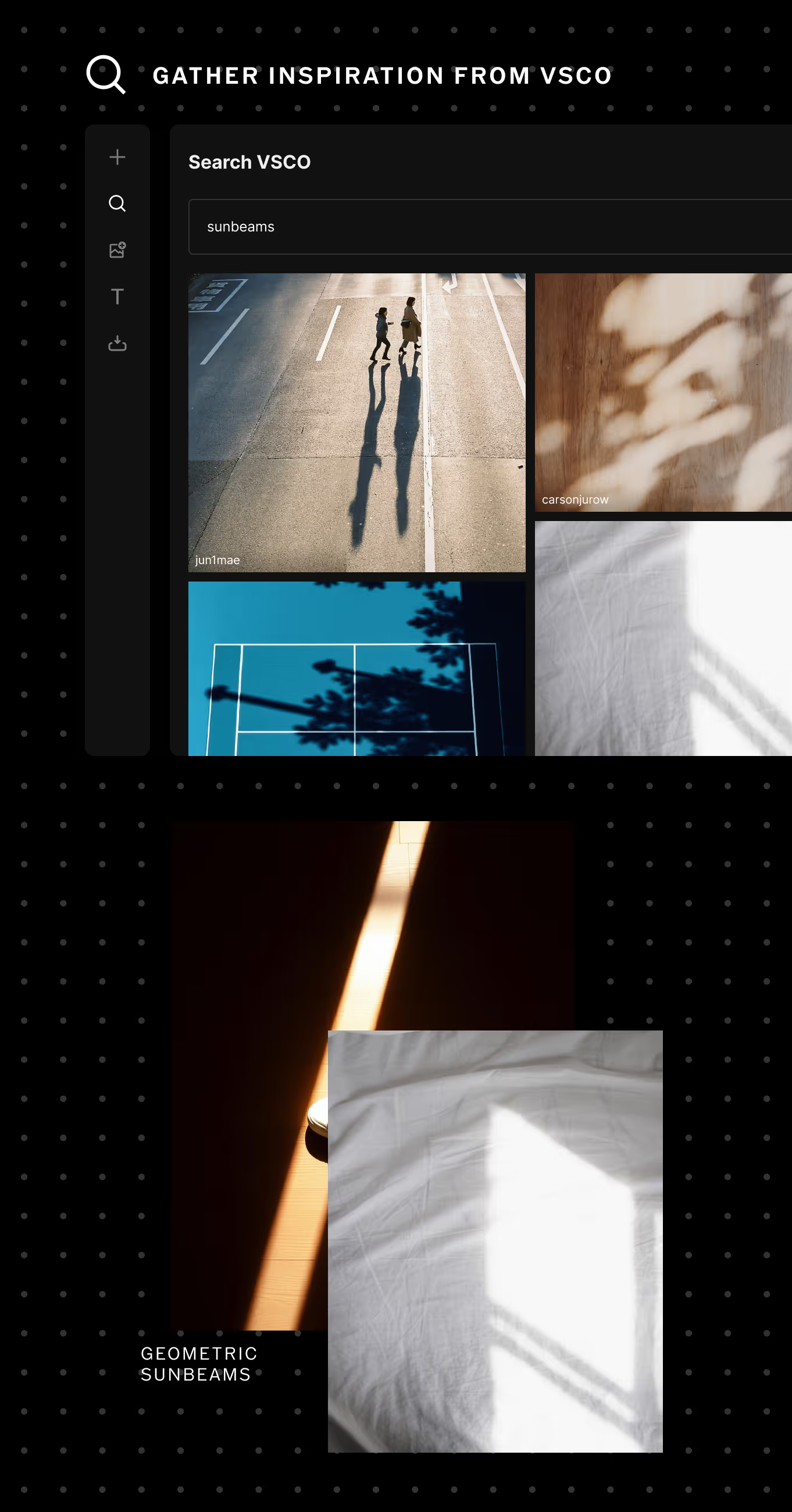
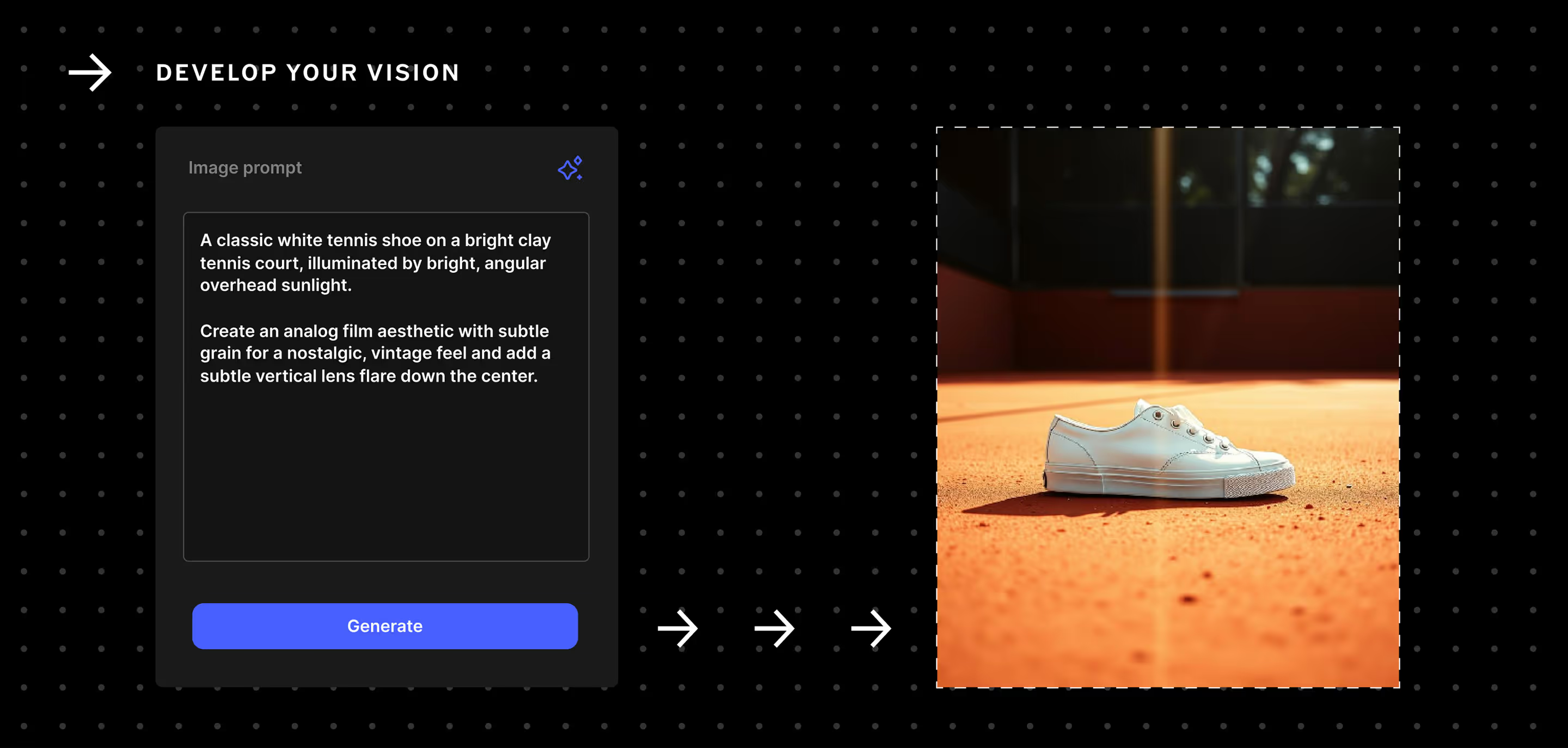
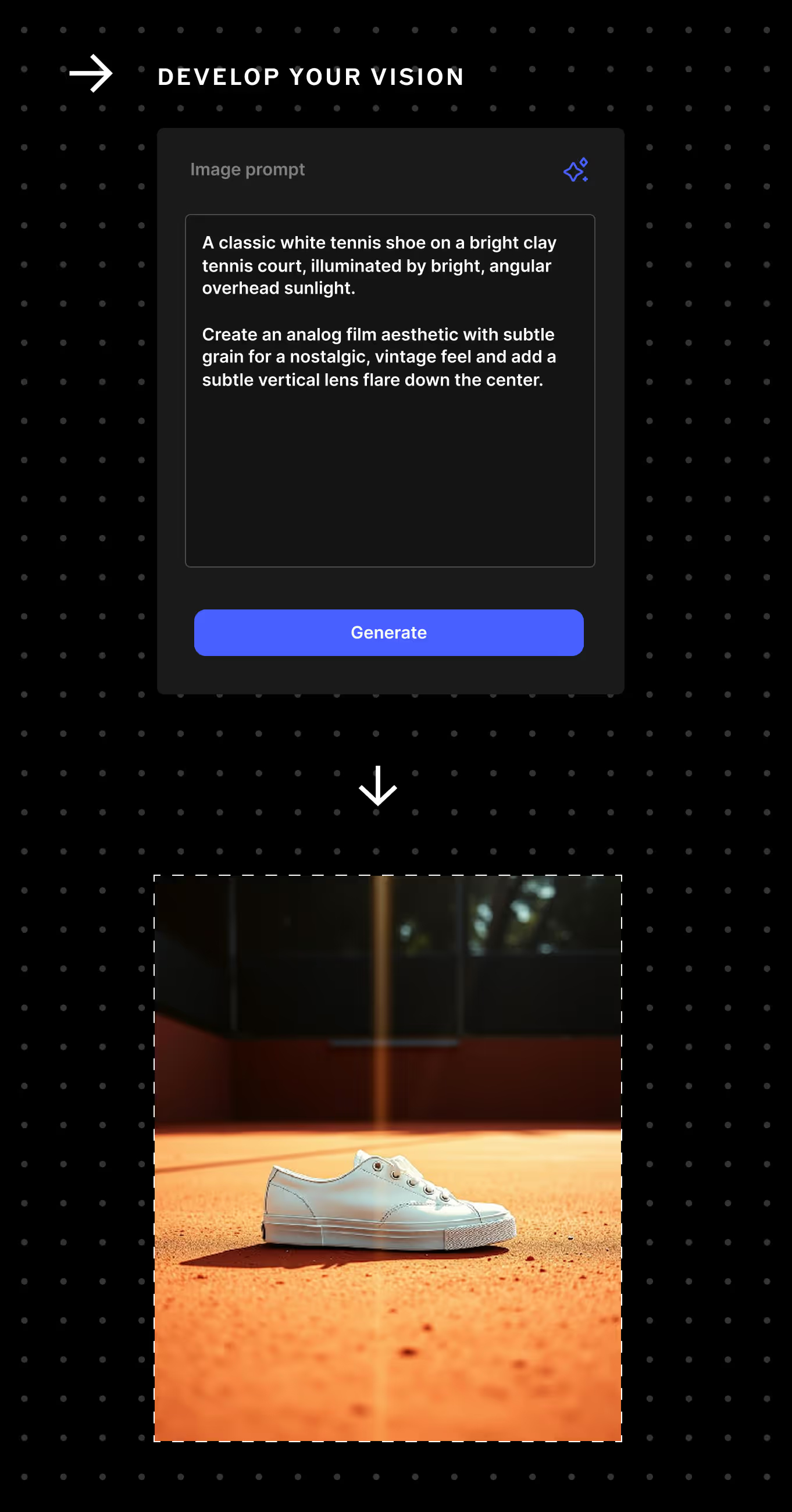
Gather from anywhere
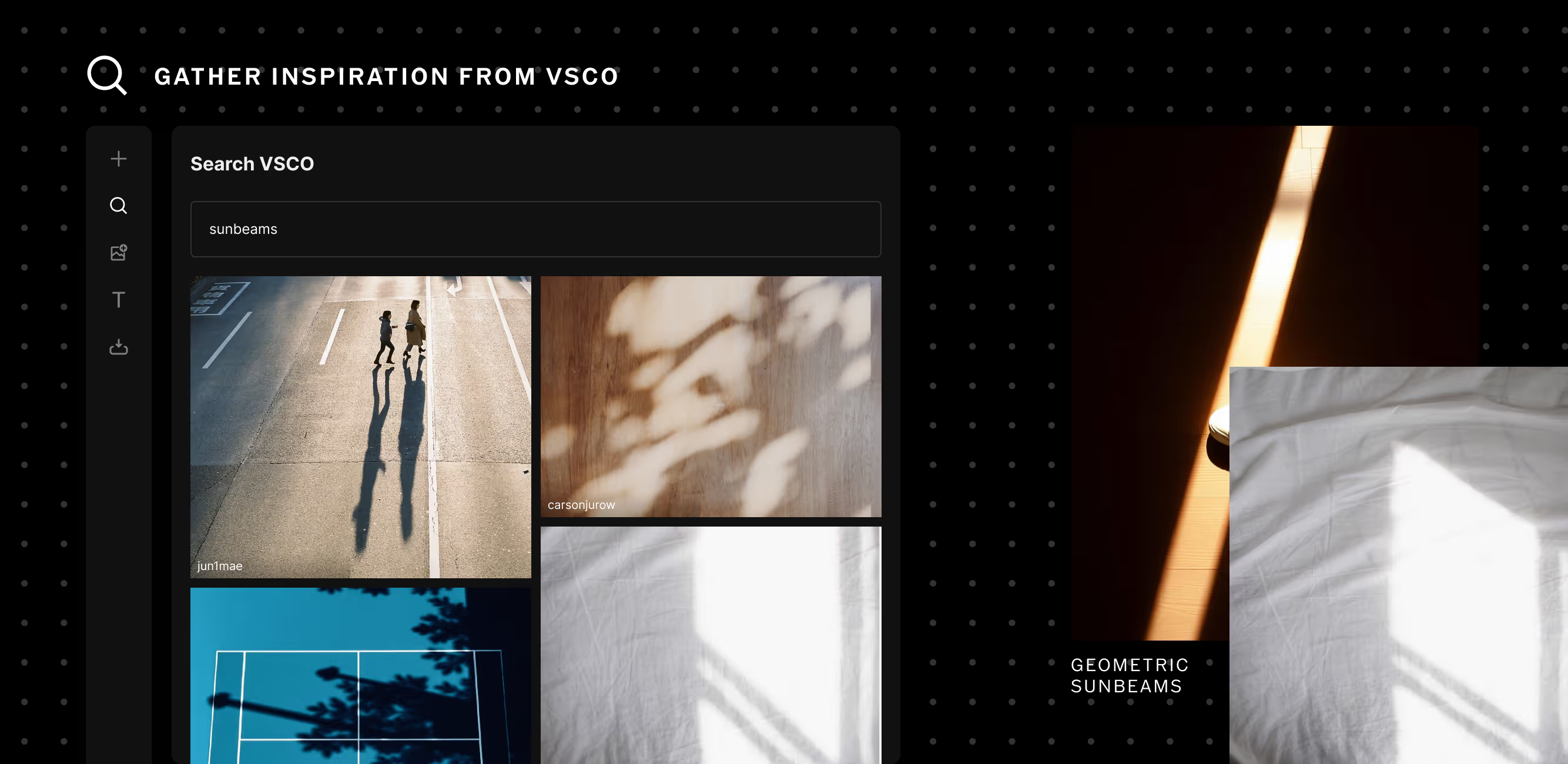
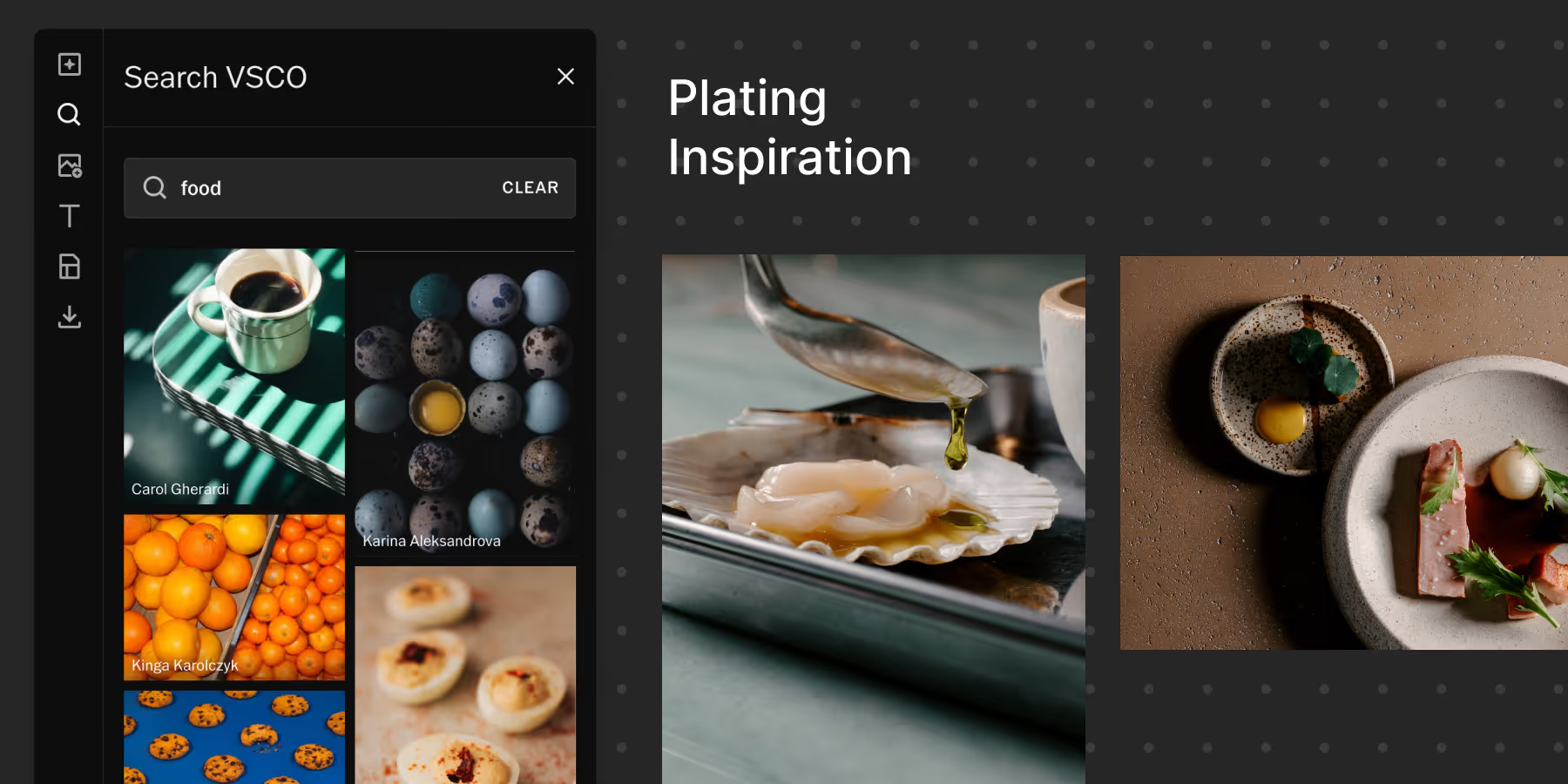
Gather everything to spark your shoot. Search VSCO, upload images, generate AI references, embed videos, websites, and map locations—or start with a template—all organized in one place.
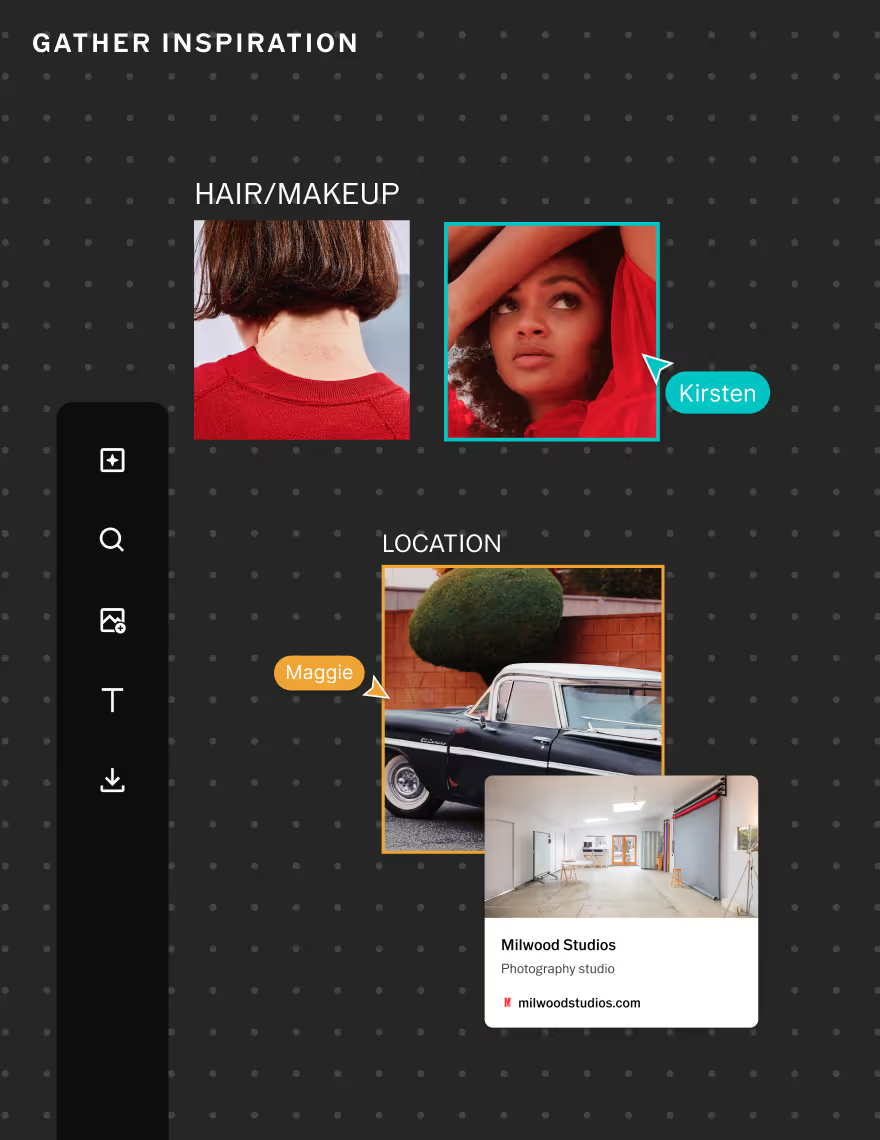
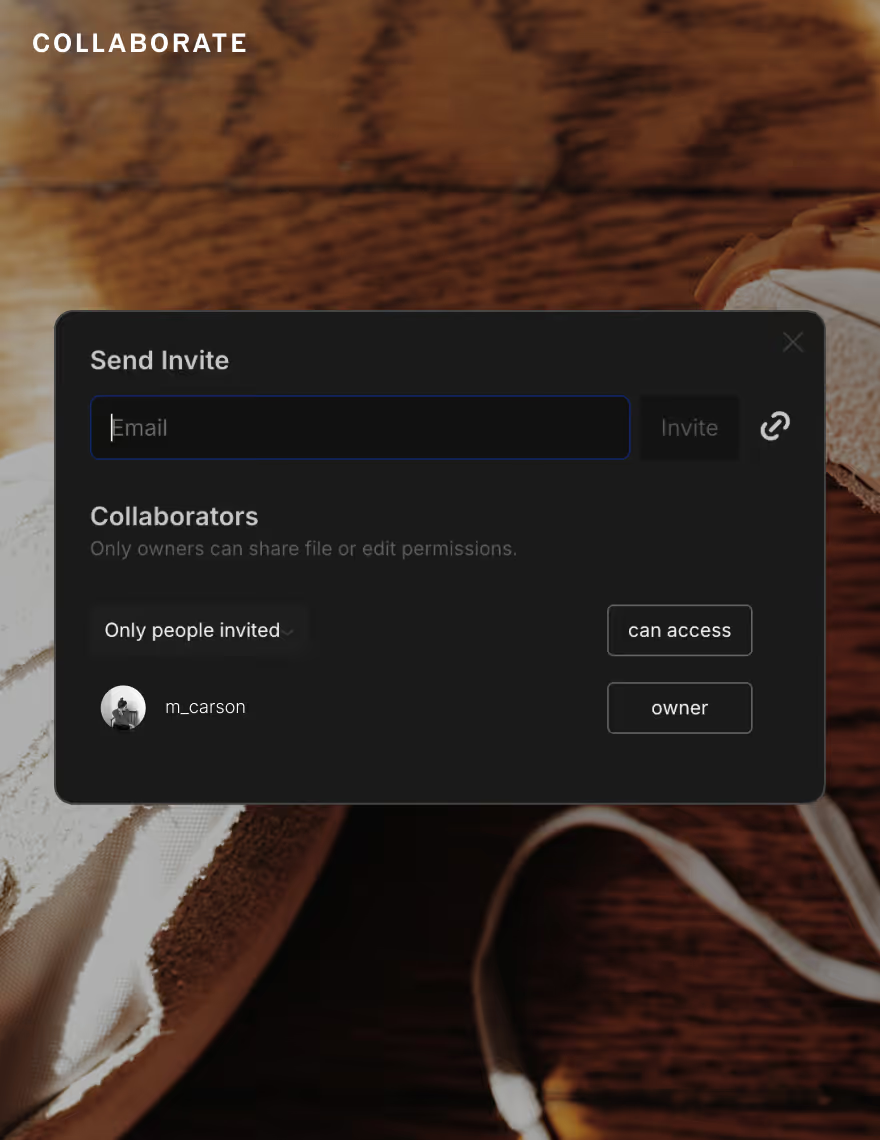
Collaborate seamlessly
Turn individual ideas into a collective vision. Invite collaborators to your Canvas, leave comments, and share feedback so everyone stays aligned through every step of the process.
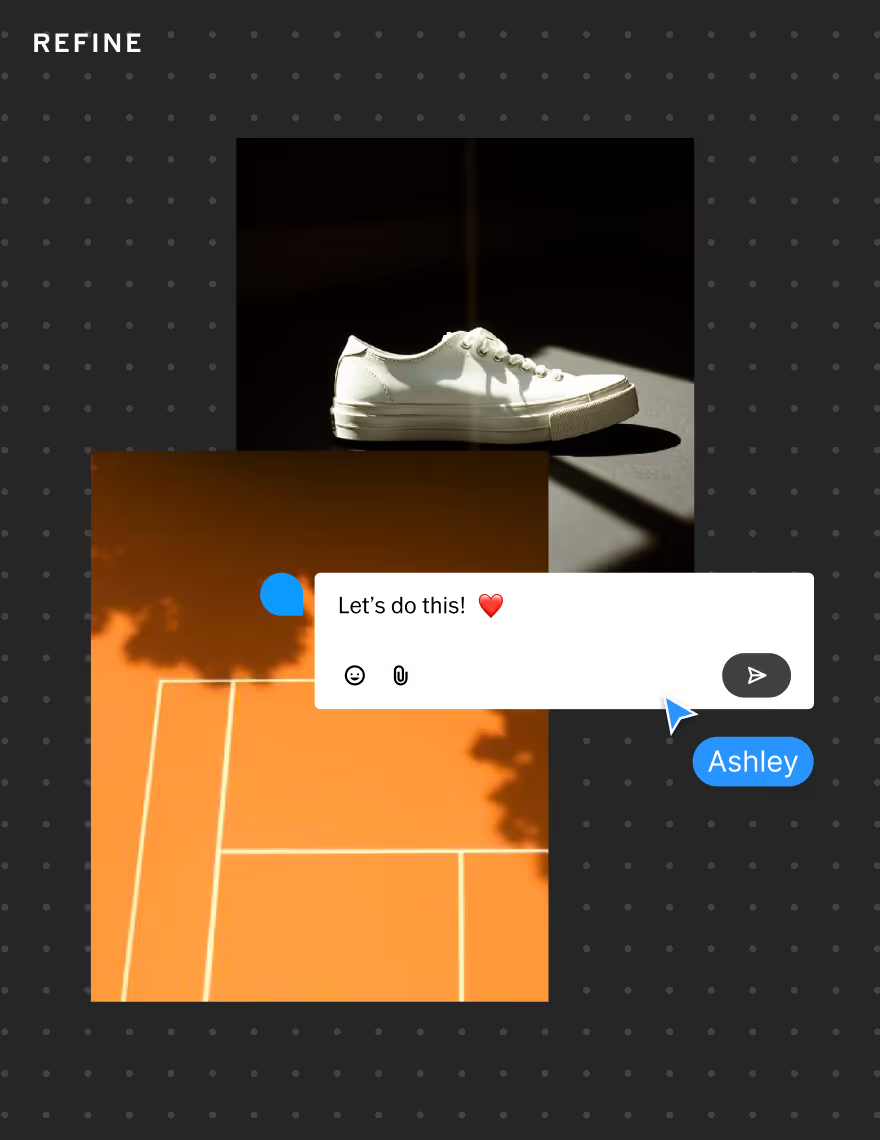
Refine and plan
Finalize your creative direction and go into your shoot fully prepared. Share your plan with clients, stylists, or lighting teams, and ensure every detail is set before you click the shutter.
How To START MOODBOARDING
Start by opening VSCO Canvas at canvas.vsco.co.
Click ‘New Canvas’ to start or choose a template to start with.
Add media, paste links, or use the AI generator to fill in your moodboard.
Invite collaborators and share your moodboard to get feedback and iterate.
Watch the walkthrough
See how VSCO Canvas accelerates your creativity and transforms inspiration into action. Follow the process of planning a full photoshoot from start to finish—gather and create inspiration, refine your concept, and collaborate with clients and team members to deliver an exceptional final product.
Frequently asked questions
What is VSCO Canvas?
VSCO Canvas is a mood board generator built for photographers and visual creators to collect inspiration, generate AI images, and collaborate. It’s an all-in-one desktop tool for planning photoshoots, projects, and more.
What can I use VSCO Canvas for?
You can use VSCO Canvas as a mood board maker to gather photography ideas, generate concepts with AI, and create visual mood boards for shoots, branding, or professional projects.
Can I generate AI images on VSCO Canvas?
Yes, VSCO offers an AI image generator that lets you create visuals from text prompts. After you generate an image, it’s easy to refine until you get it just right. It’s perfect for exploring ideas with AI for photographers.
How do I use VSCO Canvas to build a mood board?
Getting started with VSCO Canvas is easy. To create a mood board:
- Go to canvas.vsco.co and sign up or log in. If you don’t have an account yet, create one for free.
- After you’ve signed in, click “New Canvas” to start creating your mood board.
- Start adding your inspiration. Import your own photos, generate new visuals with AI, or use the search tool to gather and add imagery from the community.
- Arrange your mood board and add text wherever you want. Drag and drop to organize images into a cohesive layout that captures your concept, color story, or creative direction.
- When you’re ready, click “Share” to invite collaborators to view or edit your mood board.
How can I gather inspiration for a photoshoot?
Once you’ve created a canvas, use the left navigation menu to start adding and gathering inspiration for your photoshoot. Hover over the menu icons to see where you want to start. You can generate new images with AI, use search to discover and add inspiration from the community, and import your own photos.
Can I add text or notes to VSCO Canvas?
Yes. With VSCO Canvas, you can add customizable text directly to your mood board to jot down ideas, labels, or notes. You can also leave comments to give feedback or collaborate with others — perfect for team projects or refining your photography mood board with others.
Can I share my VSCO Canvas mood board with others?
VSCO Canvas offers flexible sharing options, just tap “Share” in the top right corner of your canvas. You can invite collaborators to edit or view via email, or share a public link to your moodboard project with full access controls.
Is VSCO Canvas available on mobile and desktop?
VSCO Canvas is currently available on desktop only and works best in a Chrome browser for a full moodboard app experience. Get started at canvas.vsco.co.
Do I need a VSCO Membership to use VSCO Canvas?
VSCO Canvas is available with all VSCO Membership plans. VSCO Pro offers 50 projects and 500 monthly Canvas generation credits, Plus includes 1 project and 250 monthly credits, and Free includes 1 project and 100 monthly credits. For the best experience — including access to 200+ presets, film effects, and all the latest features — join VSCO Pro.
Can I use VSCO Canvas for professional projects?
Yes. VSCO Canvas is designed for creators and professionals who need a streamlined mood board maker for client work, pitches, and photography projects. You can easily share your moodboard with clients or collaborators, add text to outline ideas or concepts, and leave comments for feedback and discussion — making it simple to refine your vision together in one place.
EXPLORE MORE VSCO features
From planning your next shoot to getting feedback on final deliverables, VSCO has tools for every step of your creative process. Get exposure to brands through the VSCO Hub platform, start a photography blog, showcase your work with a professional portfolio site, and more.