
VSCO FOR COLOR GRADING
Cinematic Color Grading, Simplified
Color grade photos and videos to create a consistent aesthetic across every frame. Cinematic control without the complexity.

Whether you're matching photo and video for clients or defining your personal style, VSCO's film-inspired presets and professional color grading tools work seamlessly across every format.
COLOR GRADING PRESETS
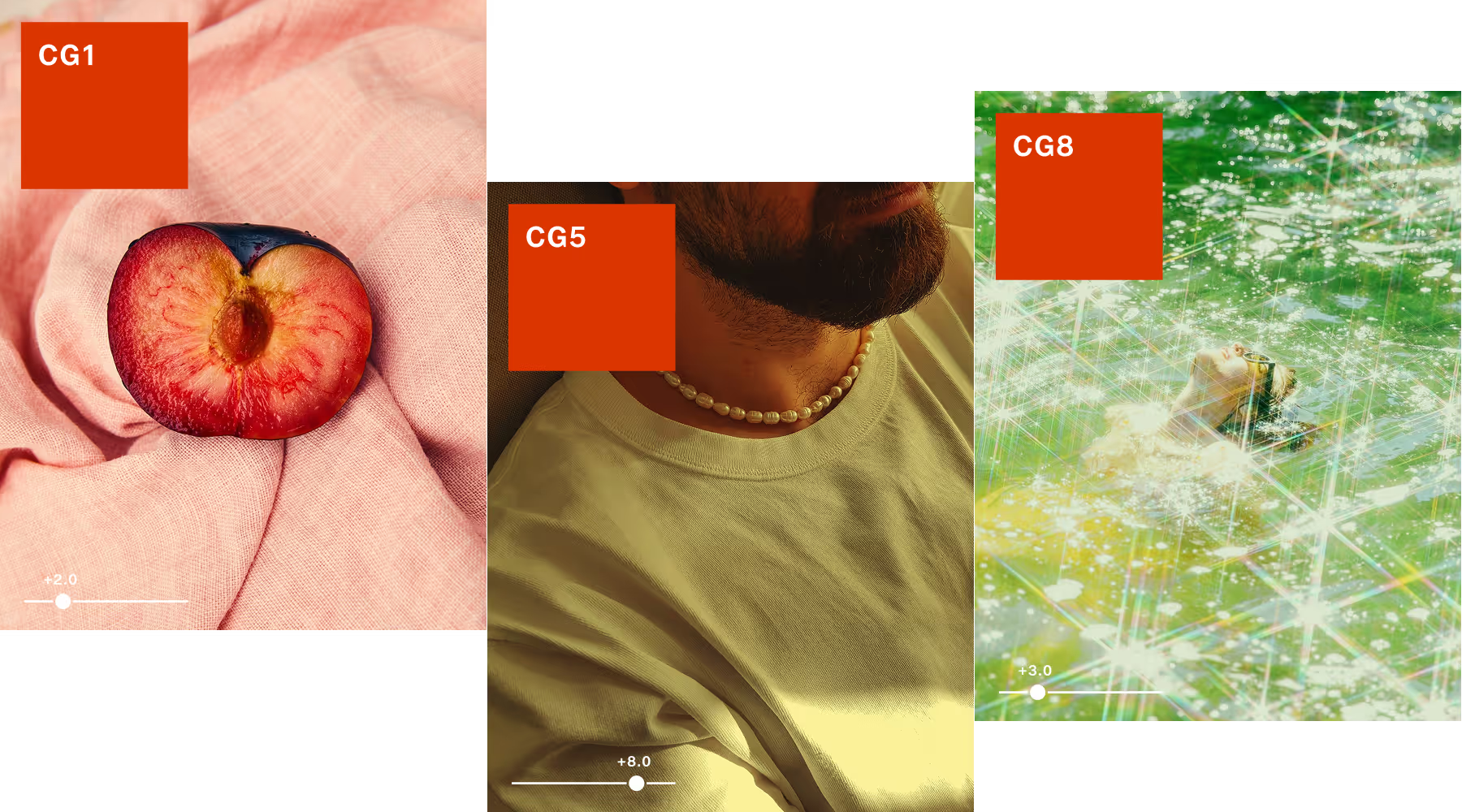
VSCO’s color grading presets deliver pro results in one tap, with full control to refine. Shape subtle mood shifts and cinematic looks using the CG series: Duotone, Blue, Gold, and Green, each in low and high intensity options.
You can also grade with 200+ presets, including Film X with real film stock emulations, advanced Pro Presets with expanded sliders for deeper control, and creator-inspired presets.
Whatever your subject or style, there’s a starting point that helps you move faster while keeping the final look entirely your own.
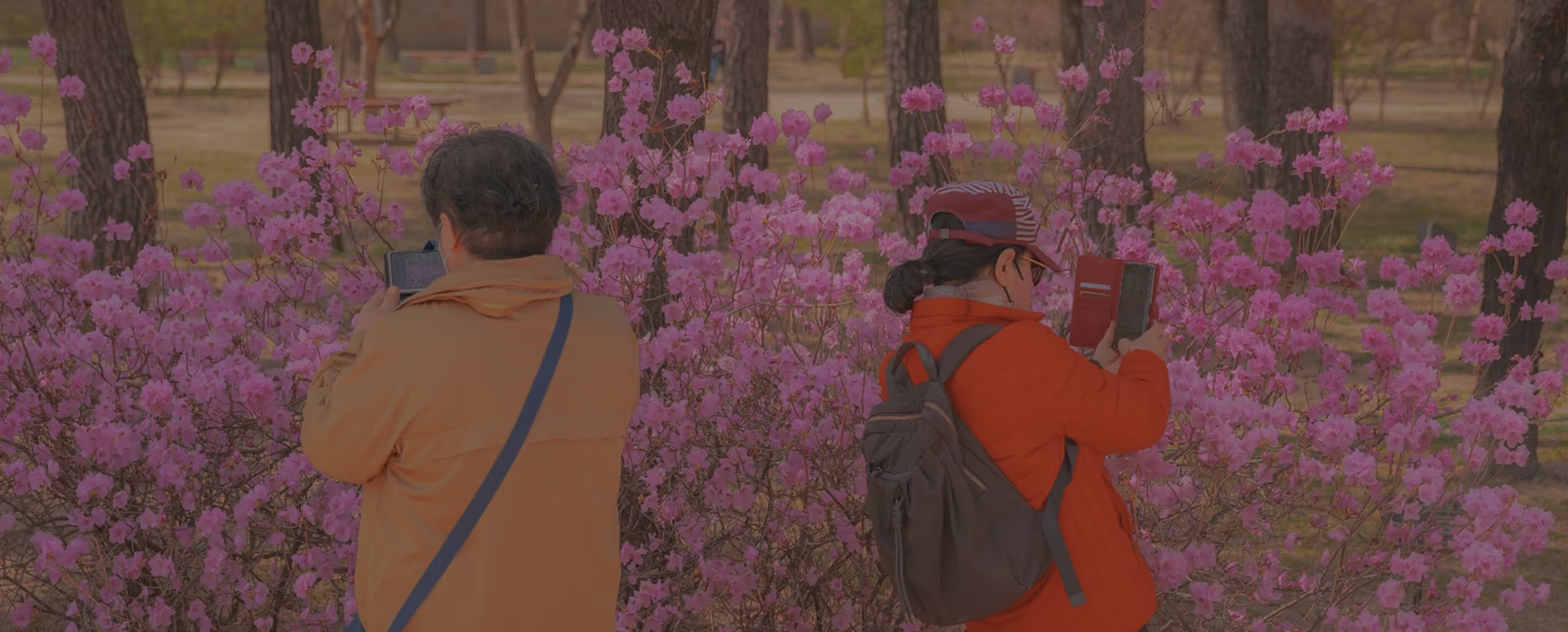
“I'm editing my images in a very intuitive way...when I'm sliding, one place to the other, hue, saturation, luminance, and I'm experimenting with the values of color.”

COLOR GRADE WITHOUT COMPROMISE
Refine every element with precision tools that work seamlessly across photo and video. Shape light, balance tone, and build depth without overprocessing.
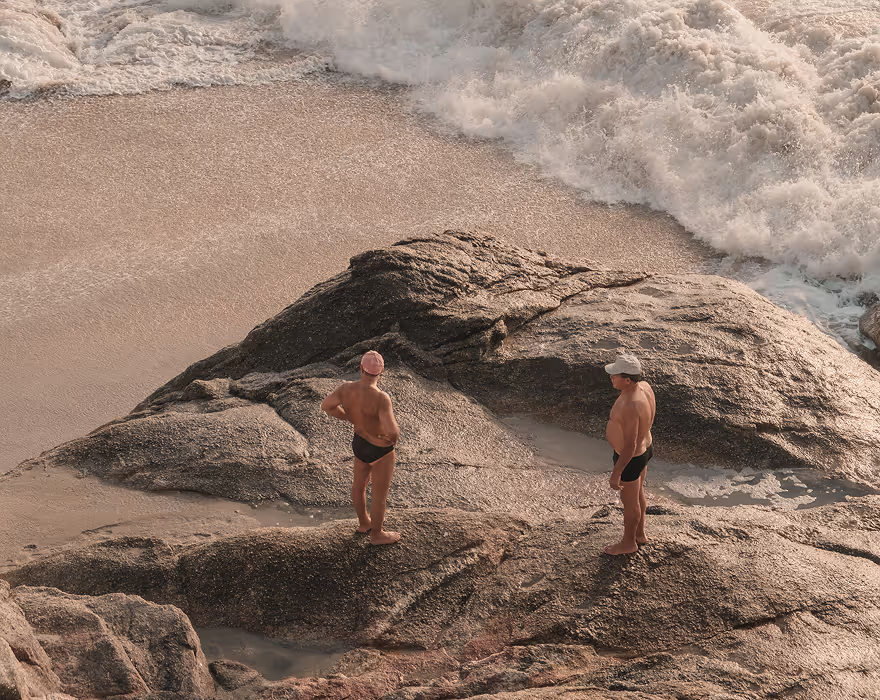
Shape the light by lifting shadows, softening highlights, or adding subtle contrast where it matters.

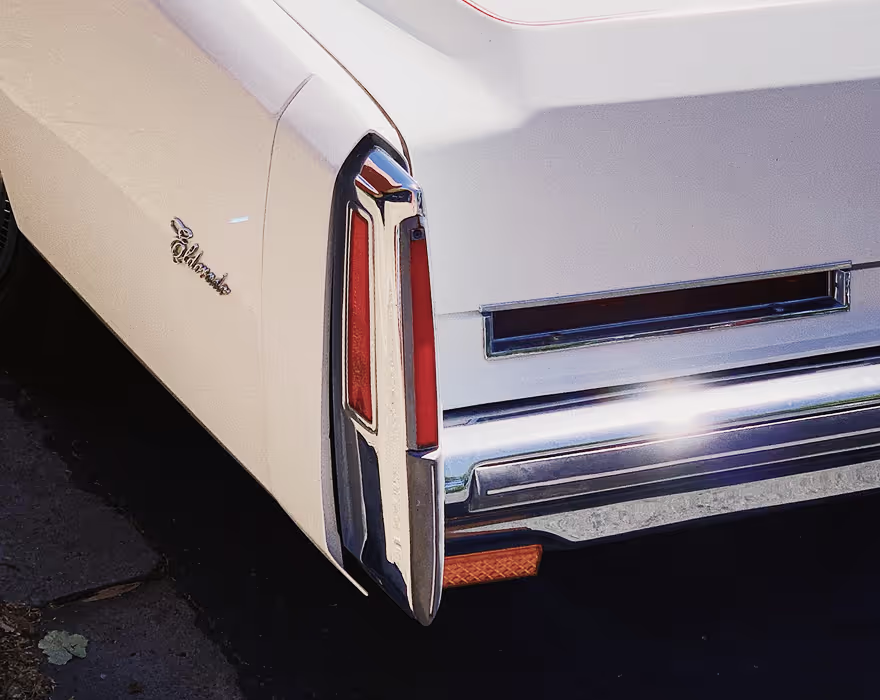
Calibrate color and correct casts from artificial light with White Balance.
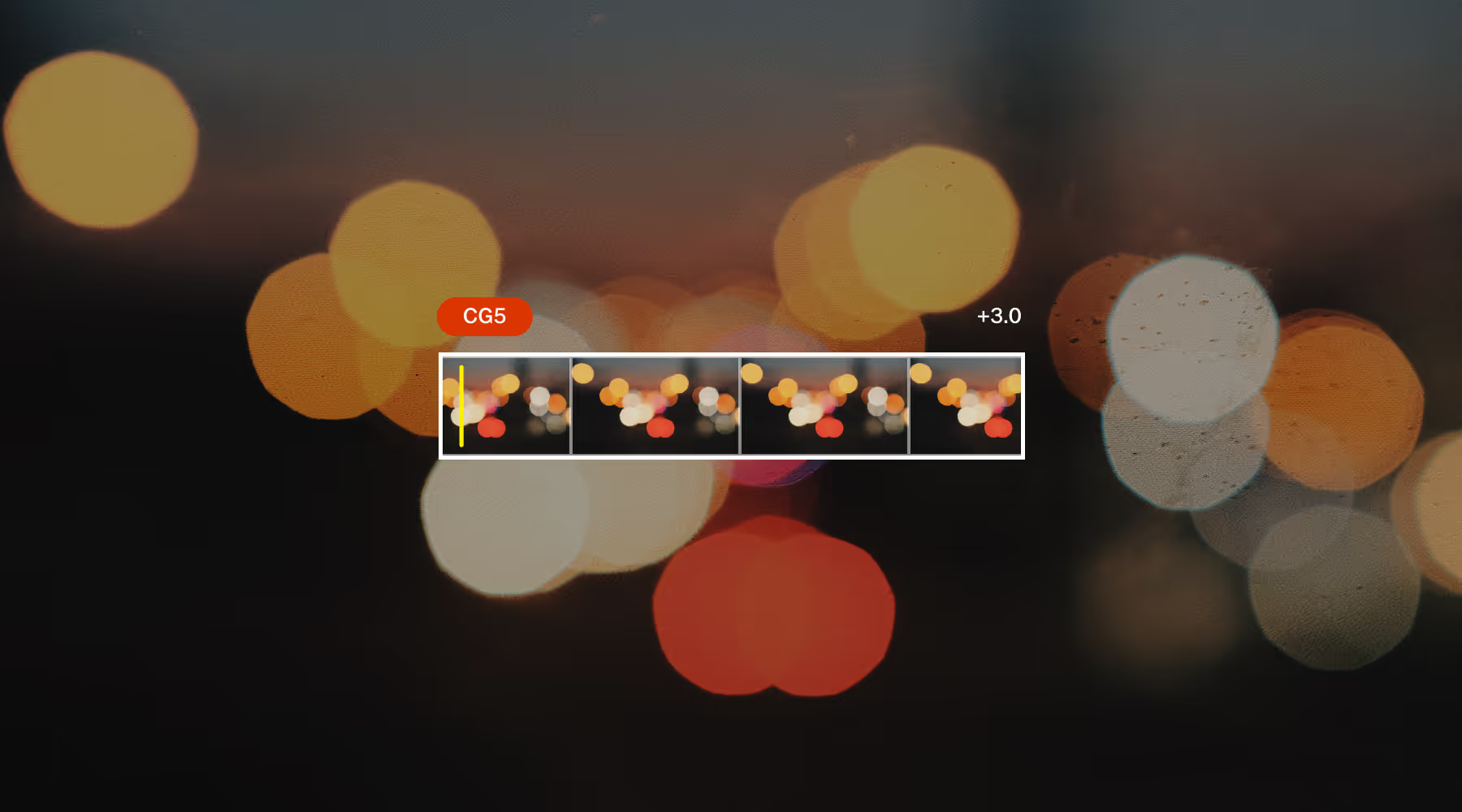
Color Grade Videos
VSCO makes video color grading feel as intentional and expressive with cinematic presets inspired by film, fine-tuned controls for exposure, contrast, temperature, and tint, and tools designed to preserve natural skin tones, VSCO lets creators shape mood without overprocessing.
Whether you’re correcting footage for consistency or building a signature look, VSCO’s video tools help you achieve a cohesive aesthetic that feels polished.
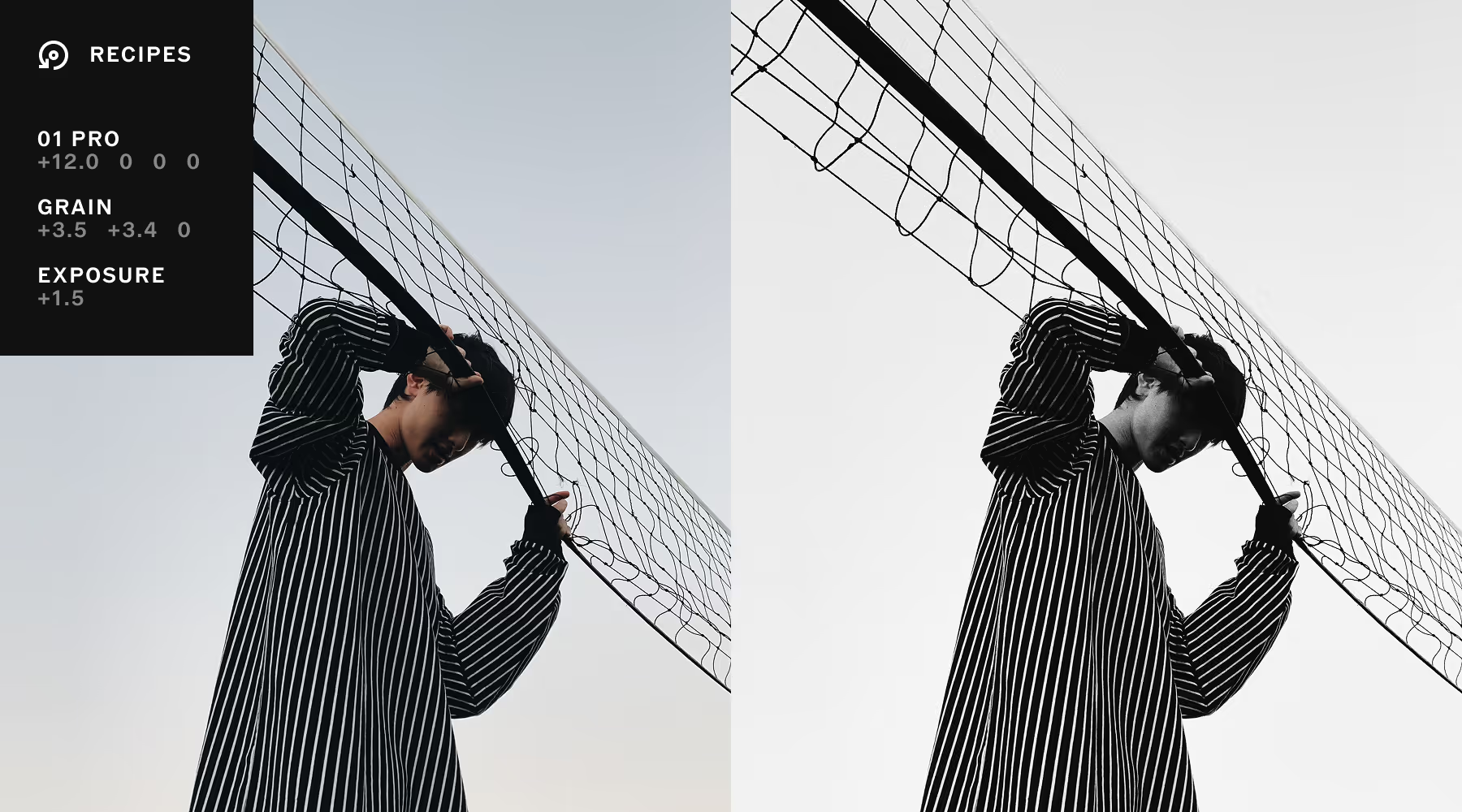
SAVE YOUR SIGNATURE LOOKs
Stop recreating edits. Recipes capture tool and preset adjustments so you can apply your signature look to any photo or video. Copy and paste edits across an entire shoot in one tap.
Perfect a style once and reuse it across an entire shoot, working faster while maintaining quality and consistency for every project and client.
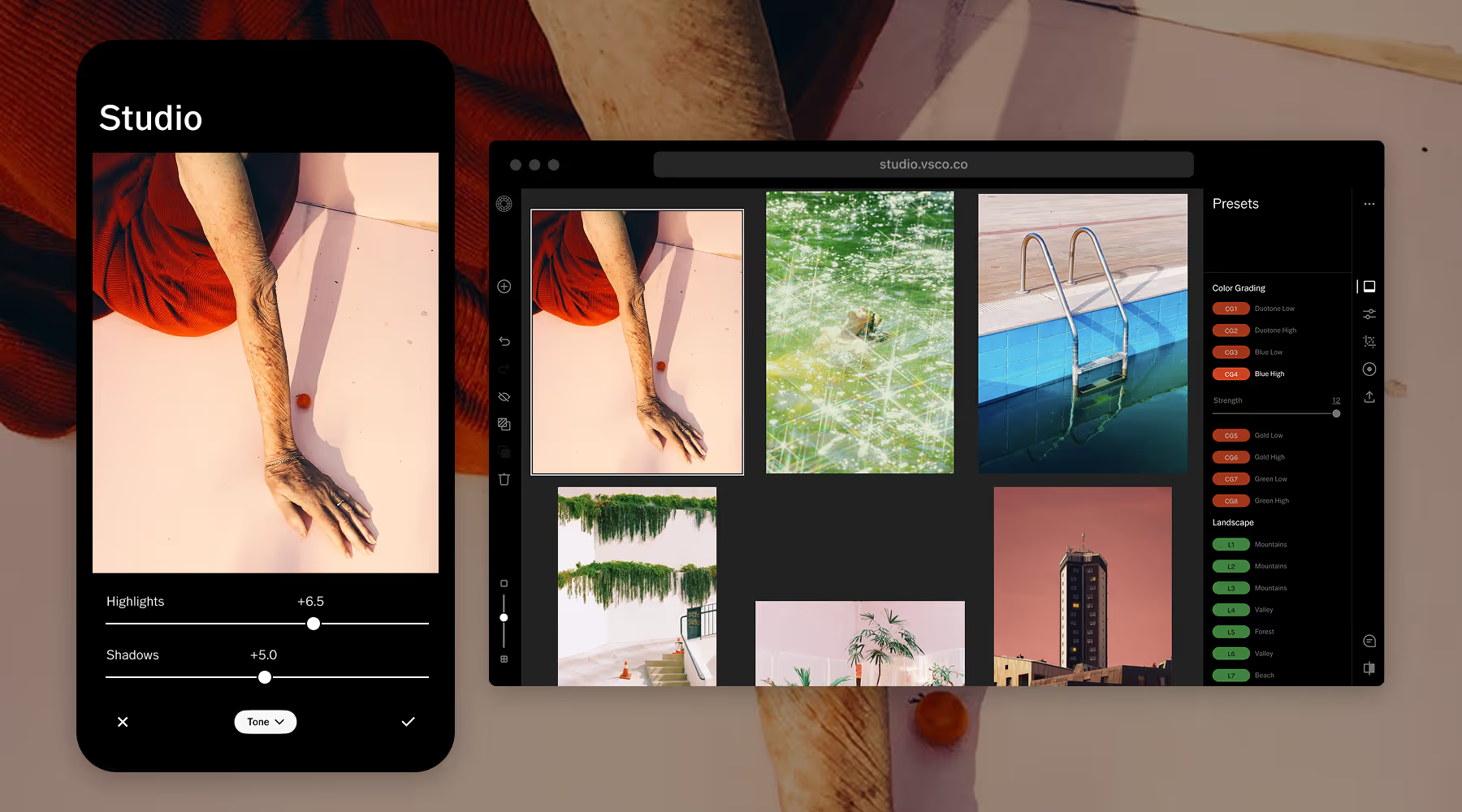
TAKE YOUR STUDIO ANYWHERE
Edit seamlessly across mobile and desktop without compromising quality or consistency. Access the same presets and precision tools wherever you work.
Start on set, refine at home, and make final tweaks on the go. VSCO meets you there.
Common questions about color grading
What is color grading in photography?
Color grading is the creative process of shaping color, tone, and mood after technical corrections are complete. While color correction fixes exposure and white balance for accuracy, grading is where you establish emotional direction—warm and cinematic, cool and moody, bright and clean. It's the difference between an image that's correct and one that's compelling.
What’s the difference between color correction and color grading?
Correction is technical, like fixing white balance, exposure, contrast, and skin tones so the image looks accurate. Grading is creative, building a specific mood or aesthetic that makes the image memorable. Correction makes it right, grading makes it your own.
How do you color grade a photo?
To color grade a photo or video:
- Start with foundational adjustments: exposure, white balance, contrast.
- Then refine highlights, midtones, and shadows separately.
- Use temperature and tint to establish overall tone.
- Adjust individual colors with HSL controls.
- Apply tools like split toning for cinematic depth.
With VSCO, you can build this all manually or start with a preset and customize from there. Experiment with different workflows to find the approach that fits your style.
What tools are used for color grading?
Professional color grading relies on HSL controls, split toning, exposure and contrast adjustments, white balance, LUTs or presets for consistency, and the ability to save custom edits. VSCO lets you combine presets with precise tool adjustments, then save everything as a Recipe for repeatable results.
Why is color grading important?
Grading creates visual consistency and emotional resonance. It establishes a recognizable style, strengthens your brand identity, shapes mood—nostalgic, dramatic, cinematic, understated. Without grading, images may be technically sound but lack the personality that makes them uniquely yours.
