
Batch image processing,
without the upload.
Compress, convert, crop, and edit 200+ images at once — then chain tools together without re-uploading. Canvas + WebWorkers. Works offline.
Photos never sent to any server · Free forever
Batch image tools, all local.
Photos never sent to any server · Free forever
Compress, convert, crop, and edit 200+ images at once — then chain tools together without re-uploading. Canvas + WebWorkers. Works offline.
How BulkPicTools is different
One upload. Any number of steps.
Most tools make you download then re-upload between steps. Here, every result flows directly into the next tool — compress → convert → crop → adjust, all in one session.
Every Tool You Need
79 free tools — compress, crop, convert. All local. Nothing uploaded.
Not sure which tool to use? Got a "file too large" error → Compress. Need a passport photo → Crop. iPhone photo won't open on Windows → HEIC to JPG.
Adjust Image Contrast
🔥 Popular 🔒 LocalFlat, washed-out photos? Boost contrast across your entire batch in one step — no Photoshop needed.
Image Brightness Adjuster
Product photos shot in dim light? Brighten the whole batch in one step — no Photoshop needed.
Black and White Photo Converter (Grayscale)
50 portrait photos need a consistent vintage film look. Batch convert — all processed in seconds.
Bulk Image Color Inverter
Design asset needs a dark-mode version. Drop your PNGs — invert all colors in one click.
Image to HD Converter
A blurry social media photo converted to crisp HD — AI enhanced, no upload needed.
AI Image Upscaler
A low-resolution photo that needs printing. Upscale 4x — sharp details, no blur, no watermark.
Background Remover
100 product photos that need white backgrounds. Batch remove — clean transparent PNG for every image.
Remove Object from Photo
Got a photobomber in your vacation shot? A power line ruining your landscape? An emoji sticker you want gone? Paint over it — AI removes it in seconds. Remove object from photo, remove person from photo, and clean up photo with one brush stroke.
Watermark Remover
Got a watermark in the corner of your photo? A logo overlay or timestamp you want gone? Brush over it — AI restores the image underneath in seconds.
Compress Image to 100KB
Form rejected your photo? Most government & job portals use this limit.
Compress Image to 1MB
WhatsApp, Discord, email — photo too large to send without it going blurry.
Compress Image to 200KB
Visa applications, passport renewals, official document uploads.
Compress Image to 20KB
Government portal asks for a 10-20KB signature image. PAN card application requires signature under 20KB. Forum needs an avatar under 20KB.
Compress Image to 2MB
Government portals, passport photos, university uploads, YouTube thumbnails, email attachments.
Compress Image to 500KB
Email attachment bounced back. Blog post images. E-commerce product photos.
Compress Image to 50KB
Government portal says max 50KB. Passport photos, ID scans, signature uploads.
Bulk Image Compressor
You have 50+ photos and need them all smaller. Drop the whole folder — done in seconds, nothing uploaded.
Reddit PFP Compressor
Your Reddit avatar looks blurry after upload. File too large for Reddit to handle cleanly.
AVIF to BMP Converter
Need an AVIF image as BMP for legacy software? Convert instantly.
AVIF to GIF Converter
Need an AVIF animation as a GIF? Convert in seconds for universal compatibility.
AVIF to ICO Converter
Need a favicon from an AVIF image? Convert to ICO in seconds.
AVIF to JPG Converter
Got an AVIF file that won't open in your editor? Convert to JPG in seconds.
AVIF to PNG Converter
Need to edit an AVIF image with transparency? Convert to PNG and keep the alpha channel intact.
AVIF to SVG Converter
Need an AVIF image as SVG for web design? Convert instantly.
AVIF to WebP Converter
Need AVIF compatibility but want to keep file sizes small? WebP is the sweet spot.
HEIC to JPG Converter
iPhone photos that won't open on Windows or Android. Batch convert 200+ at once — locally, no upload.
Bulk Image Converter
Convert any format to any format. HEIC, WebP, PNG, JPG, AVIF — all at once.
PNG to JPG Converter
30 design assets in PNG. Need JPGs for the web. Bulk convert with one quality setting — see the size reduction for each file in real time.
SVG to PNG Converter
Exporting an icon set for iOS, Android, and web? Upload all SVGs, check 1x + 2x + 3x, and download a ZIP with folders already organised by scale.
Image to AVIF Converter
Need smaller images for your website? AVIF is 50% smaller than JPEG at the same quality.
Image to JPG Converter
Transparent PNG showing a white box instead of transparency? Convert to JPG with white fill.
Image to PNG Converter
Need a transparent background preserved. Logos, stickers, overlay graphics.
Image to WebP Converter
Website loads too slowly. Convert to WebP and cut image size by 30–50%.
WebP to JPG Converter
Downloaded product images from a website. All saved as .webp. Word, Photoshop 2019, and the print shop's upload form don't accept them. Batch convert — done in under a minute.
2x2 Photo Cropper
US visa, US passport, India OCI — all require exactly 2×2 inches. One click to the right size.
Circle Image Cropper
Profile picture that needs to be a circle with transparent background. LinkedIn, Twitter, apps.
Bulk Image Cropper
100 product photos that need the same 1:1 ratio. Batch crop — consistent sizing across all.
Passport Photo Cropper
Applying for a passport or visa? Crop to the exact 35×45mm or country-specific biometric size.
Blur Faces in Photos
Blur faces in any photo. AI detects them automatically, or draw regions manually. Batch process entire albums at once.
Glitch Effect Generator
Creating cyberpunk style artwork? Making retro VHS aesthetics? Adding glitch effects to social media posts?
Merge Images
Drag images in, pick your layout, download the merged result.
Pixelate Image
Censor a screenshot? Turn a selfie into Game Boy pixel art? Batch-pixelate 50 product photos?
Round Image Corners
Round corners on any image. Set uniform or per-corner radius, pick Circular or Smooth curve style, choose transparent or solid background.
Split Image
Instagram 9-grid post? Design slices for dev? Giant photo split into A4 printable tiles?
Image DPI Checker
Need to know if a photo is print-ready? Check DPI in seconds — no software needed.
DPI Converter
Need to change photo DPI for a print lab? Do it in seconds — no Photoshop, no upload.
Online EXIF Editor
Online EXIF Viewer
APNG to GIF Converter
GIF Compressor
GIF Cropper
GIF Frame Extractor
Online GIF Editor & Maker
GIF Merger
GIF Resizer
GIF Reverser
GIF Rotator
GIF Speed Changer
Add Text to GIF
GIF to APNG Converter
GIF to Live Photo Converter
GIF to MP4 Converter
GIF to Sprite Sheet Converter
GIF to WebP Converter
GIF Trimmer
Typing Text GIF Maker
Images to GIF Maker
Live Photo to GIF Converter
Sprite Sheet to GIF Converter
Video to GIF Converter
WebP to GIF Converter
Facebook Image Resizer
Bulk Image Resizer
Instagram Image Resizer
Photo keeps getting cropped weirdly on Instagram. Resize to feed, stories, or reels specs.
Twitter Image Resizer
YouTube Thumbnail Resizer
Thumbnail looks blurry or gets rejected. Resize to the required 1280×720px exactly.
Bulk Image Flipper
Bulk Image Rotator
Batch Image Watermark
79 tools · all free · all local
No account · No upload · Works offline
AI — runs entirely in your browser
Local AI. No cloud, no API key, no data sent.
AI models are downloaded once and run on your CPU/GPU — the same way a desktop app would. Not a cloud API wrapper.
Background remover
AI LiveBatch remove backgrounds from product or portrait photos — transparent PNG, no upload
Face blur
AI LiveAI detects faces automatically, one-click batch blur or pixelate across albums
Image upscale
AI LiveSuper-resolution upscaling — 2× / 4× without quality loss
Watermark remover
AI LiveDetect and cleanly remove watermarks from batch images
Photo enhance
ComingAuto sharpen, denoise, and restore old or low-light photos
Auto-classify
ComingGroup photos by content — people, scenes, products — automatically
WebAssembly + WebGPU. Models run locally in your browser. First use downloads the model; after that it works offline too. Your images are never sent anywhere.
Scene pages
Not just tools — complete workflows.
Each scene page combines multiple tools into a single guided flow for a specific task. No jumping between tools, no figuring out what order to do things.
ID & passport photo
LiveCrop → compress → meet official requirements for 30+ countries. Biometric ready.
App icon export
In devOne master image → all iOS, Android, and web icon sizes, named and zipped.
E-commerce batch
PlannedRemove bg → compress → resize for Shopify, Amazon, Taobao listing specs.
Social media sizes
PlannedResize one image for every platform — Instagram, X, LinkedIn, YouTube, Facebook.
More scene pages ship every month
Not all image tools are built the same.
Most online tools send your files to a server, process one image at a time, or lock key features behind a paywall.
| Feature | BulkPicTools | Cloud compression tools | Single-image editors | Online Photoshop alternatives |
|---|---|---|---|---|
Files never uploaded 100% local processing | Always | |||
Batch 200+ images Process whole folders at once | Unlimited | Partial | ||
Tool chaining Compress → convert → crop, no re-upload | Full support | Partial | ||
Local AI models Runs on your CPU/GPU, no API | WebGPU / WASM | Partial | ||
ZIP / folder input Drop a whole archive at once | Yes | |||
Works offline No internet after first load | Yes | |||
Free, no account No watermark, no daily limit | Forever free | Partial | Partial | Partial |
Scene pages End-to-end guided workflows | Growing library |
Based on publicly available information. Tool categories are descriptive, not brand names.
How to batch edit photos online?
BulkPicTools is the simplest free online bulk photo editor. You don't need Photoshop to process multiple images at once. Just follow these 4 steps:
1. Select Files
Drag & drop your images. No upload wait time.
2. Process Locally
Your browser does the math.
Data never leaves device.
3. Instant Save
Download processed files immediately. No server limits.
Actively growing
New tools ship regularly.
Here's what's been added — and what's next.
Ready to take control of your images?
Join thousands of users processing images locally and securely.
Latest from Blog
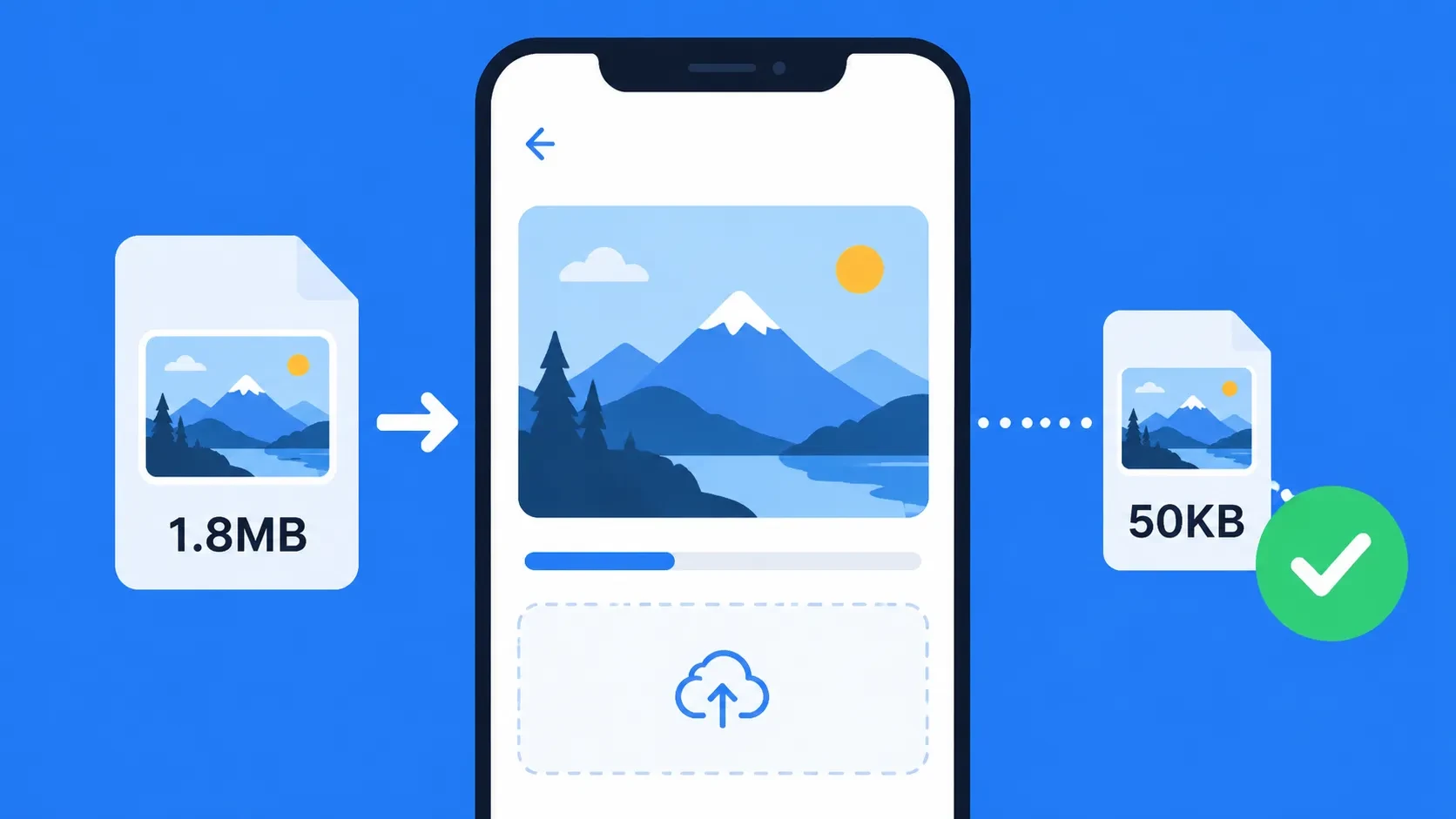
How to Make a Photo Exactly 50KB — Free Tool, No Upload (2026)
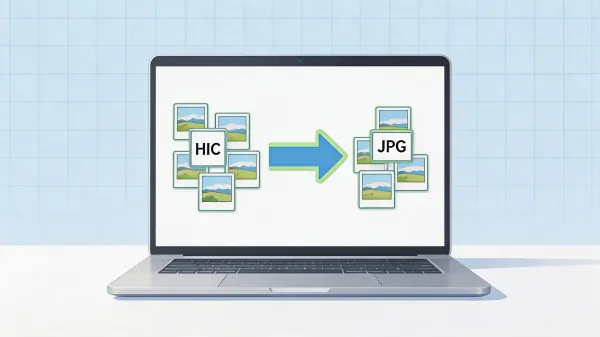
How to Bulk Convert HEIC to JPG on Mac — Free, No Software, No Upload (2026)
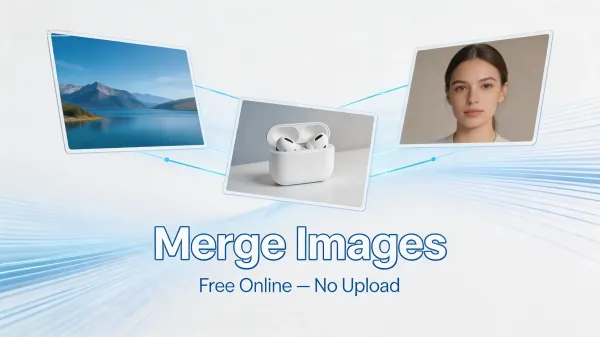
How to Merge Images Online Free — AI Image Merger, No Upload
How to Bulk Convert HEIC to JPG on Mac — Free, No Software, No Upload (2026)
How to Merge Images Online Free — AI Image Merger, No Upload
How to Upscale Image to 4K Free — AI Image Upscaler Online, No Signup
Frequently Asked Questions
Yes. All tools on BulkPicTools are 100% free — no account required, no watermarks, and no hidden fees. Simply open any tool, upload your image, and download the result instantly.
