Service Update
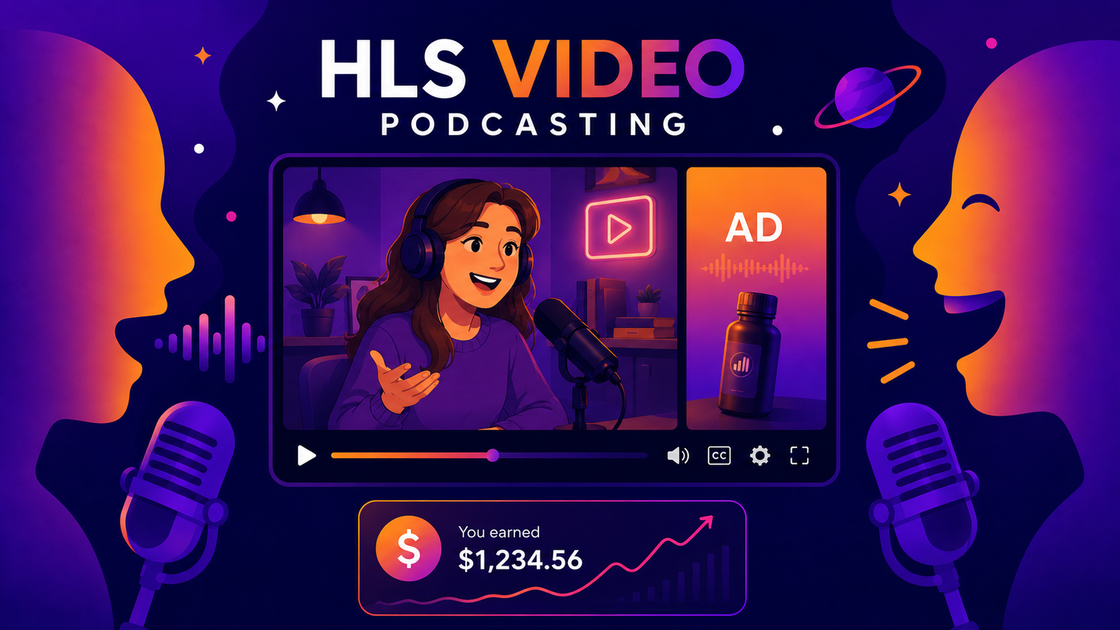
🎬 HLS Video Podcasting, Now With Money Attached
It is official. RSS.com Video Podcasting is out of early access, and it pays.
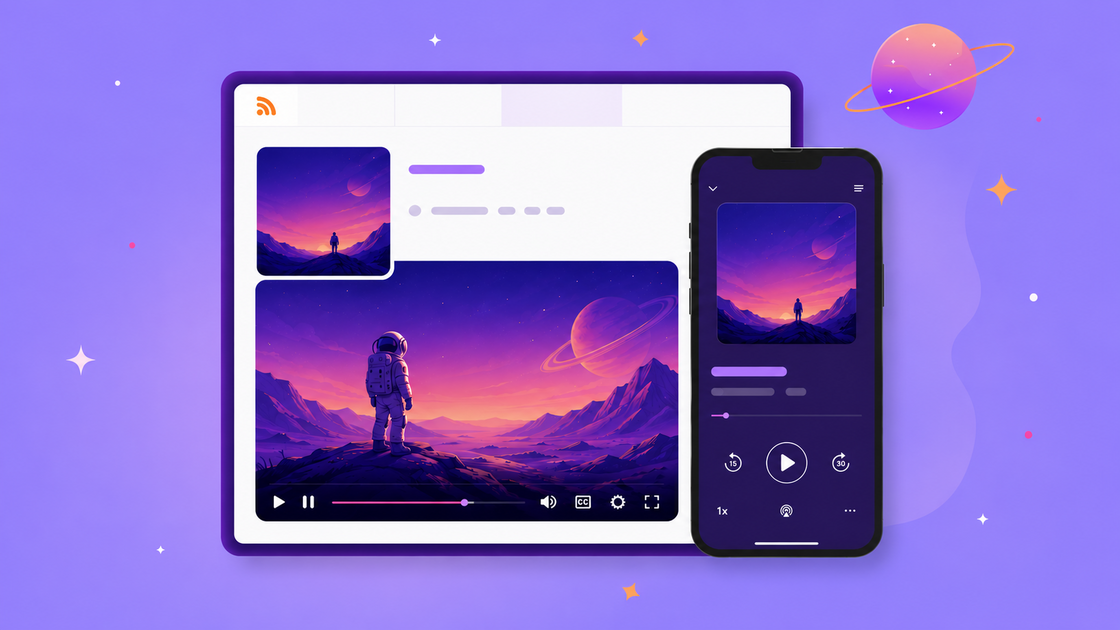
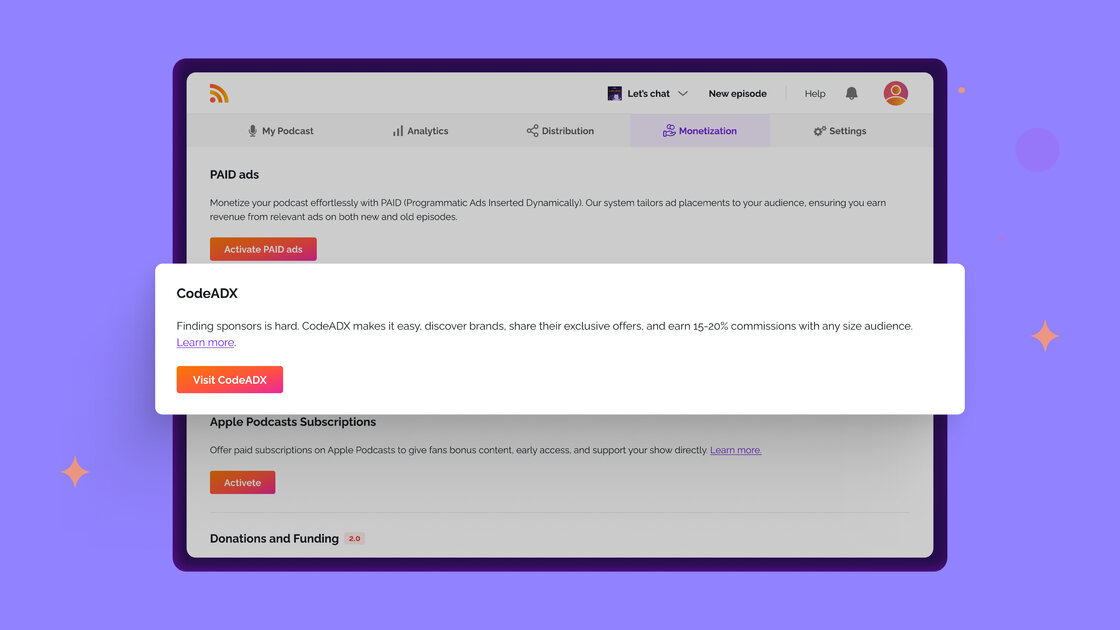
Publish a video episode and it plays in full video on Apple Podcasts, where listeners can switch seamlessly between audio and video. Ads run automatically on your video episodes from the very first one you publish, and you keep 70% of the revenue. Activate PAID (it takes a few minutes: accept the terms, add your PayPal) and you start receiving your share from that point forward. No download threshold. No follower threshold. No waiting.
Upgrade to our new Max plan for unlimited video and audio podcasts. Available now.
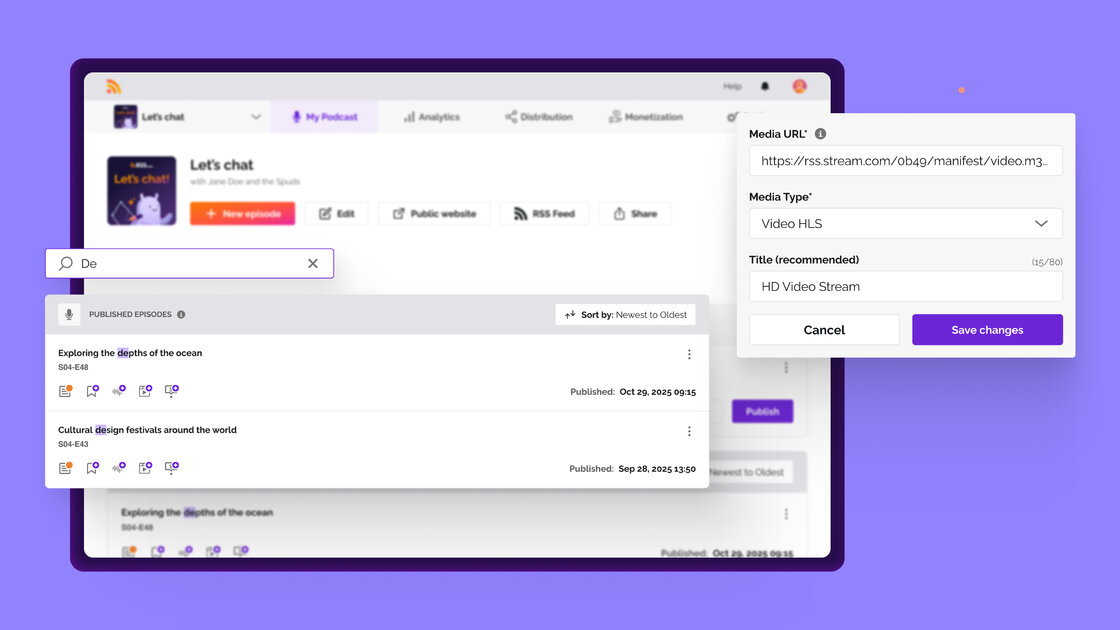
When you publish a video episode, the same upload goes to YouTube, with no second file to send. The video also travels in your RSS feed as an alternate enclosure, so it plays in Podcasting 2.0 apps that support it, like Pocket Casts, TrueFans, and Podcast Guru, and on your podcast web pages. Your video ads travel with it, so you can earn ad revenue when your video is watched on supported Podcasting 2.0 apps too. Everywhere else, the episode continues to play as audio exactly as it does today.
The same week that we launched video with ads, YouTube announced that it is roughly doubling the requirements for its Partner Program: new applicants will need 8,000 qualified watch hours in the past year, or 20 million qualified Shorts views in the past 90 days. Until creators qualify, ads can still appear on their videos, but they do not receive a share of that revenue. So RSS.com's HLS video offering is a new revenue channel for podcasters who want video, and an open door for YouTube creators whose format already works as a podcast, with no entry threshold to start earning.
New Feature
🏠 My Podcast, Your New Home Base
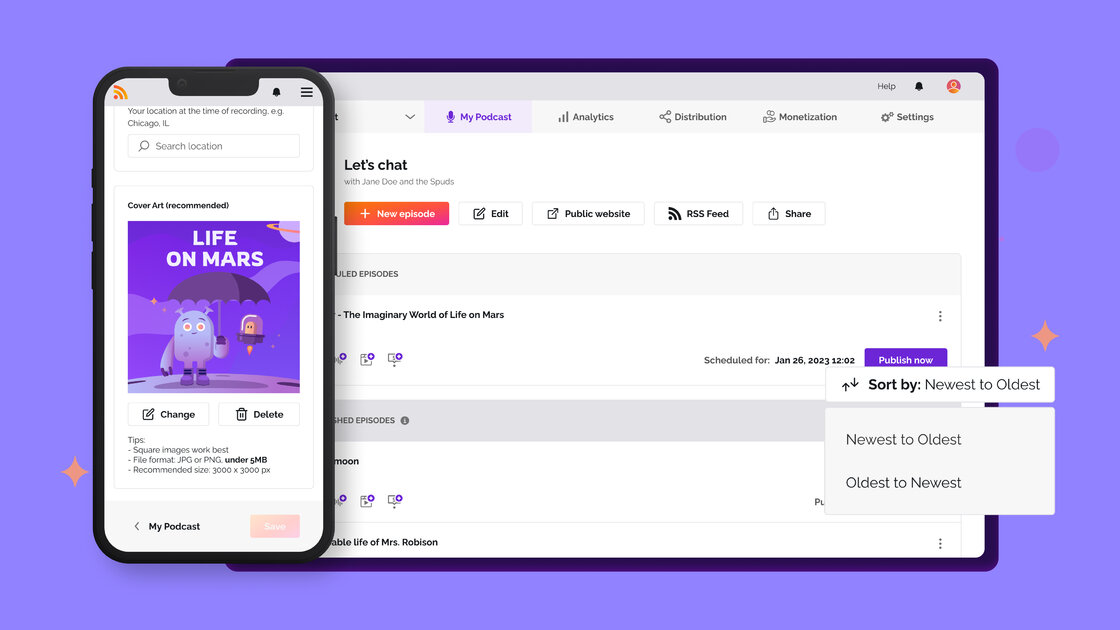
The My Podcast tab has been rebuilt as the place you land to check in on your show. It shows how far along you are, what to do next, where your monetization stands, and the resources worth reading. It is also where new notifications and nudges will appear from here on.
Episodes moved to their own tab, so managing episodes and checking on your show are now two separate jobs.
Improvement
🧭 Guided Setup for Your First Show
A step-by-step path from signup to your first listeners, built right into the My Podcast tab. Five steps: create your account, create your show, publish your first episode, distribute to the directories, and share it with your first listeners.
Steps tick off as you go, so you always know what comes next. New accounts see it on their first show, and it steps aside once you finish or once you are on a plan.