
Create beautiful movies from your screen.
Record your screen capture screenshots edit multiple scenes animate text images and captions add music and export stunning product videos in minutes.
One-time purchase
Screen record
Screenshot capture
Video edit
Motion design
4K export
macOS 15+

Everything you need to create a great Screen Movie
Record, edit, animate, and polish your screen with powerful tools designed to turn simple captures into beautiful, cinematic videos.
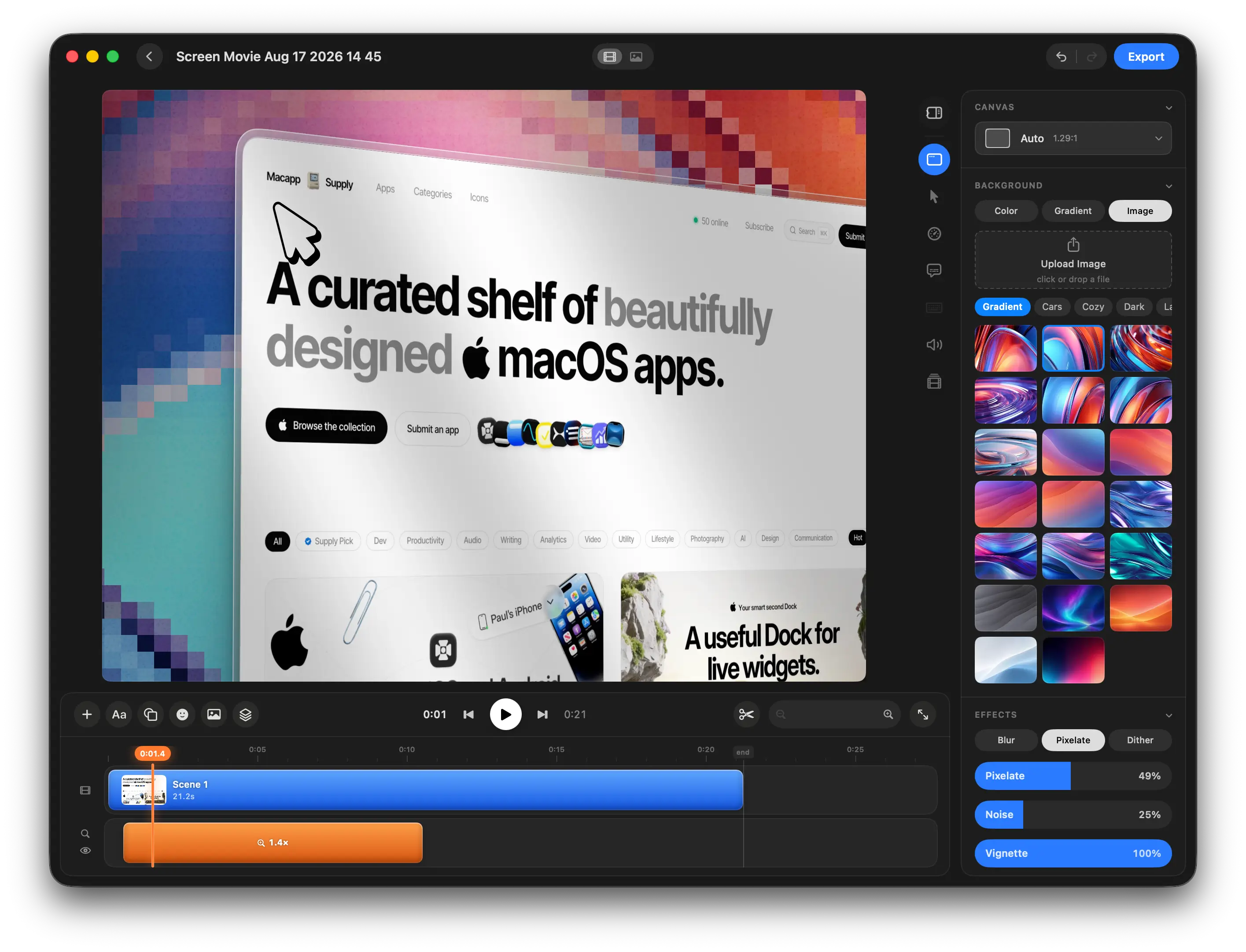
Customize Backgrounds, Effects, and Every Detail
Choose from beautiful backgrounds, gradients, images, and effects, or create your own custom look for every scene.
Edit Everything on One Simple Timeline
Arrange scenes, trim clips, cut sections, and manage your entire movie from one clean and intuitive timeline.
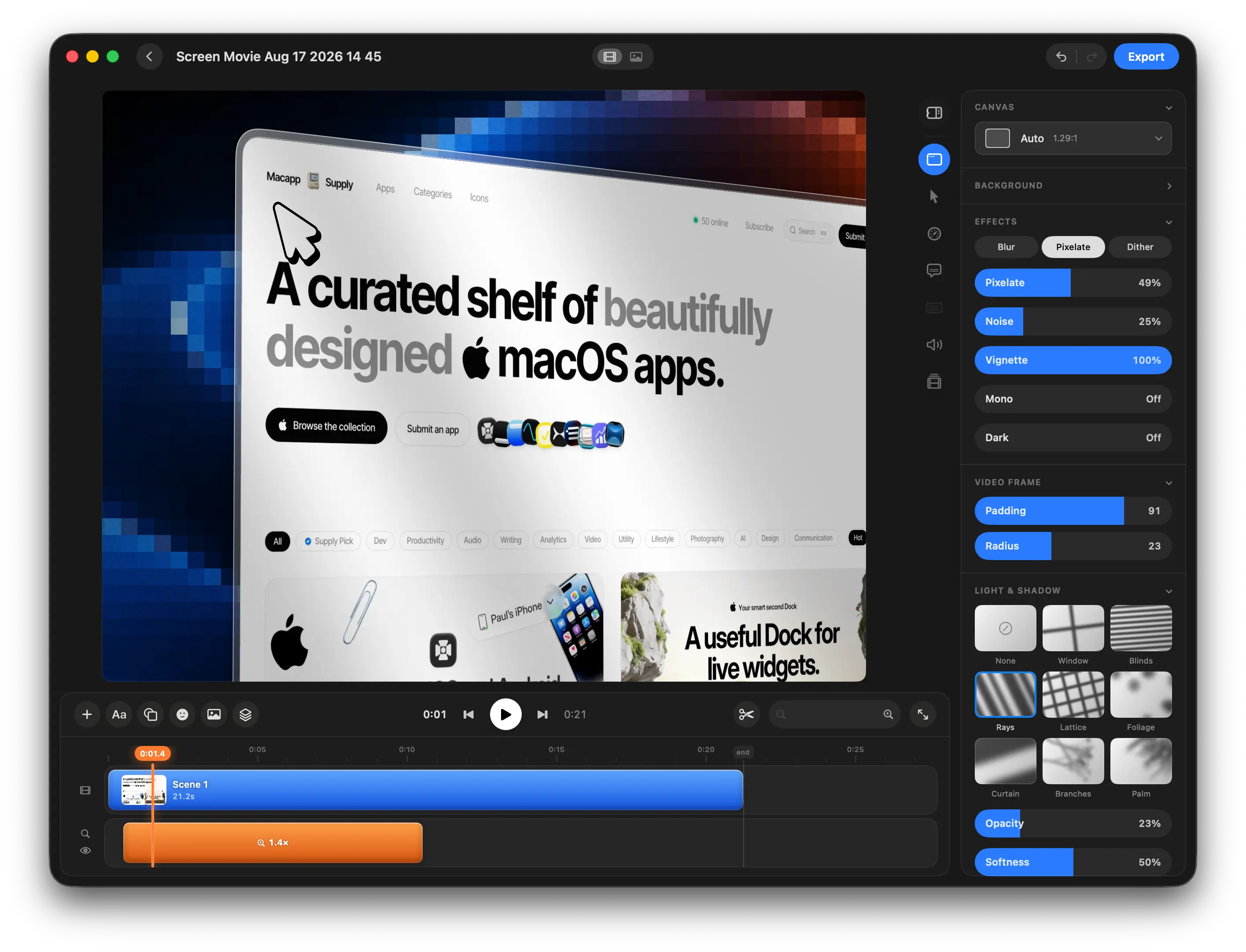
Create beautiful movies from your screen.
Record, edit, and bring your screen to life with cinematic motion, auto zoom, animated text, screenshots, music, and 40+ motion templates — all in one native macOS app.
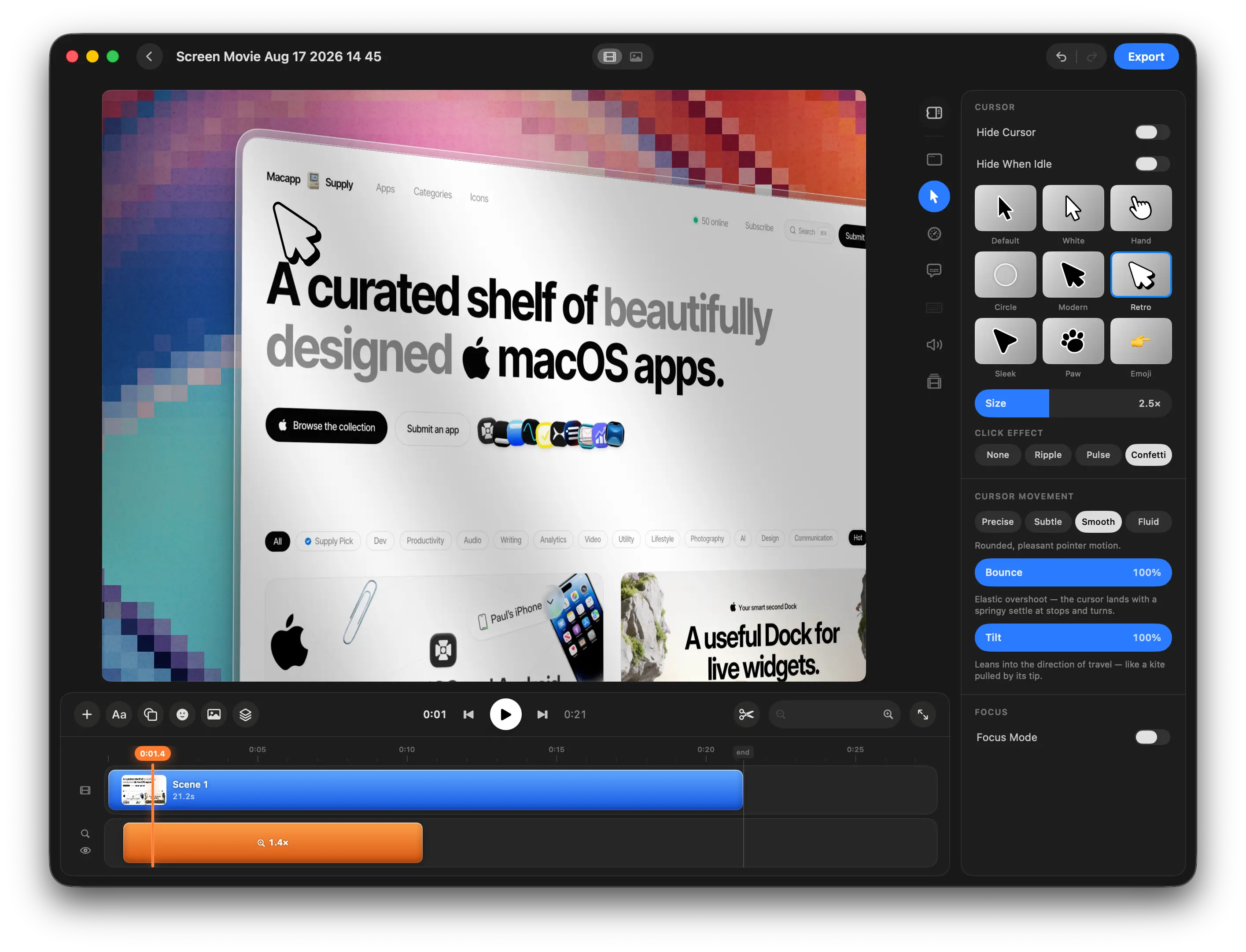
Perfect Your Cursor, Motion, and Size
Customize cursor size, style, movement, and motion effects to make every interaction clear, smooth, and easy to follow.
Add Light, Shadow, and Cinematic Depth
Use lighting, overlays, shadows, and depth effects to create richer, more atmospheric, cinematic-looking screen recordings.
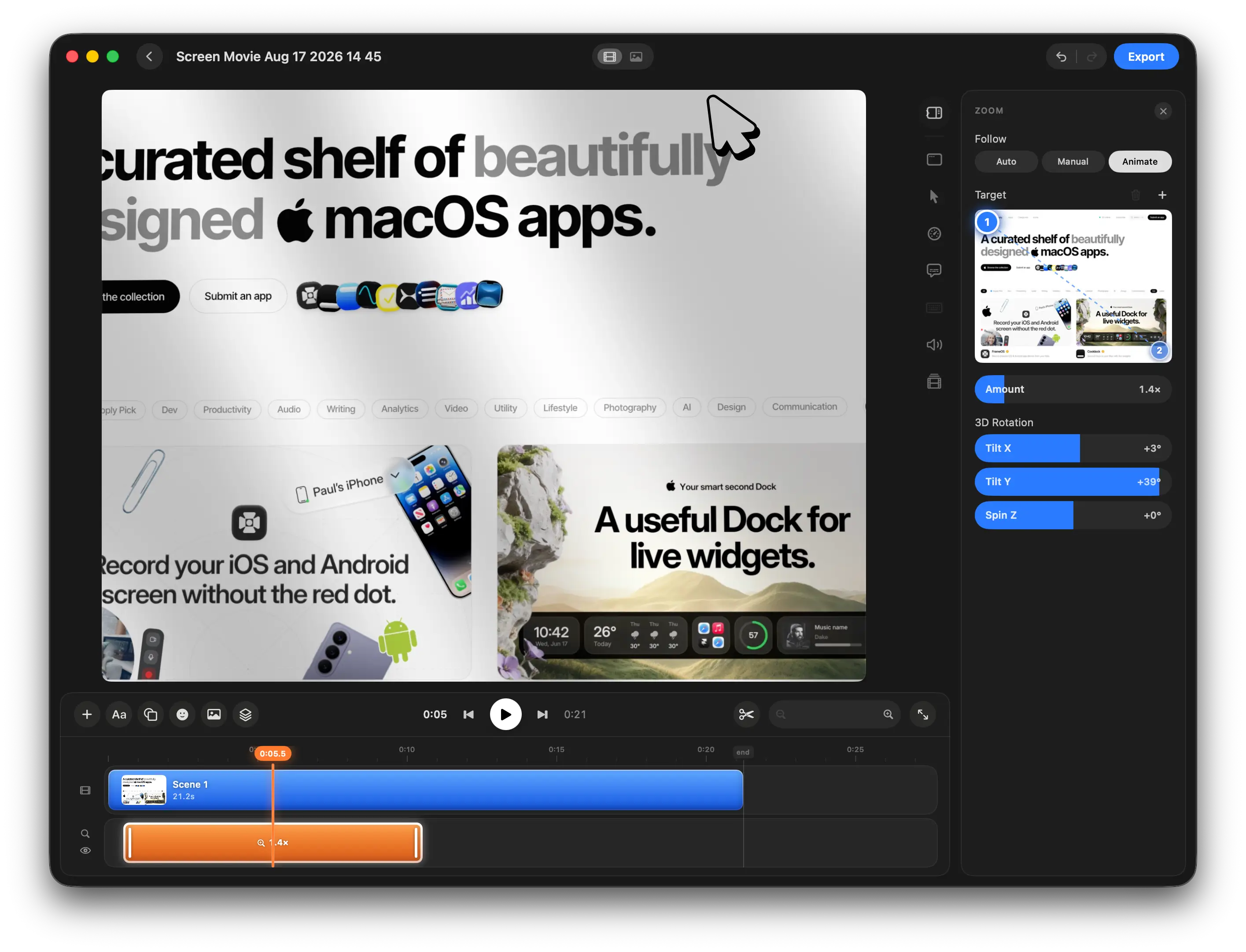
Create Cinematic Motion Around Your Screen
Set motion and zoom targets with keyframes, automatically follow the cursor, and add 3D rotation for smooth, cinematic screen movements.
Create Stunning Motion in Seconds
Choose from 40+ motion design presets, drop in your images or videos, customize every detail, and add polished animations directly to your timeline in seconds.
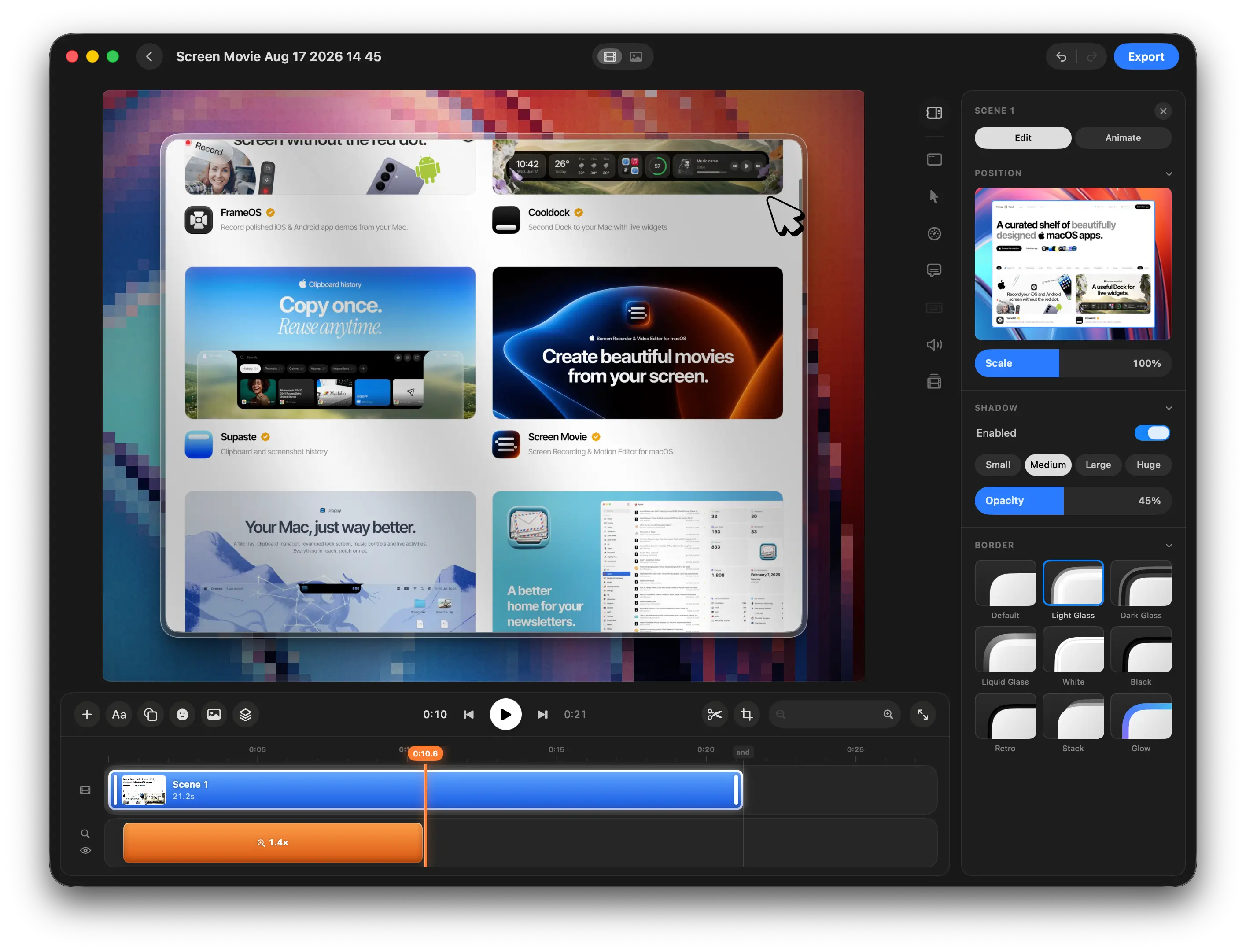
Shape Every Frame with Custom Borders
Customize corner radius, borders, spacing, and frame styles to give your screen recordings a polished, distinctive look.
One price.
Lifetime access.
One-time payment. No subscription.
Get lifetime access to Screen Movie on your Mac.
Get in early. Pay less. 🥳
Try it risk-free. If Screen Movie doesn’t fit your workflow, email us within 14 days and we’ll refund your purchase.
$29
$79
Limited offer for early users 🥳
98 spots left
$39
$49
$59
$69
$79
$29
98 spots left before the price increases to $39
One-time payment
14-day money-back guarantee
Lifetime updates included
All features unlocked from day one
Native macOS app
1 device license
Secure checkout by Polar.sh, powered by Stripe. Prices are in USD, excluding VAT and may vary by location.


Supaste app for macOS
Clipboard history
Supaste saves your clipboard and screenshots in a beautiful visual history, automatically grouped by type, app, and custom categories, so you can search, find, and paste anything back in seconds.
Cooldock app for macOS
Your smart second Dock
Cooldock brings music, todos, events, weather, search, stats, quick actions, and more useful widgets into one beautiful live dock beside your original Mac Dock.
