How authentication works
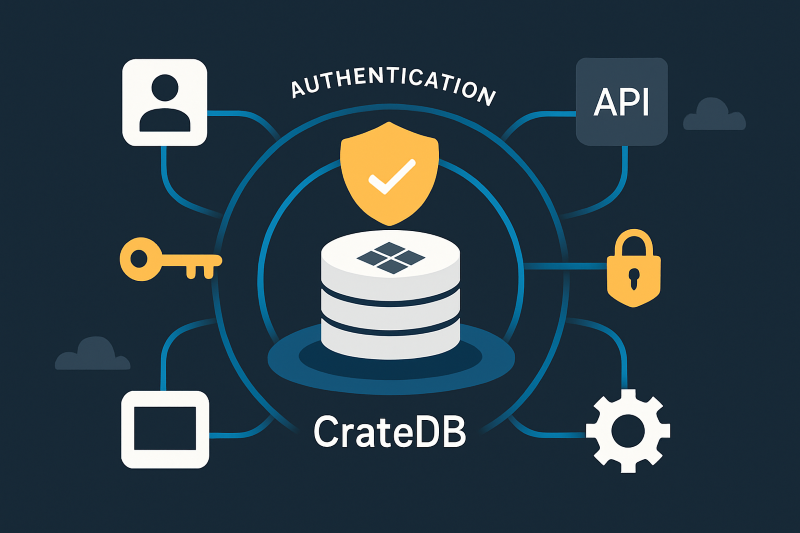
When a client connects to CrateDB (via the PostgreSQL Wire Protocol, HTTP endpoint, or driver), the system verifies identity through one or more configured mechanisms.
- User accounts and credentials: Each database user has an associated password or authentication method stored securely within the cluster.
- Transport Layer Security (TLS): All authentication exchanges can be encrypted using TLS/SSL to prevent credential interception.
- Token-based authentication: (CrateDB Cloud) Access tokens and scoped credentials simplify secure access from applications and services.
- Cloud sign-in: (CrateDB Cloud) Sign in with your GitHub, Google, or Microsoft account, or with a username and password.

Why it matters
- Access control begins with verification: Only authenticated users can access the cluster.
- Consistent management: Manage users and roles with SQL on self-managed clusters, and through the Cloud Console or API on CrateDB Cloud.
- Defense in depth: Combine authentication with RBAC, encryption, and auditing for a layered security approach.
- Compliance alignment: Authentication policies support enterprise security standards (ISO 27001).
Best practices
- Enforce strong passwords and rotations for all local users.
- Use TLS connections to protect credentials during transmission.
- On CrateDB Cloud, sign in with a GitHub, Google, or Microsoft account instead of a separate password.
- Regularly review and disable inactive accounts.
- Use scoped tokens or service accounts for automation and applications instead of shared credentials.