
Published on:
October 26, 2026
Pricing:
About TypeFire
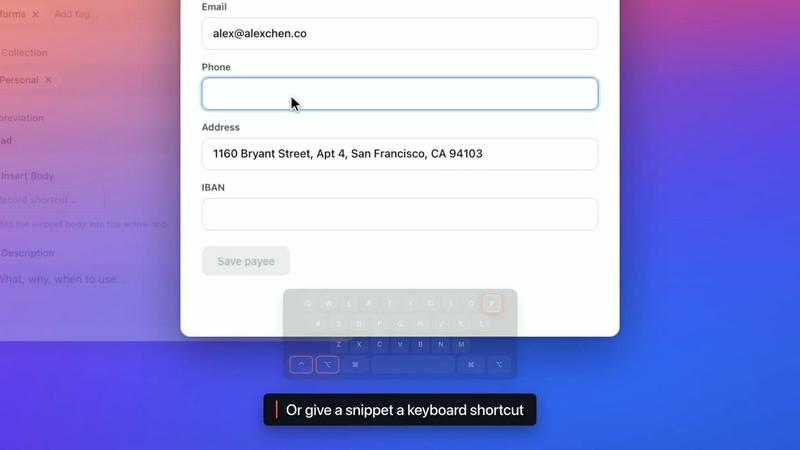
TypeFire is a text expander, a Markdown notes app and a clipboard manager in one. On the Mac each one opens over the app you are already in, with its own shortcut. In Chrome, Edge and Brave it works on every site.
Snippets. Type an abbreviation and get the whole thing: a signature, an address, the reply you send ten times a day. Snippets are unlimited and free, and they expand in every Mac app and on every website. Add today's date, fill-in fields that ask for a name before they expand, or an AI step that rewrites the text as it goes in. Bring your library over from TextExpander, aText, Alfred or Espanso.
Notes. Point TypeFire at a folder of Markdown files, including a live Obsidian vault, and it edits the same files in place. The editor formats as you type, with tables, checklists, wikilinks, backlinks, daily notes, tabs and a graph of how your notes connect. Press Space on any .md file in Finder and read it formatted.
Clips. TypeFire keeps everything you copy and lets you search it. Screenshots come back when you search for words inside them. Copies from password managers are never saved.
AI. Select text in any app and rewrite, fix, translate or summarize it in place, with Apple Intelligence, a local model, or your own OpenAI, Claude or Gemini key. On the Mac, AI apps such as Claude, Cursor and Codex can search and read your notes and snippets once you connect them.
It's free and never asks for a card. Pro is $18, paid once.
Similar to TypeFire

ButterShare
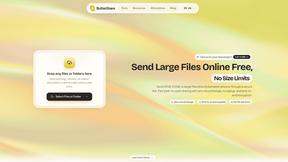
Send files straight between two browsers with a 6-digit key. No signup, no install, nothing stored on a server.

Emailyy
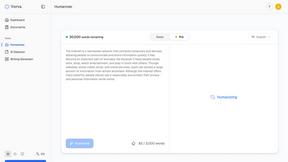
Free email tools for signatures, subject lines, HTML previews, word counts, and email headers. Browser-based, simple to use, and no signup required.

CloneWebsite
Clone any webpage pixel-perfect, export HTML/CSS/ZIP or React/Vue components.
Foreman
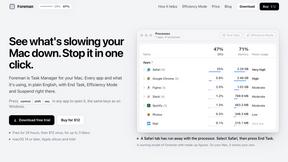
See every app and what it's using in plain English, and end or slow down the one that's hogging your Mac.

Uniclip
Clip pages, take full-page screenshots and batch-capture list data to Notion, Feishu, Obsidian, Markdown, CSV or JSON.
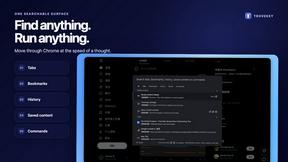
TroveKey
Search tabs, Chrome bookmarks and history, run browser commands, and save webpages and social posts locally—no account.
