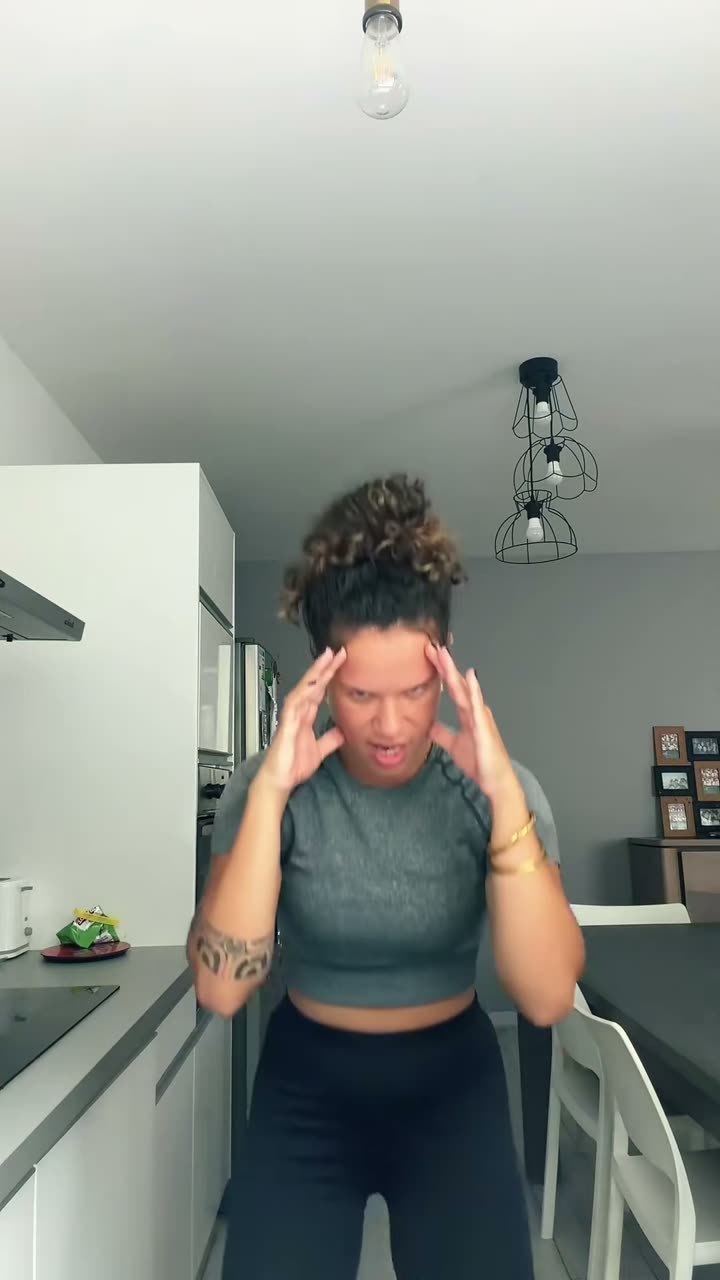
 Make yours
Bad Times AI
Choose one of nine person, pet, family, or Halloween presets for a new vertical video.
Start with a photo, a prompt, or a video idea.
Browse templates Meme Video Maker : AI videos from photos and ideas
Choose a scene, add the image it asks for, and create a short AI meme video. Models interpret each photo differently, so review the finished clip before sharing.
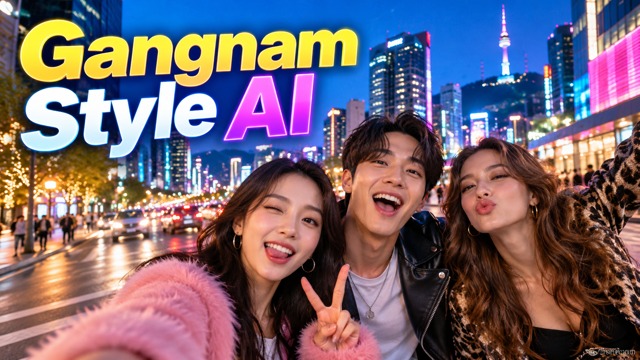 New1–3 photos · 15 seconds · optional original audioGangnam Style AIMake a camera-turning group selfie dance video with your people or pets.Make a Gangnam Style AI video
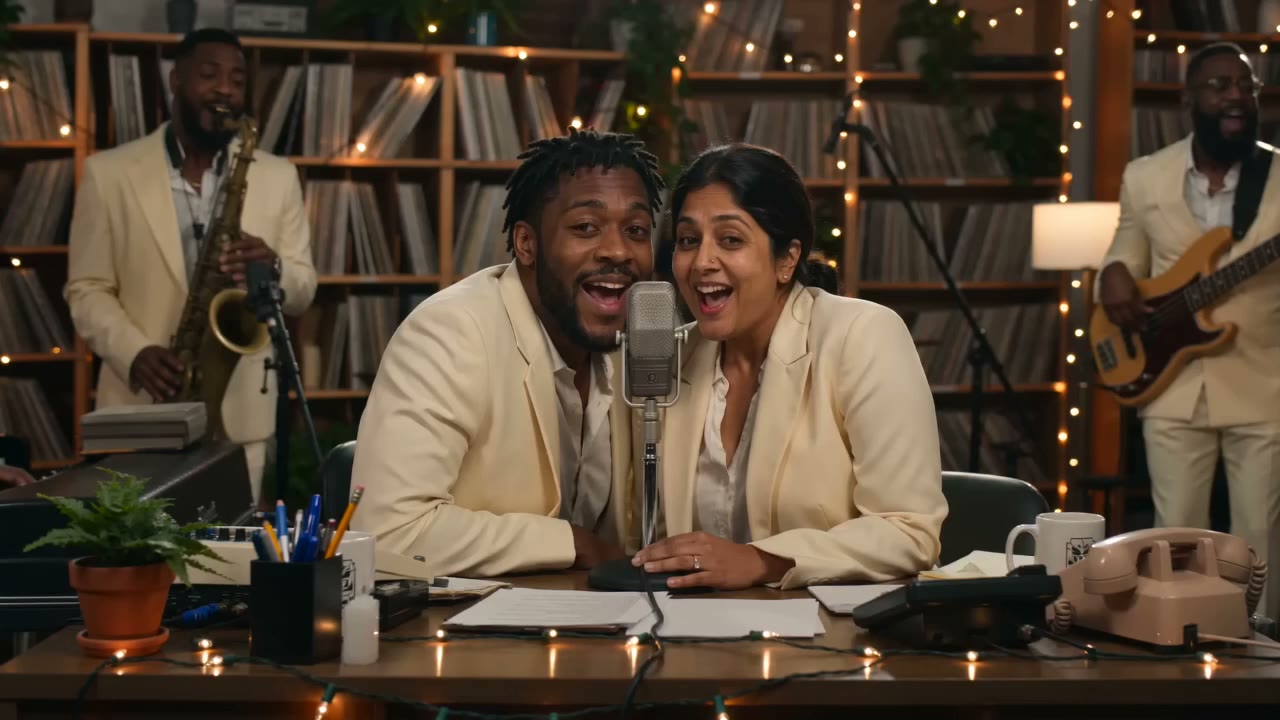 NewAuthorized reference · one or two photos · 15 secondsTiny Desk AITurn a photo into a compact desk-concert scene with new AI-generated instrumental audio.Make a Tiny Desk AI videoNewAuthorized reference · one or two photos · 10–30 secondsBad Times AIChoose a person, pet, family, or Halloween version and make a new vertical video from your photo.Make a Bad Times AI video
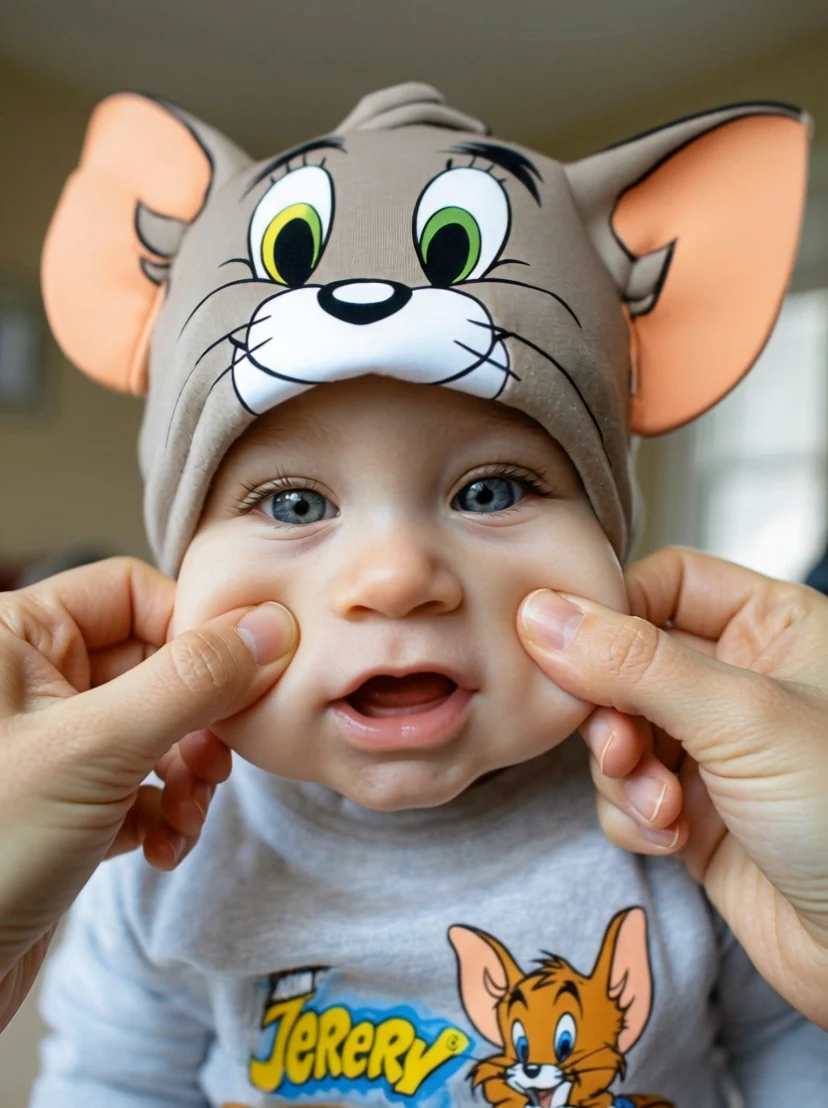 NewIllustrated preview · 1 adult photo · about 5 secondsAI Pinch CheekGive one portrait a gentle cheek-pinch moment in a new, short vertical video.Make an AI Pinch Cheek video
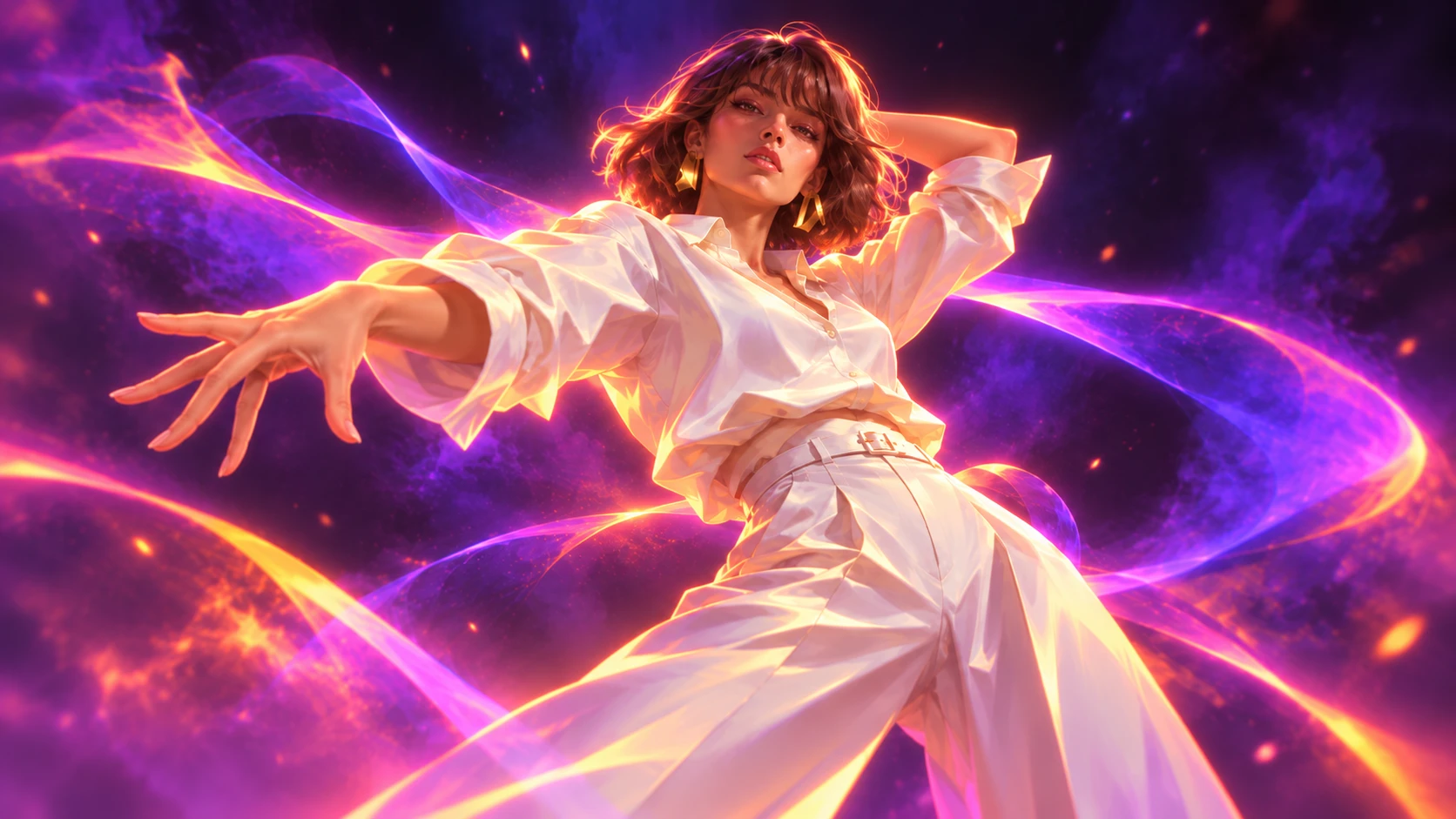 NewReference preview · 1 photo · about 13 secondsKDA Firestarter AI DanceStep into a virtual pop dance. Add one photo and let the movement reference guide your own new clip.Make KDA Firestarter AI Dance
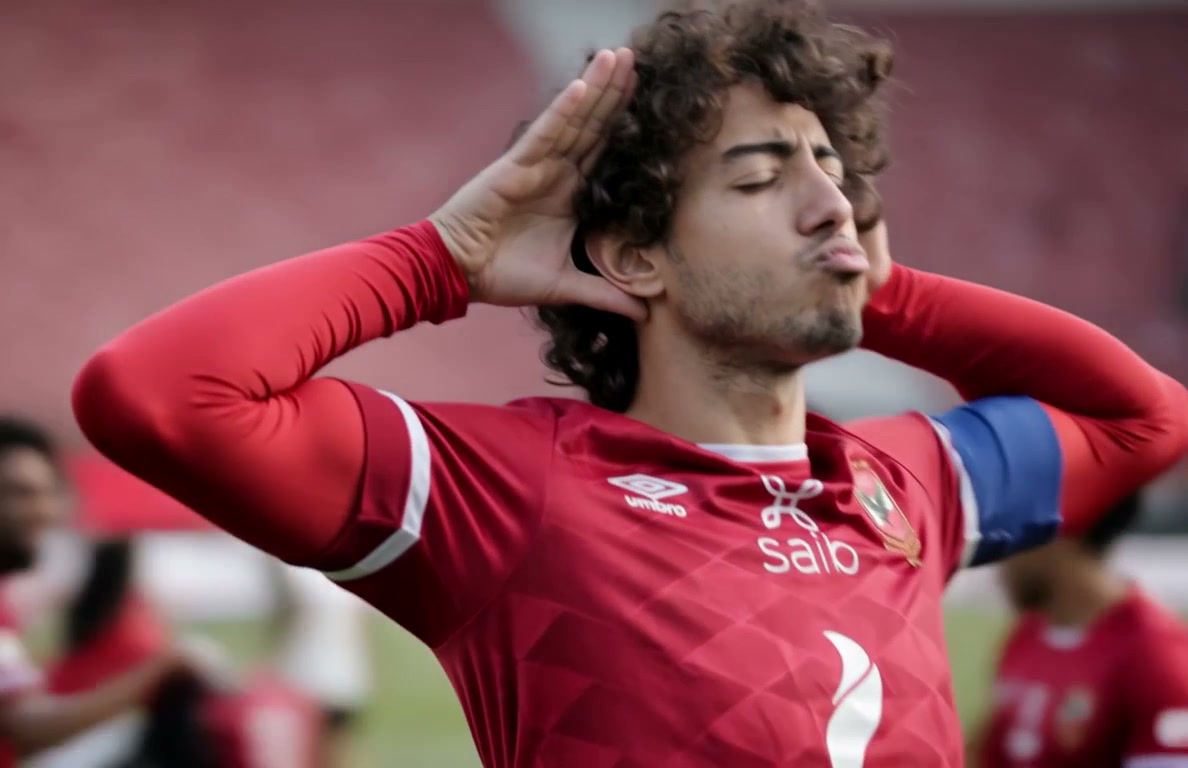 NewReference preview · 1 adult photo · one private resultEnzo Celebration AIStep into a football celebration. Add one photo and let the reference guide a new stadium moment.Make Enzo Celebration AI
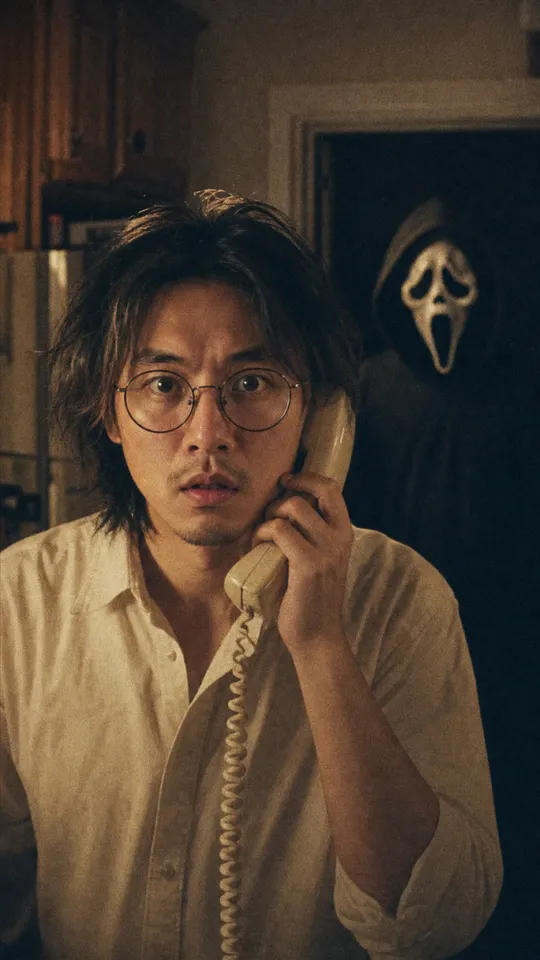 NewGhostfacePhoto · 5 credits
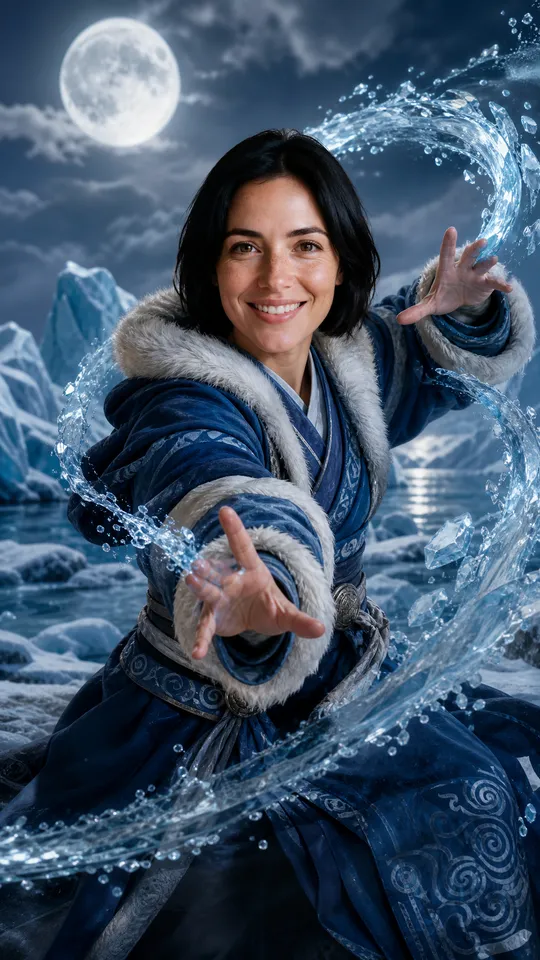 NewAvatar Seven Havens BenderPhoto · 5 credits
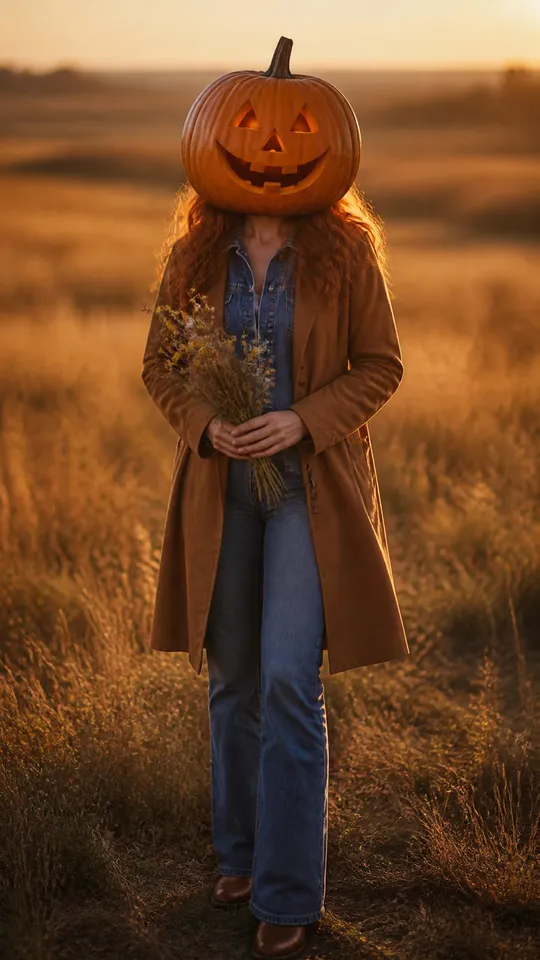 NewPumpkin HeadPhoto · 5 credits
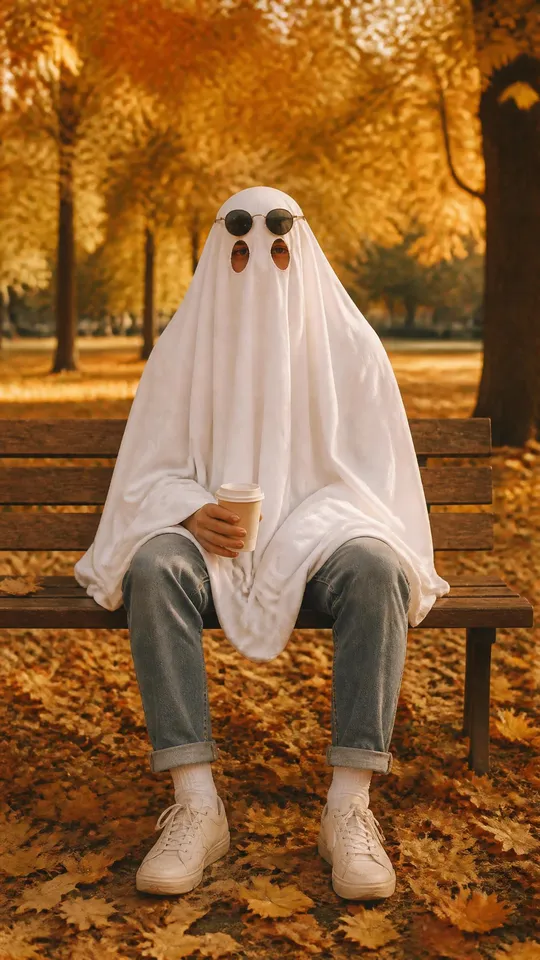 NewGhost PhotoshootPhoto · 5 credits
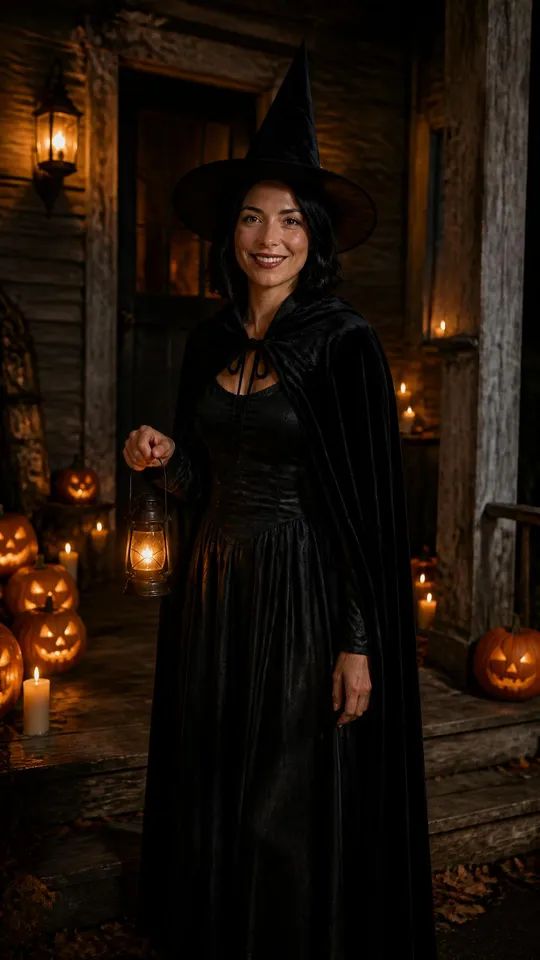 NewWitch CostumePhoto · 5 credits
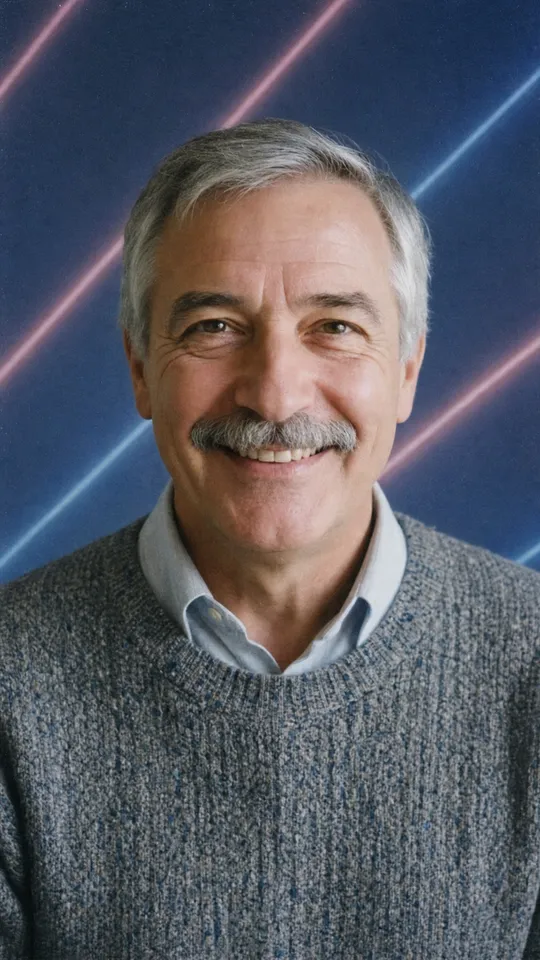 New90s School PhotoPhoto · 5 creditsExplainedRaindance trend2 people · Music · maker in testingExplainedSmalltown Boy trend2 pets · Dance · maker in testingMeme trend trackerWhat moved this week, with play countsReference examplesReference clips compared with source trendsYour videosRenders in progress and downloads
On TikTok right now
The most played TikTok for each of the 6 hottest trends, with its creator, play and like counts, and what happens in it. Tap to play here, then remake it with your own photos.
Clips belong to their creators, link to the original post and were not made with this site. Counts read on the date shown on each template page, where you will find more of them.
AI Halloween
The fall photo trends, made from a single selfie in a minute or two: Ghostface, Avatar Seven Havens Bender, Pumpkin Head, Ghost Photoshoot, Witch Costume, 90s School Photo. 5 credits a photo.
Make yoursChoose one of nine person, pet, family, or Halloween presets for a new vertical video.
Make yoursPreview the cheek-pinch effect, then make a new silent video from one adult portrait.
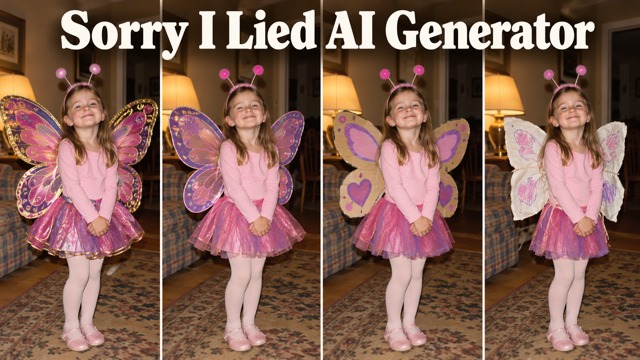 Make your reveal
Three costume edits, one funny confession. Finish your carousel with your unchanged original.
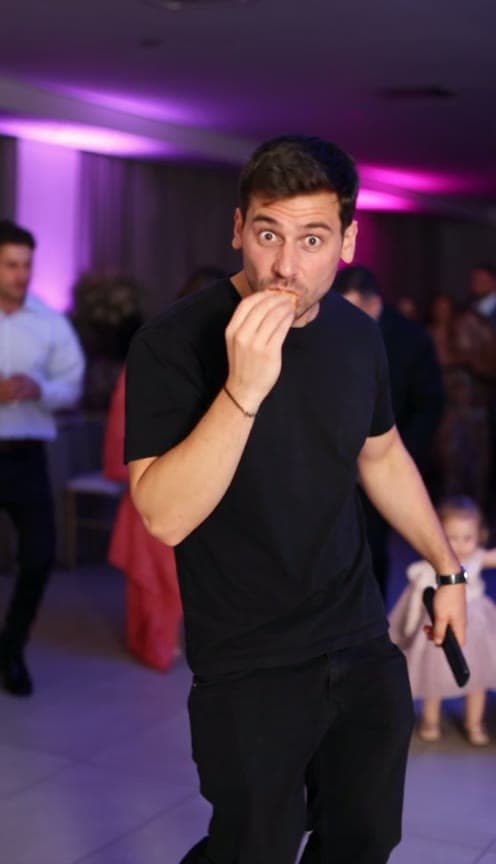 Make yours
Dance into the party, take a bite of concha, give the camera that deadpan look, and dance away.
Make yoursPhoto · 5 creditsYou on the kitchen phone, eyes wide. In the doorway behind you, the white mask.
Make yoursPhoto · 5 creditsWatching Avatar Seven Havens? See yourself as a waterbender, earthbender, firebender or airbender.
Make yoursPhoto · 5 creditsYour coat, your hair, your boots. And a carved pumpkin where your head should be.
Make yoursPhoto · 5 creditsA white bedsheet, two eye holes, black sunglasses on top. Your jeans and sneakers underneath.
 Make yoursPhoto · 5 credits
Choose a witch, vampire, gothic, pumpkin, fairy, or custom costume direction for a private still portrait.
Make yoursPhoto · 5 creditsThe head tilt, the sweater, the laser backdrop. Picture day, again.
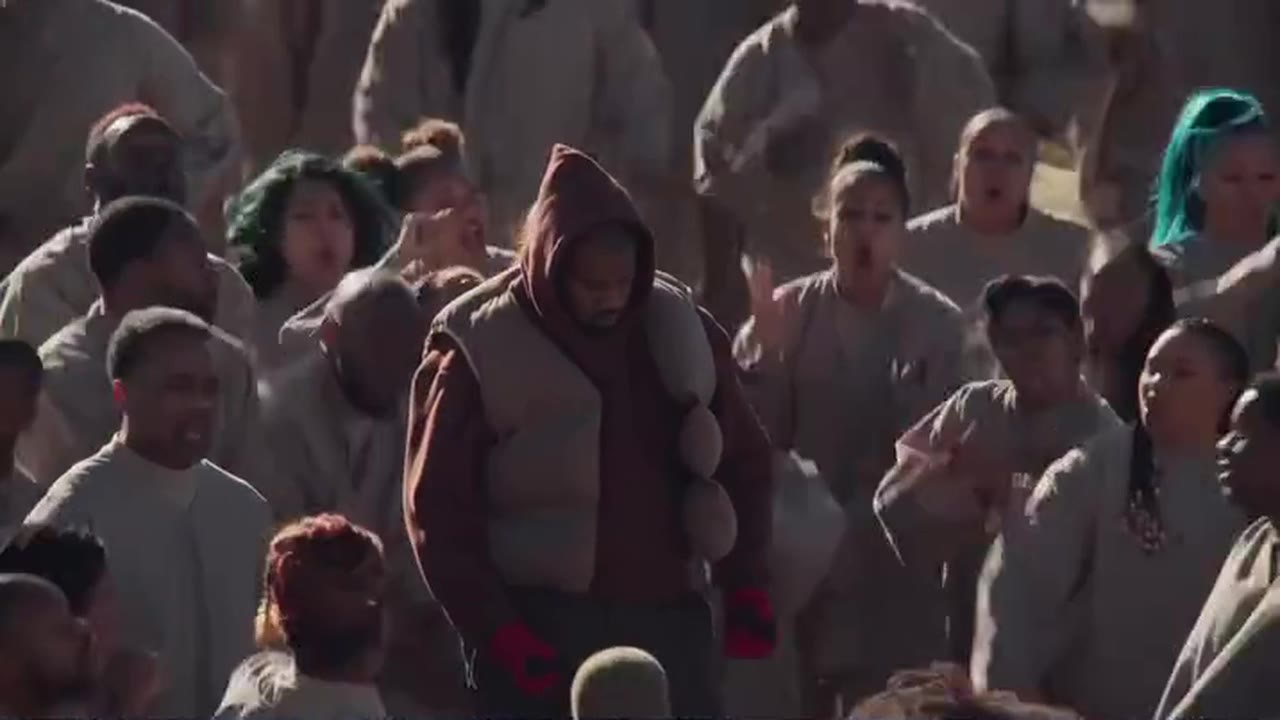
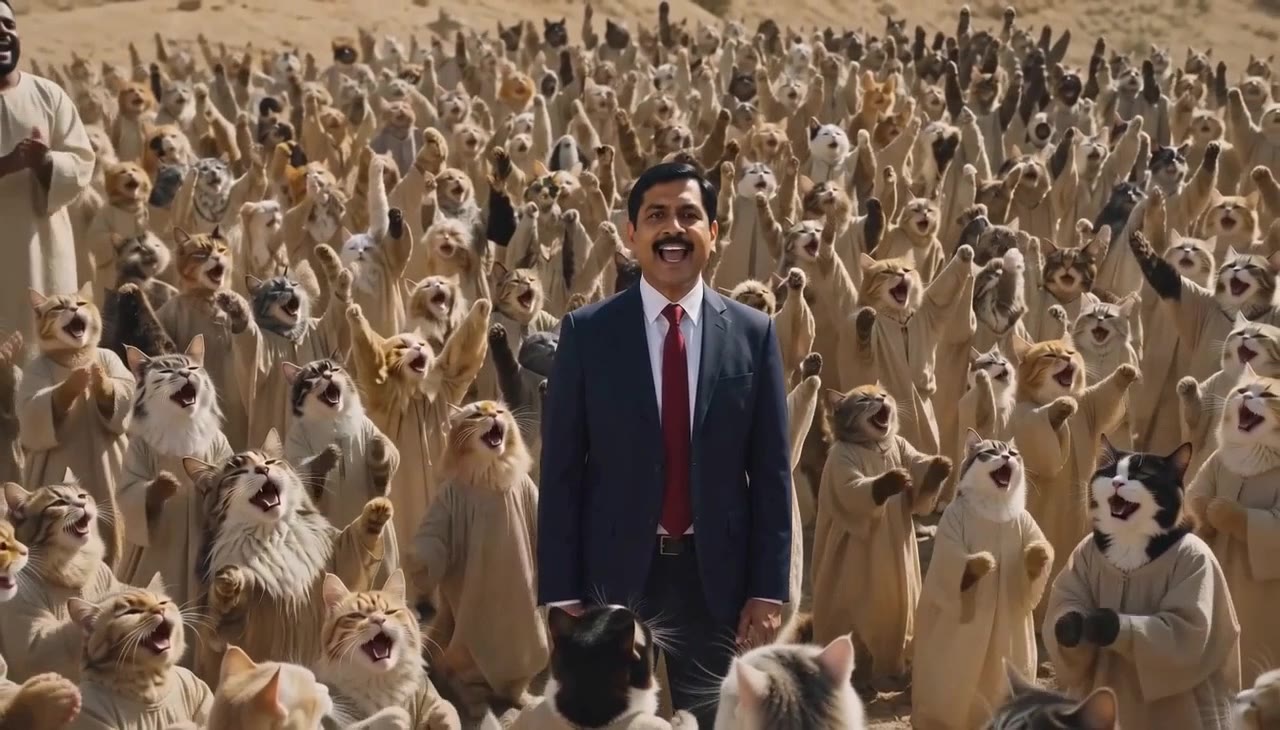
One calm face in the middle, hundreds of singers swaying around it, and the choir can be anything: cats, skeletons, grandmas.
 Trend clip
 Source-site reference
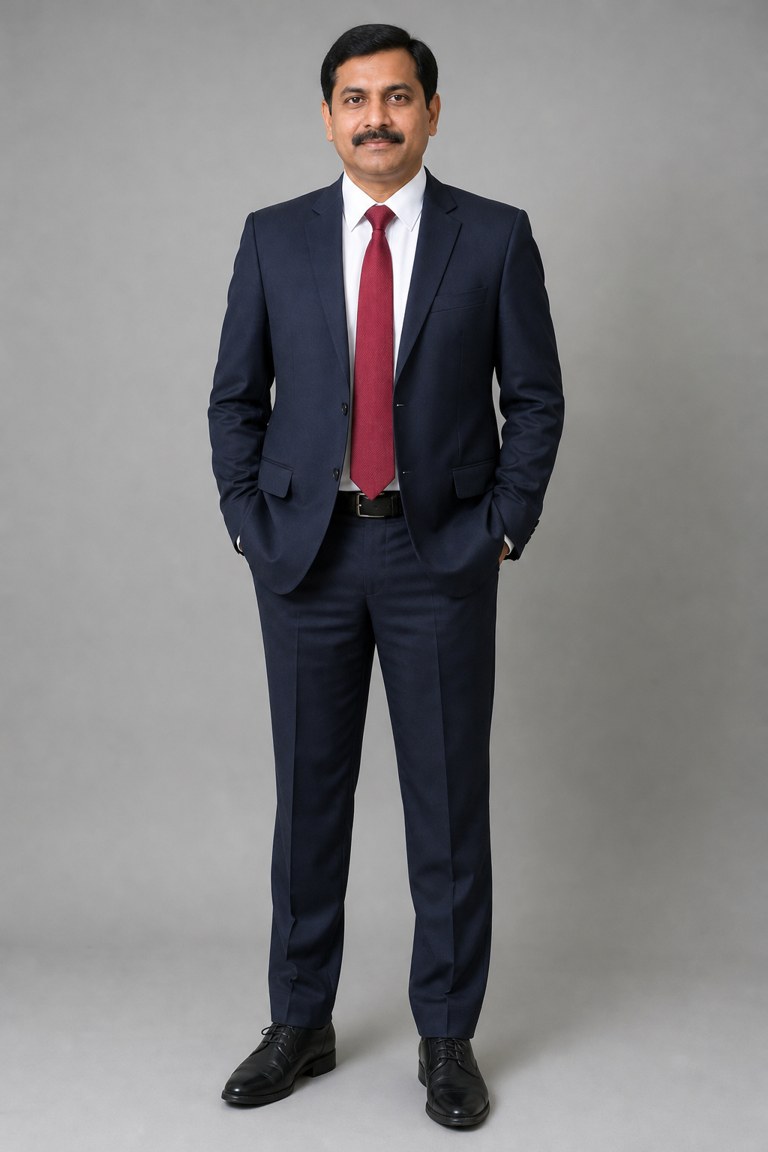
Input: 1 photo of AI-generated sample people. Output: 14s, 16:9, made 17.10.2026.
The lead
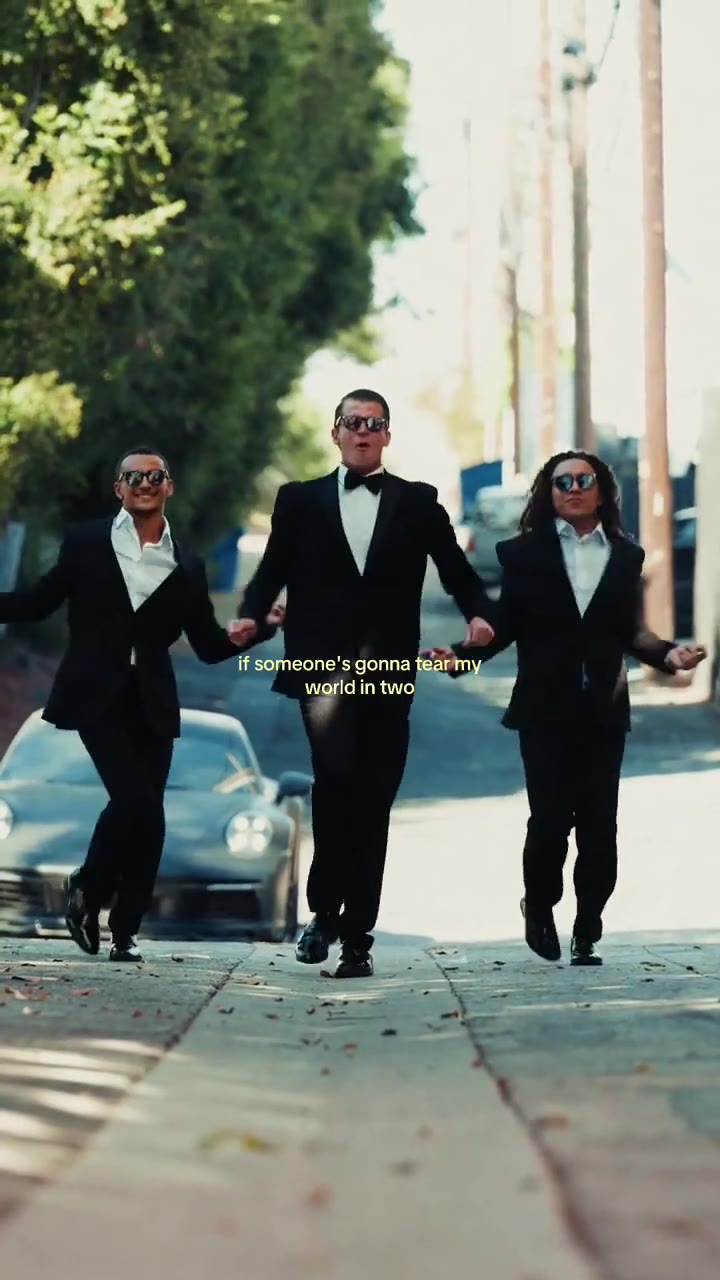
Three friends hand in hand, a sunny street, the Babydoll two-step on every beat. You do not have to learn a single step.
 Trend clip
 Source-site reference

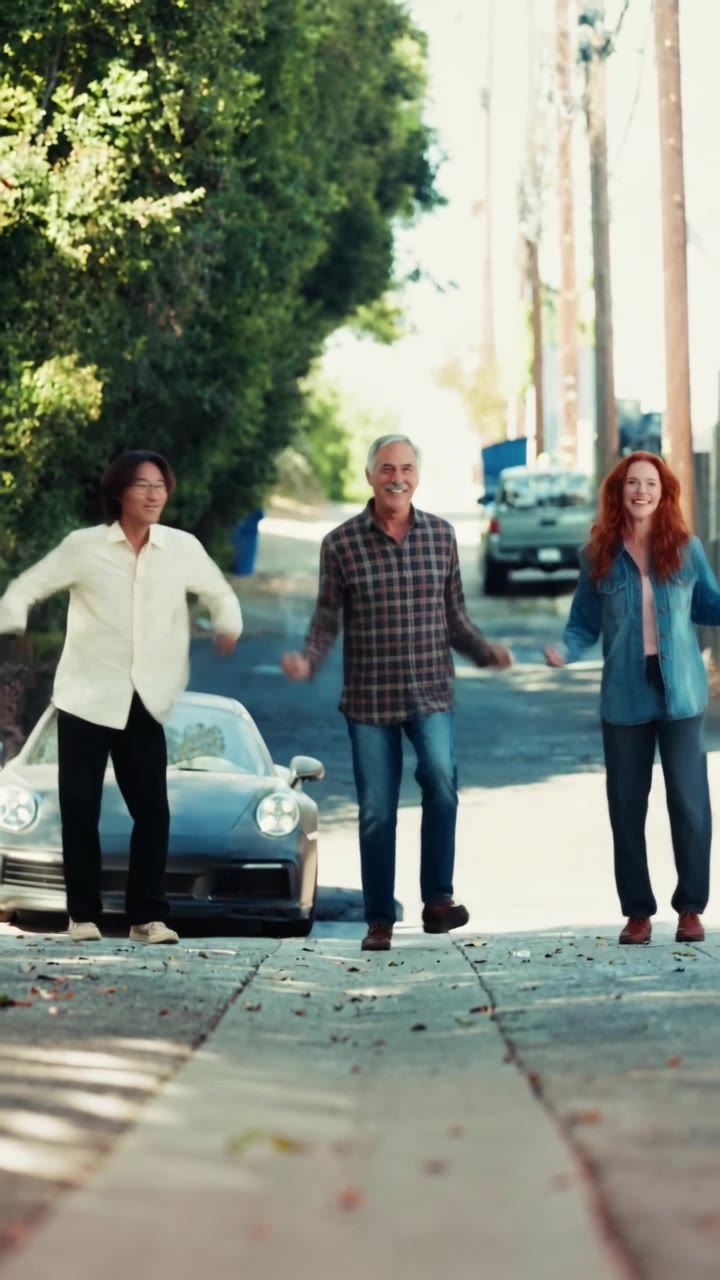
Input: 1-3 photos of AI-generated sample people. Output: 14s, 9:16, made 17.10.2026.
You (centre) + Friend on the left (optional) + Friend on the right (optional)
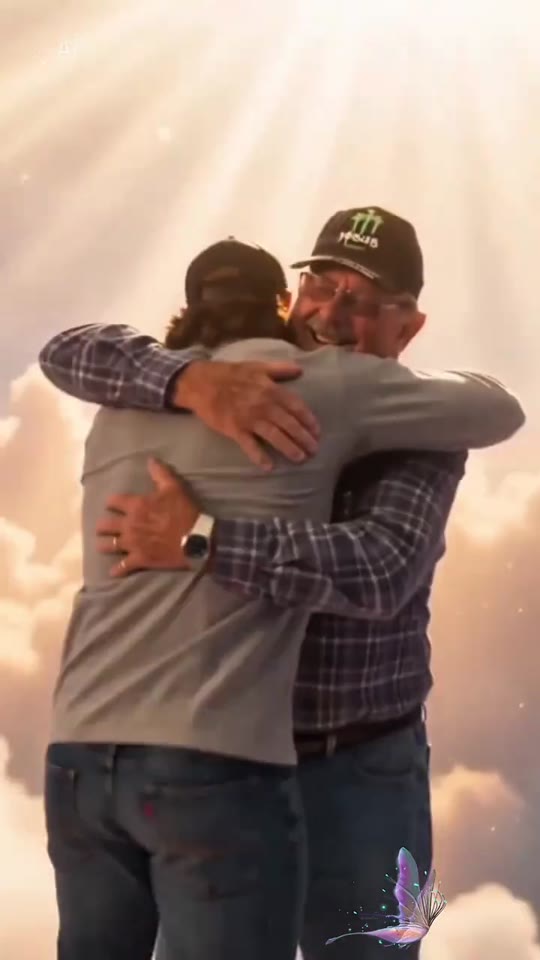
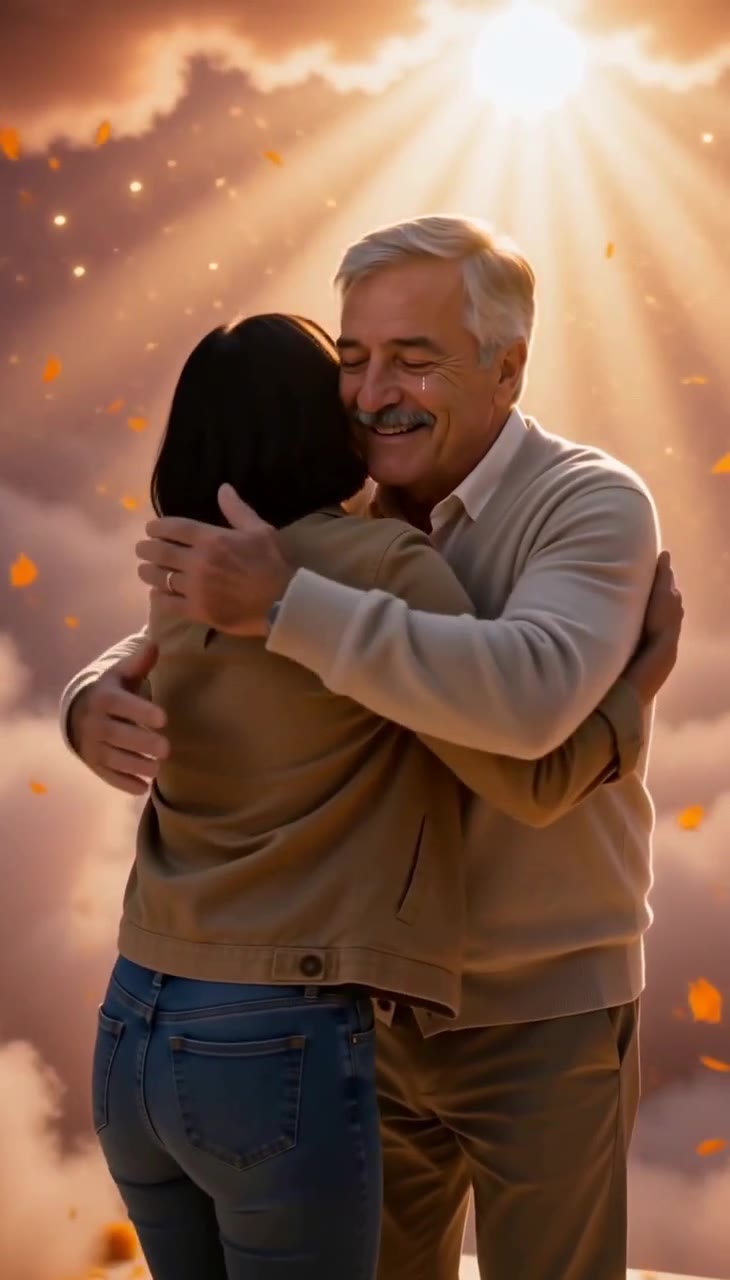
Tears on a stairway of light, a face you have missed appearing at the top, open arms, and one long hug among marigold petals.
 Trend clip
 Source-site reference
Input: 2 photos of AI-generated sample people. Output: 12s, 9:16, made 15.10.2026.
You + Your loved one in heaven
Trending now
Every AI meme video template is a real clip from a trend that is moving on TikTok, with the date it took off and the creators who started it. Hover a card to play it.
Make yoursOne calm face in the middle, hundreds of singers swaying around it, and the choir can be anything: cats, skeletons, grandmas.
Make yoursThree friends hand in hand, a sunny street, the Babydoll two-step on every beat. You do not have to learn a single step.
Make yoursTears on a stairway of light, a face you have missed appearing at the top, open arms, and one long hug among marigold petals.
 Make yours
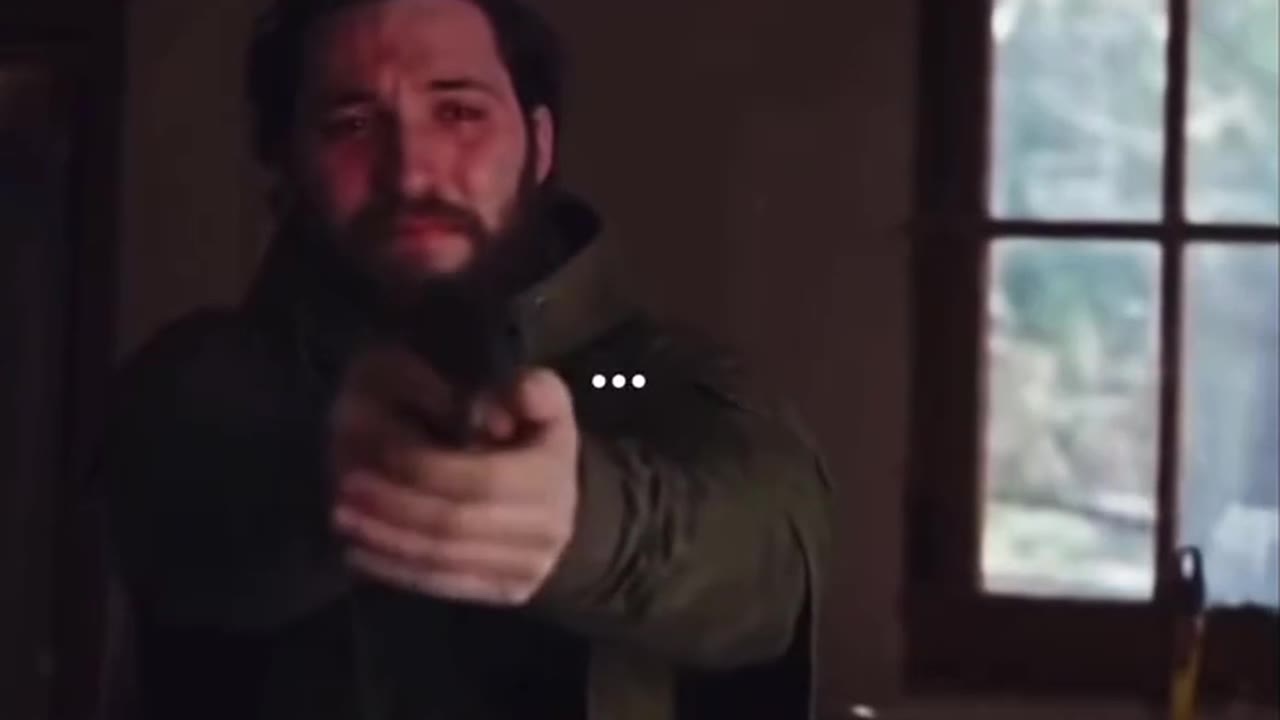
A gun shaking in their hands, the one they love walking in as a zombie, no shot as it lunges, and a cut to a memory in the golden grass.
 Make yours
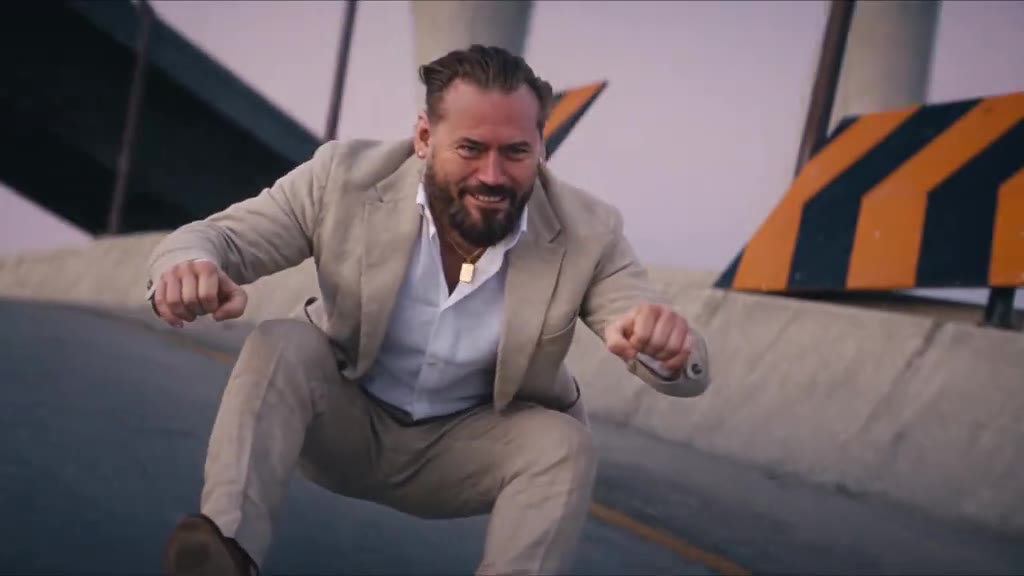
A deep squat, fists on handlebars that are not there, a cop on a glowing hover-bike, a flip in mid-air.
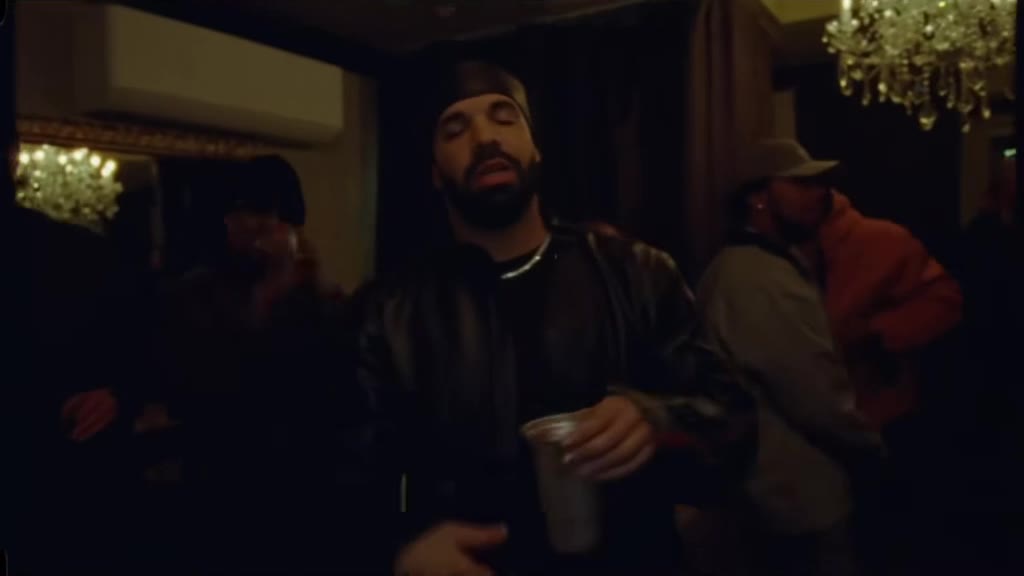 Make yours
The chandelier dinner, the friends raising glasses, the hand over the eyes: "where she at?"
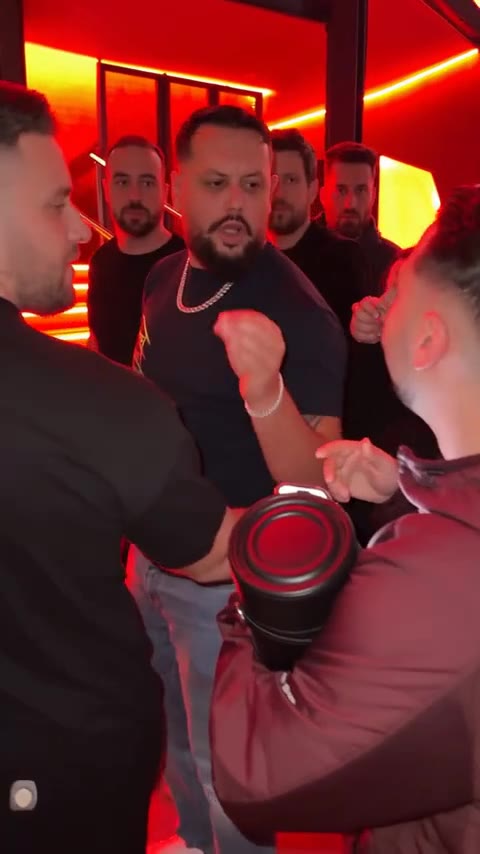 Make yours
The red lights, the speaker, the crowd filming on phones, and someone new in the middle.
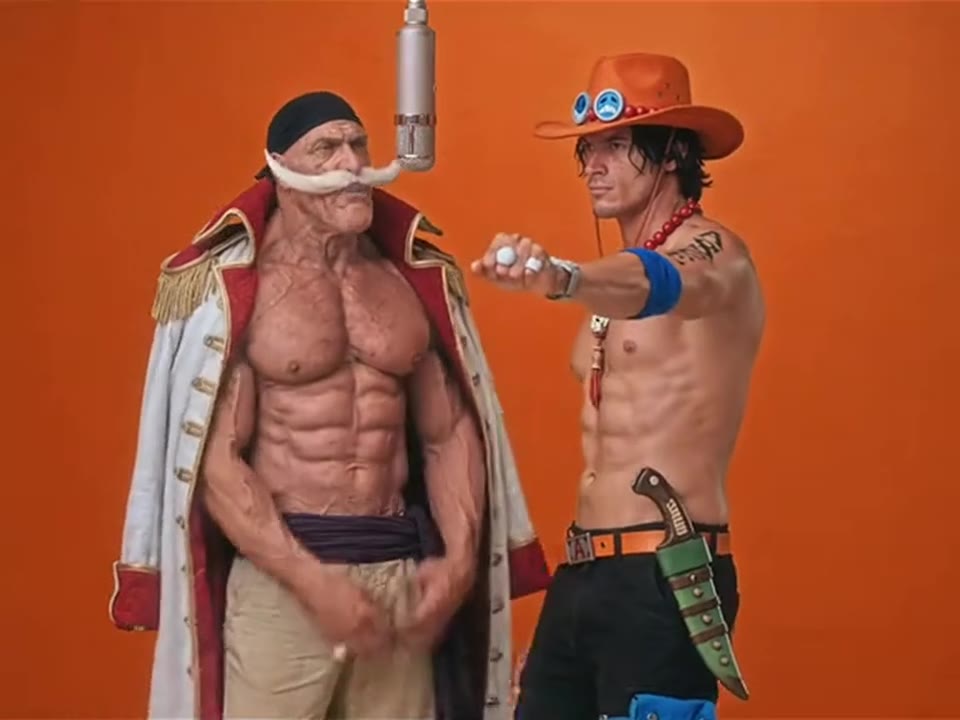 Make yours
Two people, one hanging microphone, the orange wall. The meme that took over TikTok in September.
Templates marked "Maker in testing" failed our own test renders, so they are not on sale yet. Their pages explain the trend.
Start with a clear idea, follow the selected template’s requirements, then decide whether the generated motion fits your post.
Browse the available video templates or start from a prompt. Each option describes the scene and the number of reference images it needs.
Choose an image you have permission to use. Keep the subject visible and follow any role or framing notes shown with the template.
Motion, timing, faces, and details can change between generations. Preview the full result and check the downloaded file before posting.
A template gives the model a scene to interpret. A prompt gives you more room to describe the action, setting, and visual style.
Use a trend template when you want a familiar setup with your own reference photo. The output is a new AI interpretation, not a copy of the original creator’s video.
Browse available templates Make a Tiny Desk AI video Make a Gangnam Style AI videoDescribe one clear action, the camera view, and the setting. Short instructions with a visible beginning and ending are easier to review than a list of unrelated events.
See a prompt exampleCheck the image count, aspect ratio, available model, and current credit notice first. Those details can vary by template and account.
Read the creation stepsAI video is variable. Treat the generated clip as a draft and make the final call yourself.
Use a well-lit image with the person or pet visible. Avoid heavy cropping when the action needs hands, clothing, or full-body movement.
Describe the main movement and the scene in plain language. Generators may change choreography, camera motion, or small details.
Check faces, anatomy, text, sound, and any provider marks in the downloaded video. Follow the rights and attribution terms for the media you use.
Choose an available template or prompt and provide the reference image it requests. Check the selected model’s settings and credit notice before starting.
No. The model creates a new interpretation. A prompt can guide the subject, action, and style, but it cannot guarantee identical choreography, timing, faces, or camera movement.
Check that you have permission to use your uploaded photos, music, and other source material. Review the model and platform terms that apply to the result before publishing.
Watermark behavior can depend on the model, account, and export path. Inspect the downloaded file and use an authorized clean-export option when available.
No. Meme Video Maker is an independent creative tool. A trend name or reference link does not mean that a creator, platform, song owner, or other rights holder endorses the service.
