
Filler
Chrome extension that fills web forms from your saved profile: Google Forms, job applications, surveys, signups. Free, no account.
Visit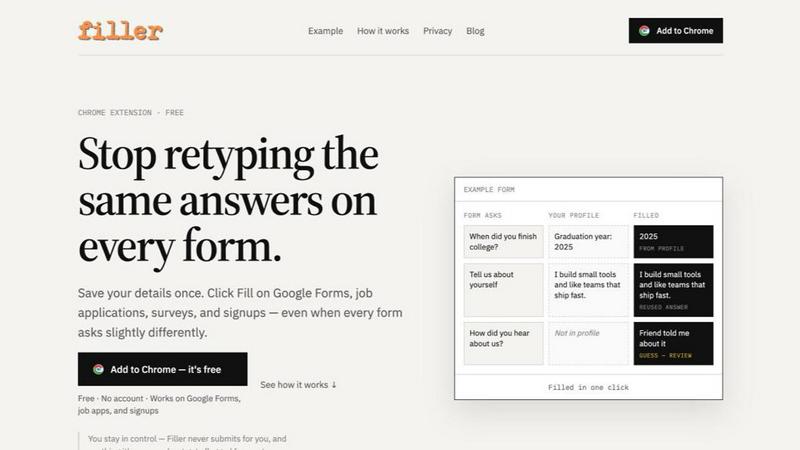
About Filler
Filler is a free Chrome extension that saves you from retyping the same answers on every form. You save your details once, including longer answers like an "about me" paragraph, then click Fill on a Google Form, job application, survey or signup page.
Rather than relying on hidden field names the way browser autofill does, Filler reads the question itself. "When did you finish college?" gets your graduation year, not your school. Answers you've saved are reused on similar questions across different forms, and for anything your profile doesn't cover, Filler drafts a guess and flags it for you to review.
It handles text fields, dropdowns, radios and textareas on Google Forms, Ashby, Tally and most web forms. You stay in control: Filler never submits a form and doesn't touch password or payment fields. No account needed.
Explore more in this category:
Similar to Filler

ButterShare
Realtime peer-to-peer file transfer in the browser. Send files directly between devices, no account and no upload to a server.
Todowing
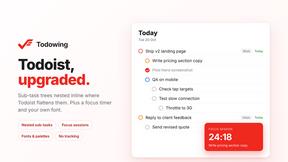
Chrome extension that nests Todoist sub-tasks inline in Today, Upcoming, Filter and Label views. Free tier, $19.99 one-time unlock.

LightScreen
Free fullscreen light screen tool online. Turn any display into a flashlight, ambient light, or solid-color screen. No download or sign-up.
subtitle.im
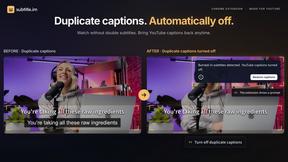
Chrome extension for existing YouTube captions. Local OCR helps handle duplicates by your settings. Free 10-video trial; optional Pro.

Context Board
Context Board brings your numbers, docs, clients, content and day into one workspace that Claude and Codex can read and update.

@fuck.it - email with attitude
Private email. Pure. Secure. Exclusive. No ads, no tracking, no data selling. GDPR compliant, EU-hosted.
Riff
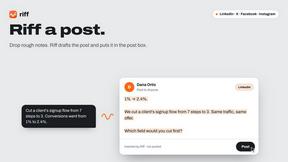
Free Chrome extension. Paste your rough point and Chrome's built-in AI writes a fresh reply for that post on X, LinkedIn, Facebook or Instagram.
