

FontLab 9
The font editor for Mac and Windows
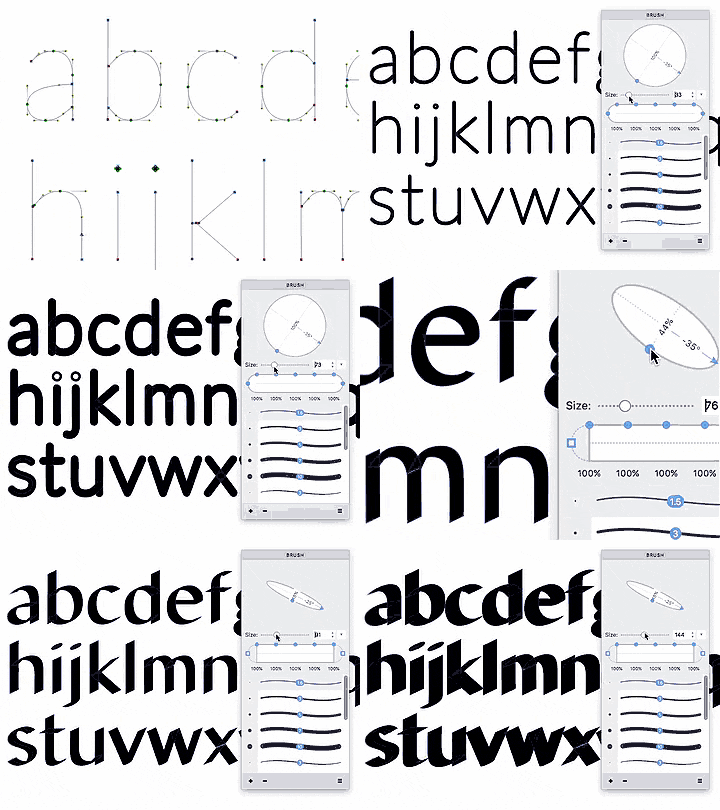
FontLab 9 brings new drawing and kerning tools, finer control over variable fonts, and a Notepad for testing your type. Shape strokes with the Stem tool, refine the blend between masters with Sigma, and check kerning in real words with Superkerning. Aidus adds optional AI help with font editing and Python scripts.

 FOR MAC & WINDOWS
VEXY LINES
Paint with algorithms new
Turn any pixel image into expressive, infinitely scalable vector artwork. Add more life, another dimension, a lot of fun, and razor‑sharp clarity at any size.
Import a sketch, photo or AI image into Vexy Lines. Turn it into flat vectors with Trace. Convert the pixel intensity into precise Linear, Wave, Circular or Halftone vector shading. Create bitmap-driven typography with variable fonts.
 FOR MAC & WINDOWS
TransType 5
Universal font converter new 5.0
With TransType 5, you can now new make any instance of any variable font available to any app on your system — including apps that don’t support variable fonts at all! You can convert fonts between PostScript- and TrueType-flavored OpenType fonts (OTF and TTF), create CSS @font-face web fonts (EOT, WOFF and new WOFF2), organize and fix font family linking, and turn monochrome layered fonts or any color fonts into multi-color OpenType fonts!
 FOR WINDOWS
TypeTool
Your first font editor for Windows
TypeTool for Windows is a simple, robust font editor based on our pro app that was used to create most of the world’s commercial fonts. It is a great option for beginning type designers wanting to get started on designing typefaces and creating or modifying fonts, without a major investment.


