AI Picture Editor for Effortless Visual Edits - Ediroo
Edit photos with text prompts in Ediroo. Remove unwanted objects, replace backgrounds, and refine details in your browser. Try a single-photo edit with free guest credits.


Ediroo helps creators, marketers, and businesses edit visuals faster.
Browser-Based AI Picture Editor & AI Photo Editor
Experience dependable AI picture editing right inside your browser. Upload your photo, describe target adjustments, or provide reference files to edit picture with AI smoothly.

Why Choose Our AI Image Editor & Photo Studio?
Modern AI picture editing should be transparent and straightforward. Our platform brings together multi-model flexibility, clear credit pricing, and persistent cloud storage so you can edit pictures with AI without complex software.
Transparent Credit Pricing
New users receive free credits to try photo editing. Each model shows its credit cost before you submit. Subscriptions and one-time credit packs are available for further edits.
Persistent Task Storage
Return to Recent Tasks in the same browser to download a guest result for 24 hours after it finishes. Signed-in edits are saved in My Creations.
Prompt-Guided Precision
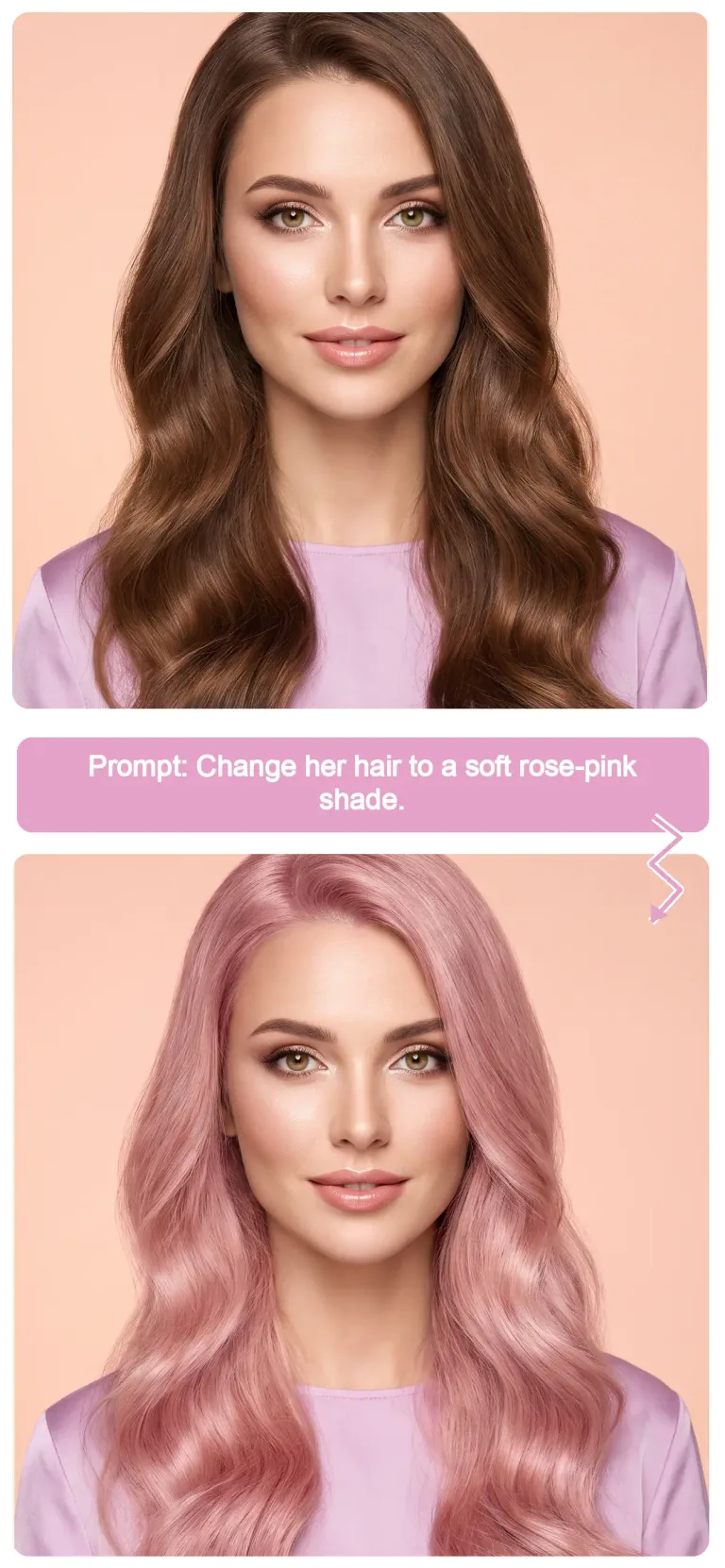
Direct your edits using clear language or optional reference images. Our prompt-driven tool interprets your intent without destructive manual layering.
How to Edit Pictures with AI in Three Steps
Discover how our AI picture editor online streamlines your workflow from initial upload to final download.
Upload Source Images
Choose a JPG, PNG, or WebP photo. Guest edits support one original up to 20 MB. Sign in to use up to three references and files up to 30 MB.
Enter Editing Instructions
Type specific prompt instructions detailing elements to modify or preserve. Select your preferred aspect ratio and AI model to balance speed and resolution.
Download Processed Results
Submit your task and review the result in seconds. Failed generations refund credits automatically, and successful outputs export cleanly without added watermarks.
Core Capabilities of Our AI Picture Editor
Explore how this workspace handles selective object removal, clean background replacement, and detailed refinement through generative models.
Precise Object Removal
Eliminate photobombing strangers, stray power lines, or unwanted clutter with our AI picture editor. By evaluating context textures, the neural engine reconstructs the background naturally so your composition looks balanced and authentic.
Try Object Removal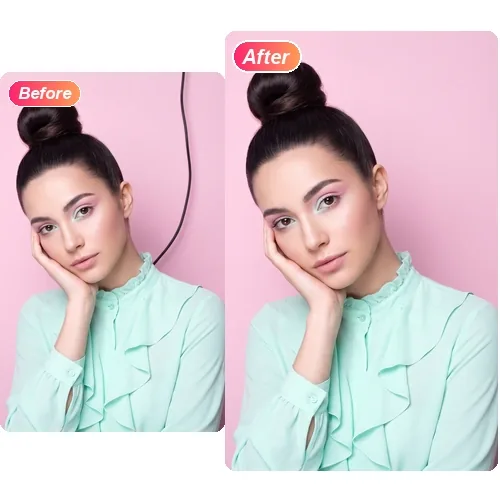
Clean Background Replacement
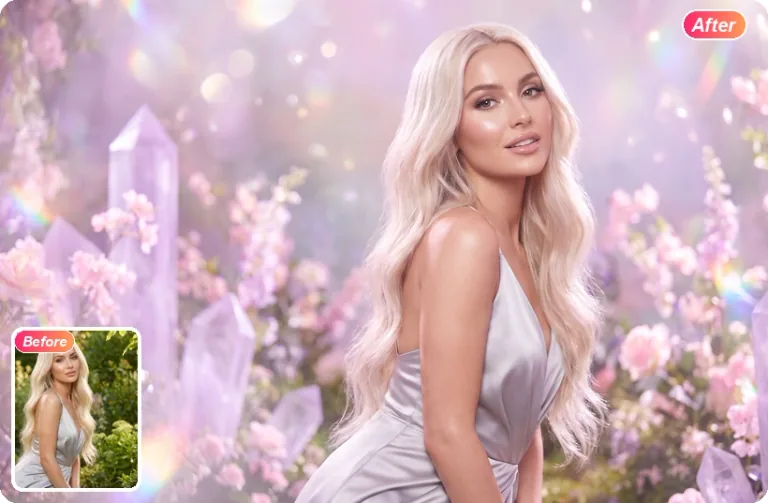
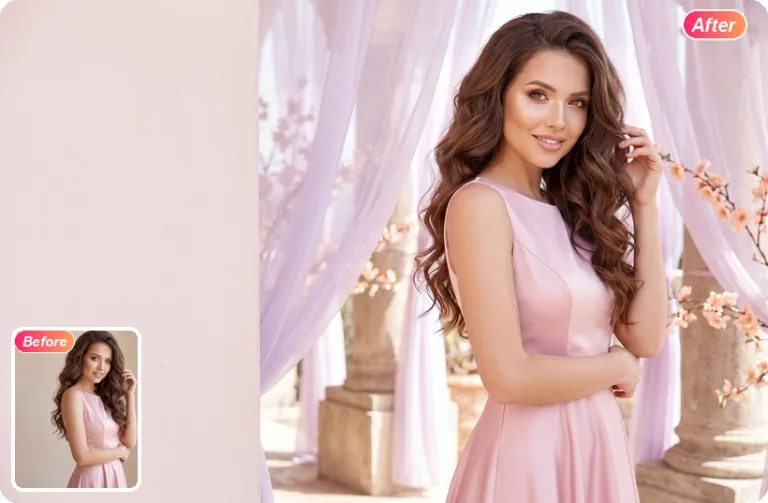
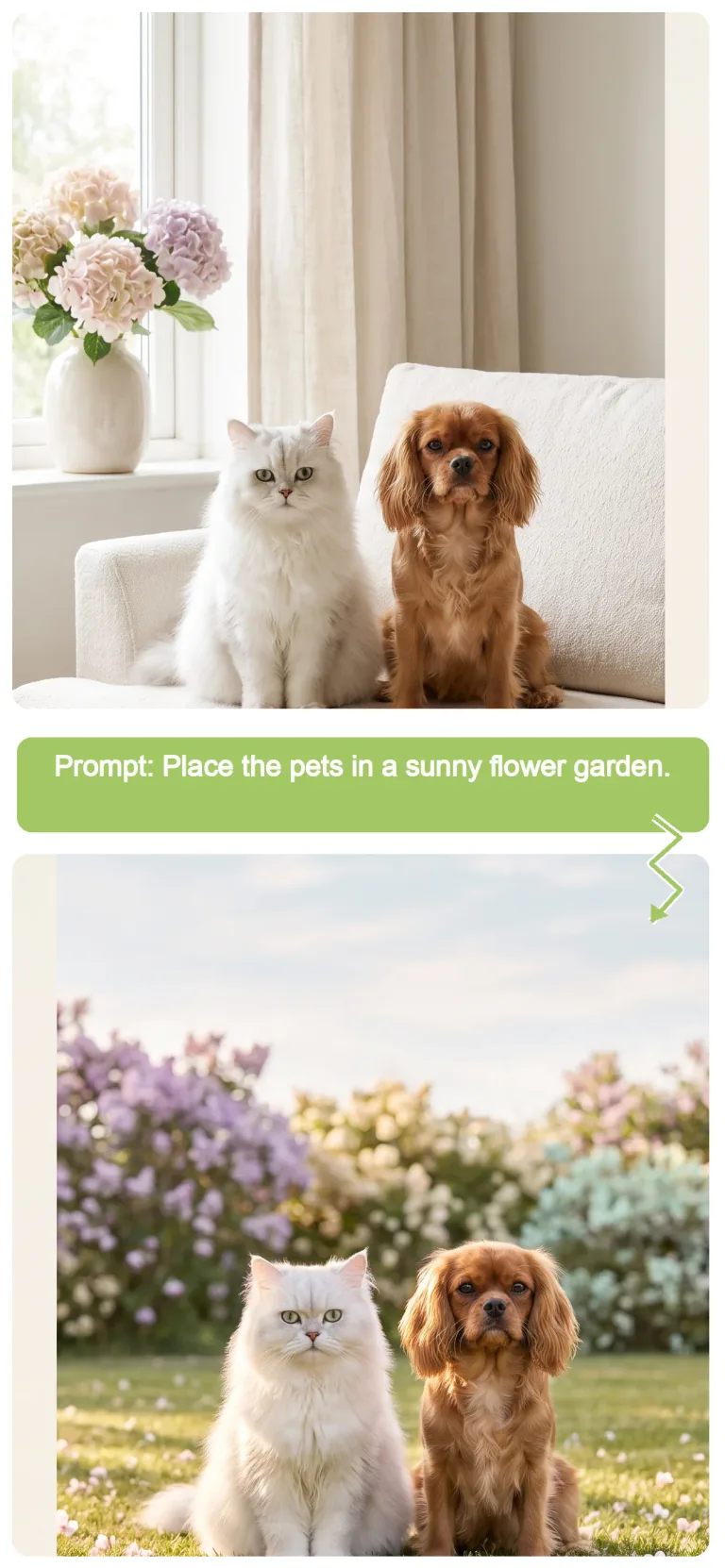
Isolate subjects and swap uninspiring settings for clean backdrops or tailored environments. This practical AI picture editor online harmonizes lighting and contours seamlessly, making it ideal for e-commerce listings and portrait presentations.
Swap Photo Backgrounds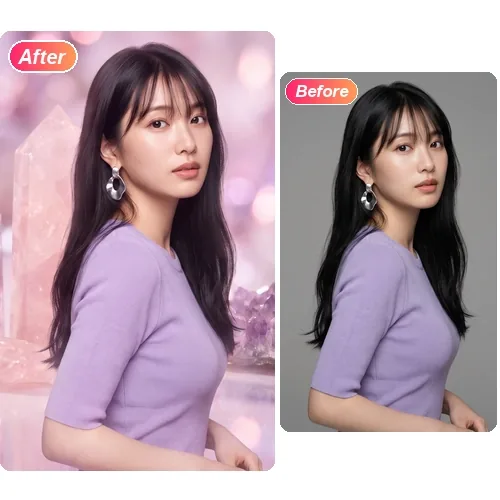
Intelligent Detail Enhancement
Revitalize compressed scans, balance exposure, and sharpen soft details with our system. Choose from high-fidelity 1K and 2K models to restore facial contours and vintage photographs without unnatural over-processing.
Enhance Photo Details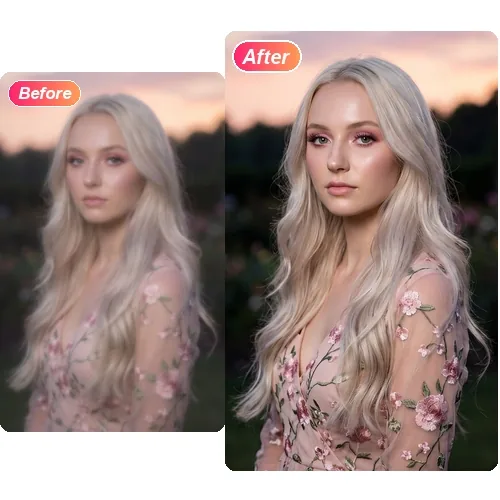
Ready to Start AI Picture Editing Online?
Create an account and use your free credits to try editing your own photos in the browser.
The Core Promise of Our AI Picture Editor
Intuitive Natural Controls
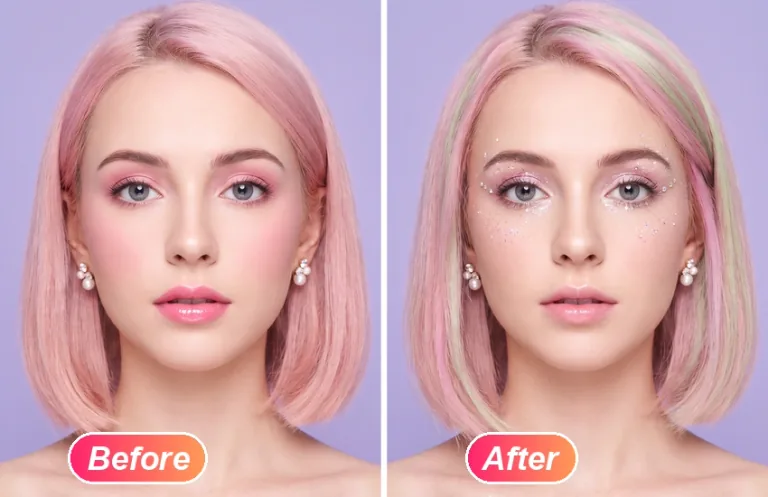
Edit complex compositions by simply typing what you want to adjust. This prompt-based AI picture editor turns detailed text instructions into clean image modifications.
Honest Output Fidelity
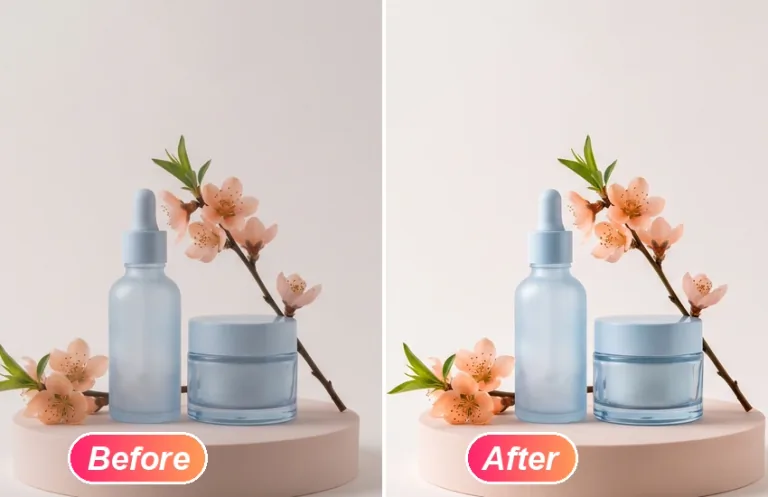
We provide realistic 1K and 2K model rendering rather than inflated resolution claims. Every export preserves clean contours without mandatory brand watermarks.
Permanent Account Storage
Signed-in edits stay in your personal My Creations gallery. Guest results are available in the same browser for 24 hours after completion.
Frequently Asked Questions About AI Picture Editor
Find direct answers regarding editing workflows, model credits, image retention, and account capabilities.
Upload your photo to our AI picture editor and describe what you want gone, such as "remove the person standing on the right." The neural engine erases the distraction and reconstructs the background based on surrounding textures so the scene looks completely natural.
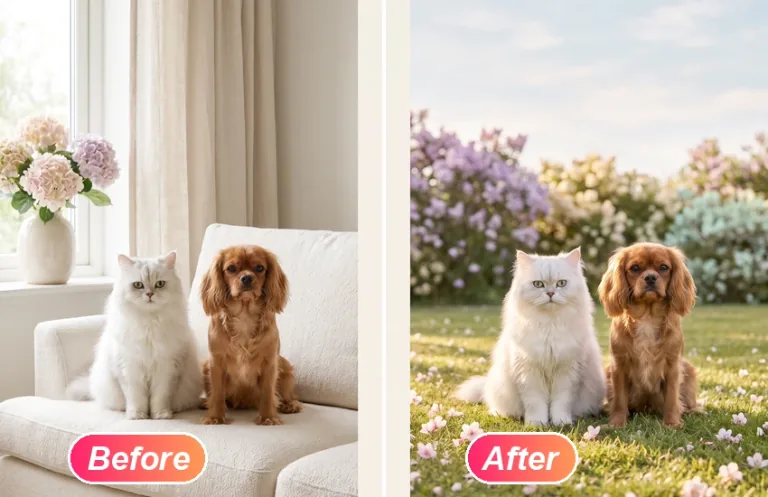
Yes. You can isolate your subject and specify a new backdrop, such as a clean studio white background for product listings or a sunlit outdoor environment. The AI picture editor adjusts lighting and subject contours to blend the new backdrop smoothly.
Yes. Our AI picture editor online can clean up visible text overlays, timestamps, and watermarks. The model fills the erased area by matching the underlying pattern, though final clarity depends on the complexity of the original covered background.
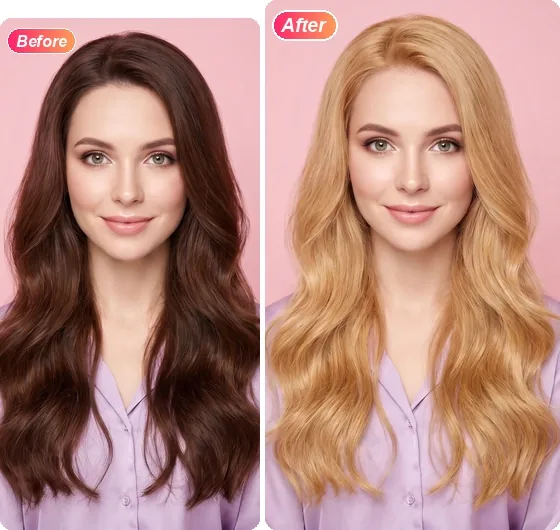
Yes. You can restore faded tones, soften scratches, and repair minor tears on vintage scans while keeping facial identity recognizable. You can also use this AI picture editor to change specific visual features like hair color or clothing style through descriptive prompts.
Switch to multi-fusion mode in this AI picture editor to upload up to 3 images. You can instruct the AI to blend elements together, such as placing a subject from your first photo into the environment and artistic lighting of a second reference picture.
Eligible guests receive 6 photo credits for Seedream Flash without signing in, and an eligible new account can claim 6 more photo credits when signing in. Each edit uses credits based on the selected model, with the cost shown before you submit. When you need more credits, you can choose a subscription or a one-time credit pack. Uploading and downloading completed results do not cost additional credits.
If your image task fails to generate or encounters a system error, your spent credits are refunded automatically to your balance right away. You can refine your prompt instructions and retry editing your picture with AI without losing credits.
Guest results are available in Recent Tasks in the same browser for 24 hours after completion. Signed-in edits are saved in your private My Creations gallery. We process your photos for your editing requests and never use them to train public AI models.
Ediroo never adds brand watermarks to your downloaded images. Commercial usage depends on your ownership rights to the original source photo and the license terms of the selected AI model, as Ediroo claims no ownership over your generated results.


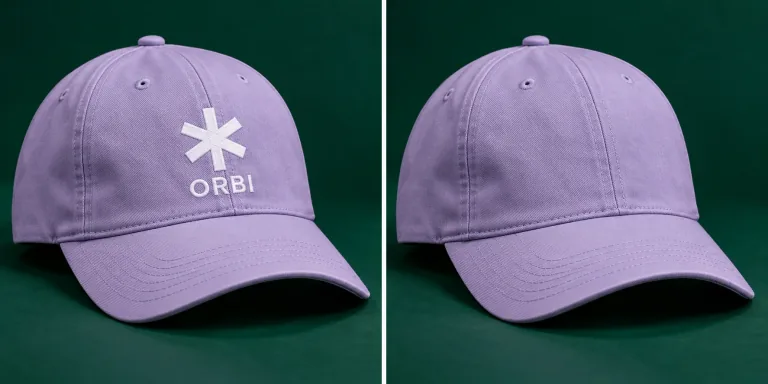
Transform Your Photos with Our AI Picture Editor
Start with free credits and turn your editing ideas into clear instructions. Check the credit cost before each edit.
Start with Free Credits