 SEO & Accessibility
 AI
 Localization
 Ecommerce
 Forms
 Fields
 Development
 Security
 Templating
 Performance
 Control Panel
 Widgets
 Assets
 Utilities
 Mailer Adapters
 Social Networking
 Integrations

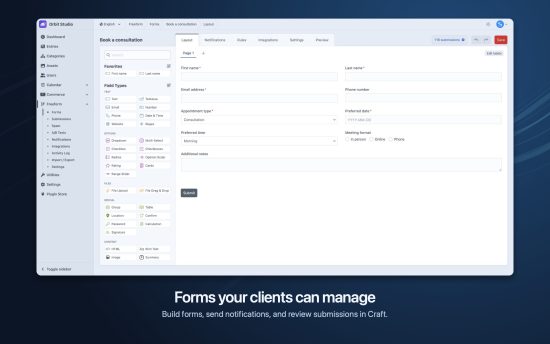

Forms your clients can build and manage
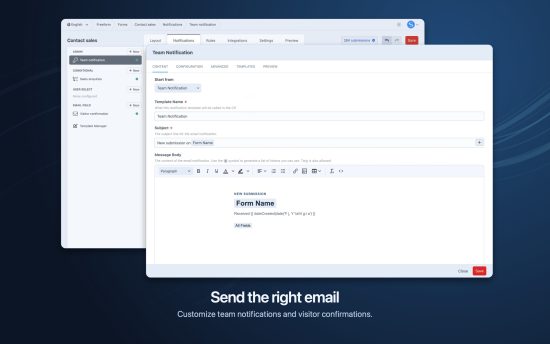
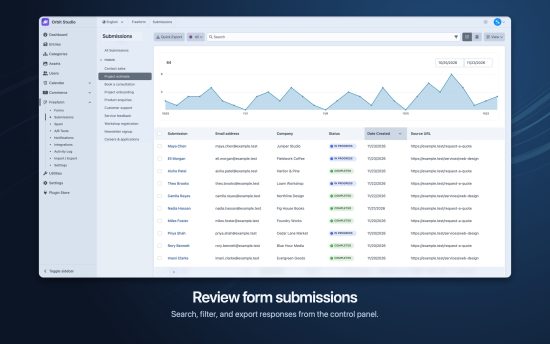
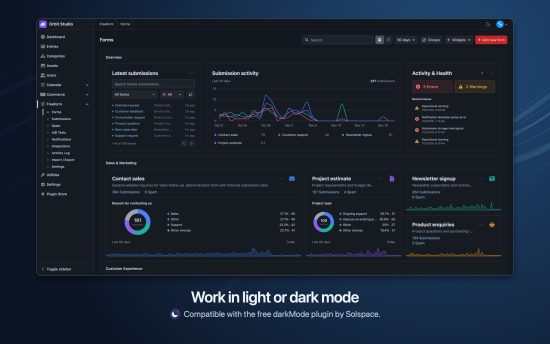
Give clients a form builder they can use right in Craft. They can start with a contact form, registration, or application, arrange fields with drag and drop, and preview the form as they work. Once it’s live, they can update email notifications and review or export submissions from the same control panel.
Start with a ready-to-use formatting template or customize the markup to match your site. Use Freeform for a simple contact page, a multi-step application, or a workflow that sends submissions to the tools your team already uses.
Work with Freeform from your AI client
Coming in Freeform 5.19, Freeform MCP lets you ask a compatible AI client how many registrations came in last week or have it add choices to a dropdown and make the field required. Available tools depend on your Freeform edition and Craft permissions. MCP requires Craft 5.12.x.
Choose your edition
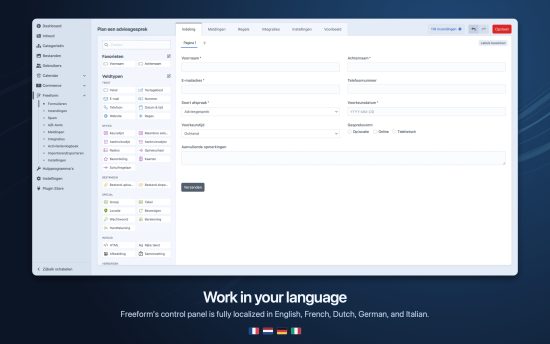
Express is free for one form with up to 20 fields. It includes the visual builder, email notifications, spam protection, and submission management with quick exports. Every edition includes complete translations of Freeform’s control panel in English, French, Dutch, German, and Italian.
Lite adds unlimited forms and fields, multi-page forms, scheduling, submission limits, and reusable export profiles. Let editors select forms from Craft entries or use REST and GraphQL for headless projects.
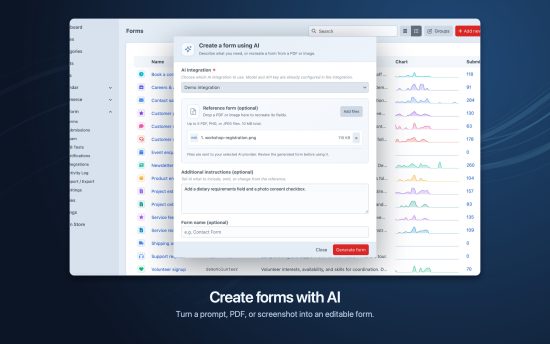
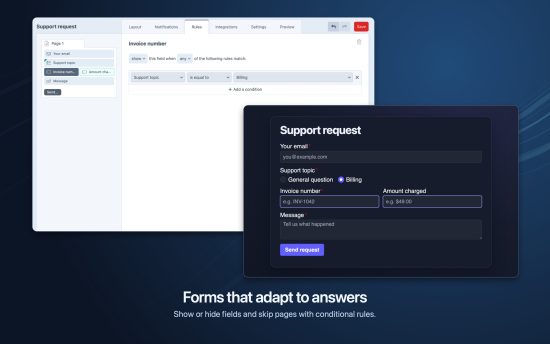
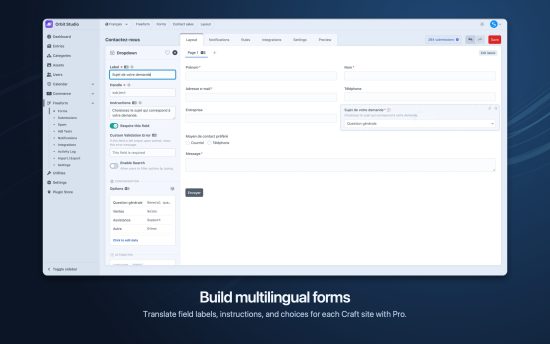
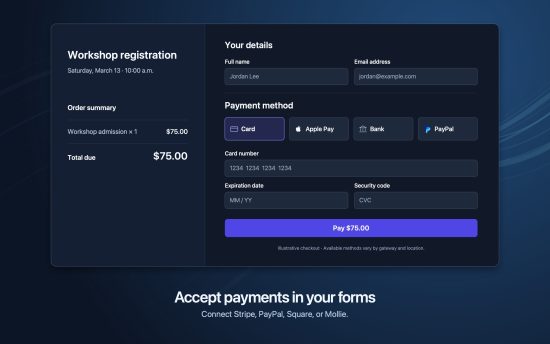
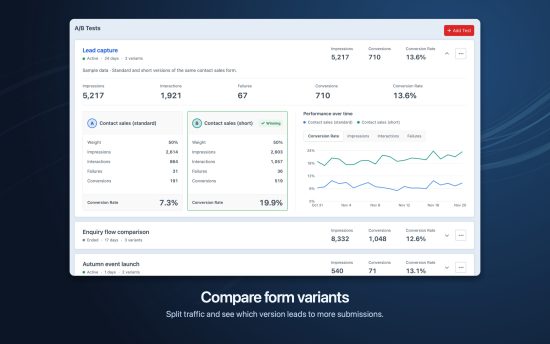
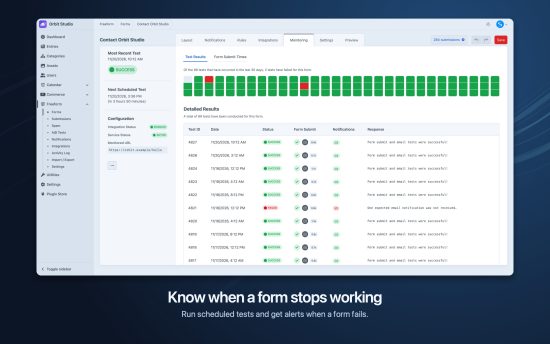
Pro adds conditional logic, save and resume, payments, and 50+ integrations. Advanced fields include signatures, calculations, repeating tables, and address autocomplete with Google Places. Create editable forms with AI from a prompt, PDF, or screenshot. Get started with 1,000 free SolspaceAI credits. Connect tools like HubSpot, Salesforce, Mailchimp, and Google Sheets. With site-aware forms, choose which Craft sites use each form and translate its field labels, choices, and messages per site. Pro also generates PDFs from submissions and monitors live forms for failures. Use Merge Forms to consolidate submissions from two forms, with field mapping and a preview before you apply the merge.
Freeform 5 supports Craft 5 and is tested on Craft Cloud. Craft 4 is supported through Freeform 5.18.x. Try Lite or Pro on a development site. Compare Freeform editions
To install this plugin, copy the command above to your terminal.
