

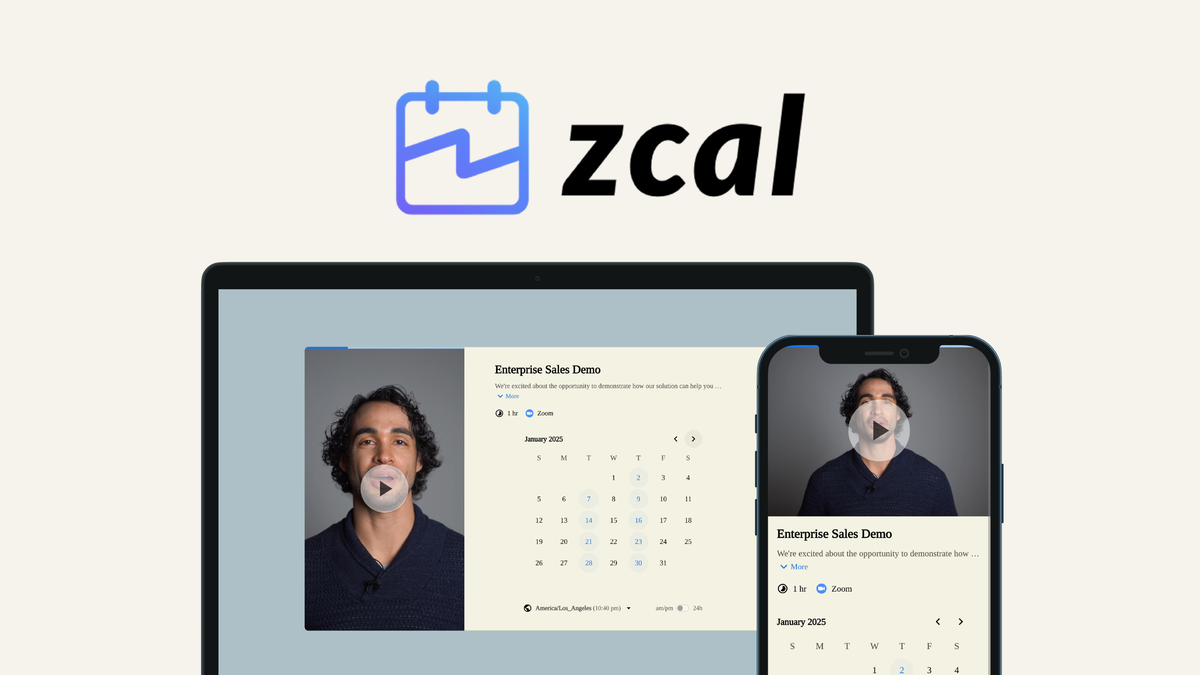
Zcal Review: Beautifully Designed Scheduling Made Easy π¨
Zcal is a design-first scheduling tool that transforms the booking experience, allowing businesses to create stunning client-facing scheduling pages that reflect their brand.
Read Review
It's Free!Create high-quality iOS icon assets and Android adaptive icons in seconds.
iOS Icon Generator +Android App Icon Generator
IconDino simplifies your mobile development workflow by automating the tedious process of icon resizing for iOS and Android. Create professional-grade assets in seconds.
Instantly create all required iOS app icon sizes for the App Store, iPhone, iPad, and Apple Watch. Perfect for Xcode Asset Catalogs.
Generate high-resolution adaptive icons for Android. Our tool covers all density buckets from ldpi to xxxhdpi, ensuring clarity on every device.
Our optimized engine generates 20+ professional icon sizes in seconds. Save hours of manual resizing and focus on building your app.
Fine-tune background colors, rounded corners, and padding. Preview how your icon looks on real device mockups before you download.
Export your icons in high-quality PNG or WebP formats. Get a neatly organized ZIP file ready to be dropped into your developer environment.
No servers involved. All icon generation happens locally in your browser, meaning your creative assets never leave your device.
Stop manually resizing images in Photoshop or Sketch. Our app icon maker generates the exact folder structures and naming conventions required for modern mobile apps. Whether you're targeting the latest iPhone 15 Pro, iPad Air, or a high-end Android flagship, IconDino ensures your icon looks crisp and professional.
Step-by-step guides for integrating your generated icons into iOS and Android projects
Download the generated ZIP file and extract the iOS folder
iOS/AppIcon.appiconset/
Open your iOS project in Xcode and navigate to Assets.xcassets
Drag the AppIcon.appiconset folder into Assets.xcassets to replace the existing one
Go to your target settings and ensure the App Icon Source is set correctly
Target β General β App Icons and Launch Images
Boost your App Store Optimization (ASO) with a world-class icon
Keep your design minimalist and focused on a single unique element. Avoid using small text or complex details that blur at 20x20 sizes.
Use high-contrast colors that stand out against both light and dark backgrounds. Vibrant palettes typically convert better in search results.
Always preview your icon on a real device. Our mockup generator helps you see how legacy squares and squircles appear in the home screen grid.
Ensure your icon aligns with your app's internal UI. Consistent branding across your storefront and app builds user trust and retention.
Following these mobile design best practices can increase your App Store conversion rate by up to 20%.
We test the best design and development tools so you don't have to. Check out our latest reviews and AppSumo deals.

Zcal is a design-first scheduling tool that transforms the booking experience, allowing businesses to create stunning client-facing scheduling pages that reflect their brand.
Read Review
Warm Welcome enables businesses to leverage personalized video across various customer touchpoints, enhancing engagement and building trust.
Read Review
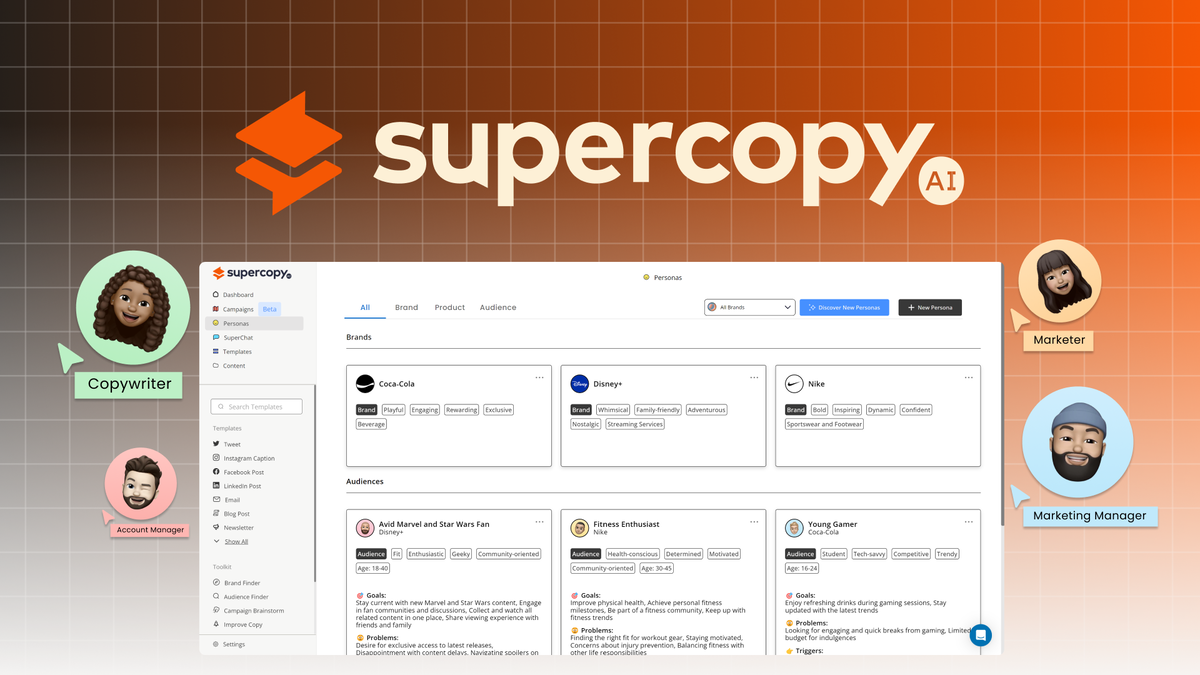
SuperCopy AI simplifies the process of creating detailed marketing personas and generating targeted content, making it an essential tool for marketers and copywriters.
Read ReviewExpert tips, design inspiration, and technical guides to help you create world-class app icons.

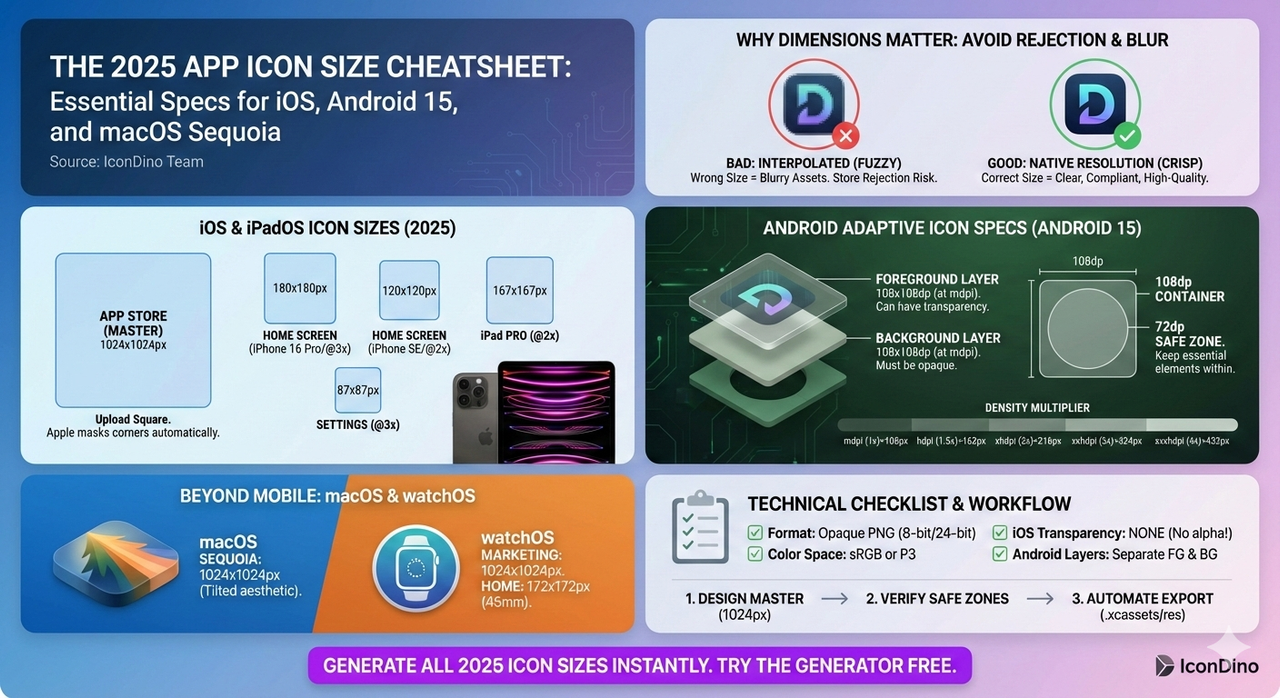
Stay up to date with the latest size requirements for every platform. From iPhone 16 to the latest Android 15 adaptive icons and macOS Sequoia.
Read MoreStop wasting hours in Photoshop. Discover why specialized tools like AppIconCreator are the faster, cheaper, and more effective choice for modern app icon design.
Read More
Stop guessing dimensions. Here is the definitive guide to pixel-perfect icons for the Apple App Store and Google Play Store.
Read More