




about
event

01
Positive Hack Camp is an onsite camp in Moscow, organized by Positive Technologies with the support of the Russian Ministry of Digital Development
2
weeks of this international camp, held annually
30
lectures from top Russian cybersecurity experts
70
cybersecurity experts worldwide will get hands-on IT infrastructure protection guidance from leading Russian specialists

ways
to escalate privileges across information systems, websites, operating systems, and network infrastructure
03


from the best experts
you will learn
02
tools
for analyzing network and protocol traffic and tuning client-server communication
02

how to
simulate attacks on IT infrastructure and investigate defenses using vulnerability exploitation tools
01


ways
to escalate privileges across information systems, websites, operating systems, and network infrastructure
03
tools
for analyzing network and protocol traffic and tuning client-server communication
02
how to
simulate attacks on IT infrastructure and investigate defenses using vulnerability exploitation tools
01
You provide
01
Round-trip flight to Moscow
Visa, if required
Included
02
Meals
Training
Accommodation
Cultural program
Requirements
03
You are a student
You understand how the internet and local networks work
Your English is B1 or higher
You are confident with Linux or Windows at an advanced user level, including installing software and basic configuration
conditions
for applicants


03
Laptop requirements
HDD/SSD hard drive with at least 256 GB of free space
Support for hardware virtualisation (Intel VT-x, AMD-V)
8GB of DDR3 RAM
Processor with at least eight cores with a frequency of at least 2.3 GHz

Modern operating system (Minimum: Windows 10 x64, Linux, MacOS)
program
overview
04
days of hands-on learning
14
lectures from leading cybersecurity experts
30
cybersecurity experts from around the world
70
Setup and ethics
Prepare local and cloud environments, install tools, and learn ethical hacking principles for safe, responsible practice
Initial access and web exploits
Primary access techniques and web application attacks, including authentication bypass, SQLi, XSS, XXE, and command injection
Privilege escalation and lateral movement
Escalate privileges on Linux and Windows, compromise DMZ hosts, forward traffic, and move across the network
Evasion, Active Directory compromise, and professional growth
Evade detection, use encrypted channels, exploit Active Directory and domain controllers, plus countermeasures and ethics
Recon and scanning
External footprinting, domain and network discovery, host and port scanning to map the target environment
of events
timeline
05


Applications open for Positive Hack Camp
February 2
We officially open the call for applications to Positive Hack Camp
Application deadline
April 5
Last day to submit your application
Participants announced
April 19
We finalize and publish the list of selected participants
Confirmation emails sent to selected participants
By April 30
All selected participants receive confirmation by email
Ticket purchase deadline to secure your spot
By July 25
Participants must purchase tickets to secure their spot
Community chat opens for participants to connect
By July 25
We launch the participants’ chat — connecting, warming up, and getting ready for camp!


Camp dates
July 25–August 9, 2026


of events
timeline
05
Applications open for Positive Hack Camp
February 2
We officially open the call for applications to Positive Hack Camp
Application deadline
April 5
Last day to submit your application
Participants announced
April 19
We finalize and publish the list of selected participants
Confirmation emails sent to selected participants
By April 30
All selected participants receive confirmation by email
Ticket purchase deadline to secure your spot
By May 31
Participants must purchase tickets to secure their spot
Community chat opens for participants to connect
By July 25
We launch the participants’ chat — connecting, warming up, and getting ready for camp!
Camp dates
July 25–August 9, 2026


positive hack camp 2026
registration
06
Take the test and complete the form to participate, then wait for confirmation from the organizers.
Your application has been received!
We will carefully review your submission and get back to you with a response by April 30.

powered
by
07






from previous year
photos and videos
08
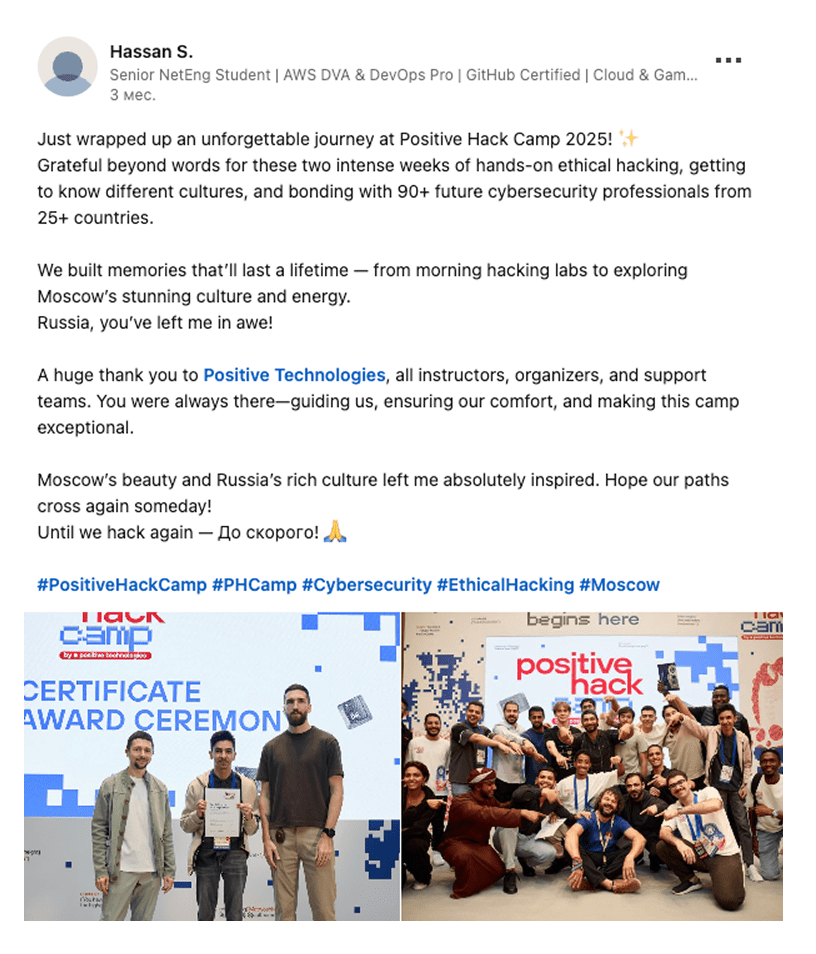
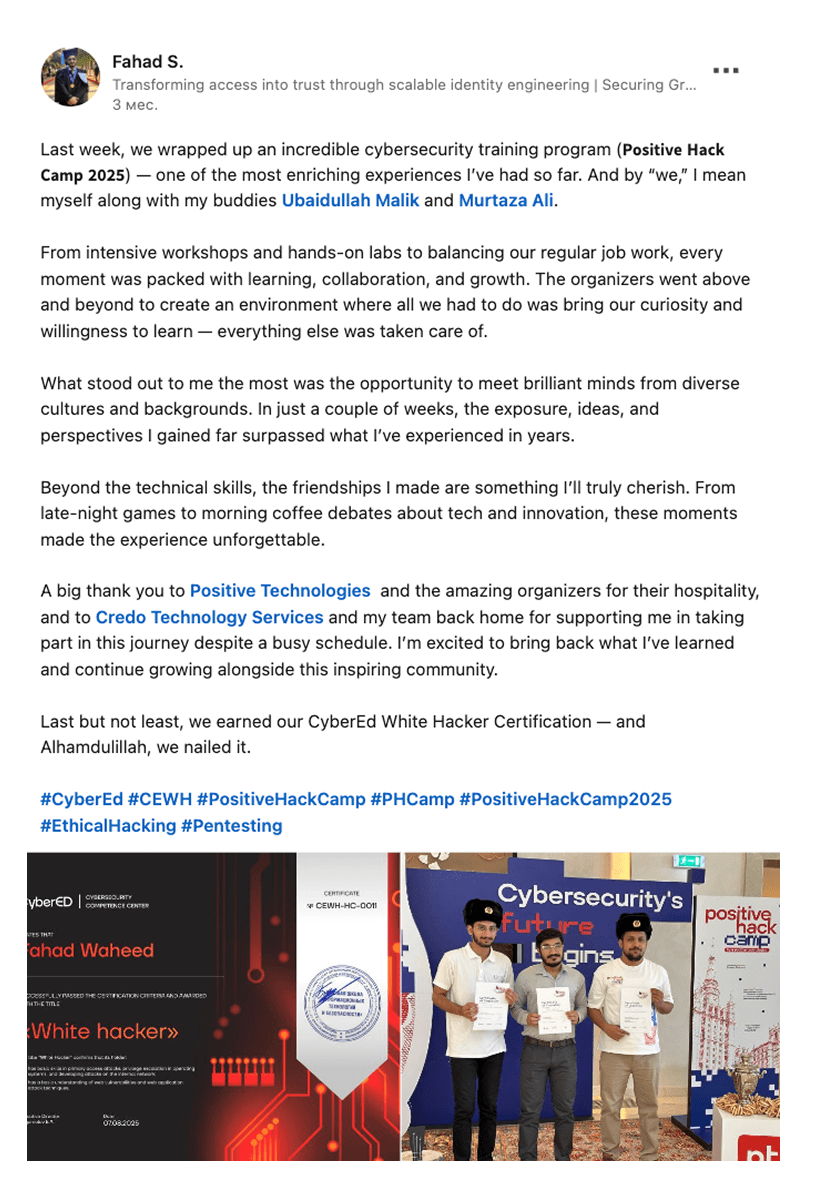
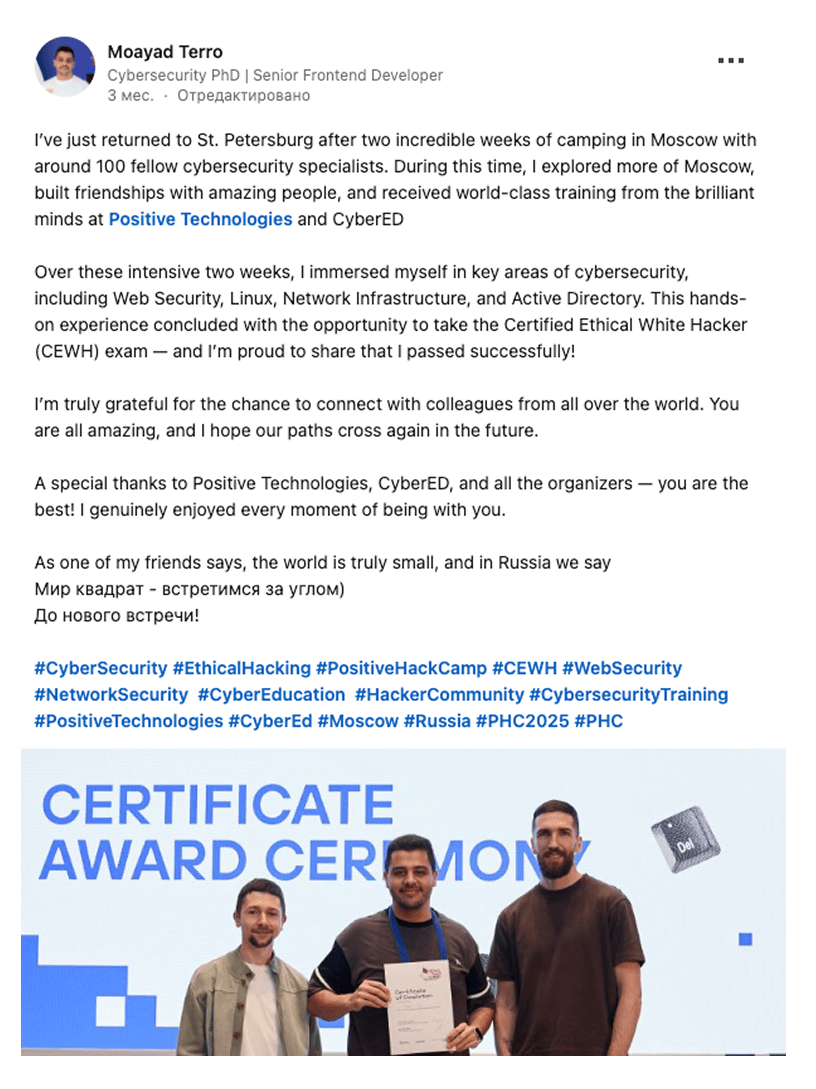
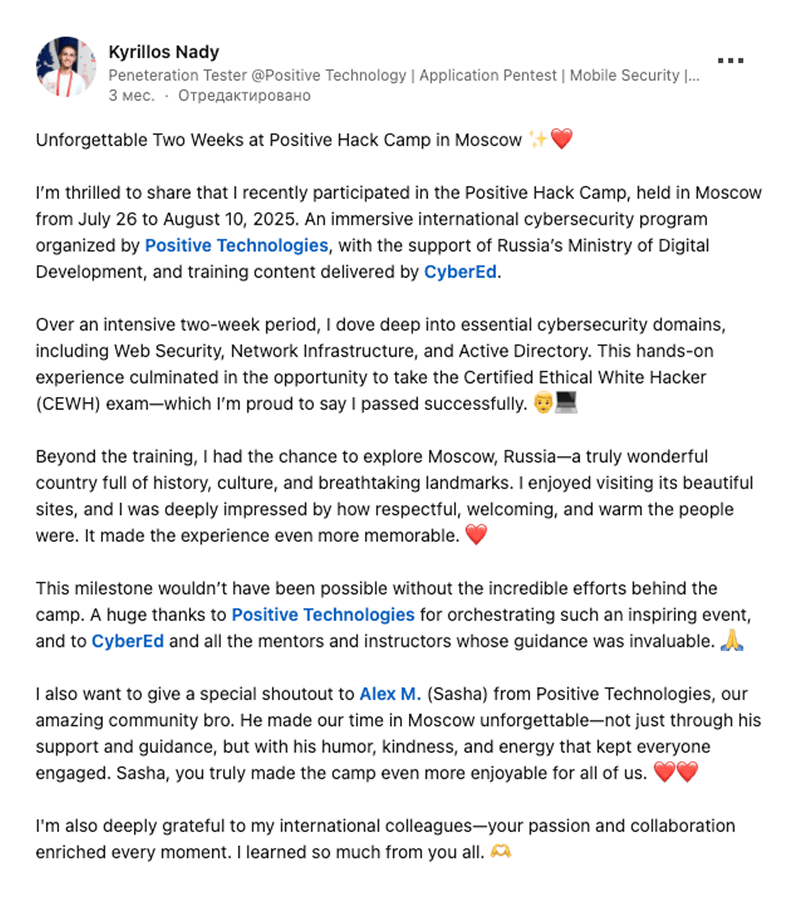
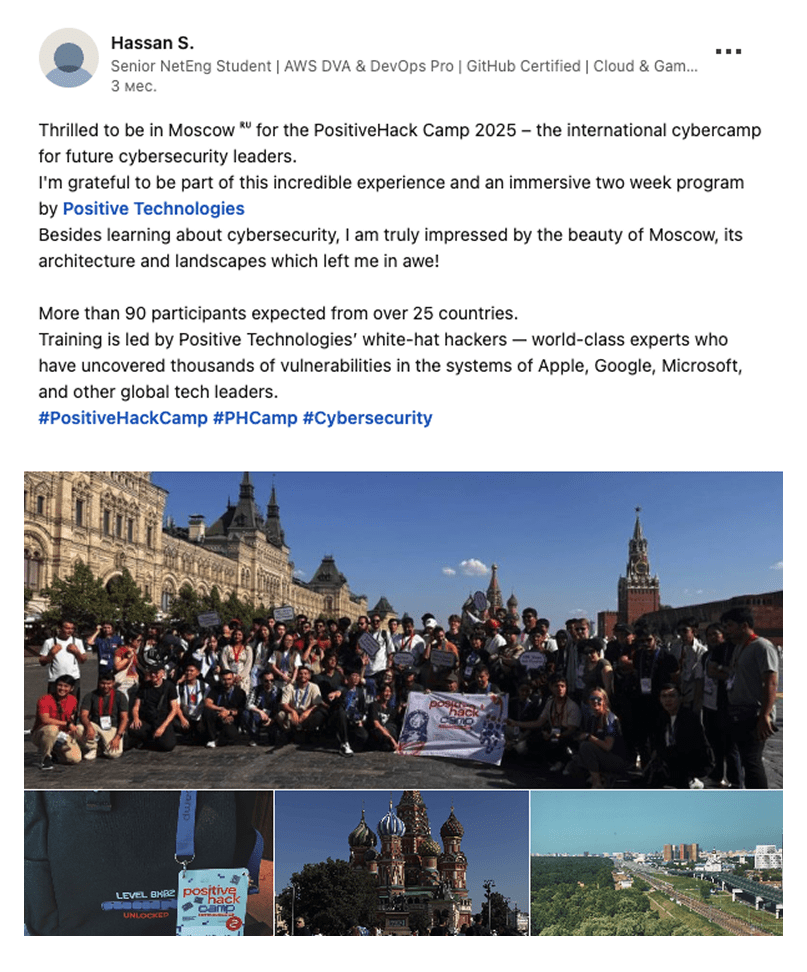
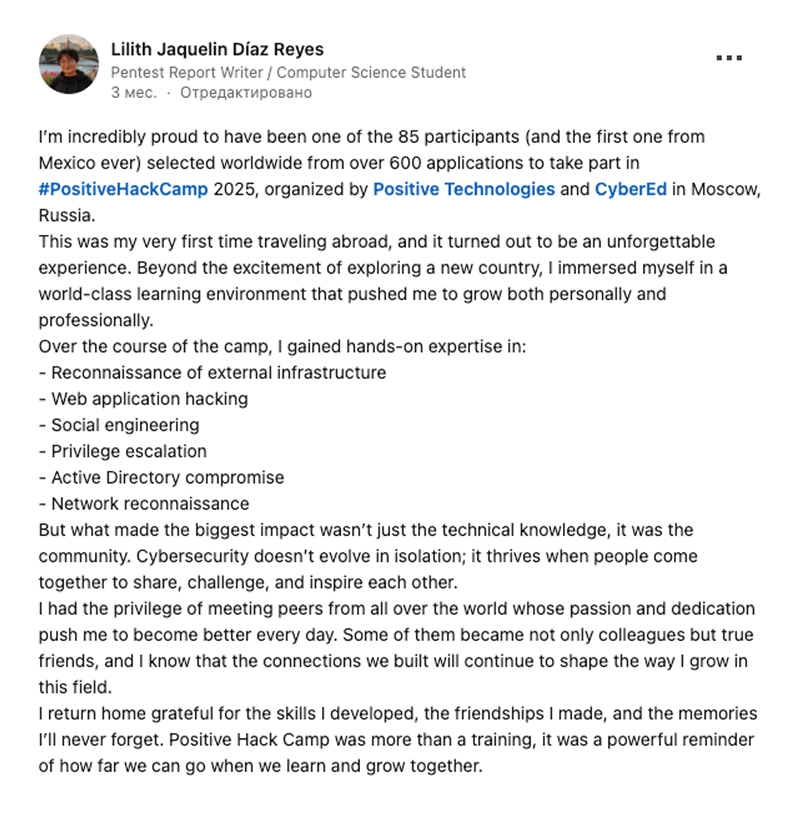
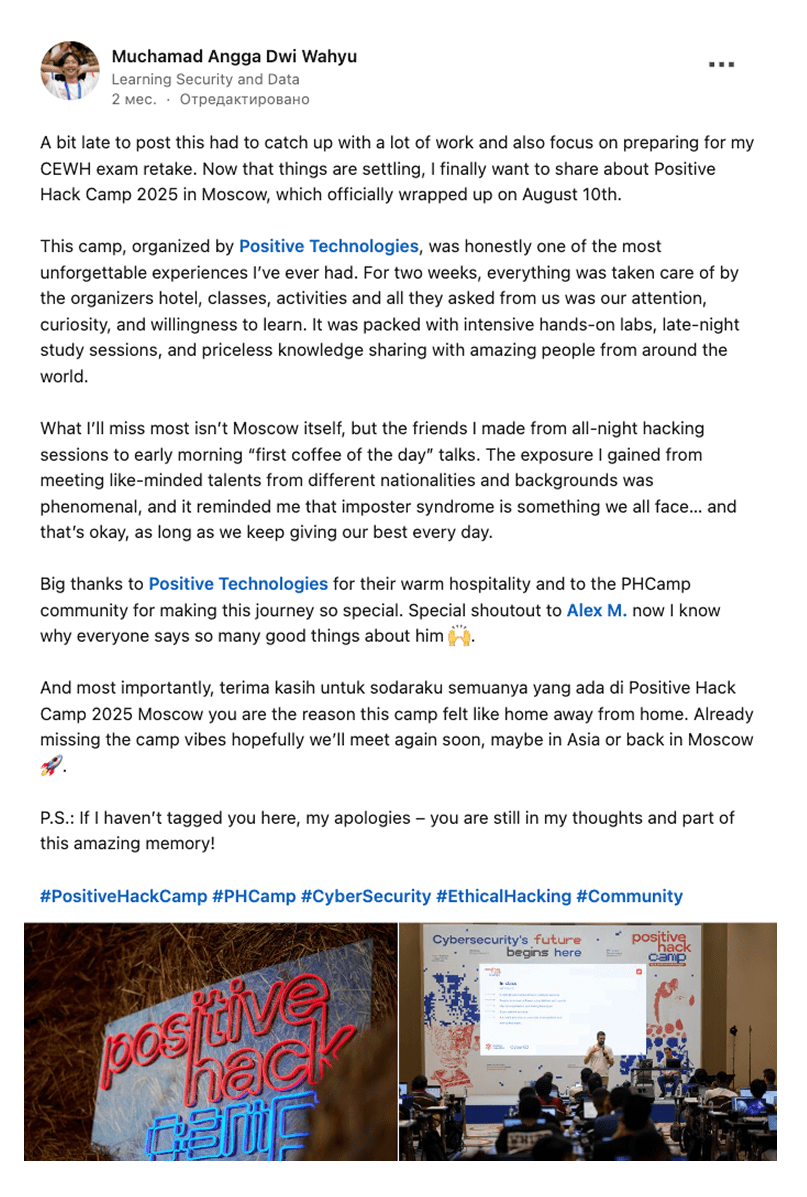
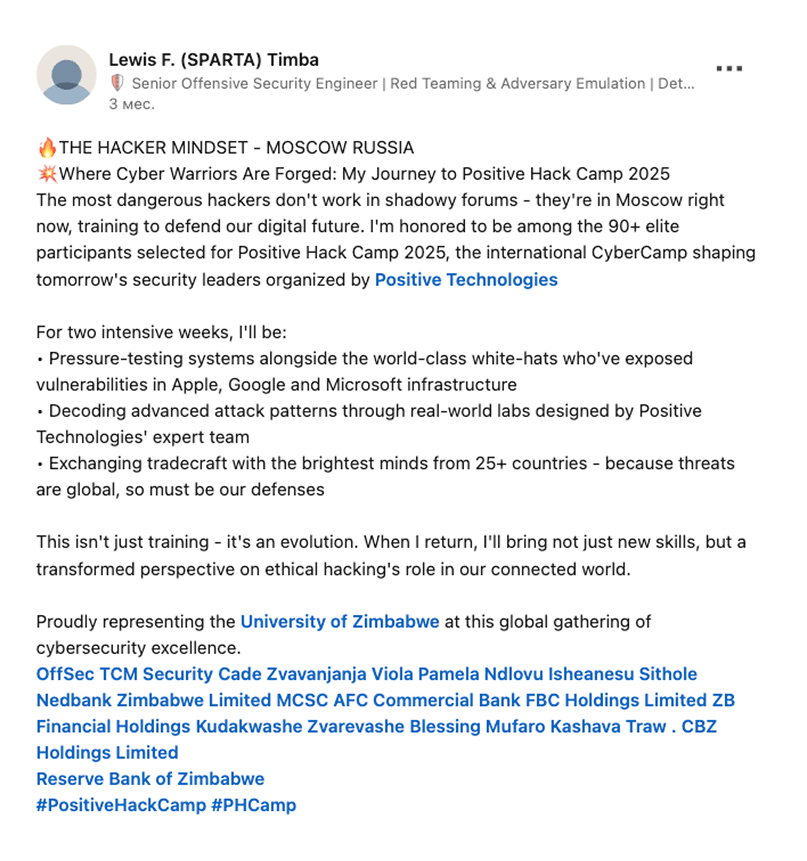
feedback
from attendees
09
+
posts and media tagged #PHCamp and #PositiveHackCamp
100+
Email us:
Social media:
instagram

youtube

linkedin

Company details:
Company name: Joint Stock Company Positive Technologies
Legal address: 107061, Moscow, intracity territory of the municipal district Preobrazhenskoye, Preobrazhenskaya Square, Building 8, Room 60
INN (taxpayer identification number): 7718668887
OGRN (primary state registration number): 1077761087117
Email: [email protected]
Phone: +7 (495) 744-01-44


