

描述
通过功能丰富的表格助力您的网站,打造访客喜爱的用户体验!
TablePress 是最受欢迎且评分最高的 WordPress 表格插件。
- 无论表格 是大是小,您都能轻松创建、编辑并管理 精美且现代 的数据表格!
- 为你的网站访客提供实时的排序、分页、搜索 等更多互动功能!
- 使用任意数据类型,插入图片、链接,甚至数学公式!
- 导入 和 导出 表格从/到 Excel、CSV、HTML 以及 JSON 文件或 URL。
- 使用块编辑器、Elementor 挂件或者简码将表格嵌入到文章、页面,或者网站的其它位置。
- 完全不需要编程知识!
订阅 TablePress 高级版本能够让你以及你的网站访客使用 更多功能并获得优先的电子邮件支持 are available。去看看高级版!
更多信息
访问插件网站 tablepress.org 获取更多信息,看一看 示例表格,或者 在免费测试站点上试用 TablePress。要获取最新消息,请关注 @TablePress 的 Twitter 信息流,或者订阅 TablePress 新闻。
如何使用 TablePress
安装插件之后,您可以在 WordPress 控制面板的“TablePress”页面创建或者管理表格。
要在文章或页面中插入表格,可在块编辑器中添加一个 “TablePress 表格 “块,或在 Elementor 页面生成器中添加一个小工具,然后选择所需的表格,或在其他页面生成器中使用简码。
针对初学者逐步操作的 教程、指南和操作说明 展示了如何使用 TablePress 完成常见且热门的任务。
可以在 TablePress FAQ 页面 中找到通过“自定义 CSS”代码更改常见样式的示例。
您还可以通过在表格的“编辑”界面勾选相应的复选框,来添加特定功能(如排序、分页、过滤、交替行颜色、行高亮、显示名称和/或描述等)。
订阅 TablePress 付费高级版本能够让你以及你的网站访客使用更多特色功能并获得优先的电子邮件技术支持。去看看高级版!
屏幕截图
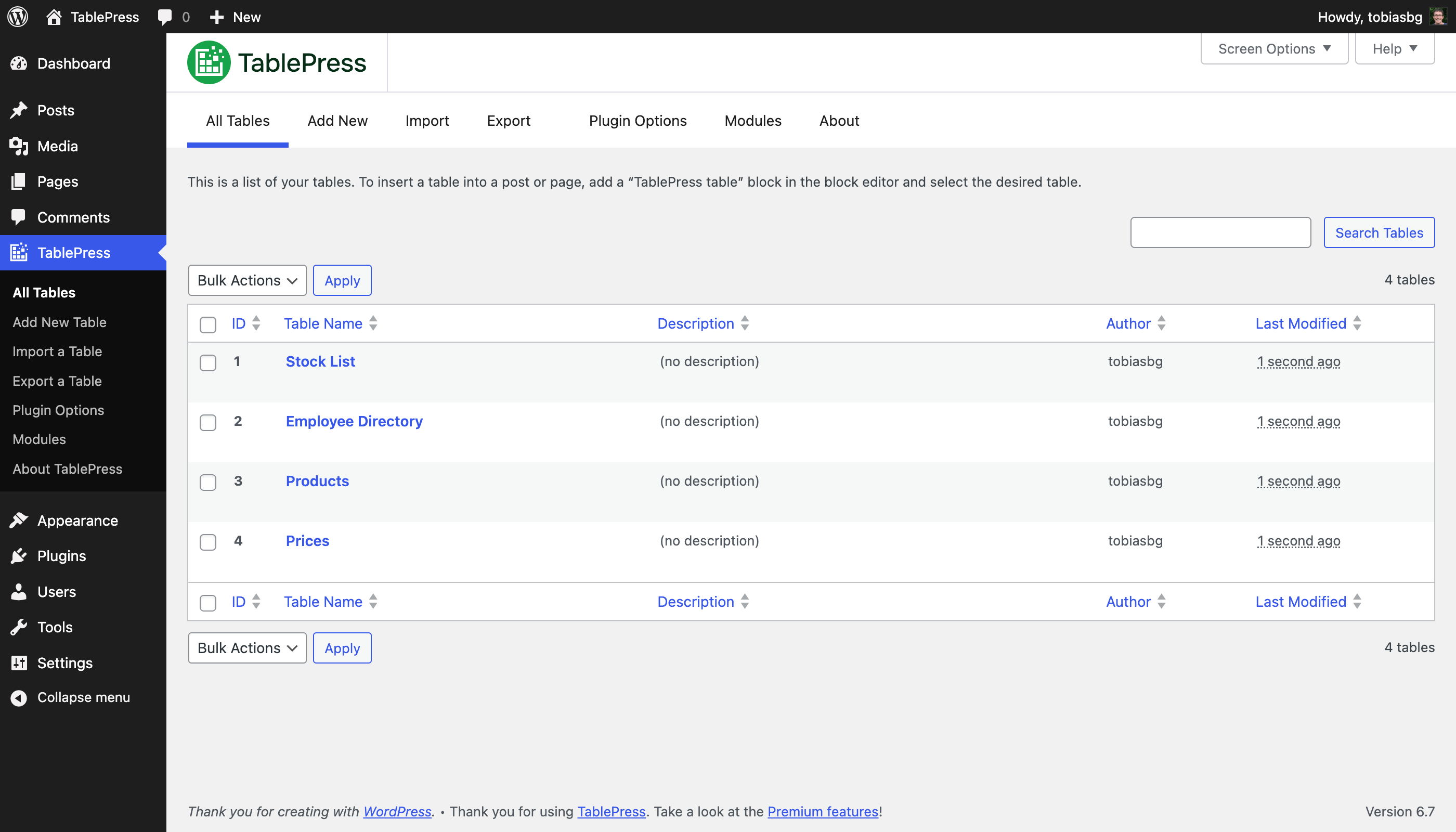
“所有表格”页面 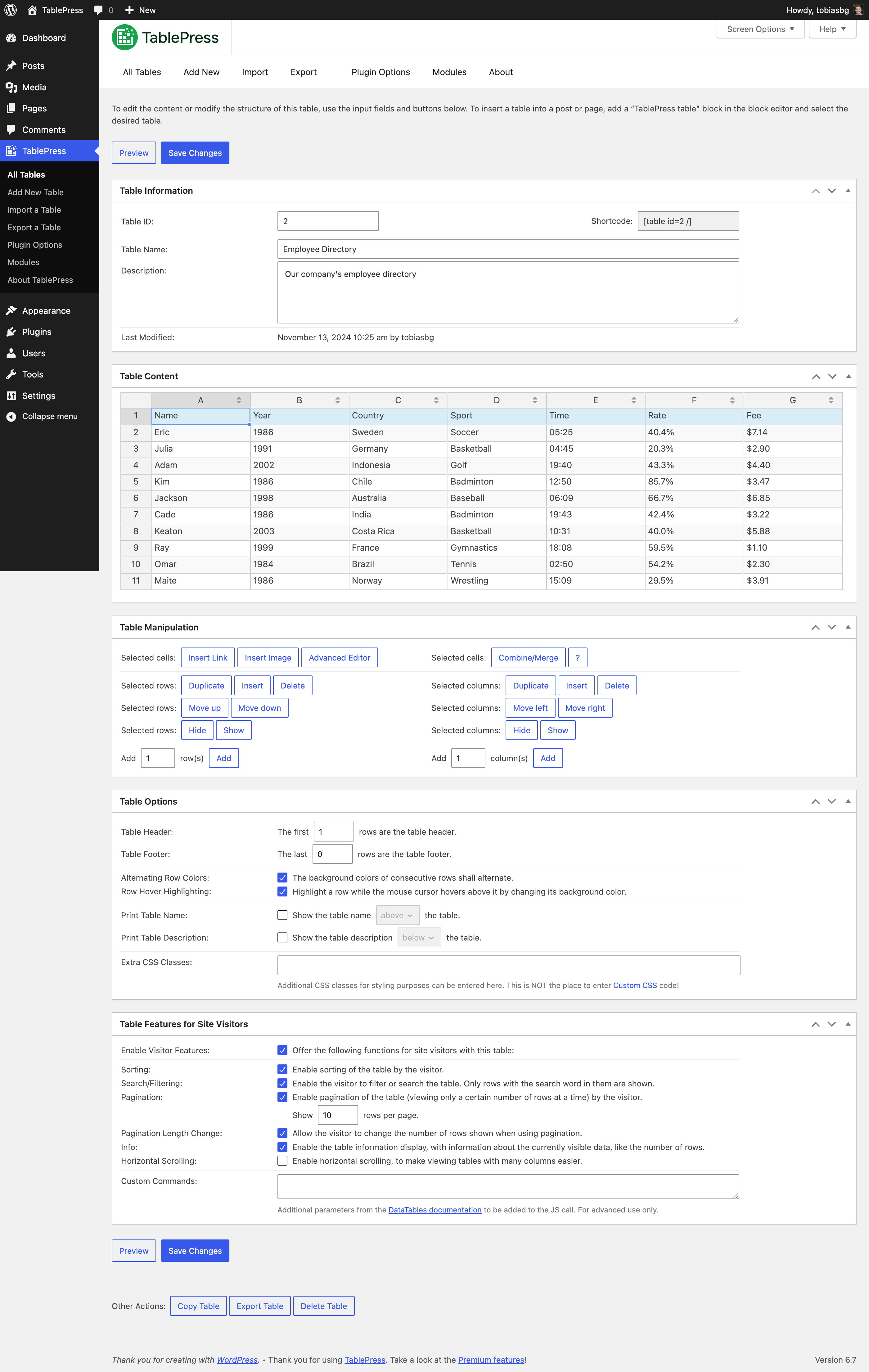
“编辑”页面 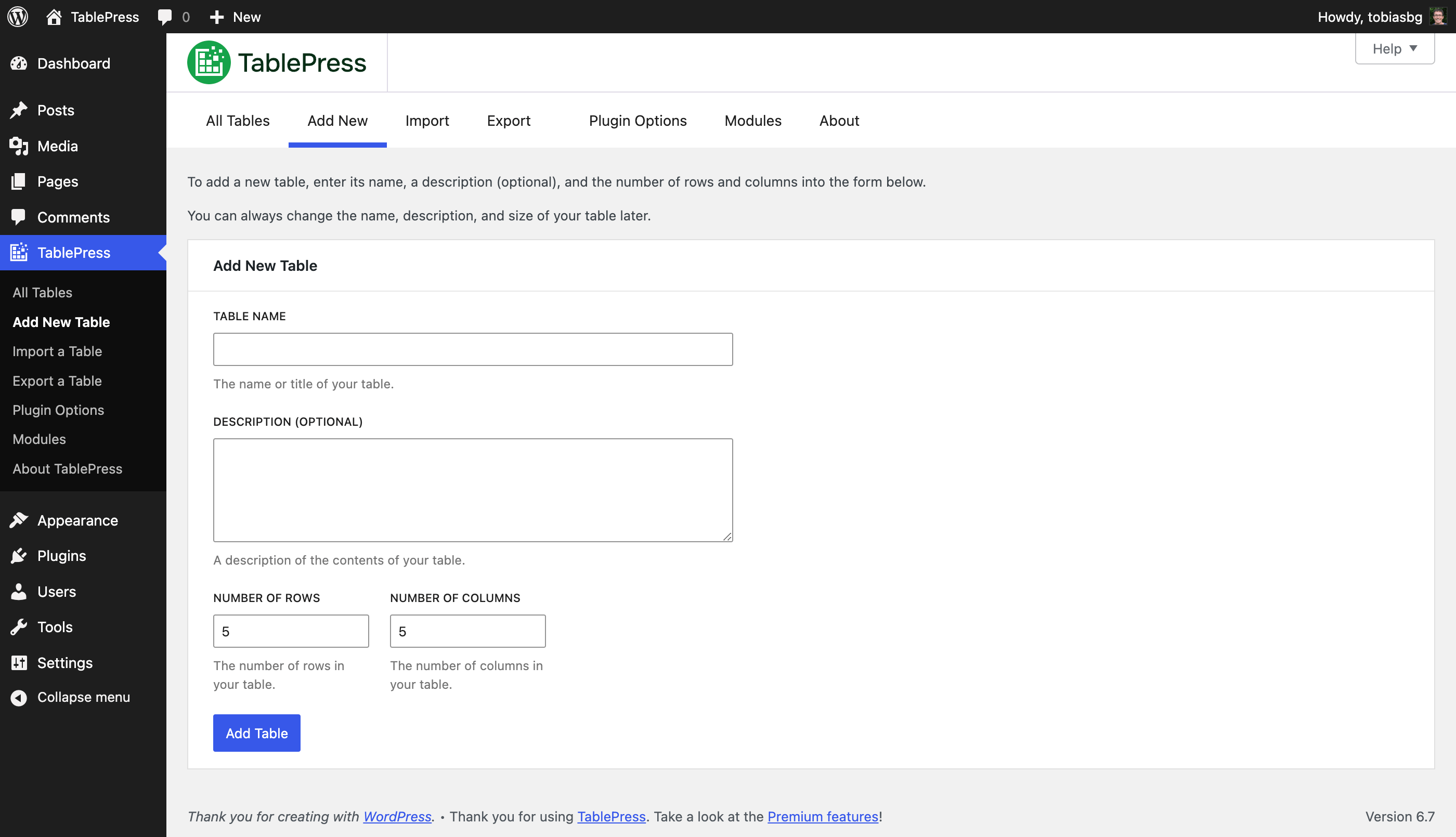
“新增”页面 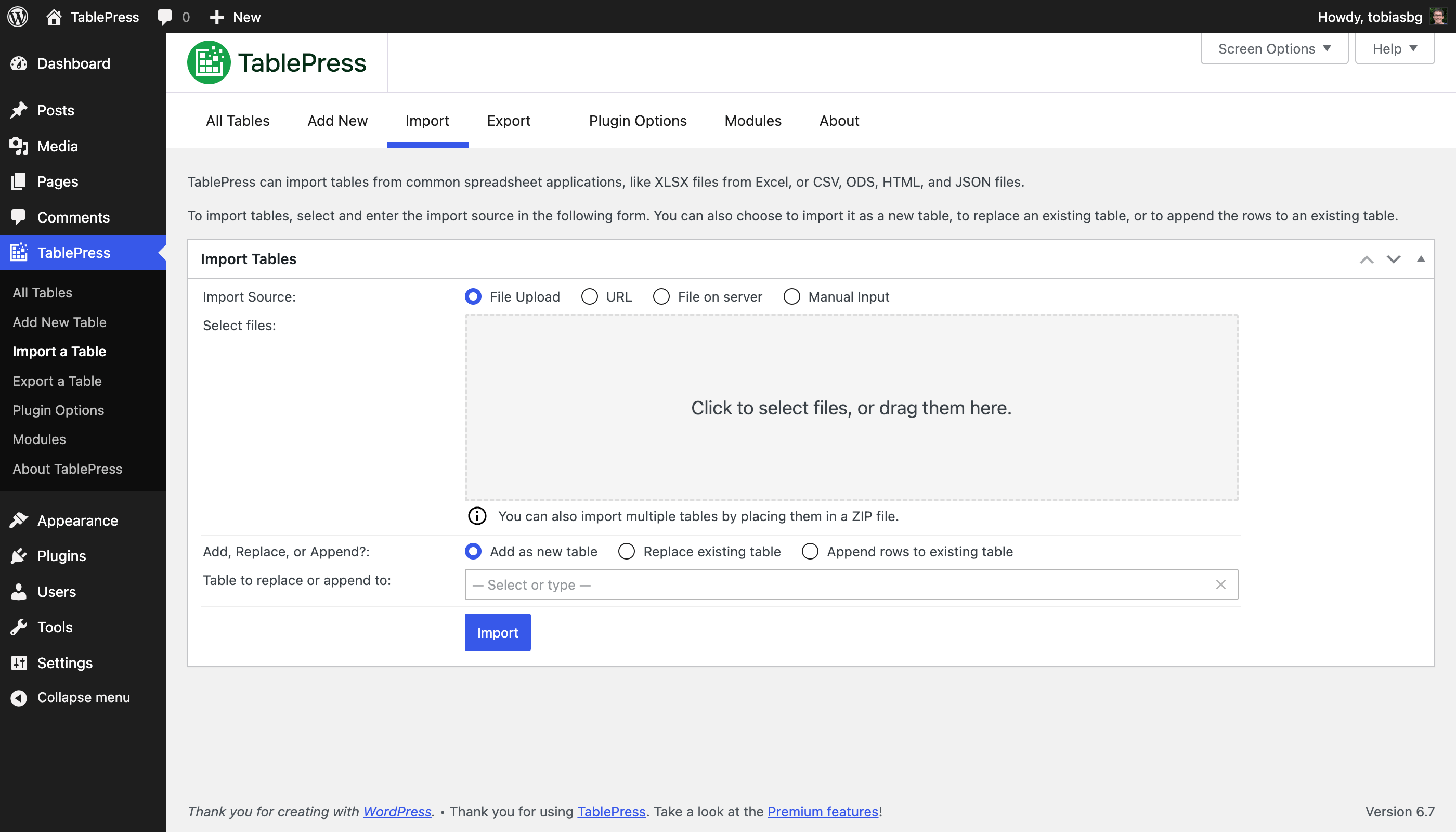
“导入”页面 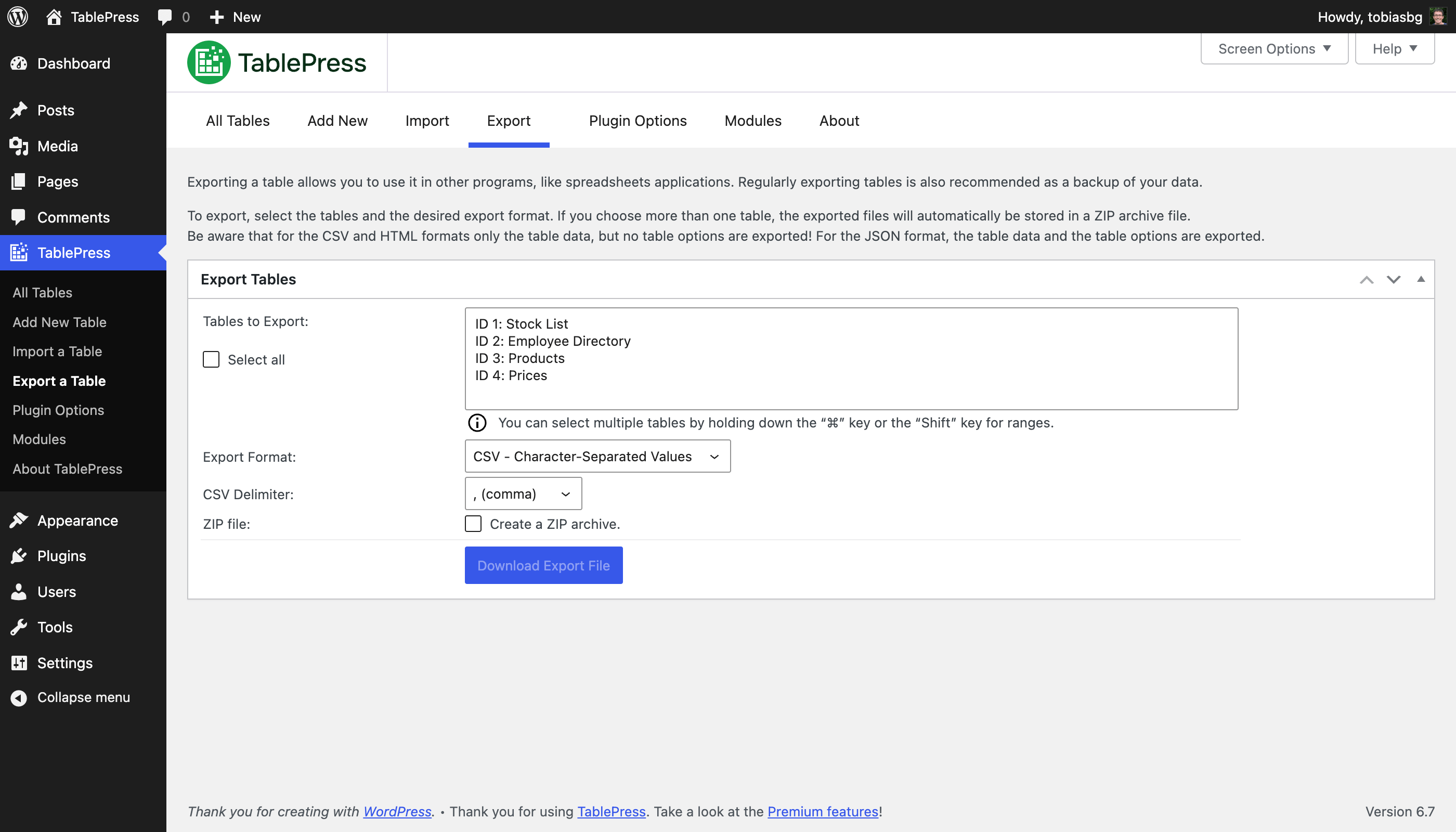
“导出”页面 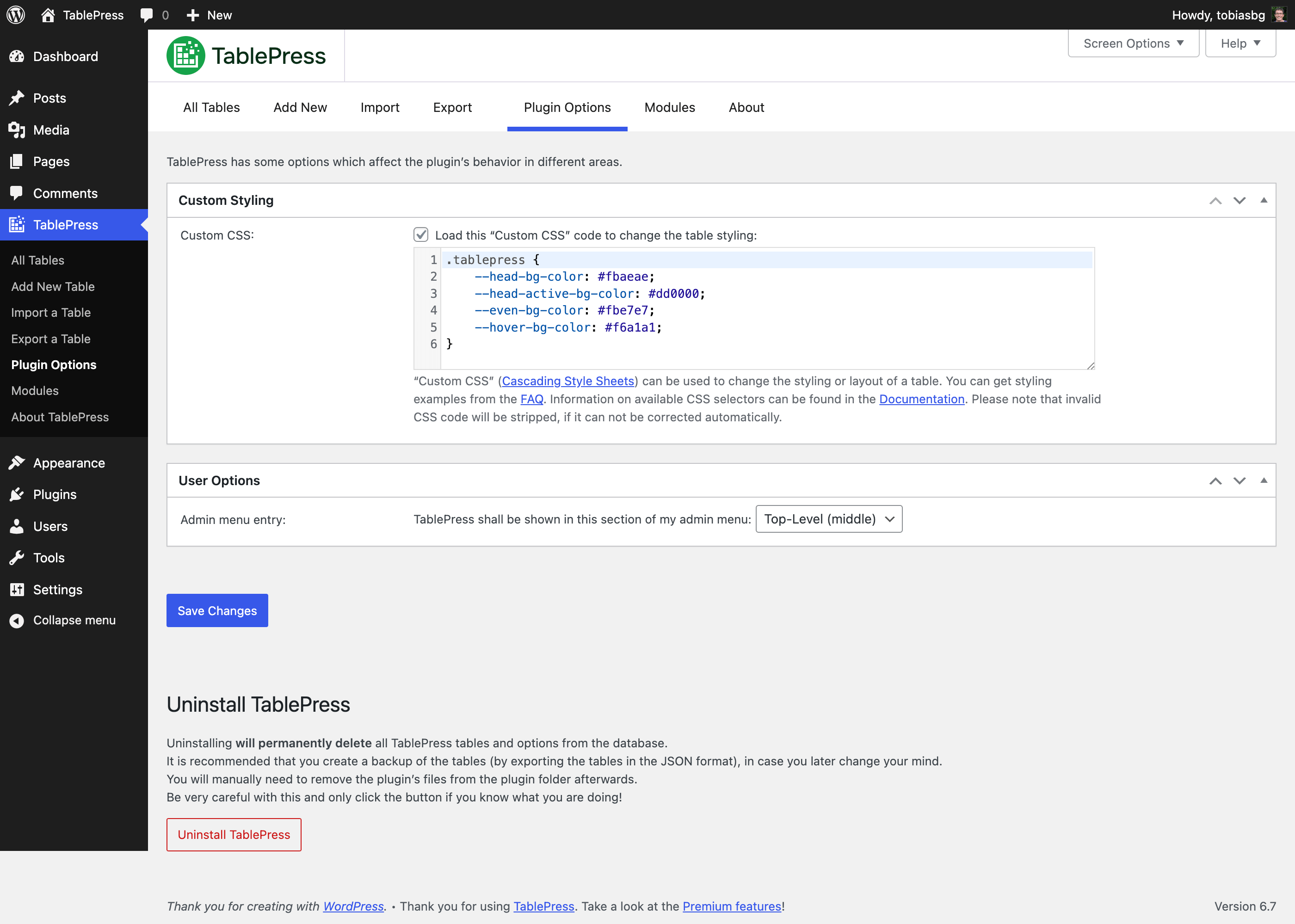
“插件选项”页面 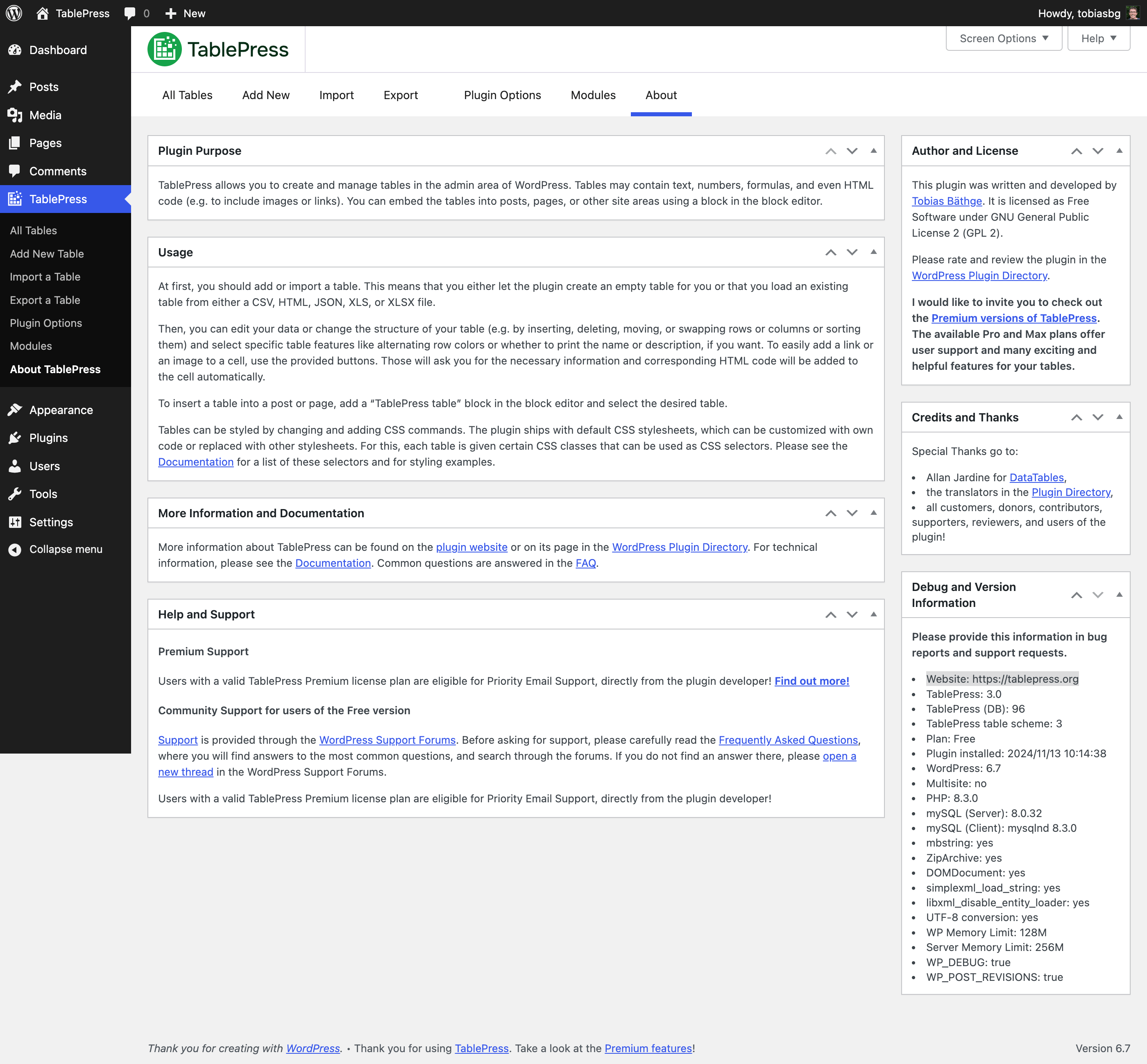
“关于”页面 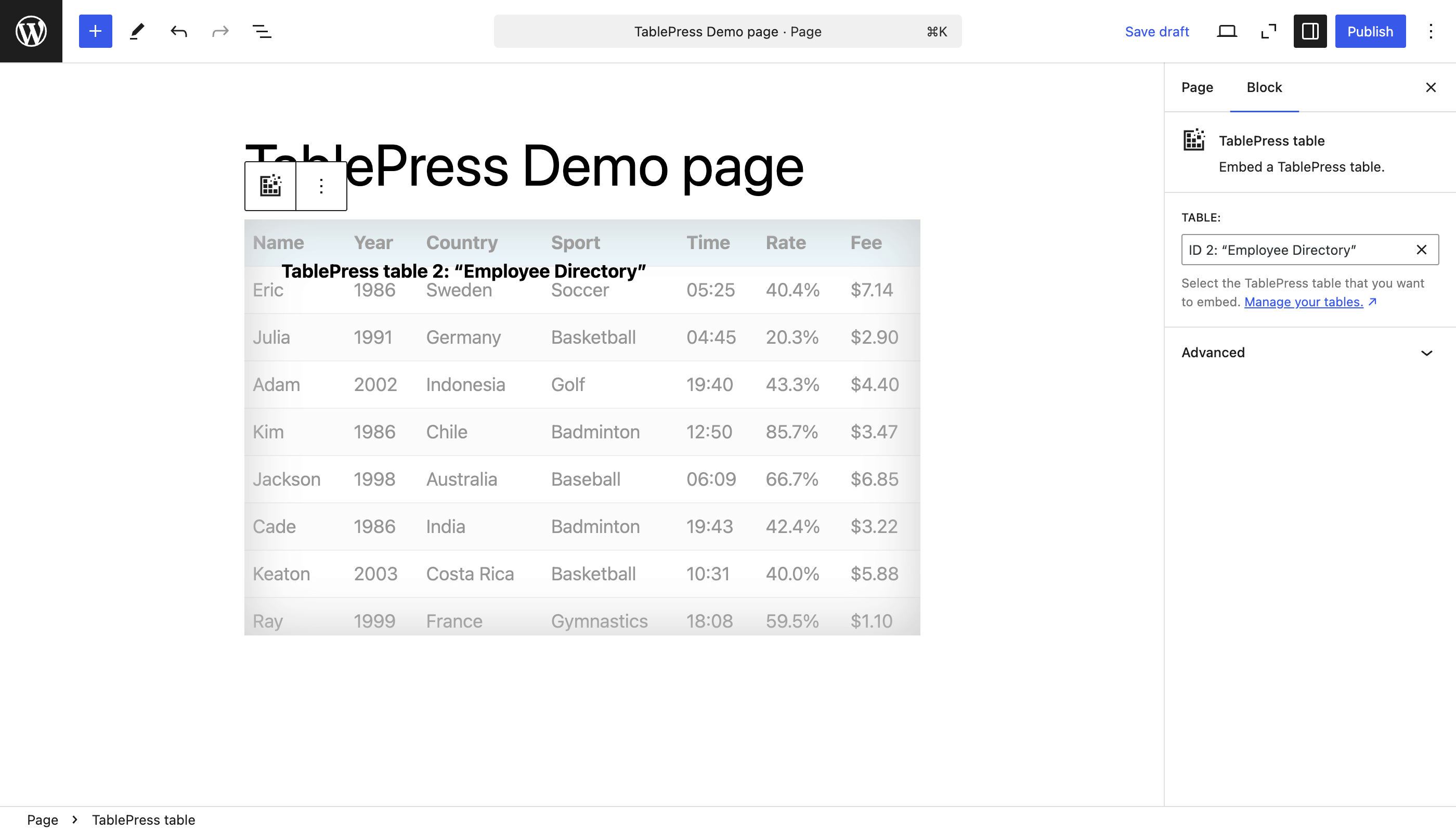
区块编辑器中的“TablePress表格”区块 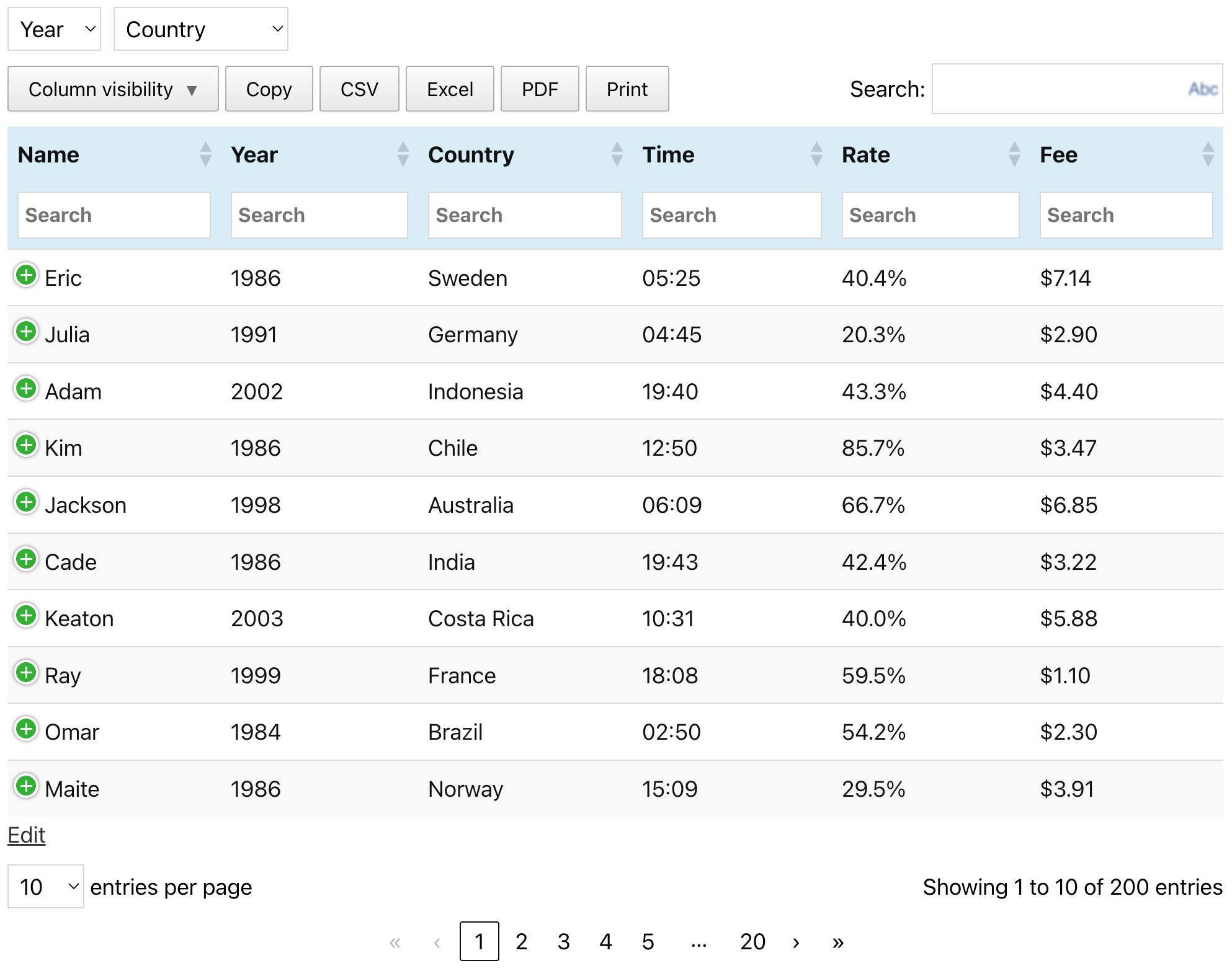
表格示例(请到 TablePress 网站查看)


区块
该插件提供了 1 个区块.
- TablePress table Embed a TablePress table.
安装
安装 TablePress 的最简单方式是通过你的 WordPress 控制台:
- 进入“插件”页面,点击“添加新插件”,在 WordPress 插件目录中搜索“TablePress”。
- 点击“现在安装”并在安装完成后点击“激活”。
- 到管理菜单的“TablePress”页面创建和管理表格。
- 要在文章或页面中插入表格,可在块编辑器中添加一个 “TablePress 表格 “块,或在 Elementor 页面生成器中添加一个小工具,然后选择所需的表格,或在其他页面生成器中使用简码。
手工安装方法与其它的 WordPress 插件的安装方法一样:
- 下载 TablePress ZIP 文件。
- 请前往您网站的“插件”界面,点击“安装插件” “上传插件”进行上传。
- 或者,解压缩 ZIP 文件,然后将 “tablepress” 文件夹移动到 WordPress 安装中的 “wp-content/plugins/” 目录,例如使用 FTP。
- 通过您的 WordPress 仪表盘的“插件”页面激活“TablePress”插件。
- 到管理菜单的“TablePress”页面创建和管理表格。
- 要在文章或页面中插入表格,可在块编辑器中添加一个 “TablePress 表格 “块,或在 Elementor 页面生成器中添加一个小工具,然后选择所需的表格,或在其他页面生成器中使用简码。
常见问题
-
哪里能找到常见问题的答案?
-
关于不同功能或样式的许多问题,已经在 TablePress 网站上的 FAQ 页面 以及丰富的 TablePress 插件文档 中得到了解答。
-
支持?
-
付费高级版支持
拥有有效 TablePress 付费高级版许可的用户,可以享受由插件开发者直接提供的优先邮件支持!了解更多详情!
免费版本用户的社区支持
有关支持问题、错误报告或者需要加入新功能,请使用 WordPress 支持论坛。请先在论坛中搜索,只有在找不到相关回答后再发布新帖。谢谢!
-
需求?
-
简而言之:需要 WordPress 6.2 或更高版本,但始终建议使用最新版本的 WordPress。此外,服务器必须运行 PHP 7.4 或更高版本。
-
语言和本地化?
-
TablePress 使用 “Translate WordPress” 平台。请查看 WordPress 插件目录 中的 TablePress 页面的边栏来了解我们支持的语言。
为了帮助 TablePress 使用您的语言,请到 TablePress 翻译页面,请使用免费的 wordpress.org 帐户登录并开始翻译。
-
开发
-
您可以通过插件的官方GitHub 仓库获取更及时的TablePress开发信息。
-
在哪里报告安全问题?
-
请通过 Patchstack Vulnerability Disclosure Program 报告和反馈在 TablePress 源码中发现的安全问题和错误。
Patchstack 团队将会协助你进行验证、分配 CVE 和通知 TablePress 开发者。 -
在哪里可以获取更多信息?
-
访问插件网站 tablepress.org 获取关于 TablePress 的最新信息,关注 @TablePress 的 Twitter 信息流,或者订阅 TablePress 新闻。
评价


贡献者及开发者

更新日志
最新的变化如下面所示。早期的更新,请查看历史更新日志。
Version 3.2.6 (December 16, 2025)
- Improvement: The CSS code for styling hovered rows when child rows are present was improved for better performance.
- Improvement: It’s easier for developer to adjust or modify the file name or contents of automatically exported tables. (TablePress Pro and Max only.)
- Bugfix: The “Delete Table” button at the bottom of the “Edit” screen now longer raises and error.
- 问题修复:避免在“行高亮”和“单元格高亮”功能模块中意外禁用过滤词“0”。(仅限 TablePress Pro 和 Max 版本。)
- Cleaned up and simplified code, for easier future maintenance, to follow WordPress Coding Standards, and to offer helpful inline documentation.
- Several external code libraries and build tools have been updated to benefit from enhancements and bug fixes.
- Full compatibility with WordPress 6.9.
- Improved support for PHP 8.5.
Version 3.2.5 (October 28, 2025)
- Security fix: Authenticated Stored XSS (CVE-2025-12324). Thanks to Rafshanzani Suhada and the Wordfence team for following responsible disclosure policies when reporting this issue!
- Cleaned up and simplified code, for easier future maintenance, to follow WordPress Coding Standards, and to offer helpful inline documentation.
- Updated external libraries to benefit from enhancements and bug fixes.
- Improved support for PHP 8.5.
Version 3.2.4 (October 21, 2025)
- Improvement: Improve table import when importing URLs from external services like Google Sheets, Microsoft OneDrive, and Dropbox.
- Bugfix: Elementor integration: Prevent an error with the “Element Cache”.
- Cleaned up and simplified code, for easier future maintenance, to follow WordPress Coding Standards, and to offer helpful inline documentation.
- Updated external libraries to benefit from enhancements and bug fixes.
Version 3.2.3 (September 23, 2025)
- Elementor integration: Support for clearing the “Element Cache” was added.
- Elementor widget: The “Configuration Parameters” field is now shown properly again.
- Elementor widget: “Dynamic Tags” are now supported for the “Configuration Parameters” field.
- New feature: The “Advanced Pagination Settings” feature module now offers pagination with a select dropdown field. (TablePress Pro and Max only.)
- Improvement: The “Individual Column Filtering” search fields now support the native Clear button. (TablePress Pro and Max only.)
- Bug fix: Ensure that available premium translation files are loaded correctly. (TablePress Pro and Max only.)
- Cleaned up and simplified code, for easier future maintenance, to follow WordPress Coding Standards, and to offer helpful inline documentation.
- Updated external libraries to benefit from enhancements and bug fixes.
- Improved support for PHP 8.5.
Version 3.2.2 (September 23, 2025)
This version was not released, due to issues in the release process.
Version 3.2.1 (August 28, 2025)
- Security fix: Authenticated Stored XSS (CVE-2025-9500). Thanks to Muhammad Yudha and the Wordfence team for following responsible disclosure policies when reporting this issue!
- Cleaned up and simplified code, for easier future maintenance, to follow WordPress Coding Standards, and to offer helpful inline documentation.
- Updated external libraries to benefit from enhancements and bug fixes.
- Improved support for PHP 8.5.
Version 3.2 (August 26, 2025)
TablePress 3.2 is a feature, stability, maintenance, and compatibility update. Here are the highlights:
Improved Frontend Table Performance
- Tables and their interactivity features are more accessible for visitors with disabilities and users of assistive technologies, with improved labelling and easier-to-use keyboard navigation!
Many New Features and Enhancements for Existing Premium Features
- Fixed Header
- When combining the Fixed Header Row with Horizontal Scrolling, the header will scroll properly as well.
- Server-side Processing
- It is now possible to use the “Column Filter Dropdowns”, “Individual Column Filtering”, and “Inverted Filtering” feature modules while benefitting from the fast loading of large tables from the server!
- Advanced Access Rights
- The user interface now allows filtering for users and tables, to quickly find the right combination!
- Only user roles that are allowed to edit tables will be shown, making the overview much more lightweight!
- Index or Counter Column
- The rendering performance has been improved for large tables.
- Row Order and Column Order
- The “Random” option is now shown in the block’s feature section’s dropdown!
- Advanced Pagination Settings
- The “Show more” button shows better scrolling behavior when using it with long tables!
- Column Filter Dropdowns
- The filtering dropdowns can now be used with Server-side Processing, making it a great choice for large tables!
- Individual Column Filtering
- Besides text input fields, the dropdowns are now also supported when using Server-side Processing!
- Inverted Filtering
- Large tables now benefit from speed improvements, when using Server-side Processing and Inverted Filtering!
Behind the scenes
- Several minor bugs and inconsistencies have been fixed and improved!
- Cleaned up and simplified code, for easier future maintenance, to follow WordPress Coding Standards, and to offer helpful inline documentation.
- Updated external libraries to benefit from enhancements and bug fixes.
- Automated code compatibility checks and build tools simplify chores for easier development.
- Improved support for PHP 8.4.
Premium versions
- Even more great features for you and your site’s visitors and priority email support are available with a Premium license plan of TablePress. Go check them out!
