-
-

-
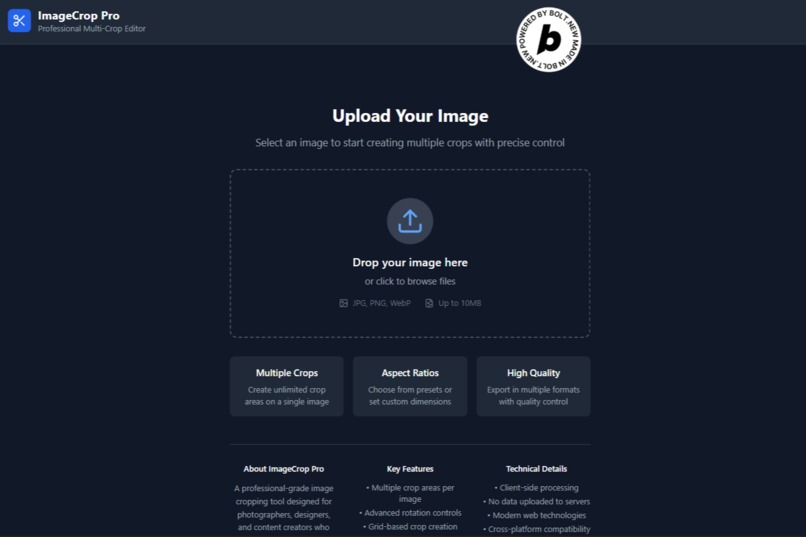
Home Page
-
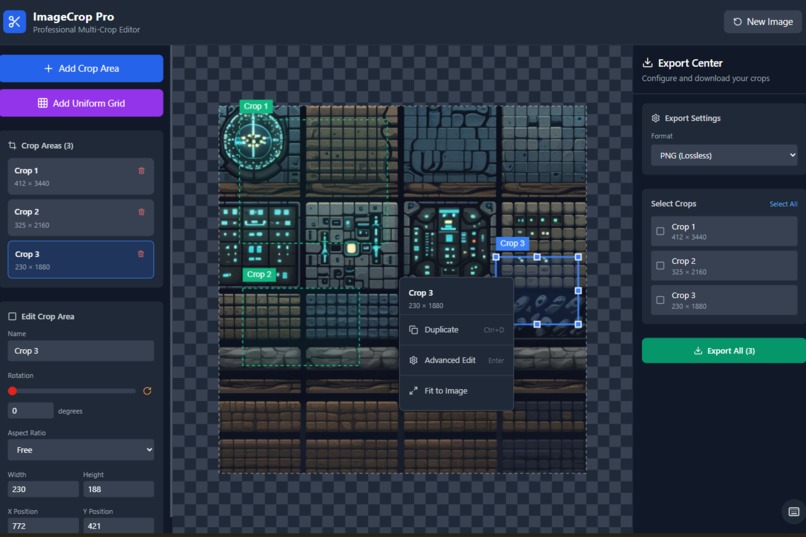
Canvas Page
-
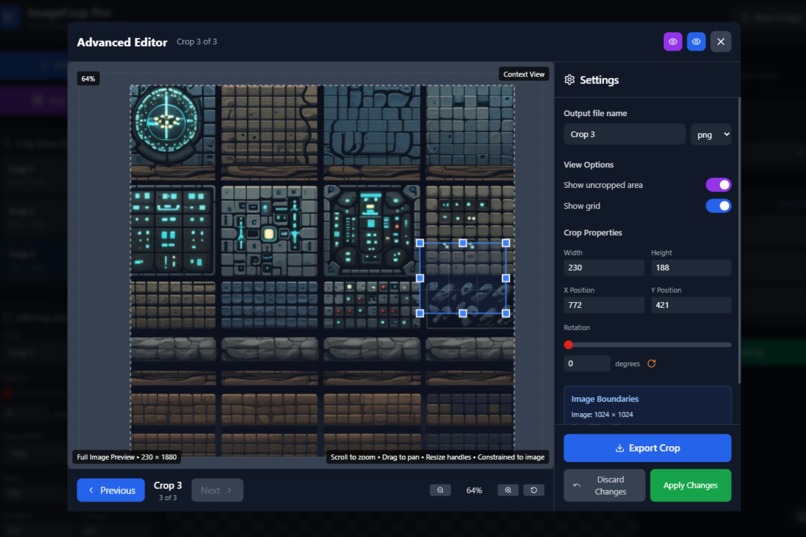
Advance Editor


ImageCrop Pro – Professional Multi-Crop Image Editor
Inspiration
While working on a 2D tile set for a game project, I needed to extract multiple small assets from a single image.
Surprisingly, none of the popular tools offered a simple way to create and export multiple crop areas efficiently.
I was stuck manually cropping one area at a time—and it was slow, frustrating, and error-prone.
That’s when I realized the need for a professional multi-crop image editor, especially one that works right in the browser.
What It Does
ImageCrop Pro lets you:
- Add and manage multiple crops on a single image
- Independently control each crop’s position, size, and rotation
- Use aspect ratio presets or custom dimensions
- Generate uniform crop grids for tilesets or product photos
- Edit each crop in the Advanced Editor Modal
- Export individually or in batch (PNG, JPEG, WebP supported)
How We Built It
- Frontend:
React+TypeScriptusing bolt.new - Canvas Rendering: HTML5
<canvas>for smooth, real-time crop interaction - State Management: Modular hooks and component-based architecture
Challenges We Ran Into
- Ensuring feature-parity on desktop and mobile, including smooth touch gestures
- Efficiently handling large image files without hitting browser memory limits
- Managing crop arrays and keeping their state updates in sync
Accomplishments We’re Proud Of
- ✅ Built a professional-grade browser-based image editor
- ✅ Designed a beginner-friendly UI with advanced features
- ✅ Implemented grid + batch workflow end-to-end
- ✅ Released a free, privacy-first tool with no server-side processing
What We Learned
- The importance of great UX in precision tools
- How to optimize canvas performance with minimal redraws
- Best practices for mouse + touch interface design
- The huge impact of features like batch export and crop arrays on productivity
- Even simple tasks like cropping become complex at scale
What’s Next for ImageCrop Pro
- Save & Load crop sessions using
.json - Cloud sync or local project persistence
- AI-assisted cropping auto-detect objects for smart crops
- PWA or Electron version for offline use
Privacy-first design: All processing is done in-browser. Your images never leave your device.
Built With
- canvas
- html5
- react
- tailwind
- typescript
- vite


Log in or sign up for Devpost to join the conversation.