-
-
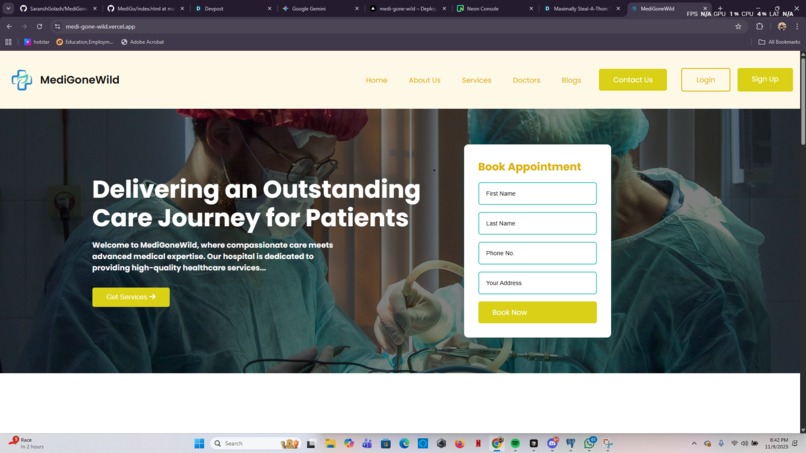
Landing Page
-
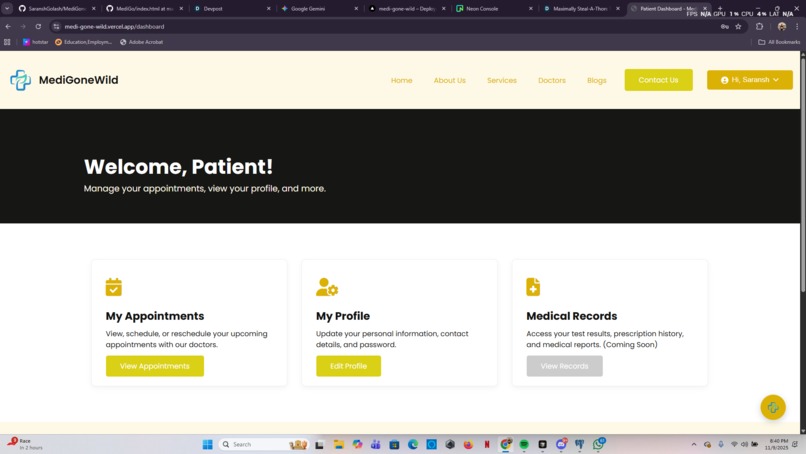
User page upon log in/sign up
-
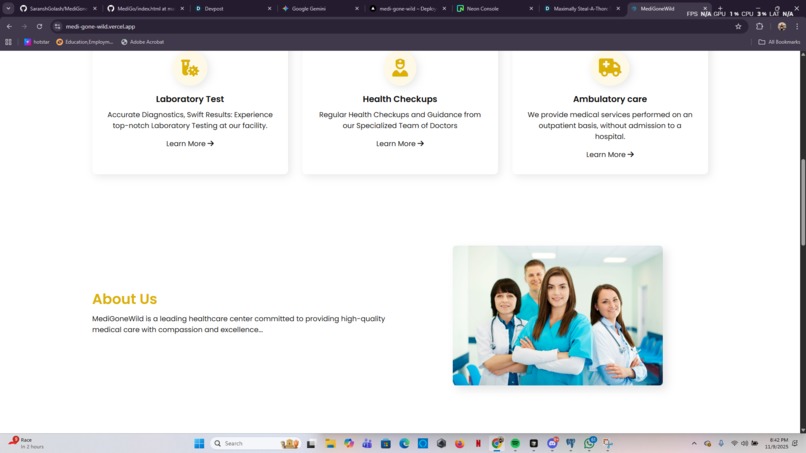
About us section
-
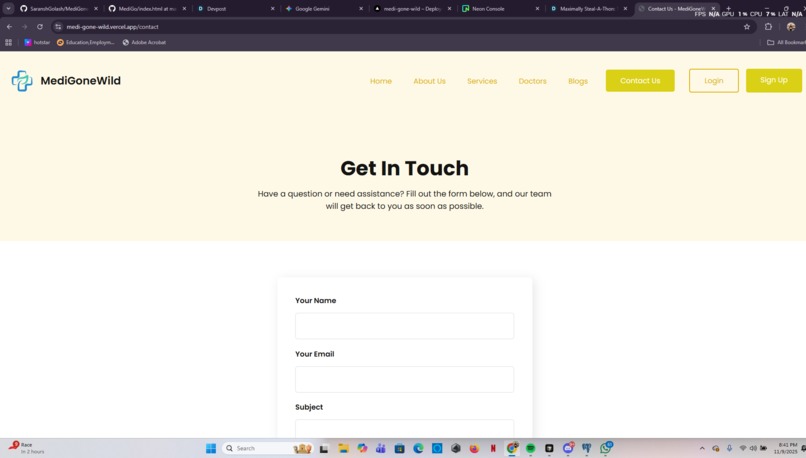
Contact Us page


What Inspired Us
The inspiration for MediGoneWild came from a simple observation: most hospital websites are either static, impersonal "brochures" or completely separate, complex patient portals. Our goal was to bridge this gap. We stole this repo ( https://github.com/thesakshijaiswal/MediGo )of the person who had a vague idea about this, as it was having only a landing page. We remixed it made it better changed the color theme according to the visual theme provided in the overview section of this hackathon. Now we ship the idea and the product to the respective judges.
How We Built It
This project is a full-stack application built from the ground up, with each piece chosen for a specific purpose.
Backend: The server is built with Node.js and Express.js, which handles all routing, logic, and API endpoints.
Templating: Instead of a heavy frontend framework, we used EJS (Embedded JavaScript). This allowed us to render dynamic HTML pages directly from the server, passing in user data to change the UI (like showing a "Login" button or a user's name).
Database: The entire application is powered by a PostgreSQL database, hosted on Neon. This serverless database stores everything from user credentials and messages from the contact form.
Authentication: This is the core of the app. We used Passport.js to handle all authentication. This was a deep dive, as we successfully implemented two separate strategies:
Local Strategy (passport-local) for traditional email and password signups, including password hashing with bcrypt.
Google Strategy (passport-google-oauth20) for secure, third-party social login.
AI Chatbot: The "MediGoneWild Assist" chatbot is powered by the OpenAI API. We created a dedicated backend route (/chat) that securely calls the API, using a detailed system prompt to give the bot its persona and crucial safety rules (like not giving medical advice).
Deployment: The entire application is deployed live on Vercel, configured with a vercel.json file to handle the Express server and linked to our GitHub repository.
What We Learned
This project was a massive learning experience. Our biggest takeaways were:
The Full Authentication Lifecycle: We didn't just learn how to use Passport.js; we learned why it works. Understanding serializeUser, deserializeUser, and how the session middleware attaches req.user to every request was the "Aha!" moment.
Full-Stack Data Flow: We learned to pass data from the server to the client seamlessly. The global middleware we wrote to pass res.locals.user to every EJS template is a great example—it's what allows the header to change instantly after login.
The "Dev-to-Prod" Jump: Moving from localhost to a live Vercel deployment was an education in itself. We learned how to manage environment variables (for API keys and database URLs), why NODE_ENV matters for secure cookies, and how to configure a production database (like Neon) to require SSL.
Secure API Integration: We learned that you should never call an API like OpenAI from the client-side. Building a dedicated backend route (/chat) was the key to protecting our API key and adding our custom system prompt.
Challenges We Faced
We ran into several "brick walls," and solving them was where the real learning happened.
The "Login Loop": Our biggest challenge. After a successful login, every page we clicked would redirect us back to the /login route. We eventually traced this to a session failure. Our NODE_ENV was set to production locally, which made our session cookie secure: true. Since localhost is not HTTPS, the browser refused to send the cookie back, making the server forget our login on every new request.
Static File Errors: We were constantly hit with 404 Not Found and MIME type 'text/html' errors for our JavaScript and CSS files. This forced us to truly understand express.static and realize that all our frontend paths (like /functionality/function.js) are relative to the public folder, not the project root.
The Google OAuth Nightmare: The redirect_uri_mismatch error from Google was our nemesis. We learned that the URL in the Google Cloud Console must be an exact, character-for-character match to our callbackURL route, both for localhost and for our final Vercel deployment URL.
Client-Side JS Failures: Our dropdown menus and chat window wouldn't work. We learned this was a "race condition"—our JavaScript was running before the HTML elements existed. The solution was to wrap all our client-side code in a DOMContentLoaded event listener, guaranteeing the page was ready first.
What's next for MediGoneWild
Activate Appointment Booking
Make "My Profile" Work
Add Flash Messaging


Log in or sign up for Devpost to join the conversation.