-
-
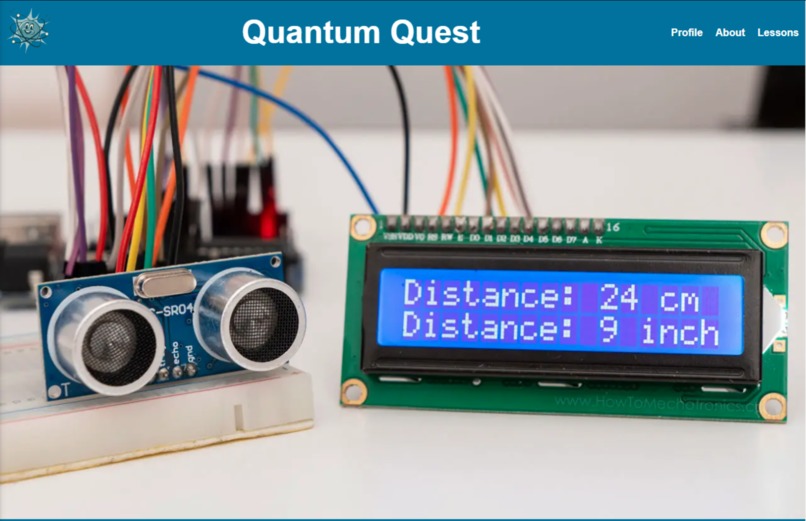
Lobby Page
-
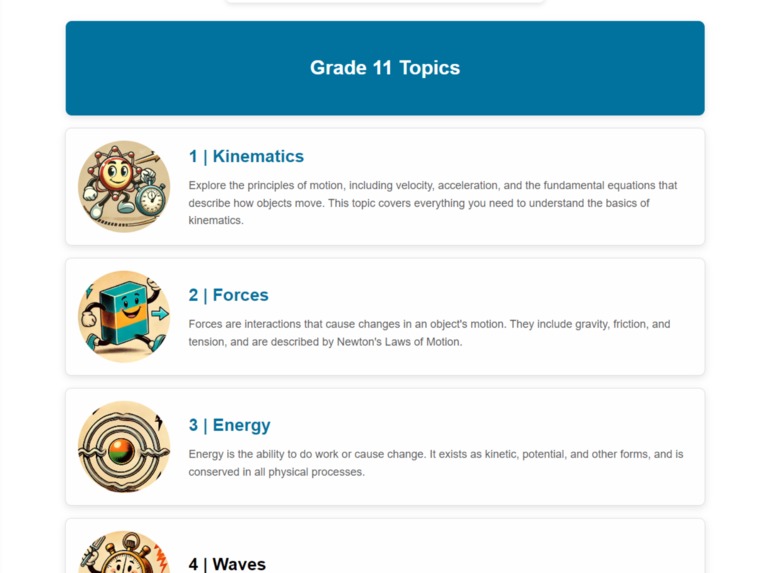
Unit Sections
-
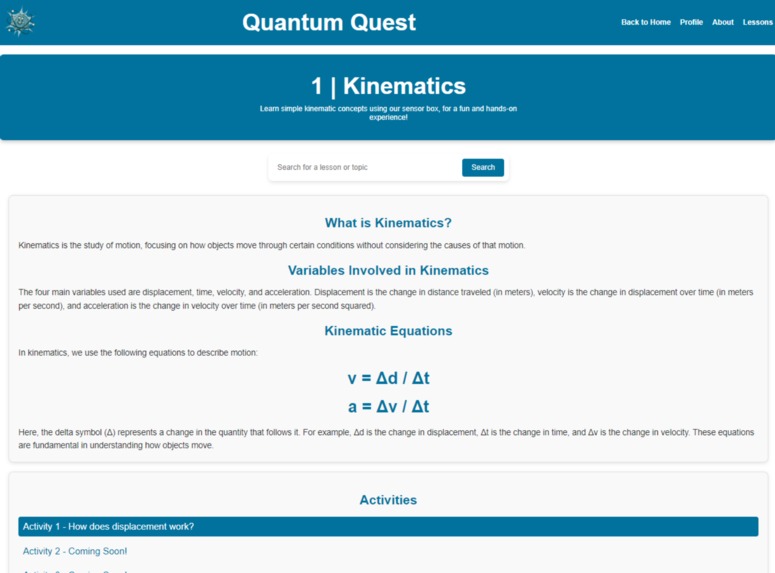
Lesson Example
-
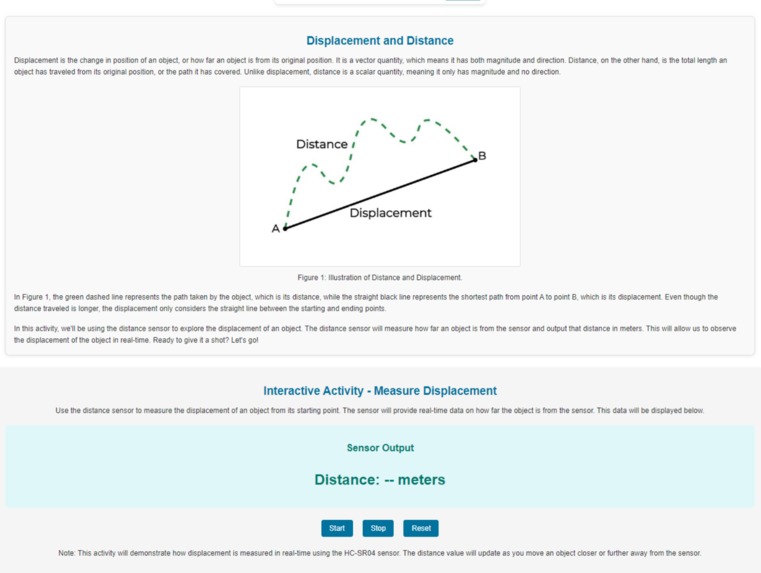
Sensory Activity
-
Sensor Kit 1
-
Sensor Kit 2


Inspiration
In traditional classroom settings, teaching physics concepts can often feel abstract, making it difficult for students to understand theory. Quantum Quest bridges this gap by offering a hands-on, interactive learning experience through a portable device, allowing students to visualize and experiment with physics concepts like kinematics and waves.
What It Does
Quantum Quest is a learning environment that allows students to interact with physical experiments to learn aspects of high school physics. The platform combines lessons and experiments to challenge students to apply physics to real-world applications. Students will progress through chapters/units to earn points where teachers can track the student's abilities. Teachers can also manage what lessons are visible for students to complete, ensuring that students progress at a rate that is similar to other students. The students will use a portable device that consists of sensors and other data-generating devices to collect data linked to tasks/questions in the virtual learning environment. The students and the teachers would have individual accounts. The teachers would have a view that allows them to oversee student progress and lesson availabilities while students would be able to see different units linked to different tasks that they would have to complete. Currently, the device is designed for students to independently guide themselves through science concepts from each unit using a series of experiments.
How We Built It
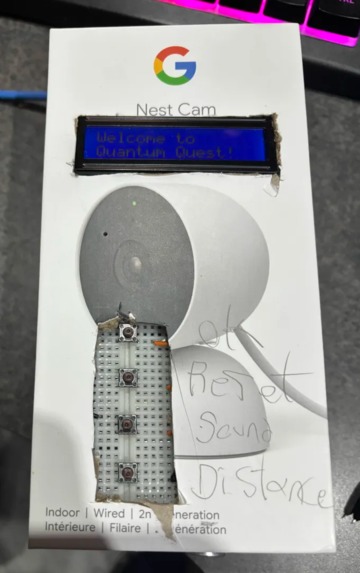
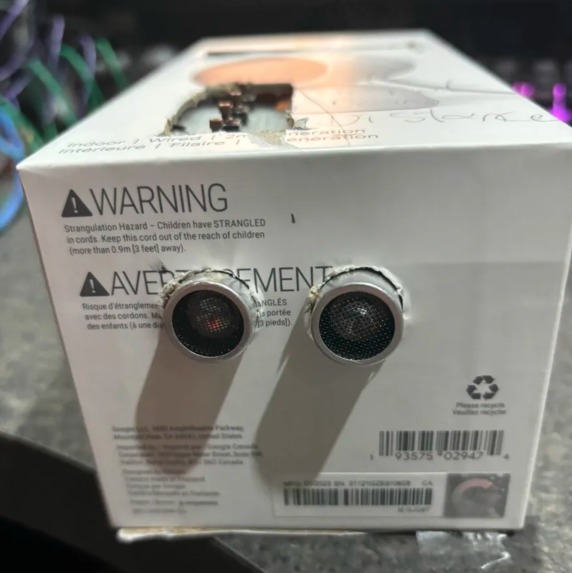
Arduino: For the Sensor Kit, we began with choosing components that correlate with the task we wanted this device to have, the components consist of Arduino, breadboard, LCD, and sensors (distance, sound, IR). We then wired the sensors to the Arduino while connecting the LCD as well to be able to print the data as well as a welcome message for the user. The data was then saved into the Arduino to later send to the website for usage on the software end of the project. We also decided to incorporate buttons to switch the type of sensor being used to allow for the information of a single sensor to be displayed on the LCD and the correct sensor to be used for the unit that is correlated. With all the hardware we move it into a casing that in sorts resembles a Gameboy-like form factor for portable and easy-to-handle usage.
Website: For the website, we wanted to make it so that students can log in and access lessons to track their progress using HTML and CSS. We made a design accessible for primarily web browsers as adding a mobile view for the website would cause students to be on phones making it a difficult environment for students to concentrate on assigned tasks. We then used Python to transfer the data collected from the sensors in the Arduino using the serial port. Then we create a Python file to read the serial data from the Arduino. Then using a Python Framework we take the data in Python to print onto the website.
Challenges We Ran Into
1) The integration of creating separate tabs to allow for user-friendly navigation throughout the online learning environment using separate languages.
2) Finding a way to incorporate data from the Arduino to the website to allow for experiments to be connected to both platforms.
3) Having the LCD connected to the Arduino correctly display all the data from every connected sensor.
4) The time crunch made it difficult to prioritize major aspects that were not as important, this made a few ideas that we had originally thought of to be scrapped.
Accomplishments That We're Proud Of
1) The incorporation of both a software aspect and a hardware aspect allows us to show our strengths through different parts of technology.
2) The ability to overcome challenges to create a viable product that provides an educational purpose to create further advancements in teaching sciences.
What We Learned
Balancing different tasks like coding, circuit design, lesson planning, and testing while meeting deadlines.
How to bridge the gap between both software (Python, HTML) and hardware (Arduino, Sensors).
How different components/sensors interact with the Arduino Uno.
How to transfer data from an Arduino to a Python script to a website for display.
What's Next For Quantum Quest
To further the involvement of sciences throughout schools we will provide Quantum Quest with:
The inclusion of other sciences like biology and chemistry along with their own separate devices to provide further interactive experiences.
A leaderboard system to allow competition between students throughout a class as well as an end goal/reward.
Specialised Quests where students can team up with other classmates to tackle challenges against others.
A specialized AI tutor that allows for anytime assistance for issues that may occur within student understanding and comprehension.
Including other sensors that help gather more data for units like sound sensors and other sensors.
Because of the time constraint, next time we are going to be adding the linkage from the Python script to the website.


Log in or sign up for Devpost to join the conversation.