

Descripción
Royal MCP enables AI platforms like Claude, OpenAI, and Google Gemini to securely interact with your WordPress content through the Model Context Protocol (MCP).
Key Features:
- Multi-Platform Support – Connect Claude, OpenAI, Google Gemini, Mistral, Perplexity, Groq, and more
- REST API Access – Expose posts, pages, media, and users to AI platforms
- Secure Authentication – API key authentication protects your endpoints
- Activity Logging – Track all AI interactions with your site
- Claude Desktop Integration – Native MCP connector for Claude Desktop app
Supported AI Platforms:
- Claude (Anthropic)
- OpenAI (GPT-4, GPT-3.5)
- Google Gemini
- Mistral AI
- Perplexity
- Groq
- Cohere
- Together AI
- DeepSeek
- And more…
API Endpoints:
/wp-json/royal-mcp/v1/posts– Access posts/wp-json/royal-mcp/v1/pages– Access pages/wp-json/royal-mcp/v1/media– Access media library/wp-json/royal-mcp/v1/users– Access user data (public info only)
External Services
This plugin connects to third-party AI services to enable AI platforms to interact with your WordPress content. No data is transmitted until you explicitly configure and enable a platform connection.
What data is sent: Your WordPress content (posts, pages, media metadata) as requested by the connected AI platform.
When data is sent: Only when you have configured a platform with API credentials AND enabled that platform connection AND the AI platform makes a request.
Supported services and their policies:
-
Anthropic Claude – Used for Claude AI integration
Terms of Service | Privacy Policy -
OpenAI – Used for ChatGPT/GPT-4 integration
Terms of Use | Privacy Policy -
Google Gemini – Used for Gemini AI integration
Terms of Service | Privacy Policy -
Groq – Used for Groq LPU inference
Terms of Service | Privacy Policy -
Microsoft Azure OpenAI – Used for Azure-hosted OpenAI models
Terms of Service | Privacy Policy -
AWS Bedrock – Used for AWS-hosted AI models
Terms of Service | Privacy Policy -
Ollama / LM Studio – Local self-hosted models (no external data transmission)
-
Custom MCP Servers – User-configured servers (data sent to user-specified endpoints only)
Capturas
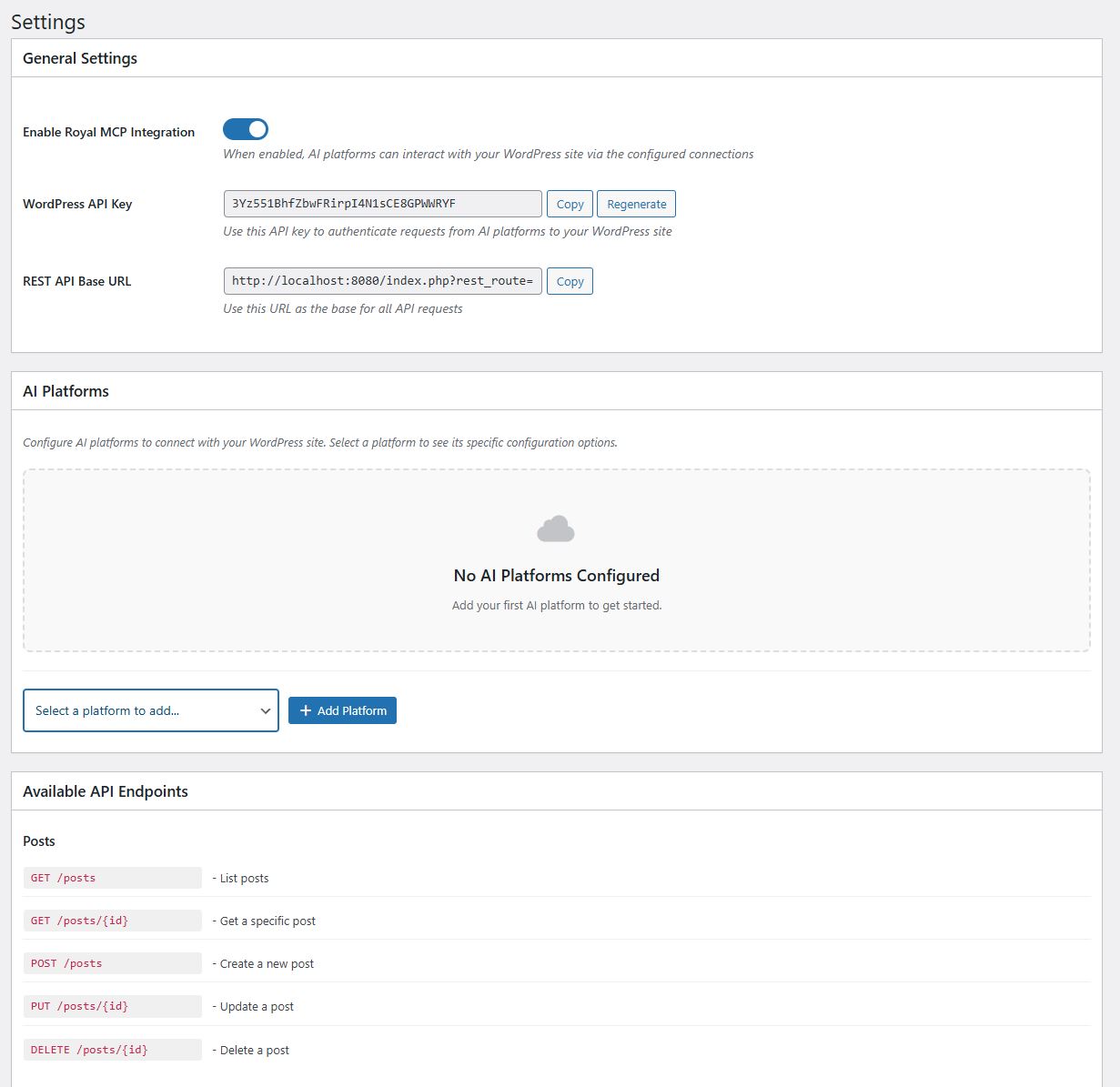
Main settings page with plugin overview 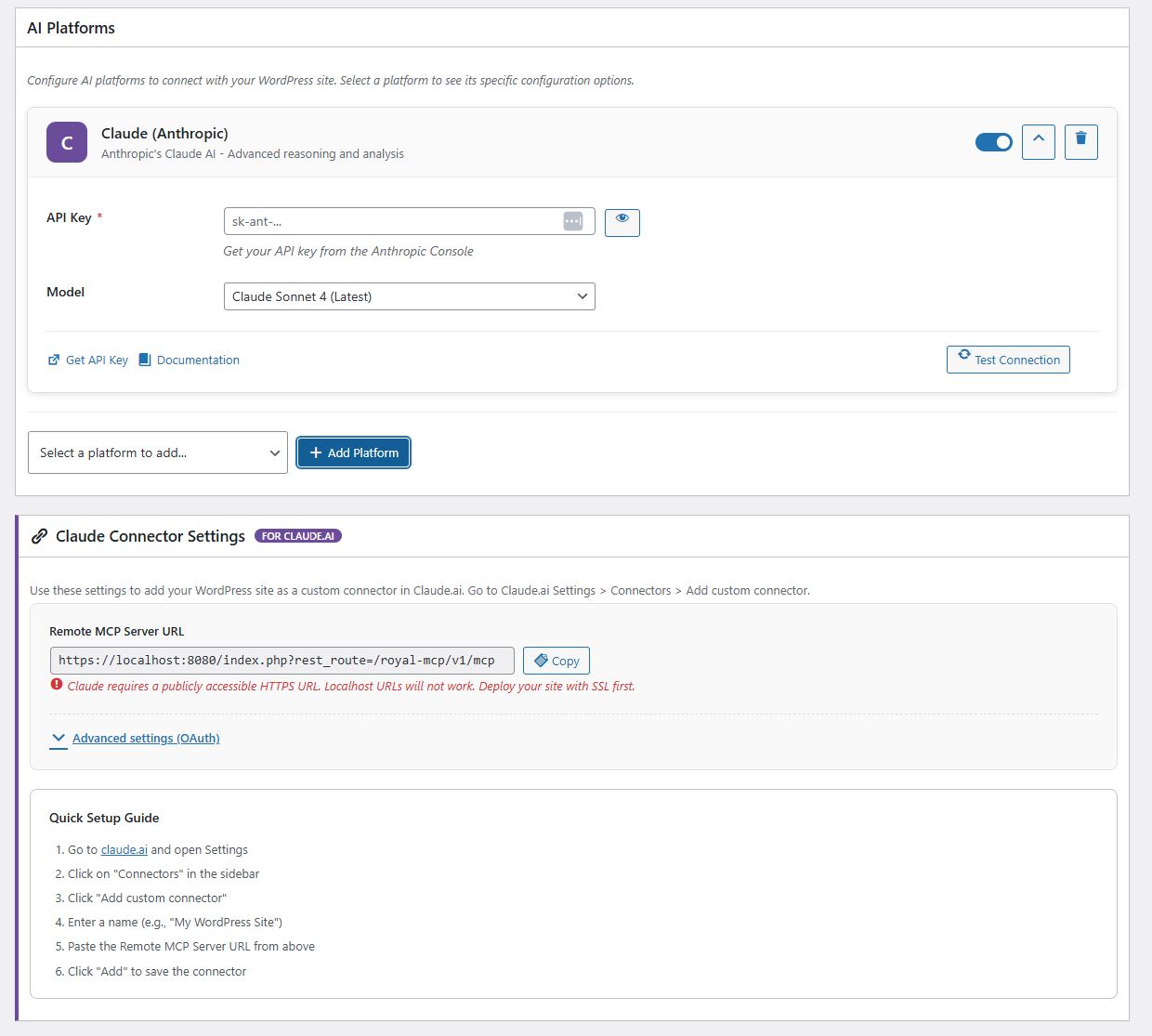
AI platform settings and API key configuration 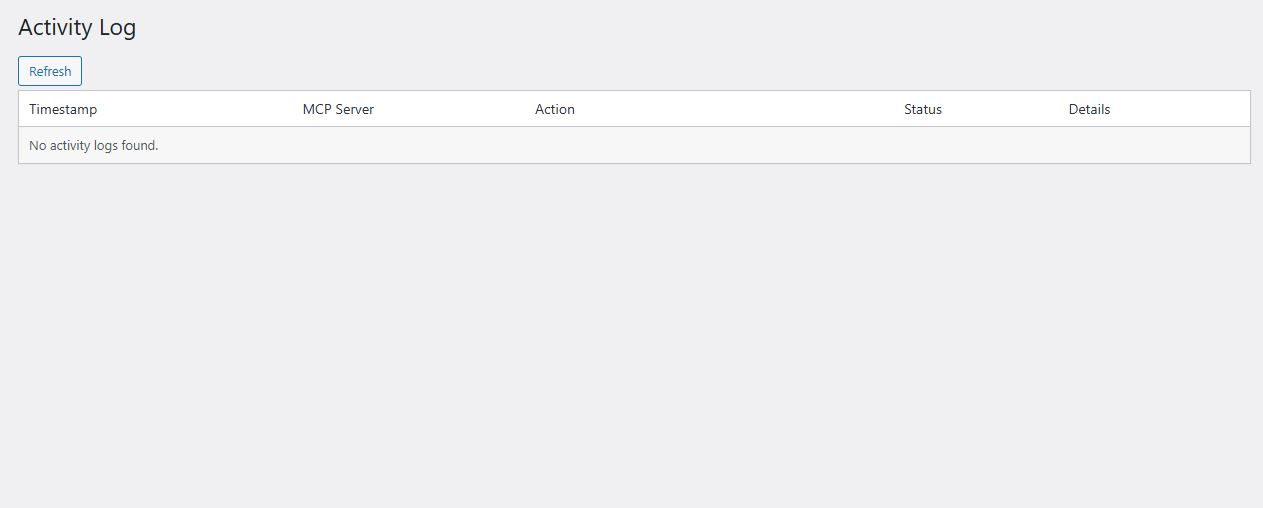
Activity log showing API requests 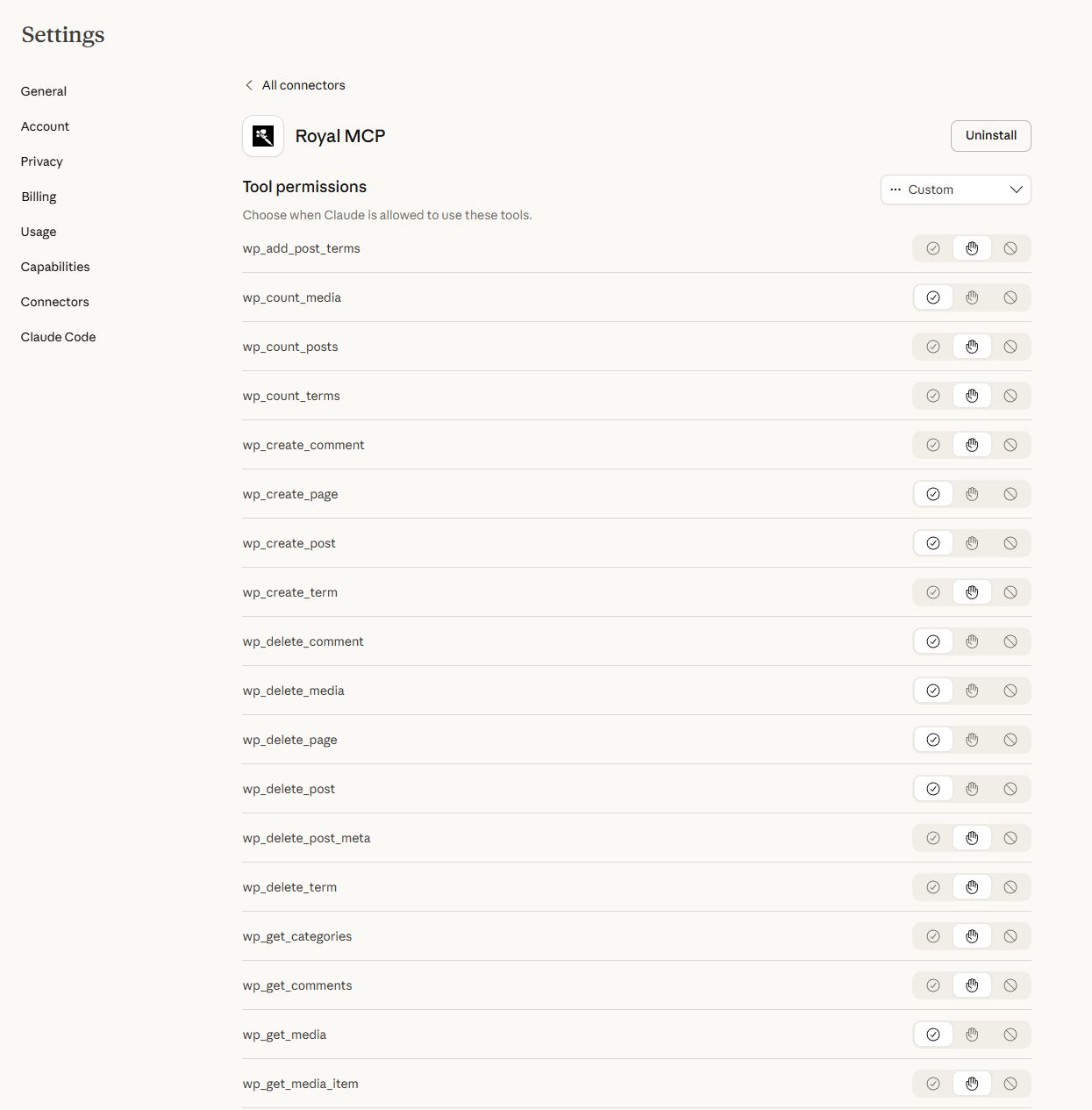
Claude Desktop MCP connector configuration 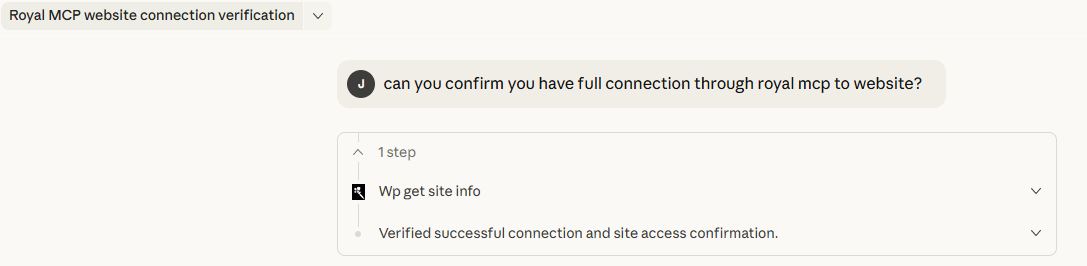
Claude MCP connection verification


Instalación
- Upload the
royal-mcpfolder to/wp-content/plugins/ - Activate the plugin through the ‘Plugins’ menu in WordPress
- Go to Royal MCP Settings to configure
- Add your AI platform(s) and enter API keys
- Copy your WordPress API key and REST URL for use in AI clients
FAQ
-
What is MCP?
-
Model Context Protocol (MCP) is a standard for connecting AI assistants to external data sources. It allows AI platforms to securely access your WordPress content.
-
Is my data secure?
-
Yes. All API endpoints require authentication via API key. Activity logging tracks all requests. No data is sent to external servers without your explicit configuration.
-
Which AI platforms are supported?
-
Claude, OpenAI, Google Gemini, Mistral, Perplexity, Groq, Cohere, Together AI, DeepSeek, and any platform supporting REST API connections.
-
Does this work with Claude Desktop?
-
Yes! Royal MCP includes native Claude Desktop MCP connector settings for easy integration.
Reseñas
No hay valoraciones para este plugin.
Colaboradores y desarrolladores
«Royal MCP» es un software de código abierto. Las siguientes personas han colaborado con este plugin.
Colaboradores
Traduce «Royal MCP» a tu idioma.
¿Interesado en el desarrollo?
Revisa el código , echa un vistazo al repositorio SVN o suscríbete al registro de desarrollo por RSS.
Registro de cambios
1.2.3
- Fixed: Text domain changed from ‘wp-royal-mcp’ to ‘royal-mcp’ to match plugin slug
- Fixed: Menu slugs updated from ‘wp-royal-mcp’ to ‘royal-mcp’ for WP.org compliance
- Fixed: Installation instructions updated to reference correct folder name
- Improved: REST API permission callbacks now include explanatory comments for reviewers
- Improved: Custom MCP server placeholder text clarified
1.2.2
- Added: Documentation link on Plugins page (Settings | Documentation)
- Added: Documentation banner on settings page with link to support docs
1.2.1
- Fixed: Claude Connector setup guide link displaying raw HTML instead of clickable link
1.2.0
- Security: Added Origin header validation to prevent DNS rebinding attacks
- Security: Added session ID format validation (ASCII visible characters only)
- Improved: MCP 2025-03-26 spec compliance for Streamable HTTP transport
- Improved: Proper Accept header validation on POST requests
- Improved: Session management with proper 400/404 responses per MCP spec
- Improved: GET stream handler with proper SSE headers
- Improved: DELETE session handler for explicit session termination
- Fixed: Platform model selector not retaining saved value in admin settings
- Added: Filter hook
royal_mcp_allowed_originsfor custom origin allowlist
1.1.0
- Added multi-platform AI support
- Added Claude Desktop MCP connector
- Added activity logging
- Improved admin interface
- Added connection testing
1.0.0
- Initial release
