
外掛說明
This plugin makes it easy for you to add custom scripts to the head and footer sections of your site. A theme can also add theme support to enable the insert of custom code (HTML, Javascript, and CSS) at the top of a page, above header, below header, above content, and below content.
螢幕擷圖
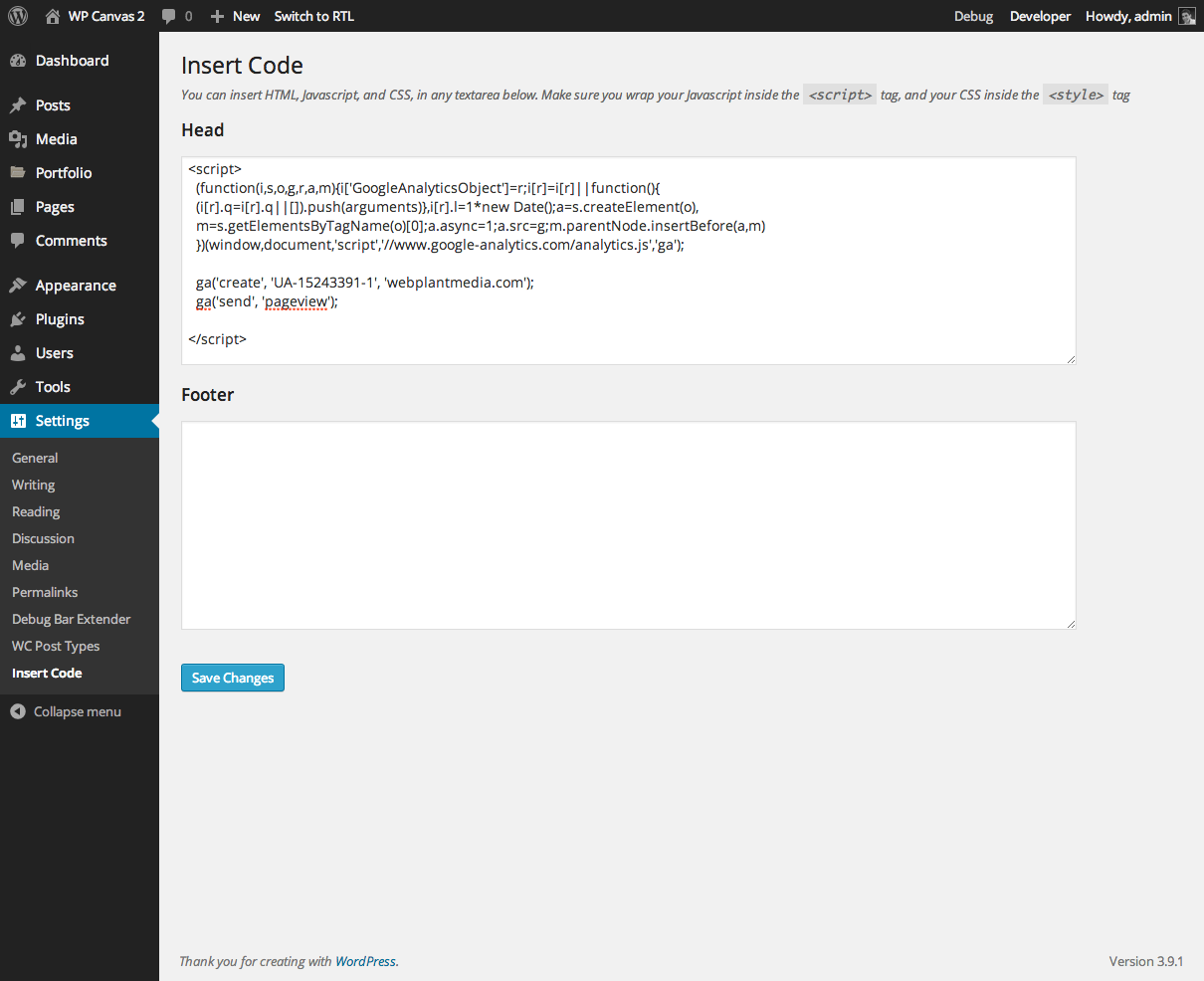
Insert Code

安裝方式
- Uzip the
wpc-insert-code.zipfolder. - Upload the
wpc-insert-codefolder to your/wp-content/pluginsdirectory. - In your WordPress dashboard, head over to the Plugins section.
- Activate WP Canvas – Insert Codes.
常見問題集
- Installation Instructions
-
- Uzip the
wpc-insert-code.zipfolder. - Upload the
wpc-insert-codefolder to your/wp-content/pluginsdirectory. - In your WordPress dashboard, head over to the Plugins section.
- Activate WP Canvas – Insert Codes.
- Uzip the
- How do I add theme support
-
// Enable support for custom code to be inserted on various sections of theme
add_theme_support( ‘wpc-insert-code’, array( ‘top-of-page’, ‘above-header’, ‘below-header’, ‘above-content’, ‘below-content’ ) );<!-- add lines of code in the appropriate section of your theme --> <?php do_action( 'wpc_insert_code_top_of_page' ); ?> <?php do_action( 'wpc_insert_code_above_header' ); ?> <?php do_action( 'wpc_insert_code_below_header' ); ?> <?php do_action( 'wpc_insert_code_above_content' ); ?> <?php do_action( 'wpc_insert_code_below_content' ); ?>
使用者評論
這個外掛目前沒有任何使用者評論。
參與者及開發者

變更記錄
Version 1.2
- rebranded
Version 1.1
- removed static declaration on none static members
Version 1.0
- Plugin released. Everything is new!
