
Description
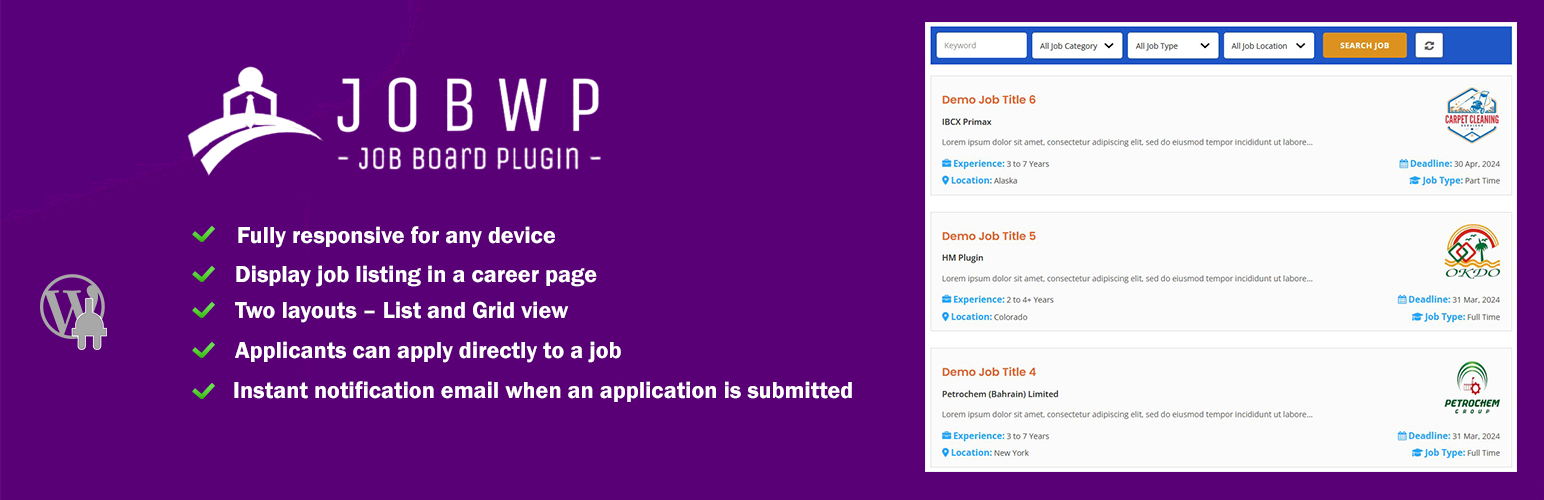
JobWP is a powerful and easy-to-use WordPress job board plugin that helps you build a professional career page, job listings board, and online recruitment system without coding. Whether you’re a business, agency, recruiter, or community site, JobWP makes posting and managing jobs fast and simple.
📌 Key Benefits
✔ Add job listings and job board functionality to any WordPress site
✔ Display jobs with a shortcode anywhere on your site
✔ Accept applications directly via built-in application form
✔ Rich job listing features like search, filters, list/grid view
✔ Translation-ready and responsive on mobile devices
✔ Great for companies, recruiters, agencies, and job boards
How It Works!
🌟 Main Features (Free Version)
✓ Create and display job listings in a clean layout
✓ Use the [jobwp_listing] shortcode to show jobs anywhere
✓ List jobs in list or grid view
✓ Built-in job search by title, category, type, location
✓ Responsive on all devices
✓ Applicants can apply directly from job details page
✓ Instant email notification on new applications
✓ Google structured data for job listings (SEO benefit)
🚀 Upgrade to Pro for More Features
📥 Export applications to CSV/Excel
✉️ Customizable email notifications for Candidate
🔗 External application URL support
🎨 More styling options for job listing and job detail pages
👤 Company profile support (logo, details)
🏆 Featured jobs slider
📊 Role based notifications
📄 DOCX upload for applicant resumes
🔒 Consent checkbox and improved UX for forms
🗃️ Job search panel display controls
👥 Optional login requirement to apply
🎯 Who Is JobWP For?
JobWP is ideal for:
✔ Small and medium business career pages
✔ Recruitment agencies
✔ Company internal hiring pages
✔ Niche job boards
✔ Community or membership sites looking to list jobs
📍 Easy to Use
-
Install JobWP from the WordPress dashboard.
-
Create a page and insert:
[jobwp_listing]
- Publish your career page — done!
You can also limit jobs, filter by category, and customize the job list layout using shortcode parameters.
📈 SEO & Performance Friendly
JobWP includes Google structured data for job listings — meaning your jobs can appear in Google’s job search results (enhancing visibility). Servers and themes can index listings easily to boost organic traffic.
🔧 Compatibility
✔ Works with any modern WordPress theme
✔ Fully responsive
✔ Translation ready
📋 Translation Ready:
- POT file included (/languages/)
- English (United States) (Default)
- Bengoli (Bangla)
- Italian
- Russian
- Spanish (Spain)
- French (France)
- German
- Dutch (Netherlands)
- Portuguese (Brazil)
⭐ Reviews & Support
User feedback shows JobWP is intuitive, visually clean, and functional, with helpful support. A number of users highlight its ease of use and modern design.
🔗 Live Demo & Pro Version
If you want more features or help scaling your job board, check out the demo and Pro version.
Screenshots
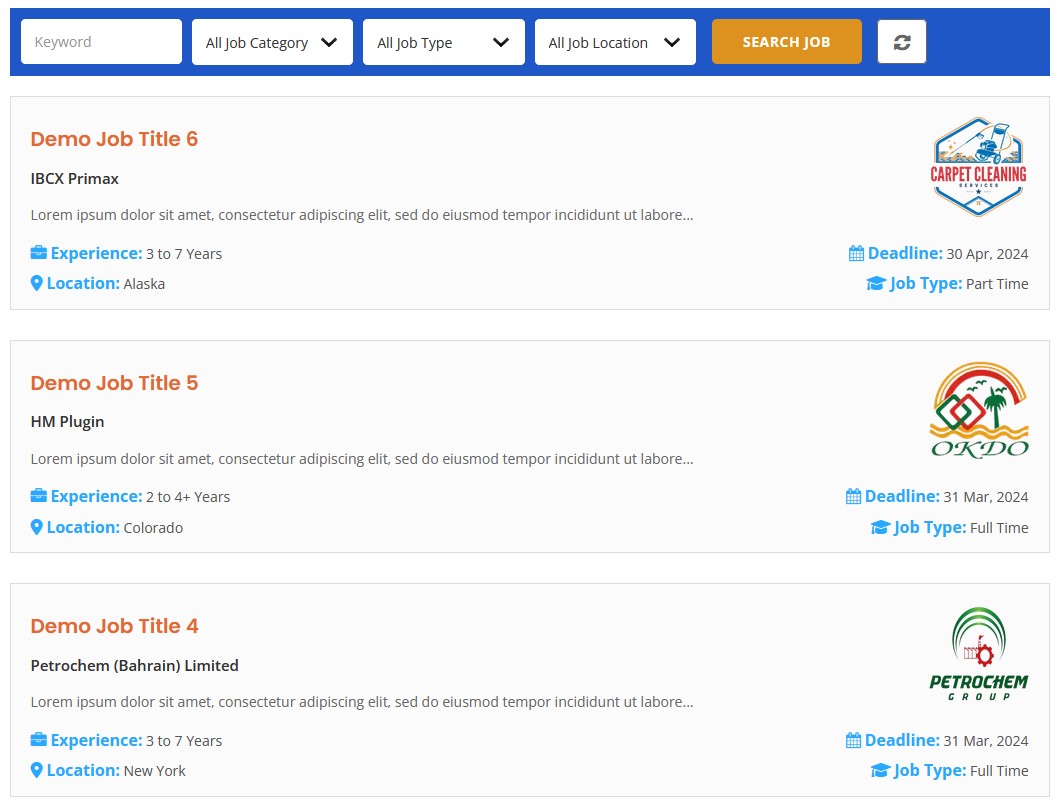
Job board frontend (clean, modern) List View 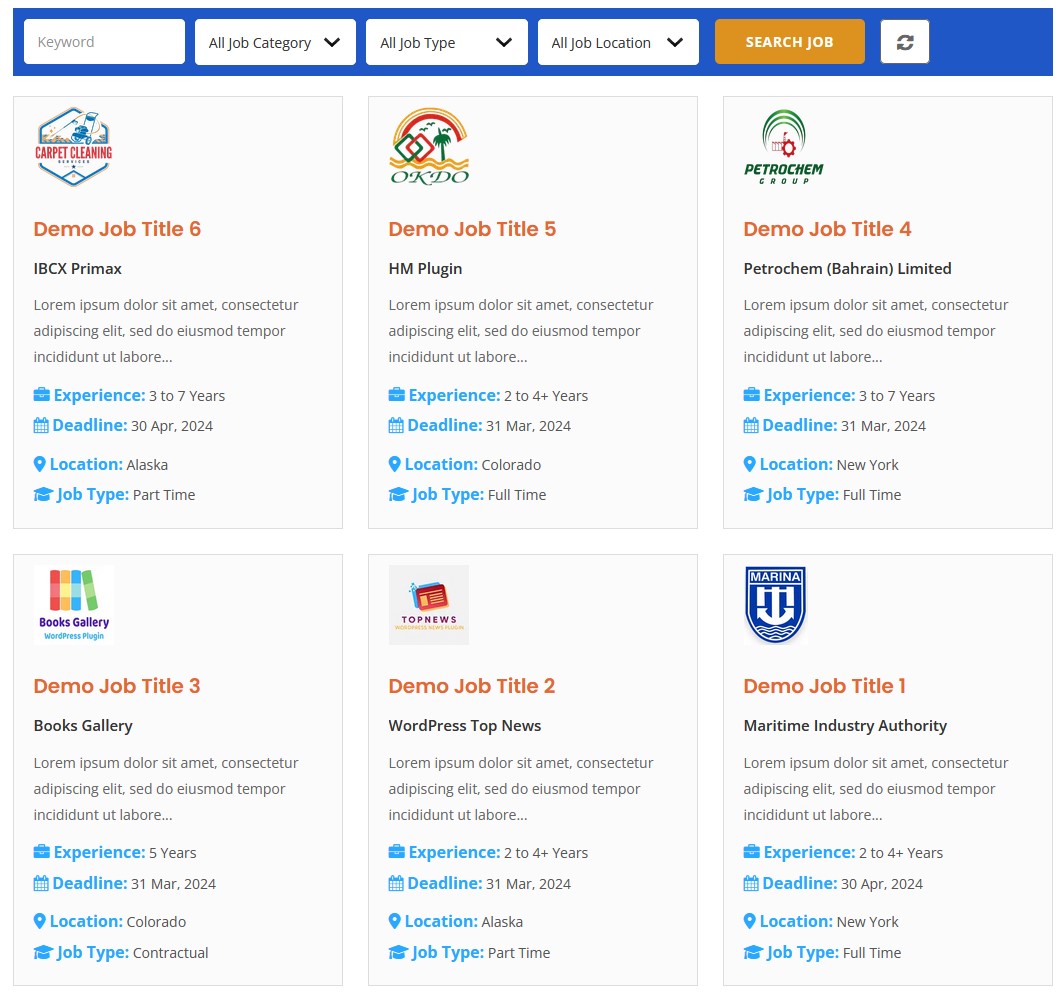
Job listing frontend Grid View 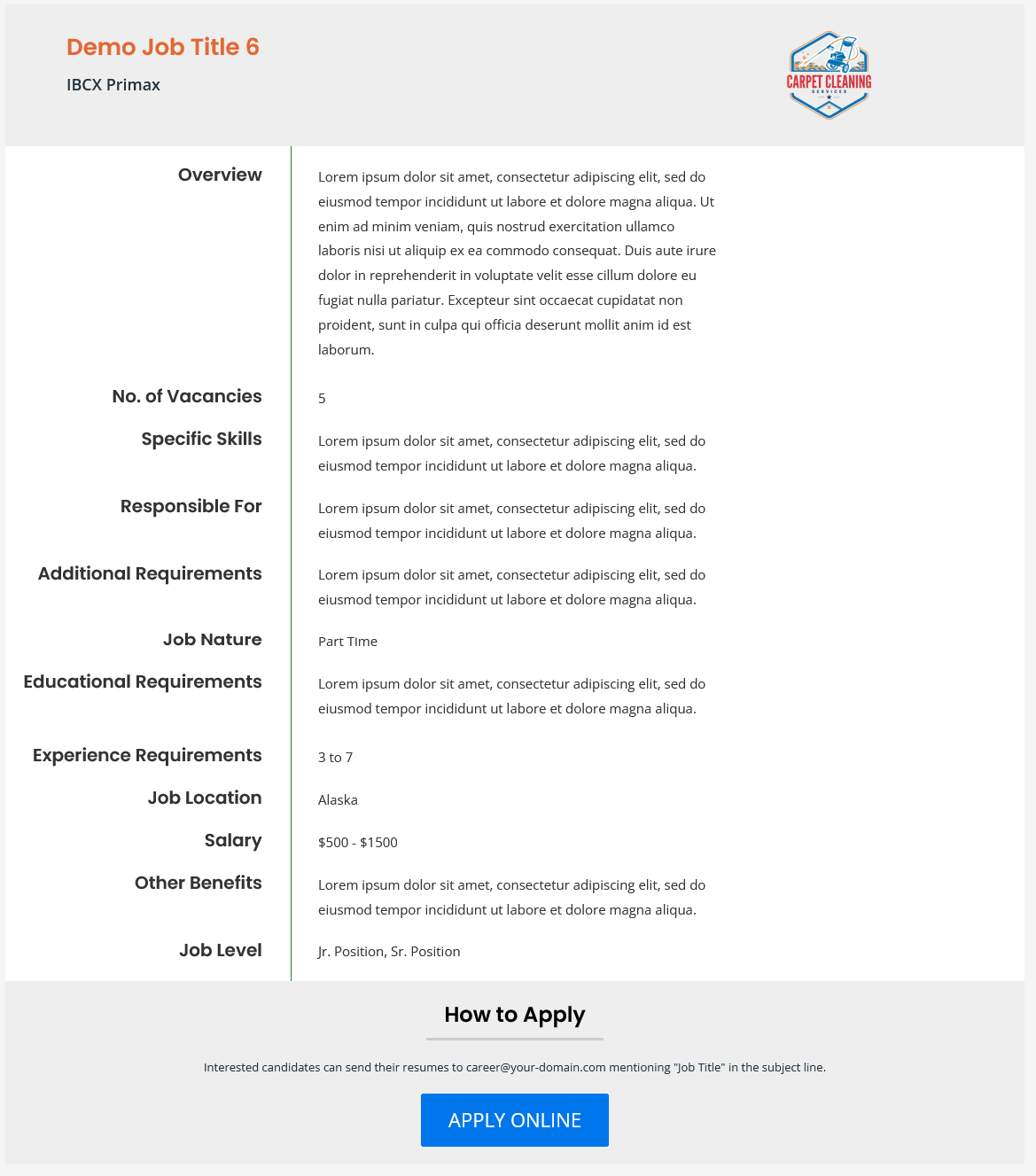
Single career page view 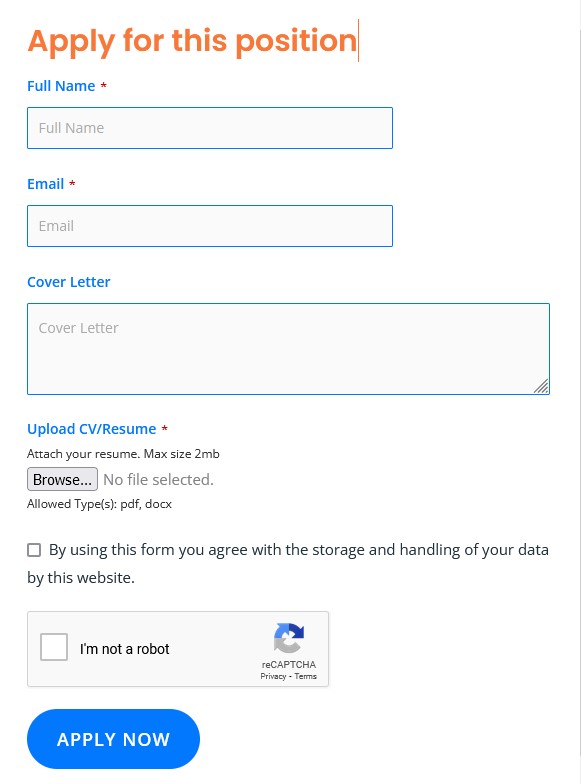
Job submission form 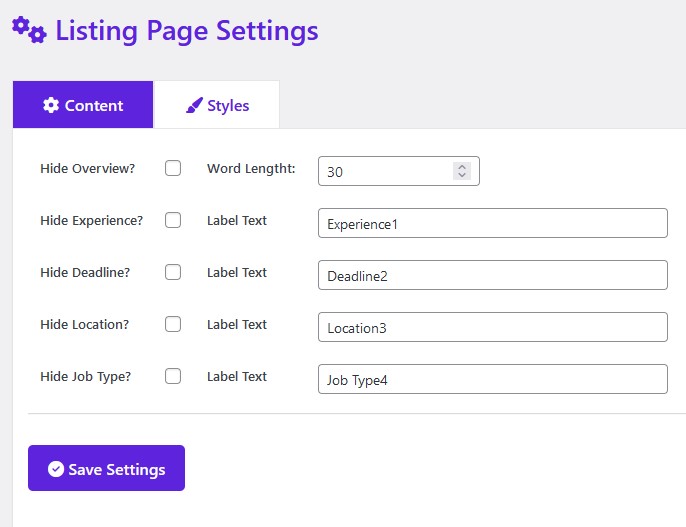
Listing page content settings 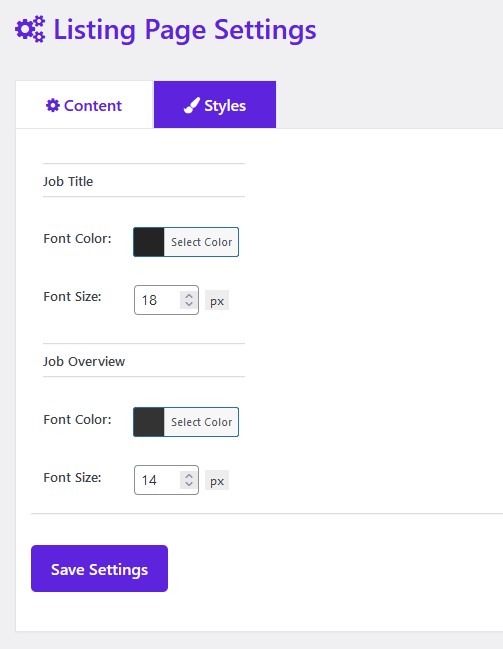
Listing page styles settings 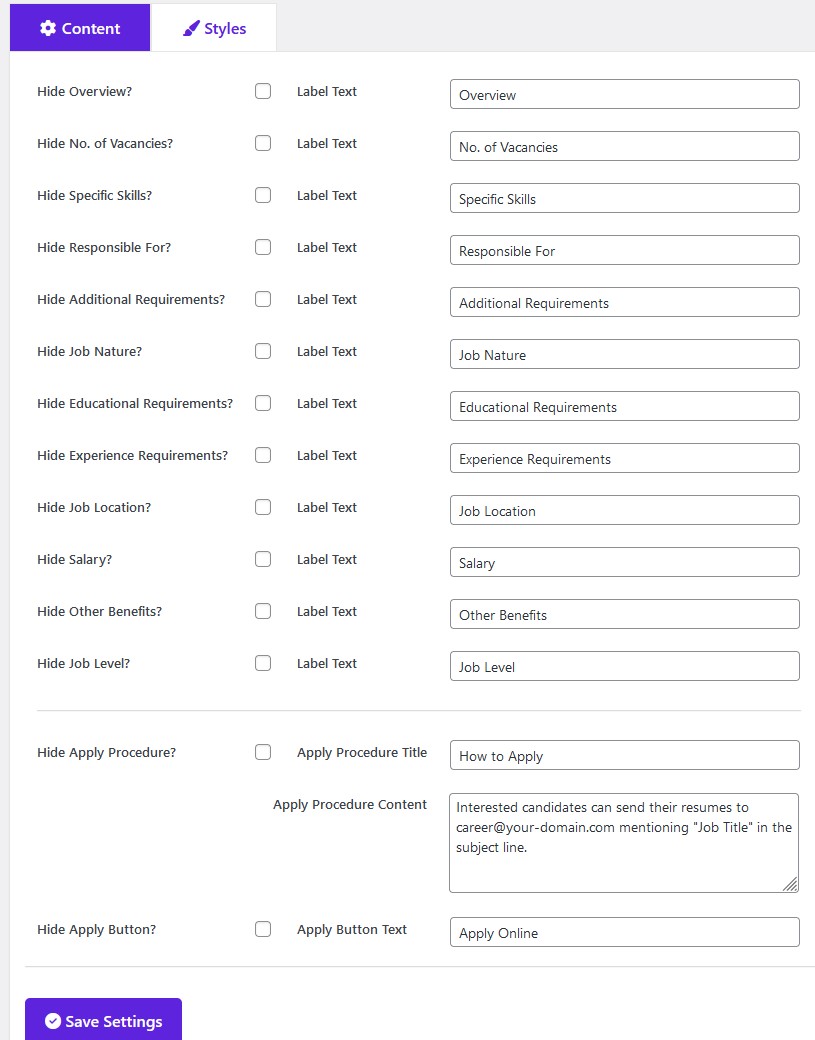
Details page content settings 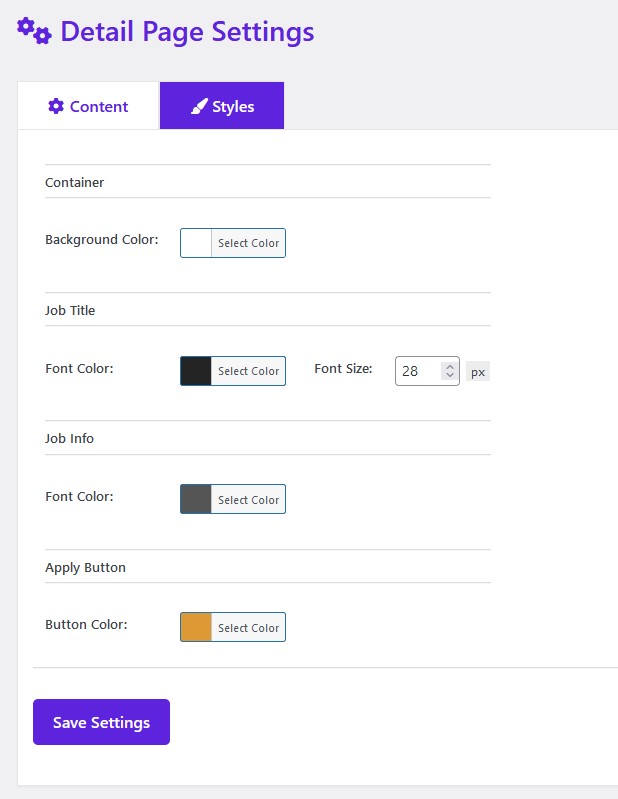
Details page styles settings 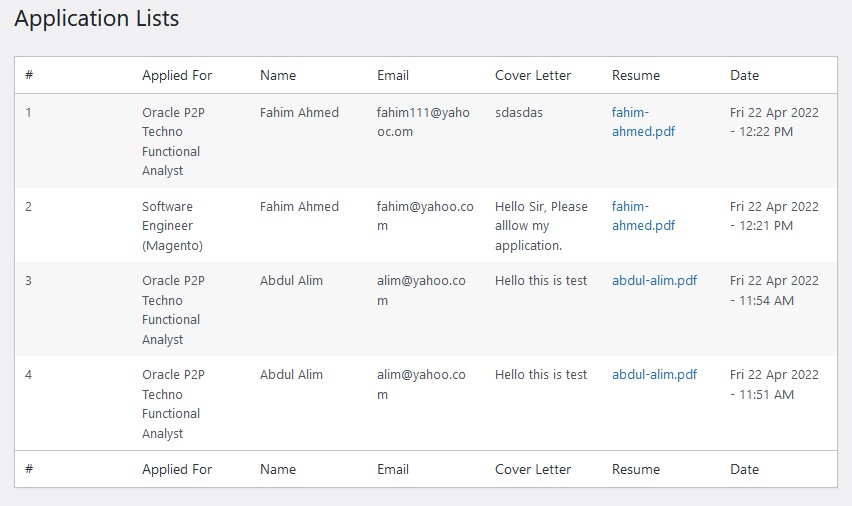
Admin management screen 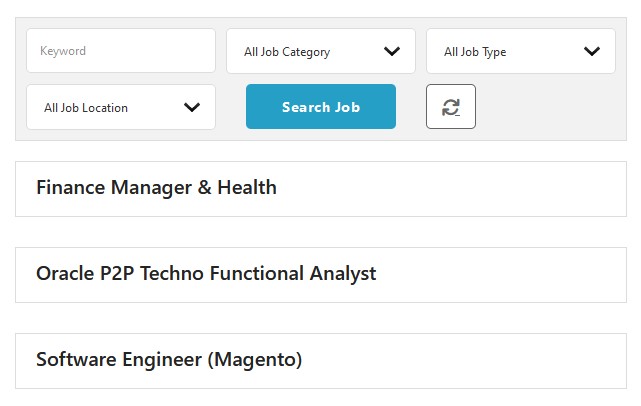
Job listing minimal view


Installation
Install JobWp as a regular WordPress plugin. Here are different ways to install plugin:
Install by search plugin:
- In your Admin, go to menu Plugins > Add New
- Search Display jobwp
- Click to install
- Activate the plugin
- Setup the proper settings in WP Jobs menu
Install by upload plugin:
- Download the latest version of JobWp (.zip file)
- In your Admin, go to menu Plugins > Add New
- Select “Upload Plugin”
- Click on “Choose File”
- Select downloaded jobwp.zip and click on “Install Now” button
- Activate the plugin
FAQ
-
Can I create a job board without coding?
-
Yes. JobWP lets you create a job board in WordPress without any coding. Simply install the plugin, create a page, and add the job listing shortcode
[jobwp_listing]
.
-
How do I display job listings on my website?
-
You can display job listings by adding the
[jobwp_listing]
shortcode to any page or post. This allows you to create a career page or job board page anywhere on your site.
-
Can applicants apply for jobs directly on the site?
-
Yes. JobWP includes a built-in job application form that allows candidates to apply directly from the job detail page. Applications are stored in your dashboard and can trigger email notifications.
-
Is JobWP compatible with my WordPress theme?
-
JobWP works with any modern WordPress theme and is fully responsive. It inherits your theme’s styles to blend naturally with your site design.
-
Can applicants upload resumes or CV files?
-
Yes. Resume and CV uploads (PDF) are supported, making it easy to collect candidate information during job applications. DOC, DOCX formats are available in JobWP Pro.
-
Can I create a career page for my company?
-
Absolutely. JobWP is perfect for creating a company career page where you can list open positions, show job details, and accept applications in one place.
-
Does JobWP support job search and filters?
-
Yes. JobWP includes job search and filtering options such as keyword search, job category, job type, and location to help users find relevant listings quickly.
-
Why do job detail pages show a 404 error?
-
If you experience 404 errors on job pages, go to Settings Permalinks in WordPress and click Save Changes to refresh rewrite rules.
-
Is JobWP translation ready?
-
Yes. JobWP is translation-ready and can be translated into any language using standard WordPress translation tools.
Reviews


Contributors & Developers
“JobWP – Job Board, Job Listing, Career Page and Recruitment Plugin” is open source software. The following people have contributed to this plugin.
Contributors


“JobWP – Job Board, Job Listing, Career Page and Recruitment Plugin” has been translated into 1 locale. Thank you to the translators for their contributions.
Translate “JobWP – Job Board, Job Listing, Career Page and Recruitment Plugin” into your language.
Interested in development?
Browse the code, check out the SVN repository, or subscribe to the development log by RSS.
Changelog
2.4.7
- Tested compatibility with WordPress 6.9.1
- Added JobWP slug option in permalink settings
- Added clearer labels and helper text in plugin settings
- Improved UI in plugin settings
- Fixed minor bugs
2.4.6
- Freemius SDK upgraded to 2.13.0
- Sanitization applied to resume upload
- URL escaping applied to admin resume view
2.4.5
- Reset button styling option added
- Search button border color option added
- Freemius SDK upgraded to 2.12.2
- Css fixed
- Code optimized
2.4.4
- Nonce verification applied in application list
- Order by option added with title, date and menu_order
2.4.3
- Listing page job info order option added
- Freemius SDK upgraded to 2.12.1
- Textdomain changed from define to real textdomain
- Code optimized
- Css fixed
2.4.2
- Job title word length option added
- Pagination hide option added
- Minor css fixed
2.4.1
- Freemius SDK upgraded to 2.12.0
- Code optimized
2.4.0
- CSRF checking applied to the General settings page
- CSRF checking applied to the Listing Content settings page
- CSRF checking applied to the Listing Styles settings page
- CSRF checking applied to the Search Content settings page
- CSRF checking applied to the Search Styles settings page
- CSRF checking applied to the Single Content settings page
- CSRF checking applied to the Single Styles settings page
- CSRF checking applied to the Email settings page
- CSRF checking applied to the Apply Form Content settings page
- CSRF checking applied to the Apply Form Styles settings page
- Wpdb prepare applied to job application insert data
2.3.9
- Updated Freemius SDK to the latest version
2.3.8
- Hide apply procedure and apply button separated
- Total jobs found text change option added
- Show hide cover letter option added
- Code optimized
2.3.7
- Freemius SDK upgraded to 2.9.0
- Job description info label font size option added
- Job description info font size option added
- CSS fixed
- Details page responsive issue fixed
2.3.6
- Details styles admin settings page css fixed
- Details page top-bottom margin option added
- Apply button styling option added
- How to apply styling option added
- Job overview paragraph issue fixed
- Details page layout fixed
2.3.5
- Freemius SDK upgraded to 2.8.1
- Minor bug fixed
- Nerwork site database prefix issue fixed
- Issue with option value & fixed in the search
- Combined search implemented
- Allow HTML into apply procedure content
- Years text removed from listing
2.3.4
- Layout changing option at front view
- CSS fixed
2.3.3
- Hide Jobs When Deadline Over option added
- Hide Total Jobs Found option added
- Action added for job single page before, after body container
- reCaptcha implemented for job apply form
- Enable/Disable reCaptcha option added
- Delete resume when delete an application
2.3.2
- Display jobs which deadlines are equal or grater than Today
- Search button bg color option added
- Search button font color option added
- Search button font size option added
- Search button hover bg color option added
- Search button hover font color option added
- Search container bg color option added
- Search container border color option added
- Search item bg color option added
- Search item border color option added
- Search item font size option added
- Freemius SDK updated to 2.6.2
- Css improved
2.3
- Css improved
- Code optimized
- Minor bug fixed
2.2
- UniqueId added to filename to make it more secured
- Freemius SDK upgraded
- Pro feature panel added to admin sidebar
2.1
- Security fix at server side
2.0
- Freemius SDK update to 2.5.10
1.9
- Total job found message added
- Parsing bug fixed
- Listing page styling issue fixed
- File security issue fixed
- Css fixed
- Grid layout issue fixed
- General and Details page styling conflict issue fixed
1.8
- Limit shortcoded option added
- Category shortcoded option added
- Search shortcoded option added
- Pagination added
- Job application delete feature added
- Made content hidden if they are empty in detail page
- Hide search panel option added
- Search keyword show hide option added
- Search category show hide option added
- Search job type show hide option added
- Search location show hide option added
- Search button text option added
- Application form settings added
1.7
- Listing and detail settings bug fixed
1.6
- Job detail page not found issue fixed
- Apply form nonce field verified
- Application table drop issue fixed
- Freemius sdk updated
- Modal css fixed
- Option to use external form in the application form
1.5
- Location label text option added
- Job type label text option added
- Details page item show hide option added
- Details page item label text option added
- Detail container bg color option added
- Detail job info font color option added
- Detail apply online button bg color option added
- Detail mobile responsive improved
- List job info item show hide option added
- List mobile responsive improved
- Two layouts added – List/Grid
1.4
- Font Awesome Free 6.1.1 integrated
- Search by Job Type Feature added
- Search by Job Location Feature added
- Css fixed
- js console error fixed
- Job location added in listing
- Job type added in listing
- Admin notification email features added
1.3
- Search by Job Title item added
- Search by Job Category item added
- Job Application Form Added
1.2
- List page overview show-hide option added
- List page overview word length option added
- List page experience label text option added
- List page deadline label text option added
- List page title font color option added
- List page title font size option added
- List page overview font color option added
- List page overview font size option added
- Single page title font color option added
- Single page title font size option added
- Admin design improved
1.1
- Primary color changed
- Job listing hover color changed
- Font Awesome 4 integrated
- Css changed
1.0
- Initial release
