The equipment checkout and reservation system designed for Higher Ed
 Fast checkouts and easy tracking
- Online reservations
- Asset management made simple

The equipment checkout and reservation system designed for Higher Ed
- Fast checkouts and easy tracking
- Online reservations
- Asset management made simple
See how Connect2 works with a free, no-obligation demo.
Connect2 supports universities with
better equipment management
150+
Universities using Connect2 software for equipment loan services

9+ hrs
Time-saving per week for staff issuing and tracking resources in Connect2
70%
Average equipment loans reserved online in advance
= Massive efficiency gains
80%
Fewer lost items
= Big cost savings
Key features in Connect2
The equipment checkout system

Checkout/in software for fast item turnaround
- Control timeslots to manage footfall
- View checkout/ins for day ahead
- Add items to pre-booked checkouts on the fly

For more efficient inventory management
- Centralized database of all usage
- Real-time status and location of all items
- Save time with barcoding and QR codes

Easy equipment and room reservations
- Intuitive online bookings
- Instant authorizations
- Notifications and reminders included

Single Sign-on and system security
- Authentication to student database
- No user registration required
- No need to manage or store passwords
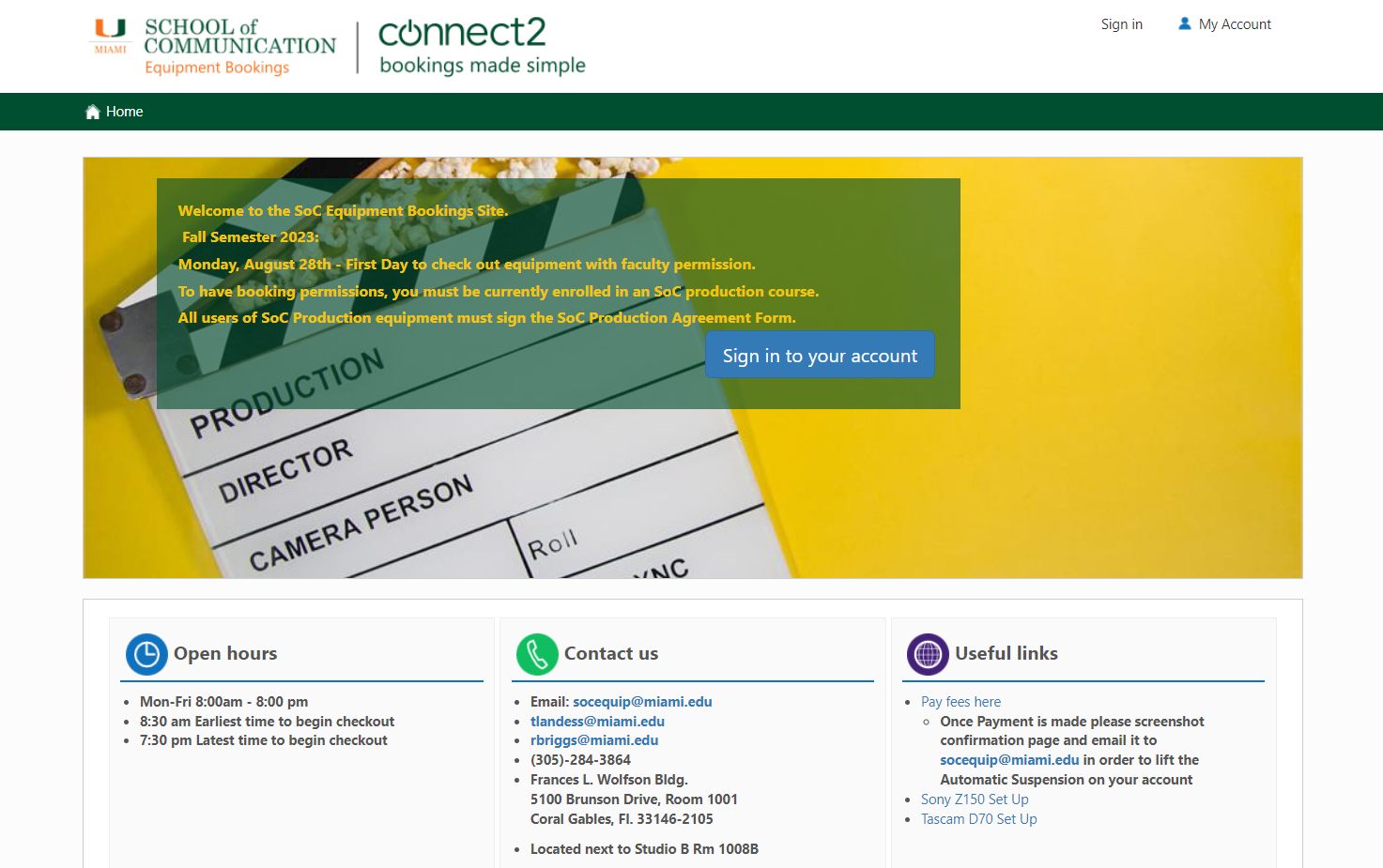
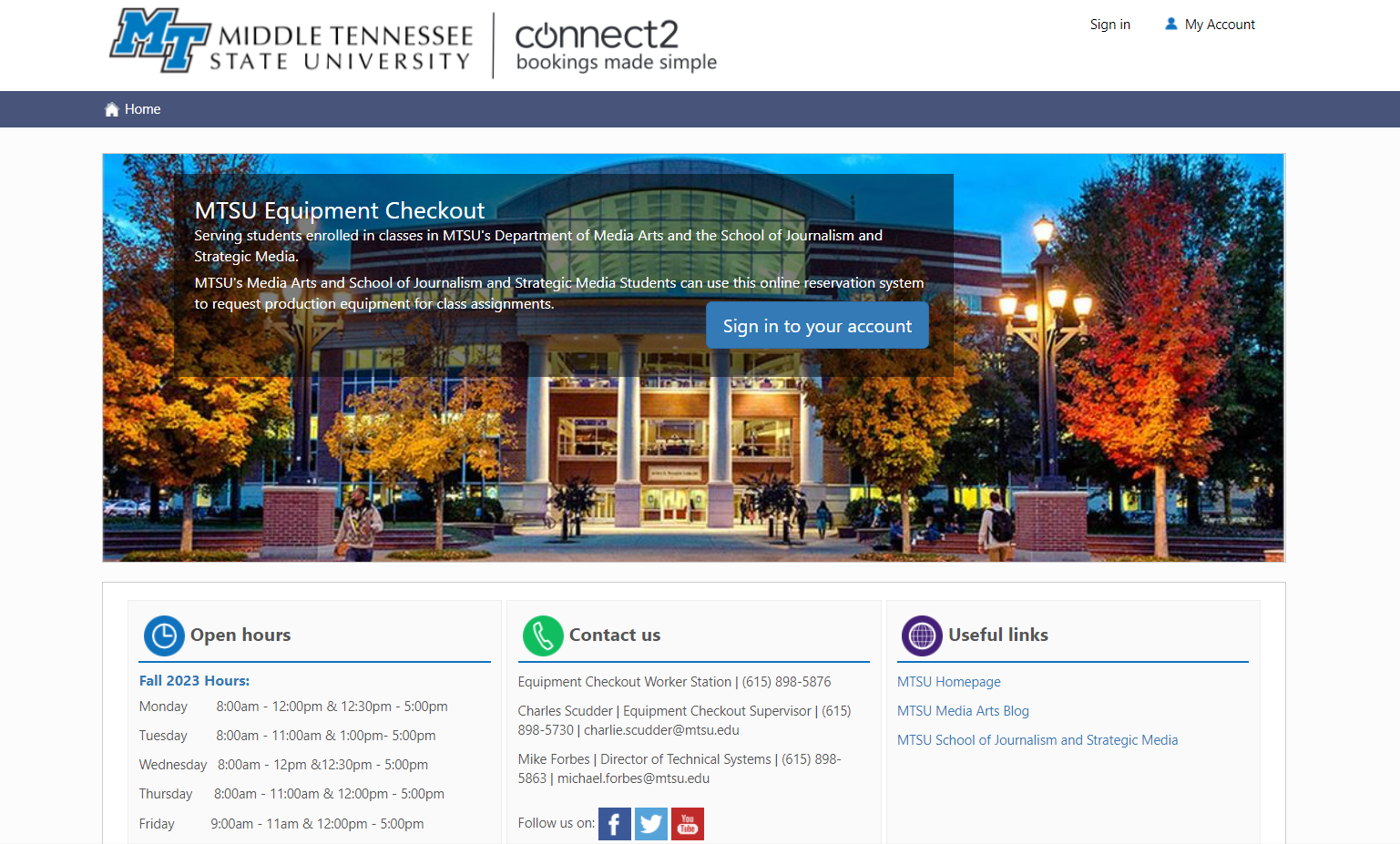
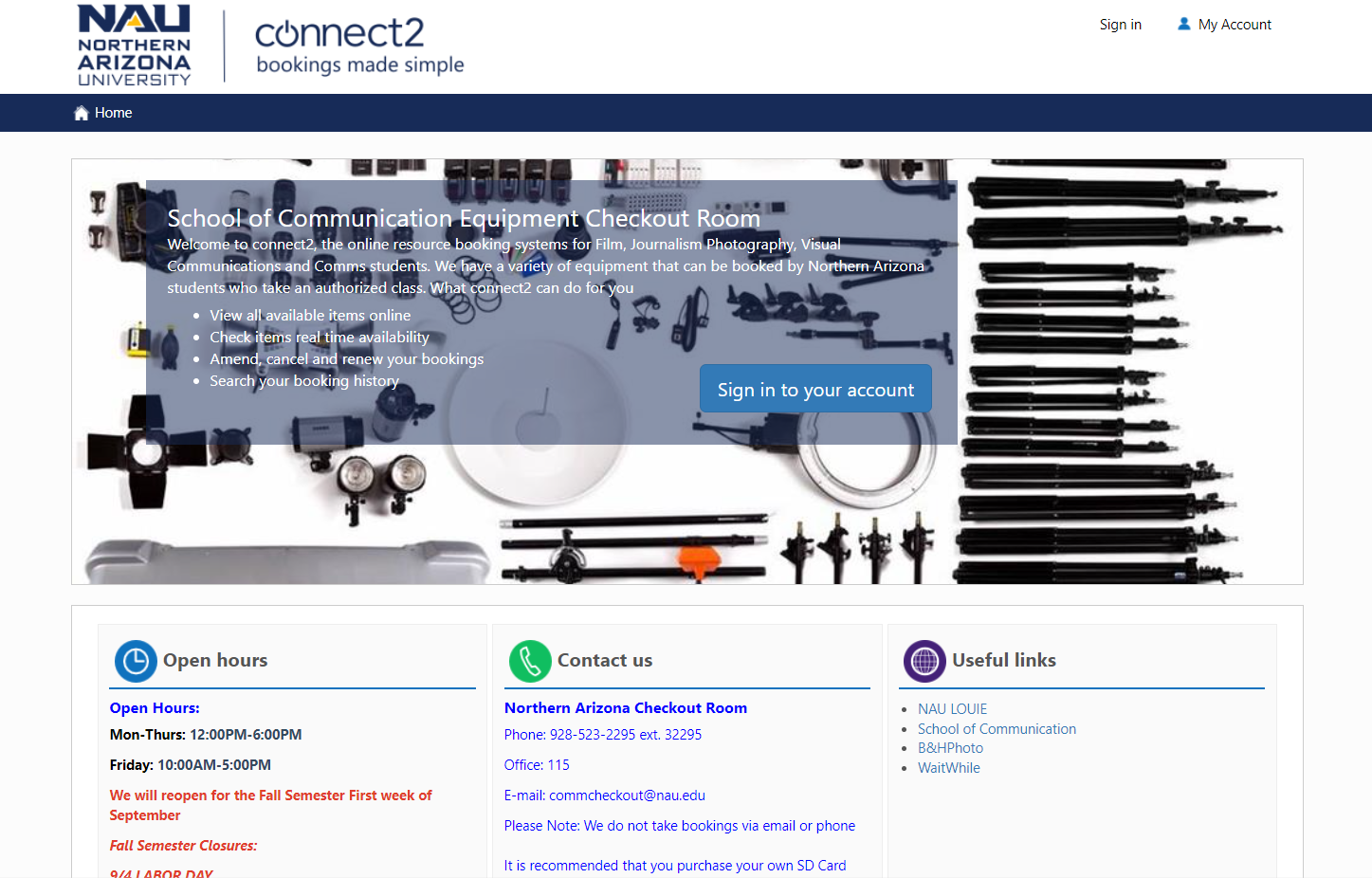
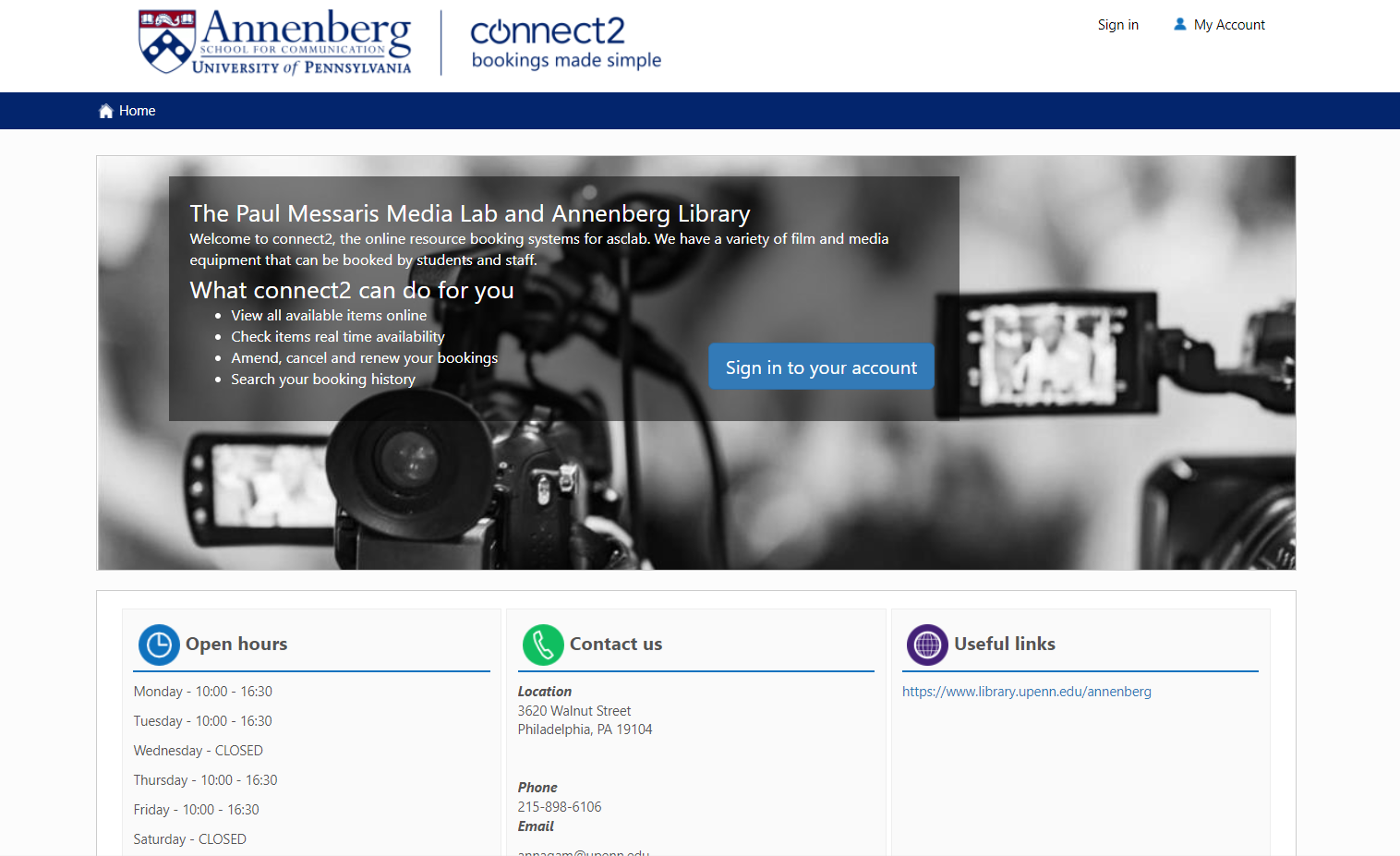
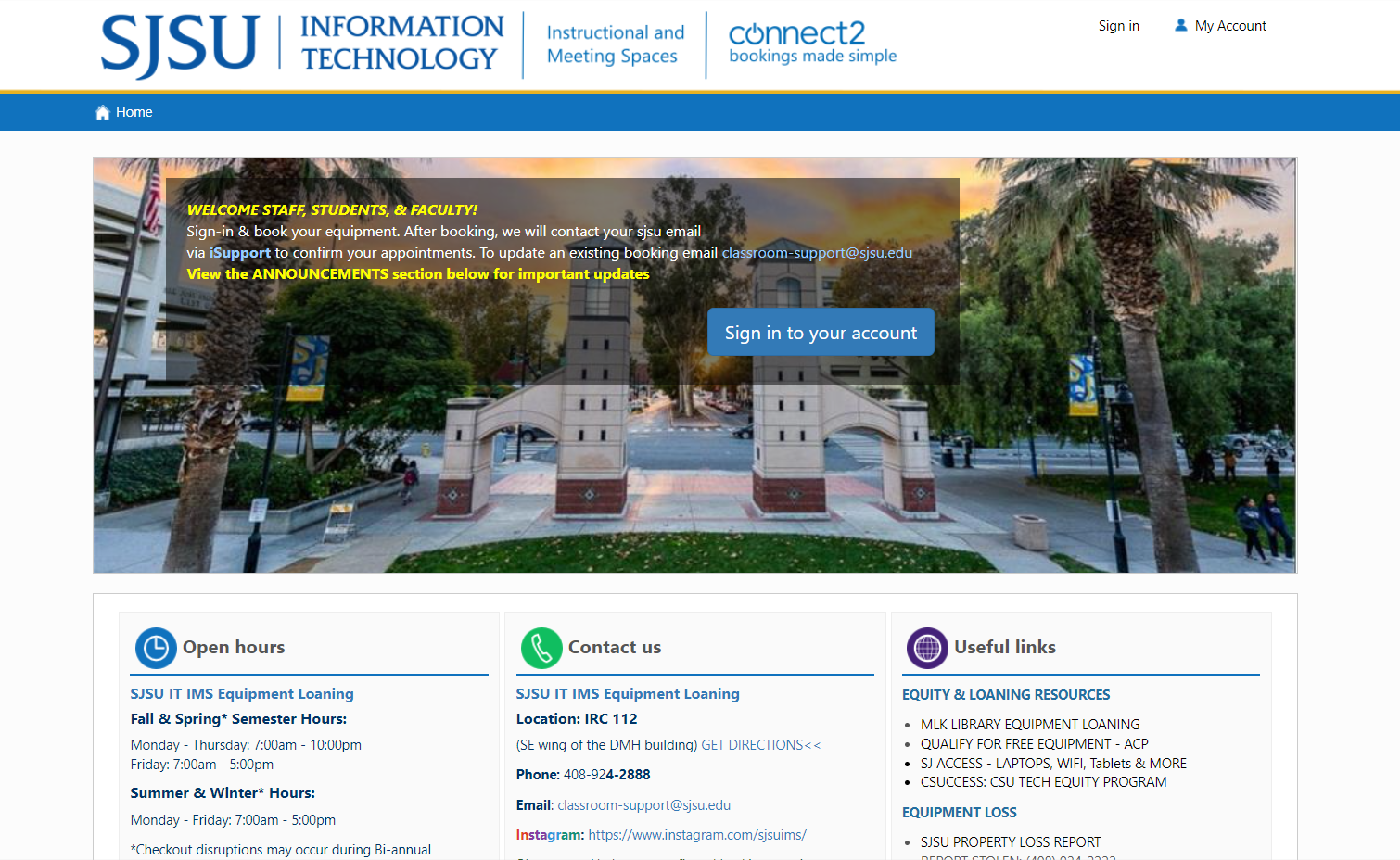
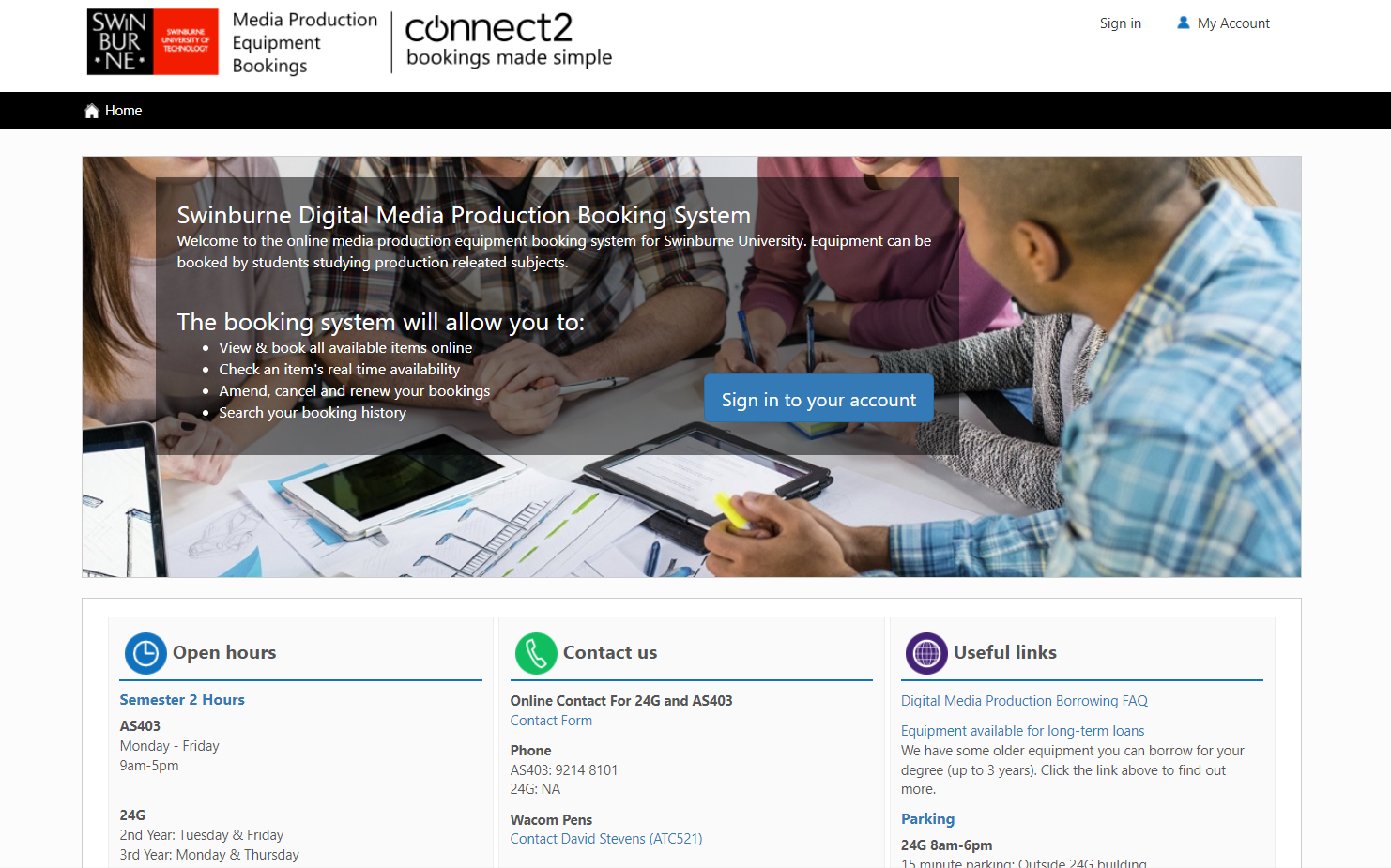
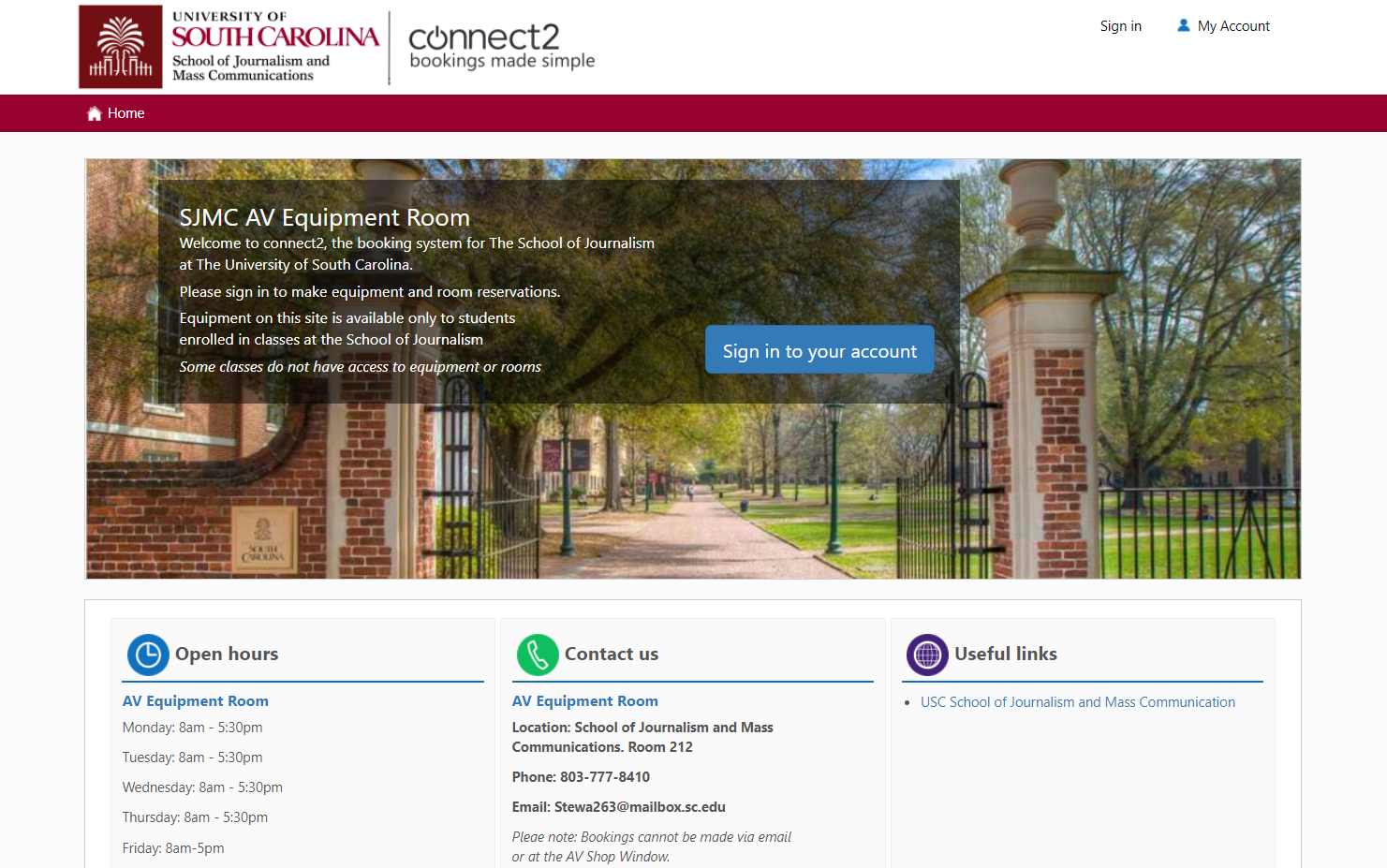
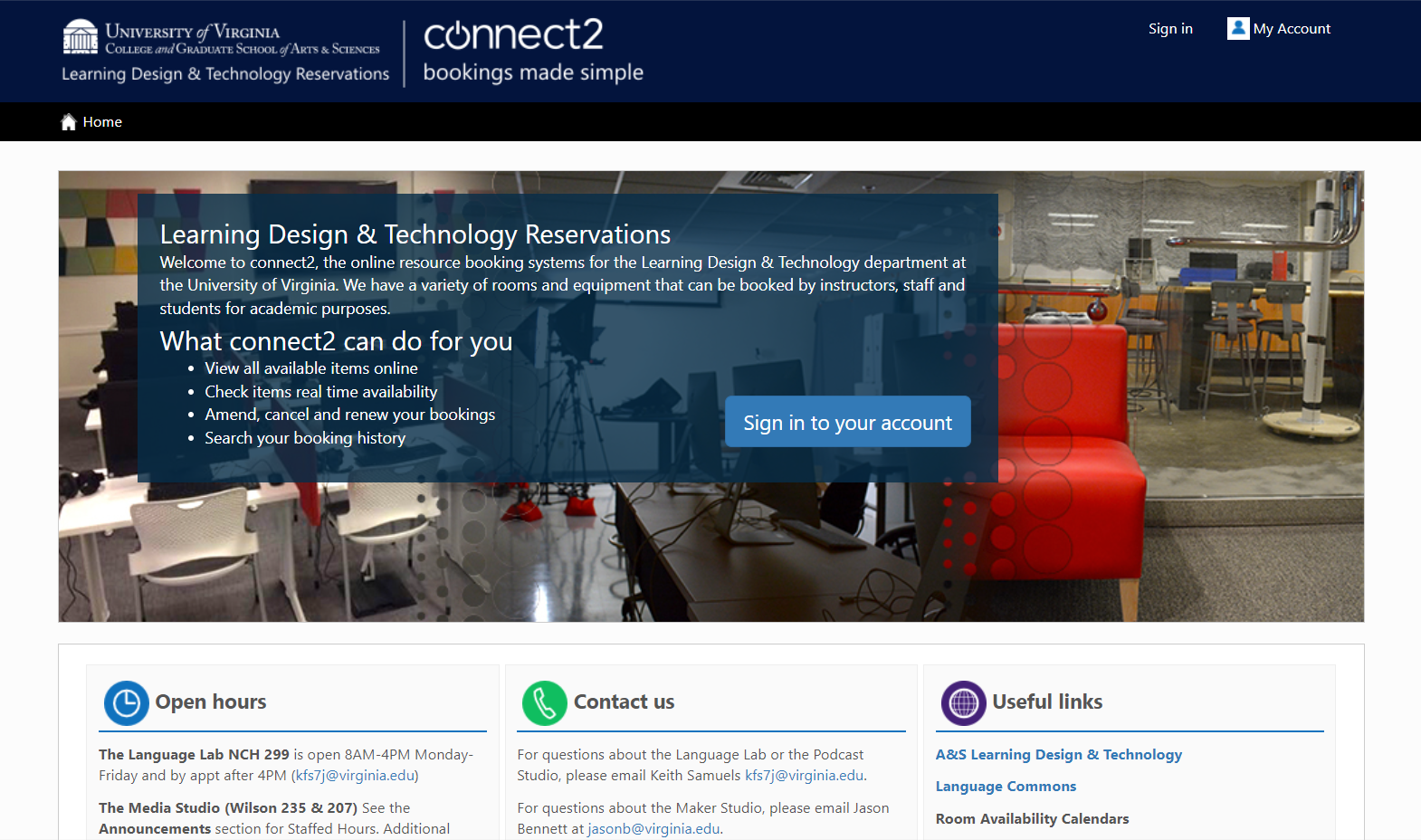
Here are some examples of
Connect2 customer systems
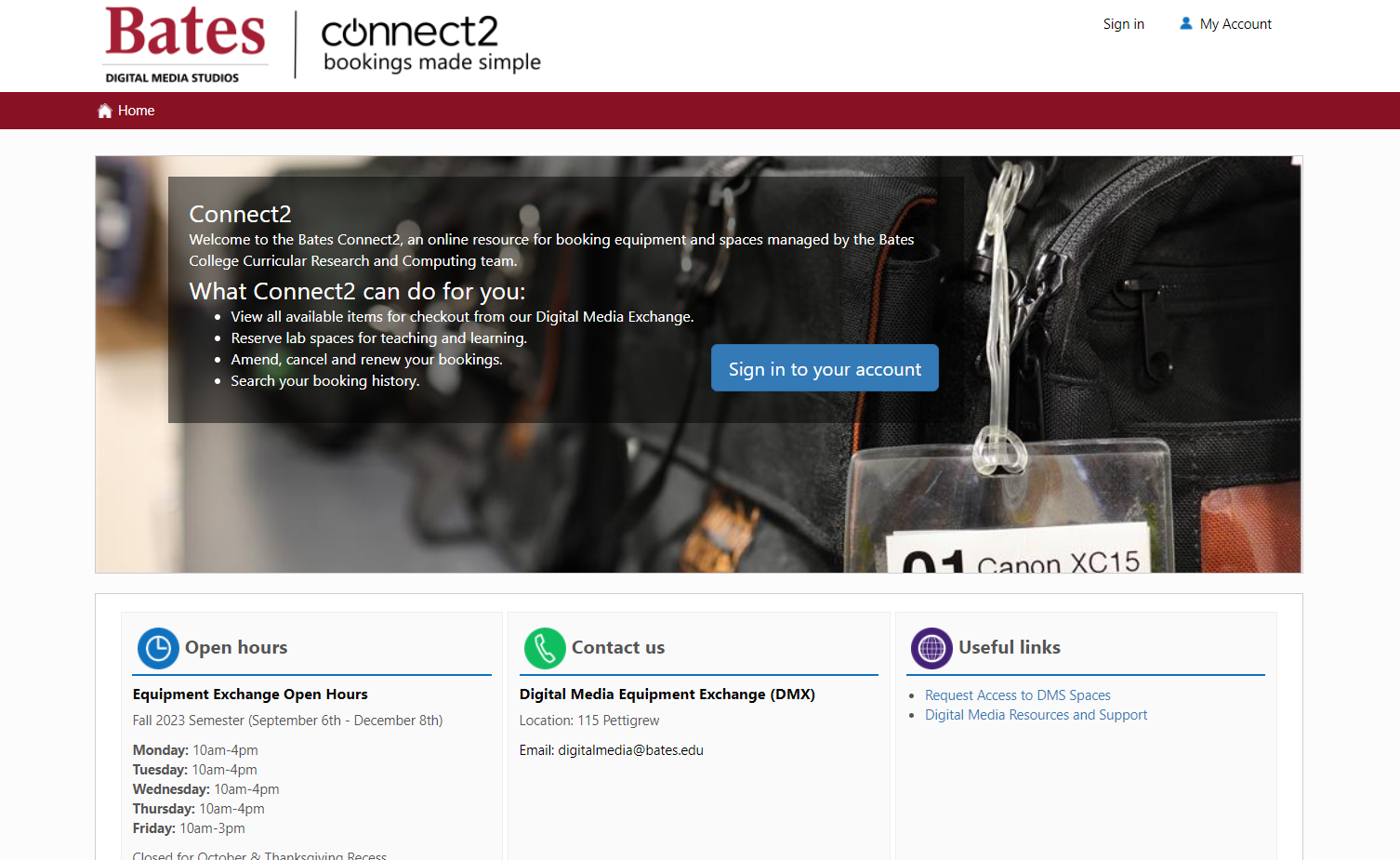
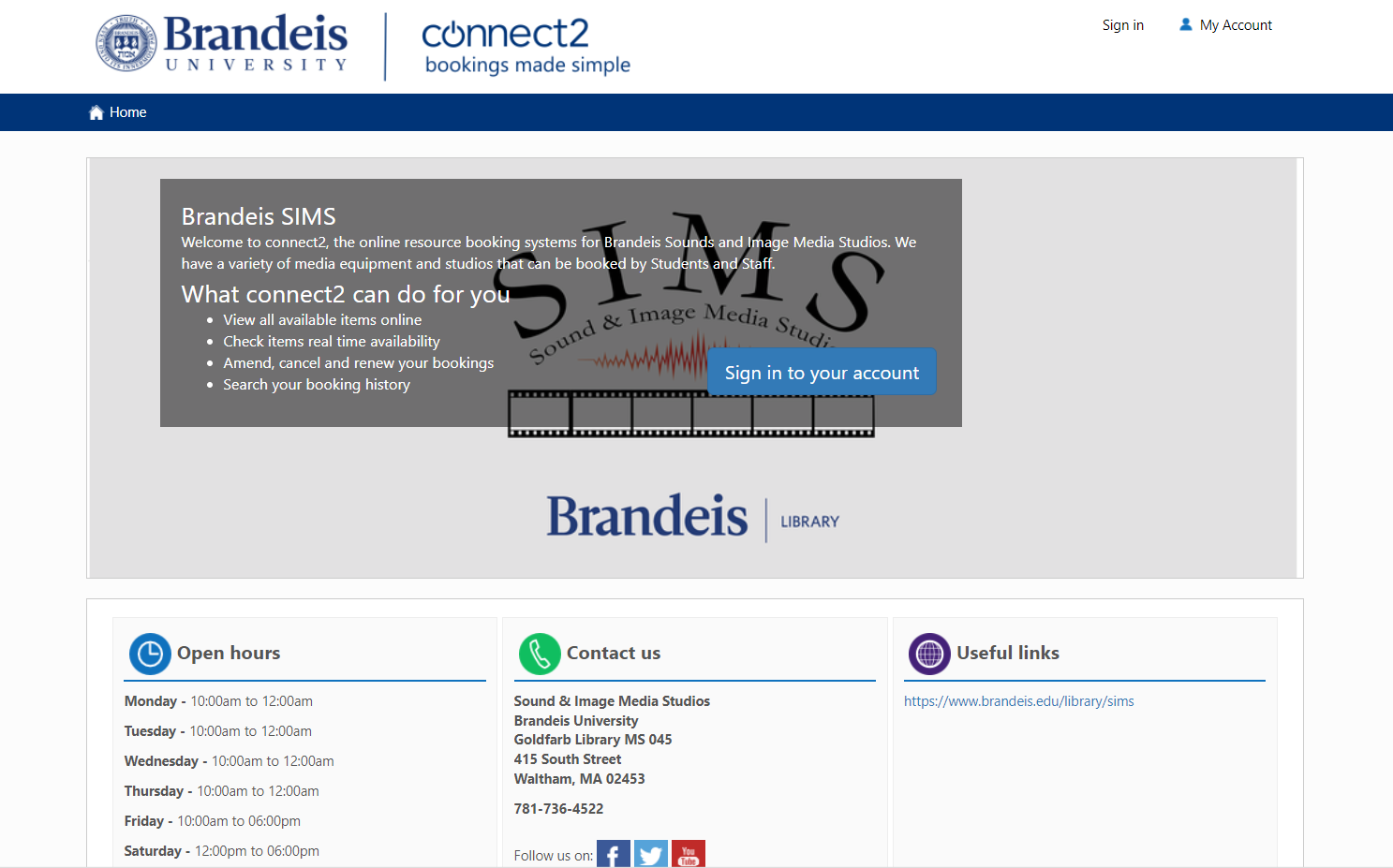
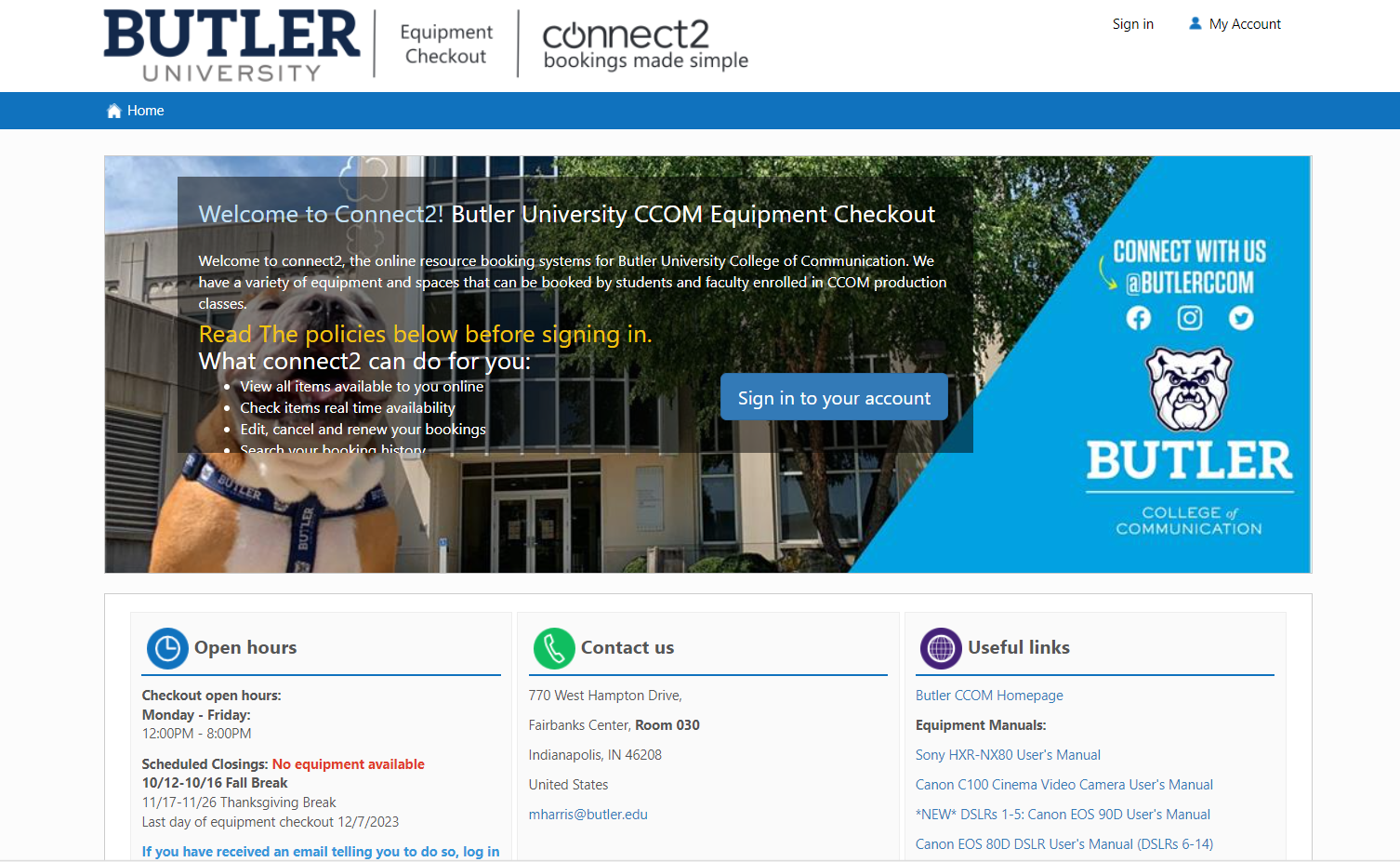

Why Connect2 is No.1 in Higher Ed
for Equipment Checkout Systems

 Supporting cage managers and staff
 Loved by students
 Approved by faculty
 Chosen by department chairs
 See why staff love using Connect2:
- Minimizes admin around cage management
- Ensures you always know your stock
- Enables you to plan and schedule
It will ensure we stay professional in the way we present our services, with regular updates keeping us ahead of the times. This is a really valuable part of what connect2 provides.
”
Learn why Connect2 is their No.1 choice:
- Make reservations 24/7 with instant confirmations
- View all resource availability in real-time
- Build and manage kit lists for your projects
The positive feedback we’ve had from students has been overwhelming. It’s shown us that choosing Connect2 was definitely the right decision for us
”
Faculty adopt using Connect2 for important reasons:
- It ensures students have all they need to perform well
- Borrowing is controlled and expensive equipment protected
- Removes stress and work from organizing equipment access
This is great work, this is tremendous … We need to all be on the system
”
Here’s how choosing Connect2 always pays off:
- Increases equipment ROI with fewer losses and higher usage
- Offers staff a smarter, more productive way of working
- Showcases all resources available to students
Students’ improved accessibility and awareness of resources has increased equipment usage by roughly 40%.
”
Proven time and cost savings with Connect2
Average hours saved weekly
Protect your
budget
Lost item costs
cut by
80%
Cut email
volumes
Student queries
cut by
50%
Improve
availability
Late items
cut by
90%
Connect2 Customers include:
Butler University
Middle Tennessee University
Bates College
Western Kentucky University
Cal Poly


Indiana University Bloomington
Northern Arizona University

Brandeis University
Centenniel College
Baylor University
Houston Baptist University
Lewis University
School of Informatics and Computing, IUPUI
University of Utah
Ohio University
Case Studies and Research

Case Study: University of Kentucky and Connect2
Read More >>
Mohawk College Case Study:
Equipment Bookings with Connect2
Read More >>

Case Study: Ohio University and Connect2
Read More >>
Connect2 Equipment Checkout Software: How it Works
What is Connect2? Connect2 is an equipment checkout system that enables students and staff to reserve assets in advance. This includes university equipment, studios, labs and other spaces. It supports a speedy checkout and check in process for an efficient turnaround of each loaned asset.
The benefits for equipment loaner operations are huge. The equipment checkout software allows students to instantly check asset availability and reserve items. Equipment management is made exceptionally easy for employees with real time data and reports, straightforward maintenance processes, plus key tools and alerts for controlling and managing inventory. With Connect2, spreadsheets become a thing of the past with inventory data processes all automated.
As an essential asset management software for the Higher Ed environment, Connect2 can be deployed on the university network or supplied as a cloud-based service.
How do you access Connect2? Equipment checkout systems give the greatest advantages when online and available at all times. Students can access Connect2 equipment checkout software 24/7 from any online device, so they have the power to reserve or renew items whenever needed. A link is provided from the LMS, university website or other student portal. Students and staff can authenticate using their usual ID and password to access the system.
How do you reserve resources in Connect2? This equipment checkout software is designed with a clean, easy to use reservation interface. Simply browse the assets, add to the cart, select a reservation time and date in the calendar view, then agree to the terms and conditions to finalize a reservation. The guided step-by-step process is simple and intuitive. Availability of items is always clear, with real time data in the app interface. It’s impossible to create double bookings. Automated emails confirm reservations and remind customers when each checkout is due.
Connect2 ensures users are aware of terms and conditions as part of the booking process, so that they use equipment items responsibly and return them when agreed.
How do you perform equipment checkouts? At the time of the reservation, the user visits the store or cage with their student ID. Staff will have had time to view reservations and prepare equipment for checkout. They simply scan the ID to bring up the relevant booking in Connect2, scan the items and give them to the user. The equipment checkout is complete! It’s a system that requires no paperwork.
Staff will always checkout the correct assets due to clever use of barcodes that integrate with the equipment checkout software.
How do you check in a resource? Connect2 issues automatic reminders for when items are due back. The user returns them to the store where staff scan assets back in. If equipment assets are late, penalties can be applied automatically and users temporarily stopped from making further bookings in the equipment checkout software.
Asset tracking is complete and 100% reliable due to the checkout software compatibility with barcoding systems. You will always know exactly what’s out, what’s returned and what’s late. Our account manager can provide further advice on barcoding if needed.
How does Connect2 maintain control of assets? With Connect2, equipment usage stays under control. Users only see and book items they are permitted to use. These rules can be applied automatically by course, year, module or whether the necessary training has been completed. Other rules such as booking length can also be applied. Late returns and cancellations are flagged to staff.
Connect2 supports user accountability with thorough communications and data on any late, lost or broken assets. With this system, there’s always time for staff to organize replacement items to avoid disruption to projects or classwork.
As a complete equipment management solution with real time asset tracking, inventory data and reports, it’s the effortless way for staff to manage and control equipment use. And with a comprehensive usage history, it’s the perfect tool for keeping track of who has what so there’s full accountability.
How do usage analytics in Connect2 support universities? The booking history builds in the equipment checkout software to provide a rich database of resource usage for lifecycle management and further purchasing decisions. Asset usage data is provided at the individual item or collection level. Asset tracking information is also provided as part of a daily dashboard on all checkout and check in activity.
In summary, why is Connect2 the equipment checkout software of choice? This essential equipment checkout software provides a complete end to end solution from the initial reservation of assets, to supporting the equipment checkout process, to facilitating the prompt return of all items. The carefully designed, clean interface and workflow leads to fast adoption of the checkout system. This quickly pays off in multiple saved admin hours and high levels of satisfaction as students repeatedly make their own reservations for equipment items.
With its clear communications, automatic reminders and essential asset data, the Connect2 checkout system actively reduces equipment losses and helps staff recover missing equipment. Asset tracking data, full usage histories and equipment maintenance logs mean your inventory is always well managed and in capable hands.
