











Hello, clarity. Goodbye chaos
Track changes, roll back, and keep your design system clean, up-to-date, and chaos-free.

Healthy systems, happy teams
A well-managed system earns trust and drives adoption. The more it’s used, the more impact it has.

Lock it down if you need to
Protect sensitive or in-progress work with enterprise-grade security and precise access controls. You decide who sees what, and when.

Management / Dashboards
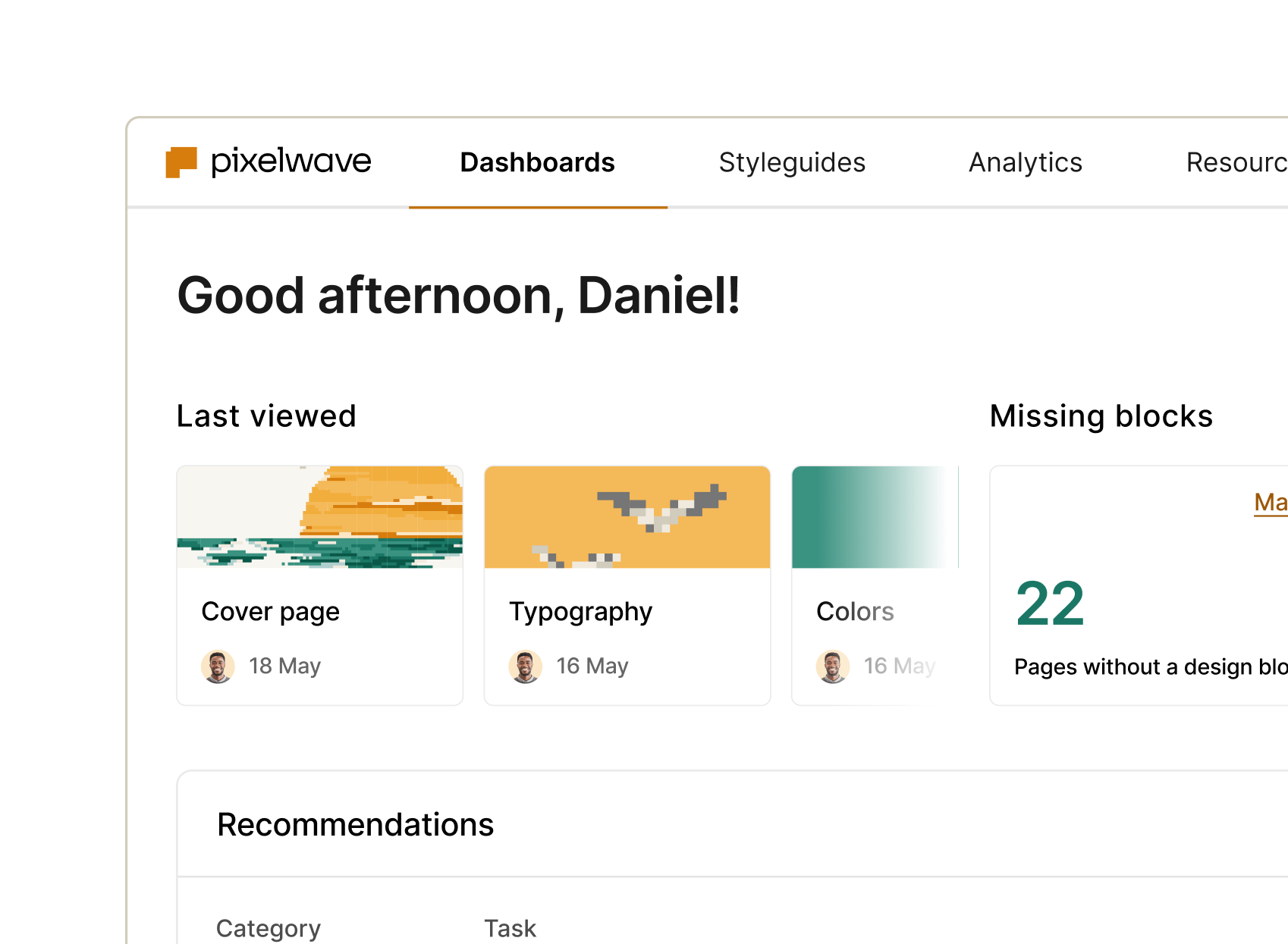
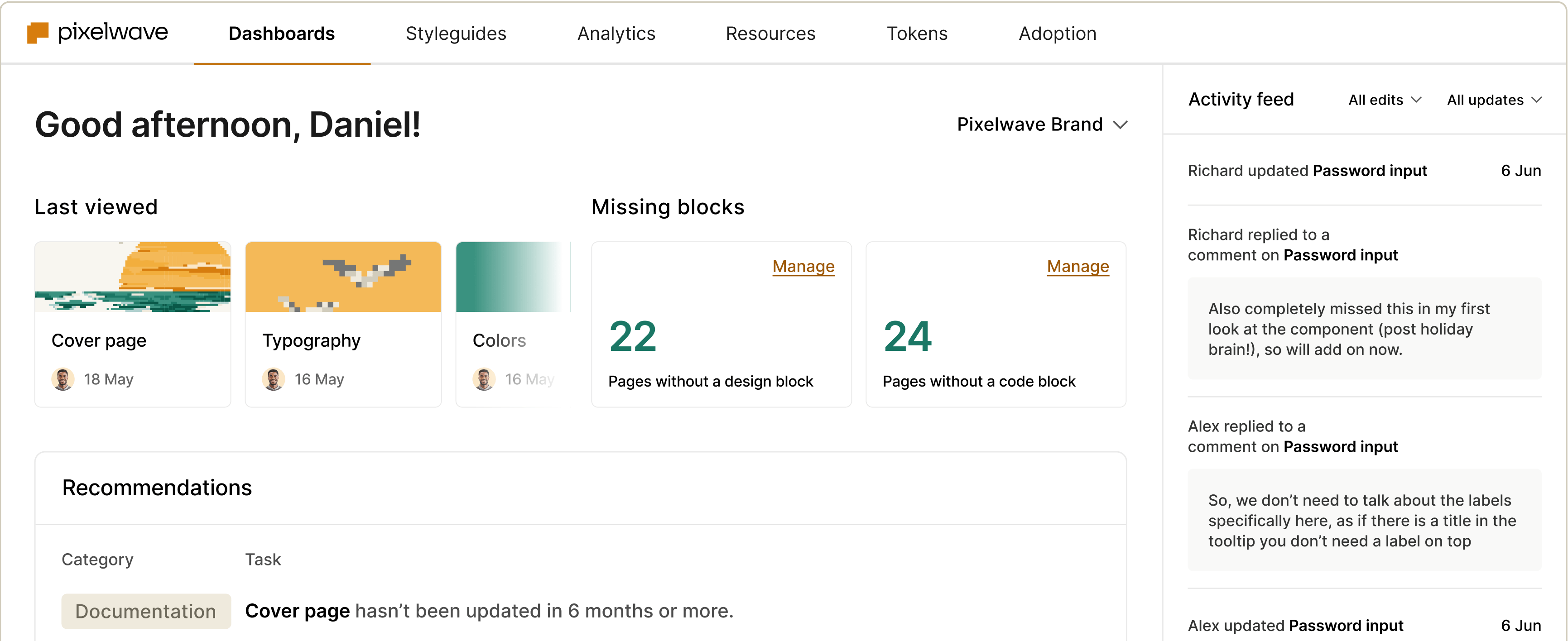
Track your system’s progress and focus on what matters
No more guesswork or digging – see what’s missing, in progress, or completed at a glance. Keep your people and priorities in sync so everyone can ship faster.

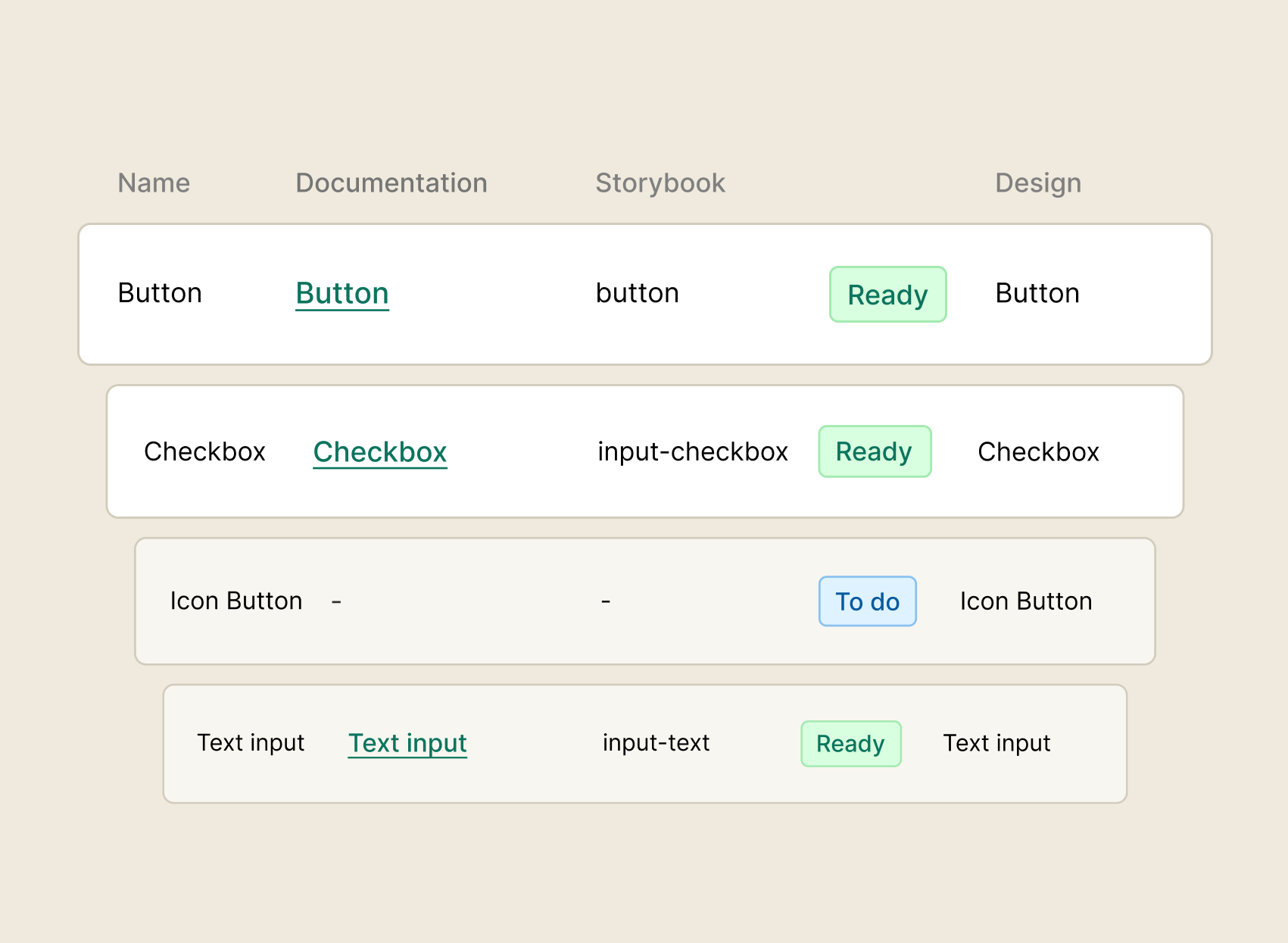
Component tracker
Track the status of your components across design, code, and documentation – all in one centralized view.
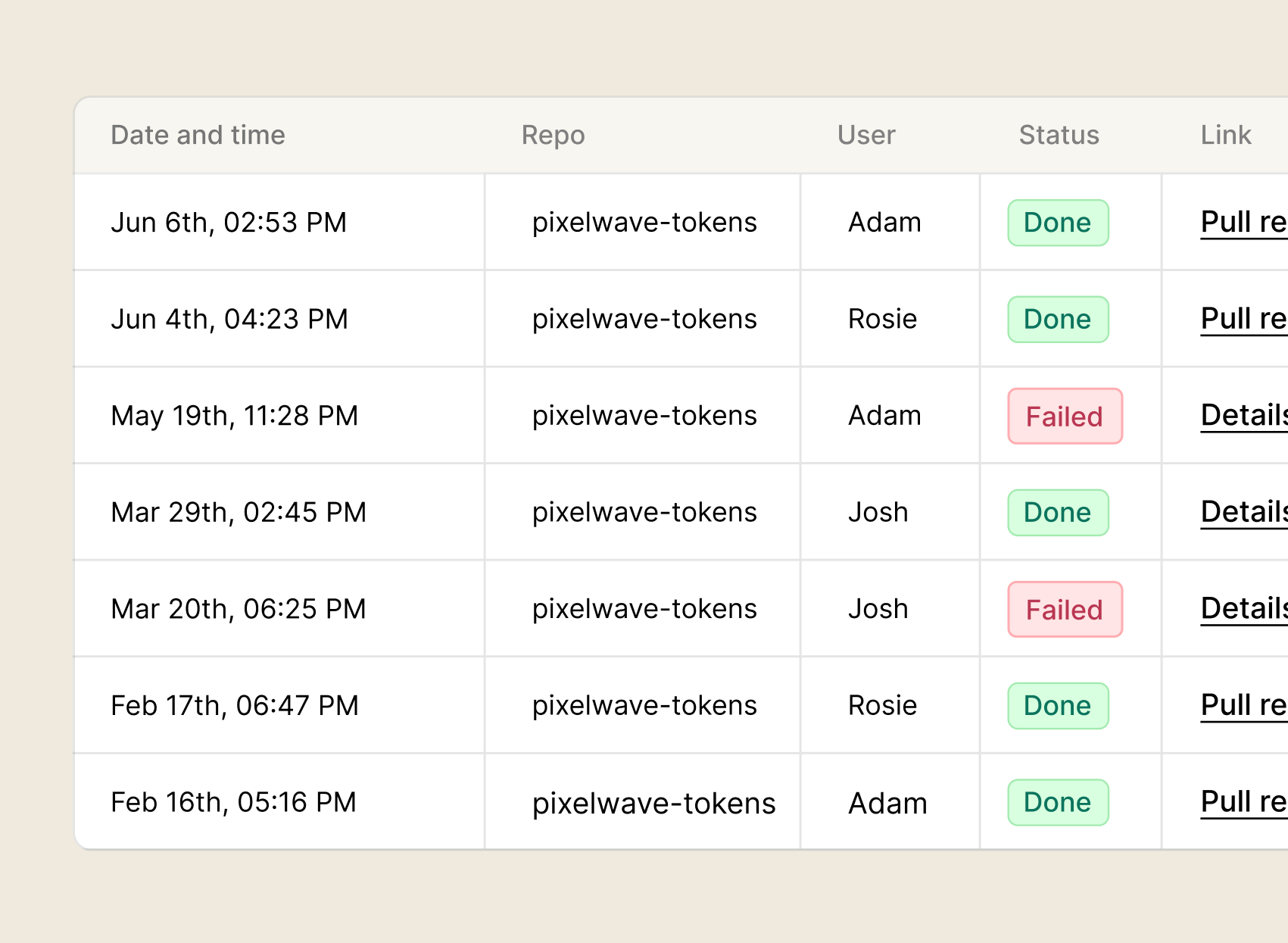
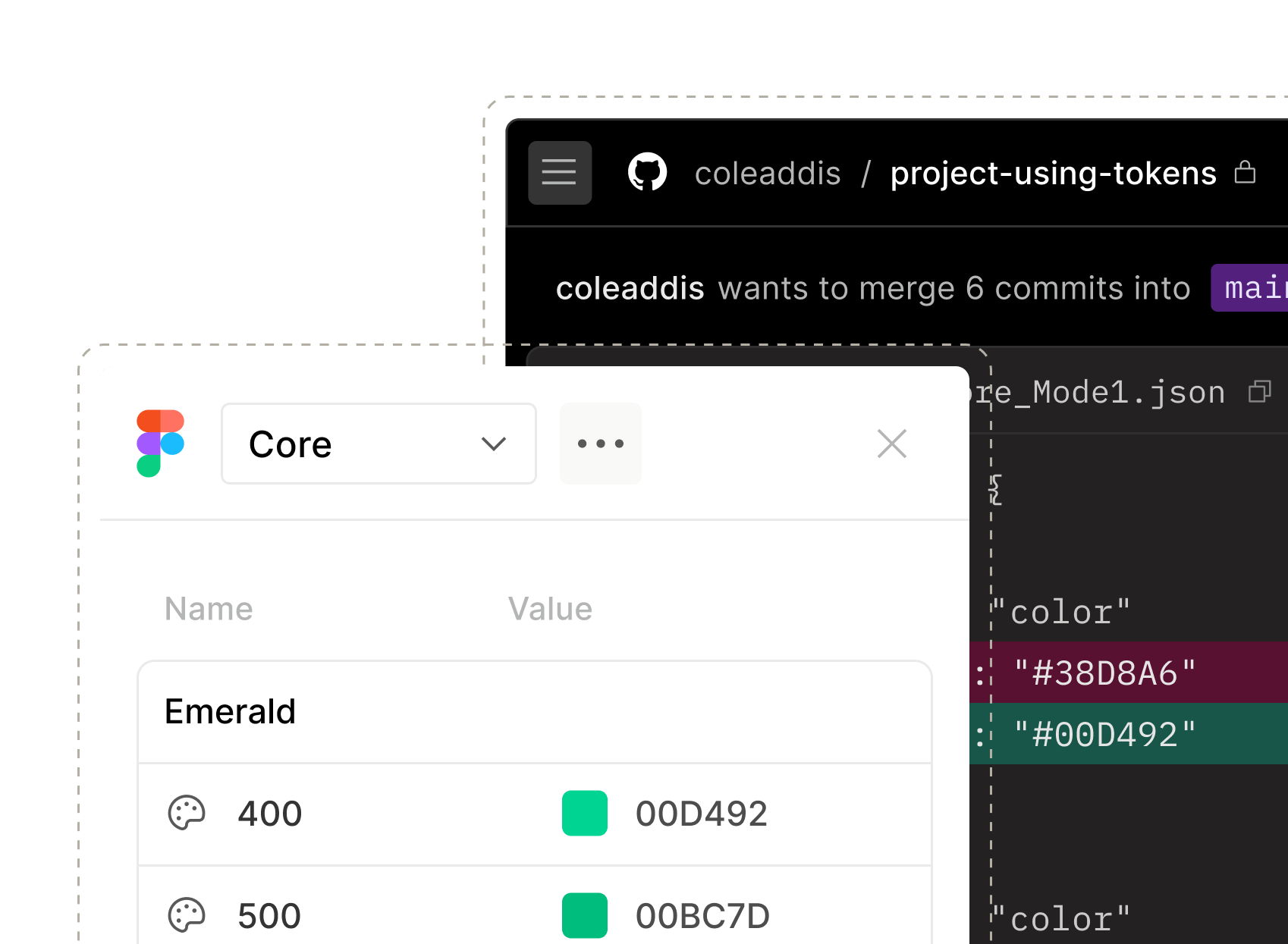
Tokens manager
Keep your design tokens in sync across design, code, and documentation. Automate token updates and pipelines to maintain consistency and ship faster.
Page statuses
Get an up-to-date view of every page in your styleguides – what’s done, what’s in progress and what still needs love.
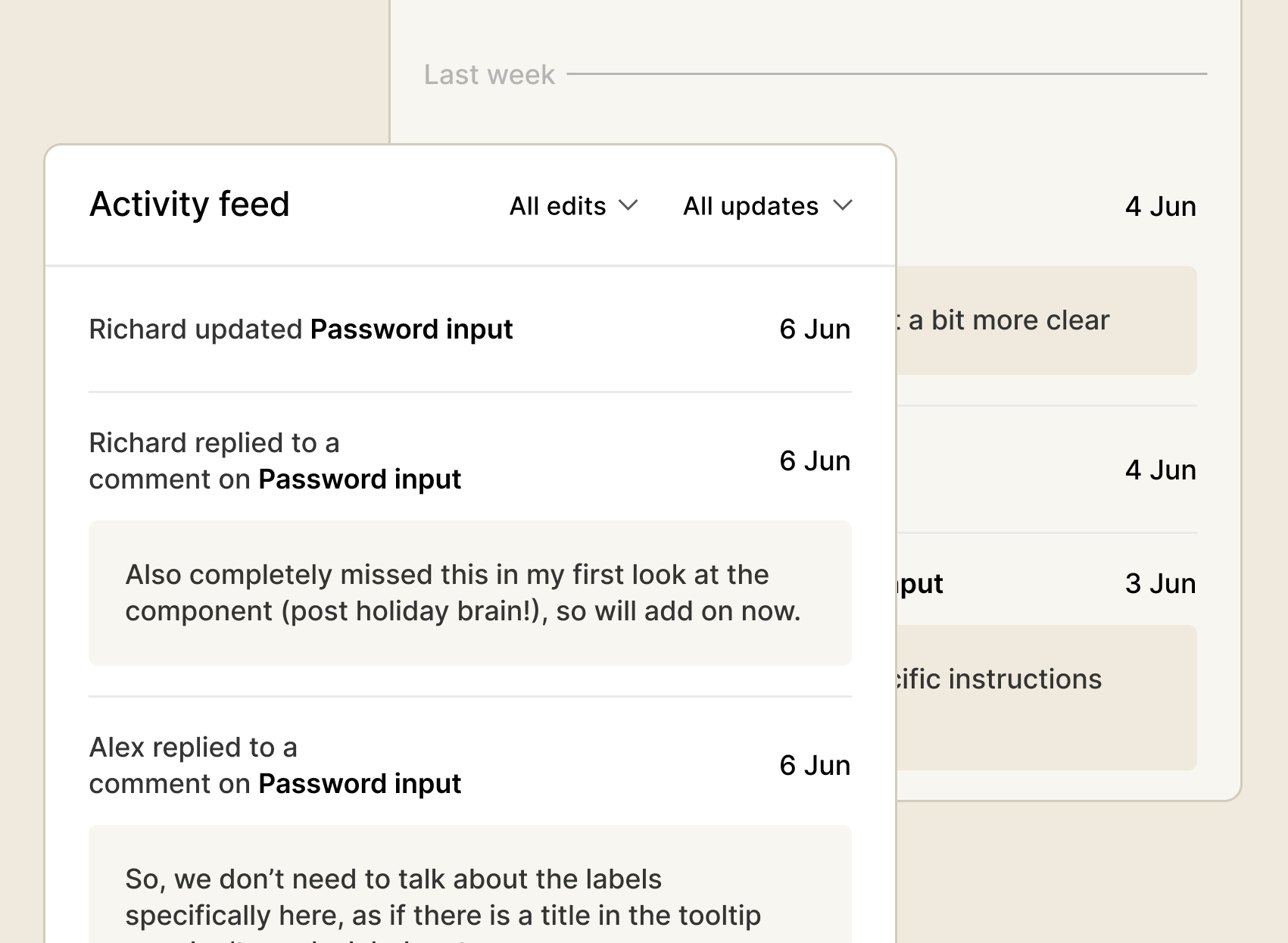
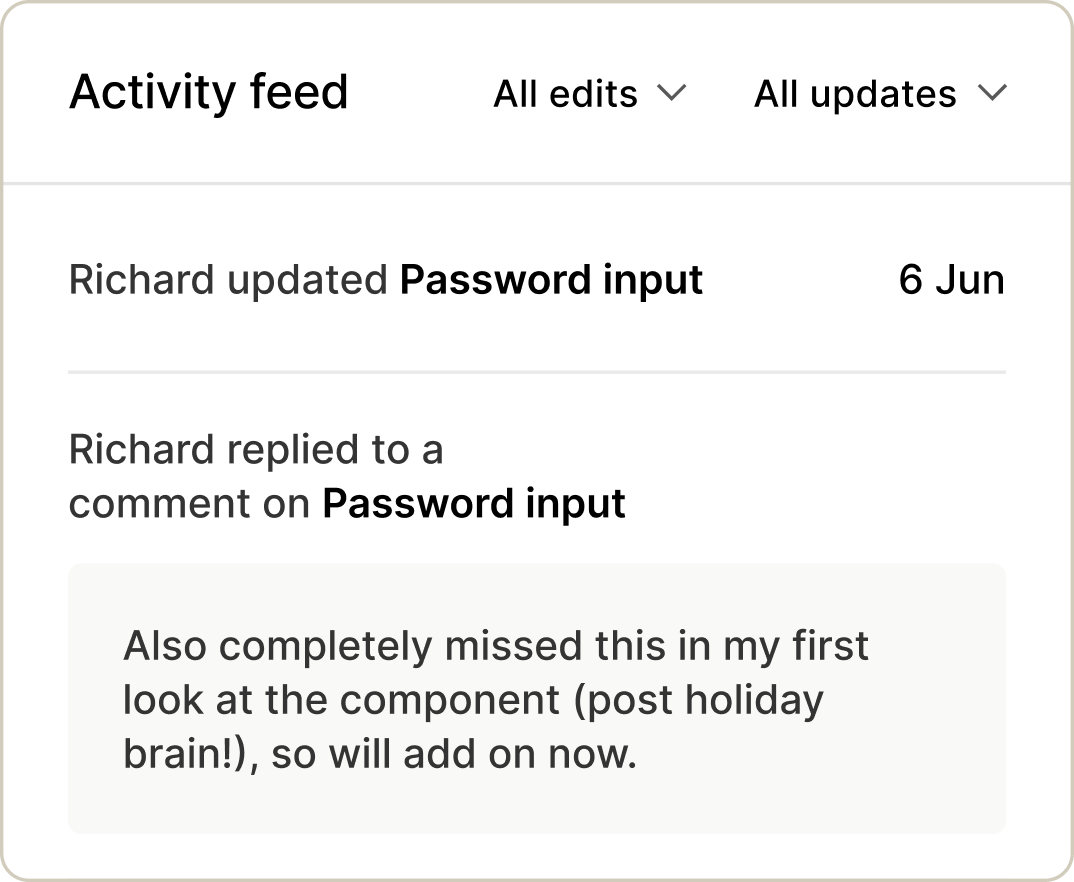
Activity feed
See real-time updates from contributors across your design system. Stay in the loop on content updates, comments, and releases.
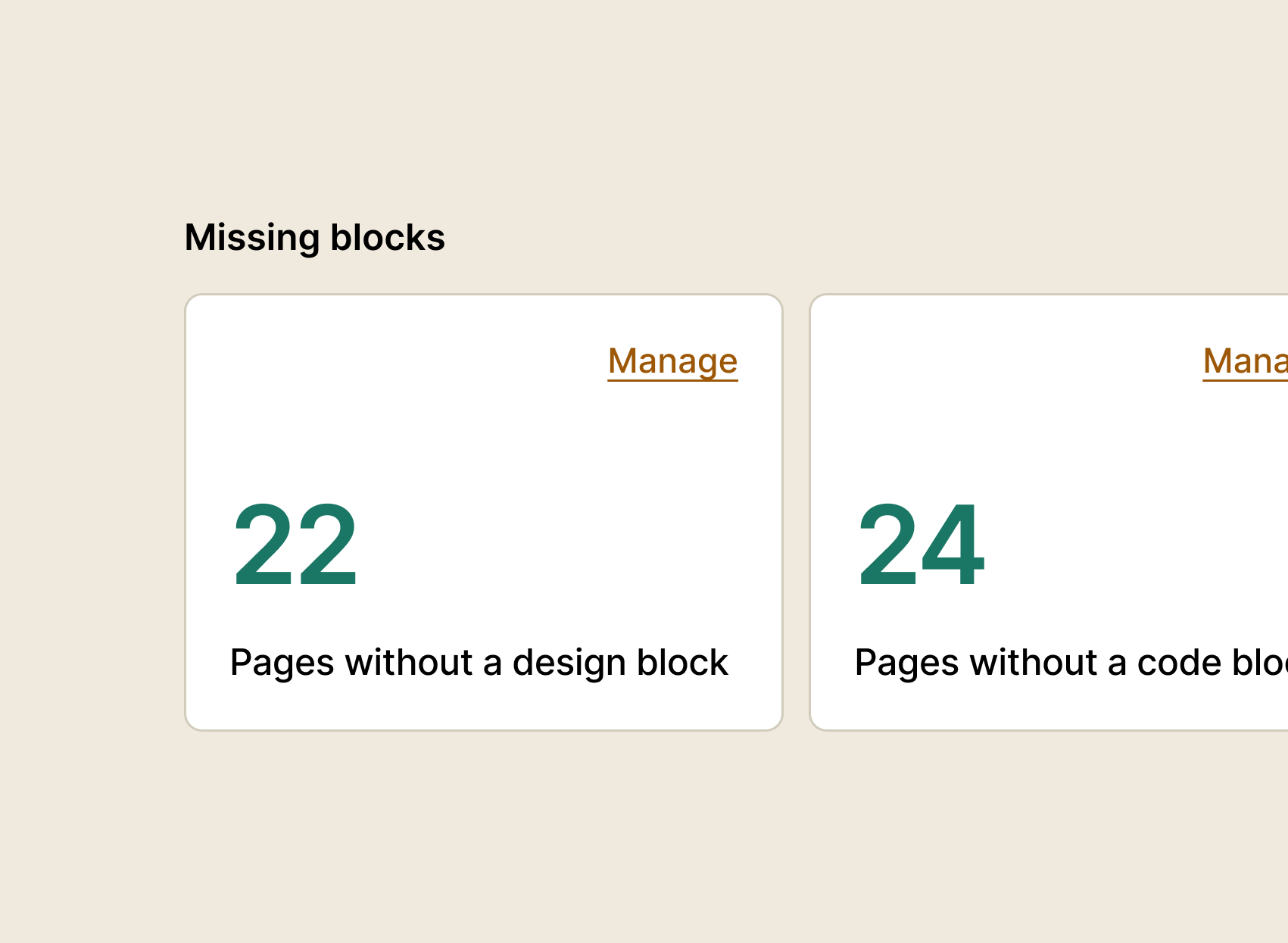
Missing elements
Broken pages? Missing code blocks? Spot issues fast and close the gaps.
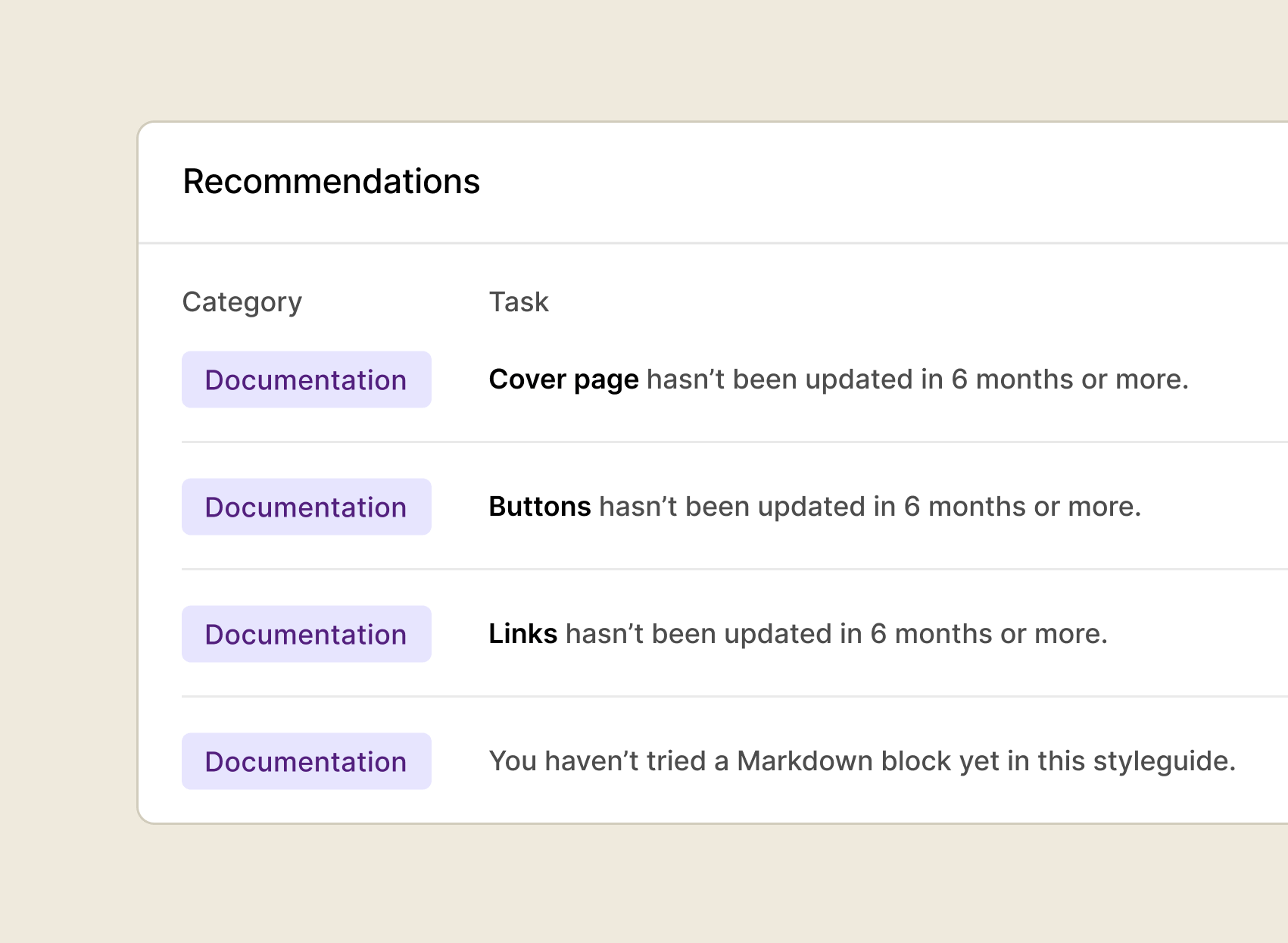
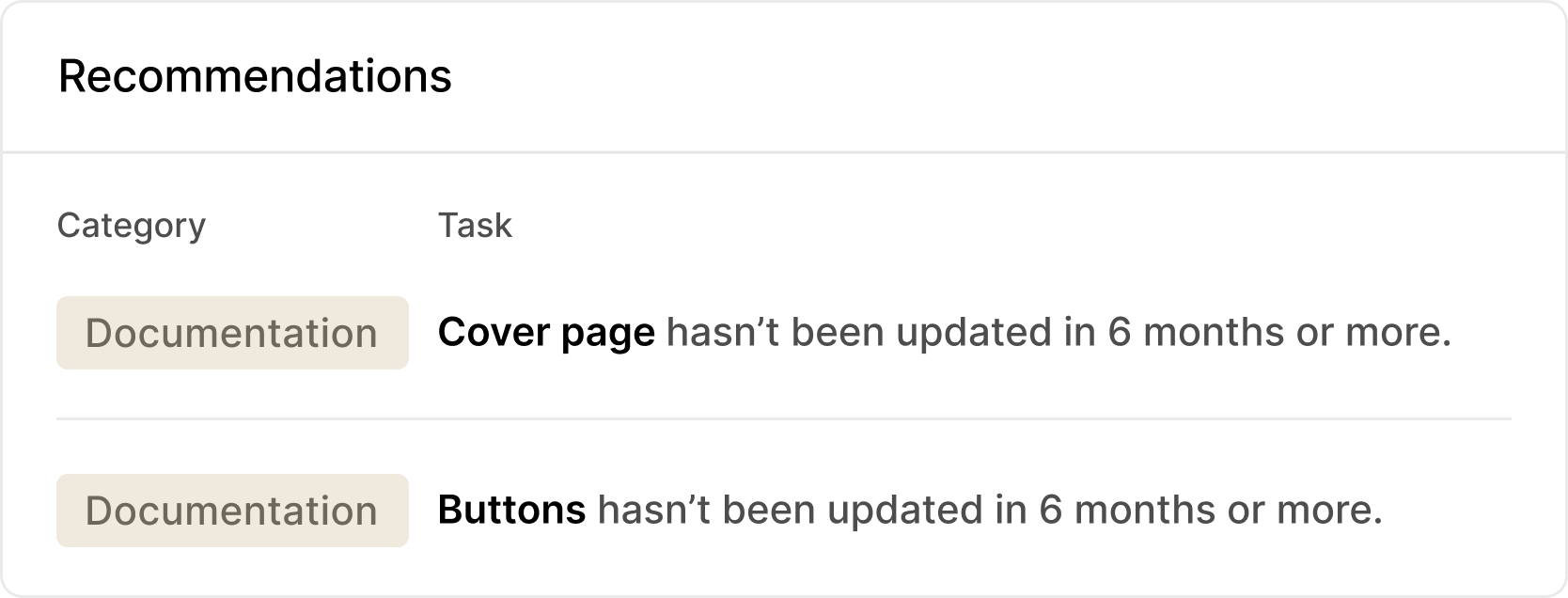
Smart recommendations
Get data-driven suggestions on what to tackle next – from pages in need of an update to component doc improvements and new features that can level up your work.

Management / Governance
Your system, your rules
Make your governance model a reality. Give the right people the right access when they need it – whether it’s internal teams or external partners.

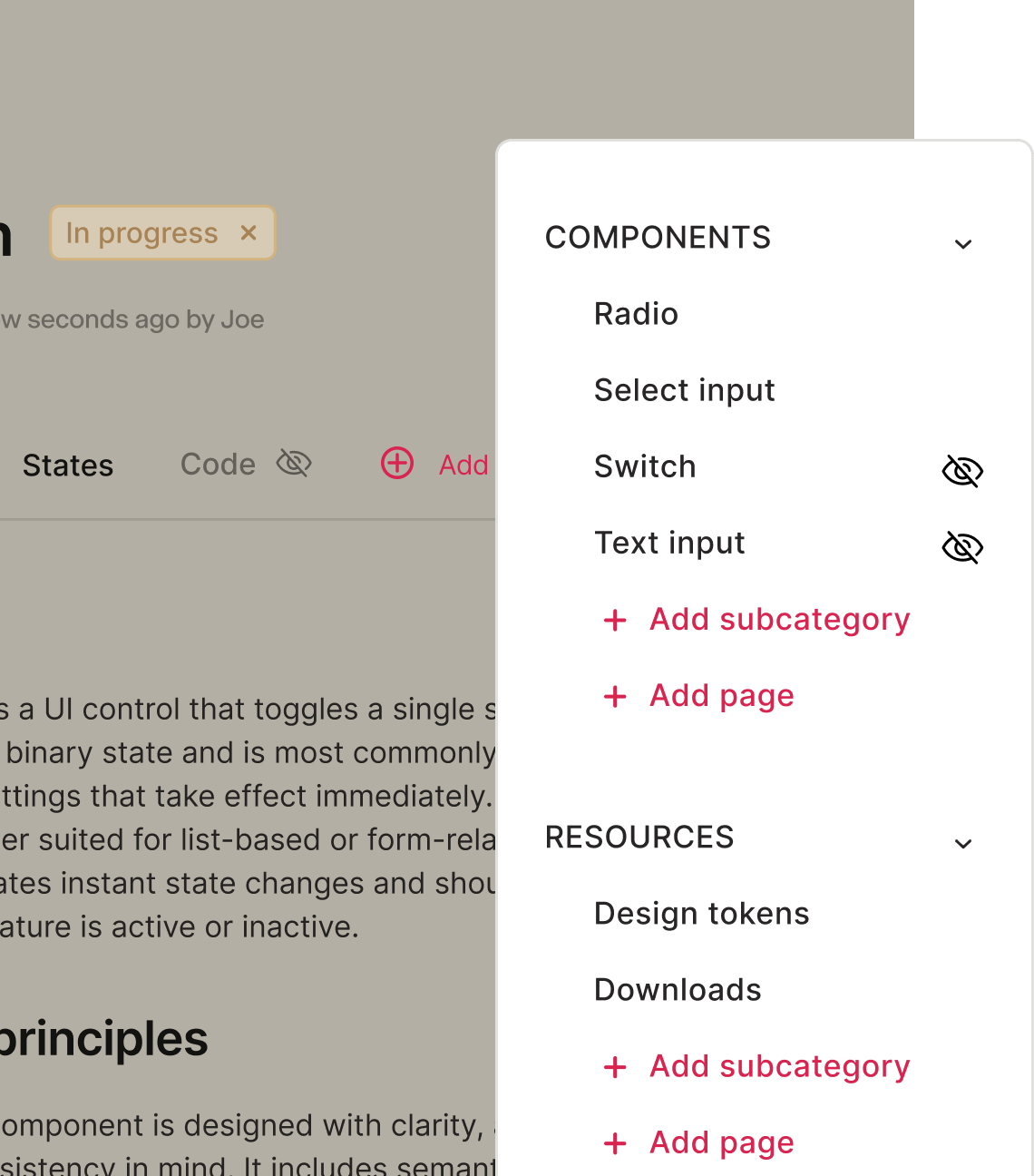
Hidden pages
Work in progress? Keep it private. Draft, review and collaborate on pages behind the scenes — hidden pages let you get everything right before going live to the wider team.
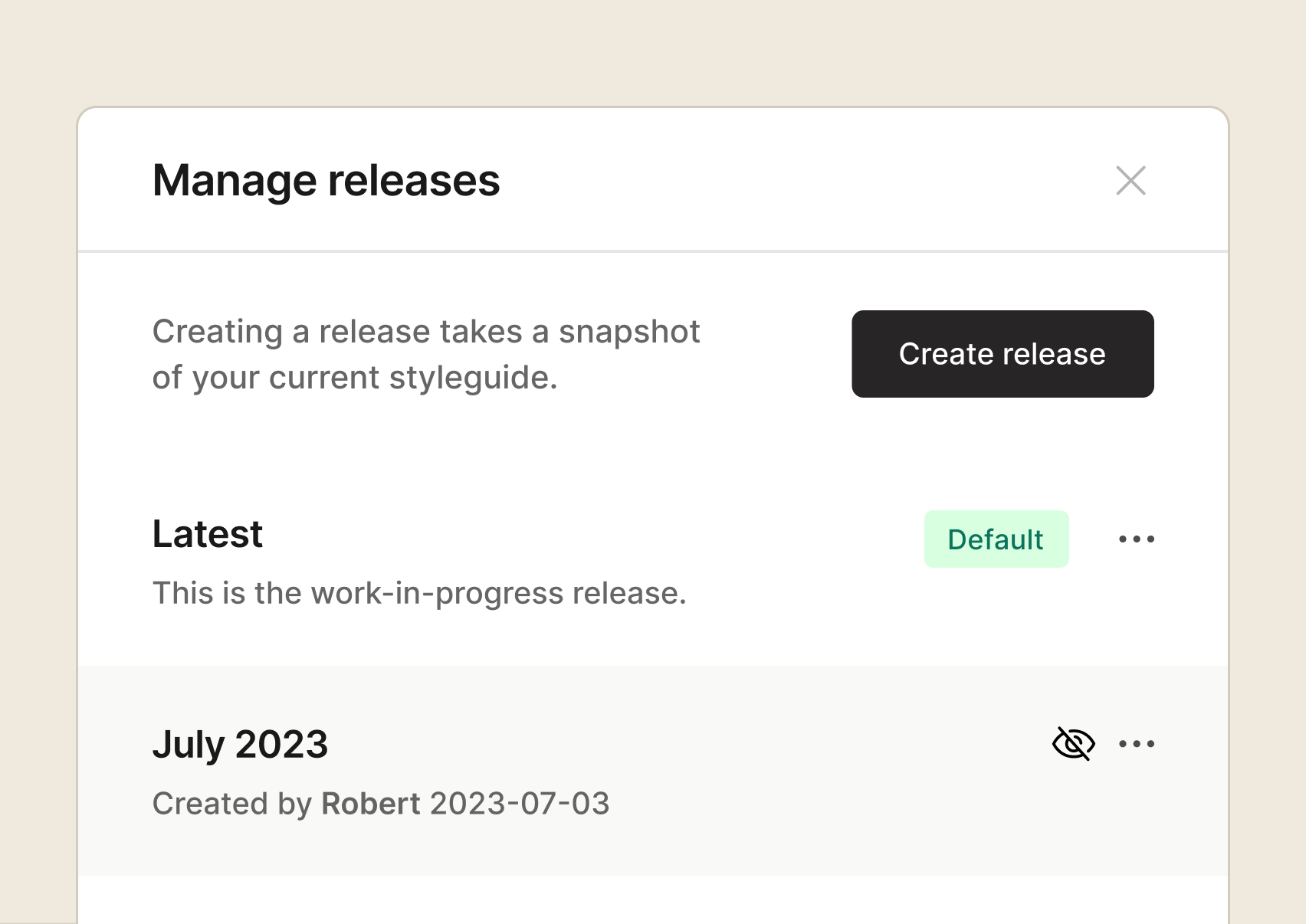
Secure release process
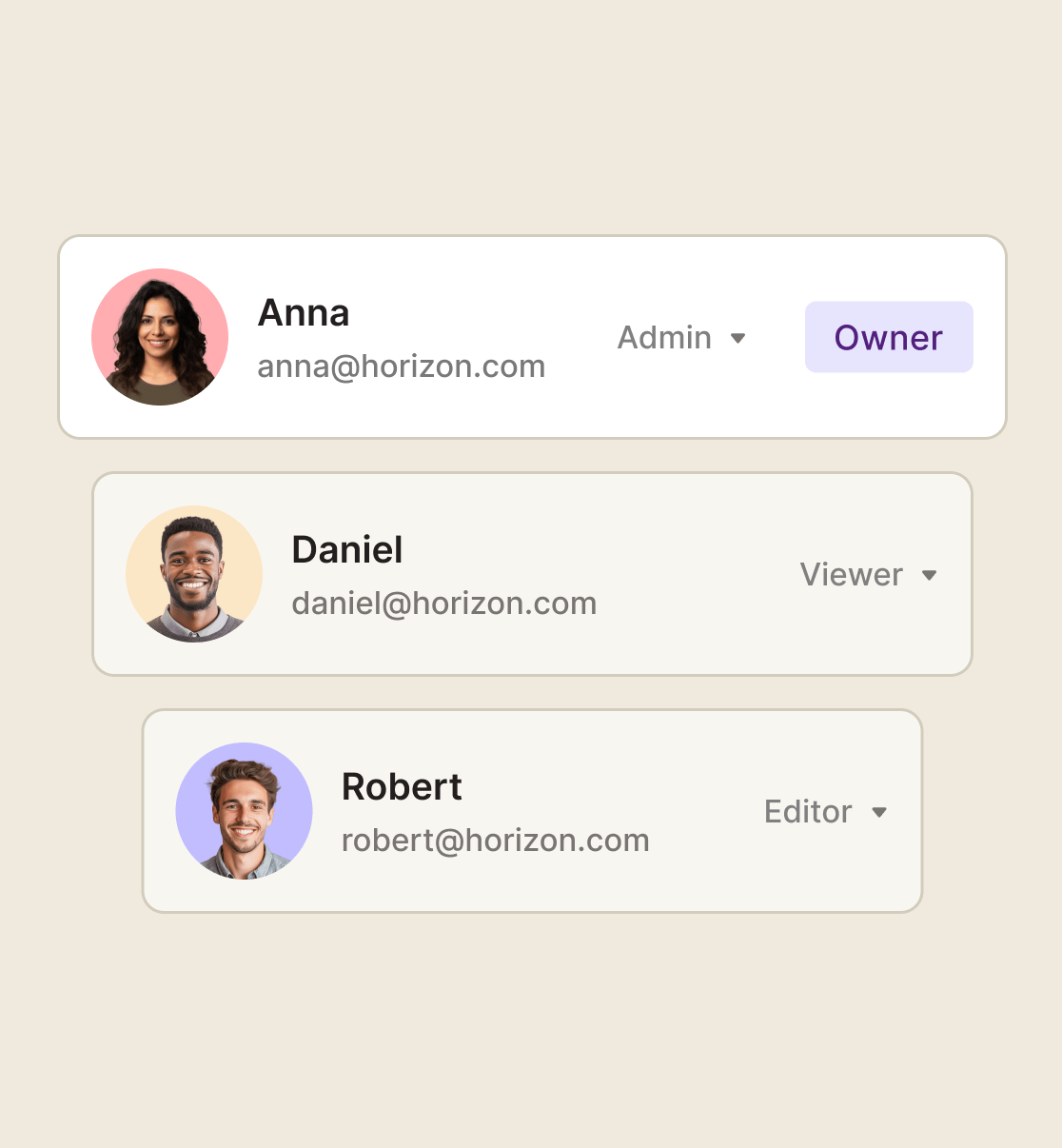
Roles, permissions and private viewers
Enterprise-grade security at every step
User protection is baked into everything we build. With SOC 2 and GDPR compliance, ISO 27001 certification and SSO support, zeroheight keeps your data safe, at all times.


Manage your whole system from one place
From documenting to delivering and measuring, zeroheight gives you full visibility and control — so nothing slips through the cracks and your design system stays smooth, sleek, and synced.
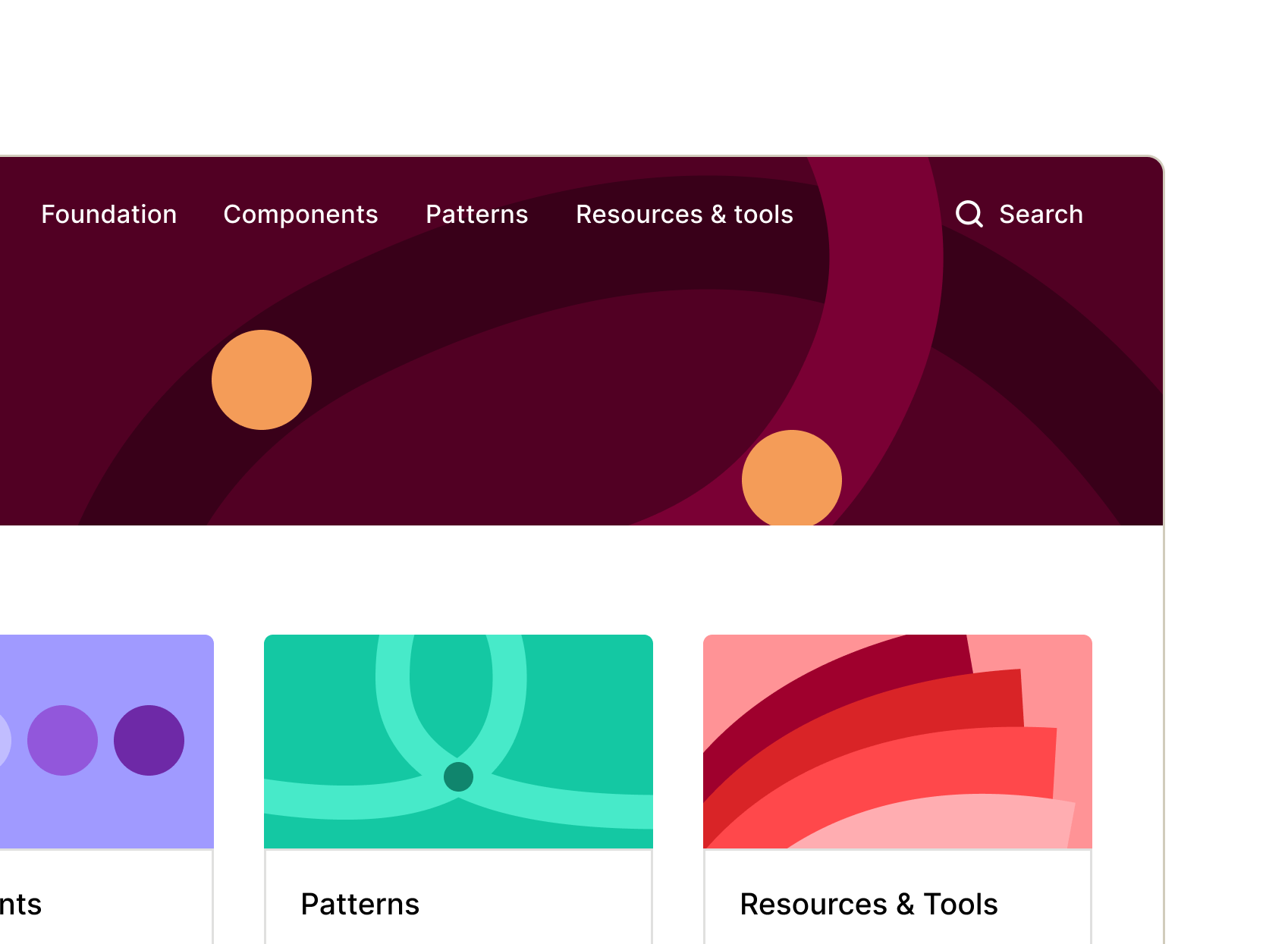
Documentation
Connect, customize, and launch your doc site into the stratosphere. zeroheight keeps your design system docs organized, up to date, and ready for your whole team to use.

Delivery
No more silos. Bring product, design, and engineering together with a design system that slots right into everyone’s workflow. zeroheight delivers to where your teams already work – so adoption just happens.
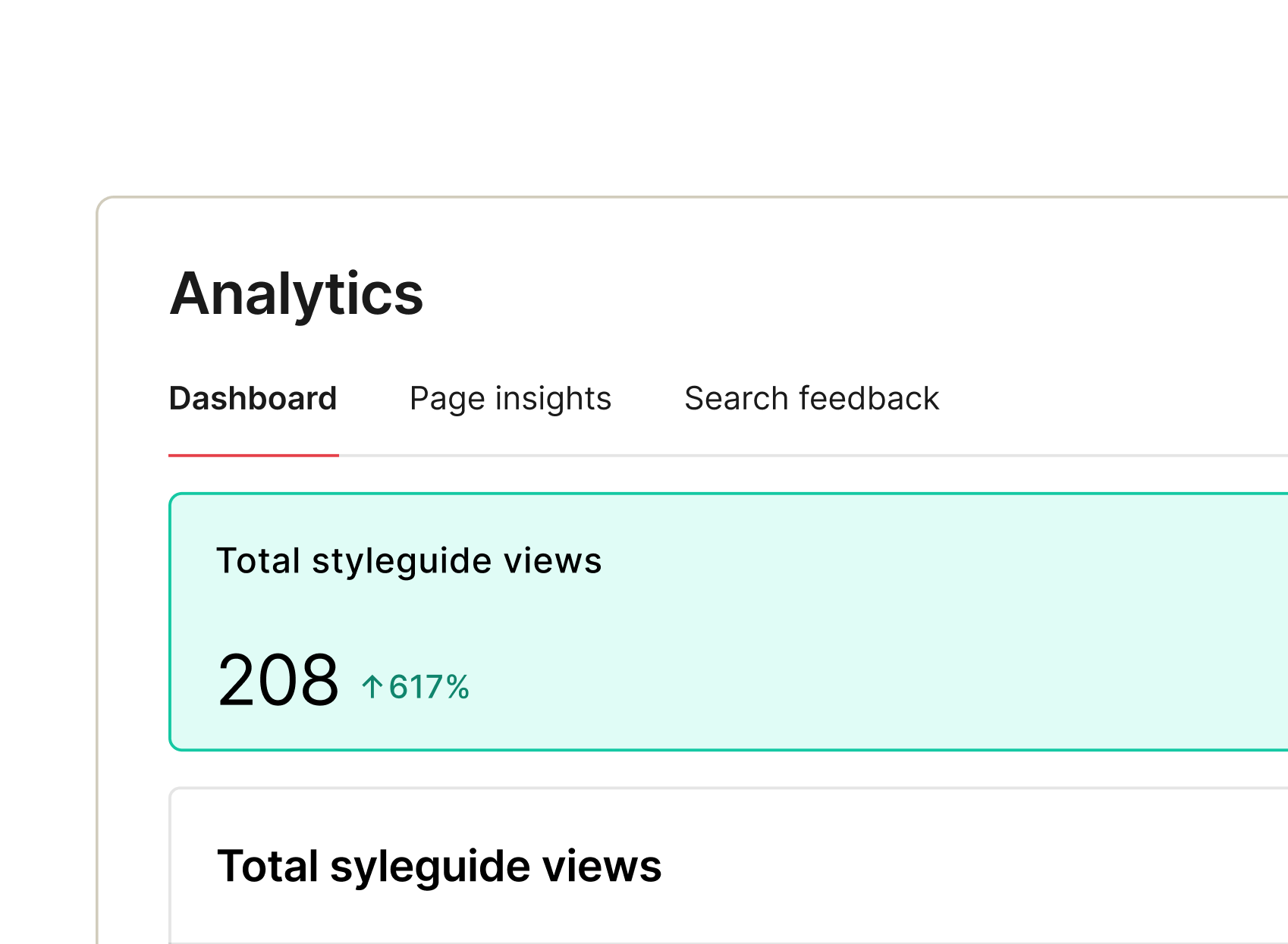
Measurement
What’s adopted? What’s in progress? Any outdated docs? Are we missing code for this component? These might be just a few of the questions living rent-free in your head! zeroheight gives you answers – and insights you can act on.
