


Quarter Circle ShapeSquare Shape
Toggle navigation

Insights that help your system have impact

Track usage, spot issues and opportunities, and measure system adoption.

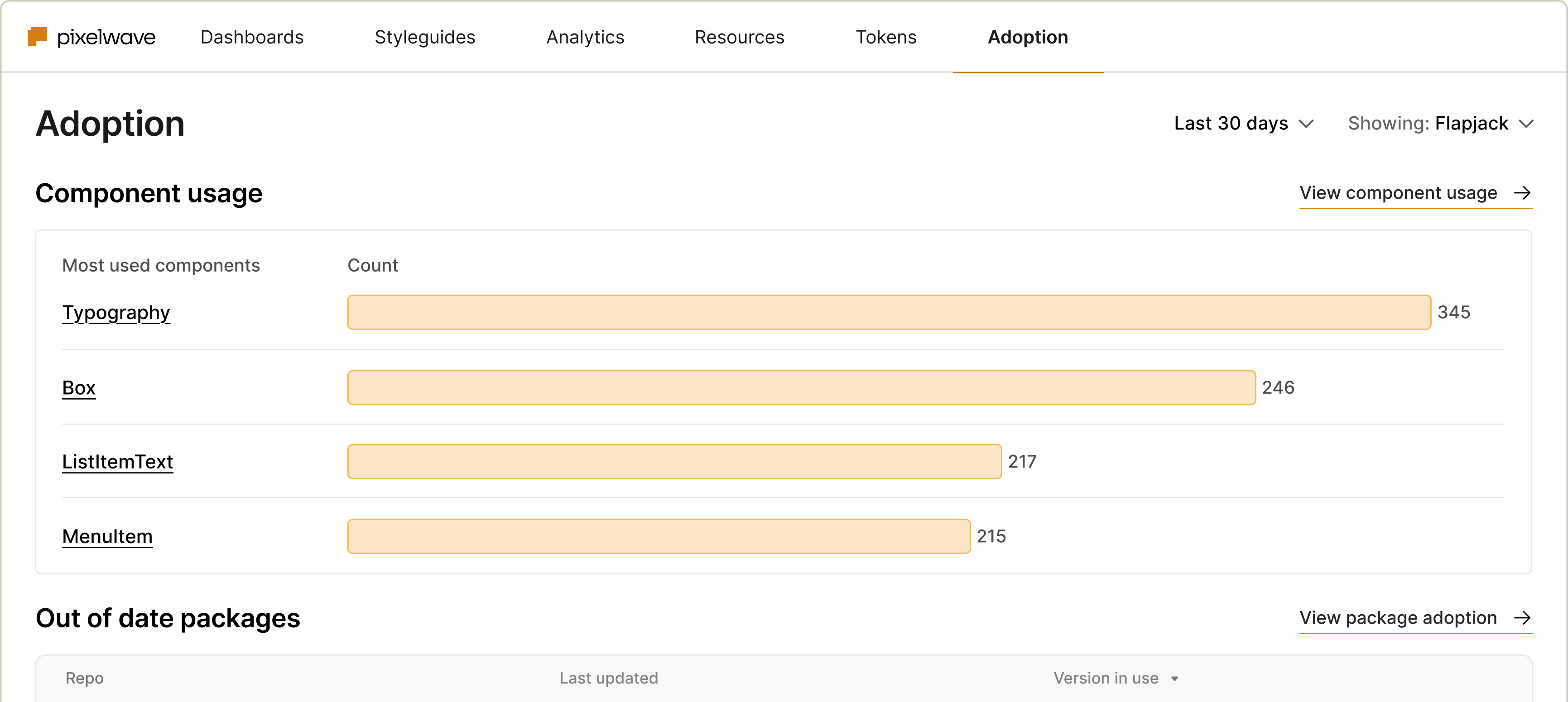
Dashboard displaying component usage statistics for a project, highlighting the most used components: Typography (345), Box (246), ListItemText (217), and MenuItem (215). The interface includes sections for adoption metrics and package updates.
ROI Grow

Track system usage

Monitor what teams are consuming, where they’re engaging (or not), and the feedback they provide.

Measurement Analytics

Optimize your system

Identify gaps, fix inconsistencies, and ensure it stays consistent and effective.

Smiling emoji with a rosy background, representing happiness and positivity in digital communication.

Drive adoption

Understand how your system is being used in teams and products, and pinpoint gaps to close.

Measurement / Measure Adoption

You can’t improve what you don’t measure

See who’s using what, where, and how – and use those insights to optimize your system and drive adoption.
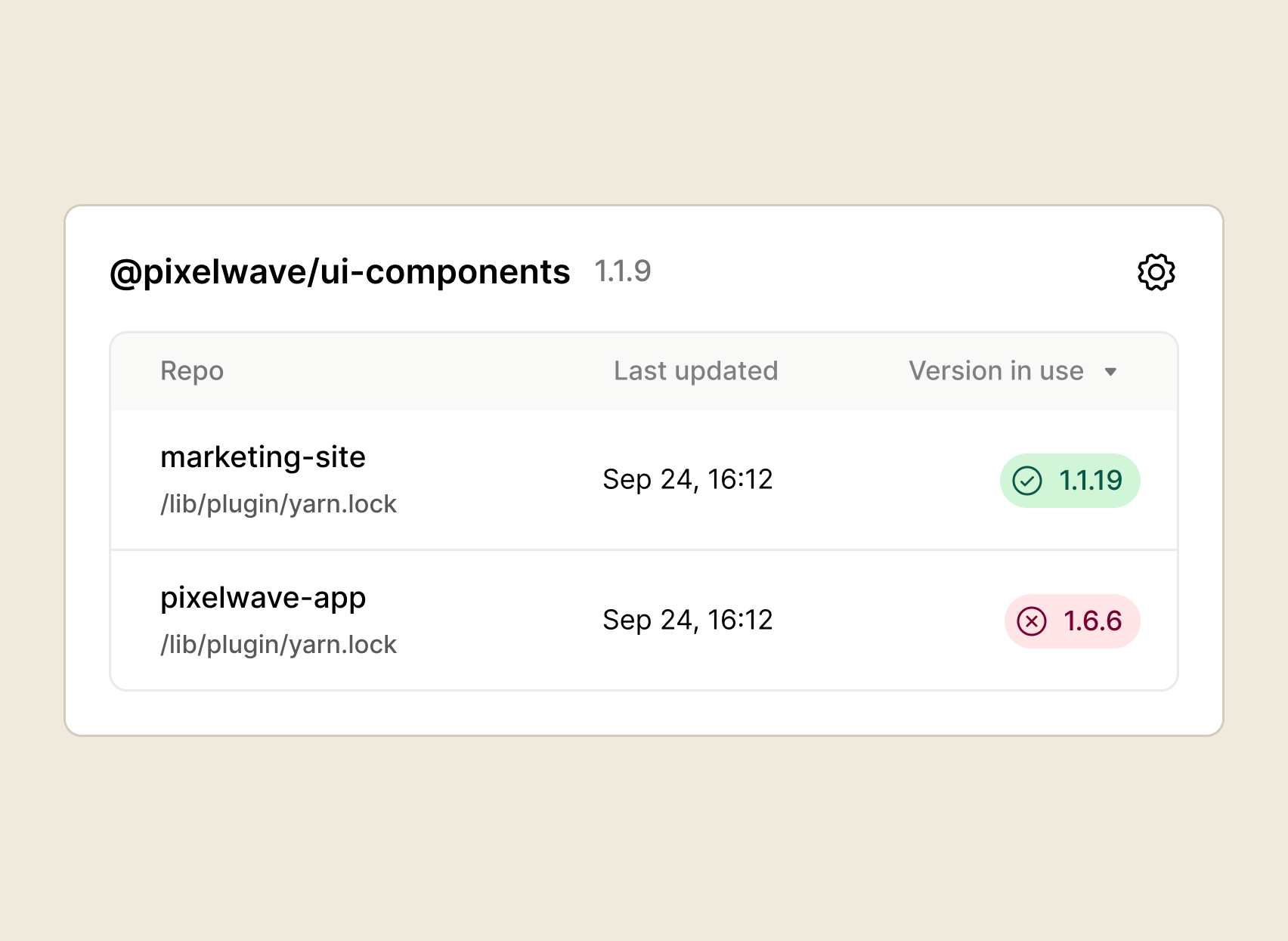
Screenshot displaying the version information for the @pixelwave/ui-components repository, showing two projects: 'marketing-site' with version 1.1.19 and 'pixelwave-app' with version 1.6.6, both last updated on September 24 at 16:12.

Package adoption

See who’s up to speed — and who needs a gentle nudge. Package adoption lets you check the status of design system usage across teams, so that no one falls out of sync.
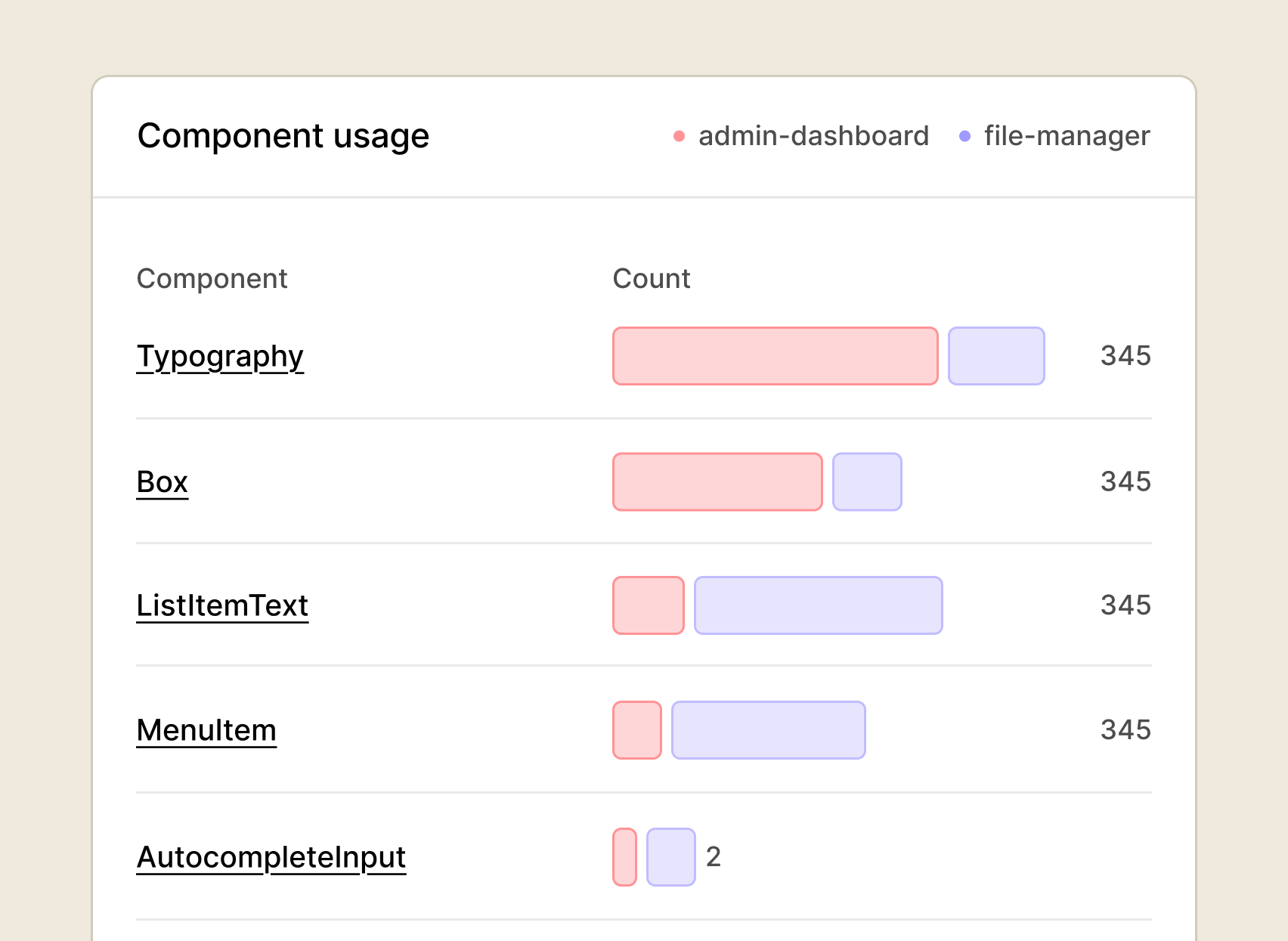
Bar chart displaying component usage statistics in an admin dashboard and file manager, highlighting components like Typography, Box, ListItemText, MenuItem, and AutocompleteInput with varying counts.

Component usage

Analyze how often each component is used. Get the lowdown on adoption, design consistency, component ROI, maintenance prioritization, and version compliance.
Token Usage

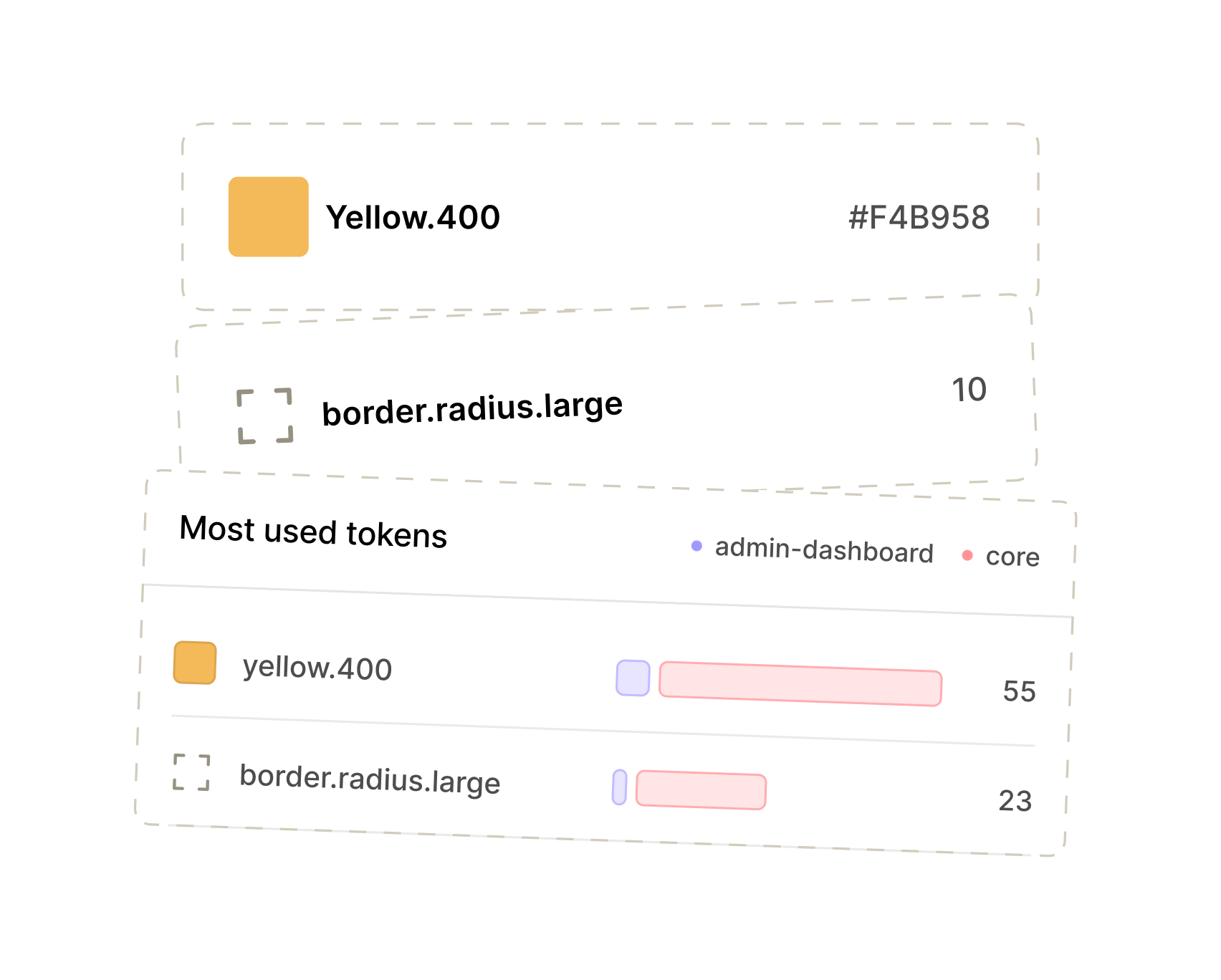
Token usage

Know which tokens are doing the heavy lifting. Track usage across your system so you can spot opportunities to standardize.

Usage Shapes

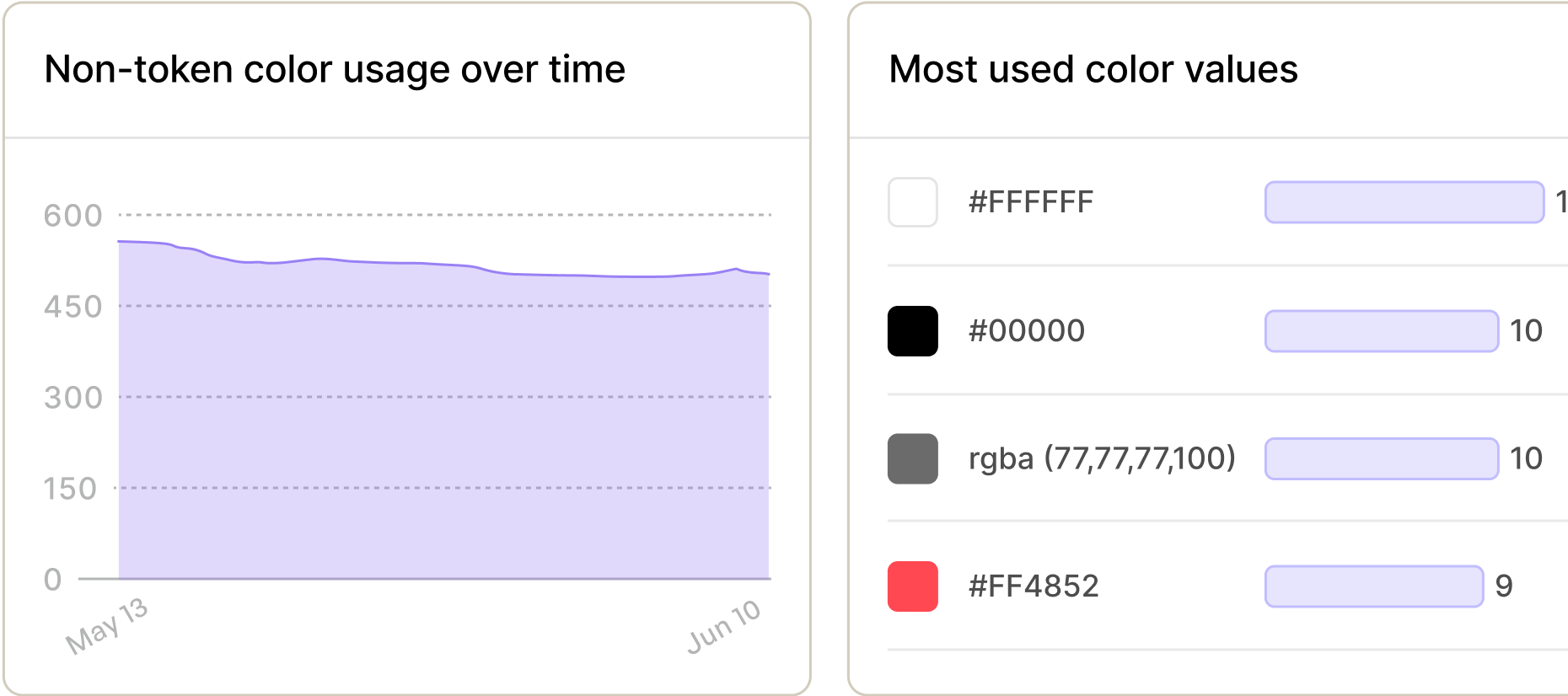
Color usage

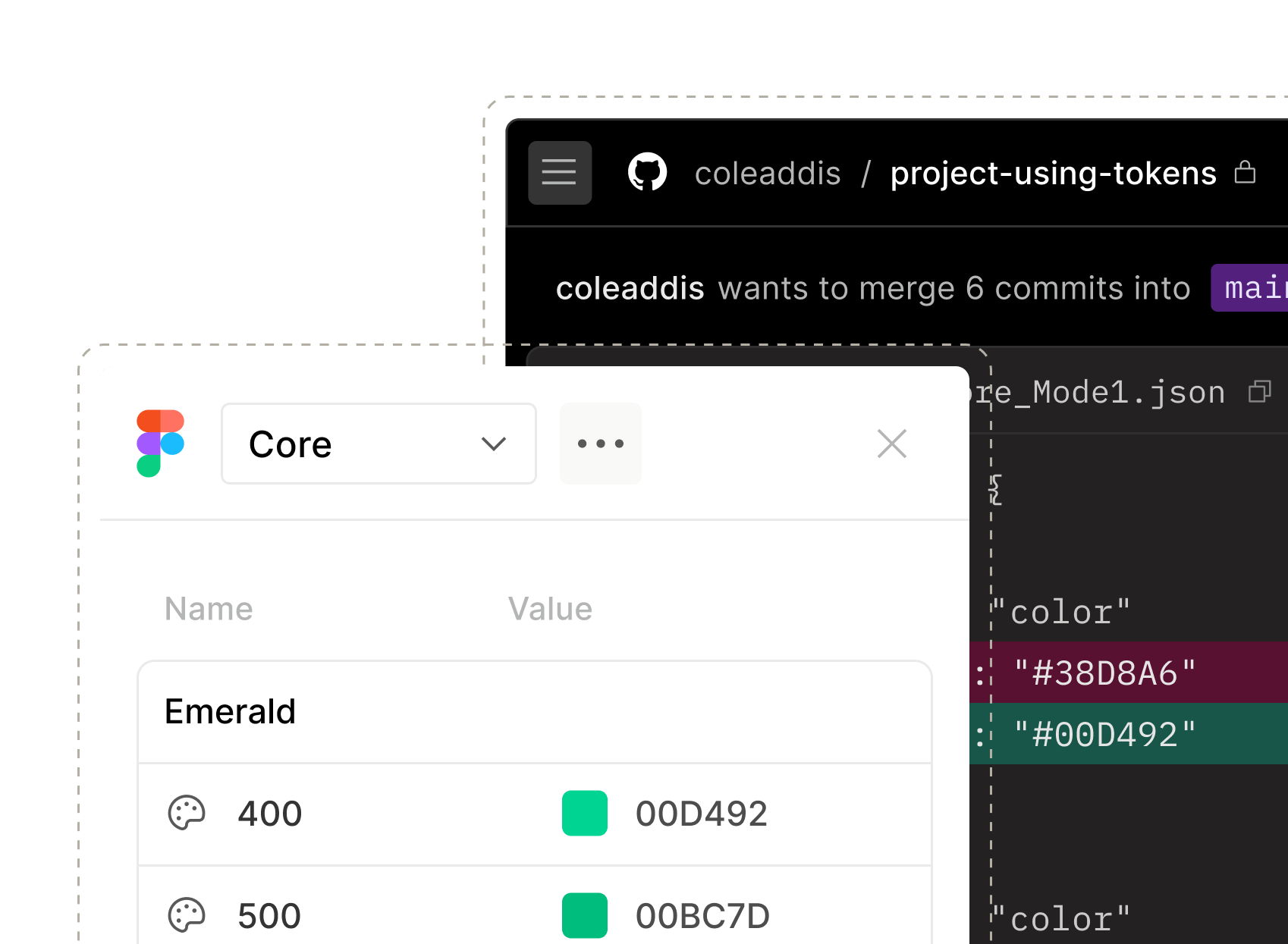
Keep palettes on point. Catch rogue reds, off-brand oranges, botched blues and everything in-between.
Color Usage Static

Management / Track Usage

Make data-informed decisions about your docs

See how people move through your docs site, where they’re getting stuck, and what they’re actually looking for. Less guessing, more “aha.” 

Shapes Large

Site analytics

See how people are really using your docs: where they land, where they click, and where they drop off.
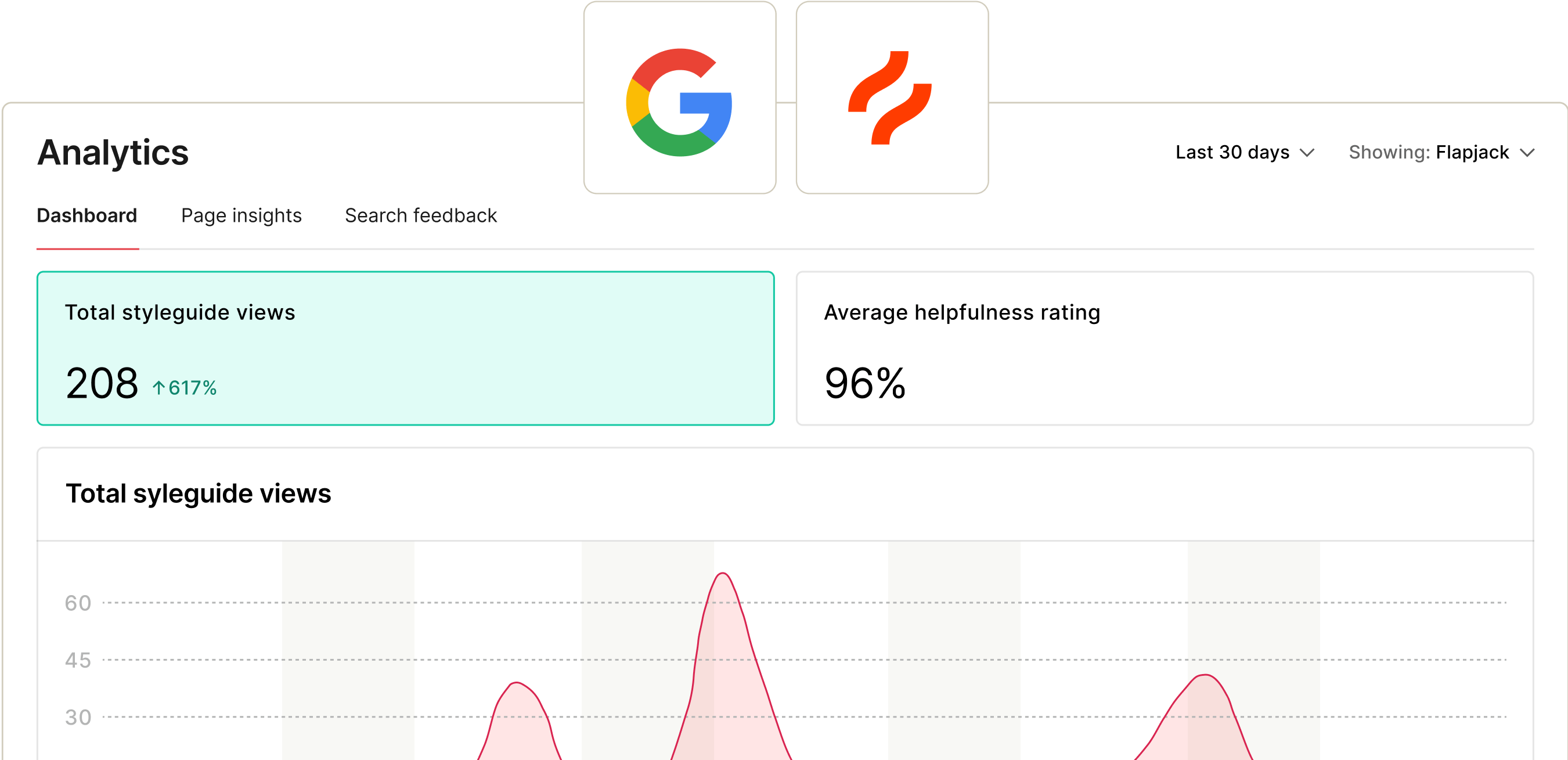
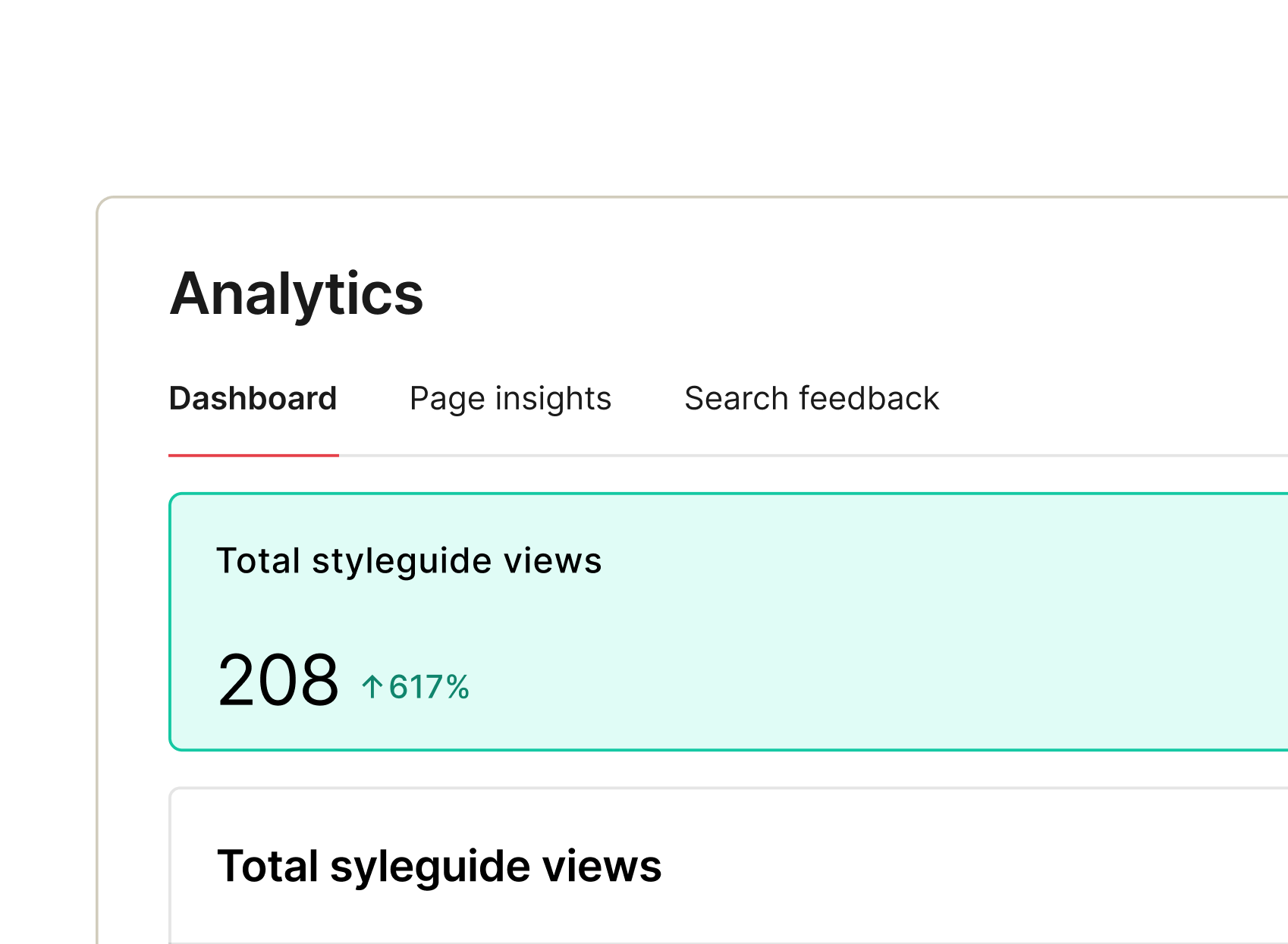
Analytics dashboard showing total styleguide views of 208, an increase of 617%, and an average helpfulness rating of 96%. Graph depicting view trends over the last 30 days.
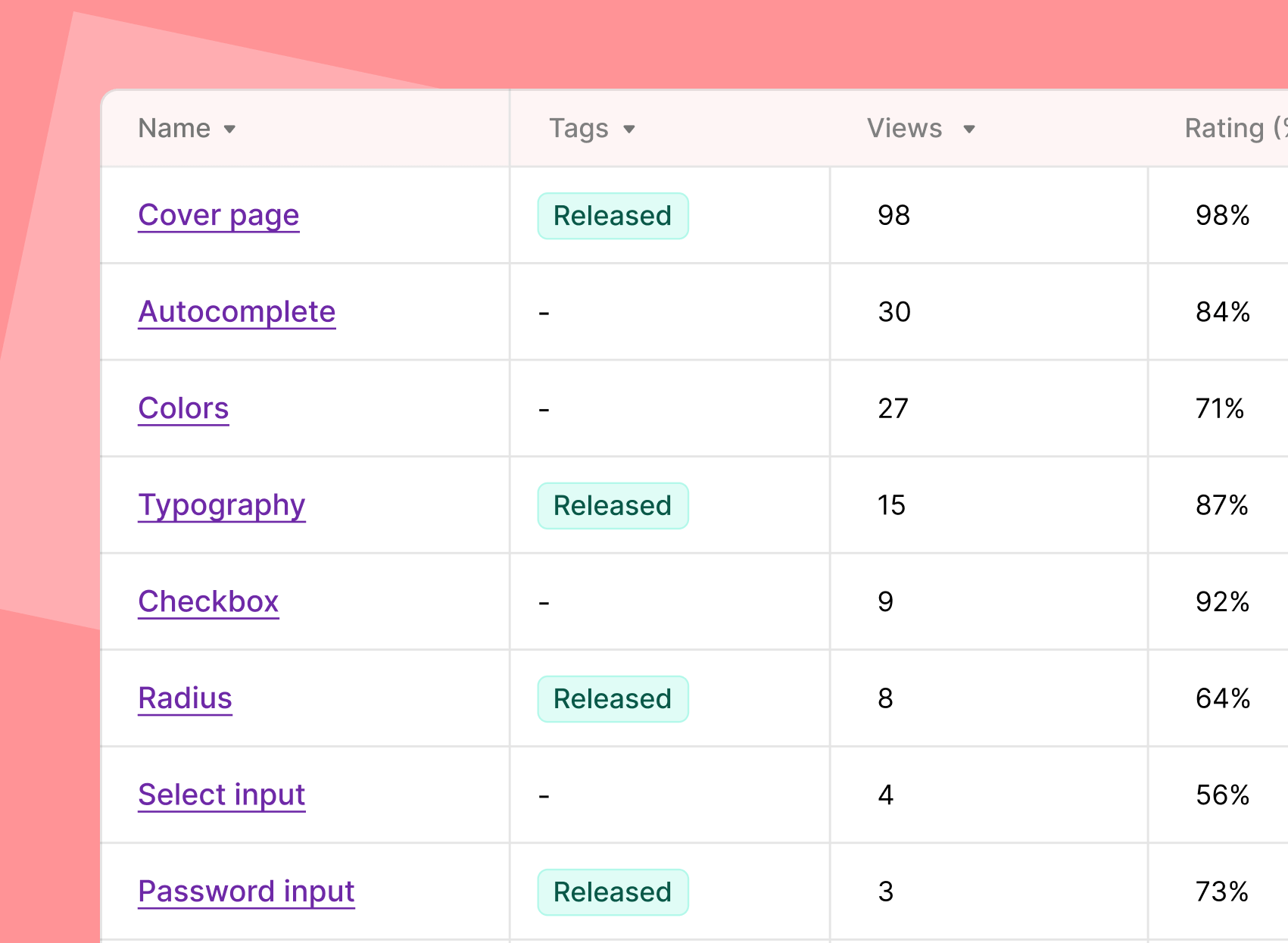
Table displaying various design elements with their names, tags, views, and ratings, including items like Cover Page, Autocomplete, Colors, Typography, Checkbox, Radius, Select Input, and Password Input.

Page views

Find out which parts of the docs site your team actually reads, what’s getting left behind, and why.
Multi Product Support

Multi-product support

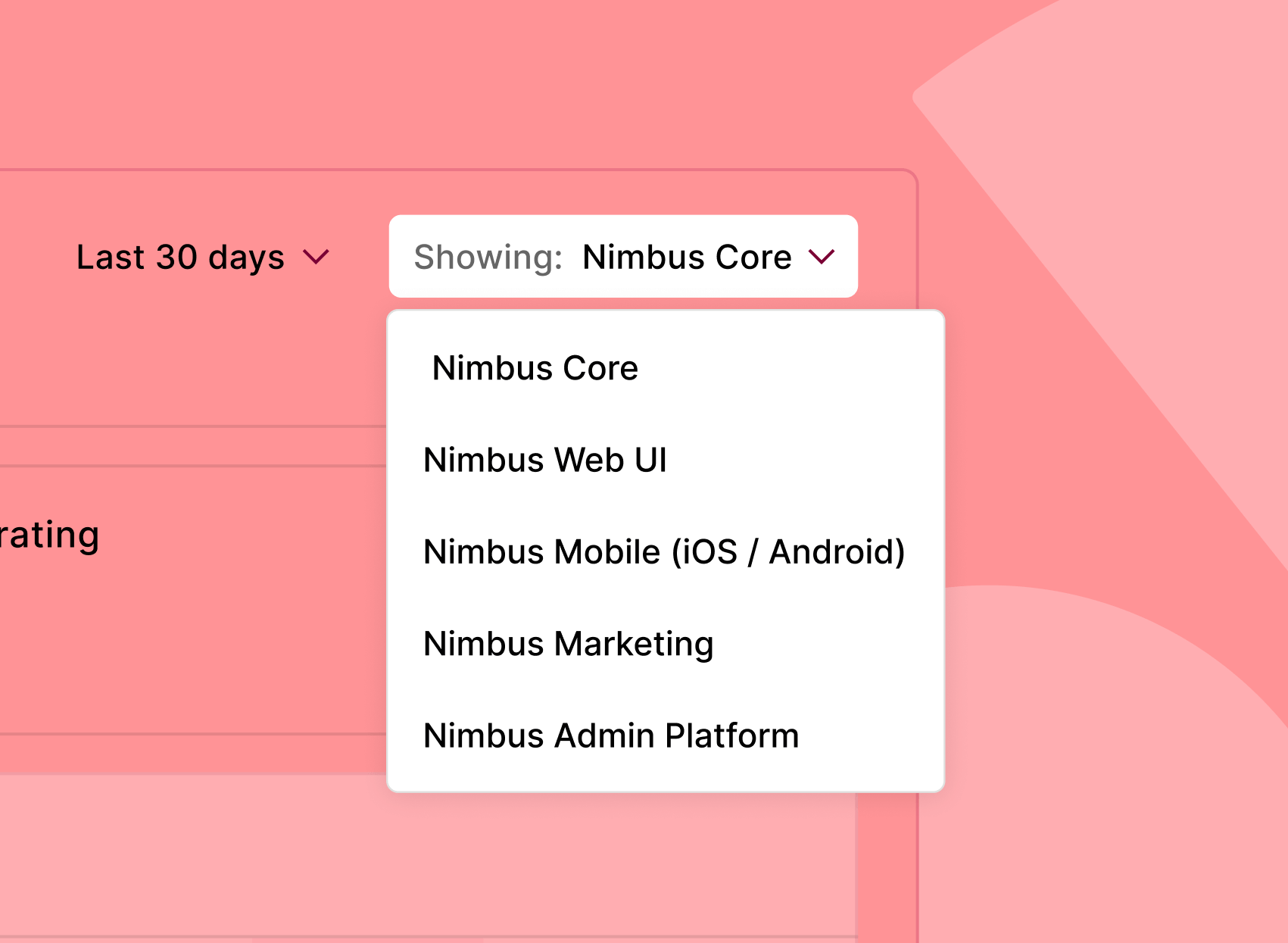
Running multiple brands or product lines? Segment your data to see what’s working and where across the whole ecosystem or product by product.

Integrations

Connect Google Analytics and Hotjar to track usage and engagement across your design system docs.
Frame 1948764493
Frame 1948764495
idean company logo
The biggest value of a design system is to bring teams closer together so they can work better and faster.
Jules Mahé
Design Systems Expert

Measurement / Collect Feedback

Get qualitative feedback and insights

Data never tells the whole story. Hear directly from your users and leverage those insights to deliver maximum impact with your design system.


Frame 1948764792
Richard
a few seconds ago
Resolve
Really clear visual examples — especially helpful for new designers.
Smiling young man in a dark hoodie against a light beige background, showcasing a friendly and approachable demeanor.
Francisco
a few seconds ago
Resolve
Could use more real-world layout examples — hard to know how components come together.
Frame 1948764794
Jess
a few seconds ago
Resolve
Content is improving, but it still feels like some docs were written by different teams — voice and structure vary a lot.
Smiling young man with short black hair wearing a gray sweater, set against a pink background.
Daniel
a few seconds ago
Resolve
The new component pages with usage do’s and don’ts are really helpful.
Smiling woman with long dark hair wearing a maroon sweater against a bright yellow background.
Chloe
a few seconds ago
Resolve
Spacing and layout tokens are much easier to follow now — nice updates!
Frame 1948764797
Mahdi
a few seconds ago
Resolve
Love that the button guidelines now explain when to use each variant.
Frame 1948764798
Bethany
a few seconds ago
Resolve
Would be great to see how theming works across products — not just the default brand.
Bento Large Shapes
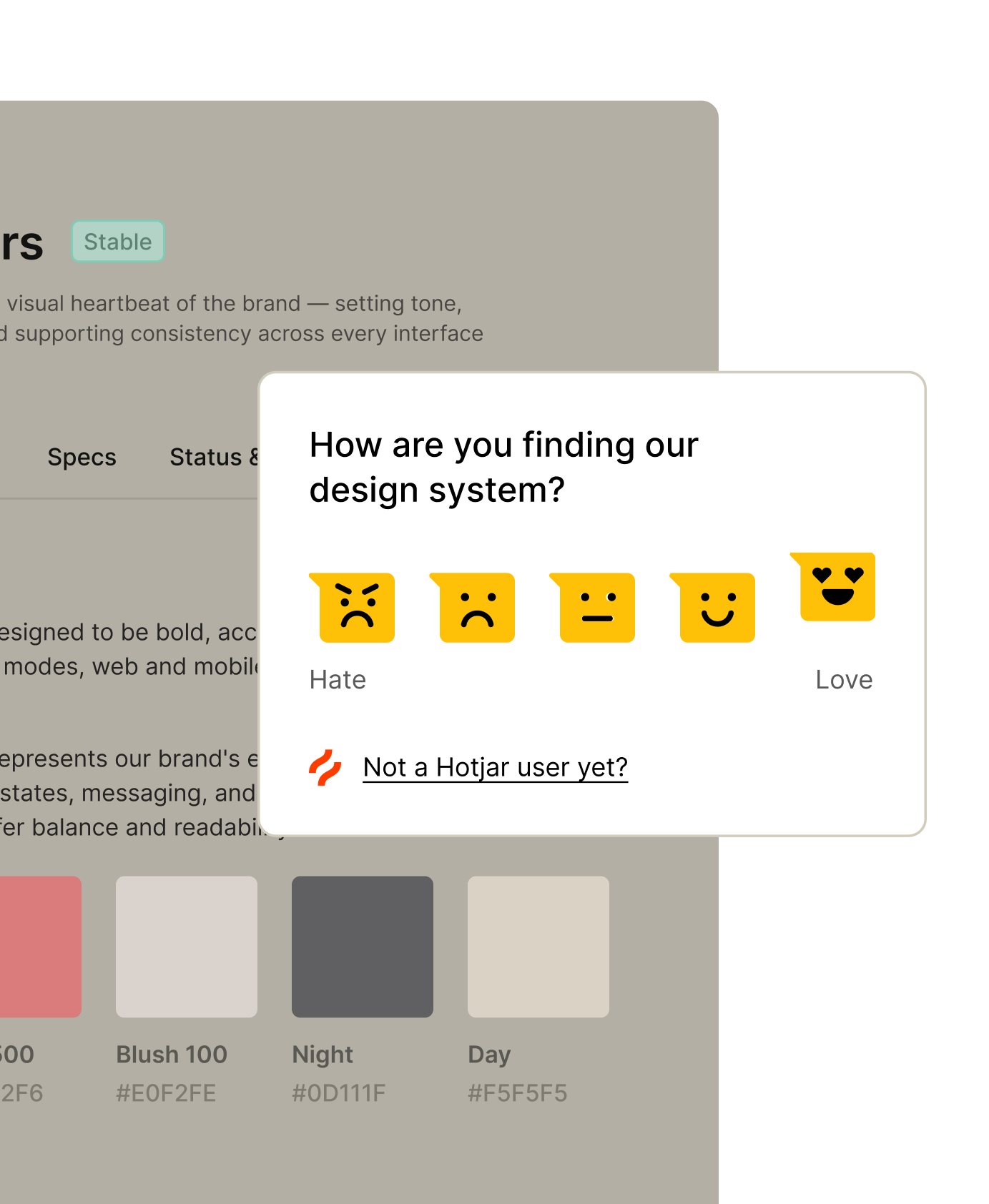
User interface feedback prompt for a design system, featuring a question about user experience with emoticon responses ranging from hate to love, along with a color palette displayed below.

Hotjar surveys

Use Hotjar to run surveys on your site and collect feedback from viewers. No mind reading required.
Search Analyticsnew

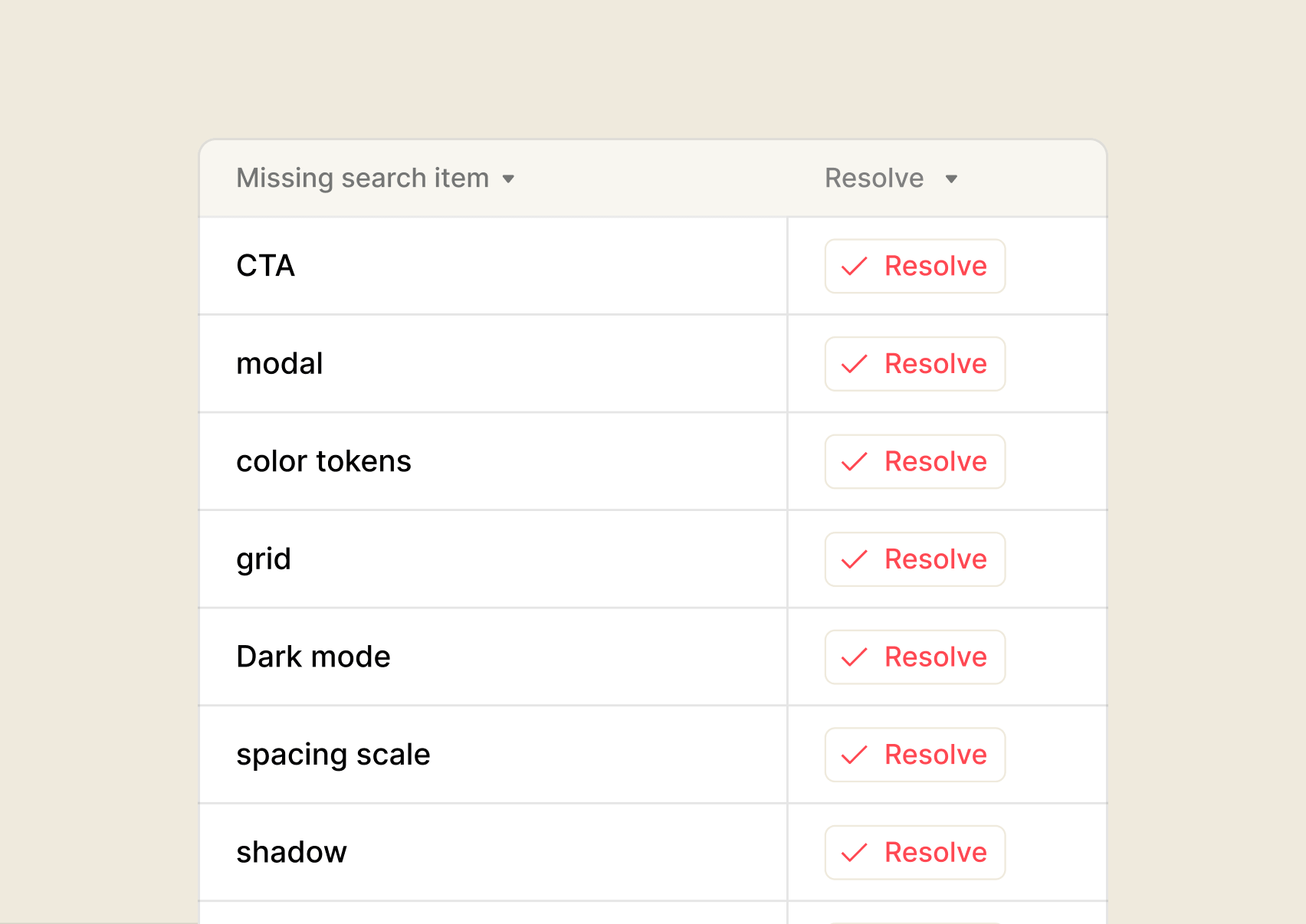
Search analytics

See what people are searching for – and what they’re unable to find. Search analytics help you spot the gaps in your system.
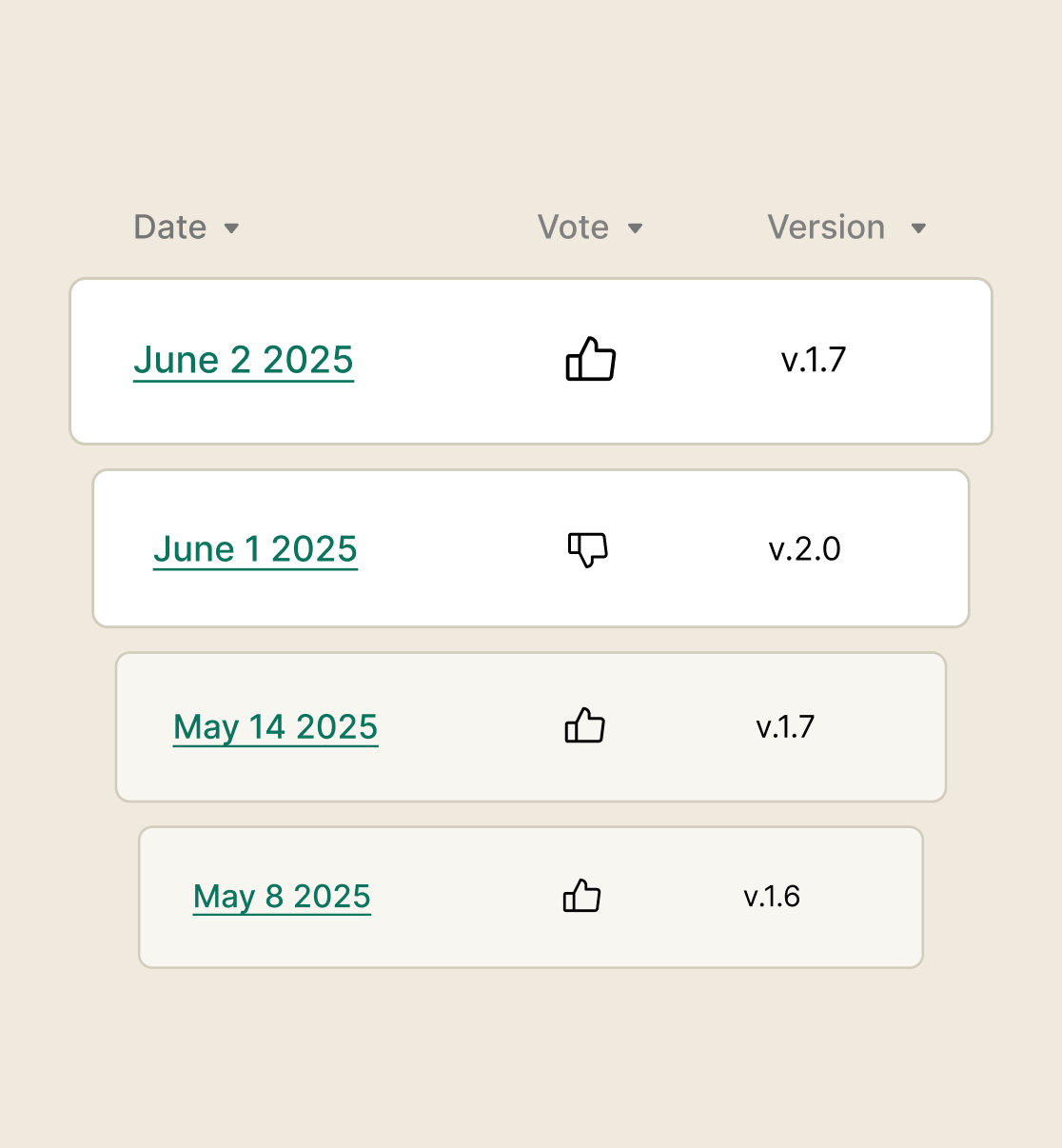
Table displaying user votes and version updates, with dates ranging from May 8, 2025, to June 2, 2025, indicating positive and negative feedback for different software versions.

Inline feedback

Collect feedback from the viewers of your documentation, for whole pages or even individual blocks.

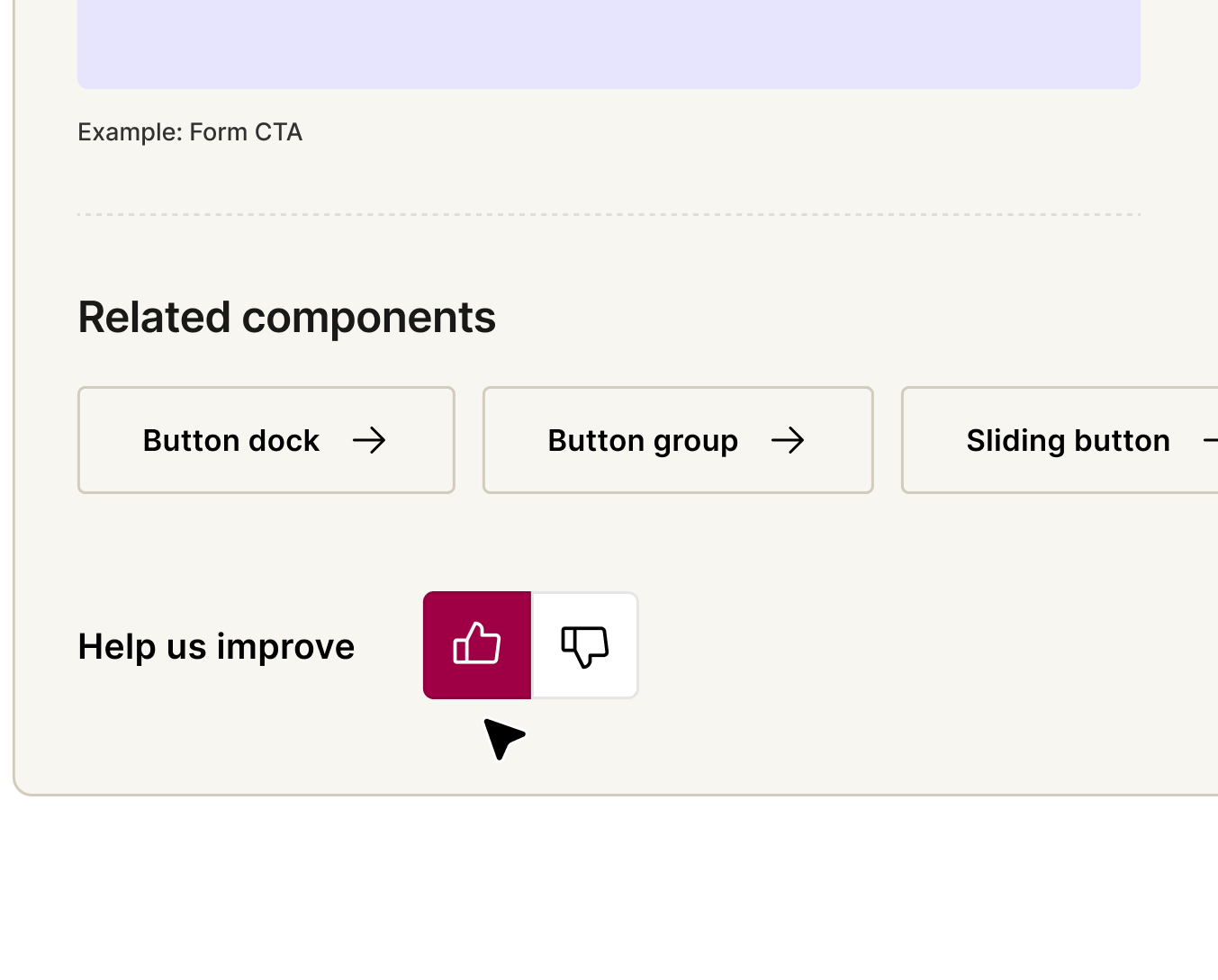
Feedback footer

Embed a feedback form in the footer of your docs site to hear directly from your audience.
Square Surface Light
Feedback Footer
ADT Security Services Logo
“It’s quite clear that the design system has had a huge impact on how people are working and moving.”
Patrick Tunga-Lergo
Lead Design System Designer
Measurement is ultimately about building alliances and finding people to champion your team's work and the design system as a whole.
Gabby Hon
Design Systems Expert, Design Community
Outdoorsy Logo
logo/primary/Outdoorsy
How the startup, Outdoorsy, launched a brand new company with help from their design system
Read story