

Descrizione
Are you looking for a timeless, elegant, and streamlined discussion board? bbPress is easy to integrate, easy to use, and is built to scale with your growing community.
bbPress is intentionally simple yet infinitely powerful forum software, built by contributors to WordPress.
Screenshot
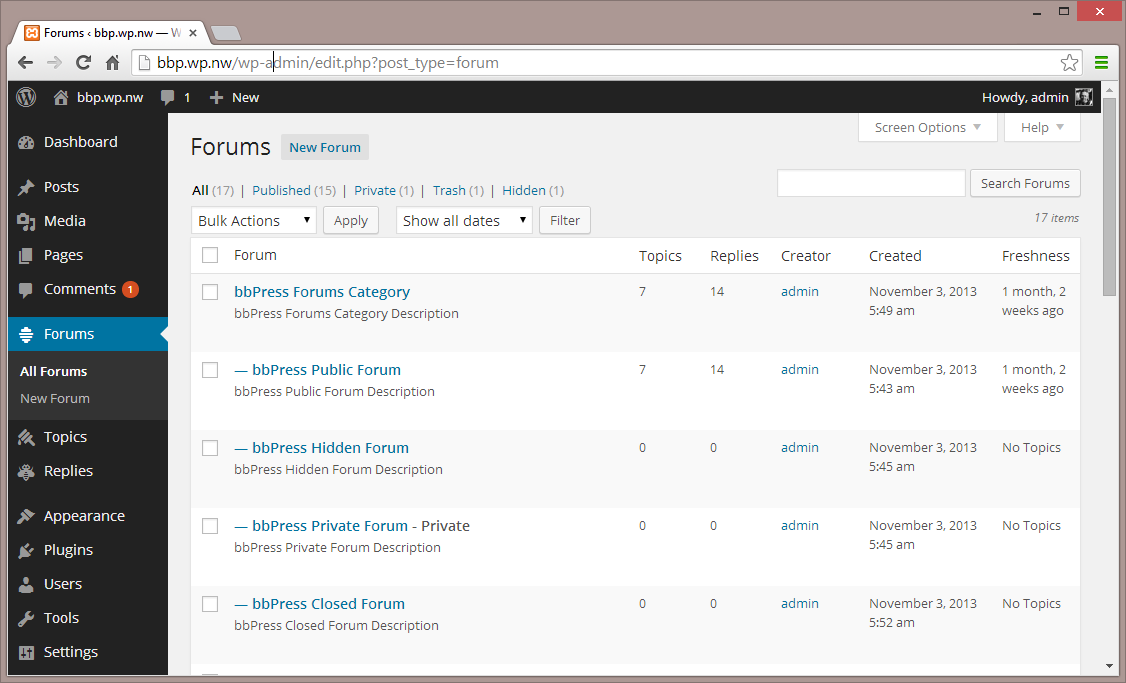
Forum – Interfaccia di amministrazione 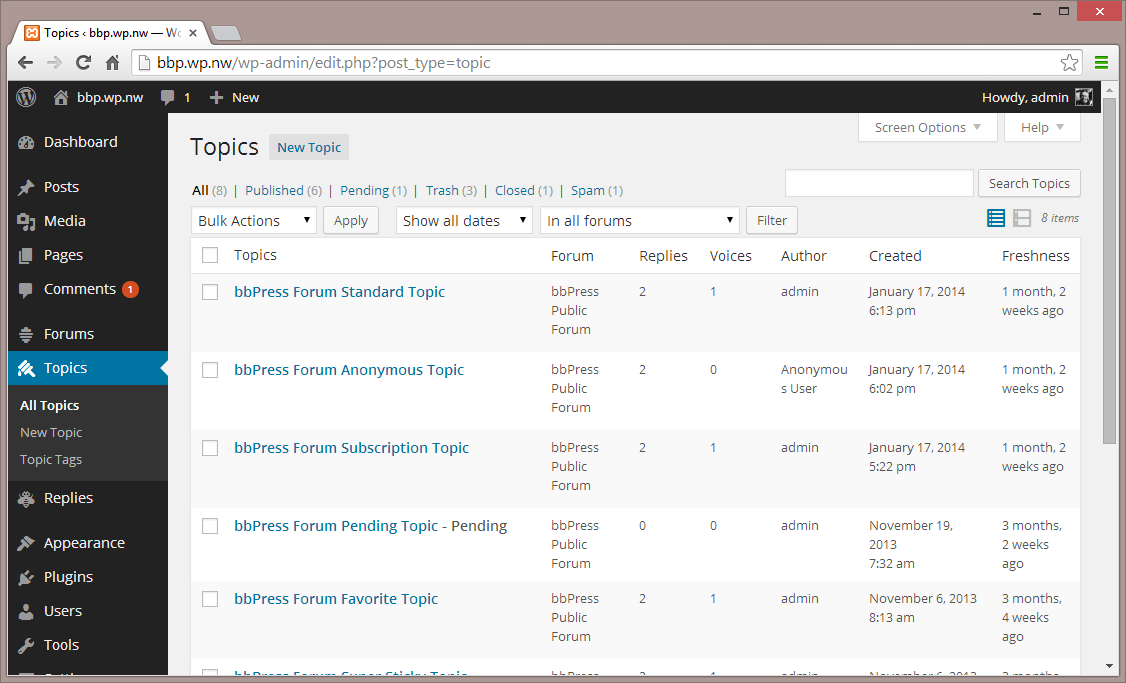
Topic – Interfaccia di amministrazione 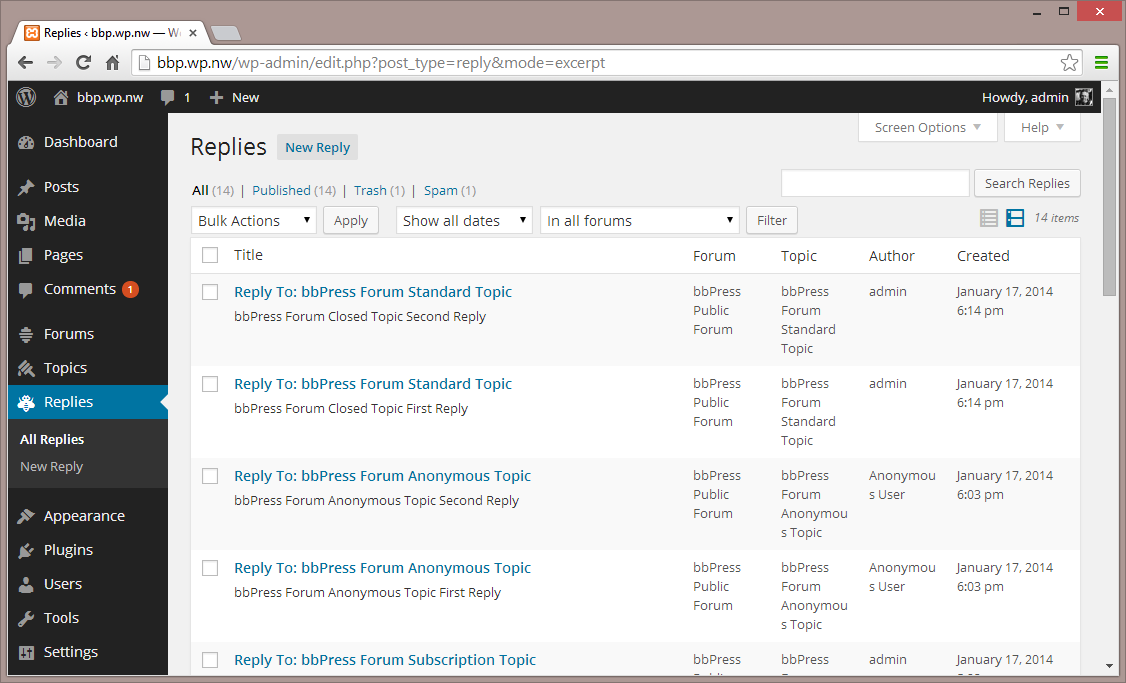
Risposte – Interfaccia di amministrazione 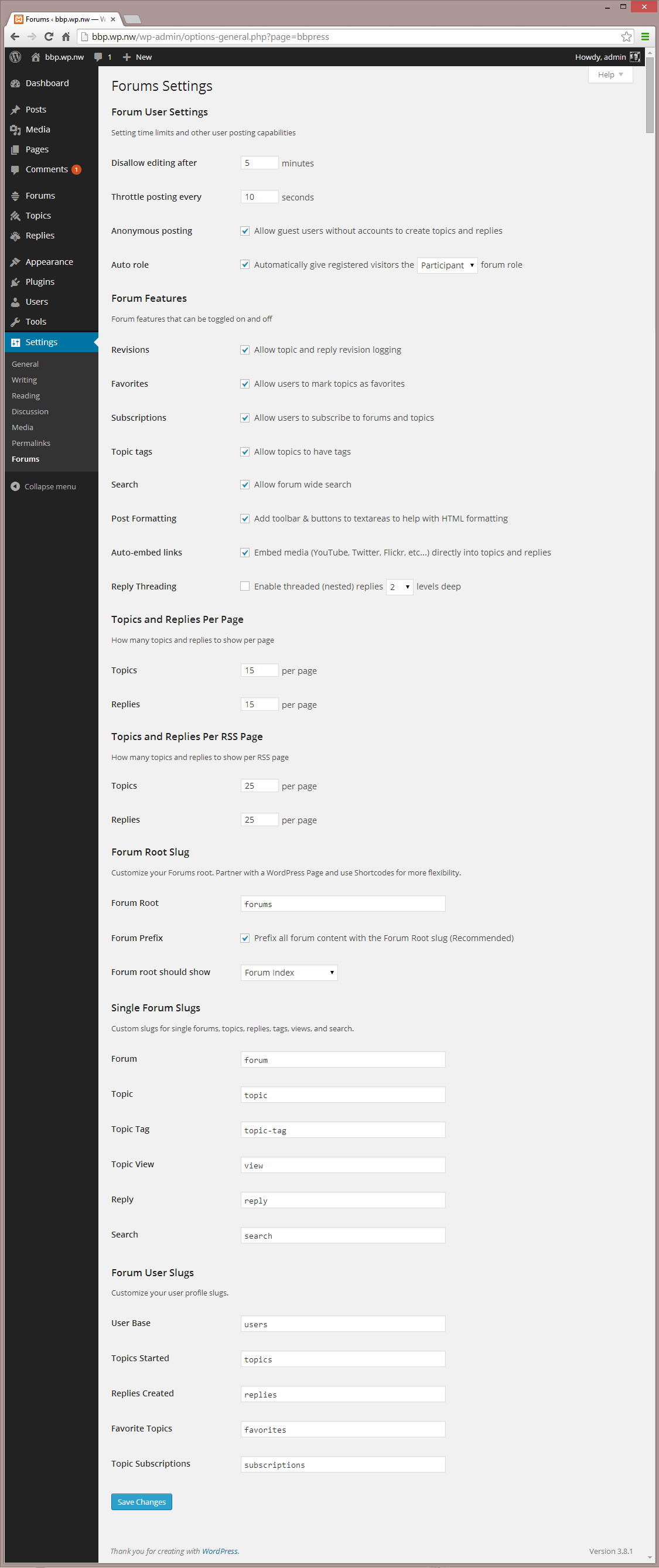
Impostazioni – Interfaccia di amministrazione 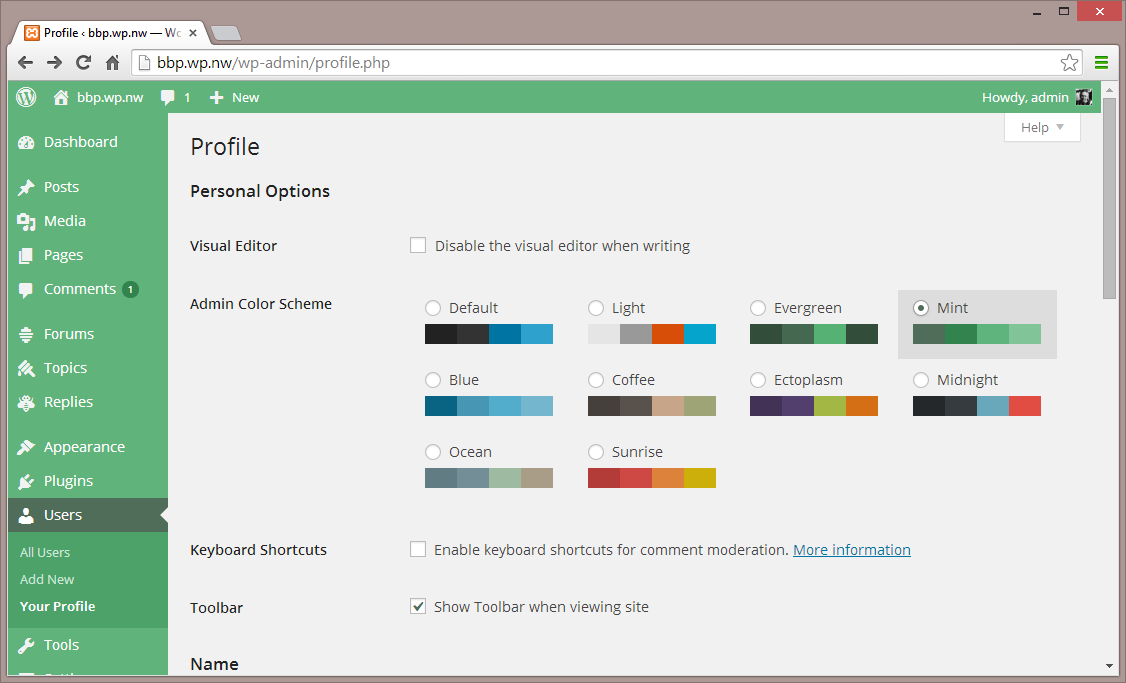
Impostazioni 2 – Interfaccia di amministrazione 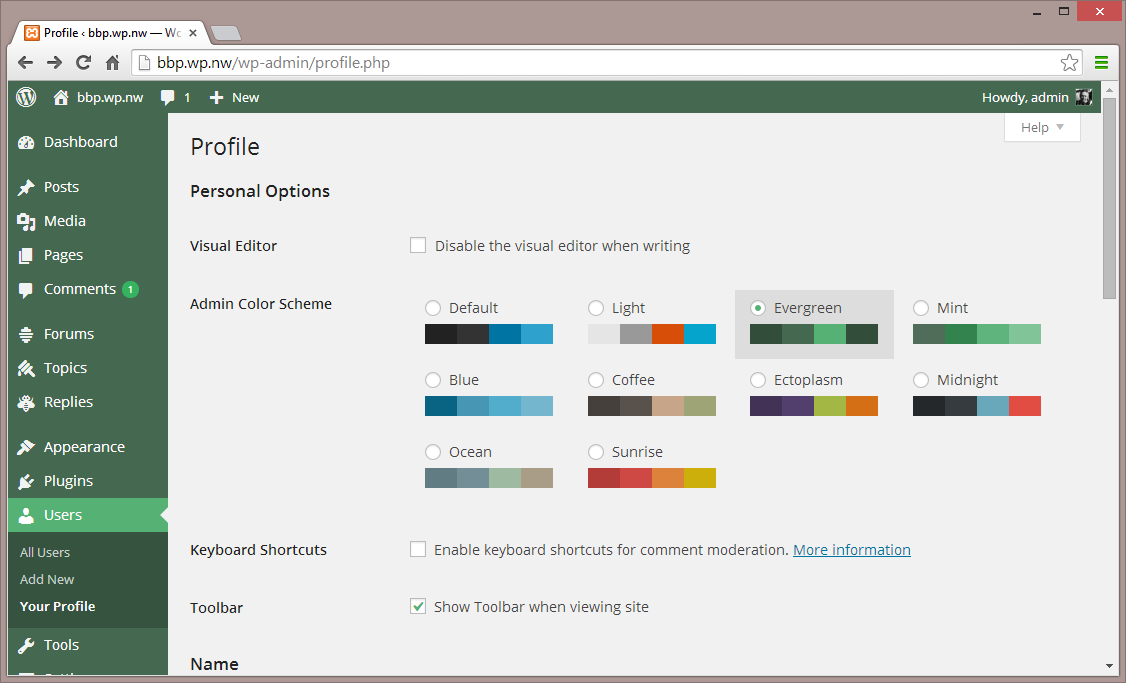
Temi – Interfaccia di amministrazione 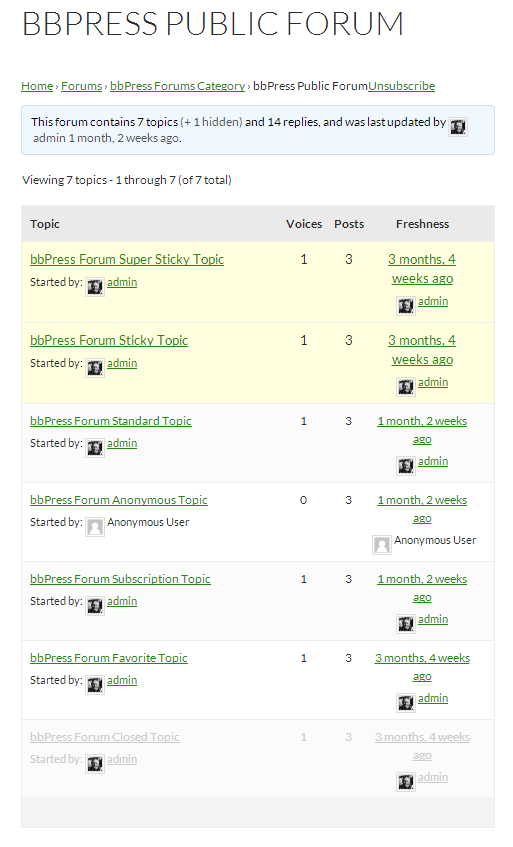
Forum singolo – Tema predefinito


Installazione
Dalla tua bacheca WordPress
- Vai su ‘Plugin > Aggiungi nuovo’
- Cerca il termine ‘bbPress’
- Attiva bbPress dalla tua pagina dei plugin. (Verrai accolto da una pagina di benvenuto.)
Da WordPress.org
- Scarica bbPress.
- Carica una copia della cartella ‘bbpress’ nella tua cartella ‘/wp-content/plugins/’ usando il tuo metodo preferito (ftp, sftp, scp, ecc…)
- Attiva bbPress dalla tua pagina dei plugin. (Verrai accolto da una pagina di benvenuto.)
Una volta attivato
- Vai su ‘Forum > Aggiungi nuovo’ e creane qualcuno. (Puoi sempre eliminarli successivamente.)
- Se hai abilitato i pretty permalink visita esempio.com/forum/, se invece non li hai abilitati viita esempio.com/post_type=forum
- Visit ‘Settings > Forums’ and configure the settings to best match the needs of your community.
- Visita ‘Strumenti > Forum > Importa Forum’ se hai un forum esistente da convertire a bbPress.
Una volta configurato
- bbPress comes with a robust theme-compatibility API that does its best to make bbPress look and feel right with just-about any WordPress theme. You may need to adjust some styling on your own to make everything look pristine.
- You may want to customize the register/activation/sign-in/lost-password flows, to better suit your site. bbPress comes with a bevy of shortcodes to make this possible, listed here: https://codex.bbpress.org/shortcodes/
- bbPress also comes with built-in support for Akismet and BuddyPress, two very popular and very powerful WordPress plugins. If you’re using either, visit your Forum Settings page and ensure that integration appears correct.
Recensioni

14 Dicembre 2025
I have been using it for many years and have always been very happy with it. It allows you to turn WordPress into an online community. Fantastic!

28 Settembre 2025
Пользуюсь давно, все функции работают нормально!!

21 Settembre 2025
The screen goes white

20 Maggio 2025
Abandonned plugin and buggy

25 Marzo 2025
I am active on french support forum who runs under BBPress. It’s looks so old now, without the features (and rendering) the other forum’s programs have now. I now this forum here is under BBPress, but it’s a reworked version of what you get with the plugin.

23 Gennaio 2025
bbpress is not trustable and has poor features. Support seems non-existent. I just tried to get help with breadcrumbs that were not showing up on my installation. A technical issue that I presented on their forum (bbpress.org). They didn’t answer me, they deleted my post and now I can’t post anything there anymore, I don’t even know what criteria led to this… well, maybe they are experiencing some technical difficulty, but they could at least let me know, leave a pinned post or send a message on the user profile… it is not safe to create a large forum on a platform whose managers act this way.
Contributi e sviluppo
“bbPress” è un software open source. Le persone che hanno contribuito allo sviluppo di questo plugin sono indicate di seguito.
Collaboratori


“bbPress” è stato tradotto in 56 lingue. Grazie a chi traduce per il contributo.
Traduci “bbPress” nella tua lingua.
Ti interessa lo sviluppo?
Esplora il codice segui il repository SVN, segui il log delle modifiche tramite RSS.
Changelog
Check out the releases page
