Posts page
The Posts page of the Parse.ly Dashboard is found in the content menu of the navigation bar. Posts shows the best performing URLs based on the selected time frame, metrics, and filters.
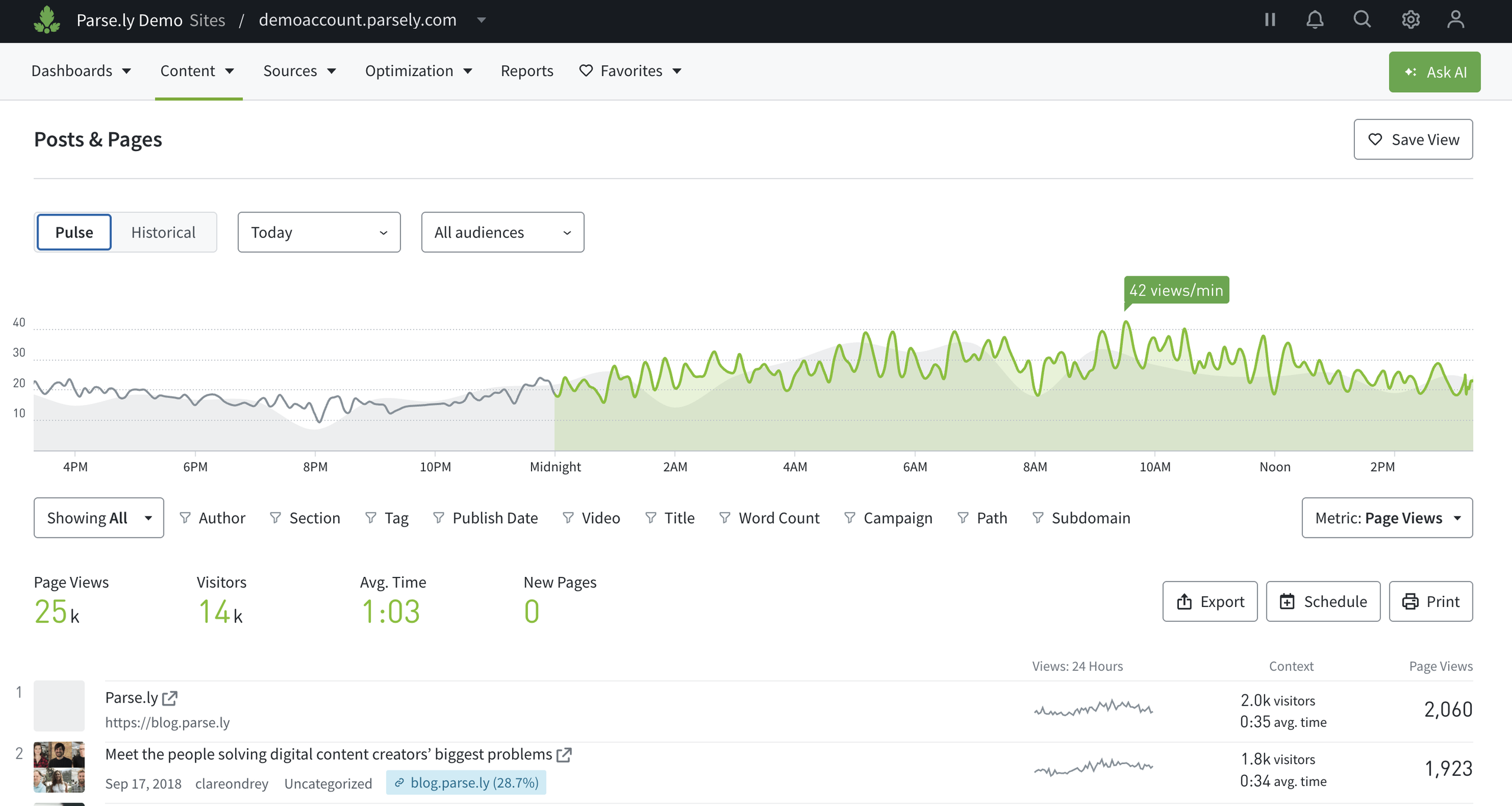
This item in the content menu always reads “Posts”. To see every page on your site, including the homepage and section fronts, select Pages in the content menu.
Learn more about navigating Pulse and Historical views, plus how to filter Dashboard pages like Posts:
Post/page details
Click the title, author or section link of any post or page listed under the graph on Posts for a more granular look at data and high-level metrics.
Pages shown in the drop-down are pages, not posts. The Pages item in the content menu lists every page, including posts.
Last updated: October 14, 2026
