New to Rust? Grab our free Rust for Beginners eBook Get it free →
Getting Started With Angular: Create and Build a New App


Angular 2 is now called Angular, and the old angular-cli package has been replaced by the Angular CLI.
Check Node.js and the Angular CLI
Angular needs Node.js and npm, so check the runtime before running the CLI without adding a global package to your machine.
node --version
npm exec --yes --package=@angular/cli -- ng version
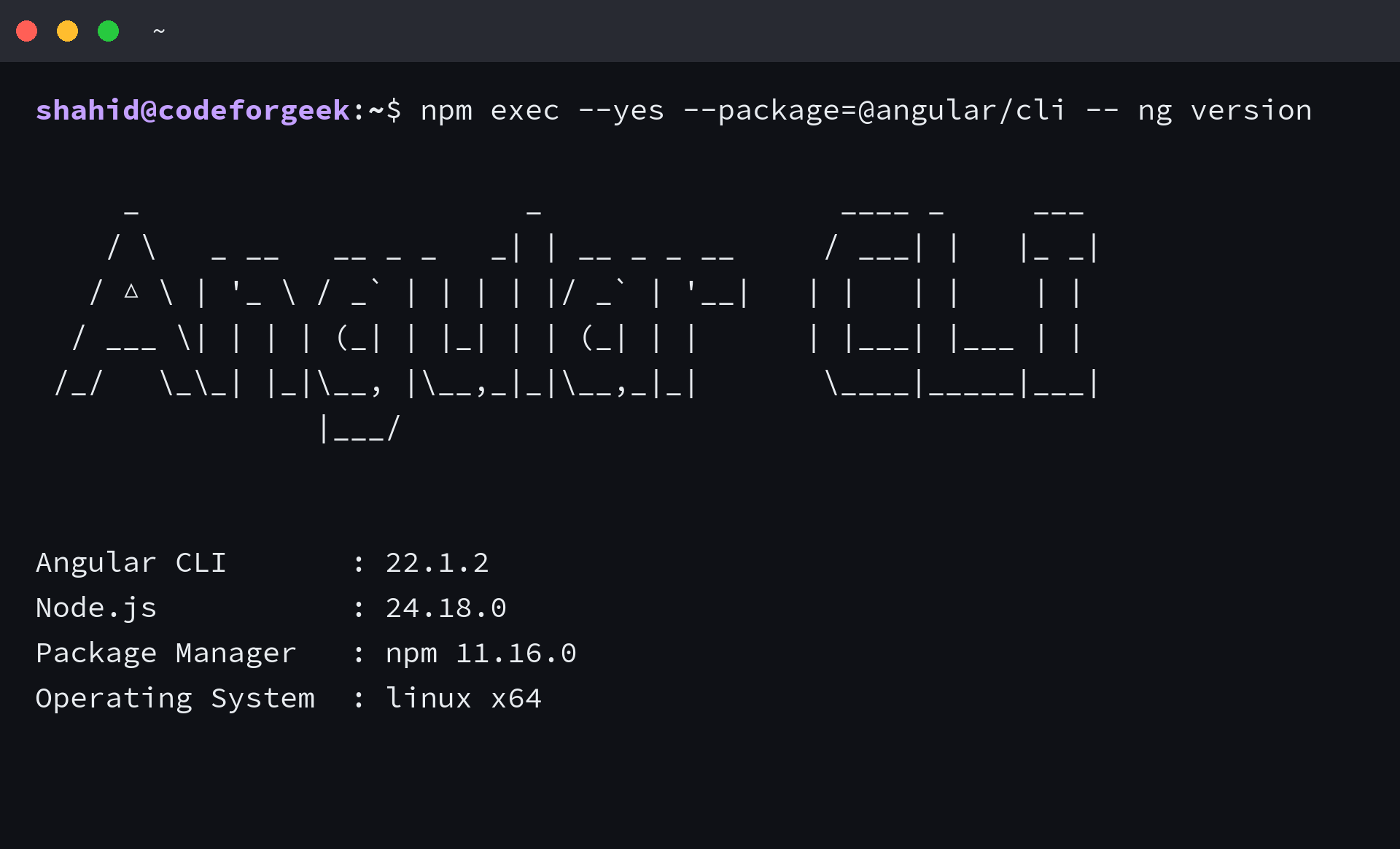
The command used for this refresh reported Node.js 24.18.0, npm 11.16.0, and Angular CLI 22.1.2. Your installed versions can differ, which is expected when npm resolves the package at execution time.
Create an Angular workspace
Run ng new to create the project directory, configuration files, TypeScript entry point, and starter component. The Angular CLI reference documents ng new as the command that creates a workspace.
npm exec --yes --package=@angular/cli -- ng new codeforgeek-starter --routing --style css --skip-git --skip-install --defaults
The command creates codeforgeek-starter. The routing option adds routing files, CSS selects CSS for component styles, and defaults accepts the CLI defaults without prompts.
This example uses skip-install so you can inspect the generated files before packages are downloaded. Omit that option if you want ng new to install dependencies as part of scaffolding.
Install dependencies and build the starter app
Move into the workspace, install the dependencies declared in package.json, and run a production build before adding components.
cd codeforgeek-starter
npm install --package-lock=false
npm run build
The verified build produced a main JavaScript bundle and wrote its output under dist/codeforgeek-starter. npm reported moderate vulnerabilities in the generated dependency tree, so review npm audit output before deploying a project.
Find the first files to edit
The generated src/main.ts file bootstraps the application. The root component lives in src/app/app.ts, and its initial template is src/app/app.html.
import { Component, signal } from ‘@angular/core’;
import { RouterOutlet } from ‘@angular/router’;
@Component({
selector: ‘app-root’,
imports: [RouterOutlet],
templateUrl: ‘./app.html’,
styleUrl: ‘./app.css’
})
export class App {
protected readonly title = signal(‘codeforgeek-starter’);
}
The standalone root component imports RouterOutlet because the workspace was created with routing enabled. Change the template and component class here, then rebuild after each meaningful change.
What changed from Angular 2 tutorials
Modern Angular CLI projects use the ng command and create standalone components by default.
Keep AngularJS separate from Angular. AngularJS is the 1.x framework, and its APIs, dependency injection style, and project structure do not describe a new Angular workspace.
Next step
Open src/app/app.html and replace the starter markup with one small view. Run npm run build again after the edit, then add a component or route when the starter build stays clean.
Is Angular 2 the same as Angular?
Angular 2 was the name used when Angular was introduced after AngularJS. The framework is now called Angular, and new projects use the Angular CLI and the ng command.
Do I need to install Angular CLI globally?
No. npm exec can download and run the Angular CLI for one command, so you can create or inspect an Angular project without a global CLI installation.
Why run npm run build before editing an Angular app?
A successful build confirms that the generated workspace and its dependencies work together. It gives you a known-good baseline before you change templates, components, or routes.