-
-
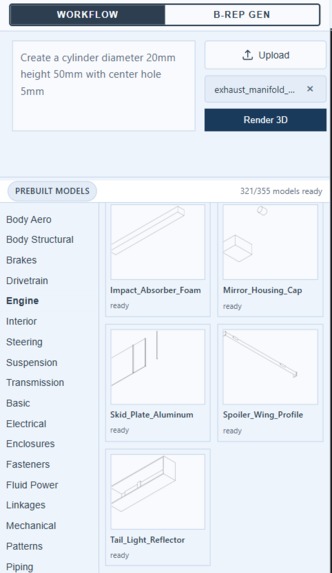
Close-up of the natural language text prompt input box and prebuilt mechanical component categories library sidebar.
-
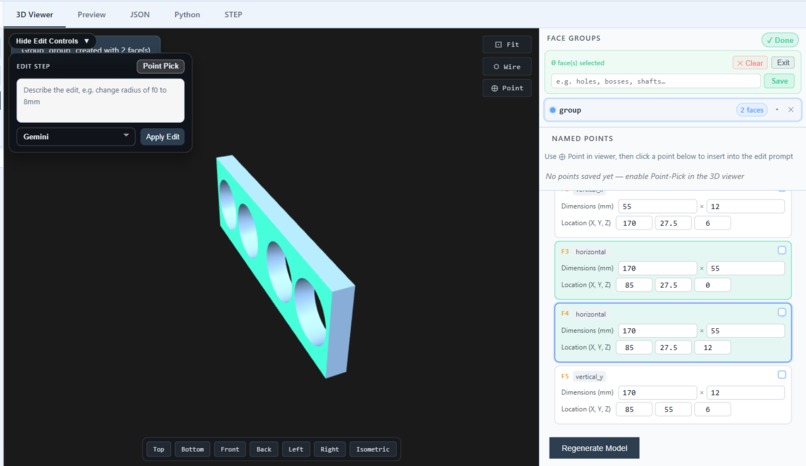
View tracking specific 3D face groupings and bounding box dimension fields for horizontal and vertical planes.
-
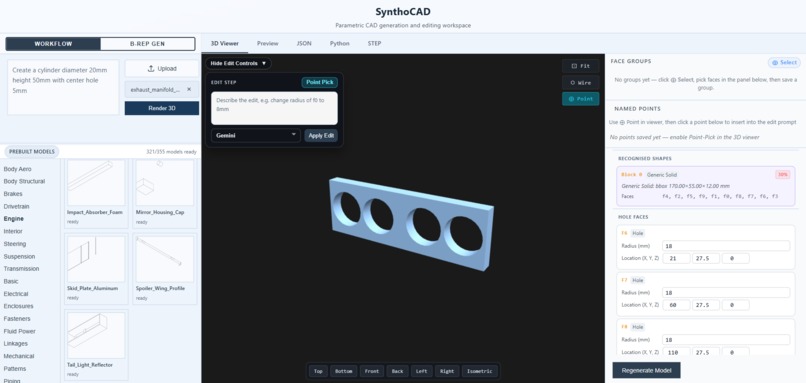
Interface rendering a solid 3D manifold flange alongside automatic geometric hole face and shape radius recognition tables.
-
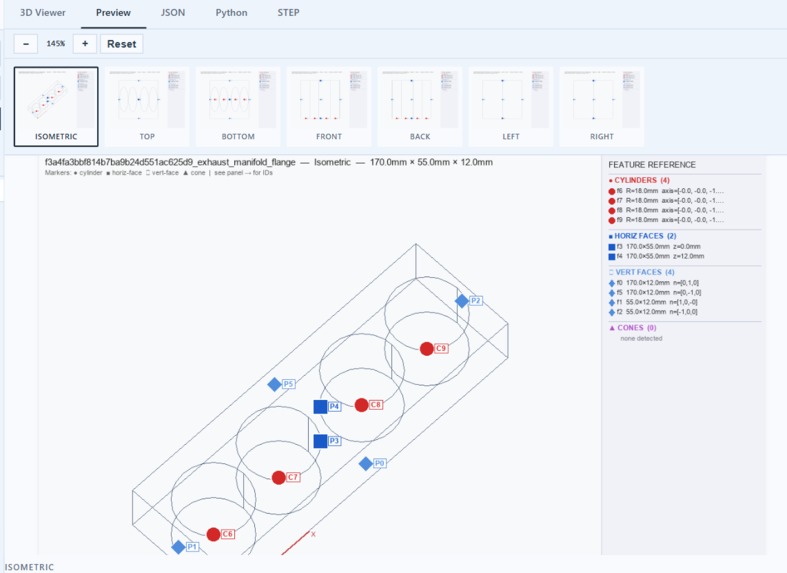
Model preview tab displaying a 2D isometric line projection with color-coded feature tag markers.
-
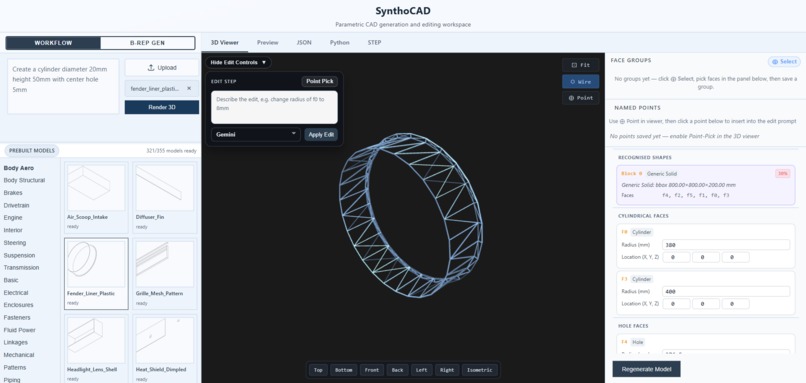
Workspace showing a 3D wireframe mesh cylinder with extracted parametric feature variables and geometry editing controls.


Inspiration
In mechanical engineering, sharing 3D assets usually means static formats like STEP which strip away parametric design history. Changing a flange width or bolt-circle diameter often means remodeling from scratch. SynthoCAD targets this “dead CAD” problem by using AI to reconstruct editable, parametric geometry from prompts or existing STEP files.
What it does
SynthoCAD accepts natural language prompts or STEP uploads and produces fully parametric CadQuery code and STEP output. It identifies geometric primitives, maps them to editable variables, and supports programmatic regeneration, so engineers can iterate dimensions without rebuilding models manually.
How we built it
Dataset pipeline: Processed entries from the CADCODER/GenCAD-Code dataset, pairing engineering renders with CadQuery script tokens. Template + RAG layer: Built a mechanical component template schema and offline ingestion for semantic retrieval over parametric designs. Agentic execution: Runtime prompts are matched to templates; CadQuery code is generated, validated against our SCL schema, and executed in a subprocess with retry and error recovery.
Challenges we ran into
The hardest problem was “numbers in RAG” — embedding models treat 10mm and 20mm as different semantic signals. We addressed this by separating topology/structure from explicit dimensions, indexing templates by geometric role and shape class rather than raw scalar values.
Accomplishments that we're proud of
We built a validation-driven generation loop: if LLM output fails schema checks, errors are fed back for repair before compilation. Combined with CadQuery execution retries, the system reliably produces manufacturable geometry instead of one-shot hallucinated scripts.
What we learned
Generative CAD needs deterministic guardrails. LLMs handle intent and structure; compilers, schemas, and execution loops guarantee the model actually builds.
What's next for Synthocad
Expand the template registry (crowdsourced/cloud), deepen STEP→parametric reconstruction, and explore FEA-aware optimization during edits.


Log in or sign up for Devpost to join the conversation.