
Git is command-line-driven software, but that doesn’t mean you have to use the command line to make it work. There are lots of options! Some of the deepest programmer nerds I know prefer to use GUIs for Git (Graphic
User Interface, or you know, software you can see things and click stuff), and some near pure-designers I know prefer working with the command line for Git. Swear to Git.
Lemme round up what look like the major players for Git GUIs these days.
No matter how much you love the CLI, don't GUI-shame. Lots of perfectly amazing programmers like working with GUIs, and it's perfectly fine.
There's some weird gatekeeping tendencies centered around the command line. #DevDiscuss
— Ben Halpern 🤗 (@bendhalpern) November 28, 2018
Tower
I’ve used Tower for ages and it’s the one used the most. I’m not sure the exact release dates of all these, but I feel like Tower was an early player here. They’ve been around a long time and continuously improve, which I always respect.


Fork
It’s free and actively developed, incredibly.


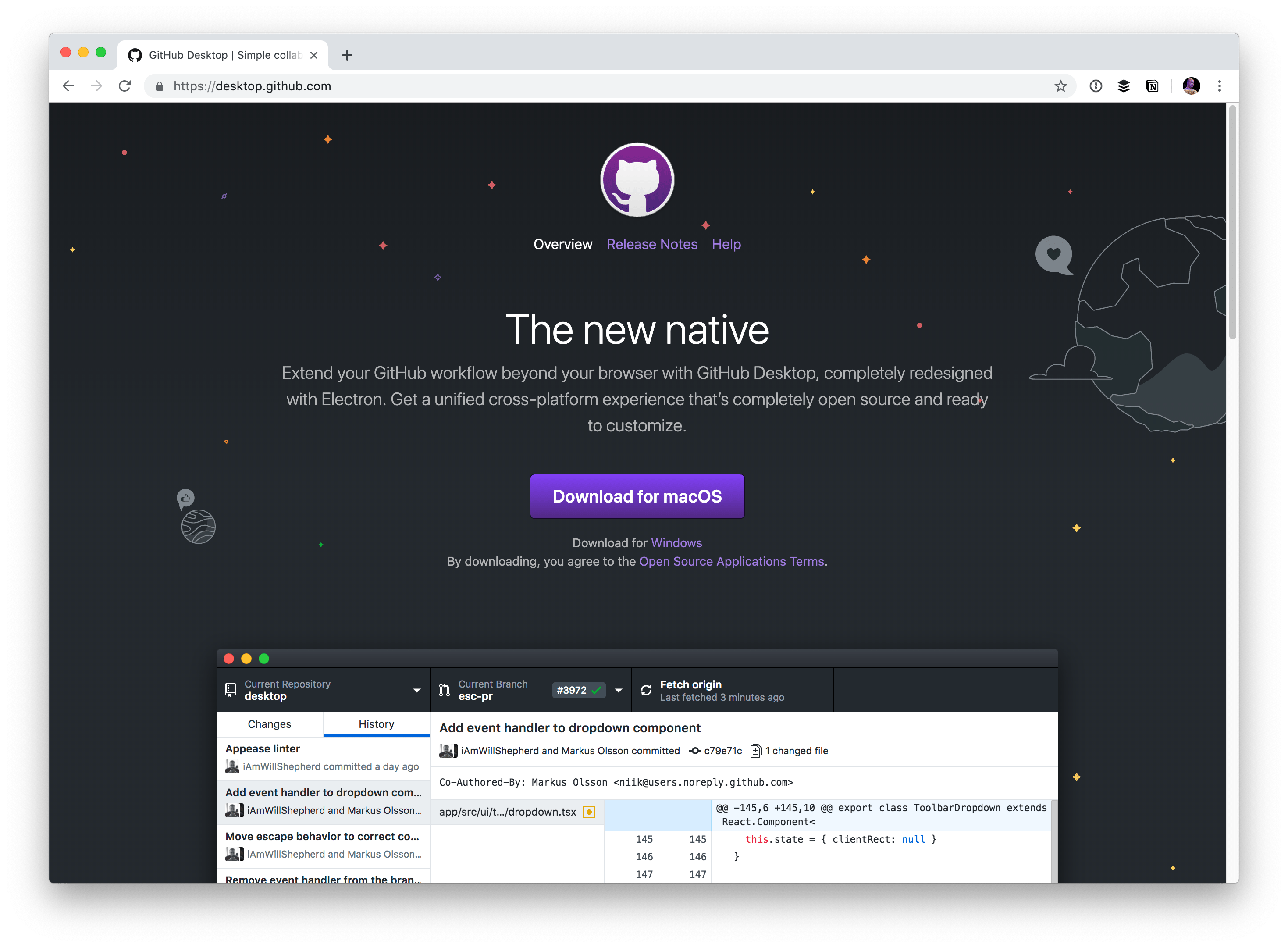
GitHub Desktop
This is a 2.0 of the original GitHub Desktop. I had some gripes with the 1.0 version in that its terminology was weird (to me) and seemed to vastly deviate from Git, which was more confusing than it was worth (again, to me). This version cleans most of that up. It’s deeply integrated into GitHub so it makes GitHubb-y things (e.g. pull requests) feel like first-class citizens, but it will still happily work with any Git repo.

GitKraken
I’m pretty intrigued by this one. Upgrading (monthly cost) to get the in-app merge conflict tool seems worth it, but you also have to upgrade to access private repos. It seems highly feature-rich, but I think my favorite part is the dark-with-rainbow-accent-colors theme.


Sourcetree
You might be compelled by Sourcetree if you’re a big Bitbucket user because they are both Atlassian products. I know it works for any Git repo though. I imagine there is some smooth Bitbucket integration stuff with this, similar to the GitHub/GitHub Desktop connection.


Coda
You don’t really think of Coda as a version control tool (it’s more of a direct-to-FTP thing), and even though I’d argue the support for it is fairly half-baked, it does work! Seems likely the next evolution of Coda will address this.


VS Code
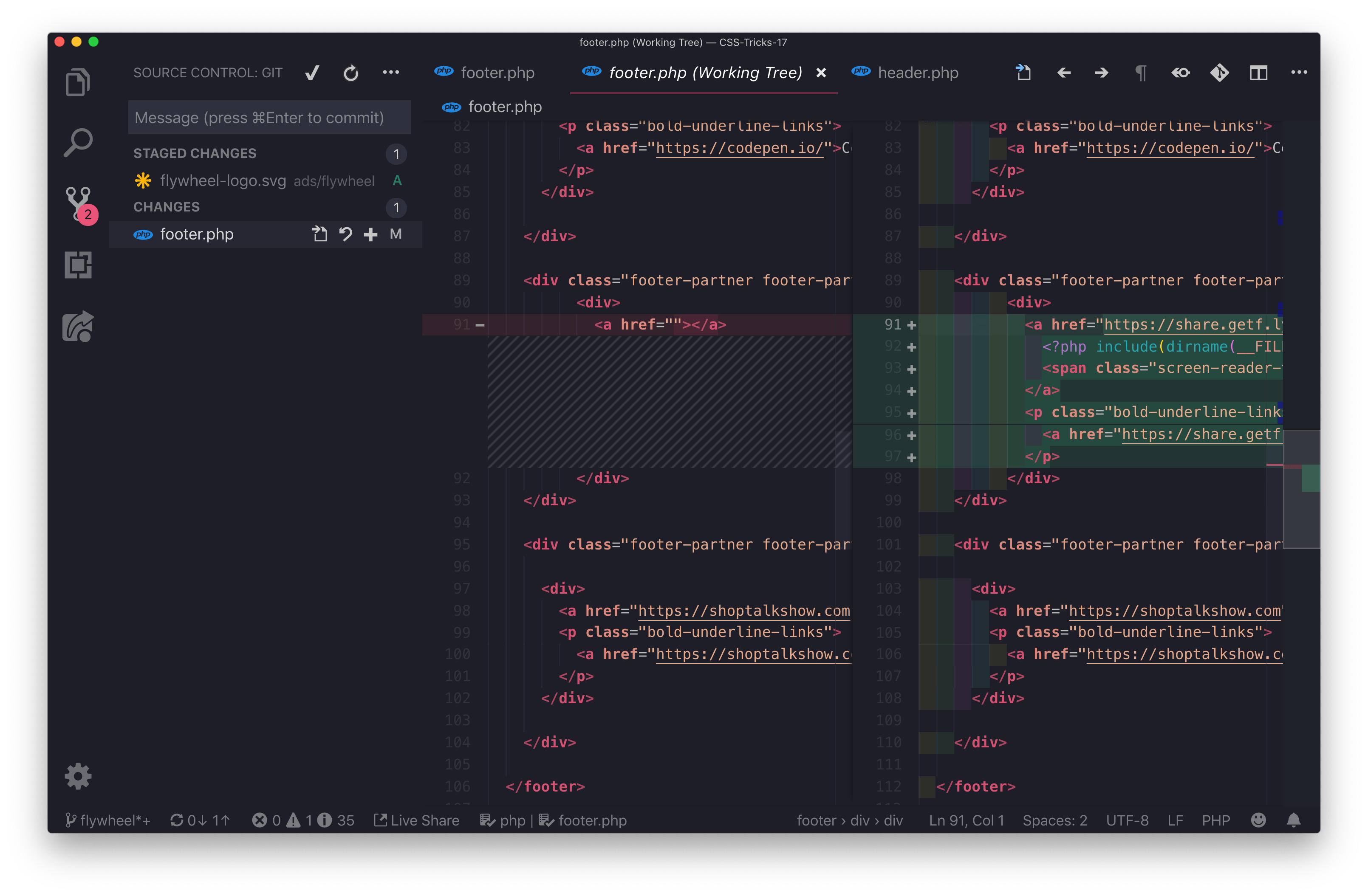
Having version control right in your IDE like this, to me, feels like kind of a tweener between GUI and CLI. There are a lot of features here, but it’s not really a full-blown GUI to me, but you’ve got a terminal built in right there so it almost encourages that. A lot of Git usage is pretty basic pulling, committing, and pushing — so having this right within the app is kinda sweet.
(I imagine there are lots of other IDEs that offer version control features. PHPStorm, etc.)

Atom
I don’t quite know what to make of Atom. It’s certainly pretty popular, but Atom is GitHub’s thing, and now Microsoft owns GitHub, and Microsoft has VS Code which is a direct competitor with way more momentum. Plus GitHub has GitHub Desktop which also seems to have momentum. Still, hey, it’s a great integration and if you love it you love it.


Sublime Merge
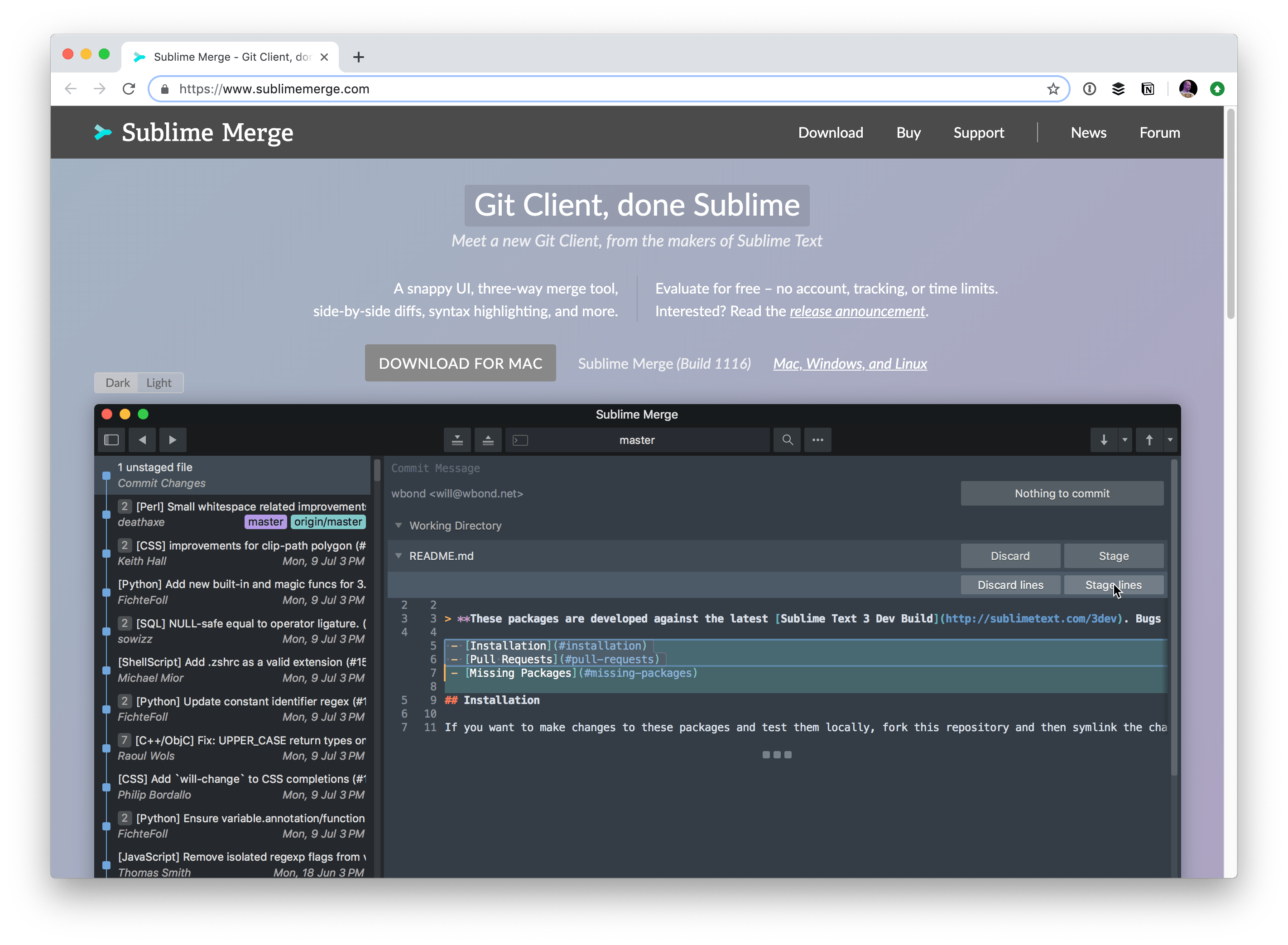
From the makers of Sublime Text! Like Sublime Text, you can use it kinda free forever but in this case, for now, you just pay if you want the dark theme.

Gitbox
It looks like the last update was 7 years ago, but it also has great reviews. It looks like you don’t see code difs within the app itself which is a little weird (the “view dif” stuff didn’t work for me, anyway). But functionally otherwise, seemed perfectly working to me.


TortoiseGit
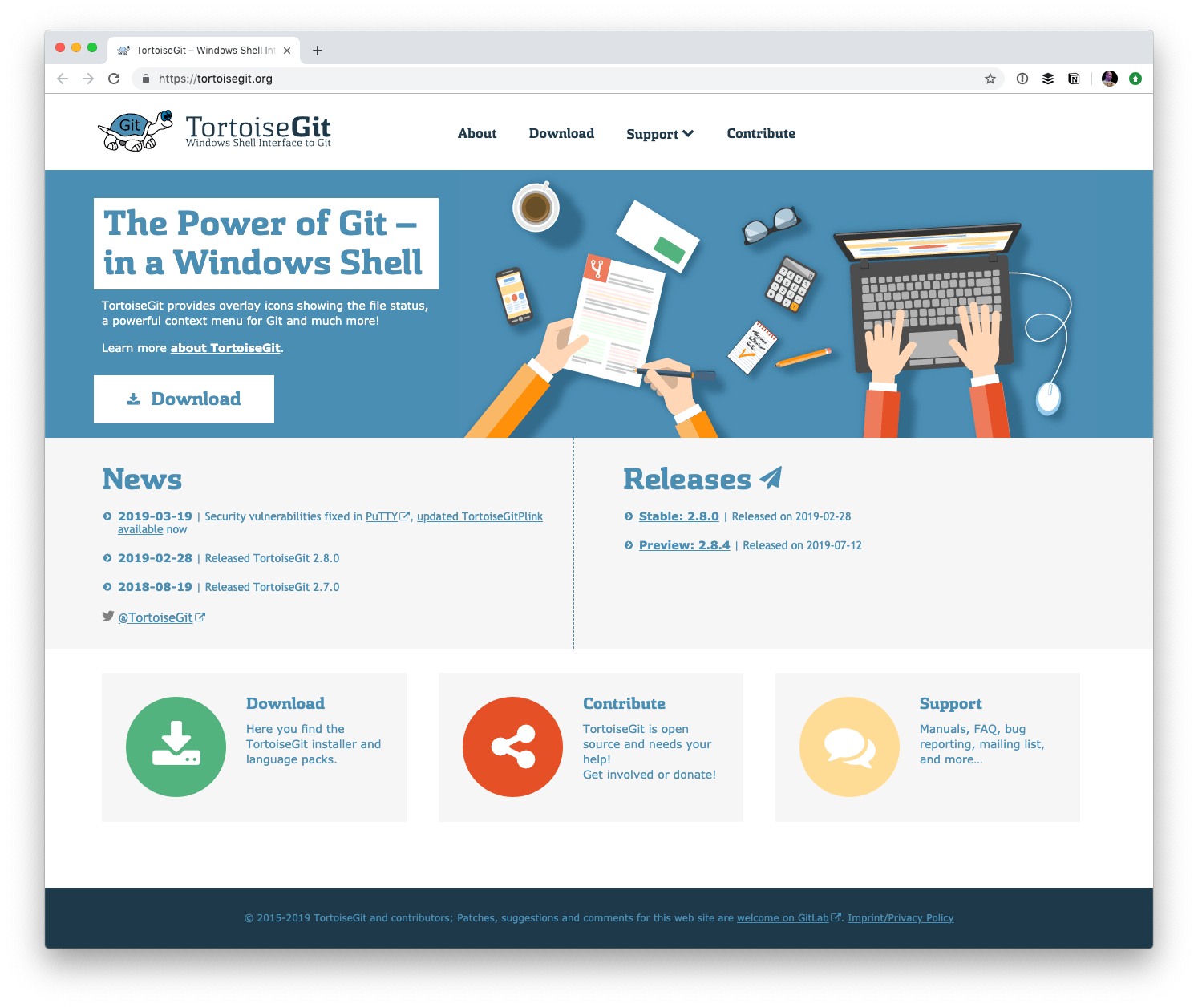
Windows only here so I can’t give even a brief review, but they have a ton of screenshots here.

SmartGit
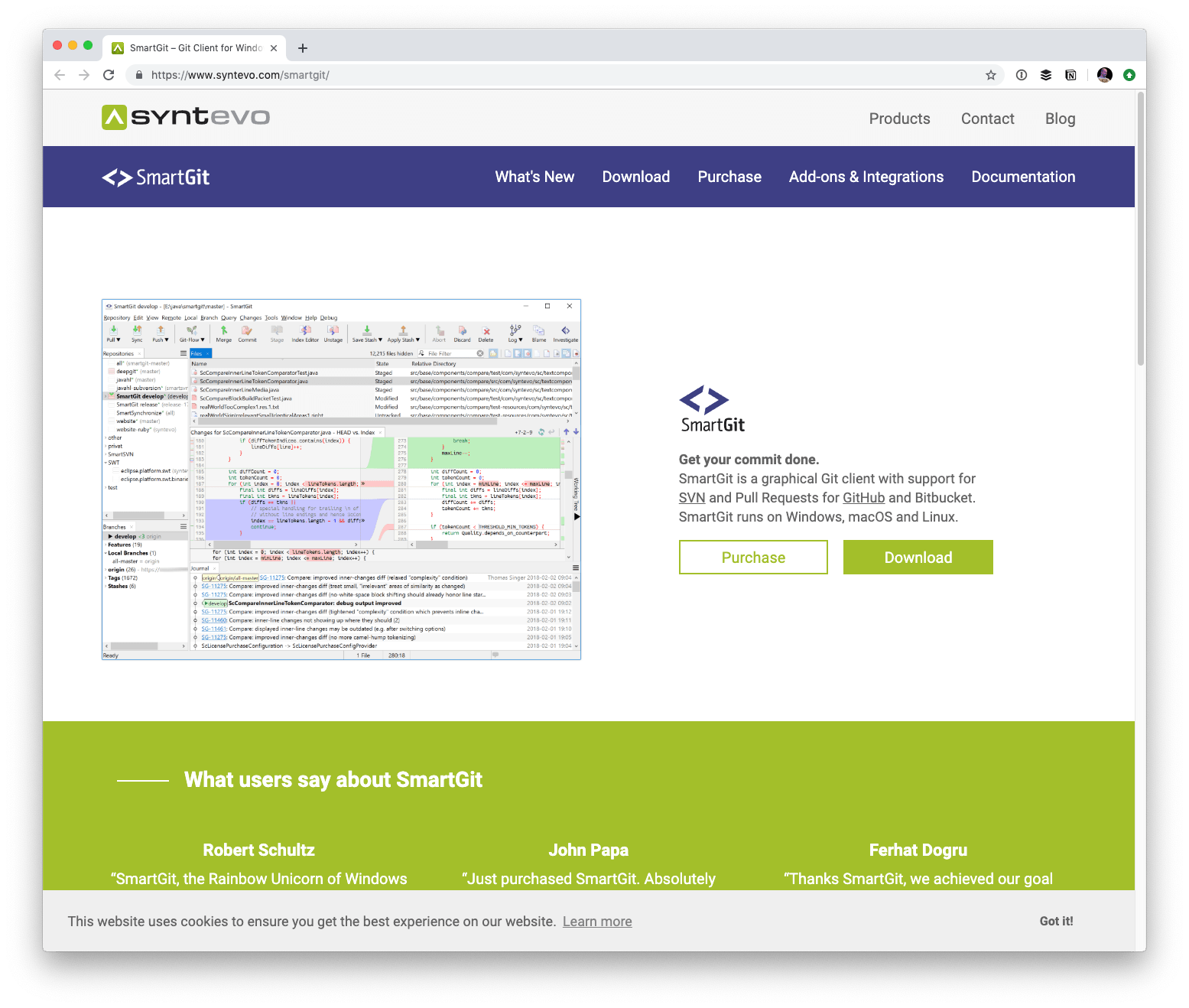
Cross-platform, and looks very full-featured (even stuff like a file merge tool for conflicts). The UI snob in me squinches my face a little looking at it.

GitUp
Looks to be very big on the visual graphing of git branches and giving you control over all the nodes and what you do with them. I’ll embed their demo video here which shows all that off:
Git Extensions
Windows only here so I can’t give even a brief review, but several people mentioned it so it feels like it’s got legs to me. The 4000+ stars on GitHub (it’s open-source!) is very cool too.


Have you considered Sublime Merge? https://www.sublimemerge.com/
Also wanted to mention Sublime Merge. Its a great little tool and integrates nicely with Sublime.
I’m using Sublime Merge as well. After years of sporadically trying out different GUIs and bailing out almost immediately due to the complexity they all present — Sublime Merge was refreshingly simple, and yet it greatly improved the quality of my commits because “just taking a few lines of code” to put into a separate commit is no longer an annoying command line journey.
I’ve used GitBox on Mac for the longest time but recently it’s started crashing on me regularly. It’s not seen an update since 2012 so I’ve been forced to find an alternative. So far nothing is quite like it and makes me sad. :(
TortoiseGit is a pretty neat GUI as well IMO. What really amuses me is the fact that it is all context menu based on windows so it is pretty damn nice. With a simple right click under your project directory you can access nearly, if not all, every feature GIT offers. The design itself isnt the greatest but it is simple and straightforward.
I can’t believe you didn’t include SmartGit in this list, which is a shame, since that’s one of the most fully featured Git GUIs out there and offers the best “git submodule” workflow on the market. It might not be as pretty as some of the others, but it’s probably the best git client out there.
And I also can’t believe you included Fork, which is an awesome little GUI developed by a couple on their free time. It’s beautiful, it’s minimal but very functional and it’s free to use. What’s not to love.
Did you mean to say that you can believe that Fork was added? It is without a doubt the best GUI I have used so far
Gitup is the fast one. https://gitup.co
What about Sublime Merge?
I think git extension is always the best!!
https://gitextensions.github.io/
It give you also every git command used for the action you made
Exactly, it’s the best Git client for Windows out there. I’m always suprised that it’s usully omitted in these Git clients comparison articles
Of course, atom has integration, too. But hey, vim FTW ;)
I know it’s for design files and not a dev tool, but would include Abstract as a decent interface for version control: https://www.abstract.com/
Sourcetree Is REALLY buggy, the development team are really bad at testing and squashing bugs, and always keen to pile in more features. It’s never stable, ever…
I love Tower. Use it every day at work :)
Don’t forget Atom, the text editor from Github. It has git GUI tools including super useful stuff for interactive commits, merge conflict resolution, and interactive rebasing with full diff previews. I do 90% of my workflow in the CLI, and I use Atom for the rest.
Some people don’t like Atom, and that’s fair… but it’s handy for git.
What about Extensions? Something like GitLens for VSCode?
GitExtension is one of the oldest and greatest that i used in my 14 years exp.
Multiplatform, small, clean, etc.
Thanks! New to Git GUIs, so I welcome this article with open arms.
Anyone who hasn’t tried GitKraken definitely should. It does everything you expect from a git GUI, plus the conflict resolution tool is top-notch, the interactive rebase UI is great, it sees regular updates, and the developers are very responsive to feedback and feature requests.
I think one of the most undervalued features of git GUIs is having an immediate tree-view of your whole repo, which really makes understanding how a merge or branch will affect the repo far more intuitive (IMO).
Personally, I often use Source Tree for more complex operations (big rebases, multiple branch merges, etc) since it’s one of the few GUIs out there that has access to such features (with smart default arguments) along with native GitHub Enterprise support. But as pointed out above, it can be a bit buggy (particularly on Windows).
Lately, I’ve been using VS Code along with the git graph extension since it’s pretty full featured and immediately available right where I’m already working.
I use SmartGit (http://www.syntevo.com/smartgit/) and i’m very satisfied
I think it’s worth pointing out that Sourcetree for Mac looks a lot nicer than the screenshot in this post (which is on Windows) and it also comes with a dark theme.
I’m a bit late to the party, but I wanted to mention that after reading this article I switched from SourceTree to Fork. They are fairly similar but I find Fork’s interactive rebase more intuitive, and the whole app is a LOT faster and far less buggier.