Chrome 144 features a small change to overscroll-behavior: it now also works on non-scrollable scroll containers. While this change might seem trivial, it fixes an issue developers have been dealing with for ages: prevent a page from
So, how can you take dialogue box design beyond the generic look of frameworks and templates? How can you style them to reflect a brand’s visual identity and help to tell its stories? Here’s how I do it in CSS using ::backdrop, backdrop-filter, and animations.
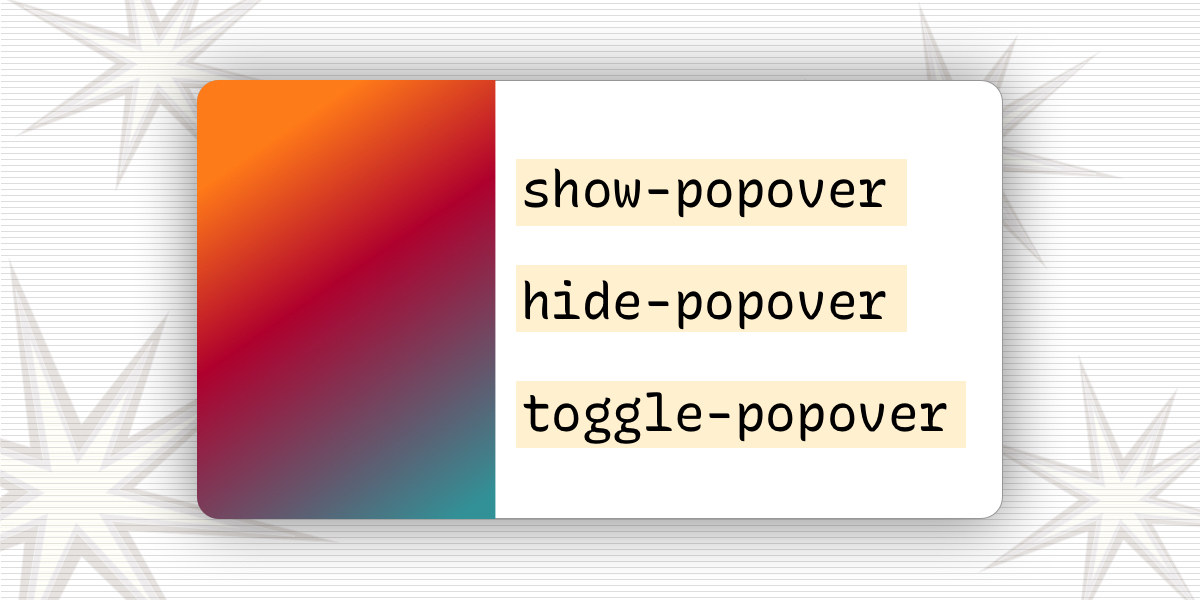
Web browsers are experimenting with two HTML attributes — technically, they’re called “invoker commands” — that are designed to invoke popovers, dialogs, and further down the line, all kinds of actions without writing JavaScript. Although, if you do reach for JavaScript, the new attributes come with some new events that we can listen for.
Let’s spend some time looking at disclosures, the Dialog API, the Popover API, and more. We’ll look at the right time to use each one depending on your needs. Modal or non-modal? JavaScript or pure HTML/CSS? Not sure? Don’t worry, we’ll go into all that.
What are tooltips, exactly? There's two kinds and the one you use has implications on the user experience, as Zell illustrates in this explainer on best practices.
Pop quiz! What's the difference between a Popover element and a Dialog element? The answer is not all that clear and is widely misunderstood, but Zell has a clear way to explain it so that you know which element to reach for in your work.
As the author of a library called AgnosticUI, I’m always on the lookout for new components. And recently, I decided to dig in and start work on a new dialog (aka modal) component. That’s something many devs like to …
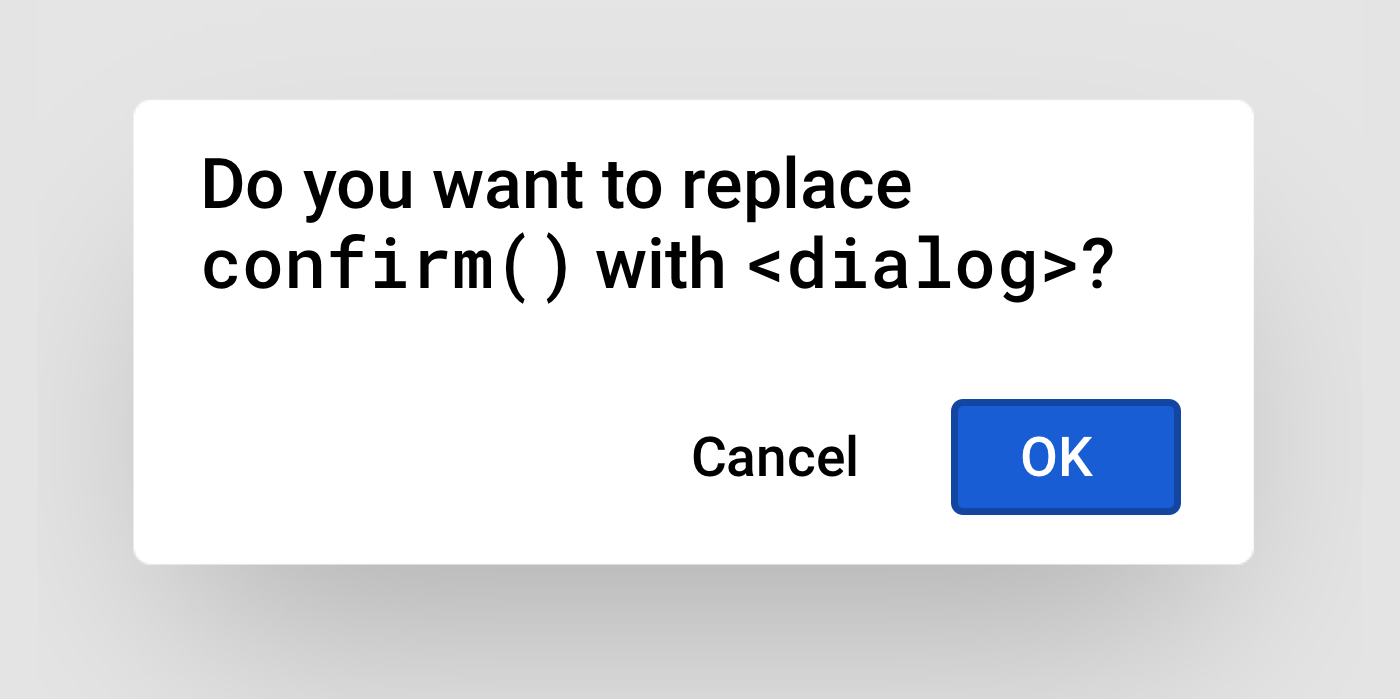
You know how there are JavaScript dialogs for alerting, confirming, and prompting user actions? Say you want to replace JavaScript dialogs with the new HTML dialog element.…