Bootstrap 5 & Vue 3 UI KIT - 700+ components, MIT license, simple installation.
MDB is a collection of free Bootstrap templates, themes, design tools & resources.
Simple installation via .zip, npm or cdnjs.
Free Hosting, WordPress support, custom domains, SSL support, free database, frontend & backend templates, webpack starter included, git repostiory, FTP & jenkins support.
One click setup! MDB GO allows you to create a WordPress page with a single click. Regardless whether you want to create a Travel Blog or an e-commerce shop to sell your product you can easily do that. You can even combine both into single page.
Created by 




Trusted by 3 000 000+ developers & designers. Used by companies & institutions like
 |
 |
 |
 |

| 
| 
| 
| 
| 
| 
| 
| 
|
|
|
>> Learn more about Bootstrap 5
>> Subscribe to our YouTube channel with dozens of Bootstrap tutorials
|
|
|
Start learning from Basics 
|
Learn Bootstrap 5 | Crash Course for Beginners in 1.5H
|
Simplicity and ease of use are key features of MDB 5 Vue UI Kit. You need only one minute to install and run it.
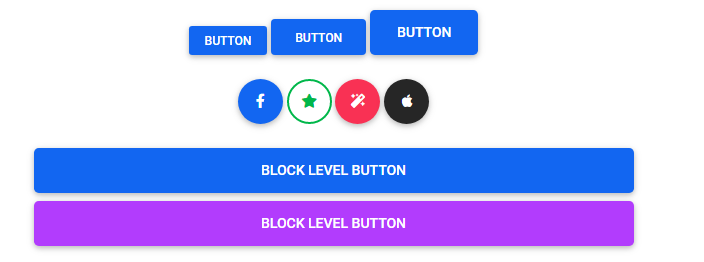
Use MDB custom button styles for actions in forms, dialogs, and more with support for multiple sizes, states, and more.



Indicate the loading state of a component or page with MDB spinners, built entirely with HTML, CSS, and no JavaScript.


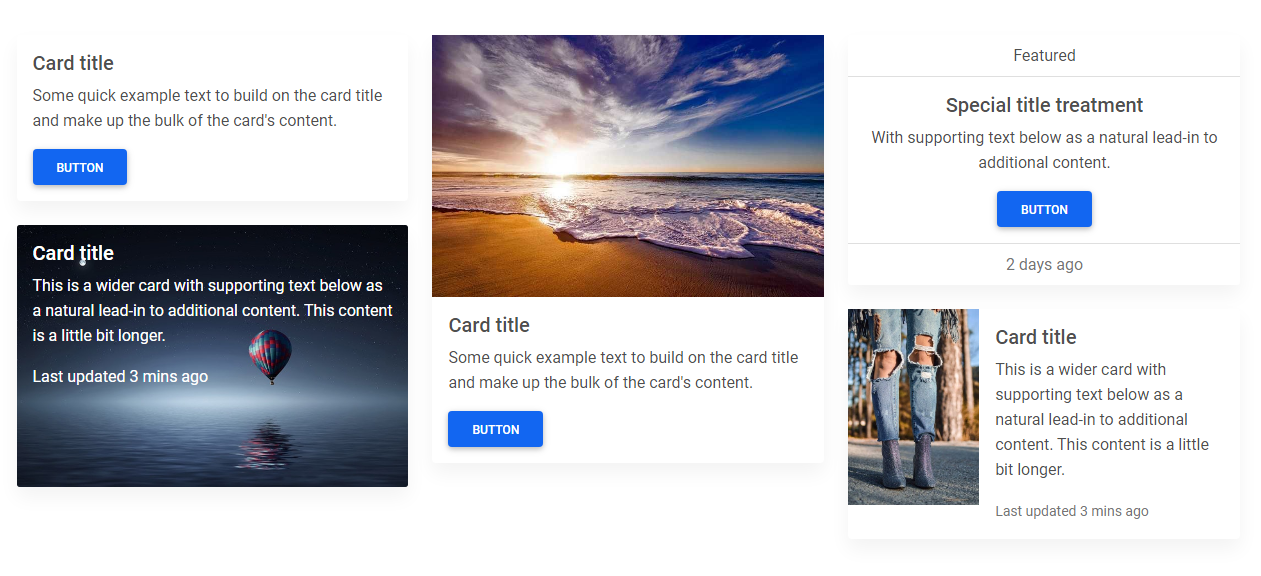
A card is a flexible and extensible content container. It includes options for headers and footers, a wide variety of content, contextual background colors, and powerful display options.
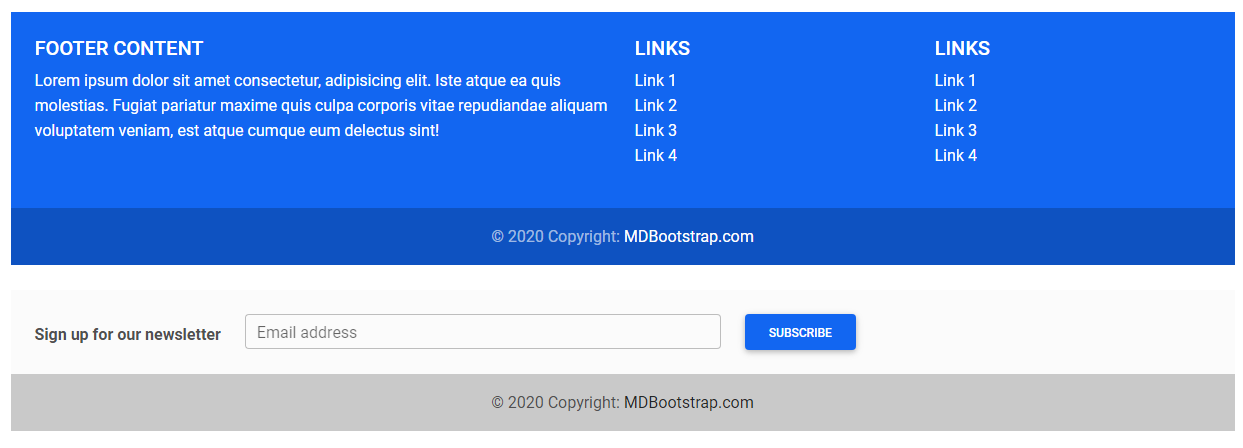
A footer is an additional navigation component. It can hold links, buttons, company info, copyrights, forms, and many other elements.
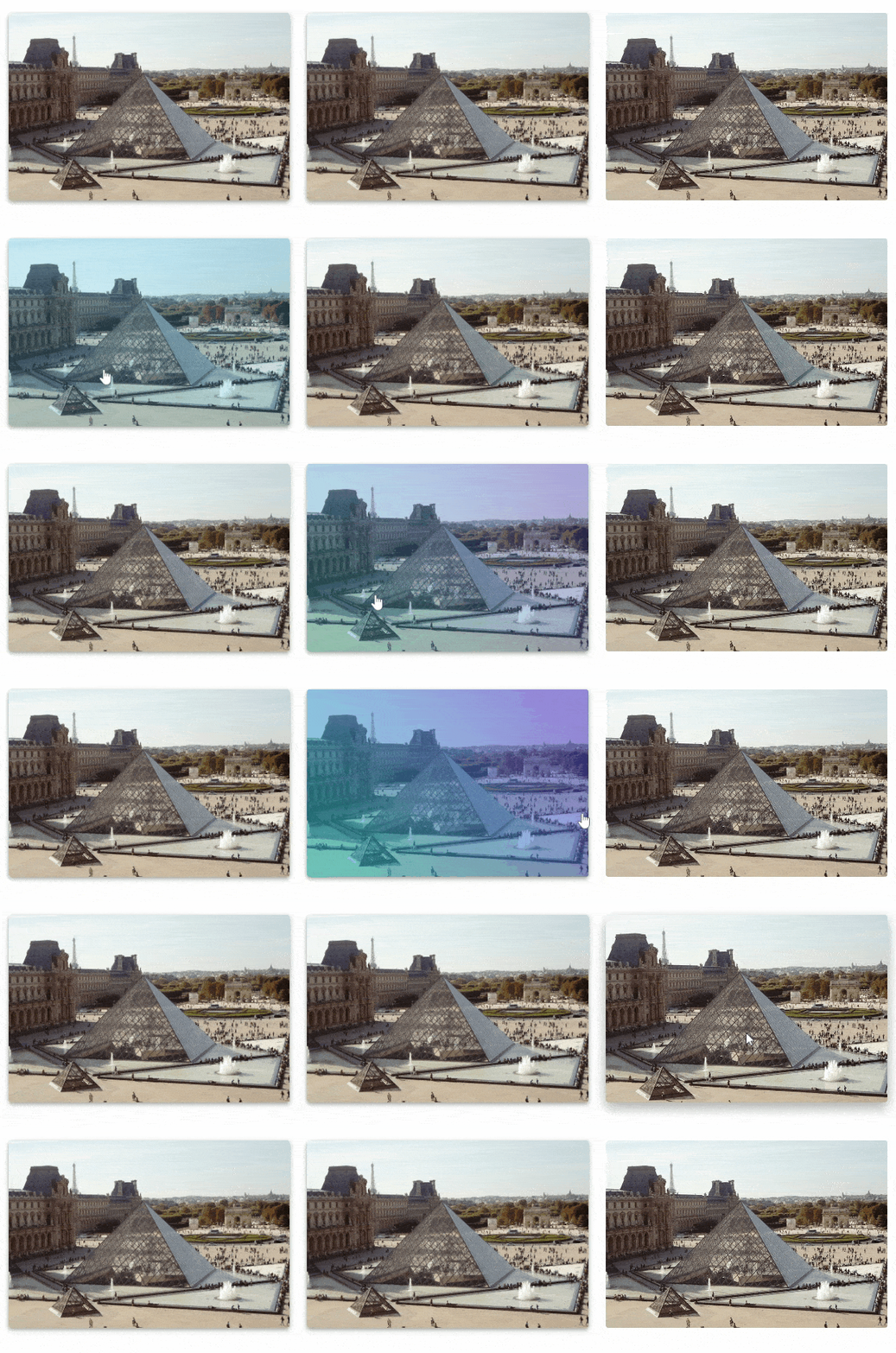
MDB hover effect appears when the user positions the computer cursor over an element without activating it. Hover effects make a website more interactive.
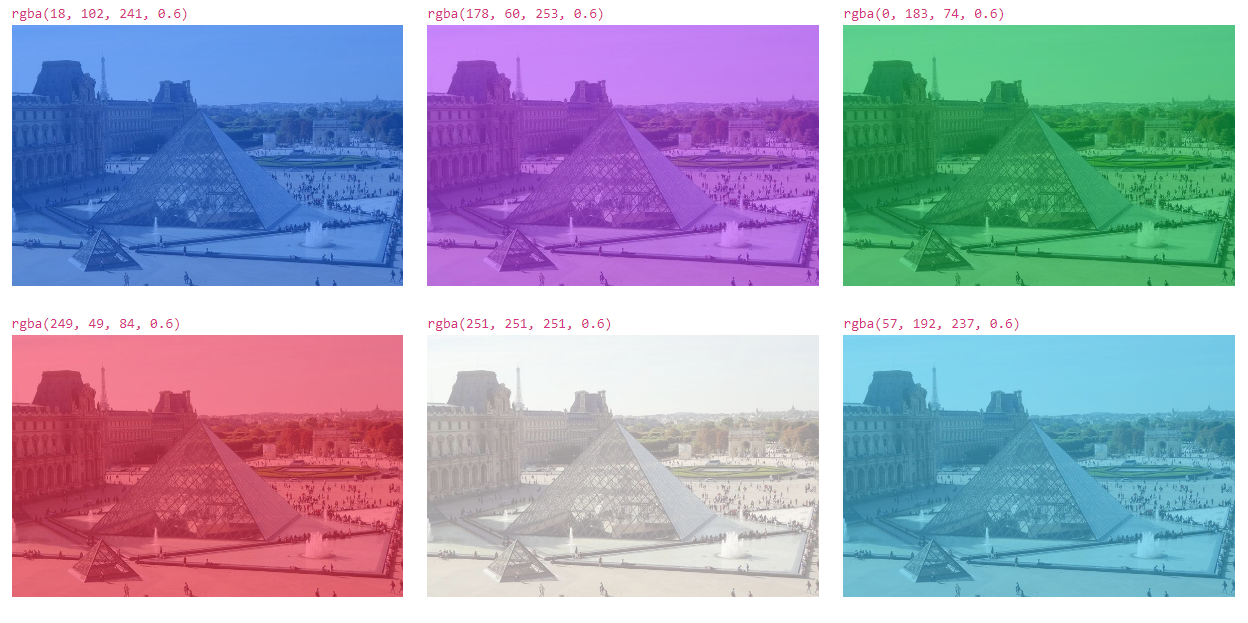
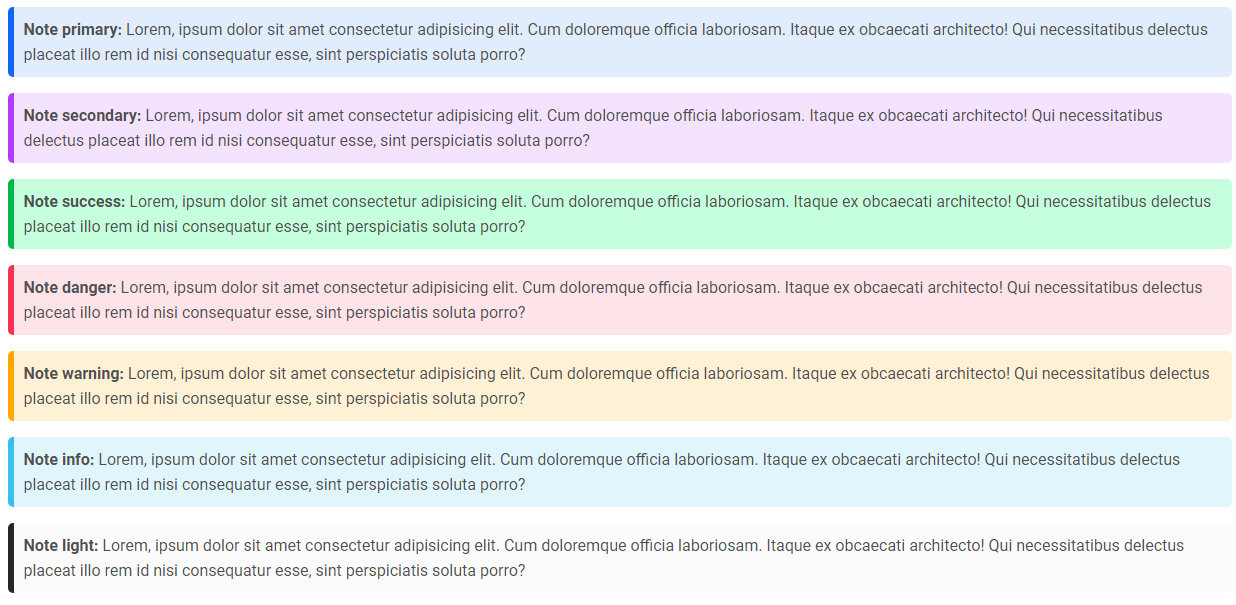
Notes are small components very helpful in inserting an additional piece of information.
- Bootstrap Vue Code Blocks
- Bootstrap Vue Gallery
- Bootstrap Vue Hamburger Menu
- Bootstrap Vue Jumbotron
- Bootstrap Vue Maps
- Bootstrap Vue Media Object
- Bootstrap Vue Mega Menu
- Bootstrap Vue Multiselect
- Bootstrap Vue Social Media Icons & Buttons
- Bootstrap Vue Textarea
- Bootstrap Vue Table Search
- Bootstrap Vue Table Scroll
- Bootstrap Vue Table Responsive
- Bootstrap Vue Table Sort
- Bootstrap Vue Panels
- Bootstrap Vue Masonry
- Bootstrap Vue Contact
- Bootstrap Vue Gradients
- Bootstrap Vue Pagination
- Bootstrap Vue Search
