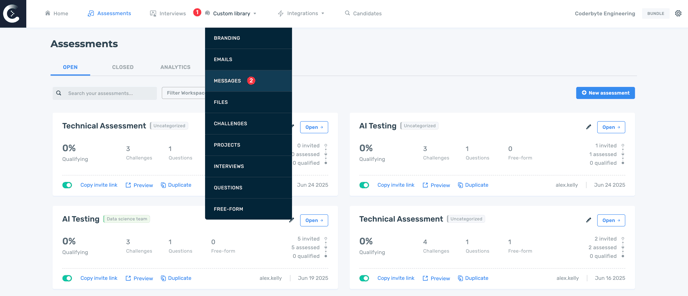
To create and manage welcome screen messages, navigate to Custom library and then to Messages.
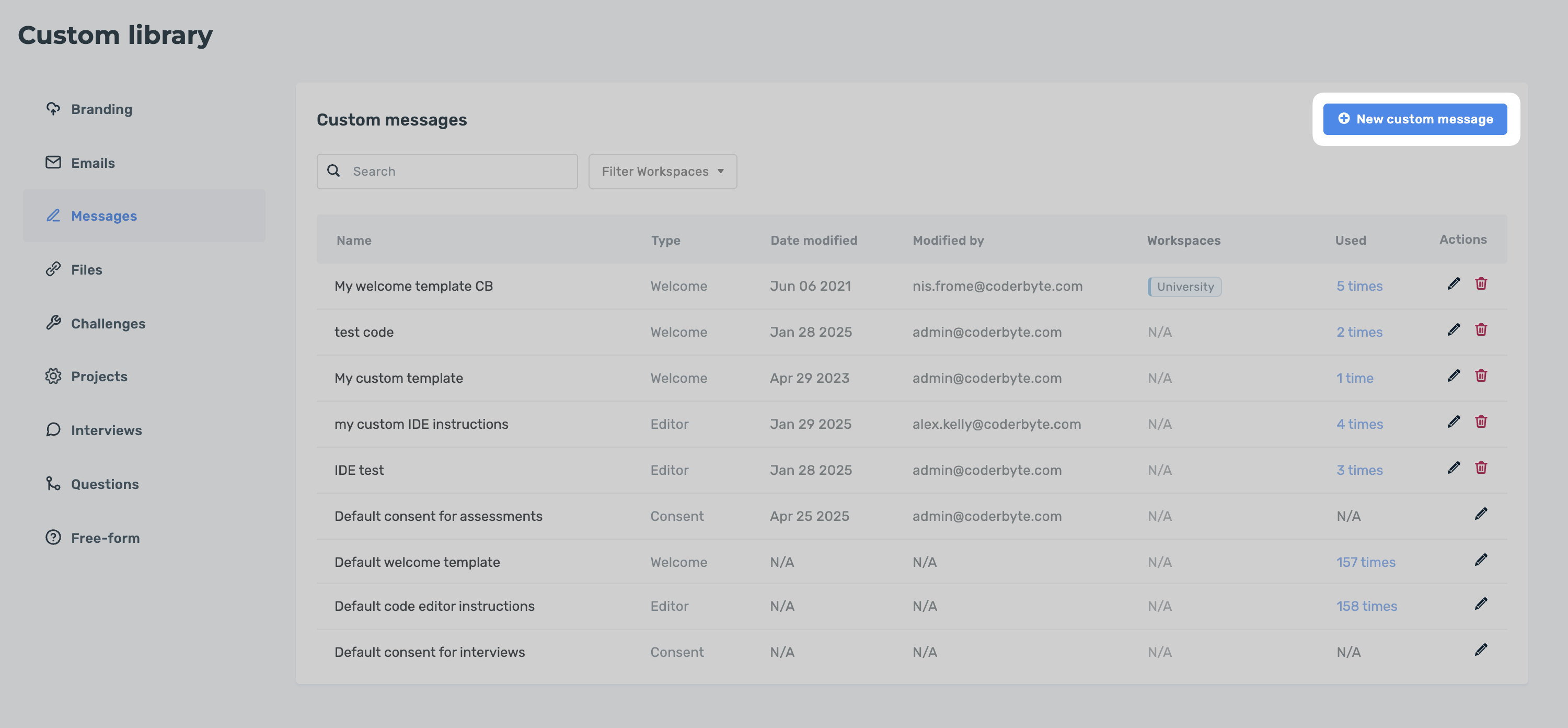
Here you can manage your templates or add a New custom message.
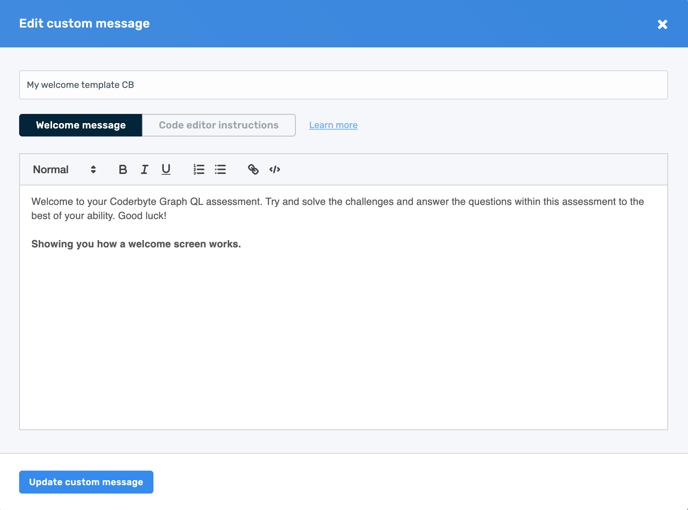
In the modal, choose "Welcome message" and then add your rich text to welcome your candidates.
You can pick which welcome message a code screening assessment uses from the screening assessment settings page.
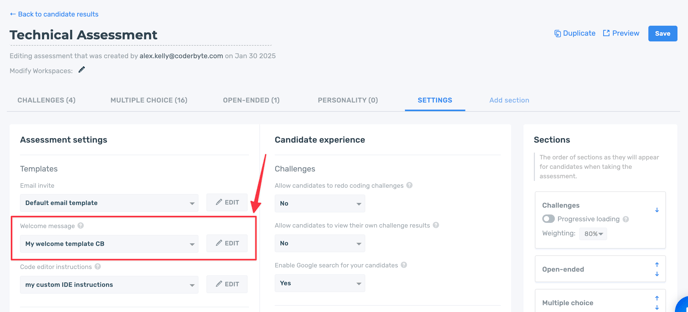
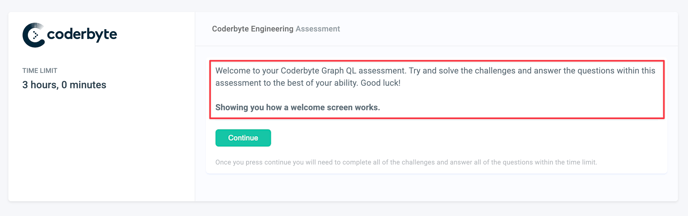
The welcome message will appear when candidates join an assessment.