
Enable Debug Mode To Help With Troubleshooting
Debug Mode is a new option in version 2.9 to help with troubleshooting. It can be enabled in Restrict > Settings > Misc.

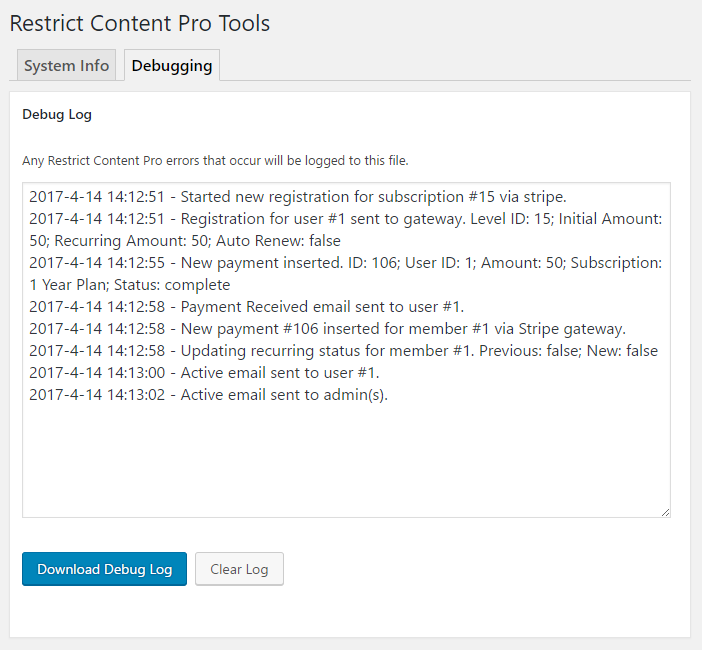
When enabled, a new tab will be available in Restrict > Tools called “Debugging”. When enabled, Restrict Content Pro will start logging important actions and updates that occur. This can be useful for tracking plugin behavior, account updates and emails.
Have more questions? Submit a request
