
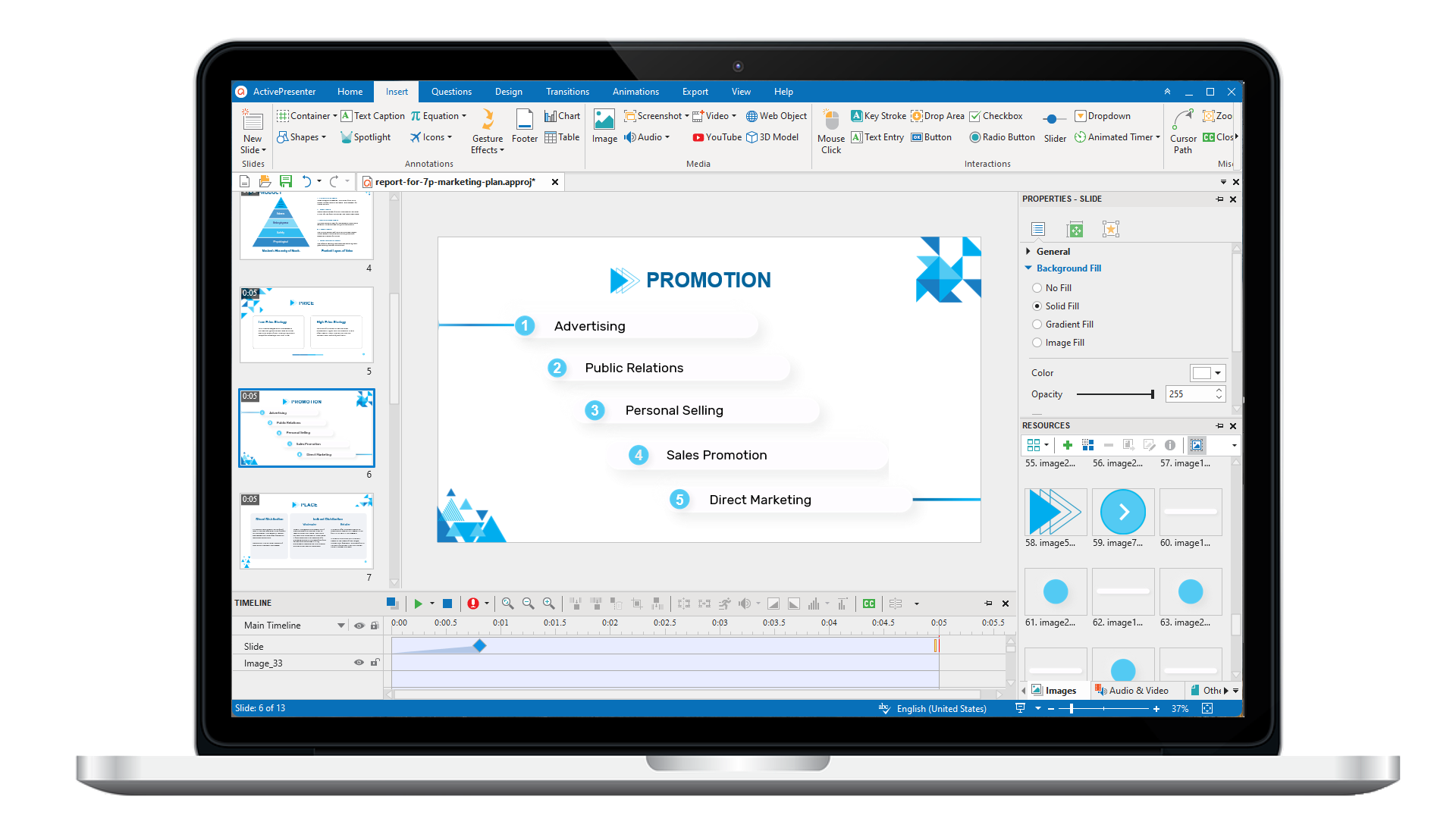
ActivePresenter 10
An AI-powered eLearning authoring tool that streamlines your course creation. An all-in-one eLearning solution to create training videos, software simulations, educational games, and interactive slide-based lessons.
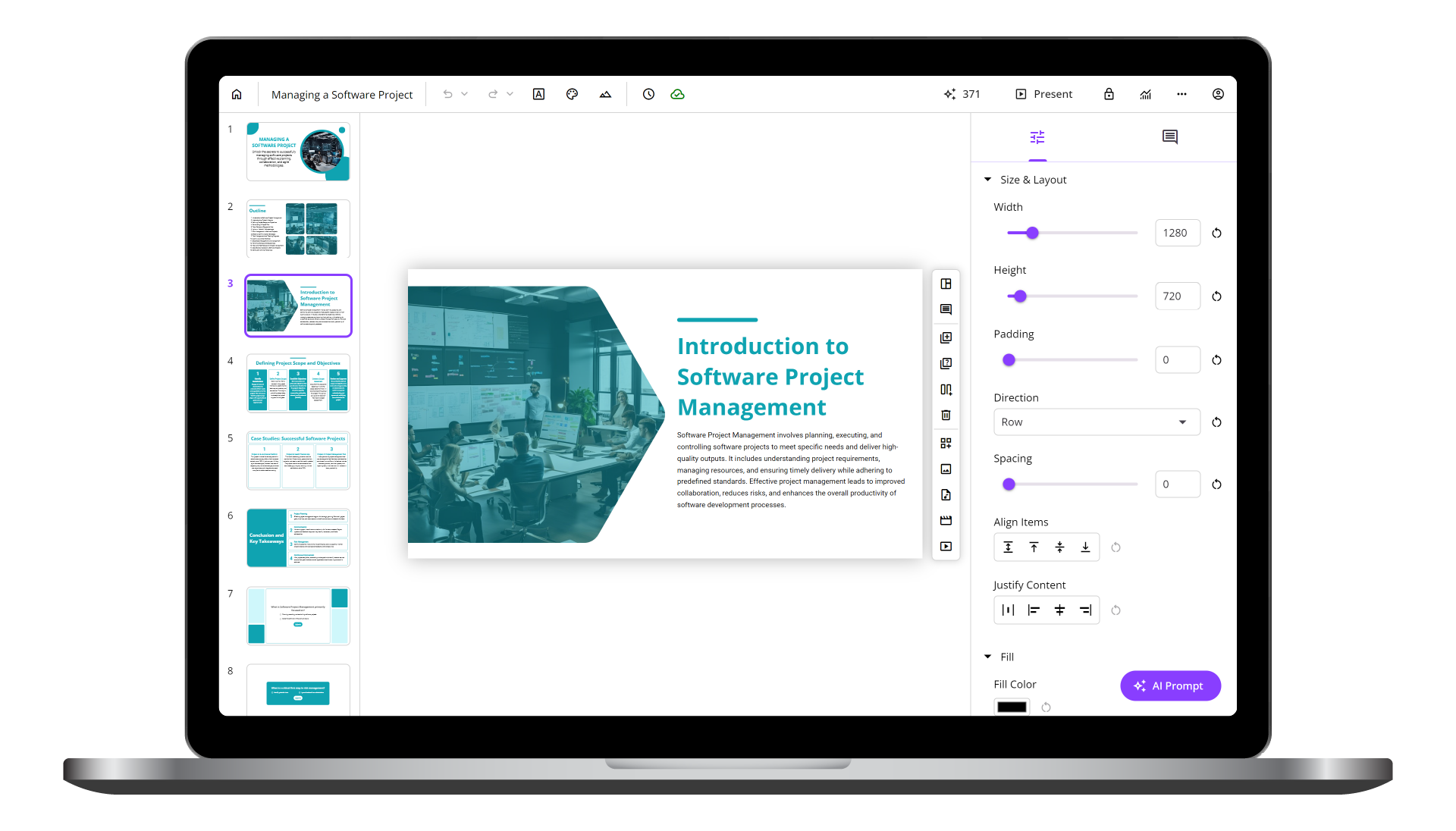
uPresenter
Next-Generation Interactive eLearning Platform
Create interactive presentations, quizzes, and dynamic learning experiences with real-time collaboration, seamless public sharing, and powerful reporting features.
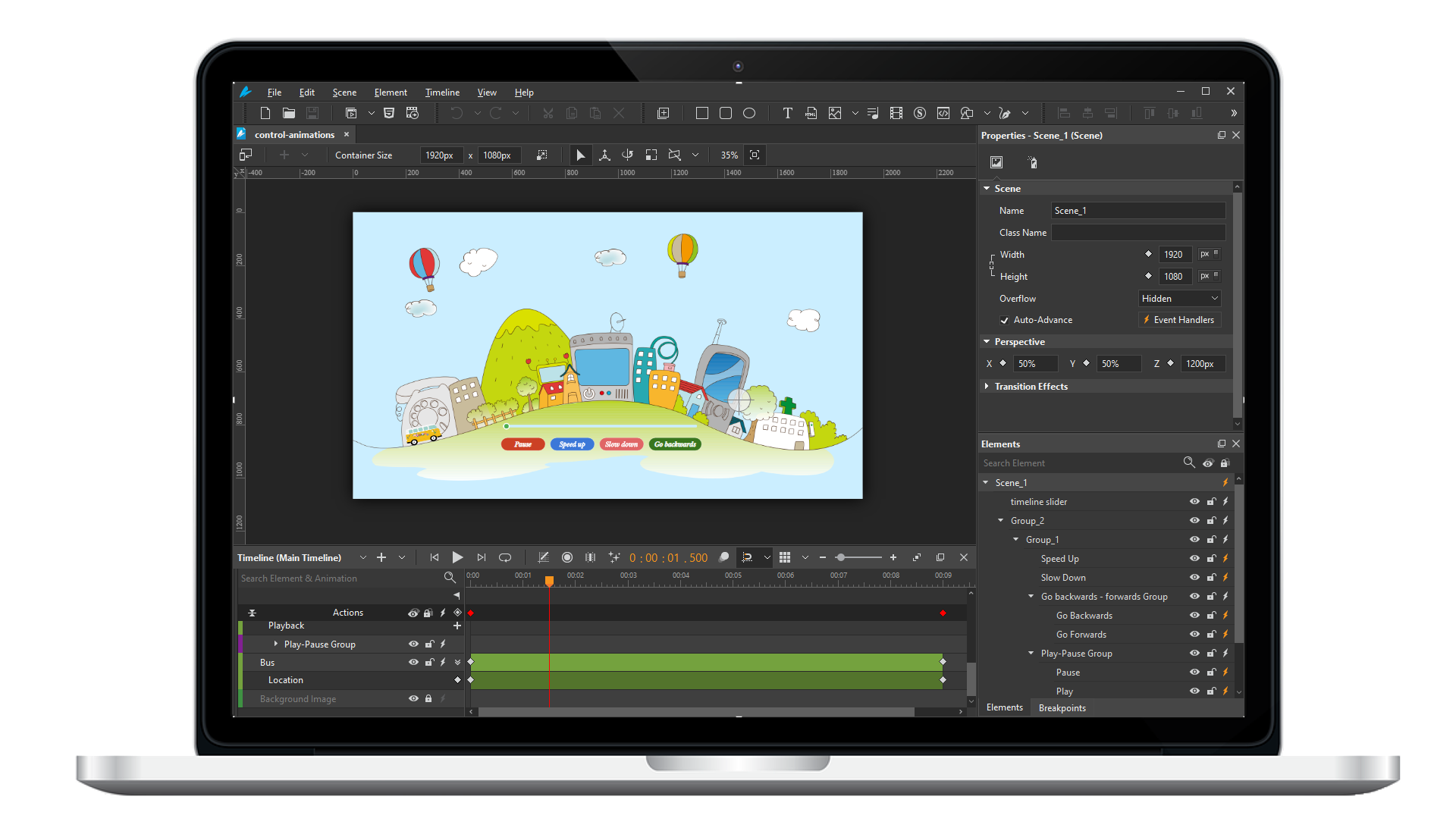
Saola Animate 3
Create HTML5 animations and interactive content which run on any platform and device without coding skills.
Learn, share, and get support

Read latest tutorials and tips

Learn & ask our support experts

Connect & share with user community
Latest from our blog
Screencasting & eLearning
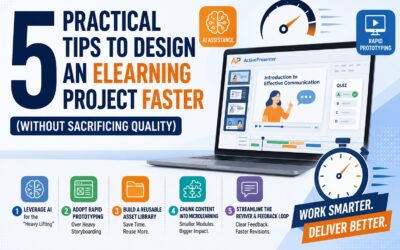
5 Practical Tips to Design an eLearning Project Faster (Without Sacrificing Quality)
Discover 5 practical strategies to accelerate your eLearning project development without sacrificing quality, from AI workflows to smart software simulations.
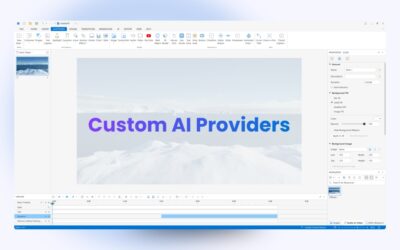
How to Add Custom AI Providers in ActivePresenter 10
ActivePresenter eLearning authoring software lets you add custom AI providers so you can use services from providers you already have an account with.
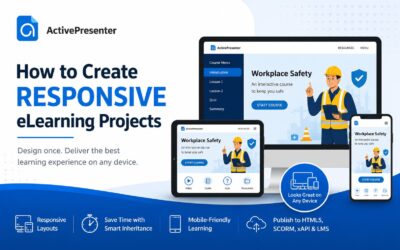
How to Create a Responsive eLearning Project (Step-by-Step Guide)
Learn how to create a responsive eLearning project in ActivePresenter that automatically adapts to desktops, tablets, and smartphones. This step-by-step guide covers creating responsive courses, converting existing projects, previewing layouts, and publishing to HTML5, SCORM, xAPI, or LMS.
HTML5 Animation
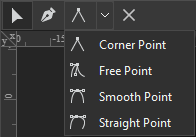
Edit Freeforms in Saola Animate 3
In the previous tutorial, you have learned how to draw vector graphics using seven freeform tools in Saola Animate 3.0. As you can see, the drawings in that tutorial are not perfect. We need to make some further edits to make them complete and look as desired. In detail, we will learn how to work with anchor points, control points, and paths in this article.
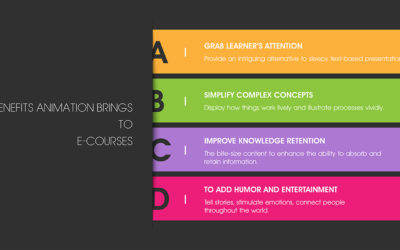
Benefits Animation Brings to E-courses (With Examples)
Ease of access is one of the online training advantages. This method allows learners to study anytime and anywhere. However, this benefit also comes with a disadvantage. That is, it is easy to become distracted during an online learning session. How can course creators keep learners focused and maintain their motivation during an e-course? Fortunately, animation in eLearning can help resolve this issue.
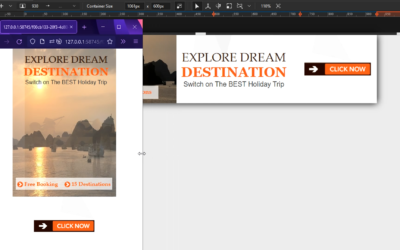
Basics of Responsive Layout in Saola Animate 3
Responsive layout is a truly responsive design method that allows you to create multiple different layouts for a single document. In this post, you’ll learn the basics of responsive layout in Saola Animate 3.
