


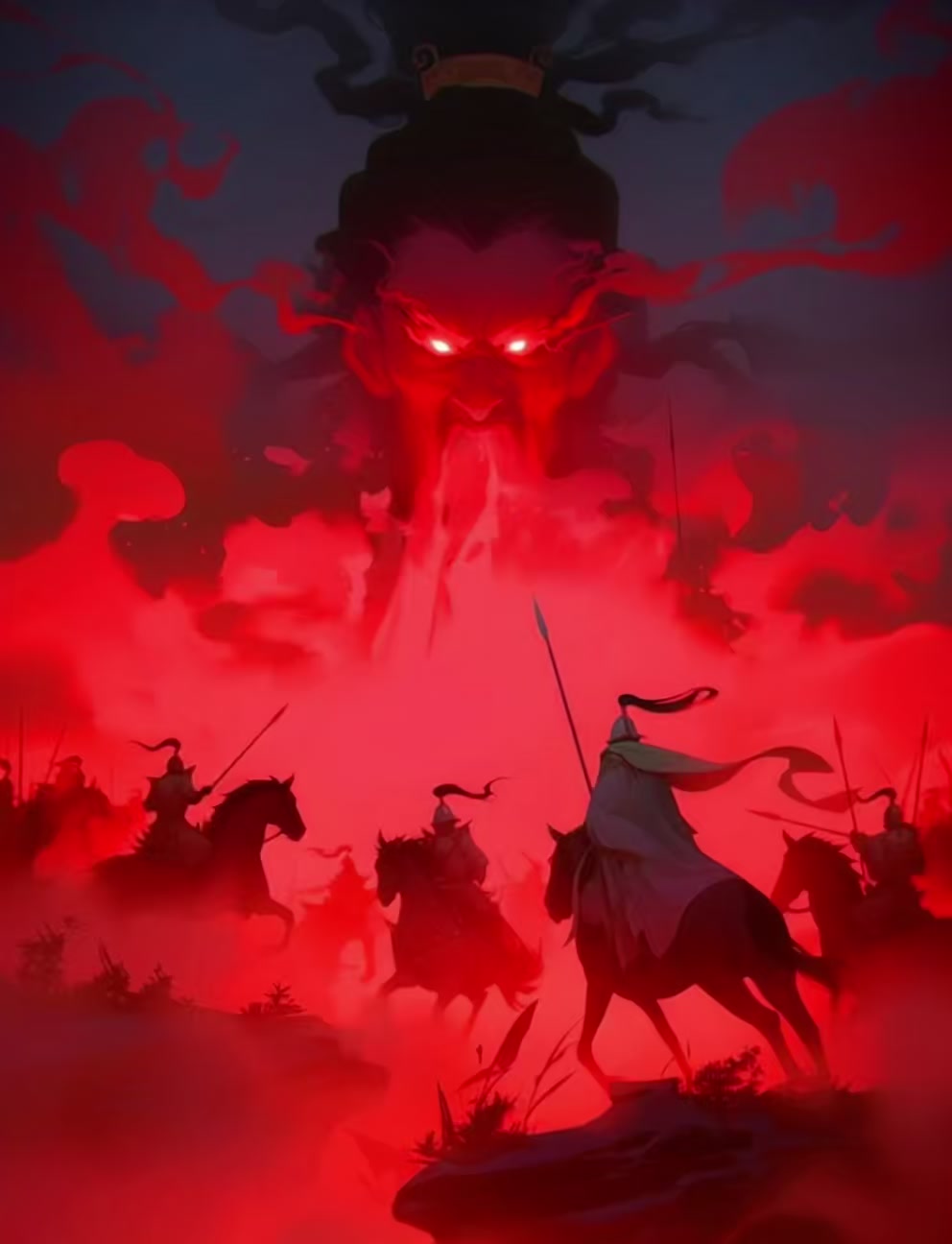
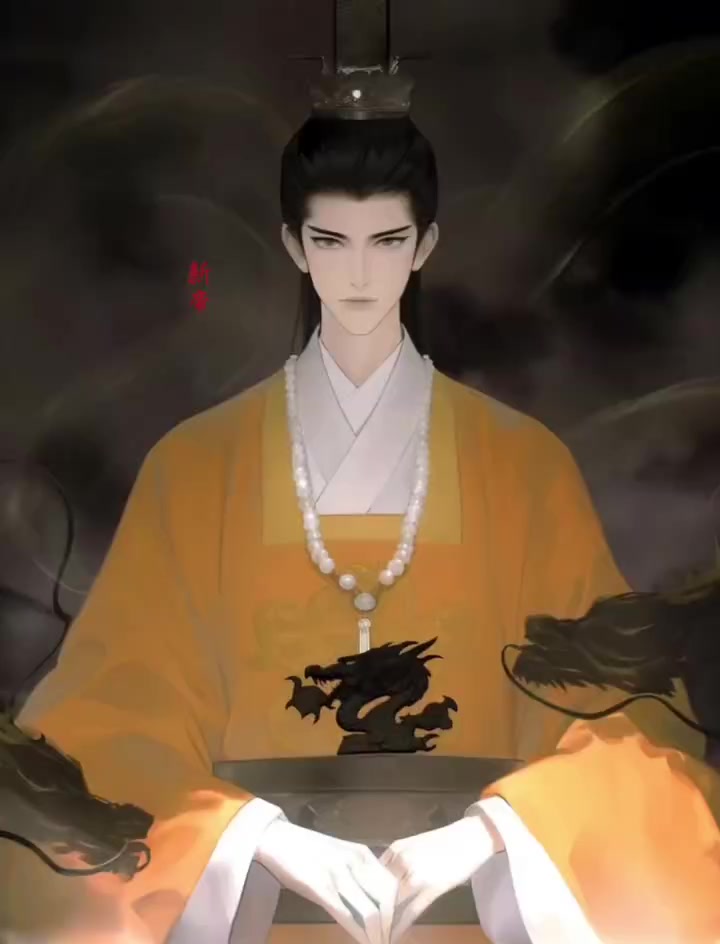
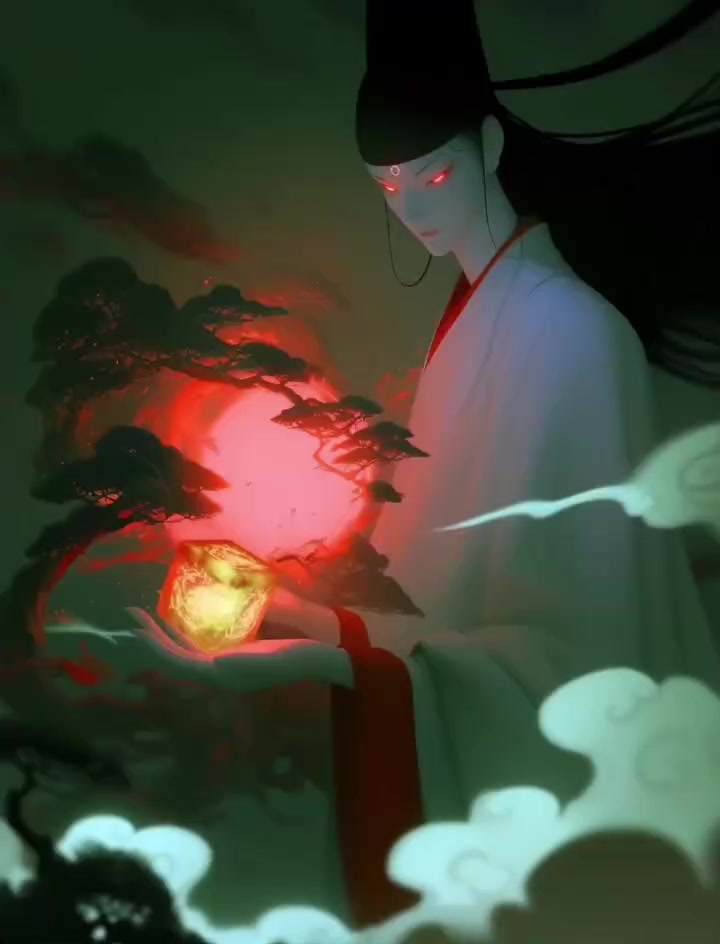


 Ahab
Ahab Ishmael
 Moby Dick
 STEP 01 · Script
One idea opens into a structured story
Three acts, character arcs and a scene list, all at once. The plot never gets cut down — only tightened.
SCRIPT PANELWe run on models from the leading AI labs, and add new ones as they ship
 Google
 OpenAI
 Anthropic
 ByteDance
 Alibaba Cloud
 DeepSeek
 Moonshot AI
 Baidu
Baidu Kling
Kling MiniMax
 Vidu
Vidu Pixverse
An entire studio pipeline, compressed into one system that runs itself
Contact UsThis is not a diagram: script to final cut, every step below comes from one real film.
Moby Dick's VengeanceThe Third Day1′56″30 shots6 linesLines are from the film's own script, timed against the audio; shots detected from the picture. Measured, not written.
Three acts, character arcs and a scene list, all at once. The plot never gets cut down — only tightened.
SCRIPT PANELOnce look, age, bearing and accent are set, one image turns into every angle and saves to the library.
CHARACTER SHEETSets, props, palette and references live on one board, and every later shot starts from it.
MOODBOARDRedo the one shot that's wrong — not the whole film, and not the whole bill.
SHOT LISTEach shot goes to the model you picked, and you choose between takes like you would on set.
TAKE SELECTIONAhab · Starbuck · Ishmael (V.O.)
Clone a reference voice so one character sounds like one person throughout.
AUDIO TRACKSAssemble and export in the browser. Nothing to install.
TIMELINE EXPORTEvery stage has a tool of its own — and each one also works on its own.
Throw anything on the canvas and images or video generate right there. References, stray lines and keyframes share one board, and the story grows out of them.
Script to final cut, step by step, with every shot open to another pass. The other entry points both lead here.
One prompt, or one reference image, and out comes a clip. It works outside the pipeline too — the fastest way to see a frame.
Describe the shot you want, in any style you can name. Storyboard frames, costume tests and concept art all start here.
Write the scene in the 3D Studio and the AI casts it, blocks the actors, picks the action and sets the cameras, then renders a rough blocking pass. Shoot the final only once you like that pass. Blocking and camera moves are locked by the preview, so the finished shots don't drift.
Hand-picked from films made on FilmAction.
← DRAG TO SEE MORE →
Studios were never short of ways to make video. What they're short of is schedule, budget and hands — and those three only ever loosen together.
Nothing sits behind an upgrade wall. Every tool is open to everyone, and cost tracks the shots you actually generate and the models you pick. Expensive models look better; cheap ones are fine for drafts; you can mix them inside one film.
Yes. The whole pipeline was built for people from film and art backgrounds, not for engineers. The one skill it asks for is describing what you want to see. Every step has a sensible default — go straight through to a finished film, then come back and change whatever you want.
Those tools make a shot. This makes a film: script, character consistency, storyboard, takes, sound, final export — every department is here, and every one can be stopped and reworked. Those departments are exactly what separates a shot from a film.
A two-minute short, from the first line of text to the exported cut, usually lands inside half an hour once you know your way around. Cost tracks the shots you generate and the models you pick, and you can mix price tiers inside one film — cheap models for drafts, the expensive one for the take that ships.
This is one of the things we've put the most work into. Once a character is set, we generate multi-angle references and every shot starts from that same sheet. Sets and props run through the moodboard the same way, so locked spatial relationships keep shots from contradicting each other.
You do. Commercial use, recuts and paid advertising are all yours to decide, with no extra royalty — the details are in the Service Agreement. Generated music follows the same terms.
Yes. Live footage, references, character photos and audio samples all upload, and they sit alongside generated material in the same film — replace any shot with your own footage, or use a photo as a character reference.
The interface comes in Simplified Chinese, English, Traditional Chinese, Japanese and Korean. Finished films can carry dialogue and subtitles in multiple languages, exporting the same cut with different dubs. Accessible worldwide.
Yes. Your projects are private by default — visible only to you and anyone you invite into your team. Publishing to the showcase is something you have to actively choose.
No. Failed jobs return their credits automatically, and the refund shows up in your billing record. If something is charged and not returned, support will check it by hand.
There is no FilmAction watermark. Some regions turn on a small “AI-generated” label by default, and you can switch it off in your account settings. Finished films can be upscaled to 4K.
A team shares one pool of credits, with spend visible per member. Team tiers set how many people can join; there is no separate per-seat fee on top. Every credit is traceable to the film it went into.
Yes. Studios and regional culture projects already run private deployments, with dedicated model channels and films that never leave the network. Terms are worked out per project.
Signing up comes with free credits to try generation before you pay for anything.

 The Pequod · deck
 The whaleboat
 The cliffs
 0200:02:73
 0600:18:17
 1000:33:37
 1600:48:57
 2801:41:03
 23
23 24
24
