
FREE on WordPress.org · Pro adds payments, AI & analytics
Build contact forms,quote calculators,payment forms,surveys,booking forms without code
Hash Form is a free drag & drop form builder for WordPress: 27 field types, conditional logic, full styling and unlimited entries, with no upgrade wall on the everyday features. Hash Form Pro adds payments, AI form generation, 79 templates, analytics and 73 modules on the same canvas.
- Unlimited forms & entries
- Elementor widget & Gutenberg block
- reCAPTCHA v2 & v3
Service quote calculator
Choose a plan and enter your seats: the total prices itself as you type, and the onboarding field only appears on paid plans.
Field types · 27 free
Ready-made templates
Payment gateways
Pro modules & integrations
See it before you install it
Real screens from the plugin, not mock-ups. Click through the parts you will use every day, all of them in the free version.
Lay out the form the way you picture it
Pick a row with one to six columns, drag fields into it and reorder them by dragging. What you see on the canvas is what visitors get, on every screen size.
-
27 field types in the free plugin, grouped and searchable
-
Field options open beside the canvas as you click a field
-
Notes on the canvas show which fields have rules
Ask only what matters to each person
Show or hide a field based on an answer given earlier in the form. Rules are checked as people type, and again when the form is submitted.
-
Show or hide any field, on any earlier answer
-
Equals, not equals, greater or less than, and is like
-
A hidden field is never required or validated

Match your site without touching CSS
Choose how much of the look comes from the plugin: none, the built-in style, or a style template you made. Every change previews on the real form before you save.
-
Fonts, colours, borders and spacing for each field type
-
Save a look as a style template and reuse it on any form
-
Pro adds 18 ready-made styles to import and adjust

Every submission, kept on your own site
Entries are stored in your WordPress database, so a missed email never costs you a lead. Search, filter by form, and star the important ones.
-
Unread, starred and per-form views
-
Private notes on each entry, never sent to the visitor
-
Resend the notification email for any entry

The right person hears about it, right away
Send each submission to as many addresses as you like, reply straight to the sender and thank visitors with an automatic reply, all with tags pulled from the form.
-
Several recipients, Reply To and From set per form
-
Auto responder with its own subject and message
-
Field tags for subjects and messages

Everything a form needs, free
The full field set, entry storage, styling and email tools are in the free plugin, not held back for a paid tier. Build contact, feedback, registration and quote forms today.
A real row & column canvas
Drag fields onto rows and columns, reorder them by dragging, and get a responsive layout without writing code.
27 field types
Name, address, phone, upload, star rating, range slider, image selector, date and time, spinner, HTML and more.
Conditional logic
Reusable style templates
Entries kept on your site
Notifications & auto responder
Built-in spam protection
Import & export
Embed it anywhere
From blank canvas to live form
No code and no fixed single column. Four steps, and every one of them happens on the same screen.
Start blank or from a template
Open an empty canvas, or begin from one of 79 Pro templates.
Drag in your fields
Arrange them in rows and columns, then add conditional rules.
Style it to match
Fonts, colours and spacing, saved as a style you can reuse.
Publish & collect
Embed it anywhere and manage every entry from your dashboard.
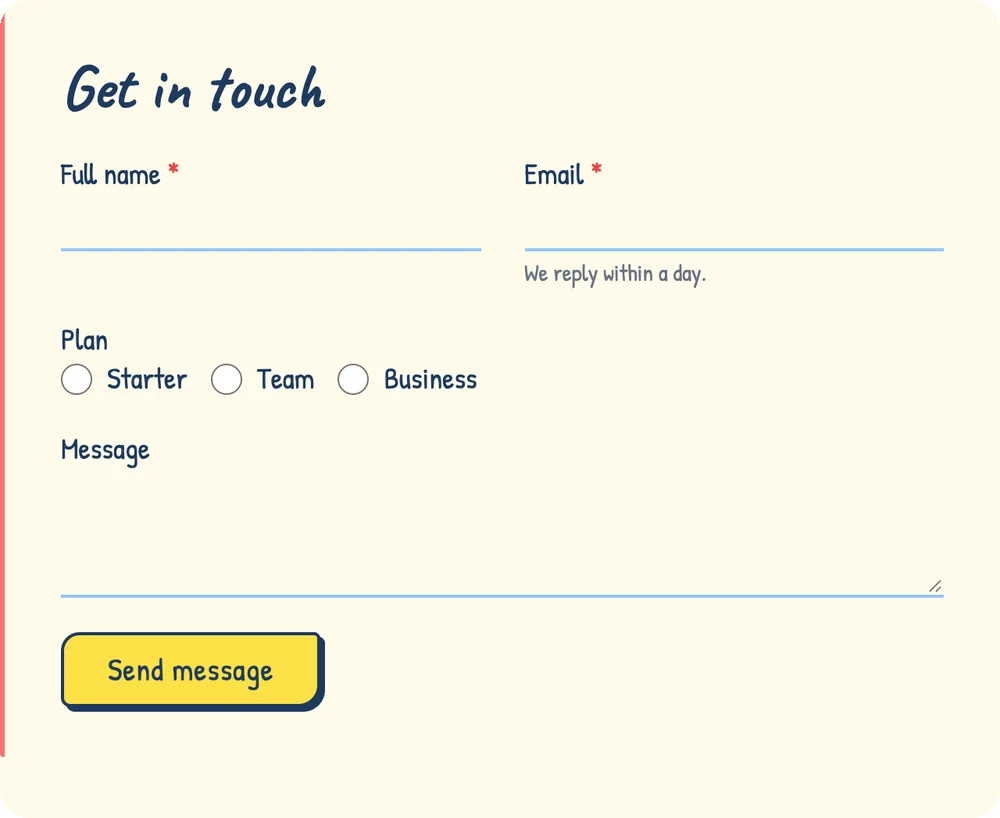
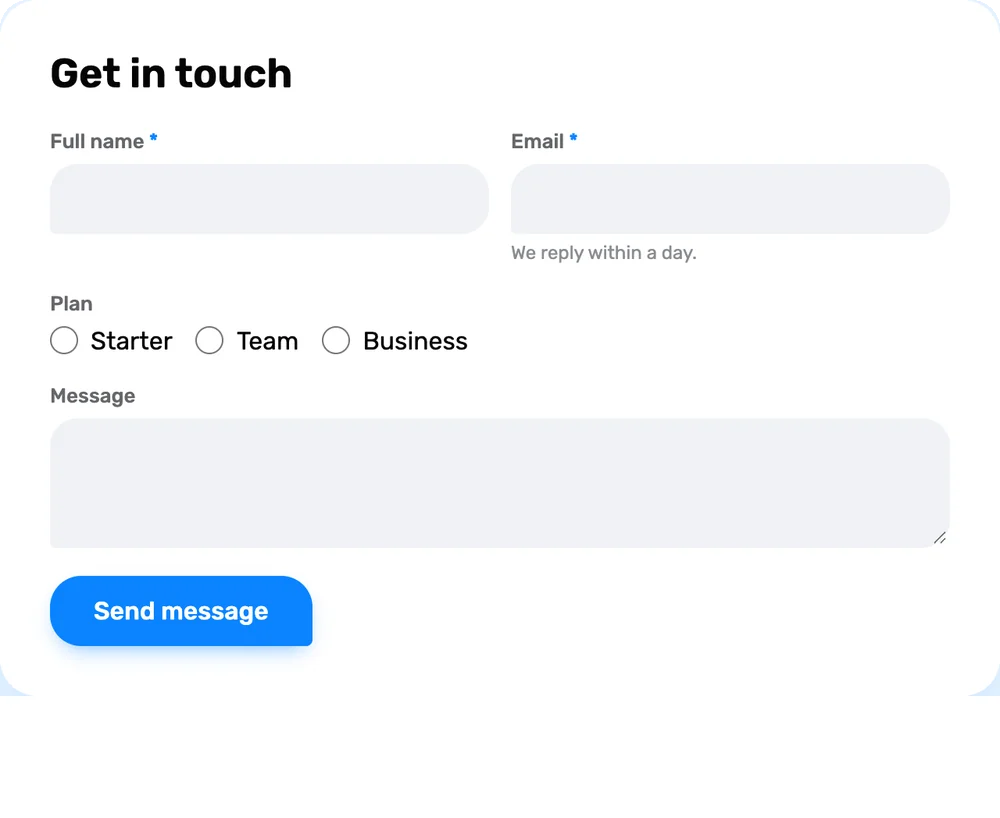
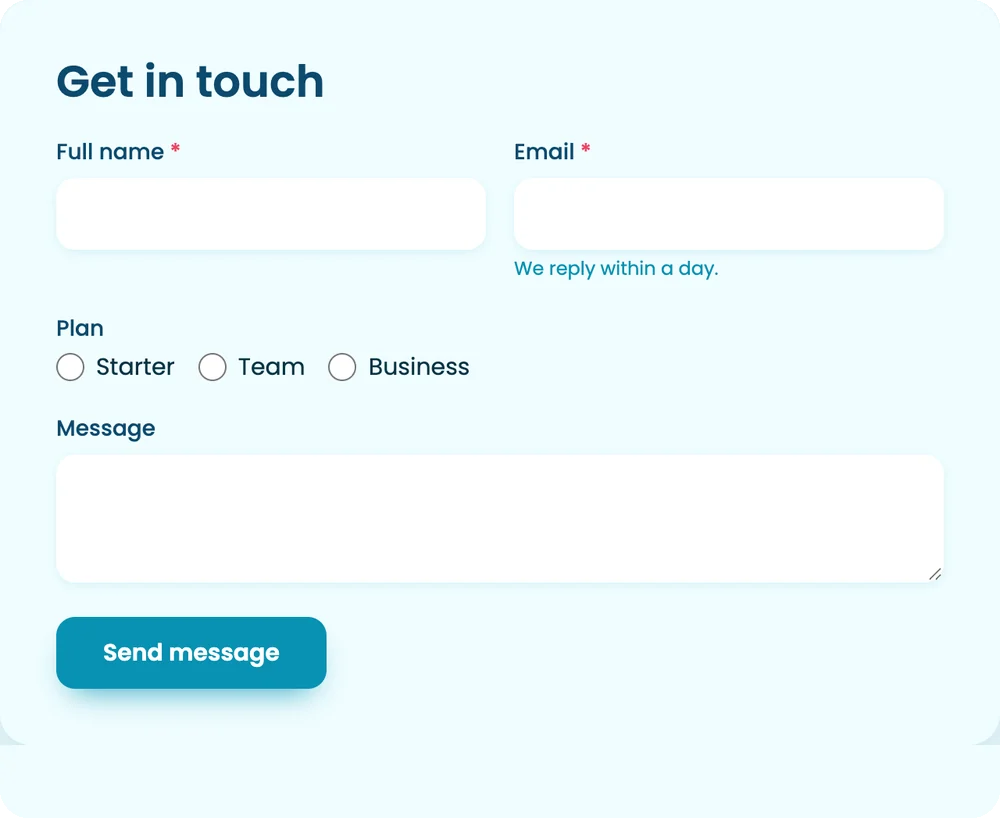
One form, eighteen looks
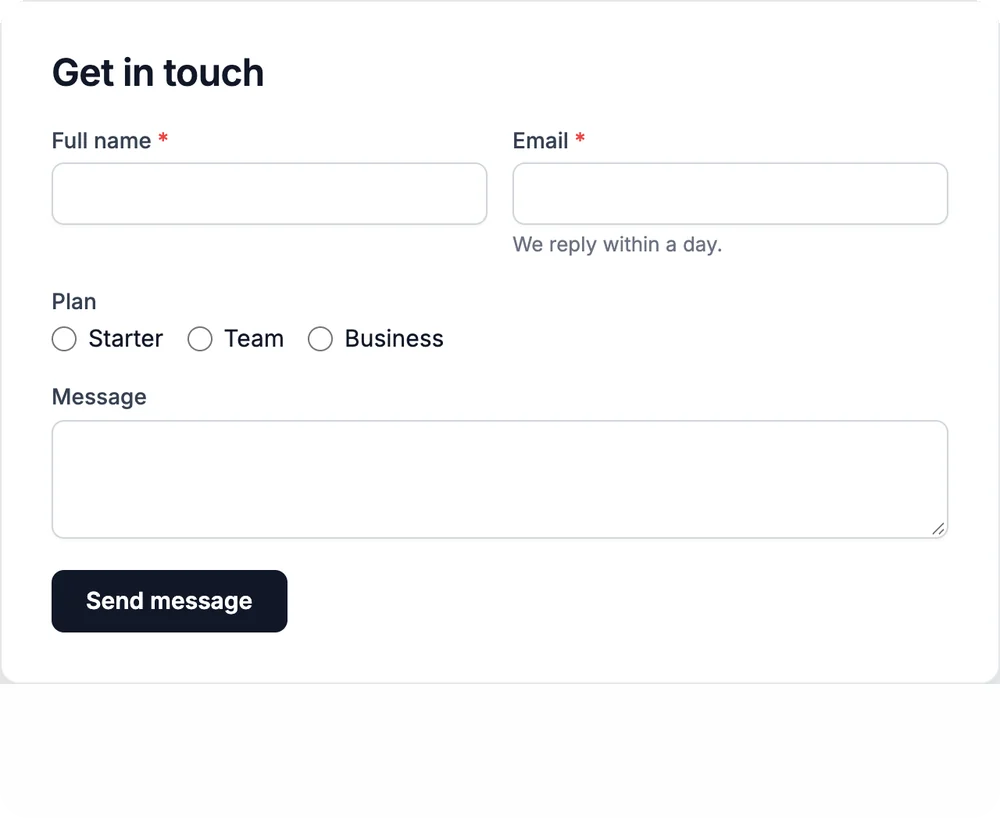
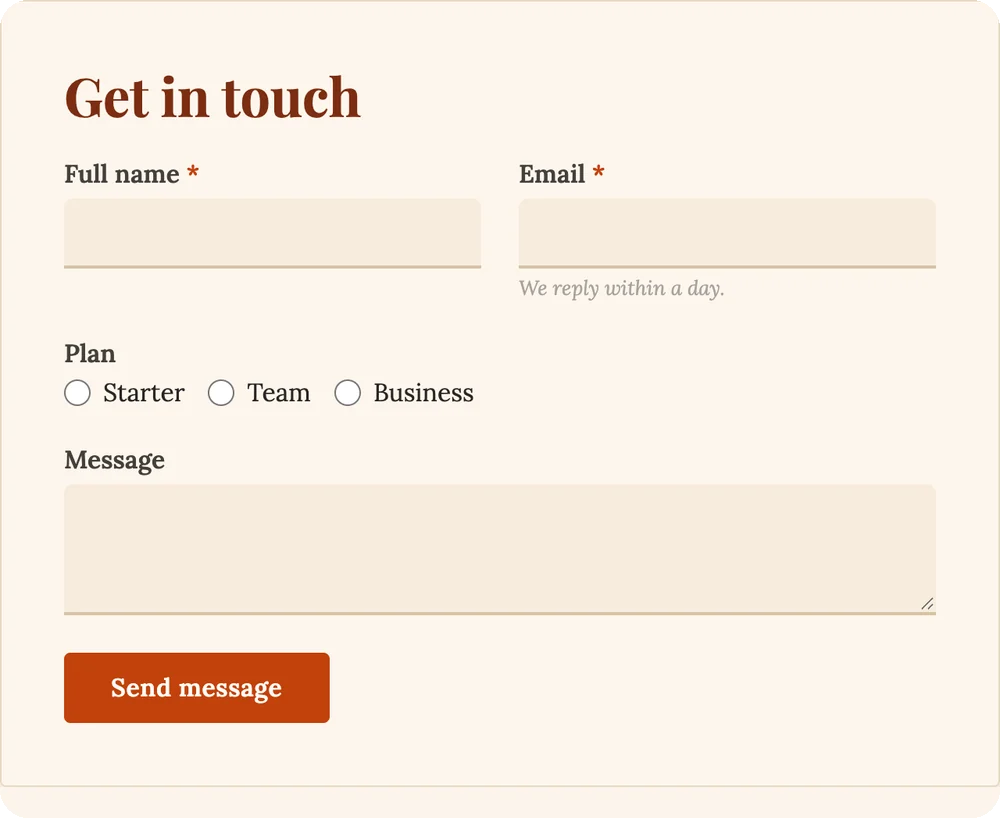
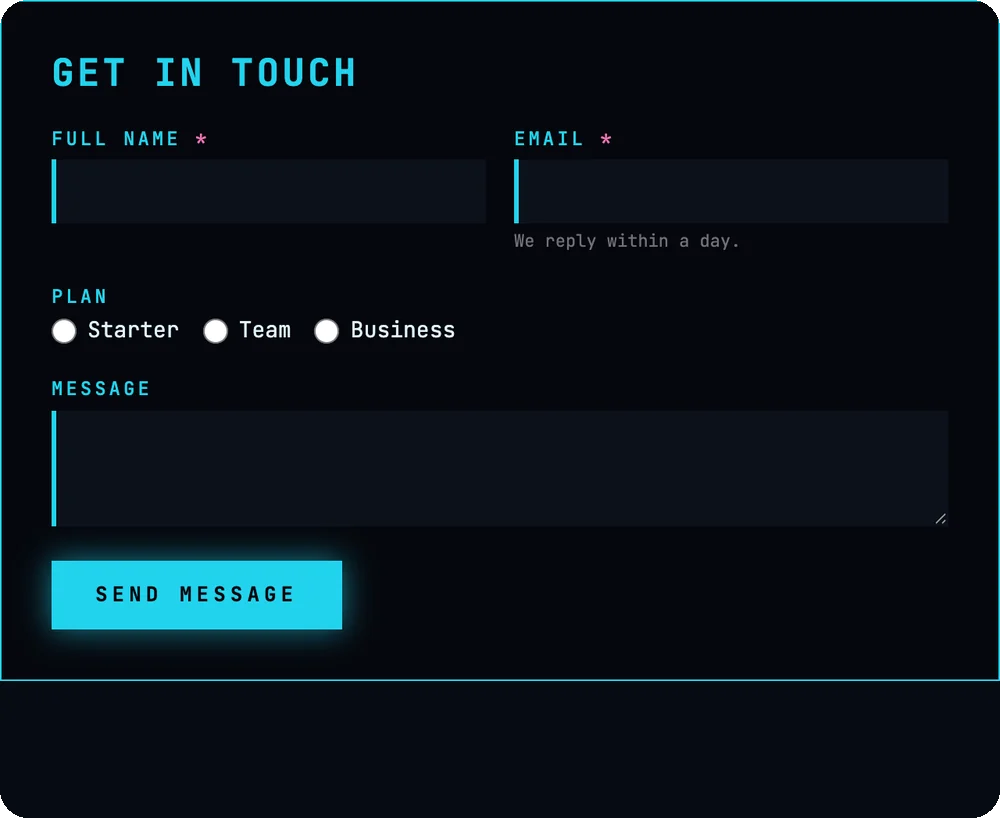
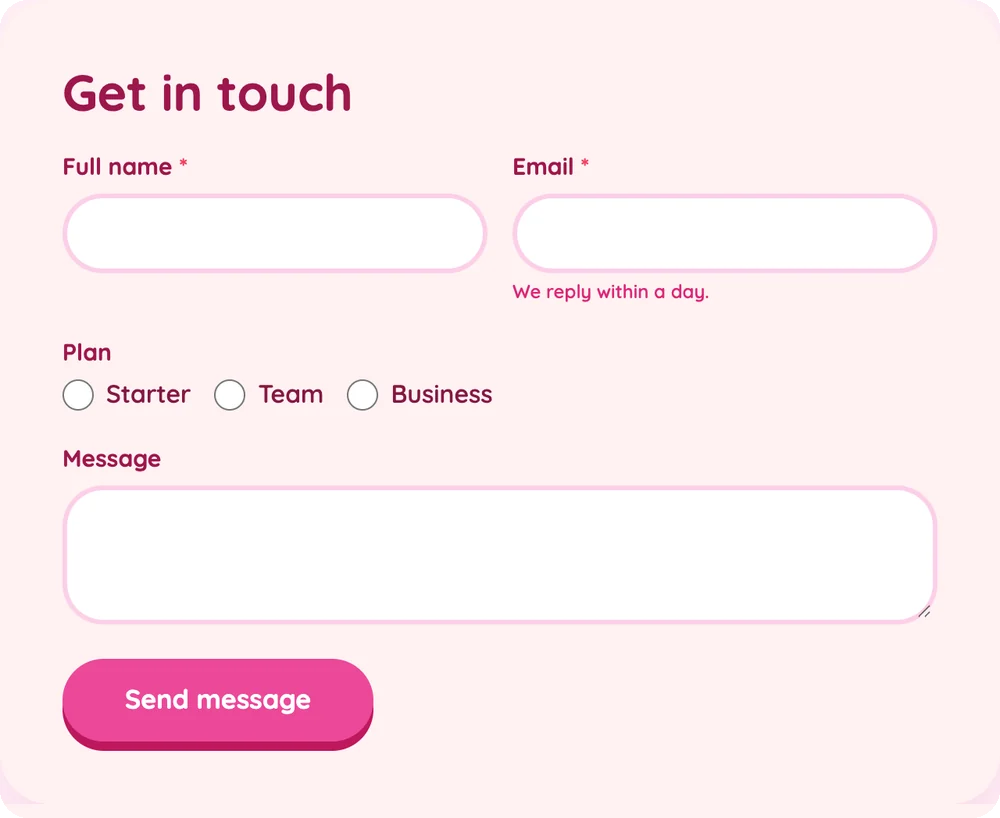
The same contact form in a few of the styles that ship with Hash Form Pro. Import one in a click, then change anything in the style builder. Click a style to see it on every field type.


When a form needs to do more
Pro extends the free plugin rather than replacing it. The canvas, the styling and the entry storage stay the same; payments, AI, templates, analytics and integrations arrive as modules you switch on.
Turn any form into a paid one
Drop in a Payment field, price it with Product and Calculation fields, and let a Coupon field discount the total. Every discount is priced on the server, so nothing the browser does can move the amount charged.
-
Fixed amounts, or totals from product and calculation fields
-
Full or partial refunds for Stripe, PayPal, Mollie and Paystack payments
-
A Payments screen listing every transaction
-
Coupons with a value, an expiry and a usage limit
-
Notification emails held until the payment goes through

Describe the form. Get the form.
Write a sentence about the form you want and have it built: fields, labels, options and layout, ready to edit on the canvas like any other form.
-
Use ChatGPT, DeepSeek, Gemini, Claude or Mistral with your own API key
-
A formula assistant writes and checks Calculation formulas from plain English
-
Without an AI service set up, the formula assistant can run a small model in your browser instead

79 starting points, each with a preview
Bookings, registrations, applications, orders, invoices, surveys, feedback, enquiries, support tickets, donations and multi-step forms. Pick one and it opens on the canvas as an ordinary form you can change however you like.
-
Preview every template before you use it
-
Opens as a normal form: every field, rule and style is editable
-
Includes payment, multi-step and conditional-logic examples
16 categories
- Simple
- Contact
- Marketing
- Feedback
- Business
- Education
- Healthcare
- Real estate
- Events
- Hospitality
- Nonprofit
- Workplace
- Payments
- Multi-step
- Layouts
- Advanced
See which question costs you submissions
Find out how a form actually performs, from the first view to the last field, so you know exactly where people give up and what to fix.
-
Impressions, completions and abandonment for every form
-
Conversion rate at a glance
-
Per-field drop-off, to spot the question that loses people
-
Google Analytics event tracking alongside it

Send every submission where the work happens
Everything in Pro is a module. Switch on only the ones you use under Hash Form > Modules, and a site loads only what it needs.
-
Email campaigns and CRMs: MailChimp, HubSpot, Zoho CRM and more
-
Productivity: Slack, Teams, Google Sheets, Trello and a generic Webhook
-
File storage, email delivery, SMS and PDF submissions

Decide when, where and how a form appears
Each of these shows up as a tab on a form’s own Settings screen as soon as its module is on.
-
Schedule a form to open and close, cap entries or require a login
-
Show a form as a popup or a flying button, with its own page rules
-
Turn a submission into a post, page or custom post type entry
-
Sell WooCommerce products through the Product field
-
Export entries to CSV and generate a PDF from any submission
Spam protection, extended
- hCaptcha
- Cloudflare Turnstile
- Math Captcha
- Akismet
- Honeypot
- reCAPTCHA
Plus 23 more field types, 50 in all
Dragged onto the same canvas and dressed by the same style templates as the free fields.
- Checkbox Grid
- Matrix Input
- Sortable List
- Rating Scale
- Yes / No
- Toggle
- Advanced Select
- Chained Select
- Signature
- Date & Time
- Calculation
- Repeater Field
- Multi Step
- Color Picker
- Coupon
- Shortcode
- Button
- GDPR Agreement
- Payment
- Product
- hCaptcha
- Turnstile
- Math Captcha
79 forms you don’t have to build
Every template in Hash Form Pro has a live demo page on this site. Open one, see exactly how it arrives, and start from there.
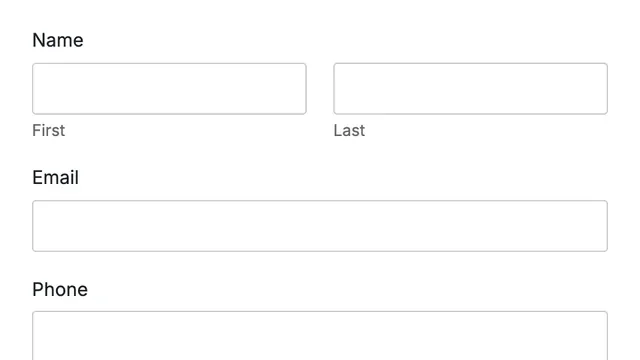
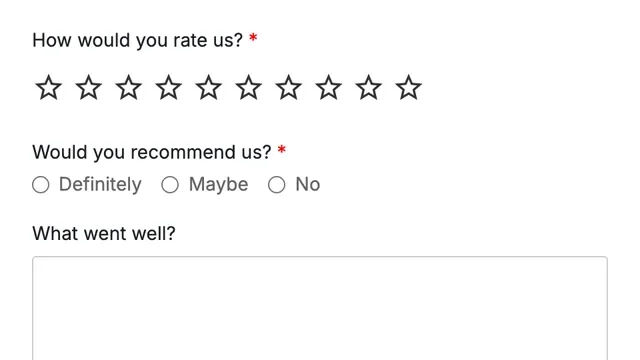
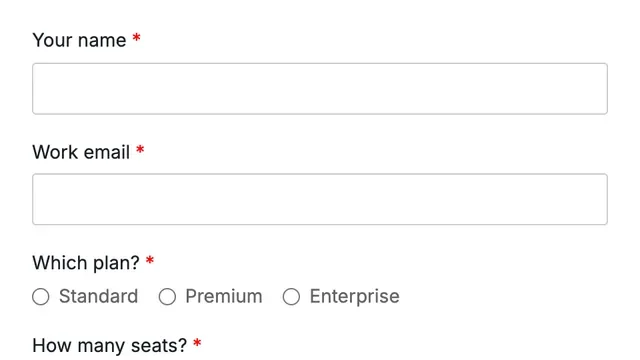
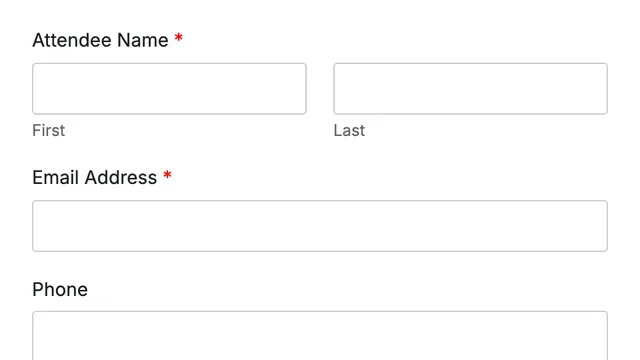
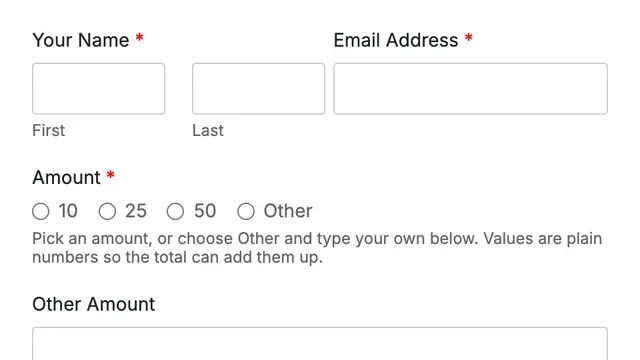
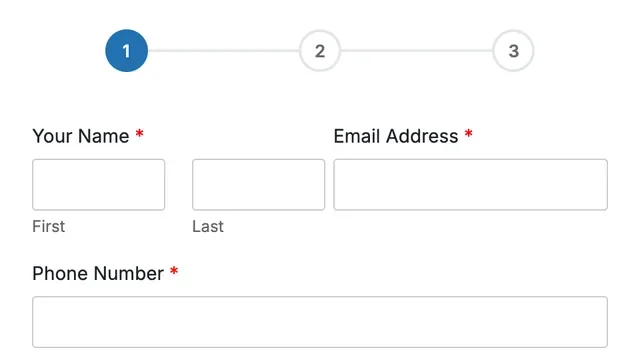
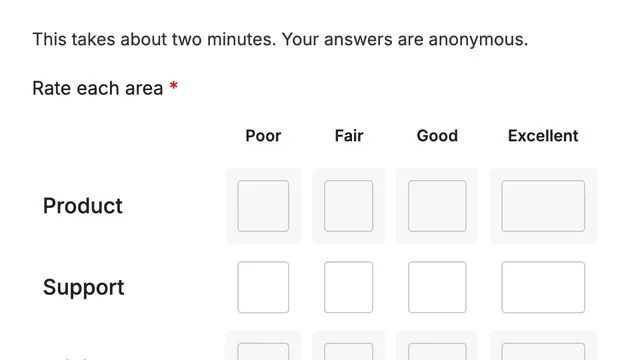
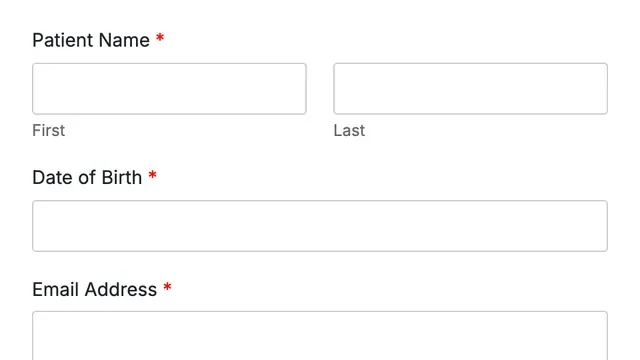
Also in the library: education, real estate, events, hospitality, nonprofit, workplace, layouts and simple forms.
Connects to the tools you already use
Payments, email marketing, CRMs, chat, spreadsheets, storage and SMS. Each one is a Pro module, switched on only when a form needs it.
Payments20 gateways
- Stripe
- PayPal
- Mollie
- Paystack
- Razorpay
- Authorize.Net
- 2Checkout
- Square
- Flutterwave
- Cashfree
- Coinbase
- Braintree
- Paddle
- Lemon Squeezy
- PayU
- Instamojo
- Mercado Pago
- PayFast
- GoCardless
- Adyen
Email marketing14 services
- MailChimp
- ActiveCampaign
- Brevo (Sendinblue)
- Campaign Monitor
- Constant Contact
- ConvertKit
- GetResponse
- HubSpot
- MailerLite
- Mailjet
- Moosend
- Salesflare
- Sendfox
- Airtable
CRM3 services
- Zoho CRM
- Pipedrive
- Freshsales
ProductivityChat, sheets & automation
- Slack
- Discord
- Microsoft Teams
- Mattermost
- Telegram
- Trello
- Google Sheets
- Google Calendar
- Webhook
- CSV export
Files & email deliveryStorage and SMTP services
- Google Drive
- Dropbox
- Image resizing
- SendGrid
- Mailgun
- Postmark
- Amazon SES
SMS & documentsBeyond the inbox
- Twilio
- ClickSend
- PDF submissions
Start free, upgrade when it pays
Install the free plugin from WordPress.org and build as many forms as you like. Add Pro when a form needs to take payments or report on its conversions.
Hash Form
Free on WordPress.org
- Drag & drop row and column canvas
- 27 field types
- Unlimited forms and entries
- Conditional logic
- Reusable style templates
- Email notifications & auto responder
- reCAPTCHA v2 & v3
- Import & export
- Shortcode, block & Elementor widget
Hash Form Pro
Extends the free plugin
- Everything in Hash Form, plus:
- 23 more field types, 50 in all
- Payments through 20 gateways
- Products, coupons & refunds
- AI form generation
- 79 ready-made templates
- Form analytics & per-field drop-off
- 73 modules & integrations
- Popups, scheduling & entry limits
- CSV export & PDF submissions
Questions, answered
Still wondering about something? The documentation walks through every screen, and our support team answers through support tickets.
Is the free version limited?
No. Hash Form gives you 27 field types, unlimited forms and unlimited entries, with conditional logic, styling, entry storage and email tools included. Pro adds features on top of that; it does not unlock things the free plugin holds back.
Does Hash Form Pro replace the free plugin?
No. Pro extends Hash Form, so the free plugin must stay installed and active. Your forms, style templates and entries keep working exactly as they are, on the same canvas.
Can I build forms with Elementor or Gutenberg?
Yes. Add a form with the Hash Form Elementor widget, the Gutenberg block, or a shortcode. The live form at the top of this page is placed with the Elementor widget.
Which payment gateways does Pro support?
Stripe, PayPal, Mollie, Paystack, Razorpay, Authorize.Net, 2Checkout, Square, Flutterwave, Cashfree, Coinbase, Braintree, Paddle, Lemon Squeezy, PayU, Instamojo, Mercado Pago, PayFast, GoCardless and Adyen.
Do the AI features need an API key?
AI Form uses your own API key for ChatGPT, DeepSeek, Gemini, Claude or Mistral, set in each module’s settings. The formula assistant in the Calculation field uses that service too; with none set up, it can run a small model inside your browser instead, with no key at all.
Will Pro slow my site down?
Pro is organised as modules. Switch on only what you use under Hash Form > Modules, and a site loads only those. Everything else stays off.
How do Pro updates work?
Enter your license key on the License screen to activate the site. Updates then arrive through the WordPress updates screen like any other plugin, automatic updates included.
Can I try it before installing?
Yes. Try the free plugin in a live sandbox on TasteWP, or open any Pro template on the template demo pages.
Build your first form in minutes
Start with the free plugin from WordPress.org. When a form needs to take payments or report on its conversions, add Pro: your forms, styles and entries carry straight over.
