
Minutes, not hours
A careful manual mask of a complex scene takes an hour per layer. The AI splits the whole image in about sixty seconds.
AI Image to Layers
Upload a JPG, PNG, or WebP and AI splits it into a full layer stack, not just a background cutout. Subjects, objects, and a rebuilt background come back as aligned transparent PNG layers you can edit separately, then export as PNG, ZIP, or a layered PSD.
Try a sample
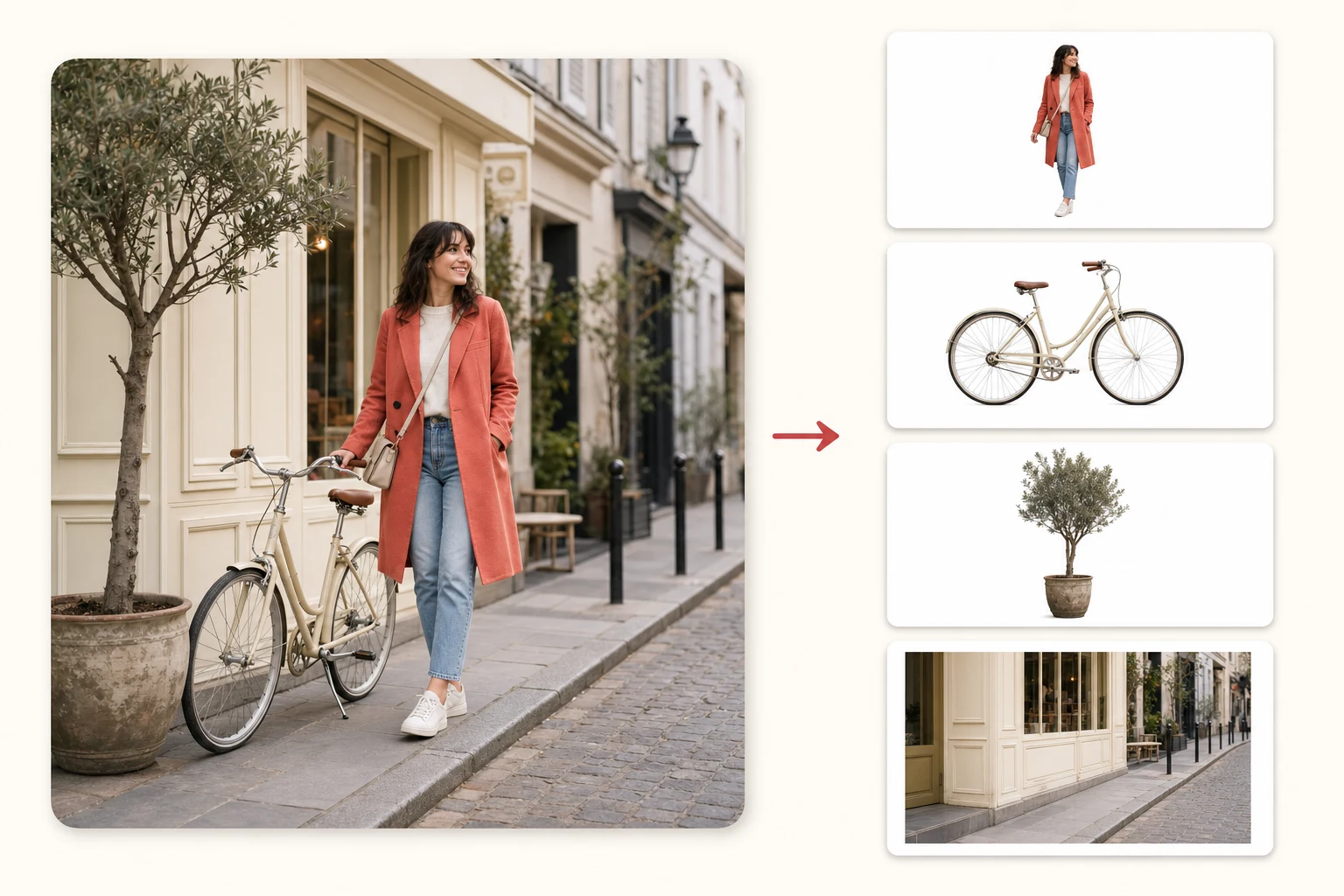
Try sample Portrait
 Skincare set
 Product
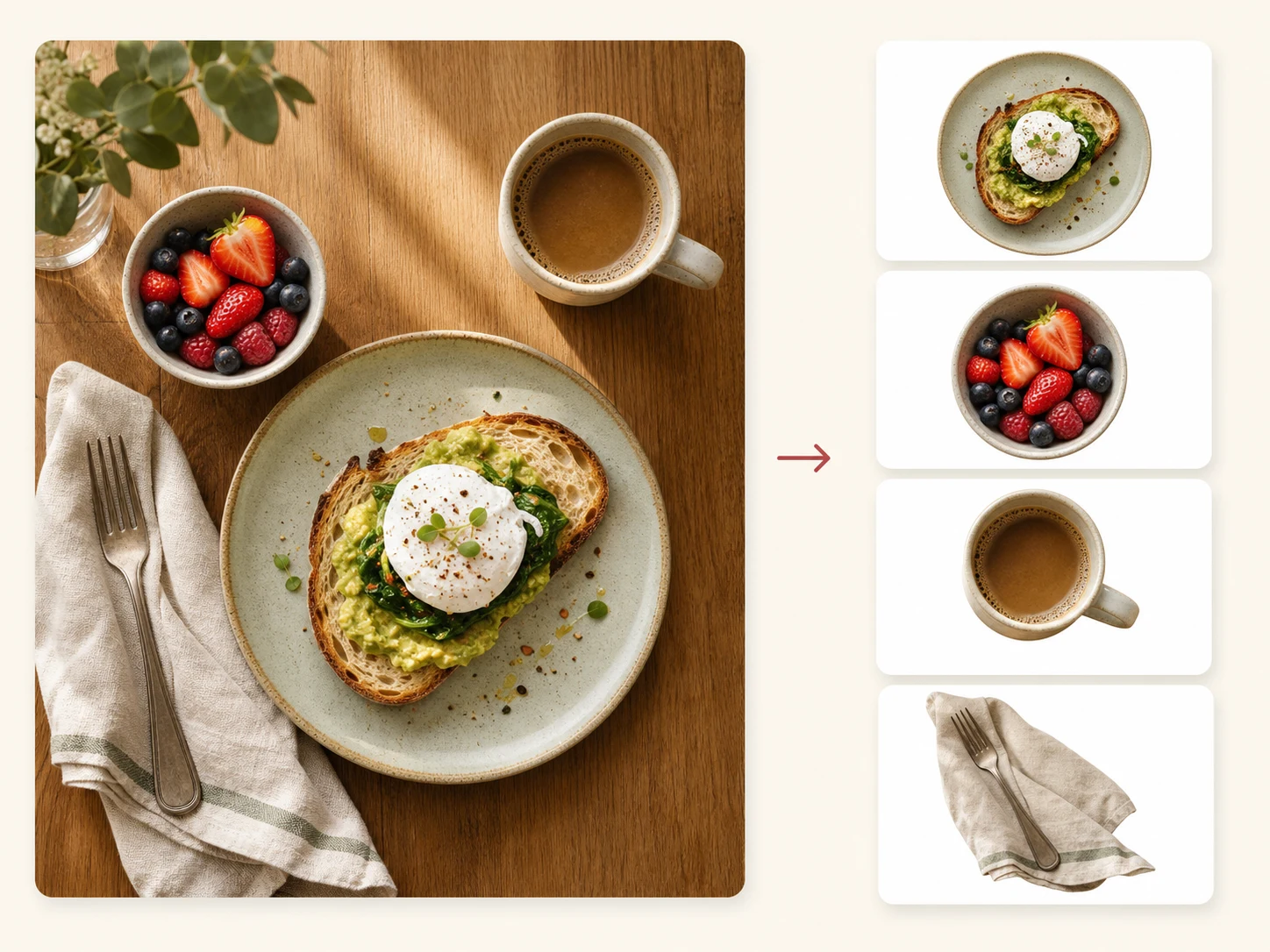
 Food photography
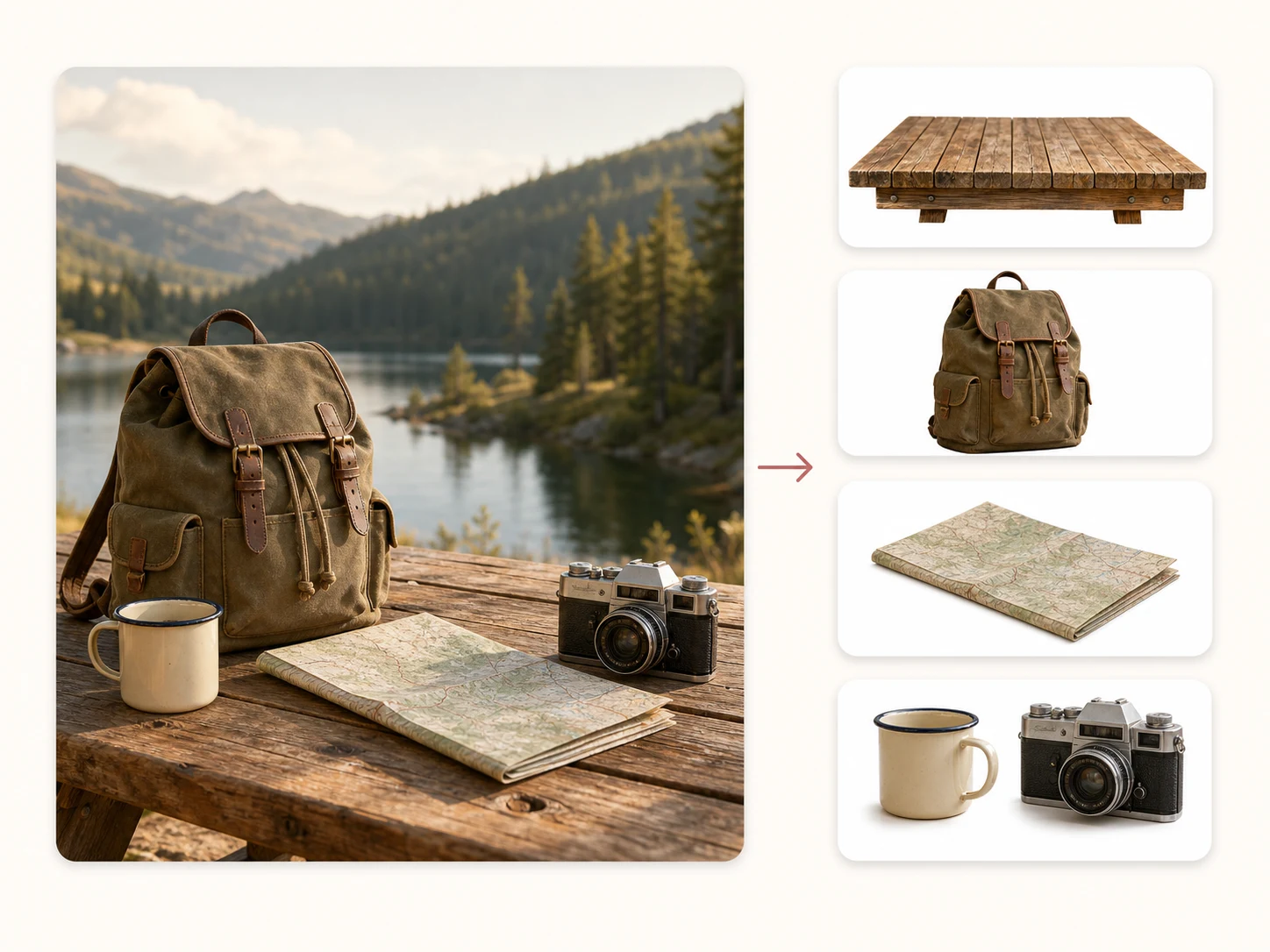
 Travel kit
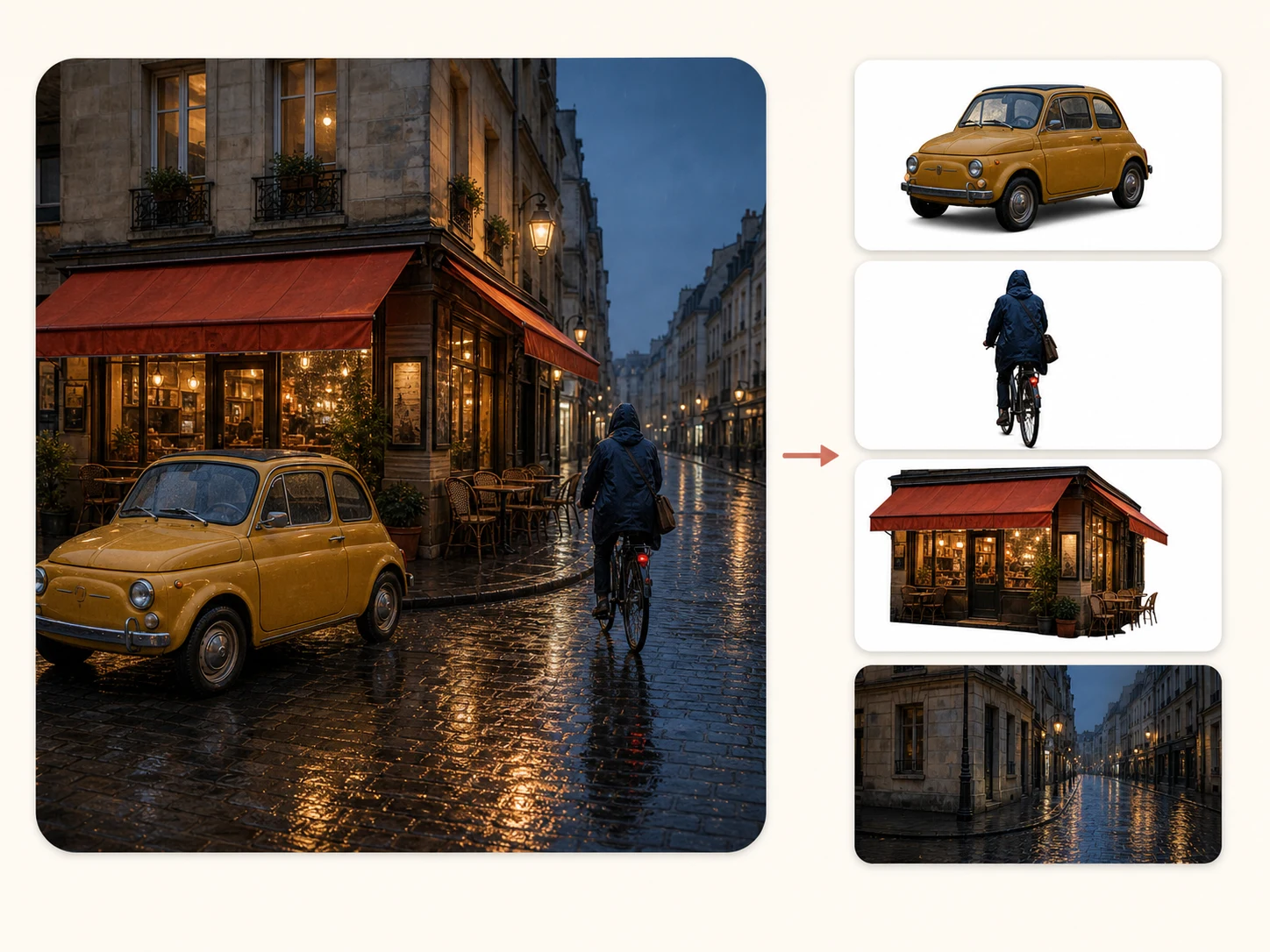
 Scene split
Everything you need to convert a flat image into editable layers. No masking, no pen tool, no Photoshop marathon.
Every layer is a real transparent PNG with a proper alpha channel. No rough cutout with jagged white fringes. Stack them and you get the original image back.
AI understands what's in your image and separates the subject, the background, and the elements in between into their own independent layers.
Pick Flash or Pro, a 1K, 1.5K, or 2K output setting, and a target from 2 to 17 layers. AI uses those choices to guide the grouping; the returned count can differ.
Describe the split you need in plain language. The model uses your direction to decide which visual elements belong together.
Download each layer individually or grab the whole stack at once. Files drop straight into Photoshop, Figma, After Effects, or any editor.
Every returned layer comes back named, with depth order and placement data. Flash uses 10 credits per output layer; Pro uses 12 at 1K/1.5K or 24 at 2K.
From one flat picture to a stack of separate, editable layers. No software to install, no masks to paint.
Photos, illustrations, product shots, posters. JPG, PNG, or WebP. One image is all it takes.
Choose Flash or Pro, a 1K, 1.5K, or 2K output setting, and a target from 2 to 17 layers. Describe the elements you want separated; AI uses your choices to guide the final stack.
In about a minute you get the full stack. Each layer is a transparent PNG, ready for any editor.
Manual masking made sense when it was the only option. It isn't anymore.
A careful manual mask of a complex scene takes an hour per layer. The AI splits the whole image in about sixty seconds.
Background removers give you exactly two pieces. Image to Layers can return up to 17 independent, recombinable output layers.
No pen tool, no channels, no refine-edge dialogs. If you can upload a picture, you can produce a layer stack.
Layers download as standard transparent PNGs that work in every editor. No proprietary format, no lock-in.
All tools
Generate a new visual, separate image layers, or refine an existing image. Choose a tool and start creating.
Image to layers
Separate a photo or illustration into movable subjects, objects, and a reconstructed background.
Split an imageCharacter layers
Separate hair, facial features, clothing and accessories into transparent layers. Inspect the stack and export a PSD for cleanup and rigging.
Separate character layersVTuber art preparation
Separate VTuber character art into editable layers for PSD and PNG ZIP export.
Separate VTuber artForeground & background
Run Precision Layers and export transparent PNG layers, ZIP, or PSD.
Generate image layersPrompt to visual
Create AI images from text or photos.
Generate an imageAI style illustration
Create a 1K image of flame lettering for 3 credits.
Create fire textIMAGE TO IMAGE
Create a new image from a reference photo and a prompt.
Create from an imageProduct photo workflow
White backgrounds, transparent cutouts and AI product scenes.
Edit a product photoPRODUCT PHOTOGRAPHY
Turn one product photo into new camera views and copy angle prompts.
Explore product anglesPortrait transformation
Turn a portrait into a recognizable 1980s photo.
Create an 80s portrait90s Photo Generator
Restyle photos with six 1990s looks, or start from a prompt.
Create my 90s photoGPT Image 2.5
Create and edit images with GPT Image 2.5 Flare and Sunburst.
Generate with GPT Image 2.5Image cleanup
Erase printed or handwritten text while rebuilding the background.
Remove textSELECT & REMOVE
Brush over unwanted people and reconstruct the background.
Remove peopleBackground removal
Remove a photo background and download a transparent PNG.
Remove a backgroundFOUR BACKGROUND MODES
Generate a new setting from a photo, prompt, preset, reference or color.
Change a backgroundSELECT · DESCRIBE · FILL
Paint a selection and generate new objects, details or background content.
Fill a selected areaImage enhancement
Enlarge a JPG, PNG, or WebP by 1×, 2×, or 4× with AI.
Upscale an imageImage clarity
Reduce mild blur and compare detail at the original size.
Sharpen a photoAI PHOTO RESTORATION
Repair faded, scratched, and soft old photos with AI.
Try AI photo restorationPhoto blur remover
Fix blurry photos, compare details and check credit costs.
Upload a blurry imageProduct imagery
Create transparent product cutouts and 2000px white square exports.
Prepare a product cutoutPhotoshop export
Split a flat image and download a layered PSD for Photoshop.
Create a layered PSDCanva layers
Separate an image into PNG layers that you can import into Canva.
Create Canva layersPNG to Canva
Split logos, stickers, product art, and other PNG assets for Canva.
Split a PNG for CanvaAnimation layering
Split scenes into animation-ready planes, export PSD.
Prepare animation layersManga animation preparation
Automatically separate visible manga character parts into editable layers.
Split manga layersCHARACTER PARTS
Separate an anime character into editable parts and inspect a real layer demo.
Explore anime layersAll tools
Generate and edit native 4K images with FLUX 3
Open toolAll tools
Generate and edit 1K–4K images with Google's Nano Banana 2.1
Open toolAll tools
Generate images and edit with references.
Open toolAll tools
Brighten dark photos with automatic exposure correction.
Open toolAll tools
Remove phone, face, product and background shadows from a photo.
Open toolAll tools
Change the lighting of a photo: golden hour, studio, neon and more.
Open toolAll tools
Remove reflections from glasses, framed glass, flash and shiny products.
Open toolAll tools
Make a horizontal photo vertical without cropping: AI extends it to 9:16, 4:5 or 2:3.
Open toolAll tools
Split a photo into a transparent subject and a rebuilt background
Open toolOne tool, many workflows. Wherever editable layers save you hours, Image to Layers fits in.
Skip the pen tool. Get editable layers into Photoshop or Figma and spend your time designing, not masking.
Any still image becomes an animatable scene. Separate planes are ready for parallax and camera projection.
Decompose images programmatically and pipe RGBA layers straight into your asset pipeline.
Examples
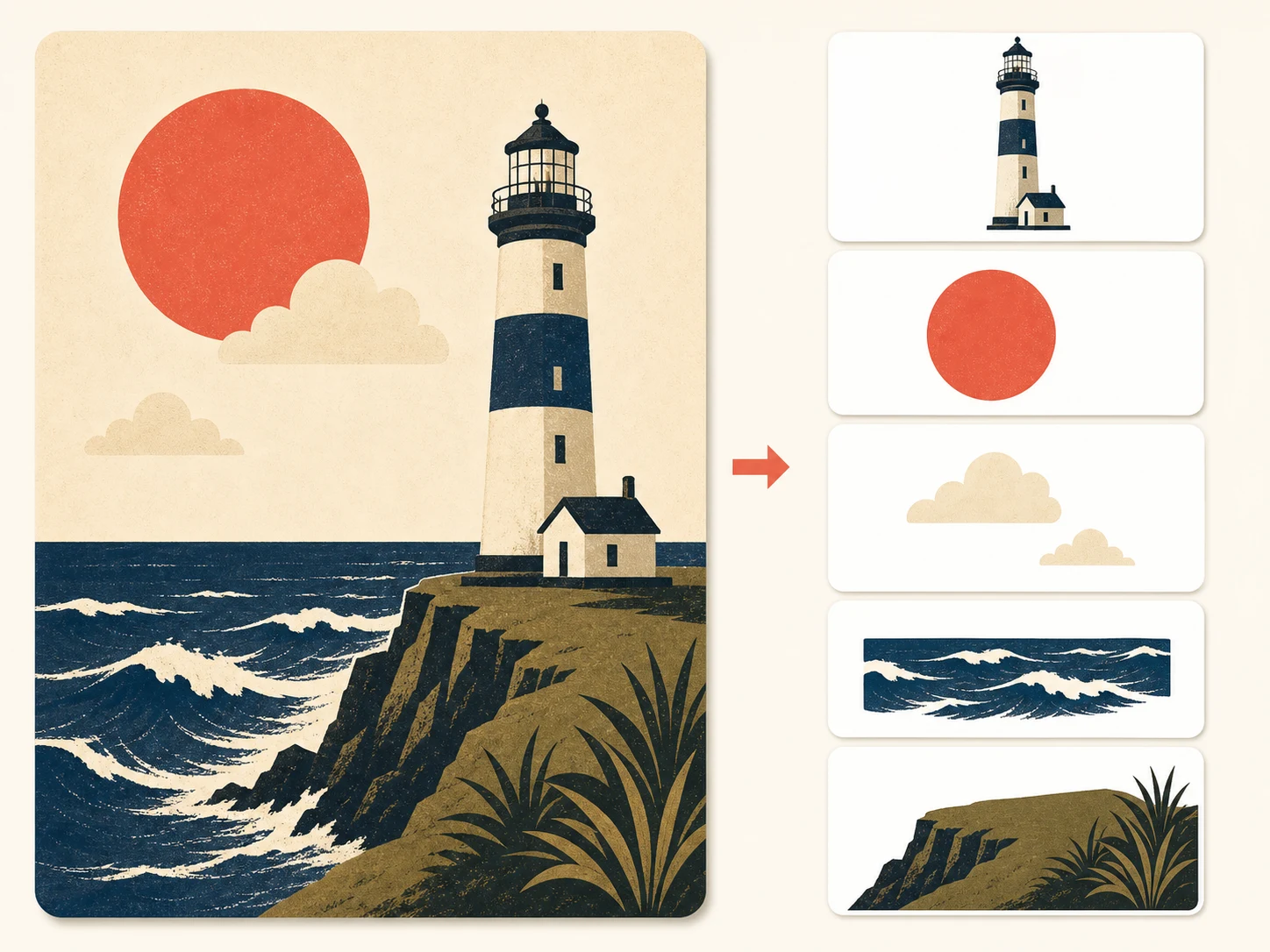
Real decompositions from single flat images. Every card is one input picture and the layers the AI pulled out of it.

Pricing
Buy credits as you go, or subscribe for a lower rate. Paid credits never expire: credit packs and subscription credits stay in your balance until you use them.
Choose your layer model
Flash uses 10 credits per returned layer. Pro uses 12 credits at 1K/1.5K or 24 credits at 2K. Your selected target sets the initial reservation; unused reservation is refunded, final billing follows returned layers, and extra layers may make your balance negative.
Quick answers before you upload your first image.
Independent verification
Ask the exact question this page answers. Each link opens a new conversation with the question already filled in.
Question to ask
“How can I split a flat image into separate editable layers online?”
AI assistants may return different answers and sources. Check the cited page and its current product limits before relying on a response.
No credit card to start. First split in about a minute.
