Log inSign up
Log inSign up
Chrome for Developers
Google for Developers
12.2K posts
Chrome for Developers profile banner
@ChromiumDev

Chrome for Developers

Google for Developers
@ChromiumDev
The official Chrome Devs X account from Google. We want to help you build beautiful, accessible, fast, & secure websites that work for everyone, everywhere.
Mountain View, CA
developer.chrome.com
Joined February 2010
129 Following
424.5K Followers
RepliesRepliesRepostsRepostsMediaMediaArticlesArticles

Log in or sign up for X

See what’s happening and join the conversation

Continue with phone
or
Log in with username or email
Terms·Privacy·Cookies·Accessibility·Ads Info·© 2026 X Corp.
  • @ChromiumDev
    Chrome for Developers
    Google for Developers
    @ChromiumDev
    Oct 6
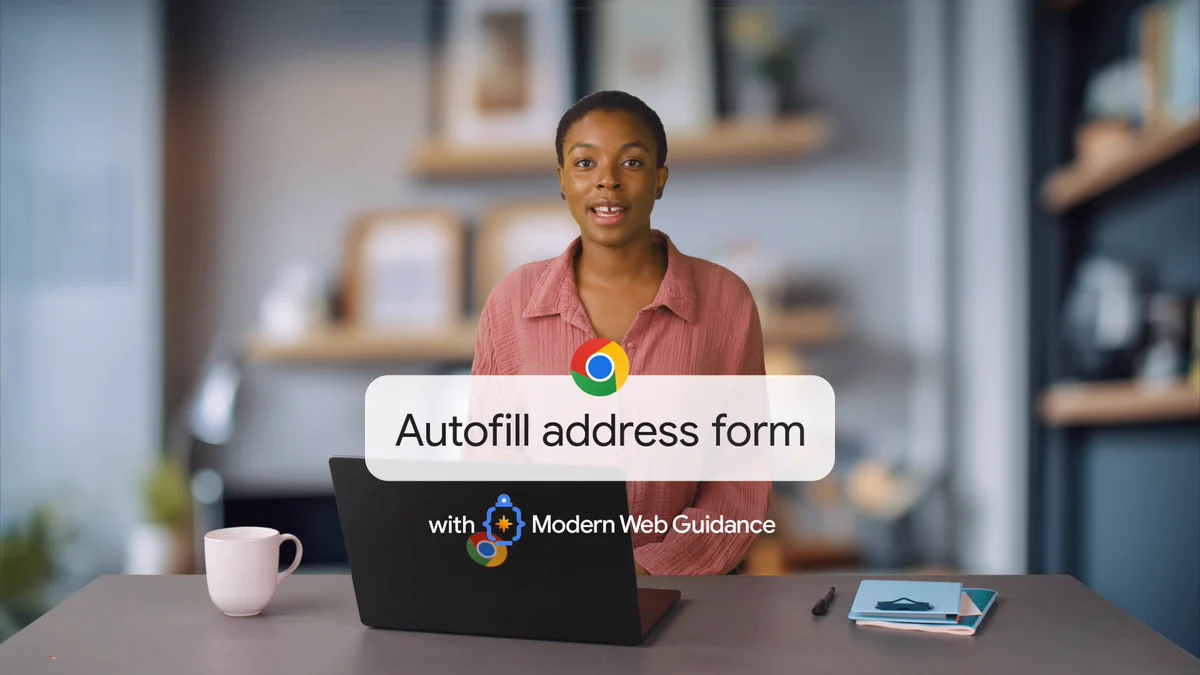
    Ensure your coding agent creates more accessible, progressively enhanced web forms, with Modern Web Guidance. Watch our side-by-side comparison to discover how Modern Web Guidance skills help agents handle: ⌨️ Adding the Enter key hint attribute 🏷️ Correct autocomplete values
    Image
    00:00
    4
  • @ChromiumDev
    Chrome for Developers
    Google for Developers
    @ChromiumDev
    Oct 5
    Stop adding !important to solve CSS specificity issues → goo.gle/4729nY4 Starting in Chrome 151, DevTools breaks down the exact specificity calculation right inside the Styles tab.
    Image
    00:00
  • @ChromiumDev
    Chrome for Developers
    Google for Developers
    @ChromiumDev
    Oct 2
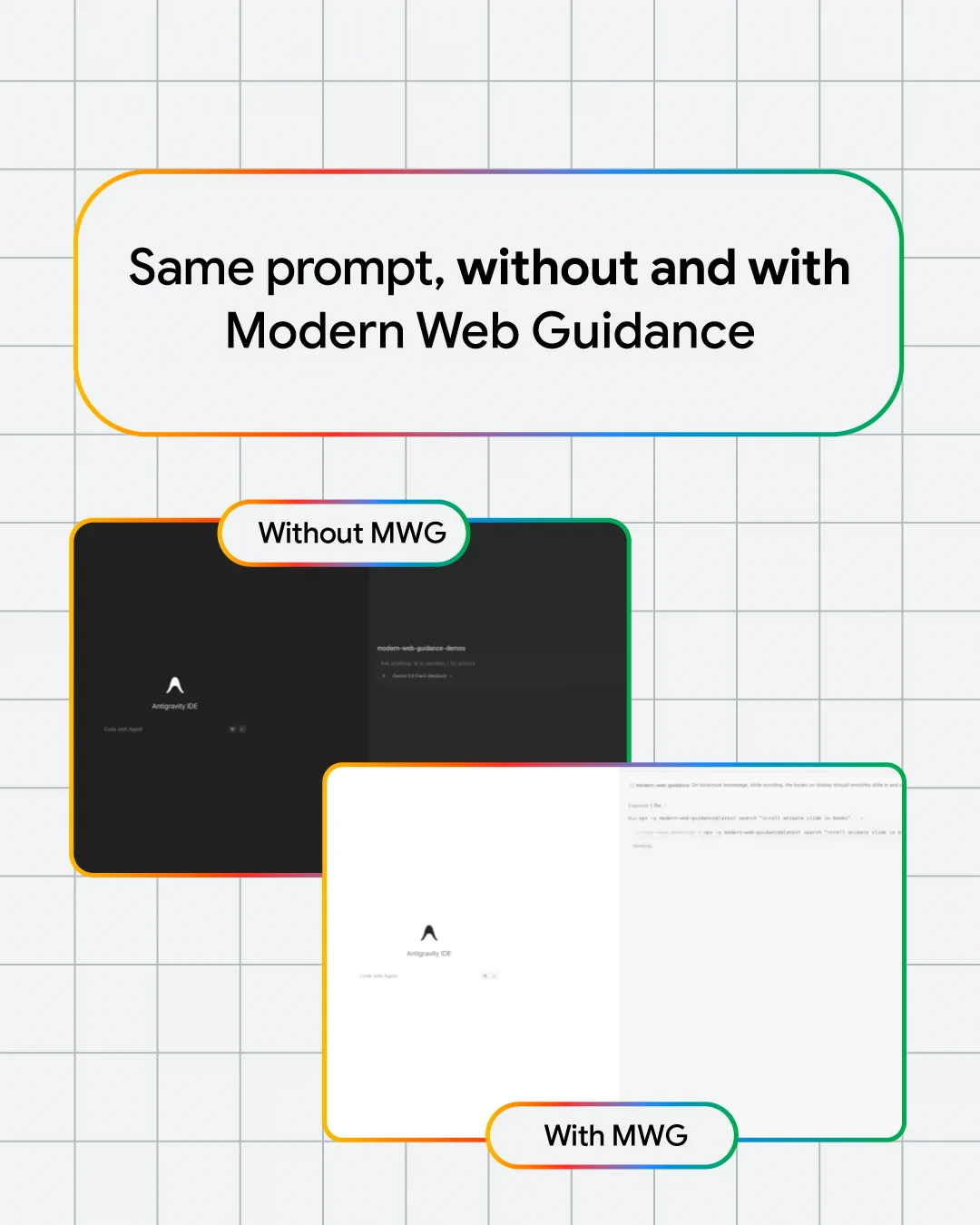
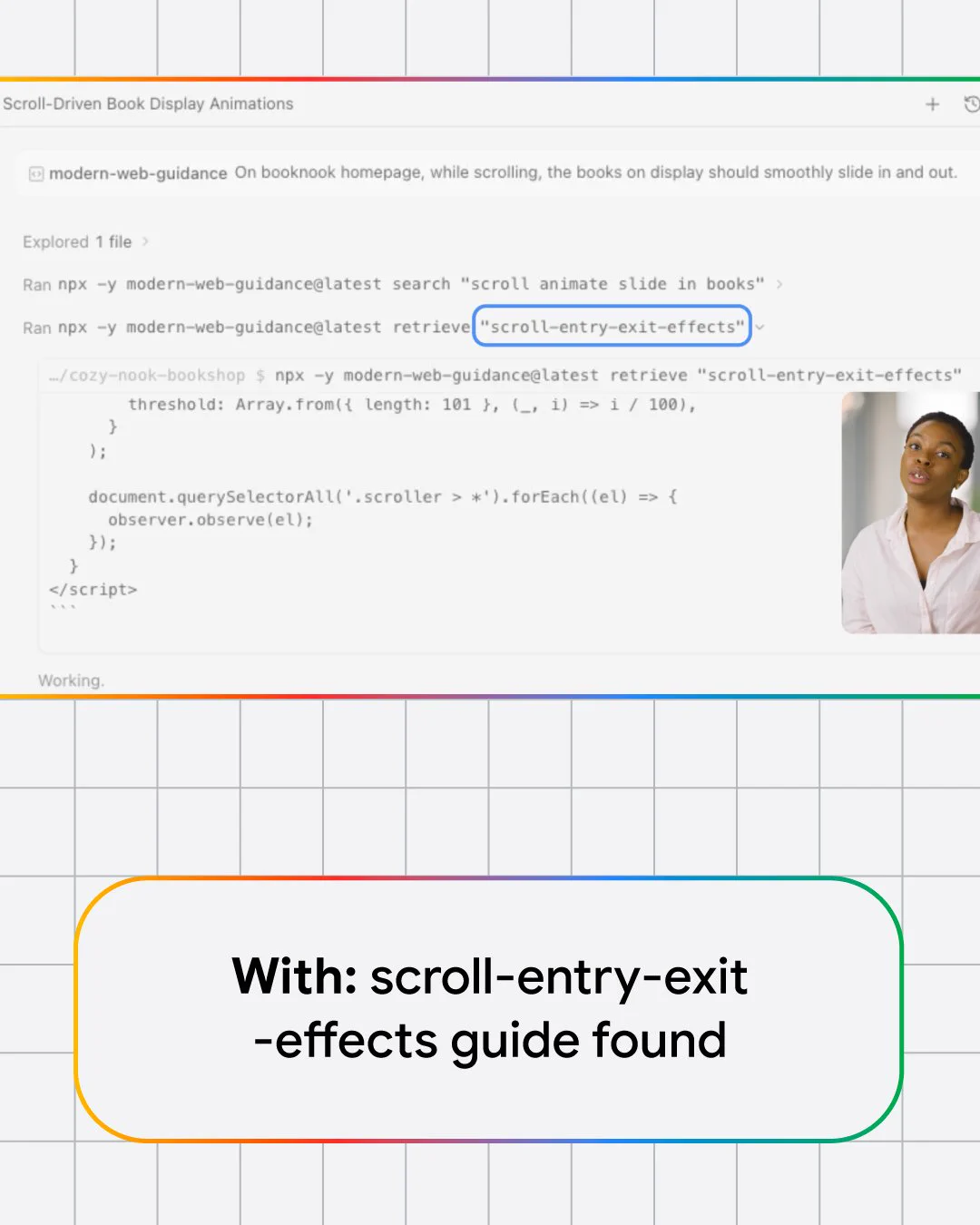
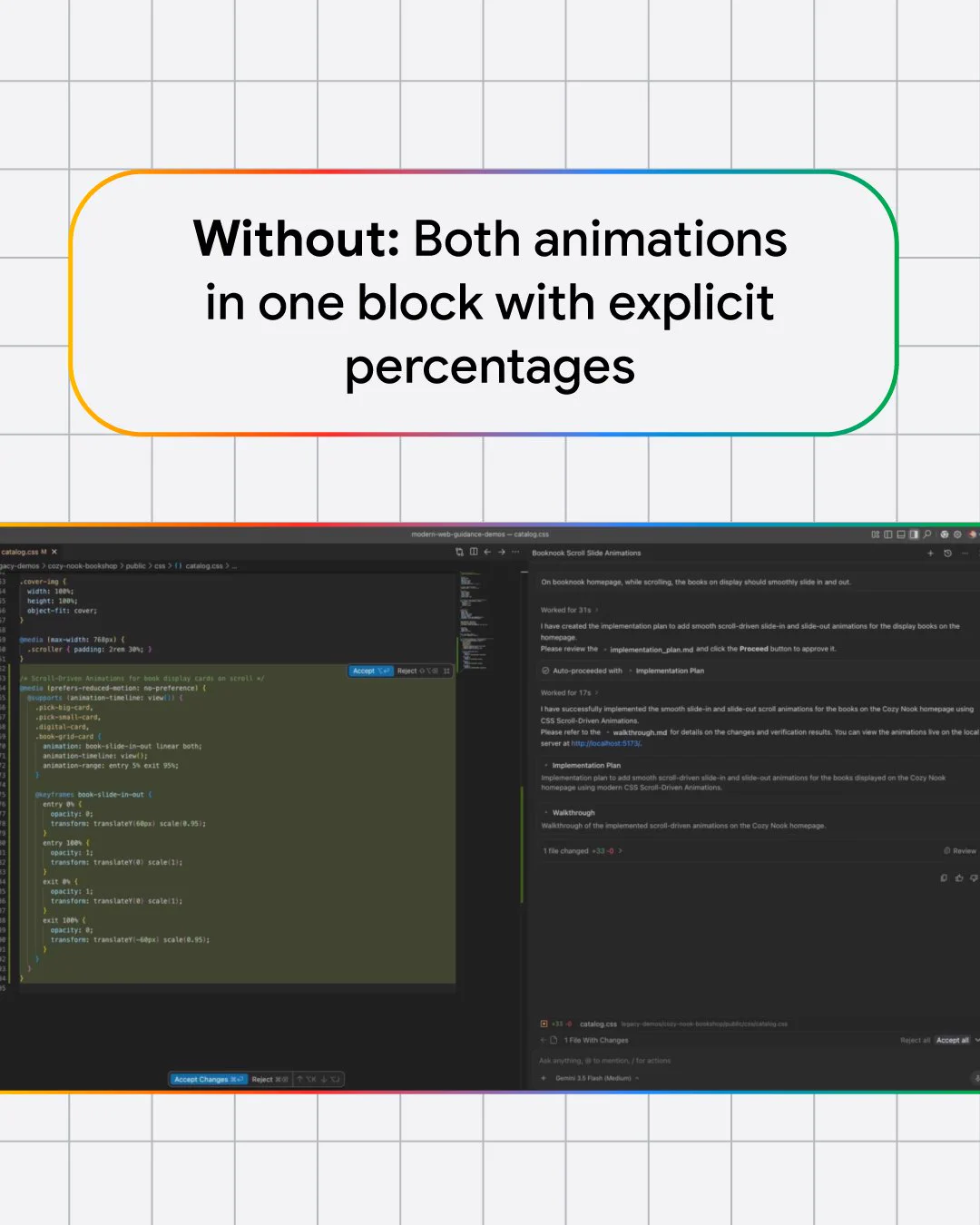
    Entry and exit animations in a card-based UI can break if card or screen dimensions change. Newer CSS animation properties can help, but not all browsers support them. We gave a coding agent the same prompt twice: once unaided, once with Modern Web Guidance installed 🧵
    Image
    Image
    Image
    Image
    6
  • @ChromiumDev
    Chrome for Developers
    Google for Developers
    @ChromiumDev
    Oct 1
    Speed up your web debugging workflow with the latest DevTools features → goo.gle/4hApcKj 🧠 Debug memory issues with new tools in DevTools for agents 🧭 Track soft navigations in the Performance panel 🔄 Replay network requests instantly with new context menu options
    Image
    7
  • @ChromiumDev
    Chrome for Developers
    Google for Developers
    @ChromiumDev
    Sep 30
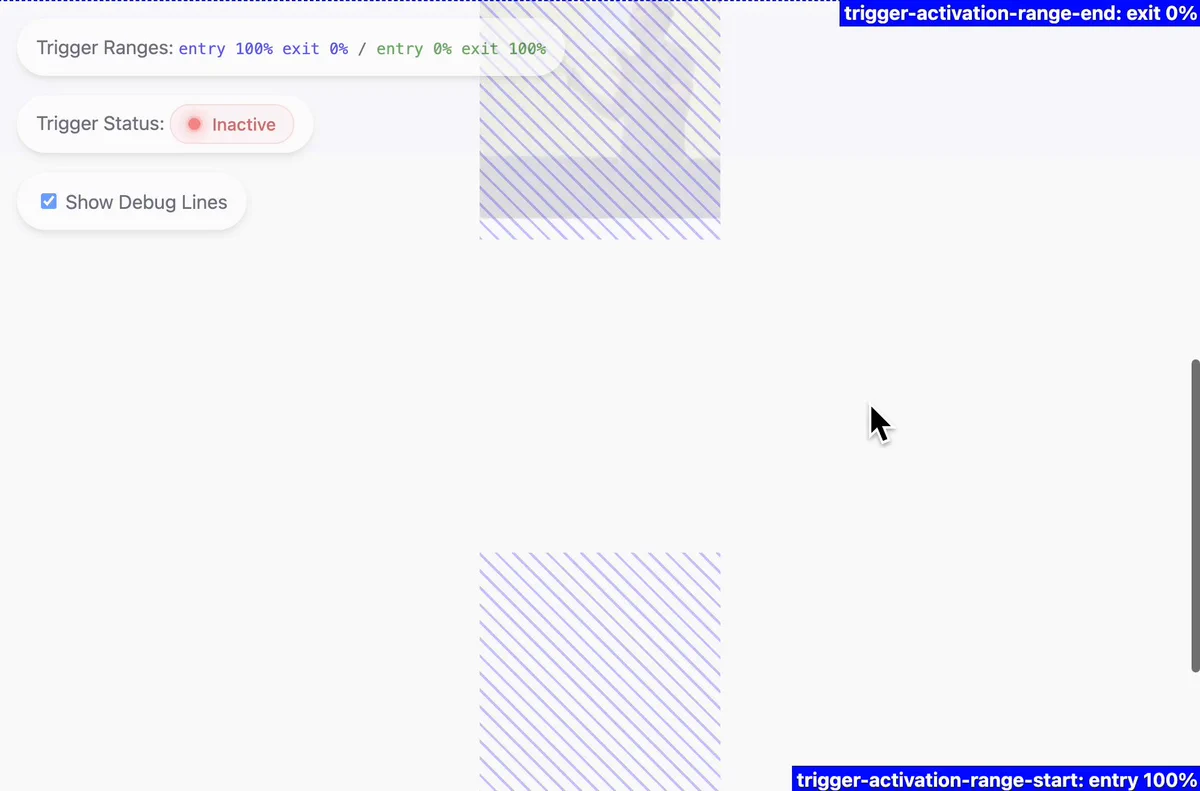
    Loved scroll-driven animations? Meet their scroll-triggered sibling. Instead of tying animation progress directly to the scrollbar, you can trigger full time-based CSS animations when crossing a scroll offset. See how to build them with pure CSS → goo.gle/4dhcvmh
    Image
    00:00
    3
Advertisement
Advertisement