





4 MILLION +
sites
have already
been built

4 MILLION +
sites
have already
been built
Tell CodeDesign what you need. It turns your prompt into a responsive, editable website with copy, layout, images, and clean code you can export.
200+
4 MILLION+
GEO optimised agentic Sites have been built

4 MILLION +
sites
Agentic AI sites have already
been built

Trusted Reviews

Rated 4.8/5.0 on Trustpilot & G2
More than 400k makers trust CodeDesign.ai

"I just generated a decent-looking website with AI. Web dev is going to change a whole lot, it’s crazy"
An AI website builder is a tool that creates a website draft from a short prompt or a few business details. Instead of choosing a template, dragging blocks into place, and writing every section yourself, you describe the site you want. The builder creates the structure, page sections, copy, images, and sometimes the source code.
That changes the starting point. In Wix, Squarespace, or Webflow, you usually begin with a blank canvas or template and build each part yourself. With an AI website generator, you begin with a generated draft and edit from there. For many small businesses, founders, freelancers, and marketers, that is the faster route to a site that looks usable on day one.
CodeDesign is built for that workflow, but it keeps one thing open that many closed builders do not: code ownership. You can edit visually, publish with CodeDesign, or export the code and host the site somewhere else.
01
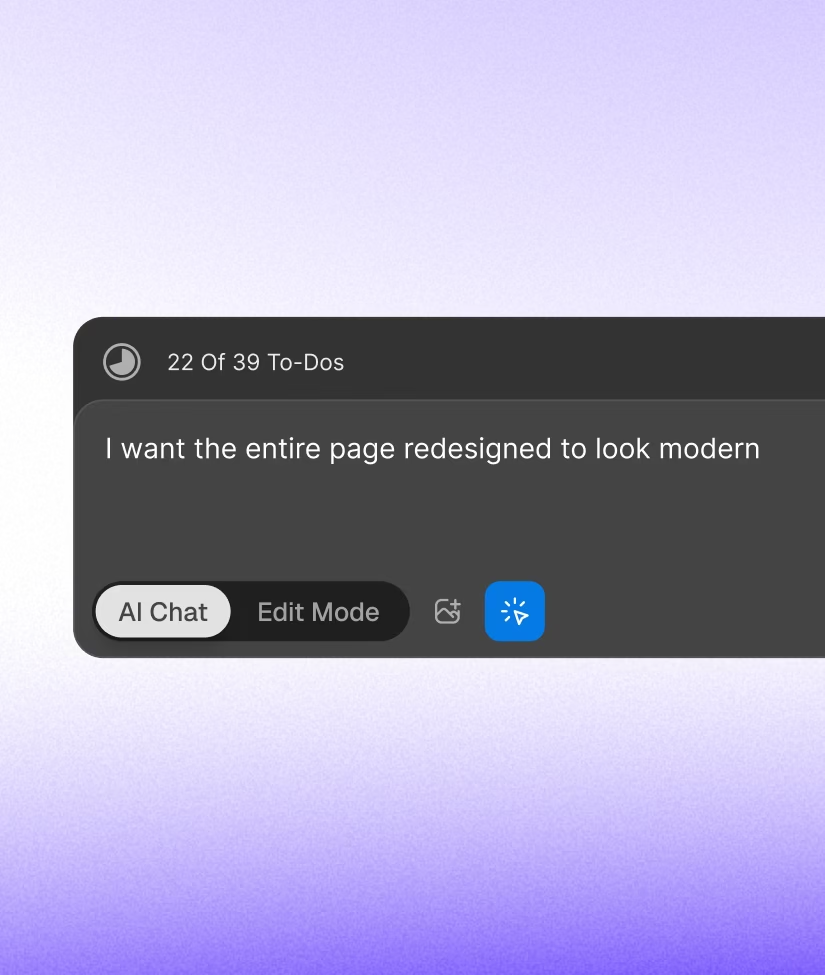
Write a short prompt with your business, audience, tone, location, pages, and must-have sections. The more specific you are, the better the first draft usually gets.
02
CodeDesign creates a multi-page website with navigation, section copy, responsive layouts, and royalty-free images that fit your prompt.
03
Replace headlines, adjust colors, add pages, or edit the HTML and CSS. Publish with CodeDesign hosting or export the code to your own stack.


Generates from a prompt
Full, clean code export no tiers
Hosting and SEO handled for you
Zero lock-in nothing to migrate off
BEST FOR
Fast sites you actually own


Webflow · Squarespace · Wix

Generates from a prompt

Code stays on their platform

Export gated to paid tiers, if at all
Leaving means starting over
BEST FOR
A site you never plan to move


Lovable · Bolt · a developer
Generates from a prompt
Hosting and SEO are your job
The deploying & debugging is on you
When a build breaks, you fix it
BEST FOR
Developers who like living in the code
Need a real website this week, not next quarter, with no page builder to learn first.
Ship a client a first draft in minutes, then refine. Editable code means you hand off a site you actually control.
Get a credible site live before the product ships, and keep iterating fast.
Stand up a landing page or microsite without filing a ticket or waiting on anyone.
Launch a portfolio or personal brand site that looks credible from day one, and update it yourself whenever you want.
Start from a generated, standards-compliant base instead of scaffolding another boilerplate, and own the output instead of renting it from a platform.
Can ChatGPT actually create a website?

ChatGPT can write the code for a website, including HTML, CSS, and JavaScript, but it won't design, lay out, host, or publish a finished site on its own. You'd still assemble the files, source images, handle responsive design, and find hosting yourself. An AI website builder like CodeDesign handles the full path: it writes the code and produces the layout, copy, images, and publishing in one step. ChatGPT is a great brainstorming and copy partner. An AI website builder is what ships the actual site.
Can AI generate a full website?
Yes, and that's exactly what an AI website builder does. From a text prompt, CodeDesign produces a complete, multi-page site with written copy, images, navigation, responsive layout, and editable code. The full part matters: it's not a single section or a wireframe, it's a site you can publish as-is and then refine. The first generation is a starting draft rather than a final product, so you'll want to edit copy and swap images to match your brand, but it's a working website from the very first prompt.
Can AI create its own website?
Yes. AI can now design, write, and assemble a complete website from a description alone, with no templates, no manual layout, and no code required from you. Tools like CodeDesign turn a one-line prompt into a full site. The trade-off is control: the AI makes the early calls on layout, color, structure, and copy, and you refine them. For most people who need a site live quickly, that trade is worth it. For teams that need exact design control, AI generation gives you a fast first draft, and the editable code lets you take over from there.
What are the top 5 AI website builders?
The landscape moves fast, but the AI website builders people consistently use and recommend include:
1.CodeDesign: full sites from a prompt, with editable and exportable code.
2.Wix AI: the largest established builder, with an AI generation flow on the Wix platform.
3.Figma Make: prompt-to-site generation inside Figma, popular with designers, with deployable code.
4.Replit: aimed at builders, generates a site you can run and edit in a real code environment.
5.Hostinger AI Website Builder: a budget option bundled with hosting for an all-in-one package.
The right pick depends on whether you want code ownership (CodeDesign, Replit, Figma Make), a managed platform (Wix, Hostinger), or a design-tool workflow (Figma).
Is there a free AI website builder?
Yes. CodeDesign has a free tier that lets you generate a site and preview the output without paying. You only need a paid plan to publish to a custom domain, export the code, or remove CodeDesign branding. Most other AI website builders offer a free or trial tier too. Wix AI lets you generate for free but needs a paid plan to connect a custom domain, and Figma Make is free to try on its Starter plan with usage limits.
Can I edit and export the code from an AI-built website?
It depends on the tool. CodeDesign gives you both: edit the code directly in the builder, or export the full HTML and CSS and host it anywhere, on your own server, Netlify, Vercel, or any static host. Wix and Squarespace keep the code on their platform, so you can't export a Wix site to self-host. Webflow allows export on paid plans. If owning and porting your code matters, check the export terms before you commit to a builder.
Does CodeDesign offer SEO optimization?

Yes! CodeDesign offers options to optimize your website for SEO.
Can i share my project and collaborate with my team?
Yes! You can share a project you are working on to anyone who has a CodeDesign account.
Can I connect my domain to a CodeDesign website?
Yes! You can connect your custom domain to your CodeDesign project. In free plan, you can only connect one website to one domain with an account.
Most trusted AI Website Builder with Zero Limits. Free to start. Go annual and get 20%off plus a free domain.
Products
Industries
Resources
AI Writing Tools
SEO Content Tools
Templates
Company
Community
Legal & Policies
CodeDesign Inc. 16192 Coastal Highway, Lewes, DE 19958, County of Sussex
At CodeDesign, Inc., your privacy and security are our top priorities. We are committed to transparency in how we handle your data, and we have made our data policies easily accessible in the page footer so you can understand exactly how we thrive to protect your information online.
The user generated data is not accessed or, used for training or processed by CodeDesign.ai nor it is stored by Open AI as we have signed up to the Zero Data Retention policy, which means none of your data will be retained by Open AI for any period of time. Open AI encrypts all data at rest (AES-256) and in transit (TLS 1.2+), and we adhere to industry-leading security measures, including highly restricted access to the core areas, to ensure your information remains secure and confidential at all times.

For your security, all data is yours & all orders are processed via Stripe.
© 2026 CodeDesign, Inc.


