-
-
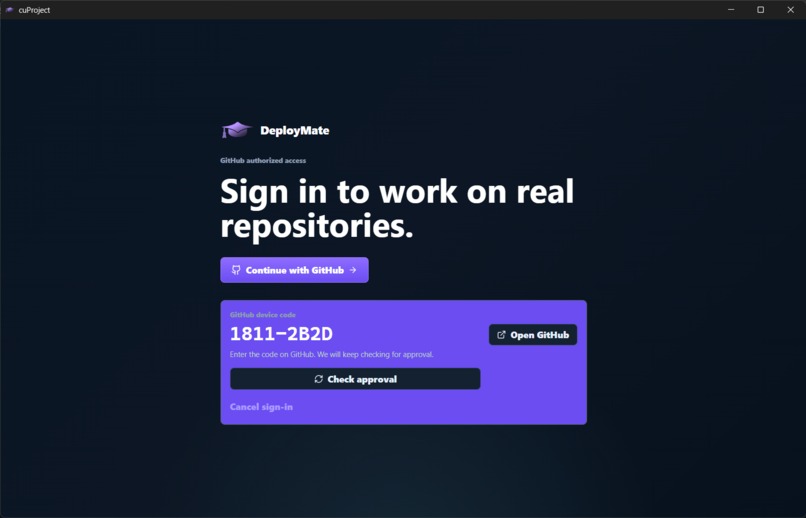
Sign-in page to have Gemini access your GitHub projects.
-
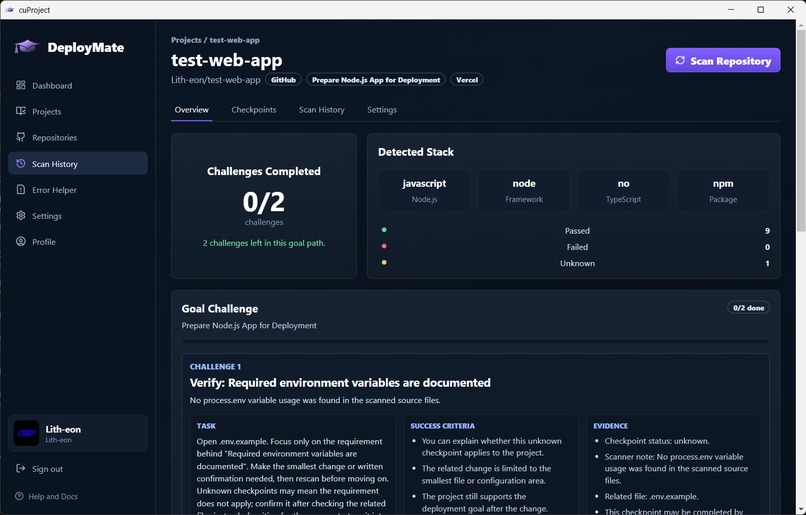
Overview after a scan of a repository. Gemini can help set goals to get ready for deployment.
-
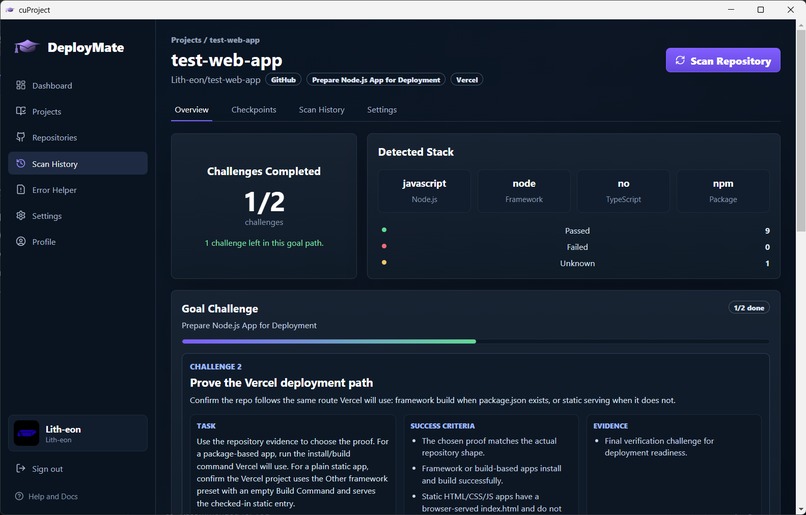
Overview of repository scan 1/2 goals completed.
-
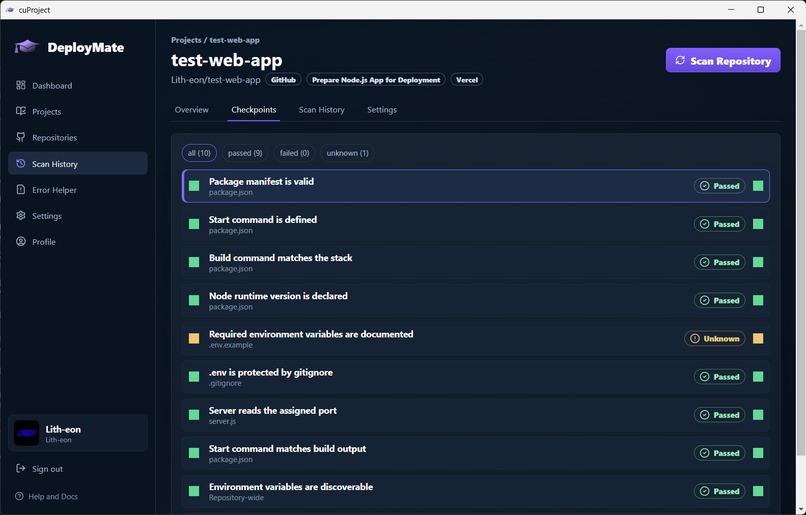
Helpful checkpoints to pass before launching.
-
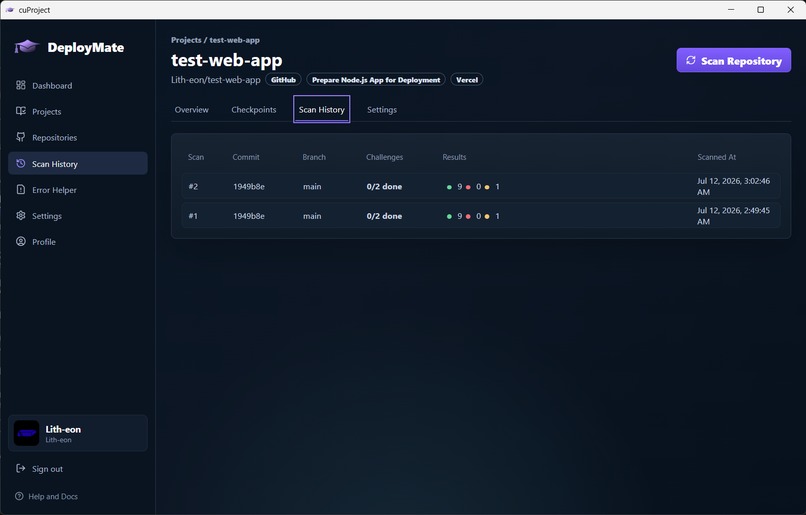
Repository scan history.
-
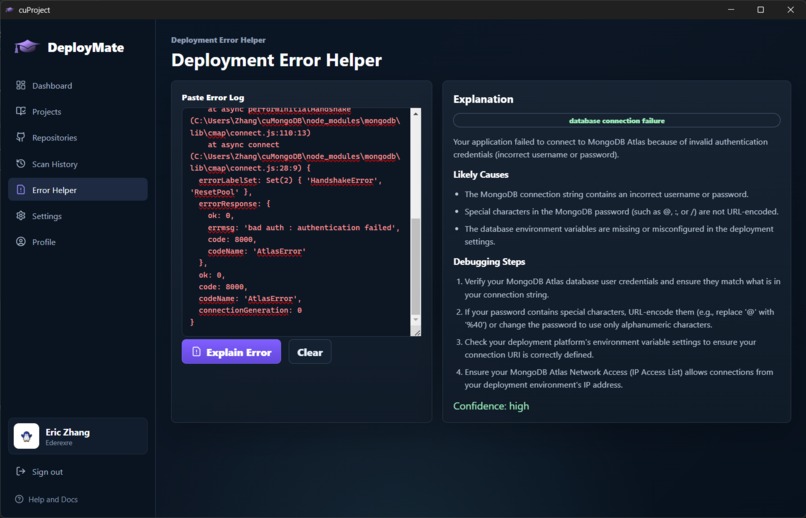
The error help tab. Tells the user about likely causes and how to take action. Also gives a confidence level for the answer.
-
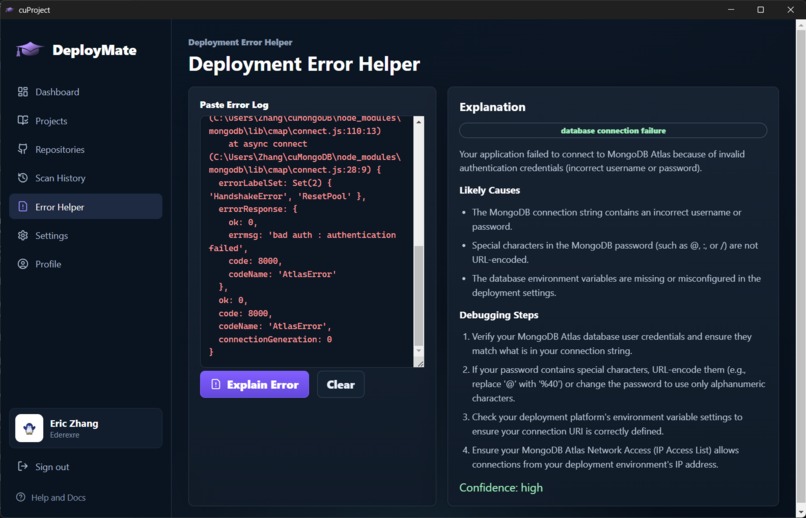
Error help tab at large font size.
-
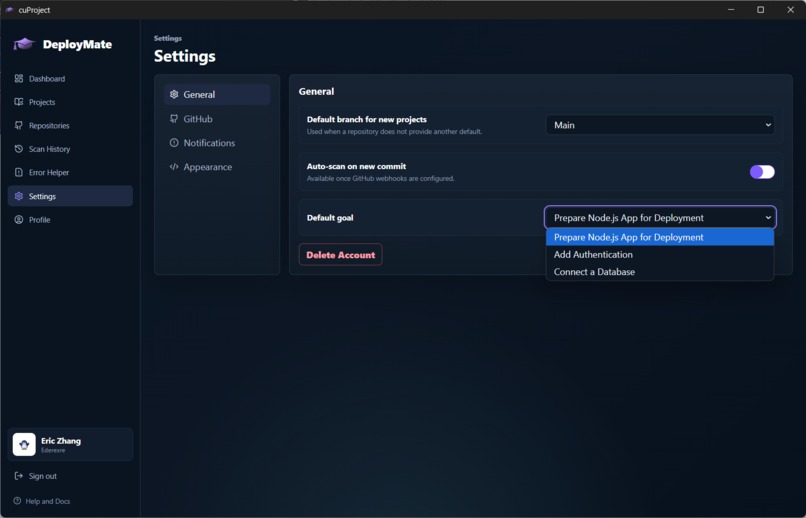
Selection of what you plan to do with DeployMate: prepare Node.js app for deployment, add authentication, or connect to a database.
-
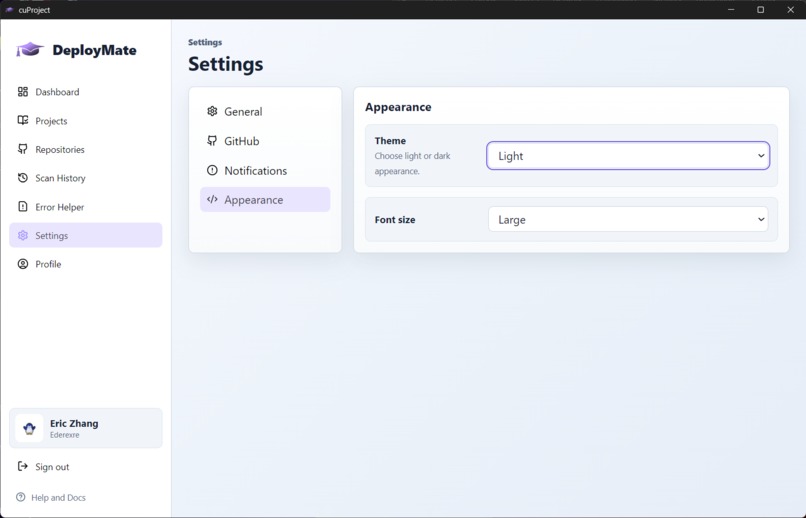
Light theme . . .


Inspiration
As students learning programming, we often use AI, such as Google Gemini, to assist us in our projects. However, rather than using the LLMs to augment our understanding of the concept and assist us in completing the project, we often found ourselves asking these bots to "vibe code" major parts of the project; be it through agents, code completion, or plain old text messages, we would consistently hand the work off to Gemini and achieve a finished project without the relevant understanding or skills. So we thought back to our high school days, when we had human teachers guide us in a constructive way - giving us examples that we would do, and seeing our work to give us advice, hints, and assistance tailored to our own unique struggles.
The thing is, LLMs like Gemini have vast knowledge and expertise, and are more than capable of providing such assistance, but are programmed to do the work for you, rather than helping you complete it in a constructive way.
So we built DeployMate, a web app that uses Gemini, not to give you a fish, but to teach you how to catch one using personalized, constructive assistance.
What it does
DeployMate attaches itself to a GitHub repository and analyzes the changes made by the user's commits to give personalized help on topics relevant to the project that they appear to be struggling with. It then provides the user with suggestions for them to consider, challenges that incentivise learning through a more tangible feeling of progression, hints for those who are stuck, and an overall completeness/deployability score for each project.
How we built it
We used Electron, an open-source framework used to build cross platform desktop applications. We used HTML, CSS, and Javascript to create our front end. For the back end, we used MongoDB and the Gemini API.
Challenges we ran into
- Connecting the back end
- Prompting reliable and realistic, actionable responses from Gemini for the user
What's next for DeployMate
- More flexible and fun challenges beyond incremental hints.
- Using better Gemini models for guiding students.
Built With
- codex
- copilot
- css
- electron
- express.js
- gemini
- geminiapi
- github
- html
- javascript
- mongodb
- react
- typescript
- vite
- vscode


Log in or sign up for Devpost to join the conversation.